
Cinematic Emotional Face Close-up
A highly detailed technical prompt for Seedance 2.0 focusing on realistic skin textures and a series of complex emotional facial transitions.

- Prompt included
- Model and format preset
- Premium template
The prompt behind this video
Copy the exact prompt behind Cinematic Emotional Face Close-up, or open it in the studio and make it yours.
A realistic human face with highly detailed skin texture, pores, and micro-musculature. Scene: Tight portrait close-up against a dark, void-like background. Style: Cinematic realism, 35mm film aesthetic, shallow depth of field with soft bokeh, moody and introspective. Lighting: Dynamic emotional lighting that shifts in color temperature and direction to match the internal state. Audio: Ambient atmospheric drone, soft rhythmic breathing, subtle emotional orchestral swells. Avoid: Identity drift, jitter, distorted limbs, unnatural morphing artifacts. [0-3s] Camera: Slow, imperceptible push-in. Action: The face breaks into a genuine, soft smile; eyes crinkle at the corners and the cheeks lift. Lighting: Warm golden-hour glow, soft and frontal. Vfx: Subtle lens flare. [3-6s] Camera: Static extreme close-up. Action: The smile dissolves into a heavy, downward curve; eyes well up with glistening tears that catch the light, and the lower lip trembles. Lighting: Transition to a cool, melancholy blue wash from above. [6-9s] Camera: Controlled lateral pan. Action: The brow furrows deeply into a sharp V-shape; the jaw clenches visibly, and nostrils flare with rhythmic, heavy breathing. Lighting: Harsh, high-contrast red and orange side-lighting creating deep shadows. [9-12s] Camera: Subtle handheld micro-shake for tension. Action: The eyes snap wide, pupils dilating; the face pales as the muscles go taut, and the mouth hangs slightly open in a shallow gasp. Lighting: Dim, desaturated, flickering low-key light. [12-15s] Camera: Gentle pull-out to a medium close-up. Action: All tension drains from the face; the eyes slowly close, and the features settle into a mask of perfect, serene stillness. Lighting: Soft, diffused white light enveloping the subject like a halo.
How to use Cinematic Emotional Face Close-up in 3 steps
- 1
Open
The prompt is already in the box next to the preview, with the template's model and format selected.
- 2…a portrait of your subject in softgolden-hour light, 85mm…
Personalize
Edit the subject and creative details for your destination.
- 3Generate
Generate
Press Generate — your video is created in PicX Studio, so you can compare it with the original and refine one variable at a time.
More like this
Templates with the same subject, style or setup. Open one to see its prompt.
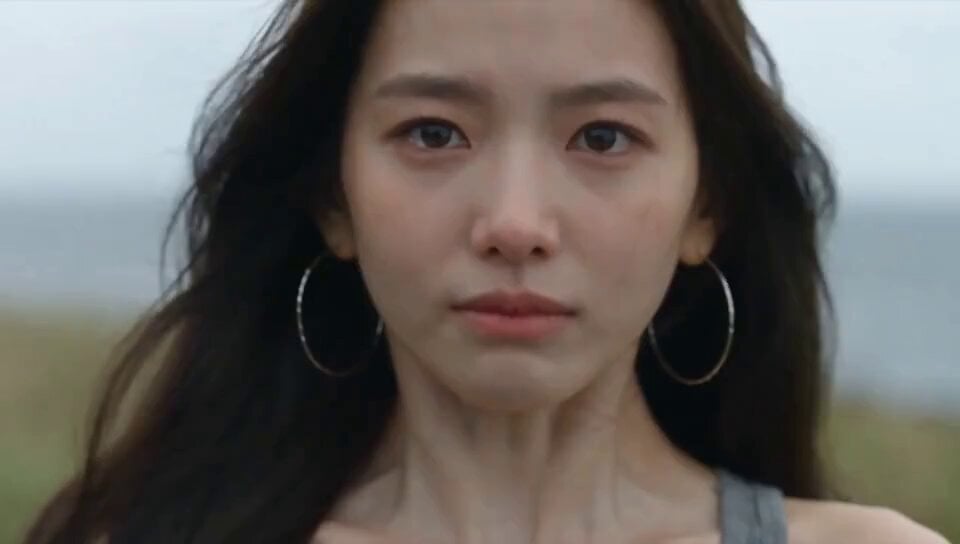
Emotional Breakdown and Fabric Interaction - Seedance 2.5

Musical Face Close-up Video Prompt
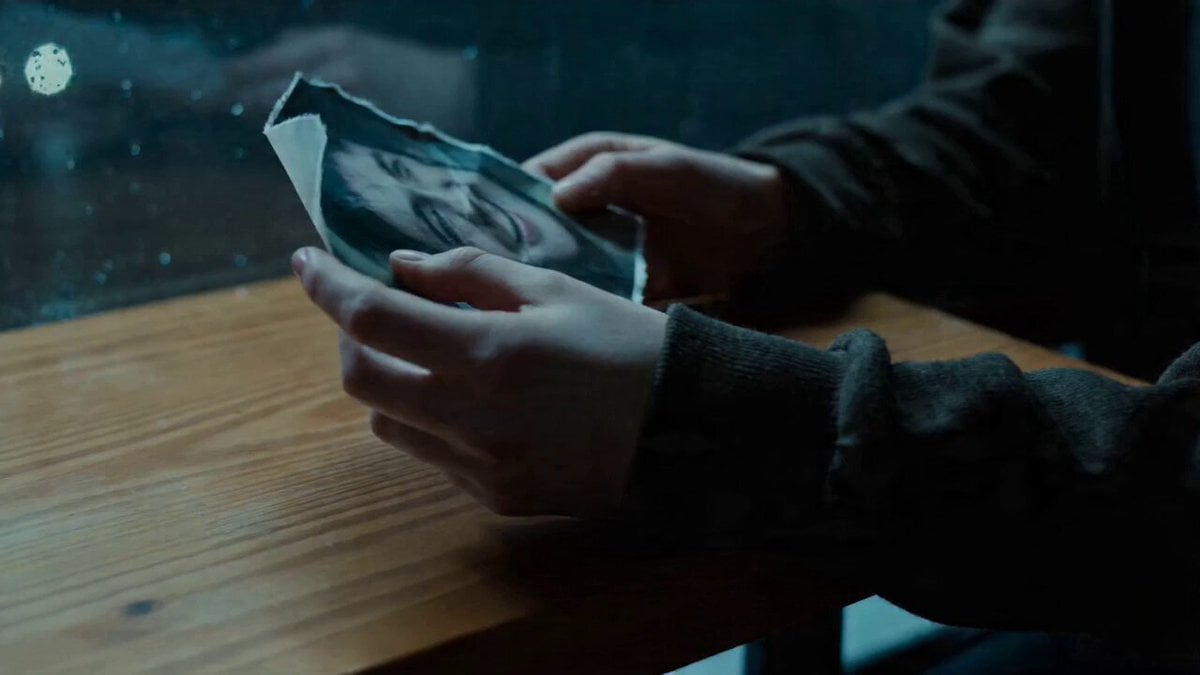
Emotional Close-Up Scene
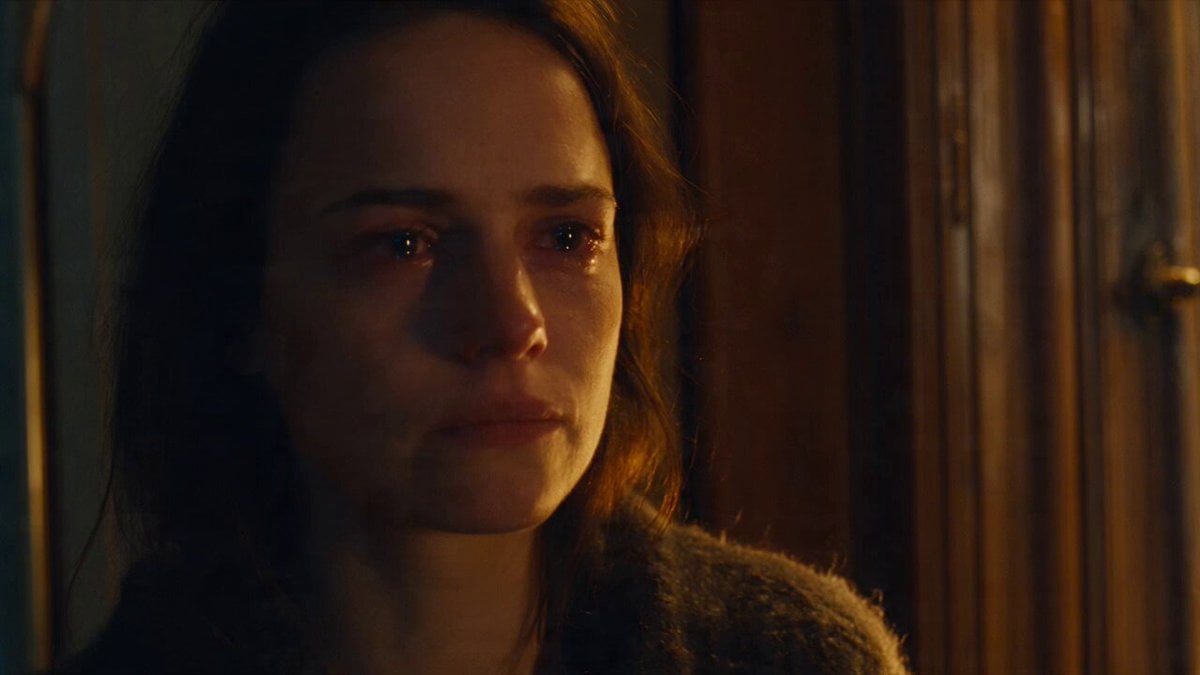
Emotional Parisian Apartment Drama

Emotional Anime Monologue Video
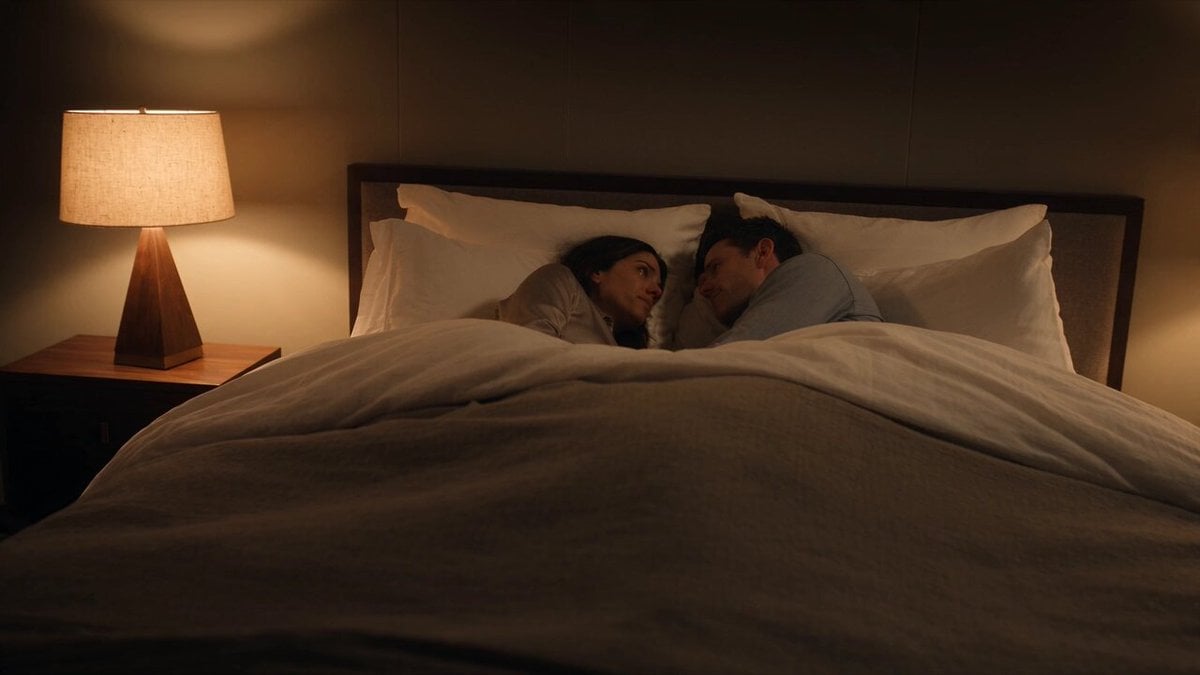
Emotional Bedroom Dialogue Scene
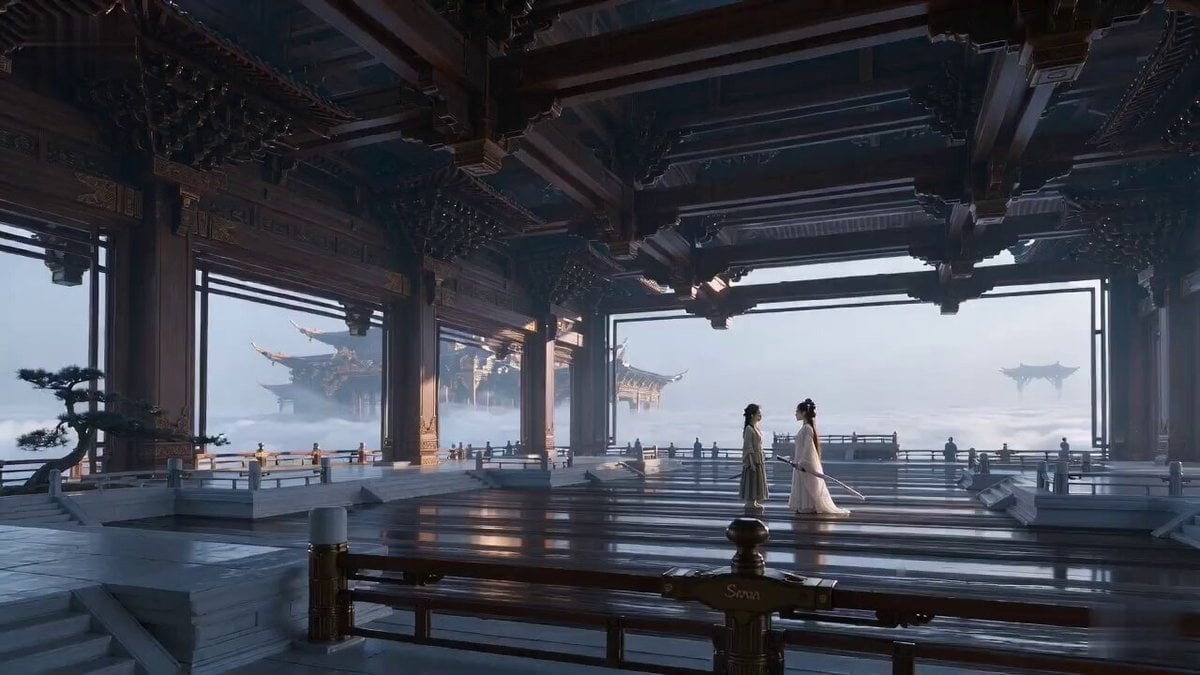
Ancient Swordsman Duel Face-off

Asian Woman Cartoon Face Transformation
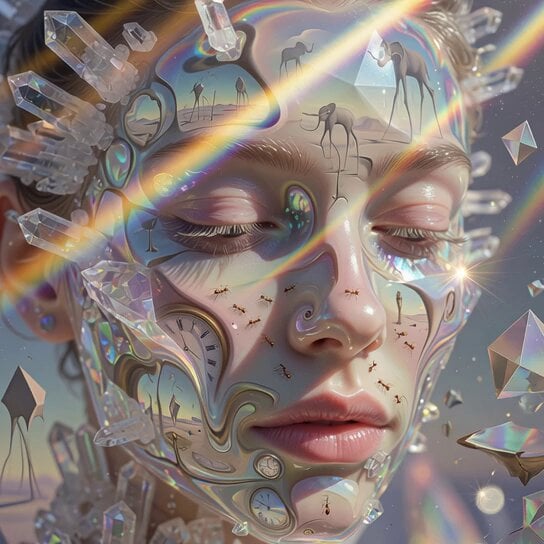
Surrealist Crystallized Face Transformation

Medieval Knight and Queen Cinematic Close-up
Iridescent Water Face Animation
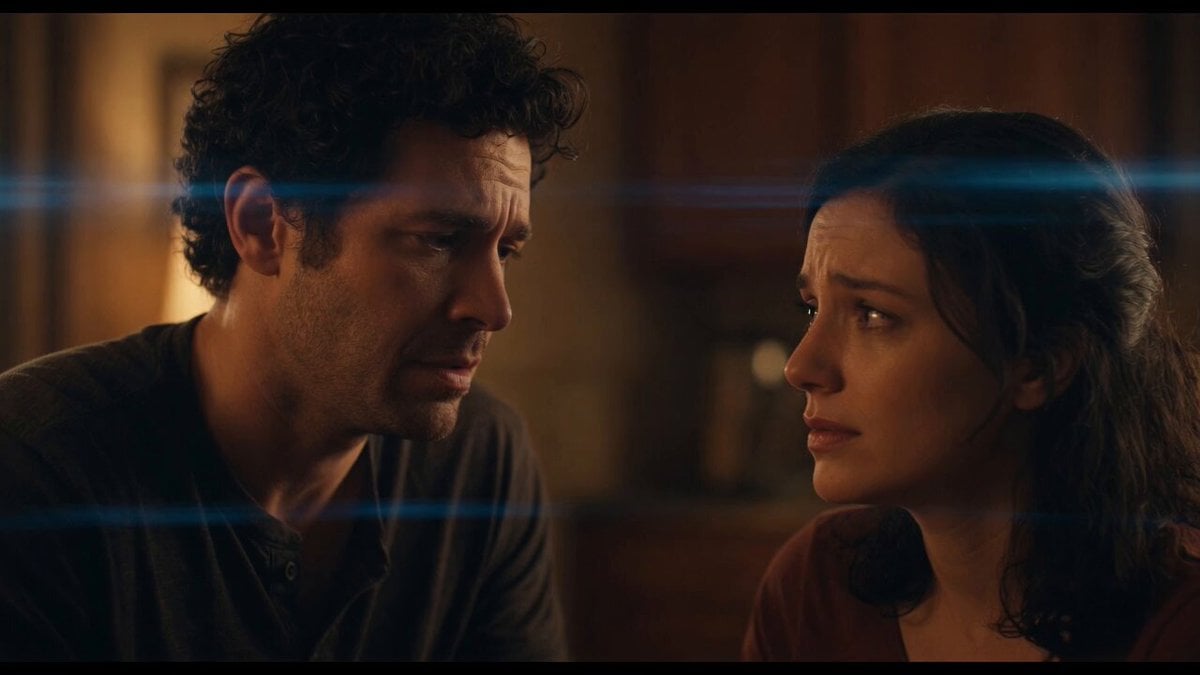
Emotional Angry Couple Drama
Make it yours
Cinematic Emotional Face Close-up works as-is. These are the safest ways to change it without losing the look.
Change one field
Copy a single group, rewrite it, and generate again so you can see what that field is doing.
Keep the frame, change the subject
Hold the composition and light of Cinematic Emotional Face Close-up, then swap wardrobe, props or the person for a new take.
| If the result… | Why | Fix |
|---|---|---|
| The result drifts from the preview | Too many fields changed at once. | Reuse Cinematic Emotional Face Close-up as-is first, then change one group — subject, light, or setting. |
| The model over-stylizes the scene | The prose prompt leaves finish and camera underspecified. | Add one camera or lighting sentence and stay on Seedance 2.0. |
More Seedance 2.0 templates
Other prompts made for Seedance 2.0.

Comical Martial Arts Punch Scene

Maglev Train Action Sequence

Martial Arts Fight Sequence

Wuxia Protection and Trust Script

Vintage Korean Arcade MiniDV Vlog

Mercedes 190 SL Luxury Ad

Rainy Night Supernatural Reverse Comedy Video Script

Amazon Civilization Discovery

Futuristic South Asian City Transformation

Cozy Luxury Cafe Commercial
More video prompts
Fresh picks from across the catalog.
Spaceship Battle Over Missouri River
Snowy Mountain SUV Dance

Three Kingdoms Battle Epic
Cinematic Fire Dancer Performance in Abandoned Courtyard
Cyber-Noir Glitch Transformation Sequence

Chef Cat Cooking Tomato and Eggs

Giant Mecha Naval Battle

Dark Fantasy Frozen Mountain Battle
Cliffside Highway Coastal Disaster Video Prompt
Cinematic Stadium Portrait
Browse template categories
Cinematic Emotional Face Close-up questions
How do I use the Cinematic Emotional Face Close-up template?
Add your photo if the template asks for one, edit the prompt if you like — the template's model and format are already selected — and press Generate. Your version opens in PicX Studio.
Can I customize the Cinematic Emotional Face Close-up template?
Yes. You can change the subject, setting, lighting, mood, format, and available model controls before creating your video.
Is the Cinematic Emotional Face Close-up template free?
Opening and editing this template is free. Generating uses credits, shown on the Generate button when you are signed in.
Which AI model should I use?
Start with Seedance 2.0, which is the model associated with this template. You can compare another compatible model for a different finish.
Looking for something else? Browse all templates.

Your photo, any look
Thousands of ready templates for every top image and video model, from one credit balance.