
Cyber-Noir Glitch Transformation Sequence
A highly detailed, multi-stage prompt for Seedance 2.0 describing a 15-second Cyber-Noir sequence where a character undergoes a terrifying digital glitch and transformation into a corrupted hardware entity, using…
- Prompt included
- Model and format preset
- Free template
The prompt behind this video
Copy the exact prompt behind Cyber-Noir Glitch Transformation Sequence, or open it in the studio and make it yours.
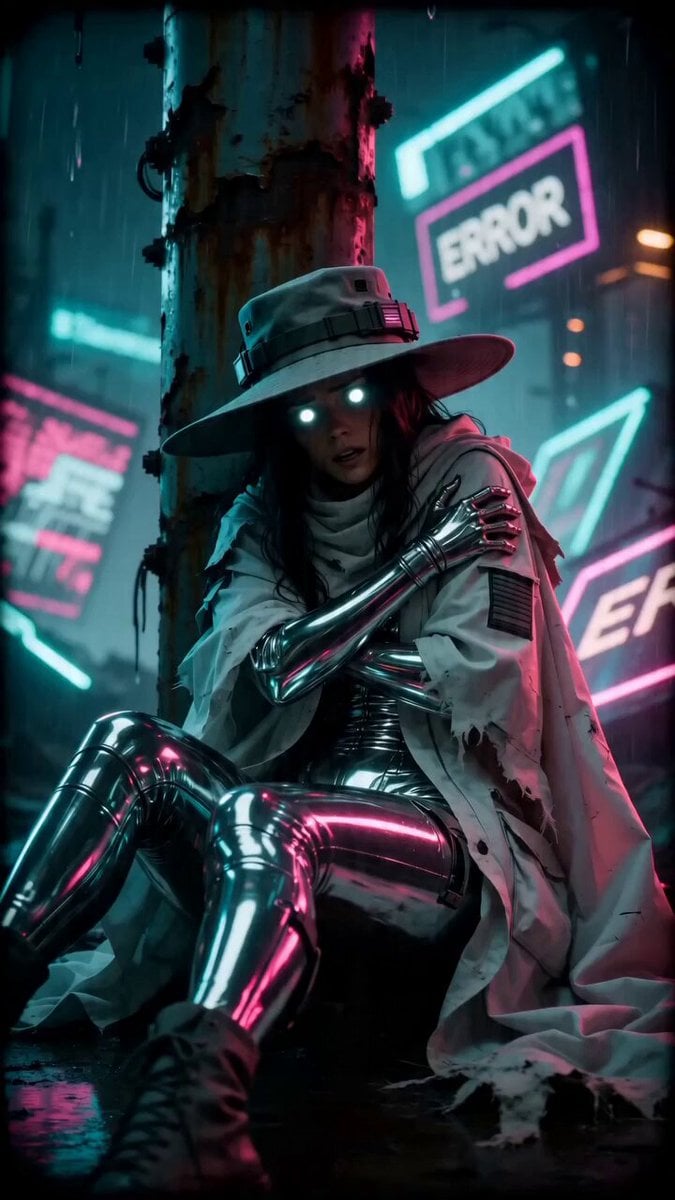
Character & Setup Full-body shot based on the reference. She wears a wide-brimmed tech-hat, partially obscuring eyes that are wide with panic. Her expression is one of "losing control"—mouth slightly agape, gasping for air. Clothing: A tattered white tactical poncho over a sleek, liquid-metal bodysuit. Environment: An abandoned "Neon Graveyard." Toppled holographic billboards flicker with "ERROR" signs. Rain falls vertically, but gravity is warping, causing some droplets to float upward. Visual Style Cyber-Noir Aesthetics: High contrast, deep teals, and harsh magenta accents. Anamorphic Distortion: Heavy "lens breathing" and chromatic aberration at the edges of the frame to simulate a digital stroke. Texture: Gritty 16mm film stock with digital "glitch" overlays that tear the screen periodically. Camera Rules The "Vertigo" Effect: A slow dolly zoom (zooming in while moving the camera back). Focus: Shifting sporadically between her terrified eyes and the "glitching" limb. The Sequence (0–15s) 0–3s · The Trigger She is slumped against a rusted pillar, clutching her left shoulder. Suddenly, her body jerks as if struck by high voltage. Her hat falls off, revealing hair that begins to float as if in zero-G. Small "pixels" of light begin to flake off her skin like digital dandruff. 3–6s · Data Breach She screams, but the sound is a distorted, electronic screech. Her left arm begins to "dejitter"—vibrating so fast it appears in three places at once. Translucent, holographic code-streams erupt from her pores, spiraling around her like a digital cyclone. 6–9s · System Overwrite The "organic armor" is replaced by Geometric Shards. Obsidian-like polygons burst from her back, forming jagged wings that don't look flight-capable—they look like shards of a broken mirror. Her skin turns a matte, synthetic grey. A "Loading" ring glows faintly and painfully beneath the skin of her forehead. 9–12s · The Glitch Her physical form begins to "lag." She moves forward, but her "after-images" stay behind for a second too long. The environment around her turns into wireframe models. The golden liquid from your original prompt is replaced by Iridescent Mercury that flows upward, defying gravity, coating her face in a liquid chrome mask. 12–15s · The Hollow Shell The transformation stops abruptly. She stands perfectly still, a terrifying fusion of woman and corrupted hardware. Her eyes are now two hollow, glowing white voids. She tilts her head at an unnatural, 90-degree angle toward the camera. The "ERROR" signs in the background all turn solid red simultaneously.
How to use Cyber-Noir Glitch Transformation Sequence in 3 steps
- 1
Open
The prompt is already in the box next to the preview, with the template's model and format selected.
- 2…a portrait of your subject in softgolden-hour light, 85mm…
Personalize
Edit the subject and creative details for your destination.
- 3Generate
Generate
Press Generate — your video is created in PicX Studio, so you can compare it with the original and refine one variable at a time.
More like this
Templates with the same subject, style or setup. Open one to see its prompt.
RX-7 to Mech Transformation Cyberpunk
Cyberpunk Exosuit Transformation Sequence
Glitch Mirror DNA Transformation

Magical Room Transformation - Seedance 2.5
Dark Tokusatsu Transformation - Seedance 2.5
Gritty Cyber-Noir Alley Fight
Neo-Noir Alleyway Fight Sequence
Post-Apocalyptic Cybernetic Transformation
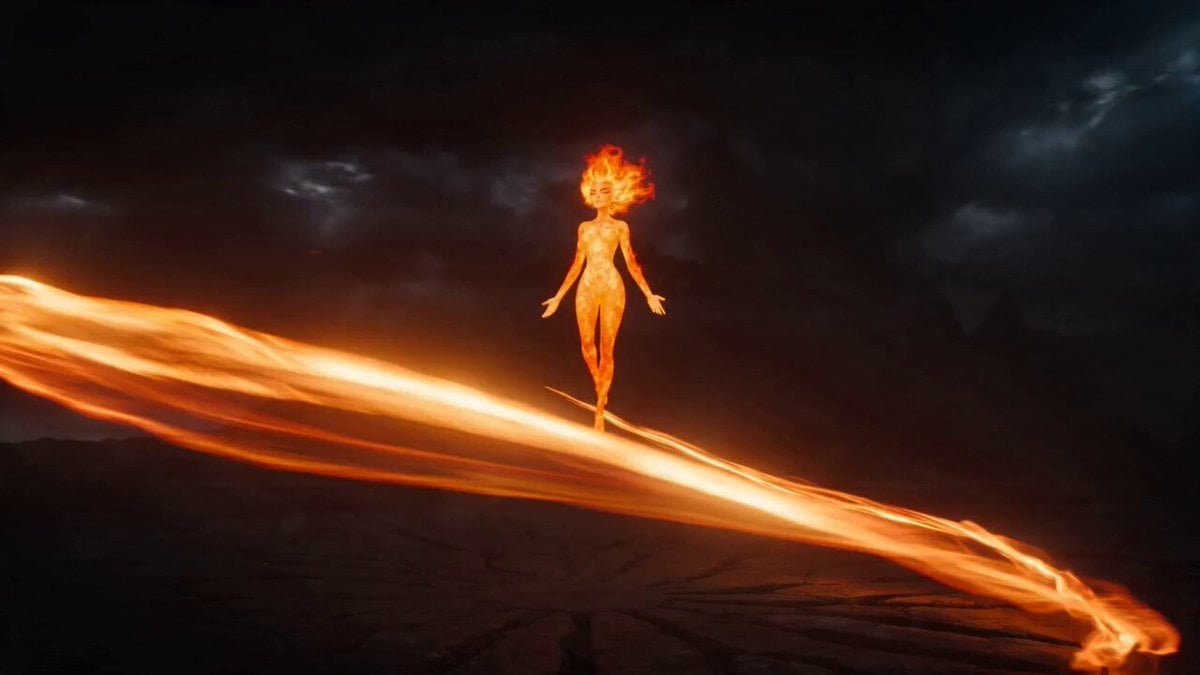
Magical Transformation Sequence
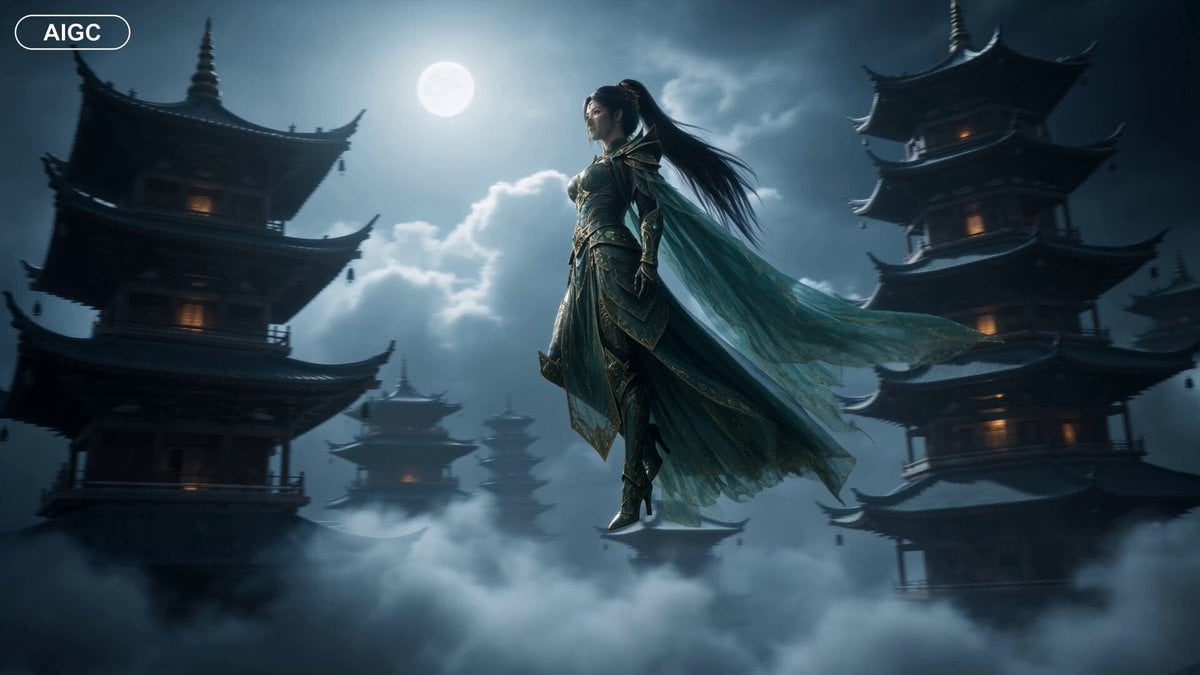
Fantasy Warrior Transformation Sequence
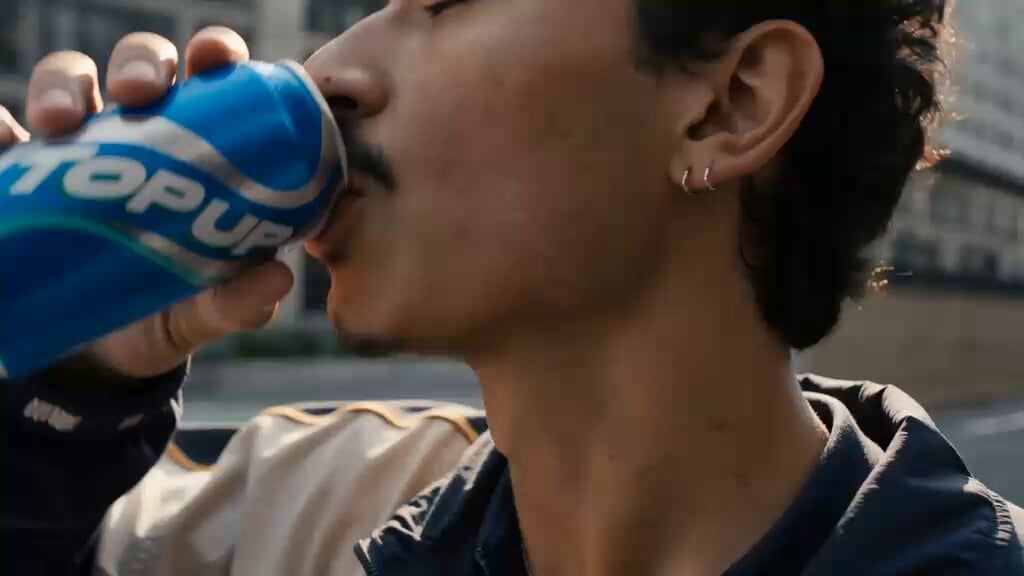
Cinematic Cyberpunk Armor Transformation

Neon Armor Epic Transformation Sequence
Make it yours
Cyber-Noir Glitch Transformation Sequence works as-is. These are the safest ways to change it without losing the look.
Change one field
Copy a single group, rewrite it, and generate again so you can see what that field is doing.
Keep the frame, change the subject
Hold the composition and light of Cyber-Noir Glitch Transformation Sequence, then swap wardrobe, props or the person for a new take.
| If the result… | Why | Fix |
|---|---|---|
| The result drifts from the preview | Too many fields changed at once. | Reuse Cyber-Noir Glitch Transformation Sequence as-is first, then change one group — subject, light, or setting. |
| The model over-stylizes the scene | The prose prompt leaves finish and camera underspecified. | Add one camera or lighting sentence and stay on Seedance 2.0. |
More Seedance 2.0 templates
Other prompts made for Seedance 2.0.

Comical Martial Arts Punch Scene

Maglev Train Action Sequence

Martial Arts Fight Sequence

Wuxia Protection and Trust Script

Vintage Korean Arcade MiniDV Vlog

Mercedes 190 SL Luxury Ad

Rainy Night Supernatural Reverse Comedy Video Script

Amazon Civilization Discovery

Futuristic South Asian City Transformation

Cozy Luxury Cafe Commercial
More video prompts
Fresh picks from across the catalog.
Cinematic 10-second ultra-realistic video prompt
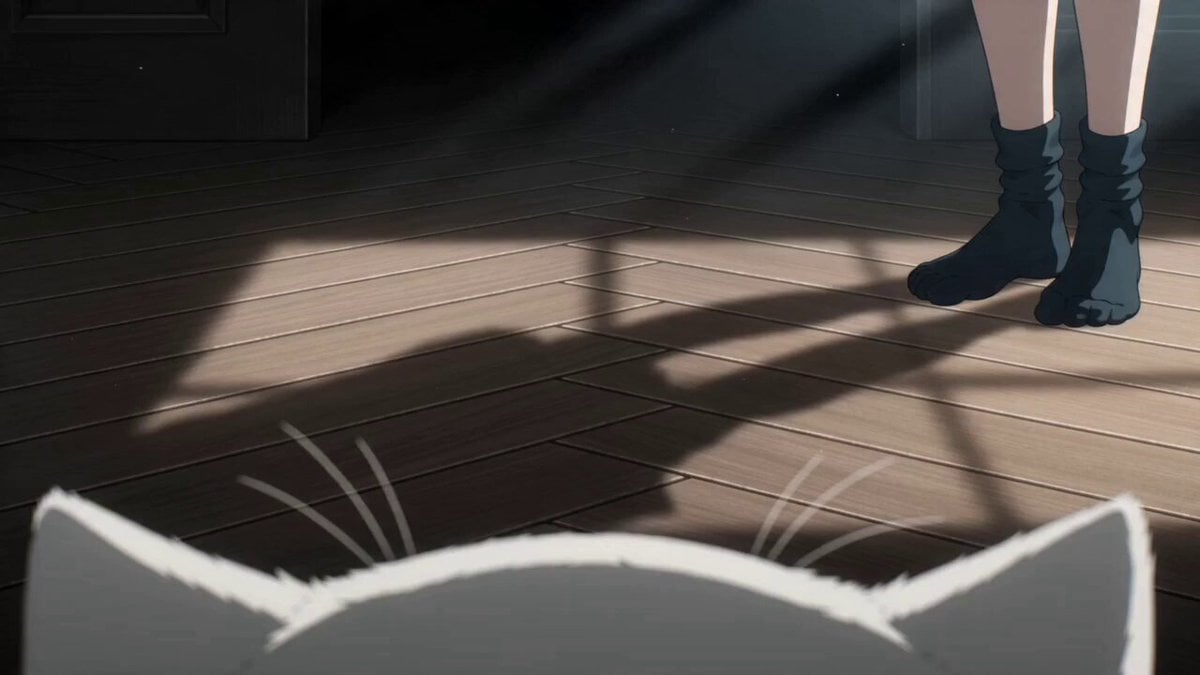
POV Suspense Anime Chase

Emotional Housewife Daily Chores Cinematic Short
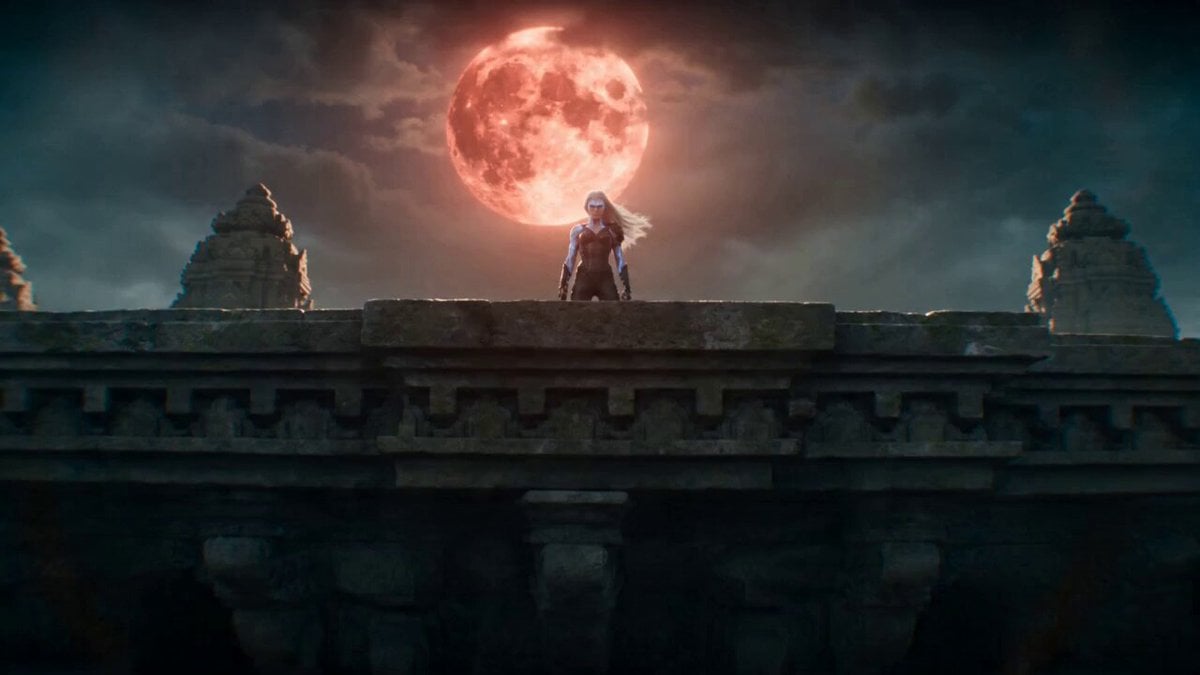
Temple Rooftop Chase Animation
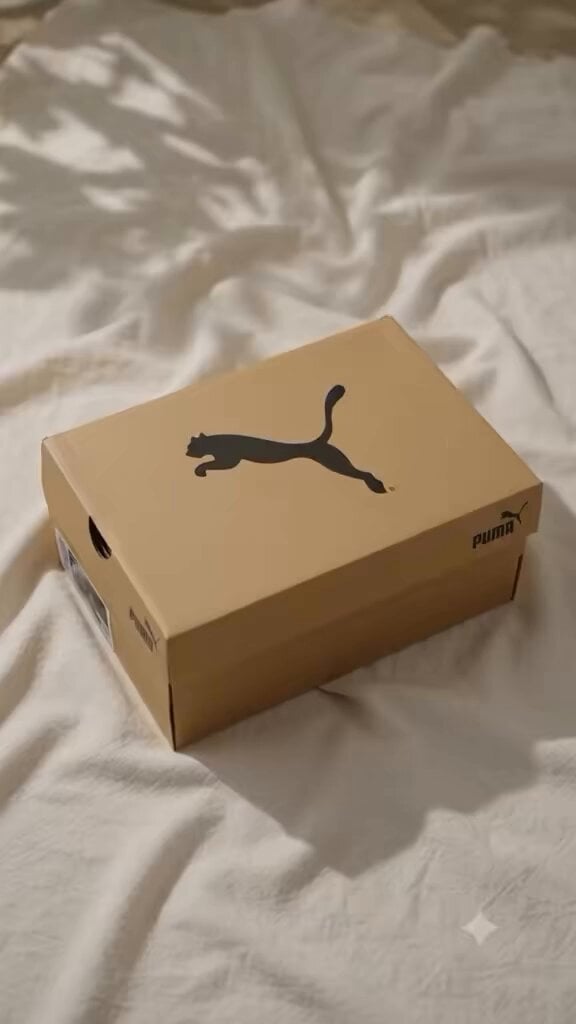
Luxury Shoe Unboxing Reel
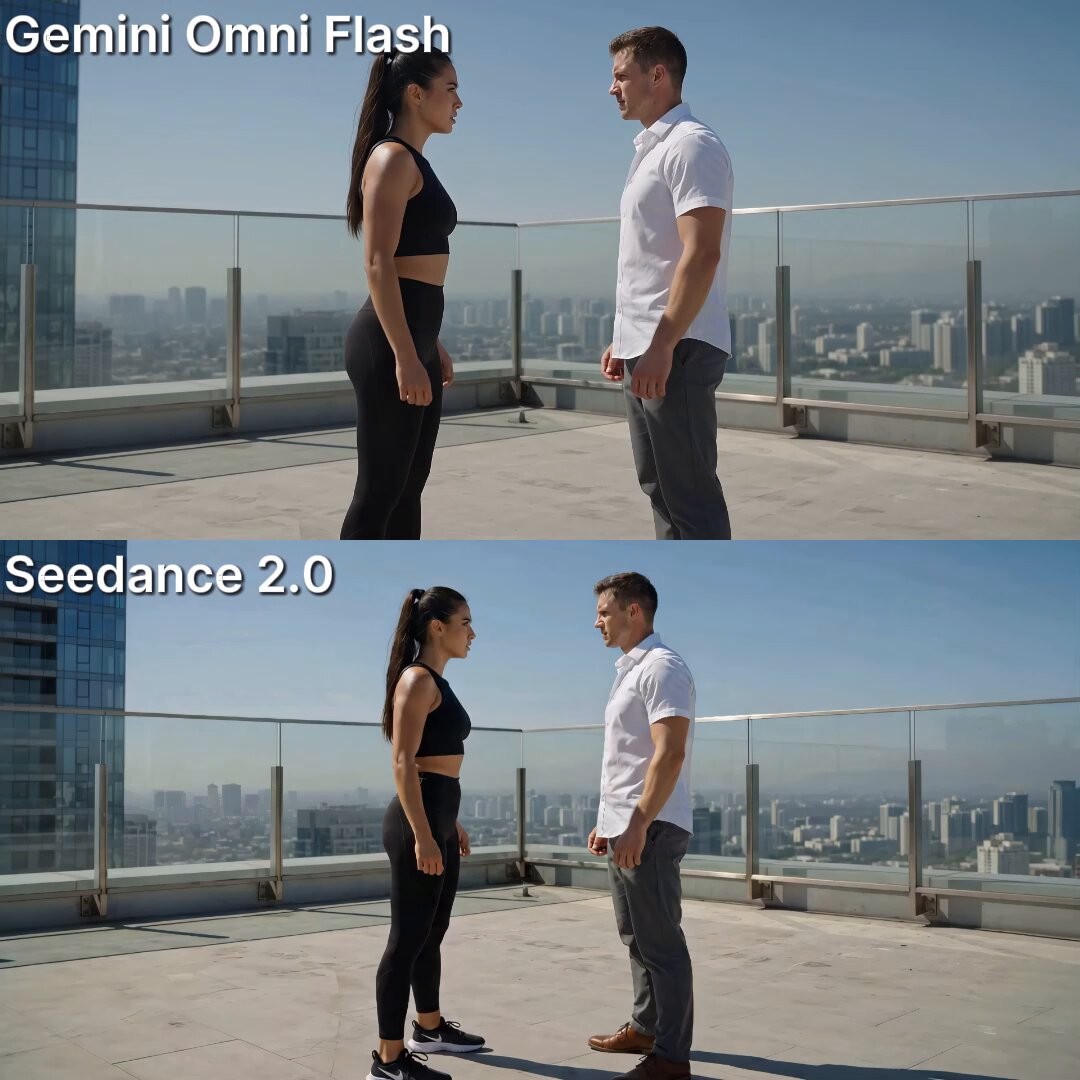
Skyscraper Rooftop Action Fight
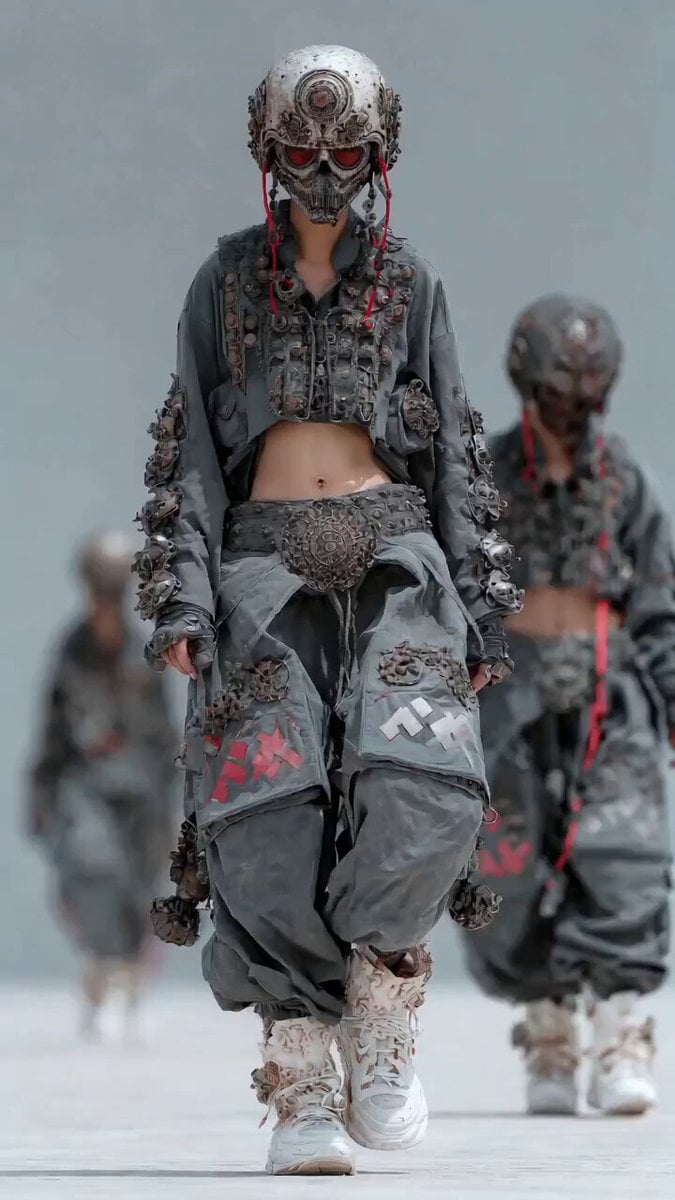
Dynamic Cinematic Hip-Hop Dance Video
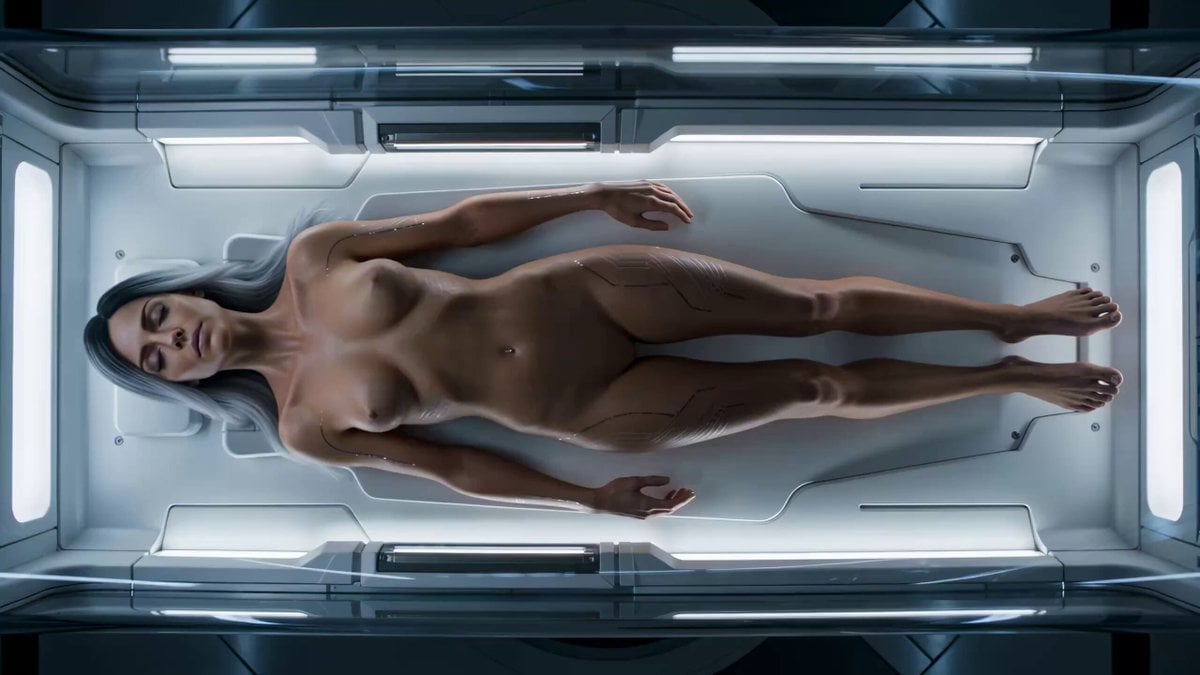
Cryo-Lab Diagnostic Scene
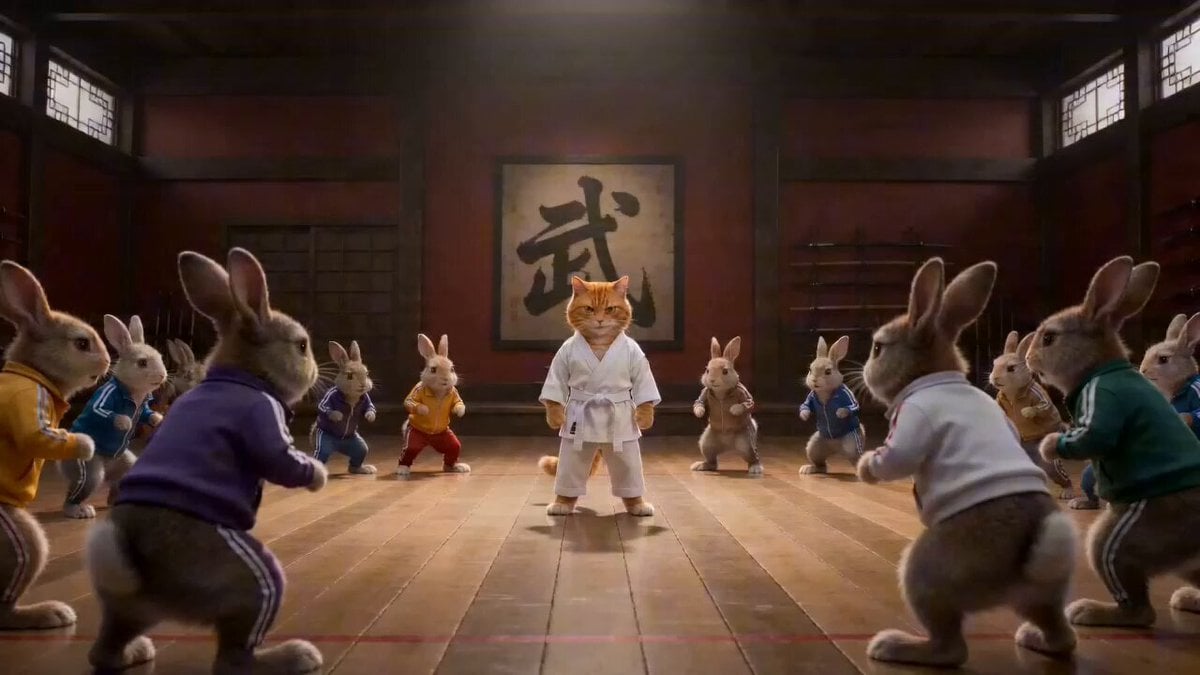
Epic Martial Arts Battle Between Cat Master and Rabbits
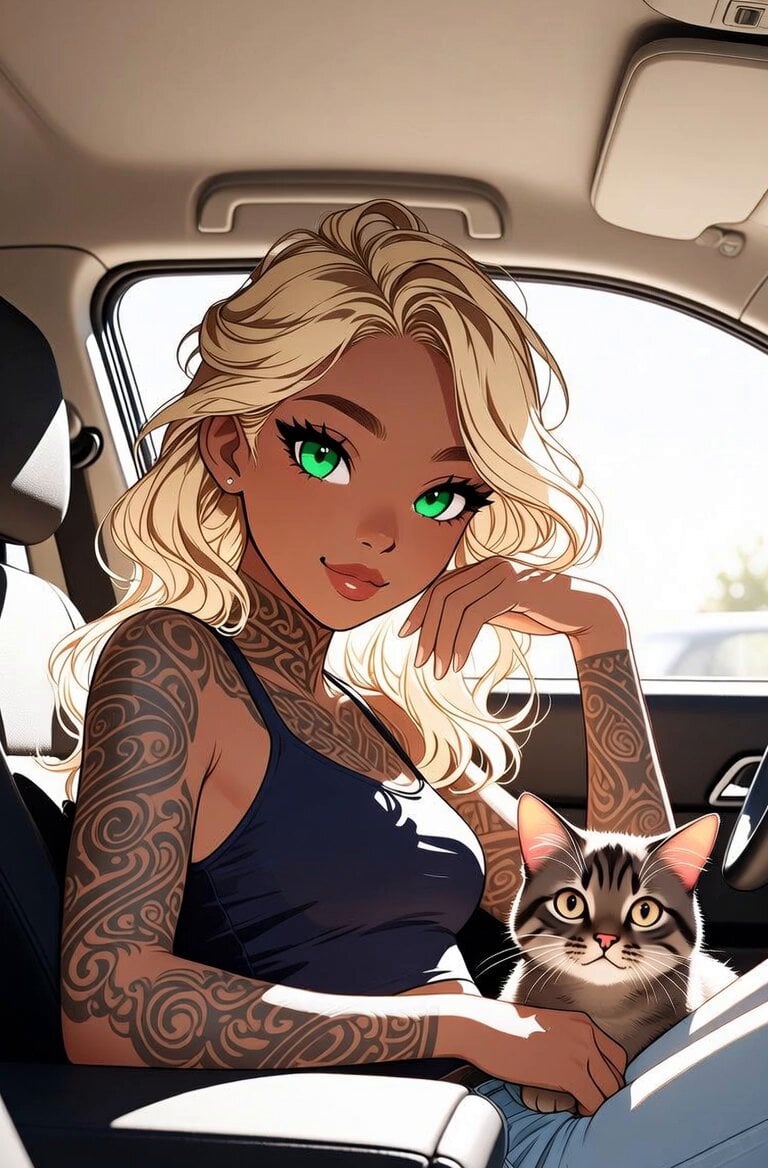
Blonde African American Woman Car Journey
Browse template categories
Cyber-Noir Glitch Transformation Sequence questions
How do I use the Cyber-Noir Glitch Transformation Sequence template?
Add your photo if the template asks for one, edit the prompt if you like — the template's model and format are already selected — and press Generate. Your version opens in PicX Studio.
Can I customize the Cyber-Noir Glitch Transformation Sequence template?
Yes. You can change the subject, setting, lighting, mood, format, and available model controls before creating your video.
Is the Cyber-Noir Glitch Transformation Sequence template free?
Opening and editing this template is free. Generating uses credits, shown on the Generate button when you are signed in.
Which AI model should I use?
Start with Seedance 2.0, which is the model associated with this template. You can compare another compatible model for a different finish.
Looking for something else? Browse all templates.

Your photo, any look
Thousands of ready templates for every top image and video model, from one credit balance.