
Emotional Housewife Daily Chores Cinematic Short
A deeply emotional cinematic prompt for creating a 15-second short film of a hardworking housewife performing daily tasks in soft morning light.
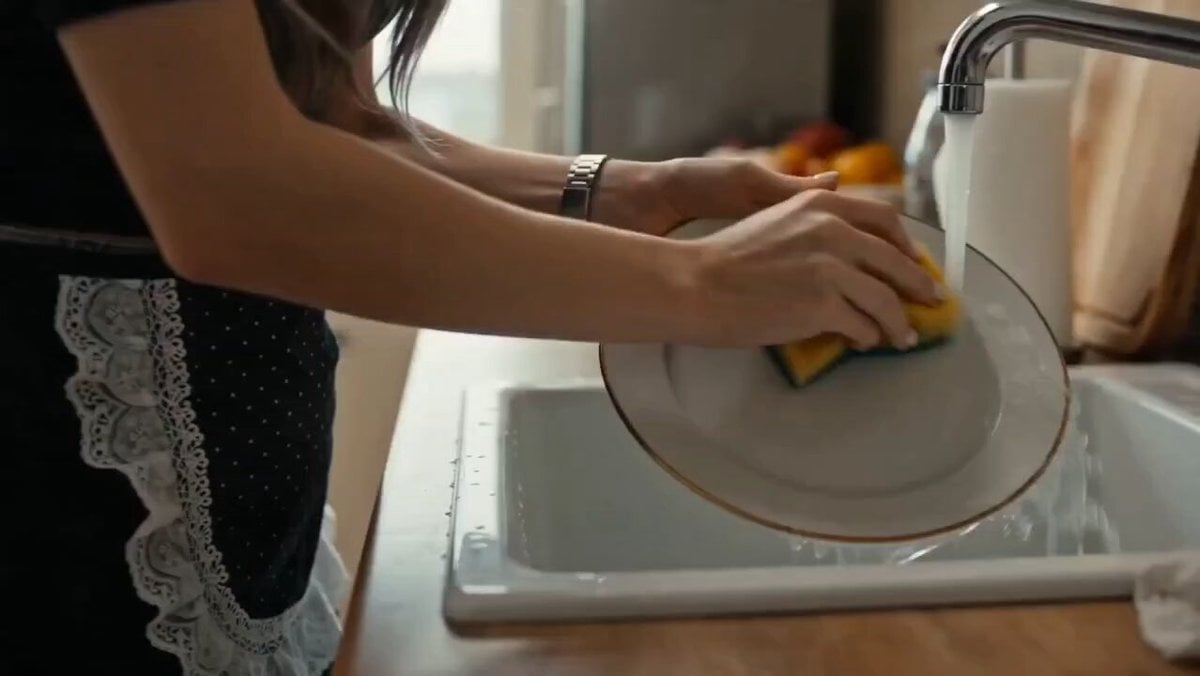
- Prompt included
- Model and format preset
- Free template
The prompt behind this video
Copy the exact prompt behind Emotional Housewife Daily Chores Cinematic Short, or open it in the studio and make it yours.
Ultra-realistic cinematic 15-second emotional short film set in a real modest home environment. A hardworking woman quietly performing daily chores—cleaning the house, cooking simple food in a small kitchen, folding clothes, and caring for her family. Natural morning sunlight enters through a window, dust particles visible in warm light rays, soft realistic household textures. The woman shows subtle emotions of fatigue, sacrifice, and quiet strength—gentle expressions, silent determination, no dialogue. Quick cinematic cuts: washing dishes with running water sound, stirring food in a pot, wiping a table, helping a child get ready, placing food on a simple dining table. Handheld cinematic camera style with shallow depth of field, focusing on her hands and face details. Soft ambient background sounds of home life. Emotional storytelling tone, slightly slow-motion transitions between tasks, highlighting repetition of daily struggle. Final shot: she pauses for a moment, looks out the window with calm resilience, soft light on her face, symbolizing silent strength and endurance. Fade out with warm cinematic lighting, ultra-detailed, 8K realism, film grain, natural color grading, deeply emotional mood.
How to use Emotional Housewife Daily Chores Cinematic Short in 3 steps
- 1
Open
The prompt is already in the box next to the preview, with the template's model and format selected.
- 2…a portrait of your subject in softgolden-hour light, 85mm…
Personalize
Edit the subject and creative details for your destination.
- 3Generate
Generate
Press Generate — your video is created in PicX Studio, so you can compare it with the original and refine one variable at a time.
More like this
Templates with the same subject, style or setup. Open one to see its prompt.

3D Animated Newspaper Delivery Short - Seedance 2.5
Emotional Breakdown and Fabric Interaction - Seedance 2.5

Youth Racing Short Film

Emotional Disaster Short Film Storyboard

Emotional Neighborhood Short Film

Alpine Inn Daily Chores Scene
Handheld Realistic Emotional Short Film

Emotional Parisian Apartment Drama

Emotional Anime Monologue Video
80s Computer Nerd Daily Life
Emotional Bedroom Dialogue Scene
Jirai-kei Girl Daily Life Documentary
Make it yours
Emotional Housewife Daily Chores Cinematic Short works as-is. These are the safest ways to change it without losing the look.
Change one field
Copy a single group, rewrite it, and generate again so you can see what that field is doing.
Keep the frame, change the subject
Hold the composition and light of Emotional Housewife Daily Chores Cinematic Short, then swap wardrobe, props or the person for a new take.
| If the result… | Why | Fix |
|---|---|---|
| The result drifts from the preview | Too many fields changed at once. | Reuse Emotional Housewife Daily Chores Cinematic Short as-is first, then change one group — subject, light, or setting. |
| The model over-stylizes the scene | The prose prompt leaves finish and camera underspecified. | Add one camera or lighting sentence and stay on Seedance 2.0. |
More Seedance 2.0 templates
Other prompts made for Seedance 2.0.

Comical Martial Arts Punch Scene

Maglev Train Action Sequence

Martial Arts Fight Sequence

Wuxia Protection and Trust Script

Vintage Korean Arcade MiniDV Vlog

Mercedes 190 SL Luxury Ad

Rainy Night Supernatural Reverse Comedy Video Script

Amazon Civilization Discovery

Futuristic South Asian City Transformation

Cozy Luxury Cafe Commercial
More video prompts
Fresh picks from across the catalog.

Elemental Ice and Fire Goddess Battle

Luxury Perfume Boutique Tracking Shot

Pink Haired J-Pop Idol Dance
Zombie Hunter Supermarket Scene

Cosmic Heart Radiant Energy

Cinematic Emotional 2026 Scene
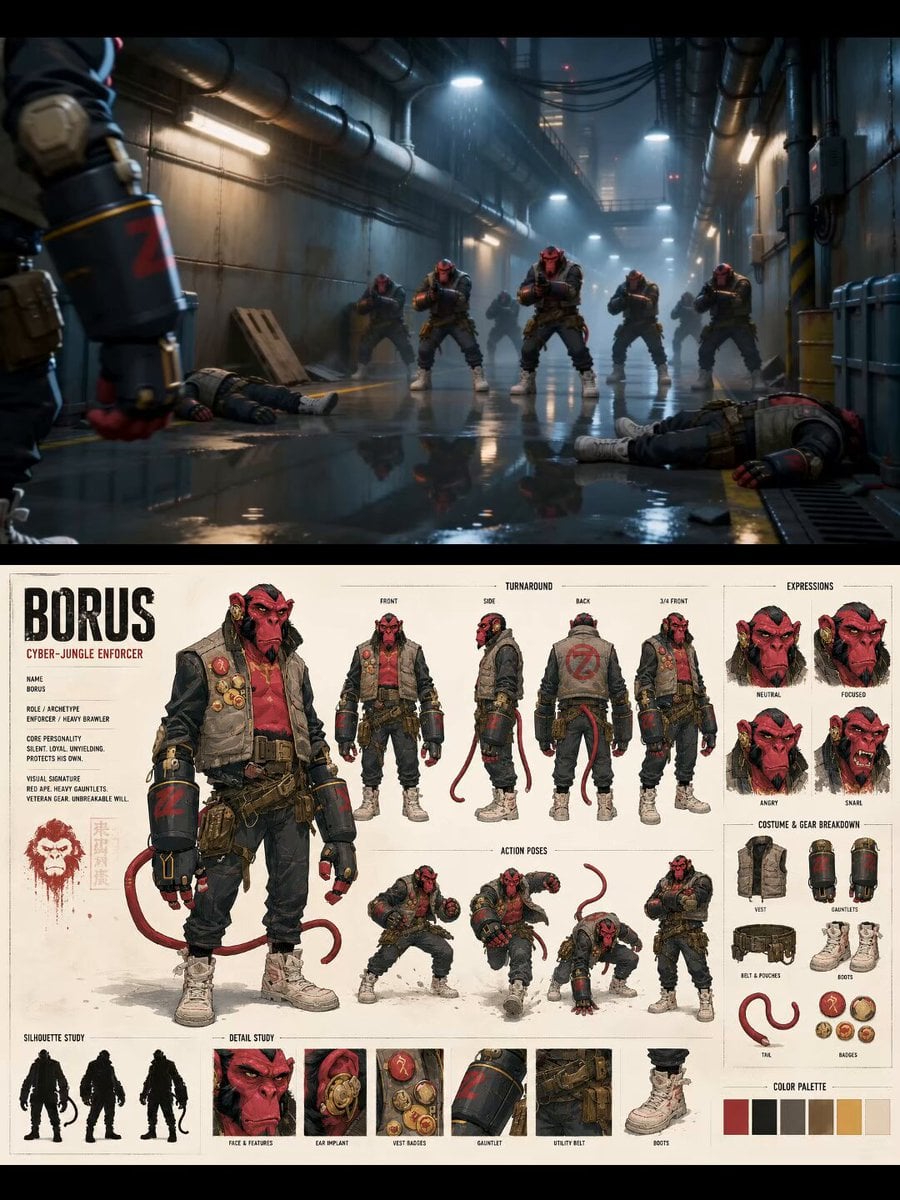
Borus Cyber Jungle Character Reference
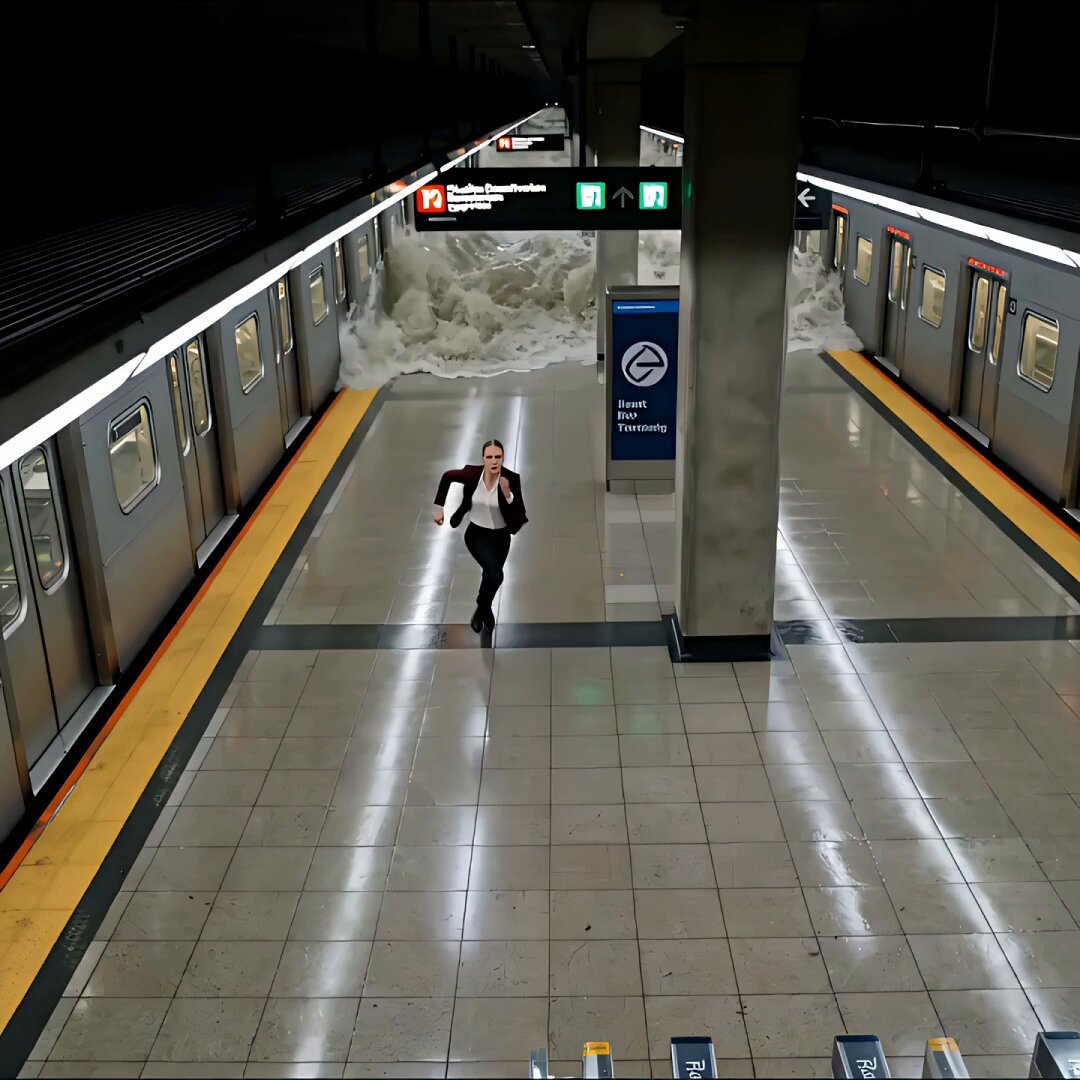
Cinematic Subway Flood Escape
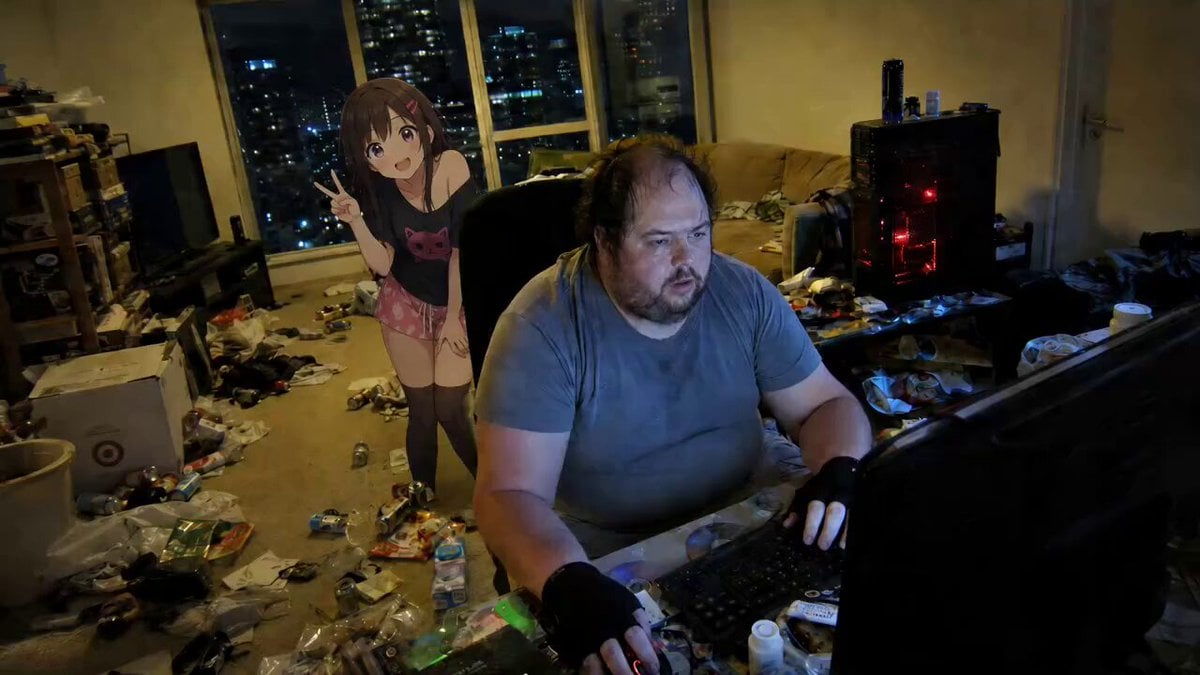
Anime Girl Cheering Gamer

Cinematic Tokyo Travel Vlog Montage
Browse template categories
Emotional Housewife Daily Chores Cinematic Short questions
How do I use the Emotional Housewife Daily Chores Cinematic Short template?
Add your photo if the template asks for one, edit the prompt if you like — the template's model and format are already selected — and press Generate. Your version opens in PicX Studio.
Can I customize the Emotional Housewife Daily Chores Cinematic Short template?
Yes. You can change the subject, setting, lighting, mood, format, and available model controls before creating your video.
Is the Emotional Housewife Daily Chores Cinematic Short template free?
Opening and editing this template is free. Generating uses credits, shown on the Generate button when you are signed in.
Which AI model should I use?
Start with Seedance 2.0, which is the model associated with this template. You can compare another compatible model for a different finish.
Looking for something else? Browse all templates.

Your photo, any look
Thousands of ready templates for every top image and video model, from one credit balance.