
Cinematic Emotional 2026 Scene
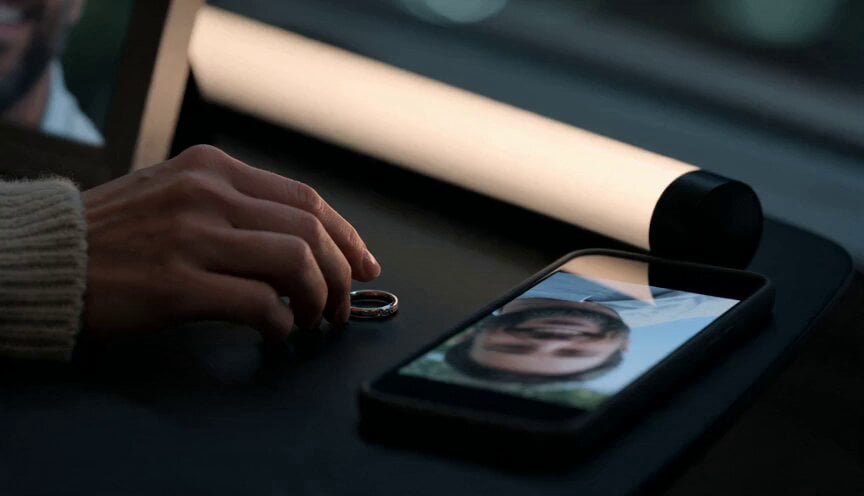
A detailed cinematic prompt for a poignant scene set in 2026, featuring a woman in a modern apartment interacting with a peaceful spiritual presence.
- Prompt included
- Model and format preset
- Premium template
The prompt behind this video
Copy the exact prompt behind Cinematic Emotional 2026 Scene, or open it in the studio and make it yours.
15 second cinematic emotional modern-day scene, set clearly in 2026. A woman in her 30s sits alone at night in a contemporary city apartment. Modern sofa, clean minimalist interior, large window with city lights outside, smartphone on the coffee table, soft LED lamp, framed digital photo of her late husband, modern clothing, no vintage objects. She wears casual present-day clothes, a simple sweater and jeans. She holds her wedding ring and looks at a recent phone video of her husband smiling. The mood is intimate, emotional, peaceful, not horror. Start with a close-up of her hand touching the wedding ring beside the glowing smartphone screen. Cut to her face, tears in her eyes, lit by the phone and soft city light. The apartment is quiet, modern, realistic. A faint warm light appears in the reflection of the window. Her husband appears as a gentle transparent presence made of soft golden light, wearing modern clothes, calm and loving. He is not a ghost horror figure, he is a peaceful spiritual presence. Camera moves slowly behind her, revealing him standing near her reflection in the glass. She feels him and turns. He raises his hand. She raises hers. Their hands almost touch, separated by a thin glowing veil of light. A soft warm pulse fills the apartment, moving through the modern room and city reflections. For one brief moment, she smiles through tears, feeling comfort instead of loneliness. Final shot: he fades gently into golden particles reflected in the window while her phone screen shows their happy video paused. She holds the ring to her heart. Modern day only, contemporary apartment, current clothing, city night, smartphone, LED lighting, no candles, no old mansion, no antique furniture, no historical clothing, no 18th century, no Victorian style, no gothic style, no horror, no text.
How to use Cinematic Emotional 2026 Scene in 3 steps
- 1
Open
The prompt is already in the box next to the preview, with the template's model and format selected.
- 2…a portrait of your subject in softgolden-hour light, 85mm…
Personalize
Edit the subject and creative details for your destination.
- 3Generate
Generate
Press Generate — your video is created in PicX Studio, so you can compare it with the original and refine one variable at a time.
More like this
Templates with the same subject, style or setup. Open one to see its prompt.

Emotional Breakdown and Fabric Interaction - Seedance 2.5
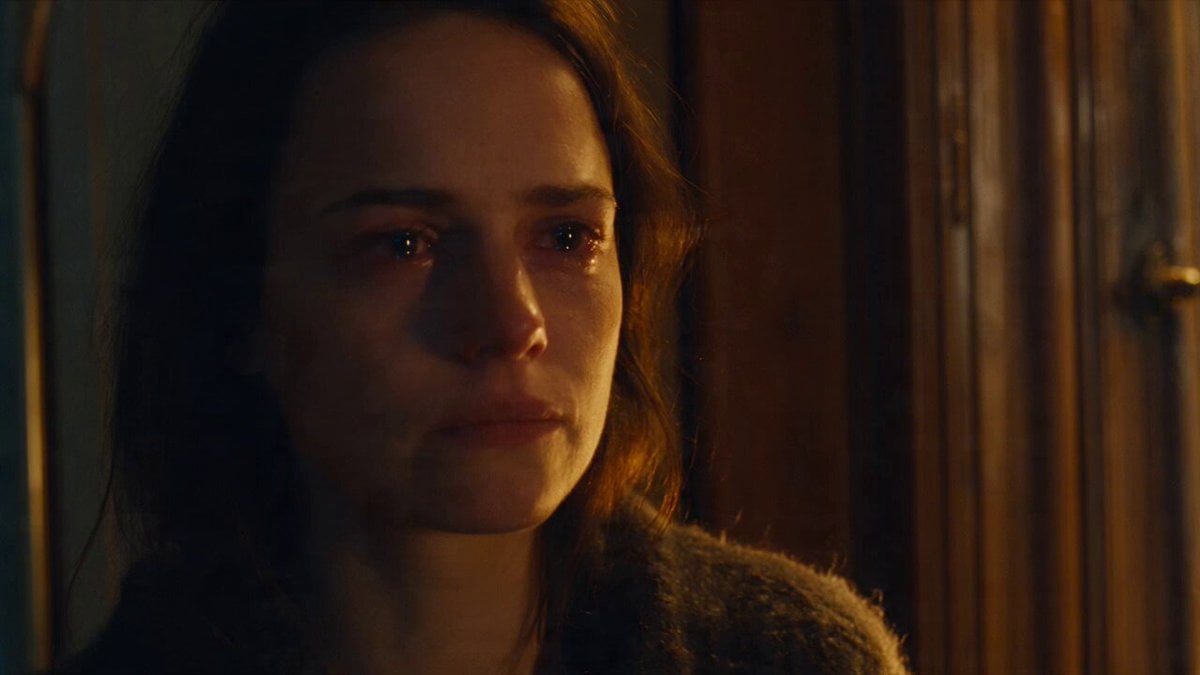
Emotional Parisian Apartment Drama

Emotional Anime Monologue Video
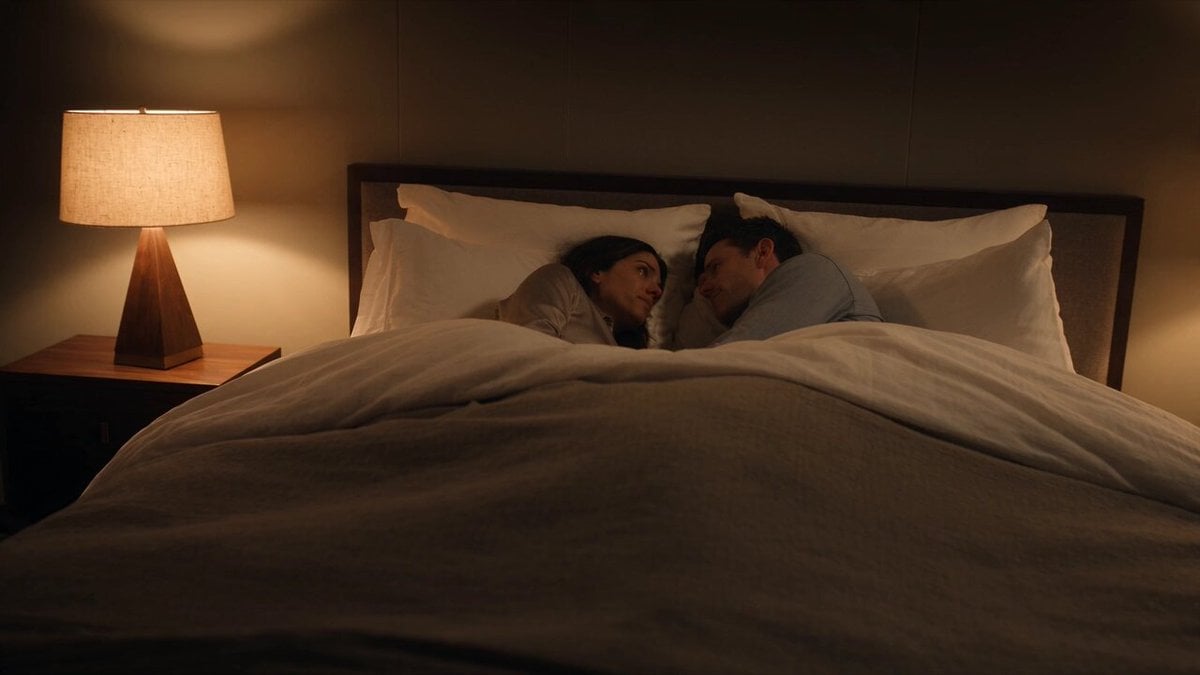
Emotional Bedroom Dialogue Scene
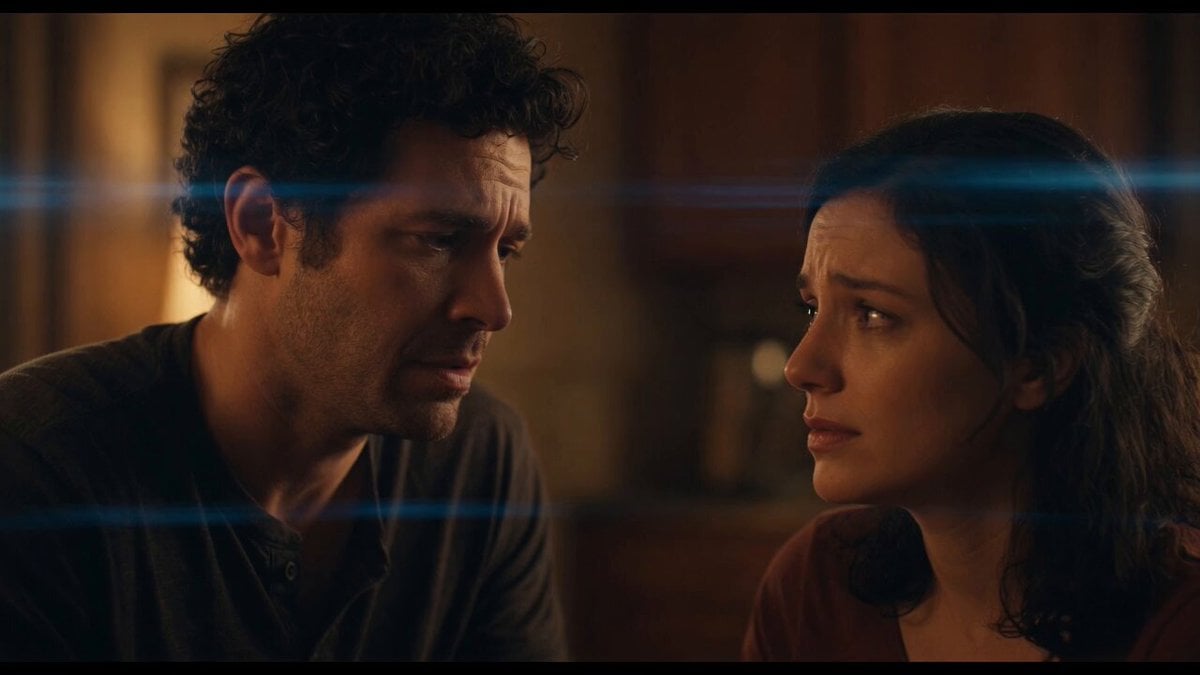
Emotional Angry Couple Drama

World Cup Final Emotional Drama

The Street Barber Emotional Story

Cinematic Emotional Face Close-up

Emotional Kitten Rescue Scene
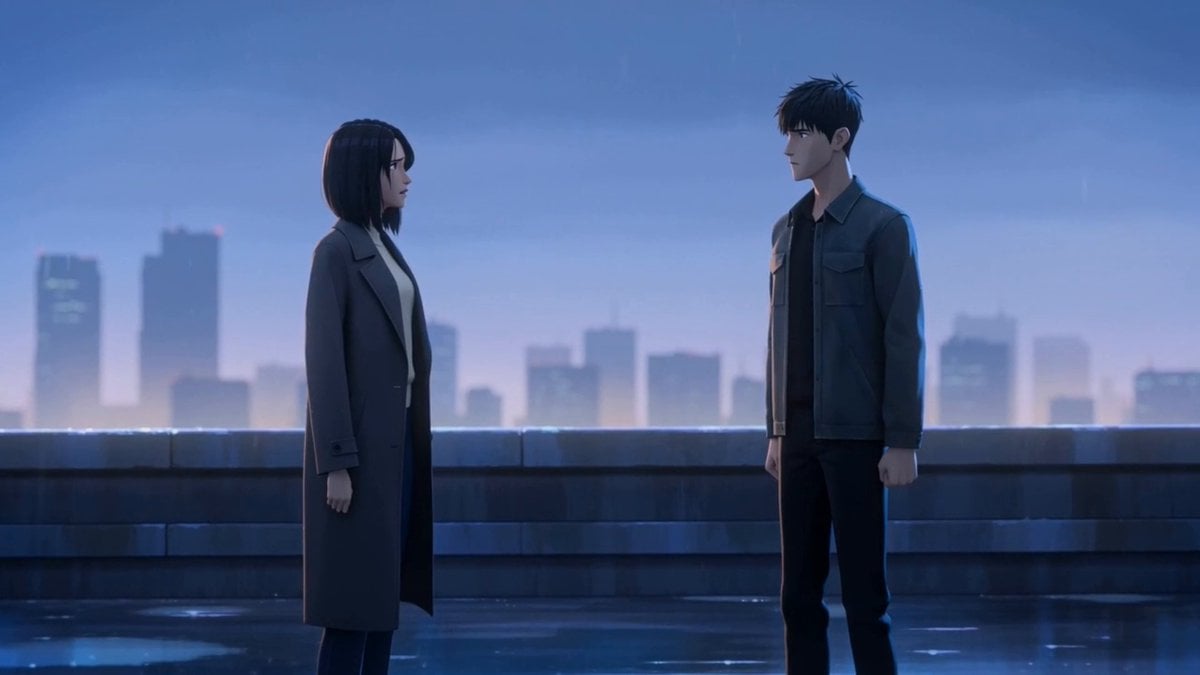
Cinematic Emotional Confrontation Prompt

Emotional Father and Son Reunion
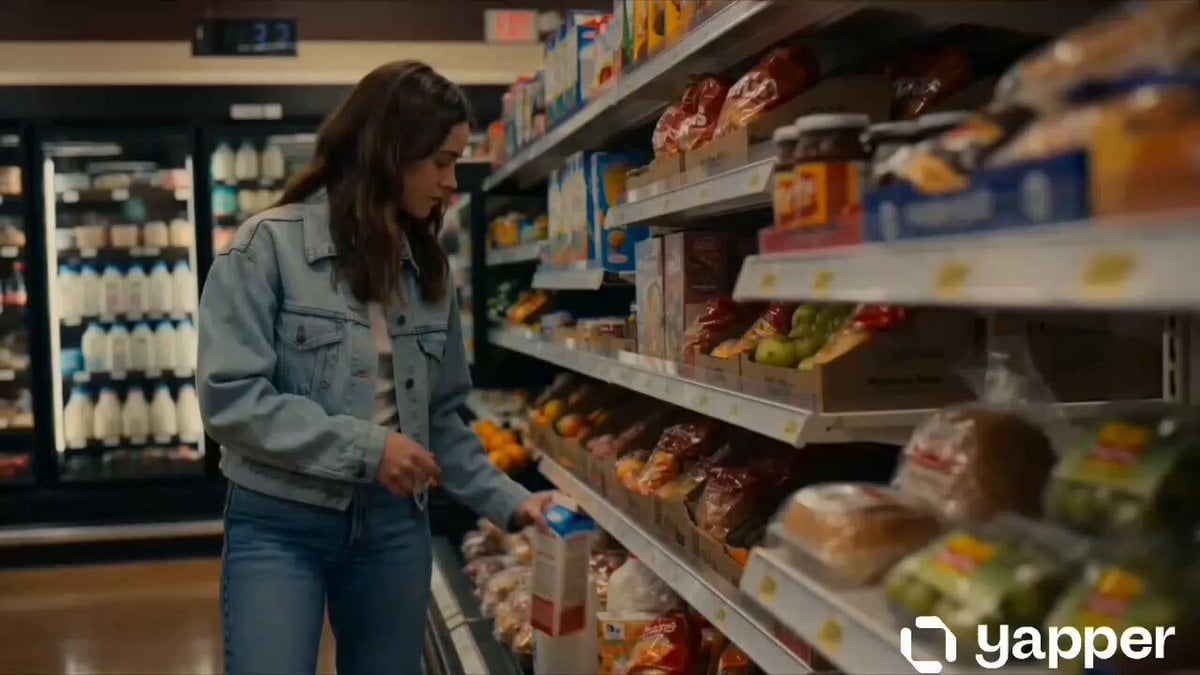
Cinematic Grocery Store Emotional Story
Make it yours
Cinematic Emotional 2026 Scene works as-is. These are the safest ways to change it without losing the look.
Change one field
Copy a single group, rewrite it, and generate again so you can see what that field is doing.
Keep the frame, change the subject
Hold the composition and light of Cinematic Emotional 2026 Scene, then swap wardrobe, props or the person for a new take.
| If the result… | Why | Fix |
|---|---|---|
| The result drifts from the preview | Too many fields changed at once. | Reuse Cinematic Emotional 2026 Scene as-is first, then change one group — subject, light, or setting. |
| The model over-stylizes the scene | The prose prompt leaves finish and camera underspecified. | Add one camera or lighting sentence and stay on Seedance 2.0. |
More Seedance 2.0 templates
Other prompts made for Seedance 2.0.

Comical Martial Arts Punch Scene

Maglev Train Action Sequence

Martial Arts Fight Sequence

Wuxia Protection and Trust Script

Vintage Korean Arcade MiniDV Vlog

Mercedes 190 SL Luxury Ad

Rainy Night Supernatural Reverse Comedy Video Script

Amazon Civilization Discovery

Futuristic South Asian City Transformation

Cozy Luxury Cafe Commercial
More video prompts
Fresh picks from across the catalog.
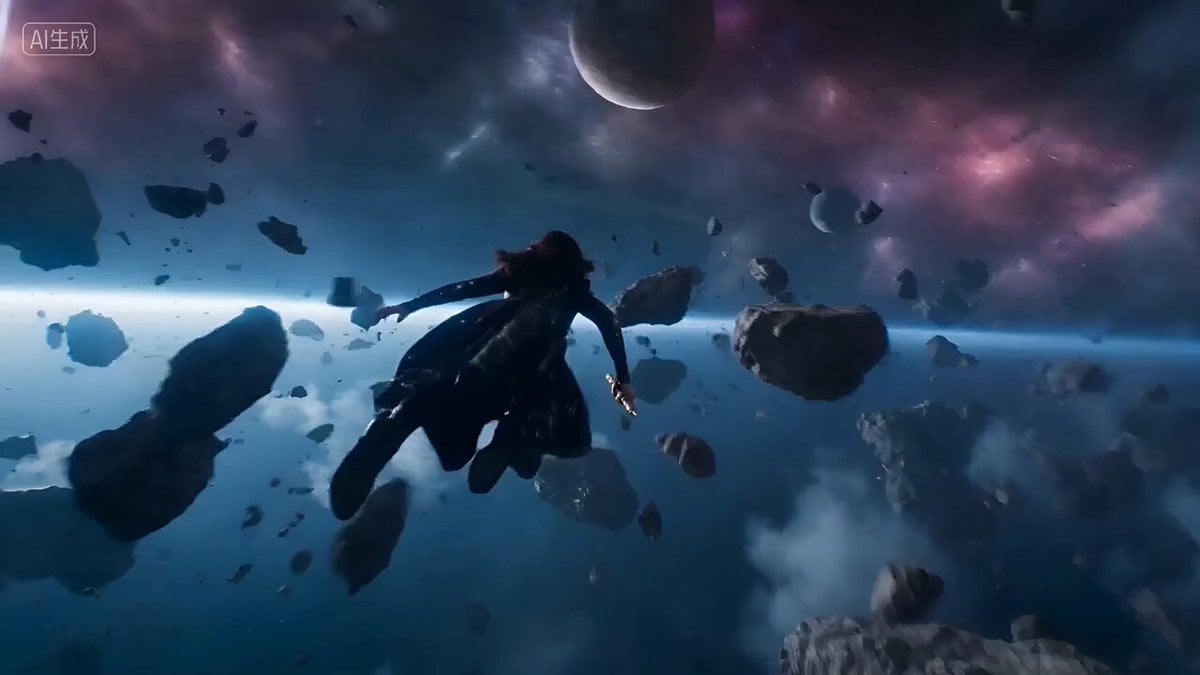
Epic Space Combat Scene with Cosmic Energy and Zero-Gravity Camera
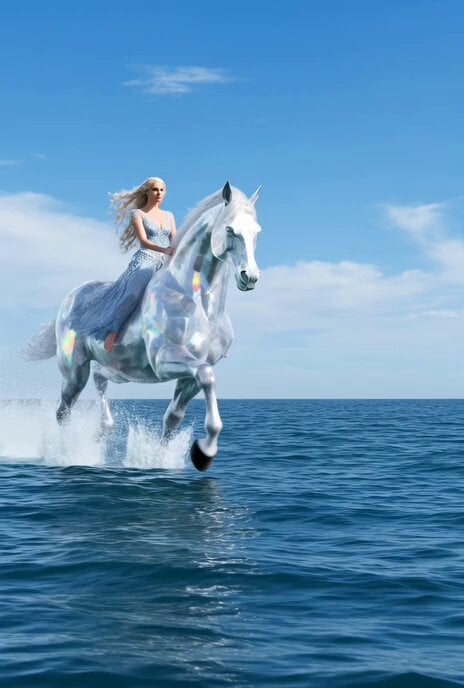
Shiny crystal horse with an elegant woman crossing the sea
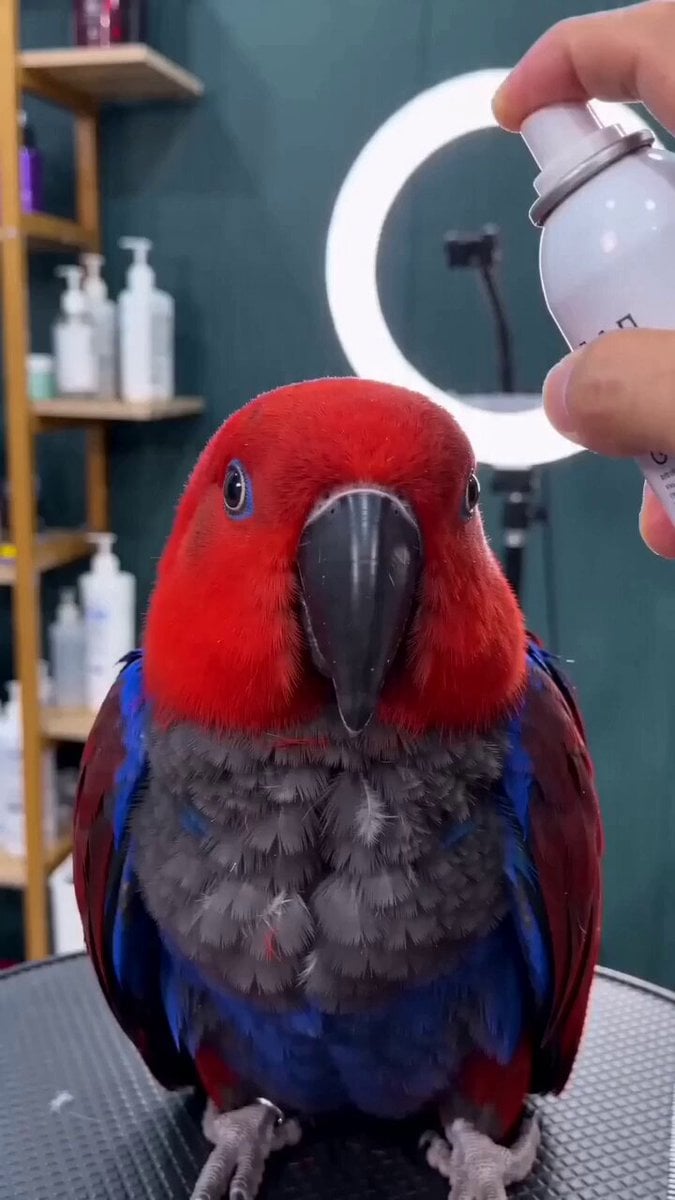
Close-up of a parrot getting a haircut, scene 1

Samurai Honey Badger vs Spartan Turtle
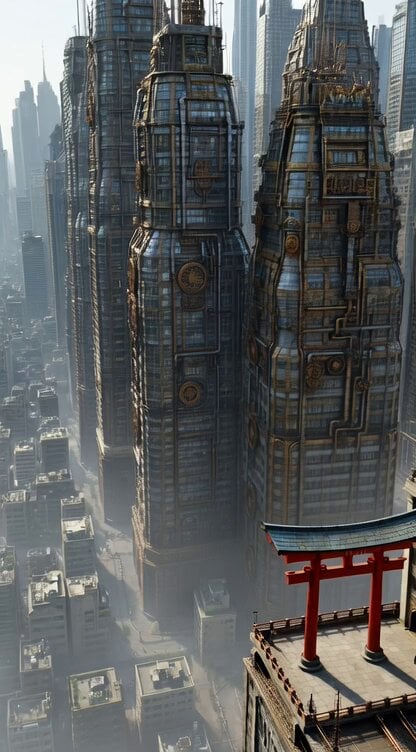
Steampunk Future City with Floating Buildings and a Small Torii Gate

Grok Imagine Video Prompt: Goddess Rises from a Pink Lotus at Sunset

High-Energy Xianxia Battle Scene (15s)
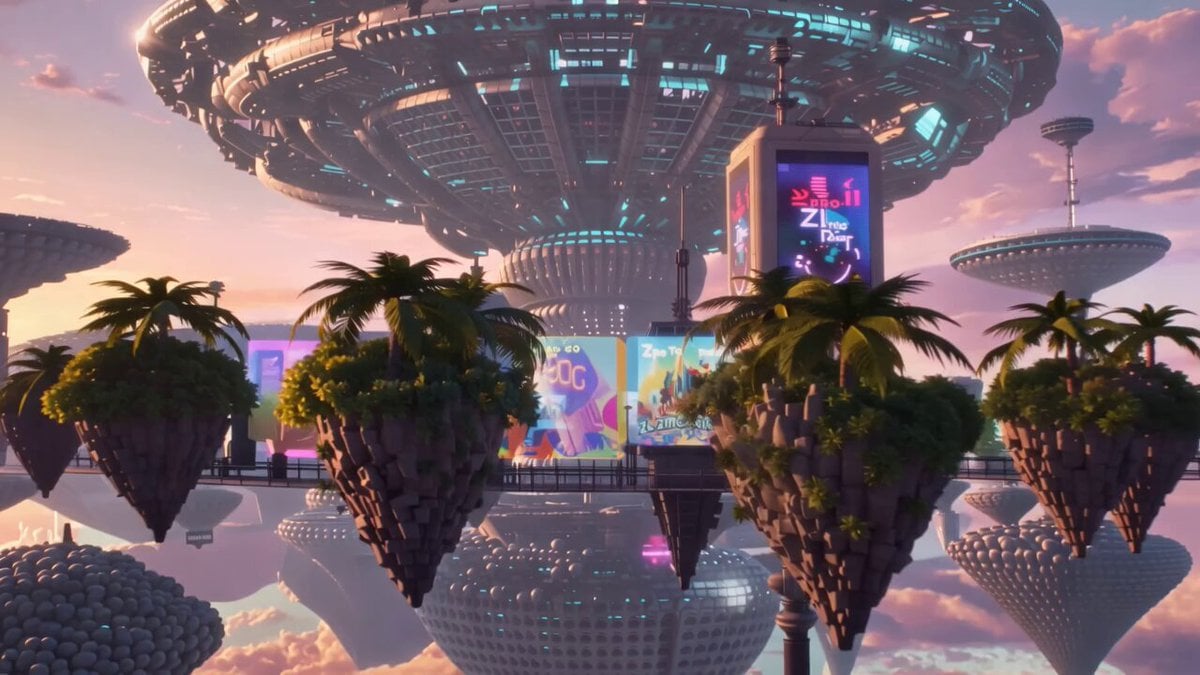
Pastel Pink-Blue Dyson Swarm

Stridex Facewash UGC Ad

Midnight Bakery Showdown Animation
Browse template categories
Cinematic Emotional 2026 Scene questions
How do I use the Cinematic Emotional 2026 Scene template?
Add your photo if the template asks for one, edit the prompt if you like — the template's model and format are already selected — and press Generate. Your version opens in PicX Studio.
Can I customize the Cinematic Emotional 2026 Scene template?
Yes. You can change the subject, setting, lighting, mood, format, and available model controls before creating your video.
Is the Cinematic Emotional 2026 Scene template free?
Opening and editing this template is free. Generating uses credits, shown on the Generate button when you are signed in.
Which AI model should I use?
Start with Seedance 2.0, which is the model associated with this template. You can compare another compatible model for a different finish.
Looking for something else? Browse all templates.

Your photo, any look
Thousands of ready templates for every top image and video model, from one credit balance.