
Cinematic Grocery Store Emotional Story
A detailed cinematic video prompt capturing a woman's emotional journey through a grocery store with tracking shots and nostalgic flashbacks.
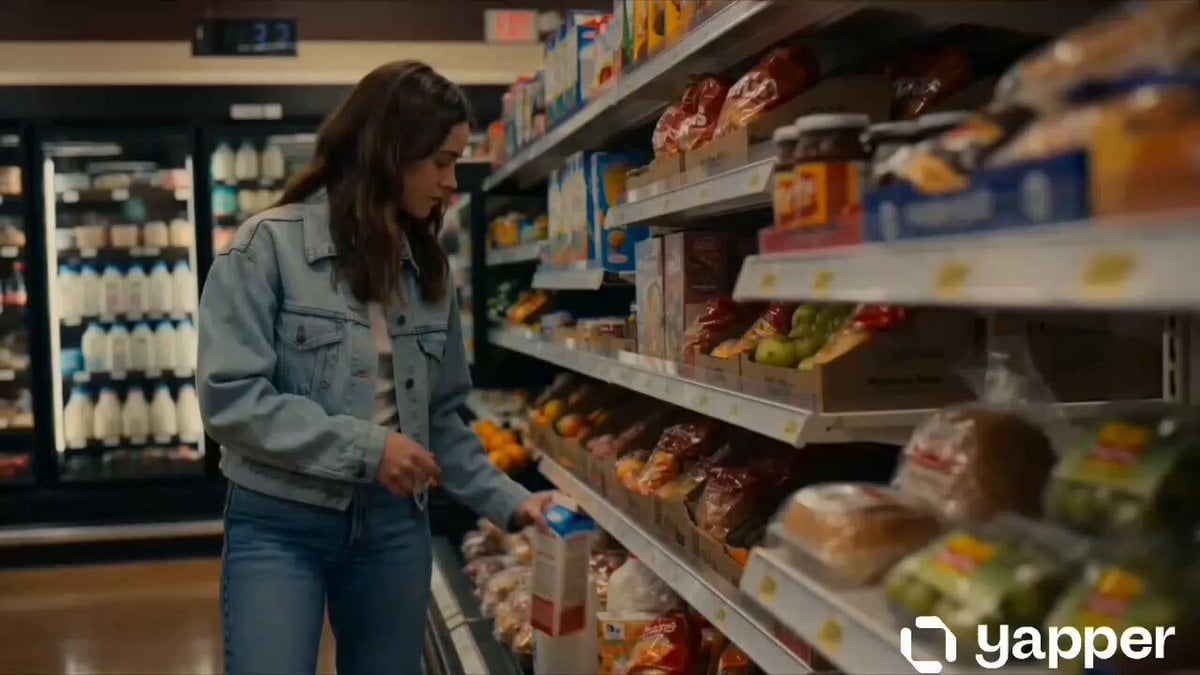
- Prompt included
- Model and format preset
- Premium template
The prompt behind this video
Copy the exact prompt behind Cinematic Grocery Store Emotional Story, or open it in the studio and make it yours.
Create a 15-second cinematic short video with a unique emotional storyline. Scene starts inside a softly lit modern grocery store. A young woman (mid-20s, natural look, casual outfit) walks slowly through the aisles, picking up everyday items like milk, bread, and fruits. Camera follows her in smooth tracking shots, focusing on small details—her hands brushing over products, her thoughtful expressions. Mid-scene (5–10 sec): She pauses while holding a chocolate bar, a subtle flashback overlay appears—quick soft-focus memory of her laughing with someone special (suggesting nostalgia or a past relationship). Final scene (10–15 sec): She gently puts the chocolate back, gives a soft, emotional smile, and walks toward the checkout. Camera lingers as she exits the store alone, but calm and stronger. Style: cinematic, shallow depth of field, warm lighting, soft background music, emotional tone Camera: slow motion, close-ups + smooth tracking shots Mood: nostalgic, peaceful, slightly emotional Quality: ultra-realistic, 4K, film-like color grading
How to use Cinematic Grocery Store Emotional Story in 3 steps
- 1
Open
The prompt is already in the box next to the preview, with the template's model and format selected.
- 2…a portrait of your subject in softgolden-hour light, 85mm…
Personalize
Edit the subject and creative details for your destination.
- 3Generate
Generate
Press Generate — your video is created in PicX Studio, so you can compare it with the original and refine one variable at a time.
More like this
Templates with the same subject, style or setup. Open one to see its prompt.

Wholesome Puppy and Kitten Story - Seedance 2.5

Emotional Breakdown and Fabric Interaction - Seedance 2.5

Realistic City Street Story Cinematic Video - Seedance

Nostalgic MiniDV Convenience Store Vlog - Seedance 2.5

The Street Barber Emotional Story

Open-World RPG Grocery Store Quest Prompt
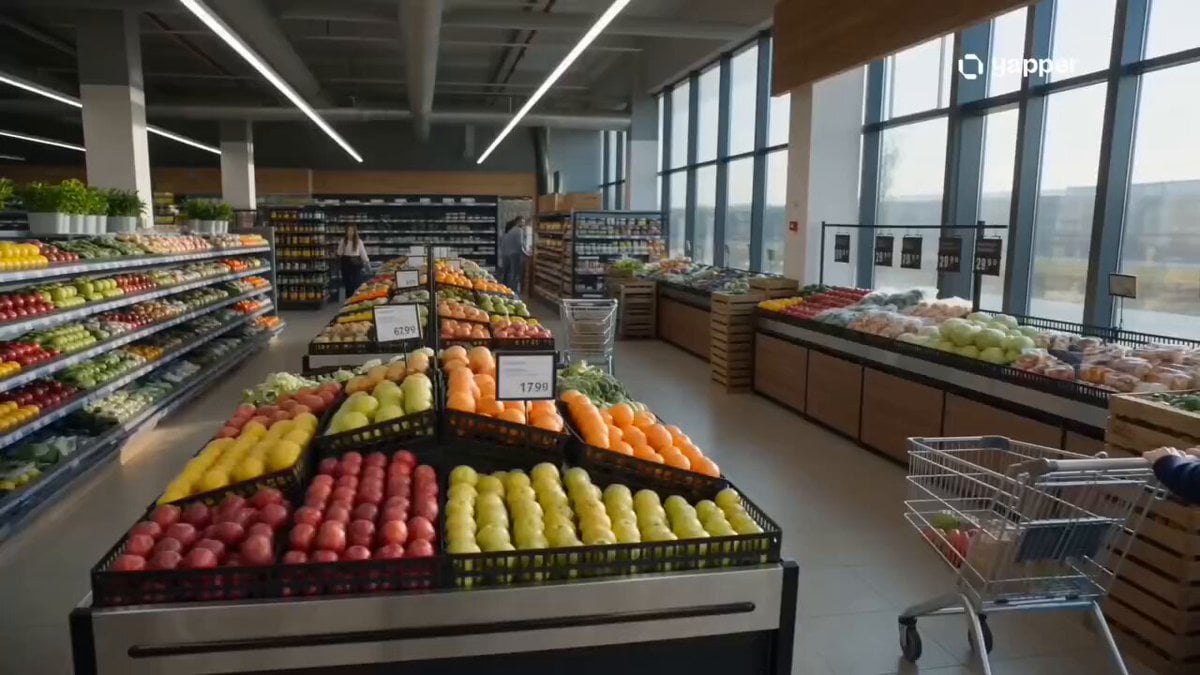
Cinematic Grocery Store Sequence
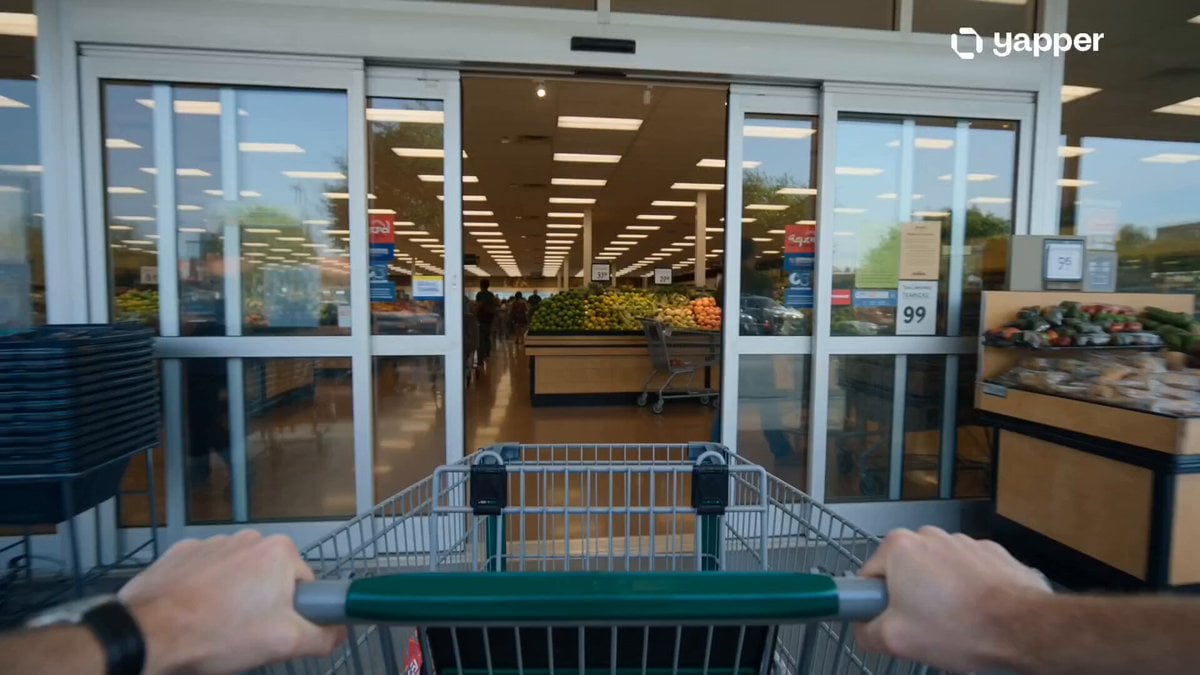
Grocery Store Slice-of-Life Realism

Emotional Disaster Short Film Storyboard
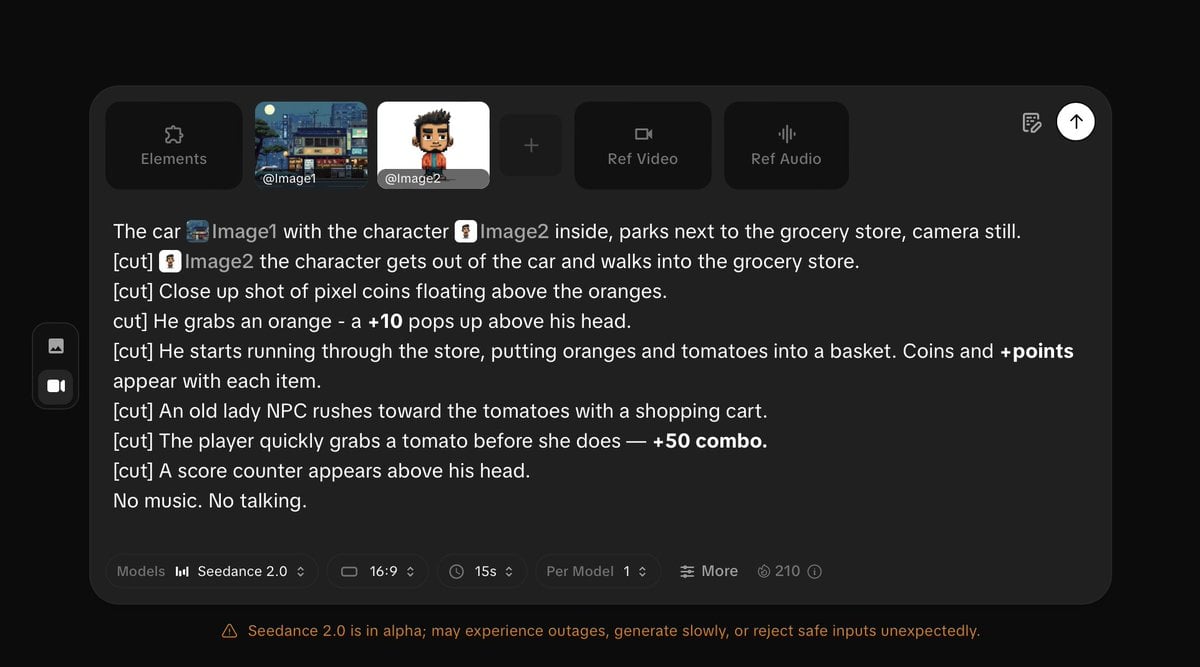
Pixel Game Style Grocery Store Heist

Emotional Parisian Apartment Drama

Emotional Anime Monologue Video
Make it yours
Cinematic Grocery Store Emotional Story works as-is. These are the safest ways to change it without losing the look.
Change one field
Copy a single group, rewrite it, and generate again so you can see what that field is doing.
Keep the frame, change the subject
Hold the composition and light of Cinematic Grocery Store Emotional Story, then swap wardrobe, props or the person for a new take.
| If the result… | Why | Fix |
|---|---|---|
| The result drifts from the preview | Too many fields changed at once. | Reuse Cinematic Grocery Store Emotional Story as-is first, then change one group — subject, light, or setting. |
| The model over-stylizes the scene | The prose prompt leaves finish and camera underspecified. | Add one camera or lighting sentence and stay on Seedance 2.0. |
More Seedance 2.0 templates
Other prompts made for Seedance 2.0.

Comical Martial Arts Punch Scene

Maglev Train Action Sequence

Martial Arts Fight Sequence

Wuxia Protection and Trust Script

Vintage Korean Arcade MiniDV Vlog

Mercedes 190 SL Luxury Ad

Rainy Night Supernatural Reverse Comedy Video Script

Amazon Civilization Discovery

Futuristic South Asian City Transformation

Cozy Luxury Cafe Commercial
More video prompts
Fresh picks from across the catalog.

Girls' Karate Club Argument

Cinematic Emotional 2026 Scene

Peaceful night with crows prompt

Woman Walking in Chaos

America 250th Anniversary Celebration Drone Show

London Chic Fashion Scan Video

Anime Drama Character Interaction Script

Ultra-Realistic Cinematic Street Racing

First-Person Roller Coaster with Seasonal Transitions

Viking Raid Coastal Ambush
Browse template categories
Cinematic Grocery Store Emotional Story questions
How do I use the Cinematic Grocery Store Emotional Story template?
Add your photo if the template asks for one, edit the prompt if you like — the template's model and format are already selected — and press Generate. Your version opens in PicX Studio.
Can I customize the Cinematic Grocery Store Emotional Story template?
Yes. You can change the subject, setting, lighting, mood, format, and available model controls before creating your video.
Is the Cinematic Grocery Store Emotional Story template free?
Opening and editing this template is free. Generating uses credits, shown on the Generate button when you are signed in.
Which AI model should I use?
Start with Seedance 2.0, which is the model associated with this template. You can compare another compatible model for a different finish.
Looking for something else? Browse all templates.

Your photo, any look
Thousands of ready templates for every top image and video model, from one credit balance.