
London Chic Fashion Scan Video
A photorealistic cinematic fashion video set in London, featuring a woman in luxury attire with digital text labels scanning her outfit.

- Prompt included
- Model and format preset
- Premium template
The prompt behind this video
Copy the exact prompt behind London Chic Fashion Scan Video, or open it in the studio and make it yours.
Photorealistic cinematic fashion video set on an elegant London shopping street inspired by Bond Street. A stylish British woman in her late 20s walks confidently past a luxury boutique. She wears gold earrings, a burgundy double-breasted blazer, matching mini skirt, a light blue ruffled silk blouse, a structured dark red leather shoulder bag, and metallic pointed heels. Her chestnut hair is styled in a sleek low bun. Her phone rings. She glances at the screen, stops gracefully, and answers. A male voice asks, “Hello there, can you please scan your outfit?” She smiles and replies in a soft British accent, “I guess so.” The camera performs a smooth head-to-toe scan, displaying elegant text labels for each outfit item, then ends on a confident editorial pose in front of the boutique window. Bright natural sunlight, shallow depth of field, smooth gimbal movement, luxury editorial aesthetic, polished and sophisticated mood, 9:16 vertical, 15 seconds.
How to use London Chic Fashion Scan Video in 3 steps
- 1
Open
The prompt is already in the box next to the preview, with the template's model and format selected.
- 2…a portrait of your subject in softgolden-hour light, 85mm…
Personalize
Edit the subject and creative details for your destination.
- 3Generate
Generate
Press Generate — your video is created in PicX Studio, so you can compare it with the original and refine one variable at a time.
More like this
Templates with the same subject, style or setup. Open one to see its prompt.

Sneaker Product Commercial

Cinematic Short Film Scene

Luxury Lifestyle Day Vlog
Luxury Handbag Commercial — Hollywood VFX Ad

Shiba Inu London Sunset

Face Cross-Section fMRI Scan
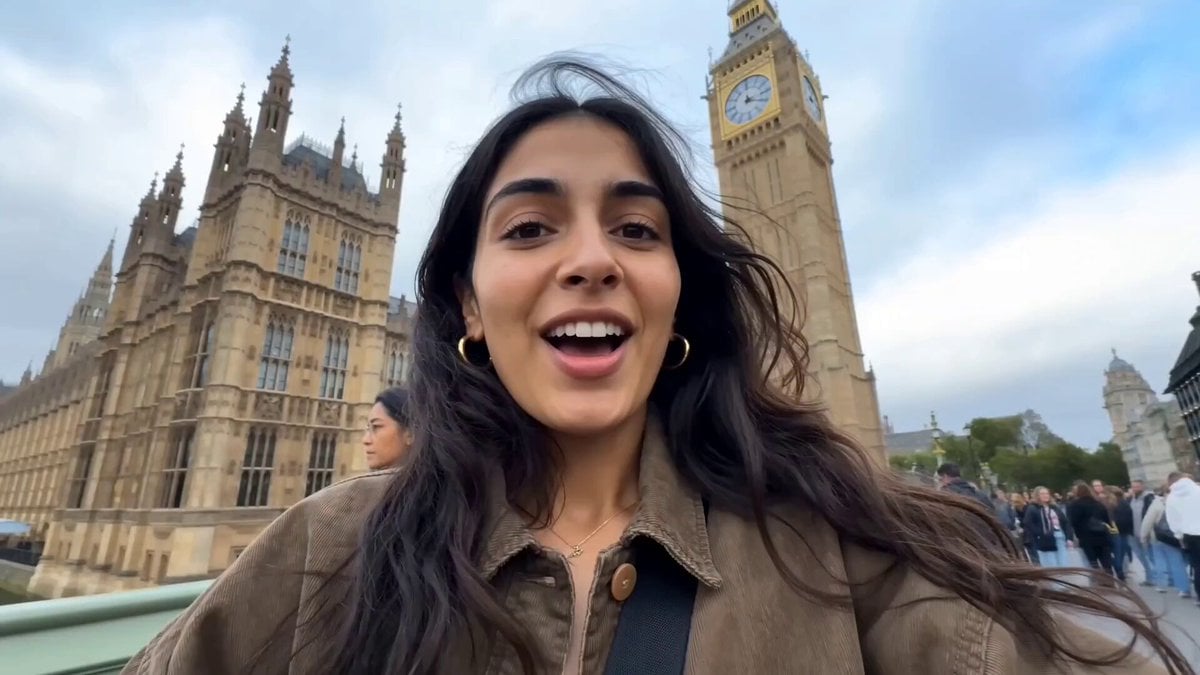
Female Travel Vlogger in London
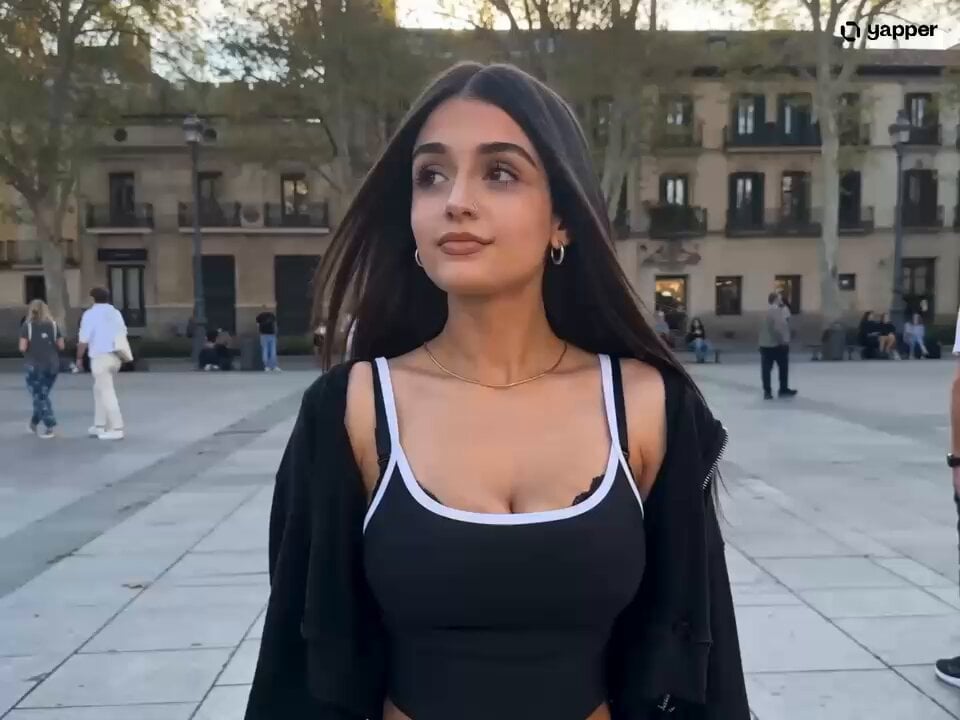
London Square Stumble and Recovery

London Street Magic Vortex
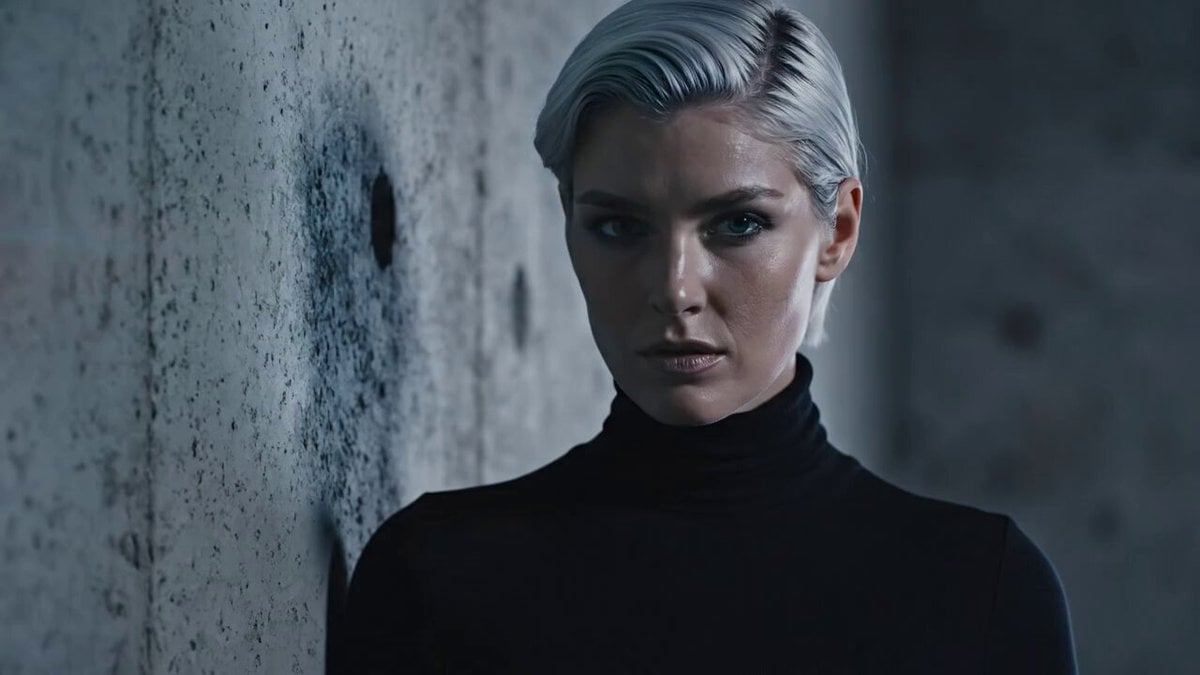
Cinematic Short Film with Red Laser Scan
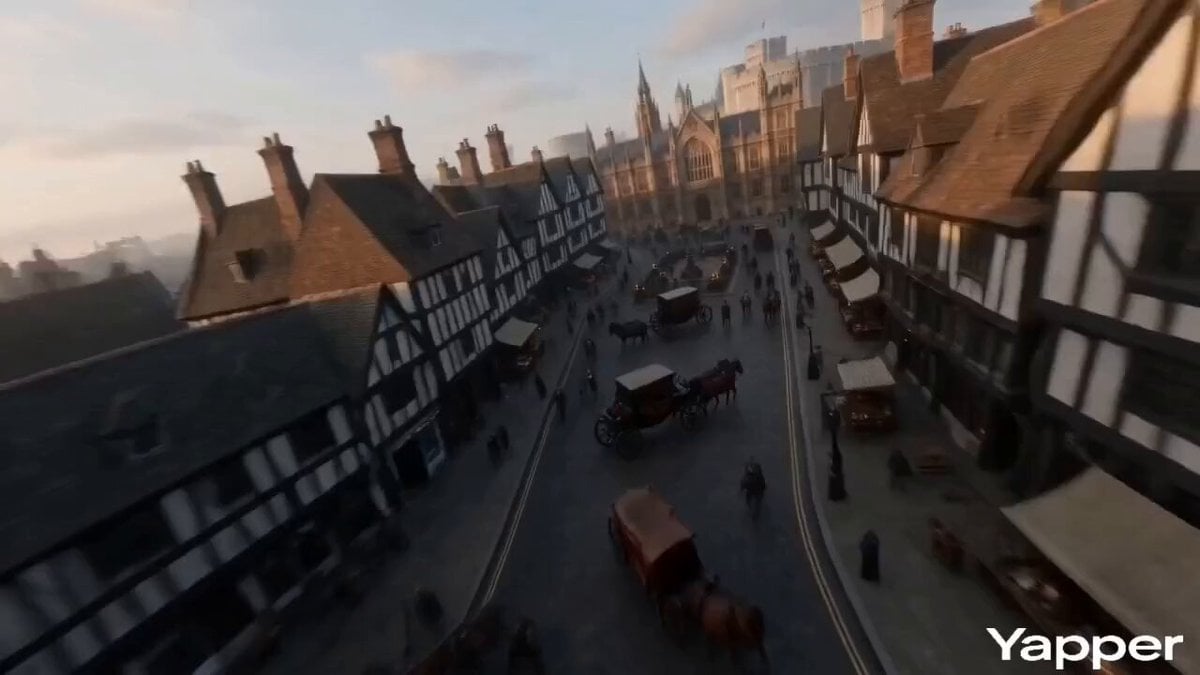
FPV Video of Ancient London
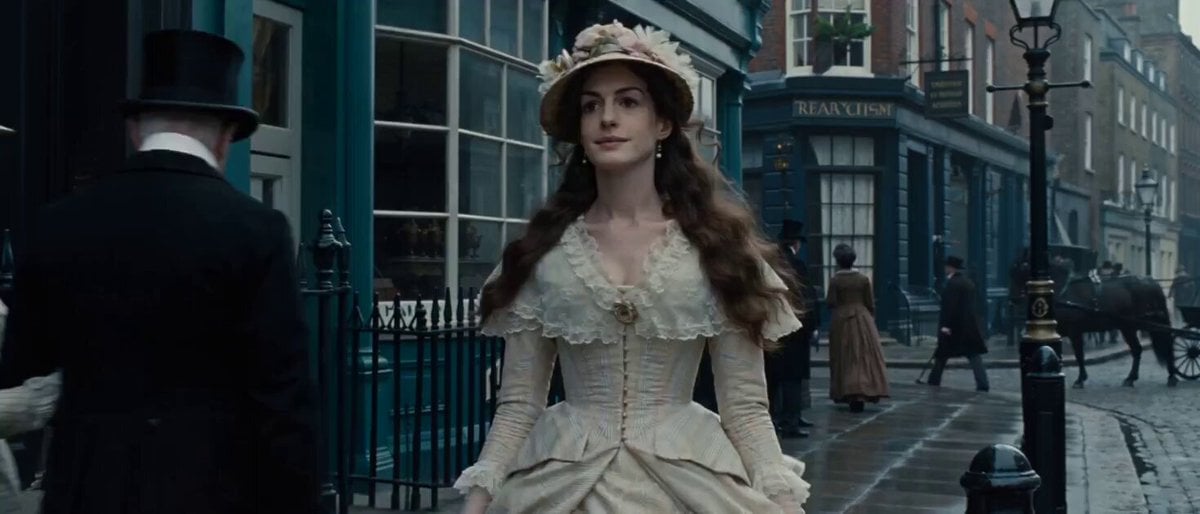
Video Prompt: 19th Century London Street Scene
Make it yours
London Chic Fashion Scan Video works as-is. These are the safest ways to change it without losing the look.
Change one field
Copy a single group, rewrite it, and generate again so you can see what that field is doing.
Keep the frame, change the subject
Hold the composition and light of London Chic Fashion Scan Video, then swap wardrobe, props or the person for a new take.
| If the result… | Why | Fix |
|---|---|---|
| The result drifts from the preview | Too many fields changed at once. | Reuse London Chic Fashion Scan Video as-is first, then change one group — subject, light, or setting. |
| The model over-stylizes the scene | The prose prompt leaves finish and camera underspecified. | Add one camera or lighting sentence and stay on Seedance 2.0. |
More Seedance 2.0 templates
Other prompts made for Seedance 2.0.

Comical Martial Arts Punch Scene

Maglev Train Action Sequence

Martial Arts Fight Sequence

Wuxia Protection and Trust Script

Vintage Korean Arcade MiniDV Vlog

Mercedes 190 SL Luxury Ad

Rainy Night Supernatural Reverse Comedy Video Script

Amazon Civilization Discovery

Futuristic South Asian City Transformation

Cozy Luxury Cafe Commercial
More video prompts
Fresh picks from across the catalog.
Cinematic Male Commercial - Subway Scene
Skincare Commercial Macro Foam Detail

1950s kitchen scene with woman baking
Magical Autonomous Painting Atelier

Dimensional Rift Multiverse Collapse

Animated Dragon Battle Sequence
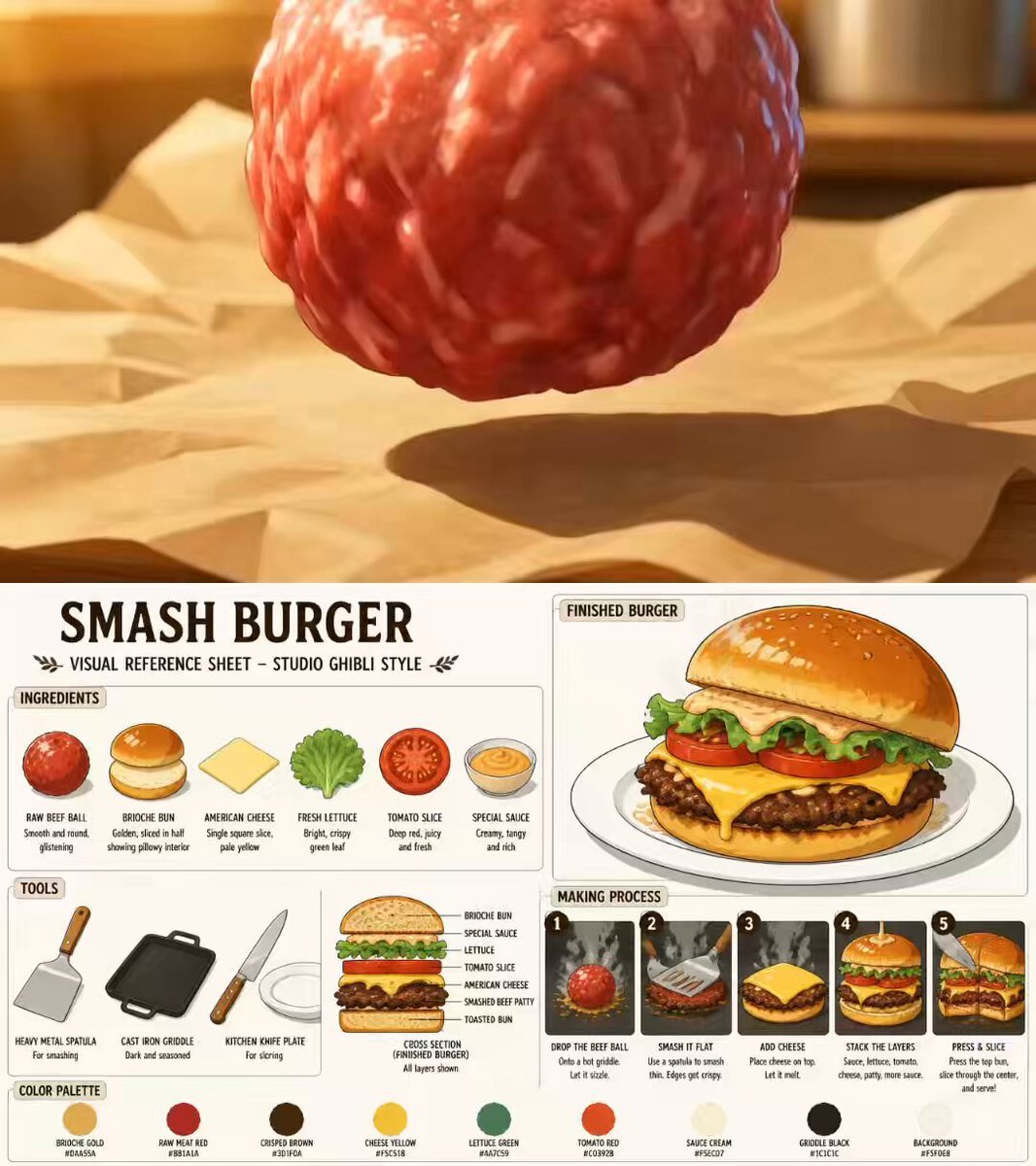
Ghibli Style Anime Cooking Short

Enchanted Forest Cougar Leap
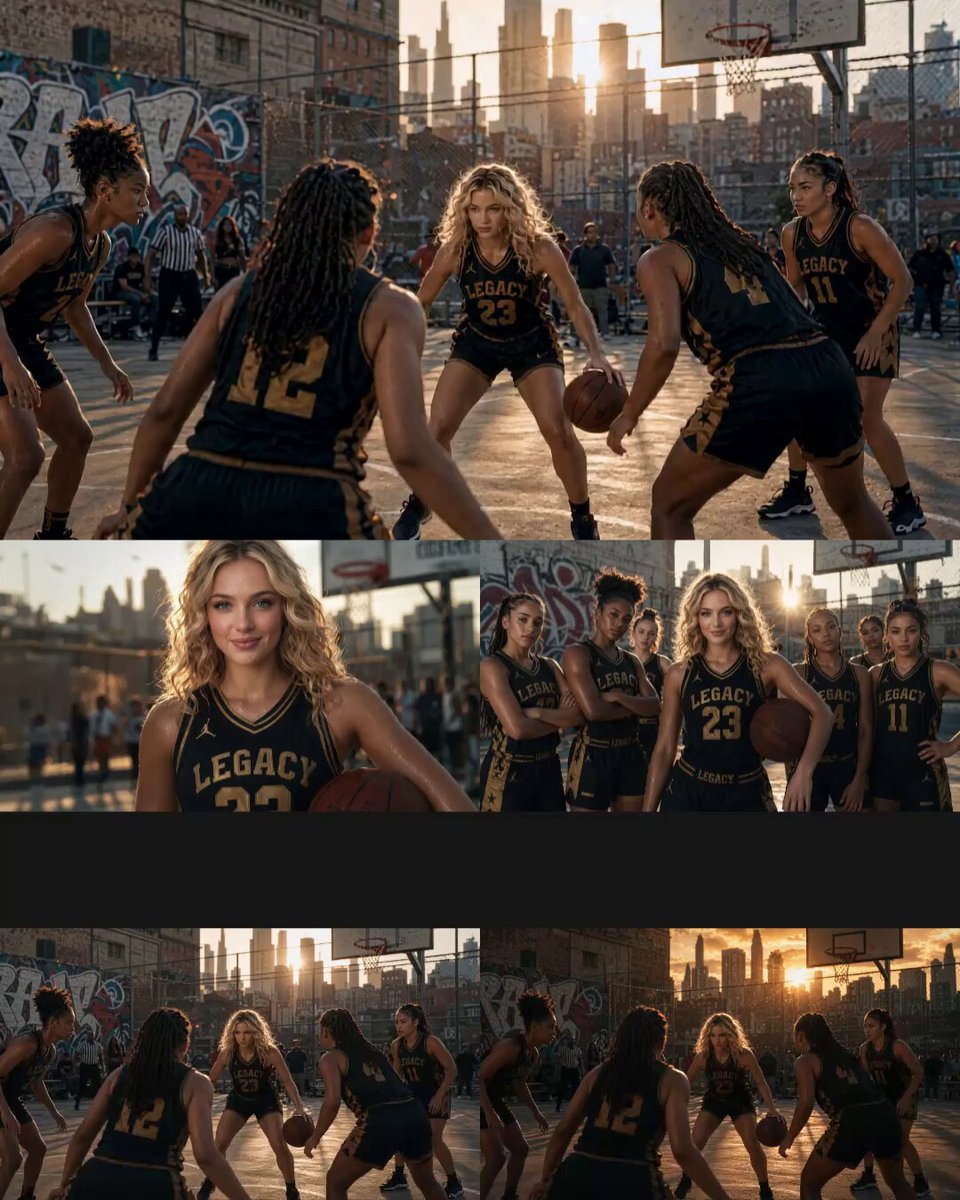
Cinematic Basketball Movie Sequence
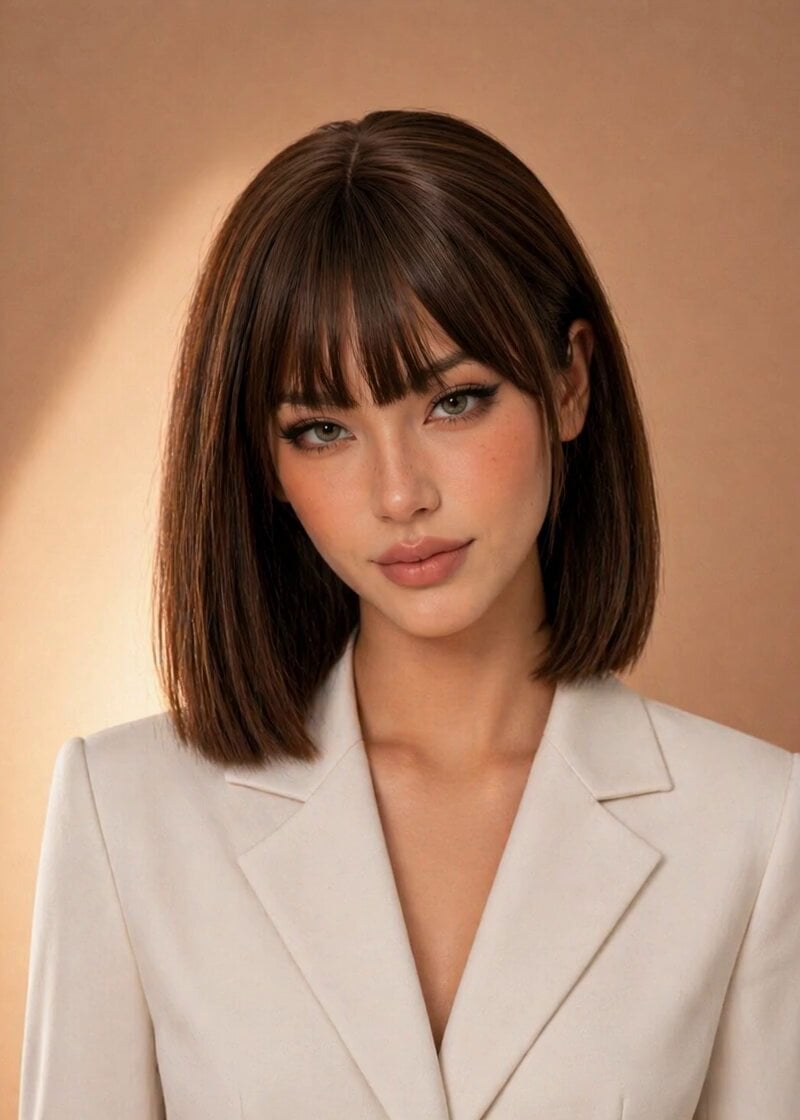
Professional News Anchor Simulation
Browse template categories
London Chic Fashion Scan Video questions
How do I use the London Chic Fashion Scan Video template?
Add your photo if the template asks for one, edit the prompt if you like — the template's model and format are already selected — and press Generate. Your version opens in PicX Studio.
Can I customize the London Chic Fashion Scan Video template?
Yes. You can change the subject, setting, lighting, mood, format, and available model controls before creating your video.
Is the London Chic Fashion Scan Video template free?
Opening and editing this template is free. Generating uses credits, shown on the Generate button when you are signed in.
Which AI model should I use?
Start with Seedance 2.0, which is the model associated with this template. You can compare another compatible model for a different finish.
Looking for something else? Browse all templates.

Your photo, any look
Thousands of ready templates for every top image and video model, from one credit balance.