
London Square Stumble and Recovery
A detailed storyboard prompt featuring a woman walking through a London square, stumbling on the pavement, and recovering with a confident smile.
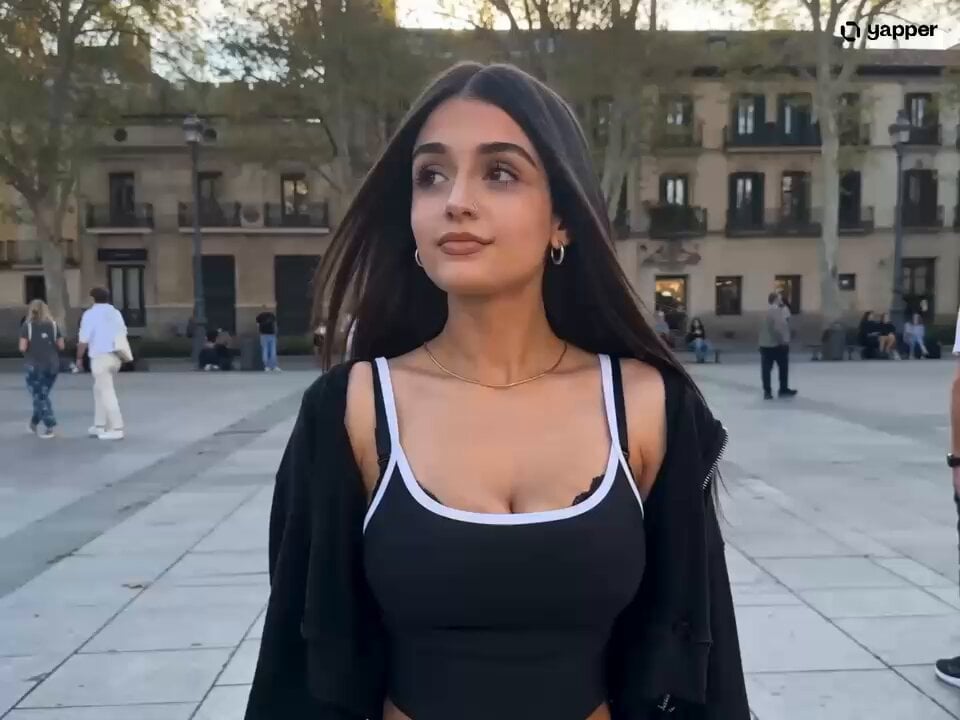
- Prompt included
- Model and format preset
- Free template
The prompt behind this video
Copy the exact prompt behind London Square Stumble and Recovery, or open it in the studio and make it yours.
Young woman from Untitled Element, maintaining her look, dark hair, nose ring, black top/jacket. Scene: A bustling, sunlit London square with blurred pedestrians in the background. Style: High-quality, realistic street photography, shallow depth of field, natural lighting. Lighting: Bright, natural daylight, soft sunlight reflecting off pavement and buildings. Audio: Ambient city sounds, distant traffic, footsteps on stone, sudden scuff of shoes, quick rising sound. [0-4s] The subject is walking confidently toward the camera through a busy London square, with blurred figures moving behind her. Her hair moves naturally with her gait. Camera: Smooth handheld follow shot, moving backward at the same pace as her walk. Action: She walks with a steady rhythm, glancing left and right, appearing relaxed and self-assured. Lighting: Bright, even natural daylight. [4-7s] The subject stumbles unexpectedly on the pavement. She quickly loses her balance and falls to the ground, hands hitting the pavement to break the fall. Camera: Static, tracking her descent, then holding low. Action: She trips, falling forward. Her hands and knees make contact with the pavement. Lighting: Sharp sunlight catching the sudden motion. VFX: Minor dust particles kicked up from the ground. [7-10s] In one fluid, rapid motion, she pushes herself back up to a standing position, brushing off her jacket as she stands. Camera: Quick, subtle tilt up with the movement, then stabilizing. Action: She springs up instantly, using her core strength. She smooths her jacket and hair in a hurried, embarrassed motion. Lighting: Bright sun illuminating her face as she stands. [10-13s] She glances around rapidly, eyes darting to see if anyone noticed her fall, then immediately forces a bright, calm smile to compose herself. Camera: Slow push-in to a medium close-up, focusing on her expression. Action: Her face transitions from a brief moment of shock to a polished, confident expression. She looks directly into the camera lens with a nothing happened smile. Lighting: Warm, soft natural light on her face. [13-15s] She turns slightly and resumes walking away from the camera, blending back into the crowd. Camera: Slow pull-out to follow her as she walks away, keeping her in frame. Action: She continues walking with a brisk, natural step, putting distance between her and the spot of the fall. Lighting: Natural daylight, soft lens flare as she moves forward. Avoid: Identity drift, teleporting limbs, distorted face during the fall, unnatural rapid animation.
How to use London Square Stumble and Recovery in 3 steps
- 1
Open
The prompt is already in the box next to the preview, with the template's model and format selected.
- 2…a portrait of your subject in softgolden-hour light, 85mm…
Personalize
Edit the subject and creative details for your destination.
- 3Generate
Generate
Press Generate — your video is created in PicX Studio, so you can compare it with the original and refine one variable at a time.
More like this
Templates with the same subject, style or setup. Open one to see its prompt.
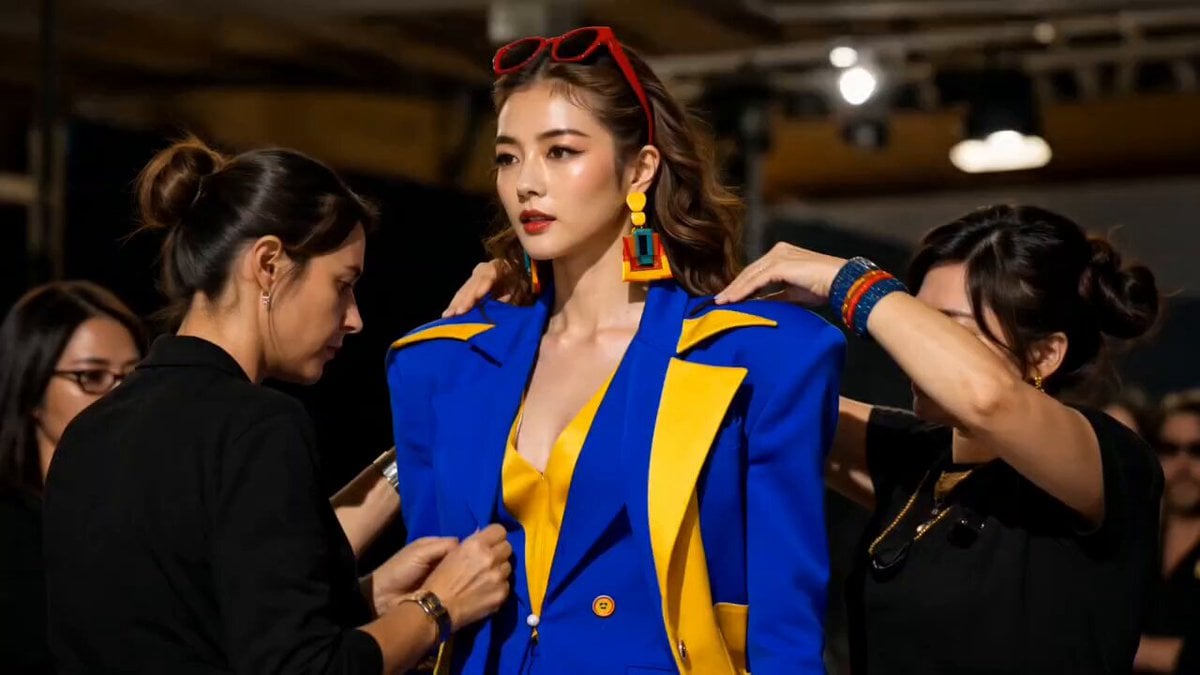
Fashion Runway Stumble Recovery
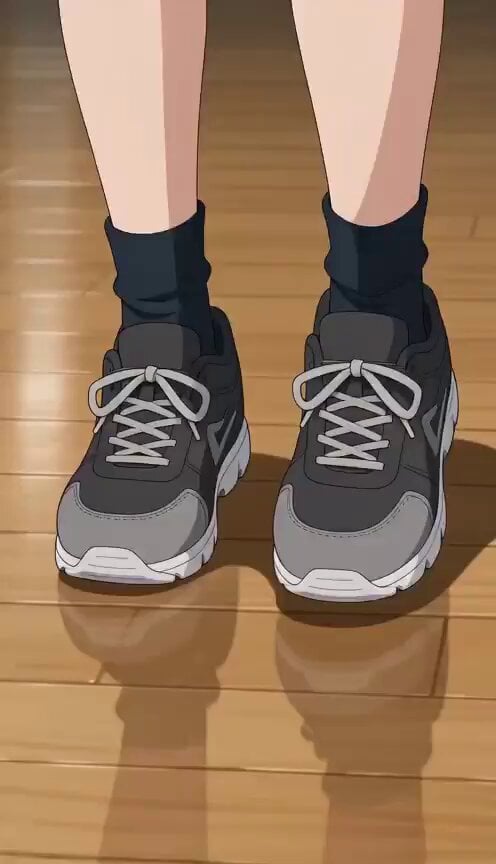
Anime Stumble Impact Scene
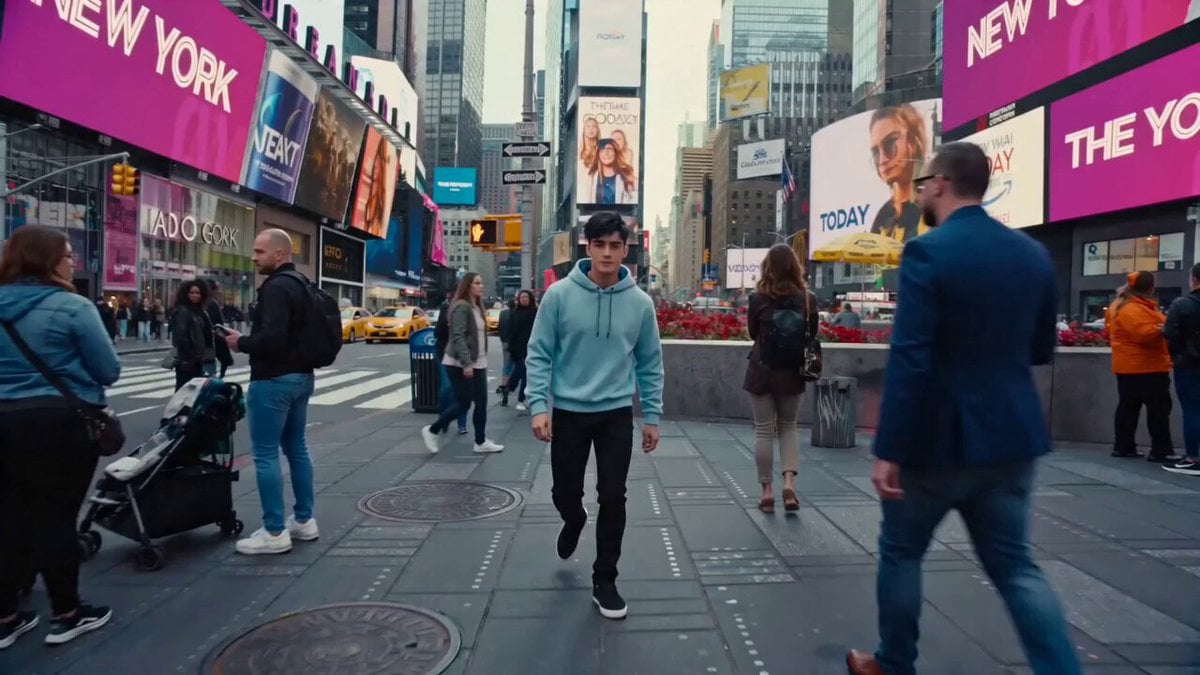
Cinematic Times Square Confidence Walk
Urban Square Giant Vision Assembly

Beautiful Cat-Like Woman in Town Square
Night Deck Recovery Shot List Prompt for Seedance 2.0
Fight Scene Prompt: Impact and Recovery
Shiba Inu London Sunset
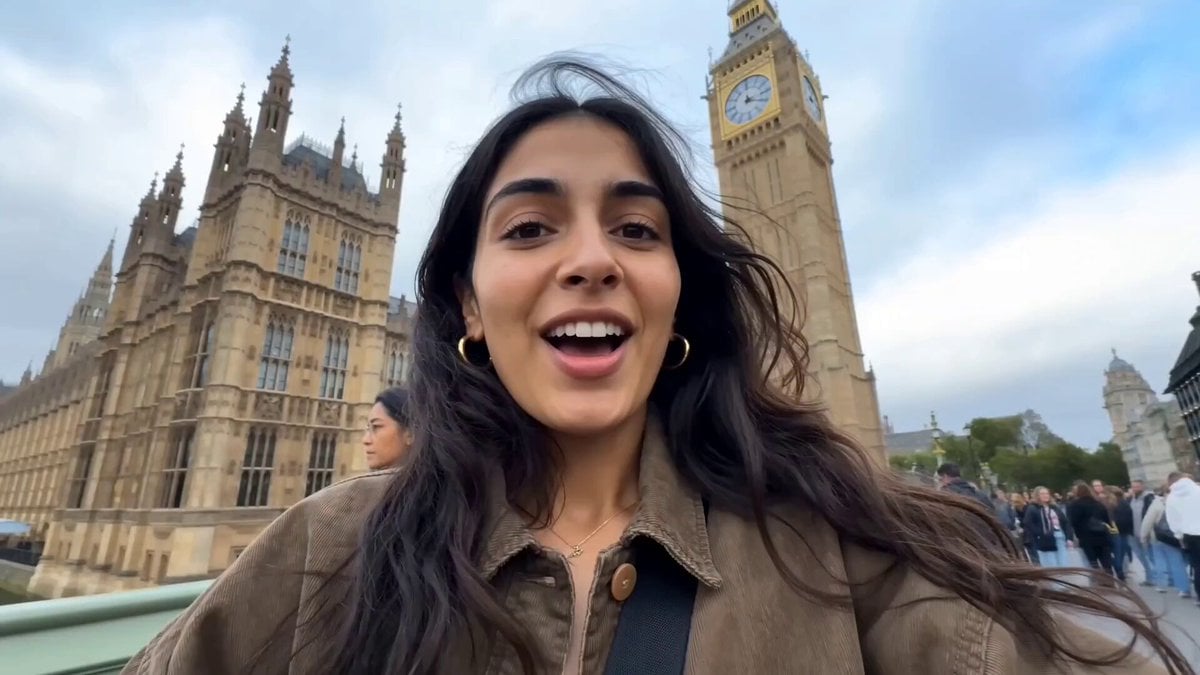
Female Travel Vlogger in London

London Chic Fashion Scan Video

London Street Magic Vortex
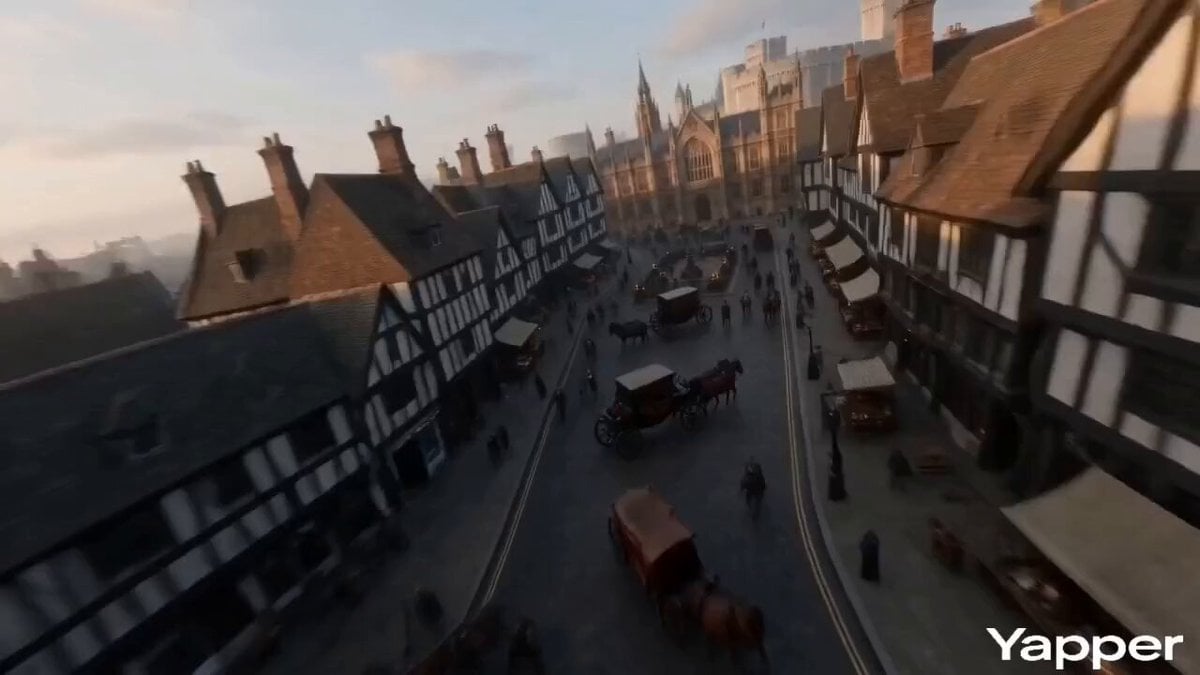
FPV Video of Ancient London
Make it yours
London Square Stumble and Recovery works as-is. These are the safest ways to change it without losing the look.
Change one field
Copy a single group, rewrite it, and generate again so you can see what that field is doing.
Keep the frame, change the subject
Hold the composition and light of London Square Stumble and Recovery, then swap wardrobe, props or the person for a new take.
| If the result… | Why | Fix |
|---|---|---|
| The result drifts from the preview | Too many fields changed at once. | Reuse London Square Stumble and Recovery as-is first, then change one group — subject, light, or setting. |
| The model over-stylizes the scene | The prose prompt leaves finish and camera underspecified. | Add one camera or lighting sentence and stay on Seedance 2.0. |
More Seedance 2.0 templates
Other prompts made for Seedance 2.0.

Comical Martial Arts Punch Scene

Maglev Train Action Sequence

Martial Arts Fight Sequence

Wuxia Protection and Trust Script

Vintage Korean Arcade MiniDV Vlog

Mercedes 190 SL Luxury Ad

Rainy Night Supernatural Reverse Comedy Video Script

Amazon Civilization Discovery

Futuristic South Asian City Transformation

Cozy Luxury Cafe Commercial
More video prompts
Fresh picks from across the catalog.

Sunday Market Memories Flip Camera
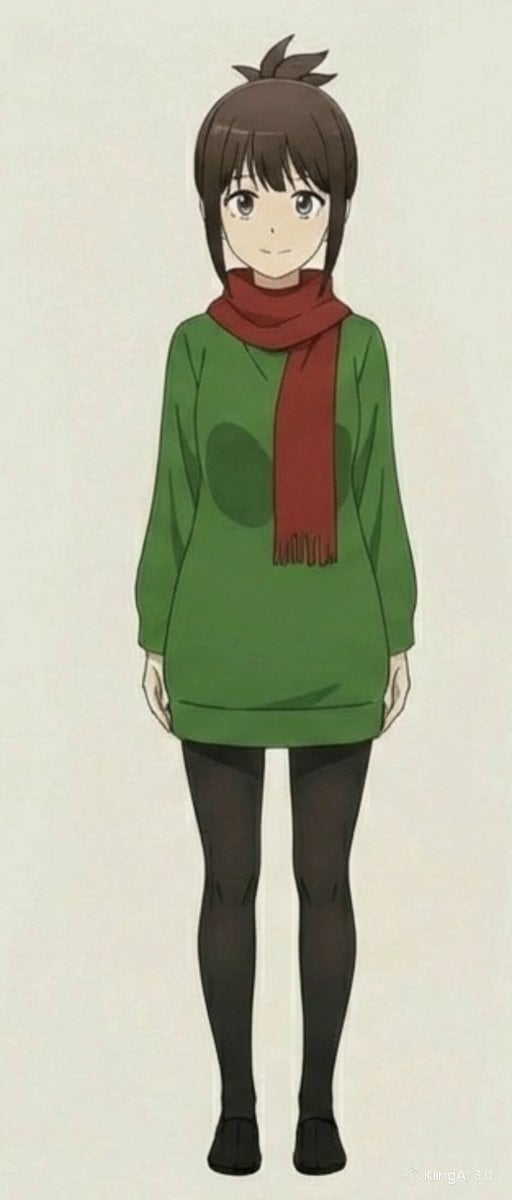
Anime Character Book Catch

Cincinnati Park Scene with Hovering Car
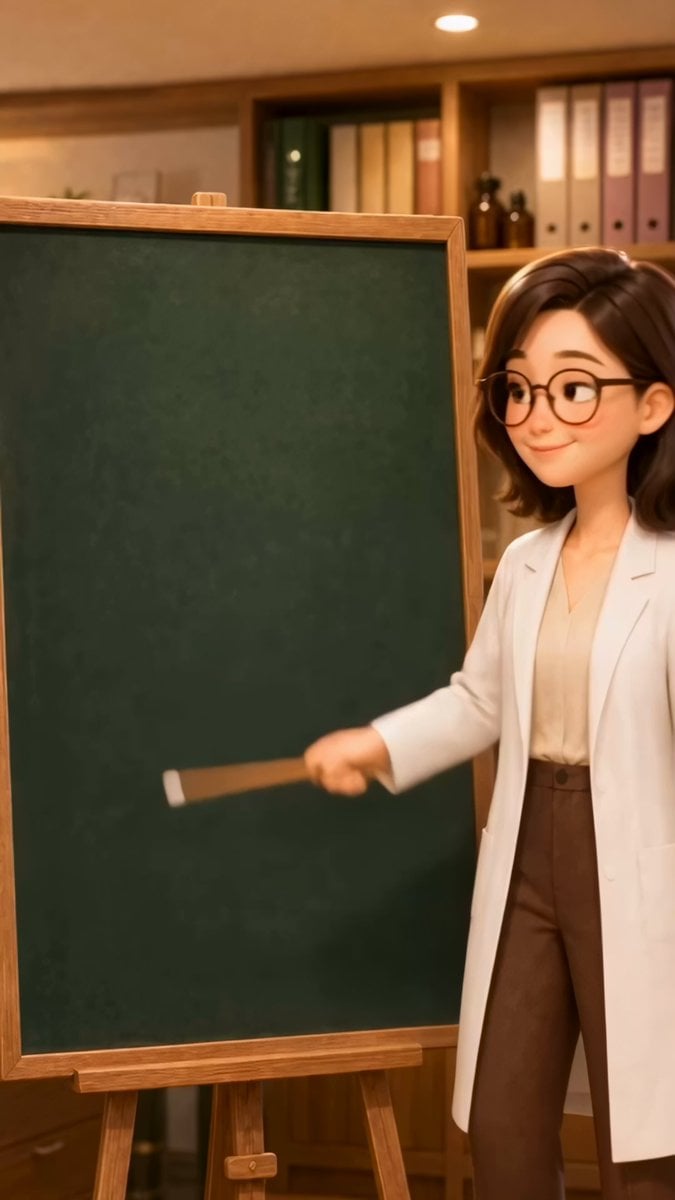
Teacher Japanese Chalkboard Writing Animation

Seedance 2.0 Chinese Fantasy CG Prompt: Calligraphy Magic
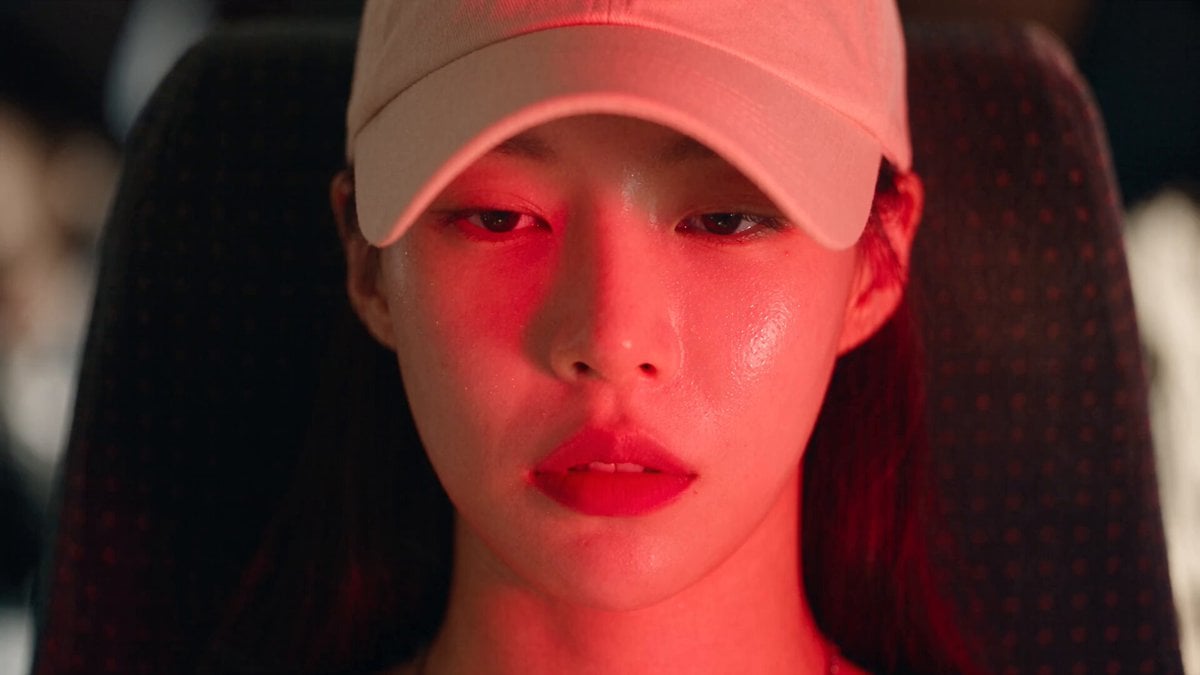
Dead End Express Zombie Outbreak

Seedance 2.0 Storyboard Prompt Structure
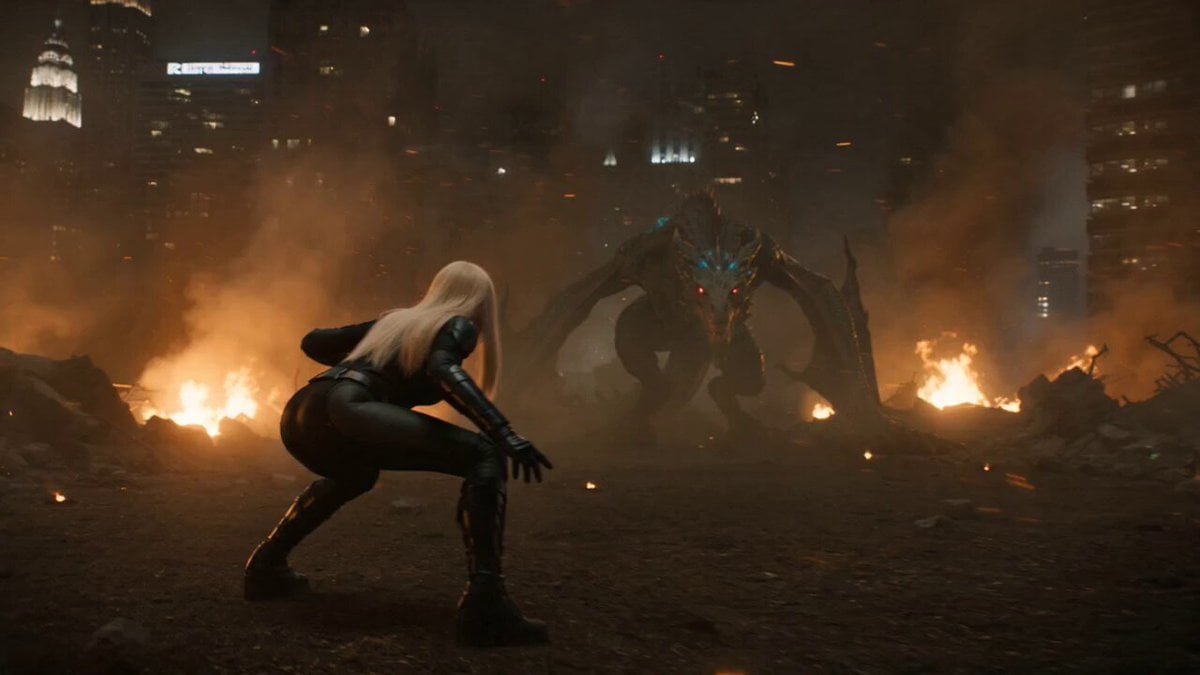
Cinematic Hero vs Dragon Combat

Eternal Beauty in Art

Rainy Bus Stop Memory
Browse template categories
London Square Stumble and Recovery questions
How do I use the London Square Stumble and Recovery template?
Add your photo if the template asks for one, edit the prompt if you like — the template's model and format are already selected — and press Generate. Your version opens in PicX Studio.
Can I customize the London Square Stumble and Recovery template?
Yes. You can change the subject, setting, lighting, mood, format, and available model controls before creating your video.
Is the London Square Stumble and Recovery template free?
Opening and editing this template is free. Generating uses credits, shown on the Generate button when you are signed in.
Which AI model should I use?
Start with Seedance 2.0, which is the model associated with this template. You can compare another compatible model for a different finish.
Looking for something else? Browse all templates.

Your photo, any look
Thousands of ready templates for every top image and video model, from one credit balance.