
Night Deck Recovery Shot List Prompt for Seedance 2.0
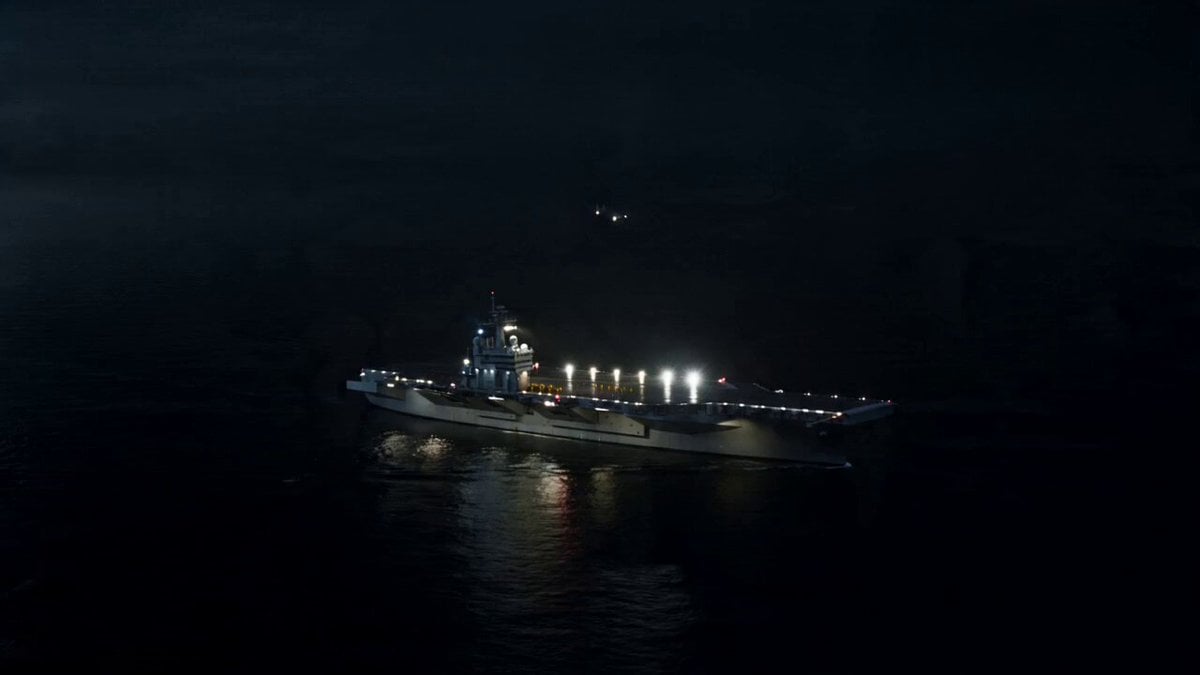
A structured prompt for Seedance 2.0 using a shot list format to generate a 15-second night landing thriller sequence on an aircraft carrier deck, specifying lighting, mood, and six distinct shots detailing the fighter…
- Prompt included
- Model and format preset
- Free template
The prompt behind this video
Copy the exact prompt behind Night Deck Recovery Shot List Prompt for Seedance 2.0, or open it in the studio and make it yours.
Night Deck Recovery FORMAT: 15s / 6 SHOTS / night landing thriller / no dialogue STYLE: deep blue night, deck floodlights, glowing guidance lights, reflective wet steel, high-contrast war tension, realistic night aviation atmosphere Shot 01 (0:00-0:02) Wide night aerial of an aircraft carrier in the middle of the black ocean, deck lit like a floating island, one fighter jet descending out of darkness. Shot 02 (0:02-0:04) Close tracking from below the jet’s nose, landing gear down, blinking lights cutting through mist, deck guidance lights forming a bright path ahead. Shot 03 (0:04-0:06) Deck POV, signal crew illuminated by hard blue-white lighting, rain droplets and spray sparkling in the floodlights as the aircraft closes fast. Shot 04 (0:06-0:09) Side impact shot, the fighter touches down on the wet deck, hook catches instantly, sparks and reflected light streaking across the steel. Shot 05 (0:09-0:12) Medium handheld shot from the carrier deck as the jet rolls to a stop, wings shimmering under harsh lights, crew surrounding it through mist and jet exhaust. Shot 06 (0:12-0:15) Final high crane shot straight above the carrier, tiny in the endless black ocean, fighter secure on deck, ship lights glowing against the night sea.
How to use Night Deck Recovery Shot List Prompt for Seedance 2.0 in 3 steps
- 1
Open
The prompt is already in the box next to the preview, with the template's model and format selected.
- 2…a portrait of your subject in softgolden-hour light, 85mm…
Personalize
Edit the subject and creative details for your destination.
- 3Generate
Generate
Press Generate — your video is created in PicX Studio, so you can compare it with the original and refine one variable at a time.
More like this
Templates with the same subject, style or setup. Open one to see its prompt.
Late Night Kitchen Phone Recording - Seedance 2.5
Rainforest Thriller — Searching the Unseen
Asteroid Impact City Destruction
Realistic City Street Story Cinematic Video - Seedance
Griffin Knight Mountain Kingdom — Seedance 2.0
Wholesome Puppy and Kitten Story - Seedance 2.5

Mysterious Home Exploration Vlog - Seedance 2.5
Dark Tokusatsu Transformation - Seedance 2.5
Cinematic Xinjiang Drone Landscapes - Seedance 2.5
3D Animated Cat and Old Man - Seedance
Seedance 2.0 First Test — Dynamic Motion Showcase
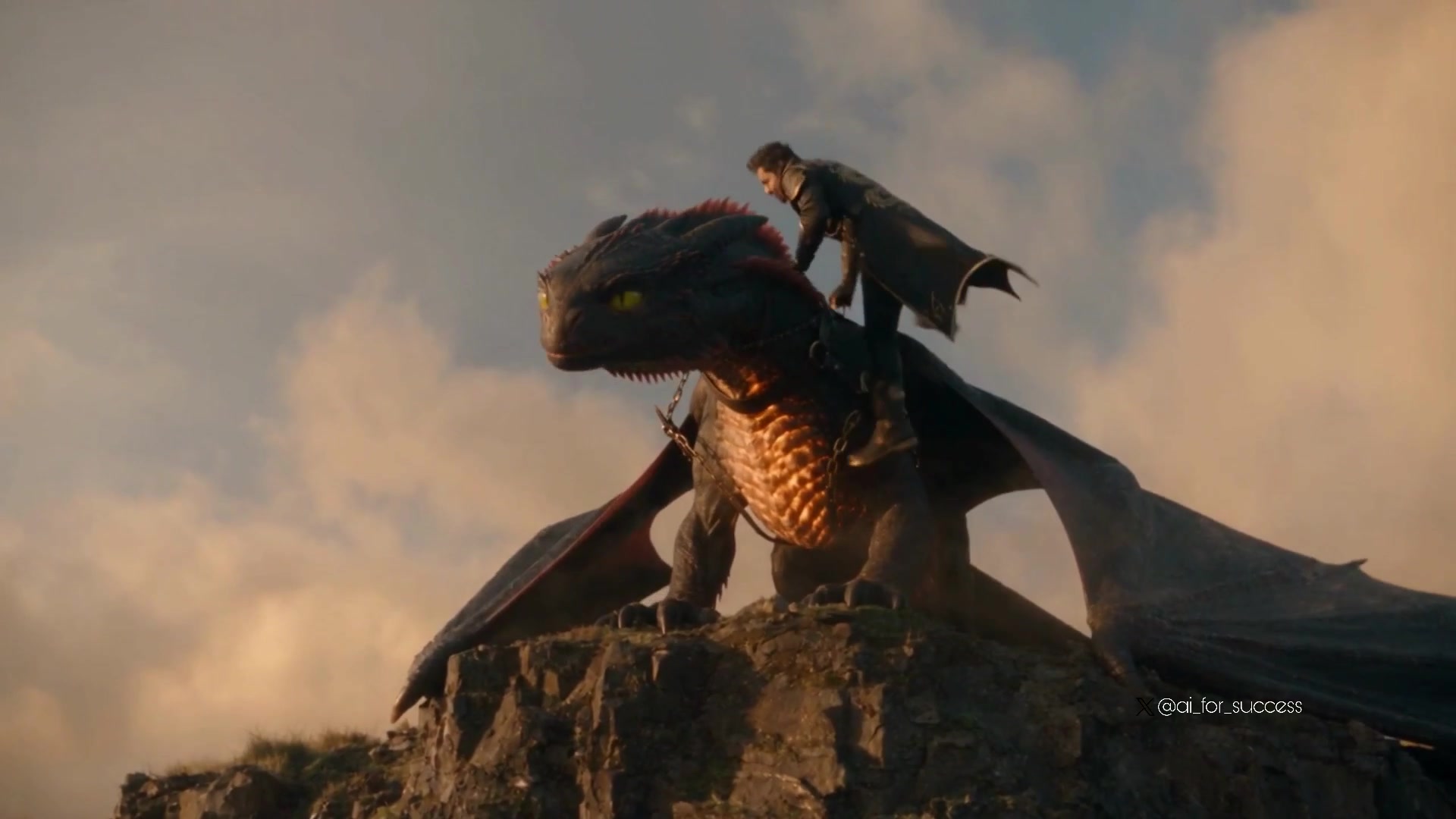
Dragon Rider Cinematic Flight — Seedance 2.5
Make it yours
Night Deck Recovery Shot List Prompt for Seedance 2.0 works as-is. These are the safest ways to change it without losing the look.
Change one field
Copy a single group, rewrite it, and generate again so you can see what that field is doing.
Keep the frame, change the subject
Hold the composition and light of Night Deck Recovery Shot List Prompt for Seedance 2.0, then swap wardrobe, props or the person for a new take.
| If the result… | Why | Fix |
|---|---|---|
| The result drifts from the preview | Too many fields changed at once. | Reuse Night Deck Recovery Shot List Prompt for Seedance 2.0 as-is first, then change one group — subject, light, or setting. |
| The model over-stylizes the scene | The prose prompt leaves finish and camera underspecified. | Add one camera or lighting sentence and stay on Seedance 2.0. |
More Seedance 2.0 templates
Other prompts made for Seedance 2.0.

Comical Martial Arts Punch Scene

Maglev Train Action Sequence

Martial Arts Fight Sequence

Wuxia Protection and Trust Script

Vintage Korean Arcade MiniDV Vlog

Mercedes 190 SL Luxury Ad

Rainy Night Supernatural Reverse Comedy Video Script

Amazon Civilization Discovery

Futuristic South Asian City Transformation

Cozy Luxury Cafe Commercial
More video prompts
Fresh picks from across the catalog.
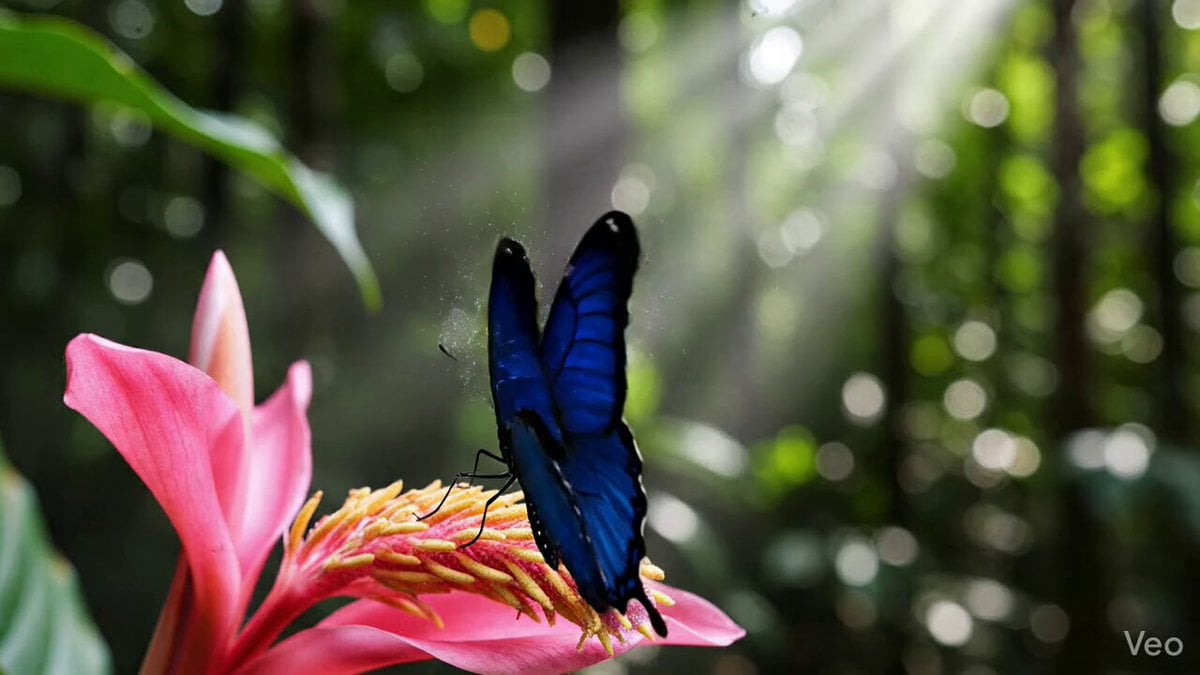
Morpho Butterfly Wing Simulation
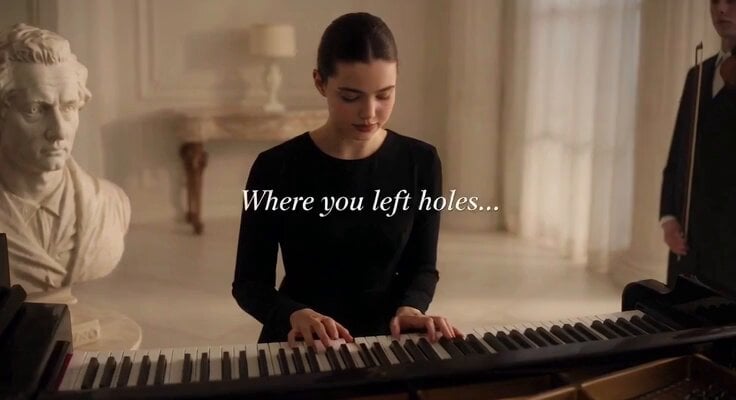
Cinematic Piano Room Commercial
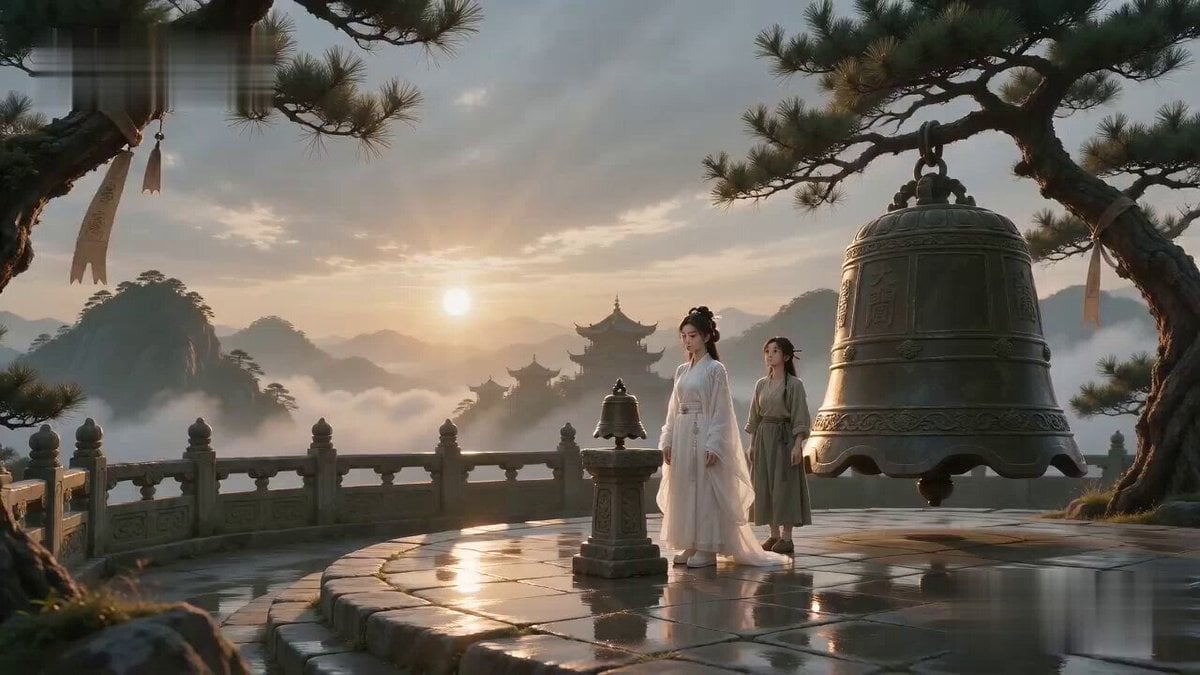
Ancient Sect Dinner Bell Comedy
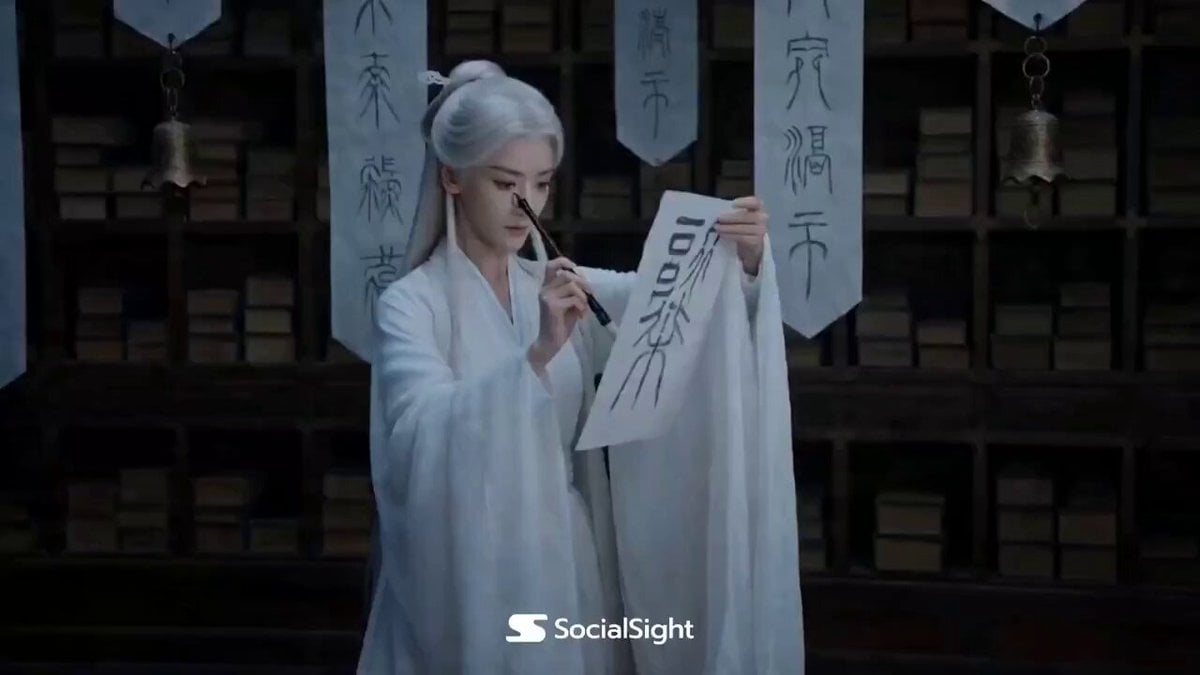
Sorceress Sigil Battle
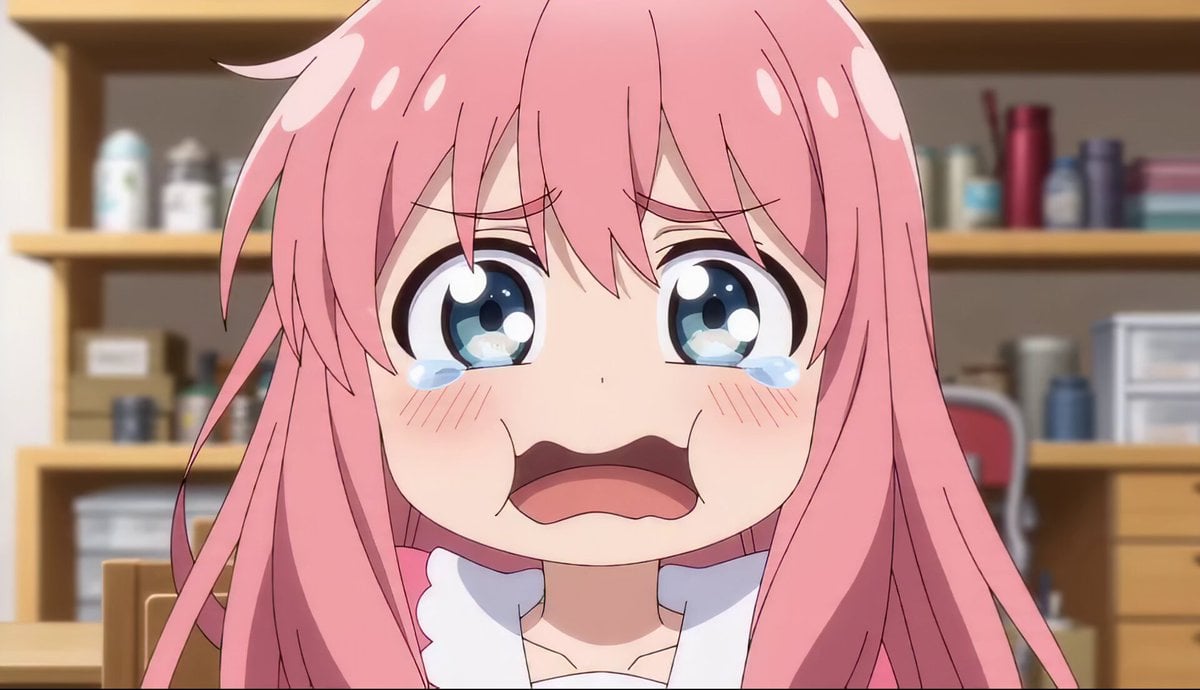
Crying Anime Girl Lip-Sync Prompt

Dark Skinned Woman and Wolf Defending Nature
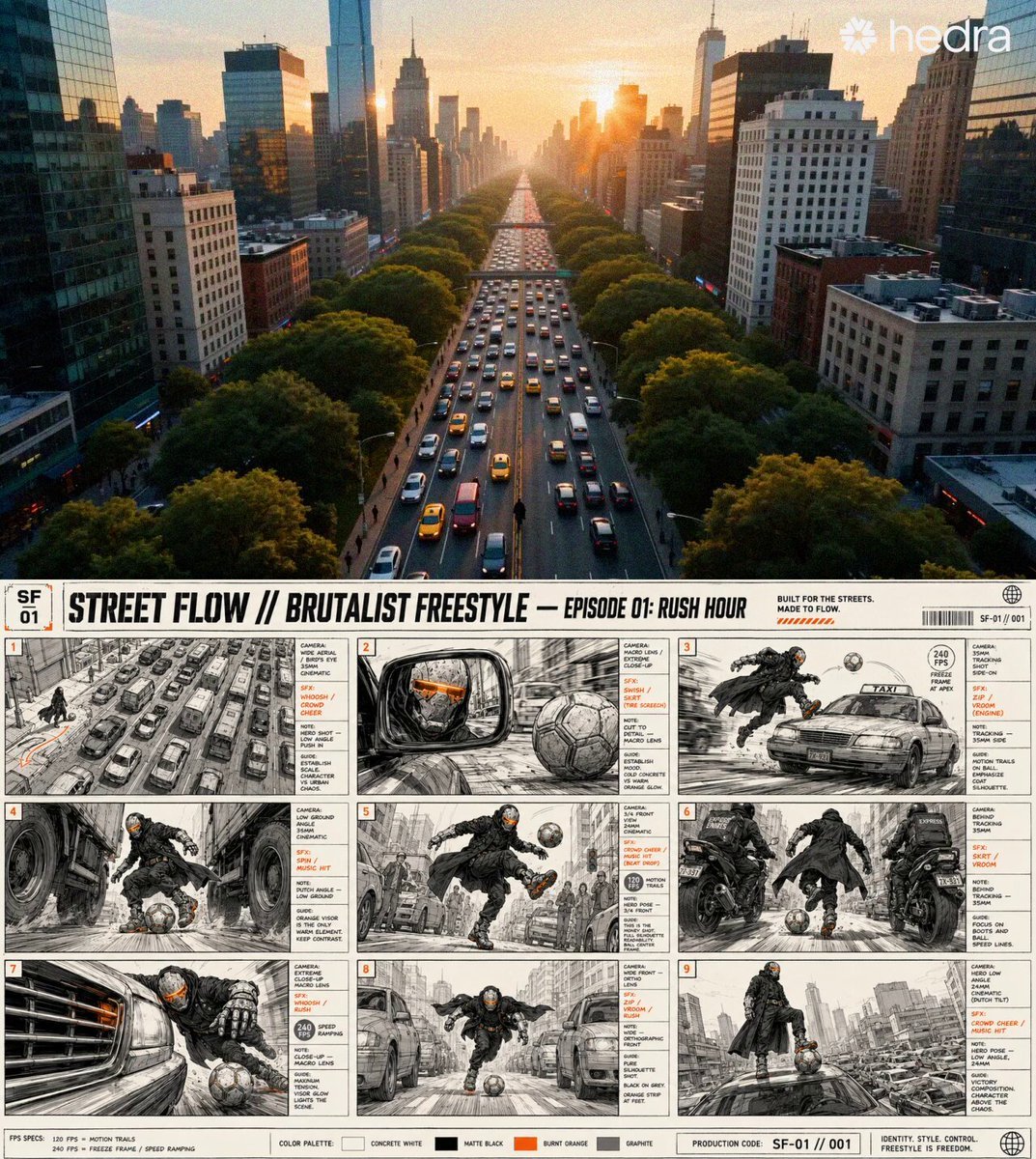
Sci-Fi Character and Storyboard Adherence Prompt
Prison riot and determined escapee
Hot-Air Balloon Travel Vlog
Cinematic Alpine Dragon Encounter
Browse template categories
Night Deck Recovery Shot List Prompt for Seedance 2.0 questions
How do I use the Night Deck Recovery Shot List Prompt for Seedance 2.0 template?
Add your photo if the template asks for one, edit the prompt if you like — the template's model and format are already selected — and press Generate. Your version opens in PicX Studio.
Can I customize the Night Deck Recovery Shot List Prompt for Seedance 2.0 template?
Yes. You can change the subject, setting, lighting, mood, format, and available model controls before creating your video.
Is the Night Deck Recovery Shot List Prompt for Seedance 2.0 template free?
Opening and editing this template is free. Generating uses credits, shown on the Generate button when you are signed in.
Which AI model should I use?
Start with Seedance 2.0, which is the model associated with this template. You can compare another compatible model for a different finish.
Looking for something else? Browse all templates.

Your photo, any look
Thousands of ready templates for every top image and video model, from one credit balance.