
Sorceress Sigil Battle
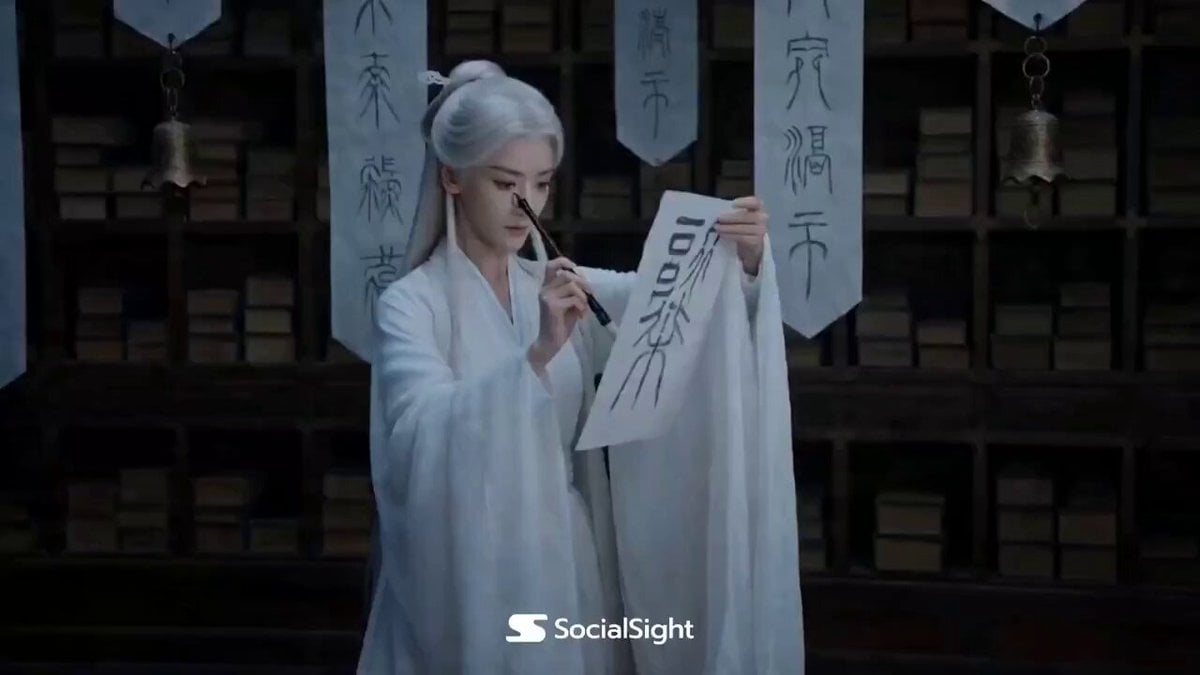
A highly detailed 12-shot action sequence prompt featuring a white-haired sorceress battling a shadow entity with magic sigils.
- Prompt included
- Model and format preset
- Premium template
The prompt behind this video
Copy the exact prompt behind Sorceress Sigil Battle, or open it in the studio and make it yours.
Shot 1 (00: 00–00:01) – MS, Dolly in + Whip Pan A white-haired sorceress stands in an ancient archive filled with hanging talismans and bells, painting a sigil. Dark mist erupts from the ground—she reacts instantly, dodging and countering with a sweeping brush strike. VFX: Distorted, pulsing shadow mist. SFX: Paper rustle, soft bells, low hum. Shot 2 (00: 01–00:02) – CU, Fast Push-in Her eyes glow. With a flick of her wrist, she draws sharp blue sigil strokes mid-air, forming blade-like trails. VFX: Intersecting cold-blue energy lines. SFX: Sharp air cuts, energy charge. Shot 3 (00: 02–00:03) – WS, Crane Up Talismans swirl violently. Layered circular sigils form beneath her feet. A shadow entity emerges but is blocked by the rotating barrier. VFX: Multi-layer rotating sigil rings, vortex of talismans. SFX: Deep resonance, swirling wind. Shot 4 (00: 03–00:04) – MFS, Orbit Tracking Scene shifts to a fractured sky. She steps on floating sigils; her brush extends into a glowing chain of runes that lashes toward the entity. VFX: Flickering rune-chain light. SFX: Air tearing, chain clinks. Shot 5 (00: 04–00:06) – LS, Chase Cam Amid storm clouds and a broken moon, she rides the rune chain through the air, pursuing the fleeing shadow. VFX: Rolling clouds, blue-white trails vs black mist. SFX: Roaring wind, distant thunder. Shot 6 (00: 06–00:07) – CU, Slide She taps nodes along the chain, activating hidden purple sigils that pulse with new energy. VFX: Sequential purple node illumination, pulse flow. SFX: Light clicks, energy hum. Shot 7 (00: 07–00:08) – MCU, Static She closes in and strikes the entity’s forehead. A burst of light—its body distorts, a complex seal appears on its chest. VFX: Purple-blue flash, rotating seal. SFX: Sharp burst, distorted screech. Shot 8 (00: 08–00:09) – WS, Dive Shot Both streak downward like meteors, piercing clouds toward an ancient stone altar. VFX: Comet-like light trails. SFX: Air screech, compression. Shot 9 (00: 09–00:10) – WS, Impact Static They crash. Dust erupts. She slams her hand down—radiating sigils crack across the ground. VFX: Glowing fractures spreading outward. SFX: Heavy impact, stone cracking. Shot 10 (00: 10–00:12) – LS, Pull Back A massive 3D sigil array rises, forming layered barriers that trap the entity at the center. She stands calmly outside. VFX: Expanding geometric barriers, drifting particles. SFX: Low steady resonance. Shot 11 (00: 12–00:13) – CU, Static She forms a hand seal and whispers: “Seal.” VFX: Light particles contract. SFX: Soft chant, energy tightening. Shot 12 (00: 13–00:15) – CU, Fade Out Eyes closed, she meditates as all light fades, leaving faint residual glow in silence. VFX: Light dissipates into darkness. SFX: Gentle wind, fading echo.
How to use Sorceress Sigil Battle in 3 steps
- 1
Open
The prompt is already in the box next to the preview, with the template's model and format selected.
- 2…a portrait of your subject in softgolden-hour light, 85mm…
Personalize
Edit the subject and creative details for your destination.
- 3Generate
Generate
Press Generate — your video is created in PicX Studio, so you can compare it with the original and refine one variable at a time.
More like this
Templates with the same subject, style or setup. Open one to see its prompt.
Swordsman vs Shadow Monster — Bamboo Forest Battle
Tiger vs Gorilla — Jungle Canyon Clash
Mecha Transformation vs Kaiju — 4-Scene Epic
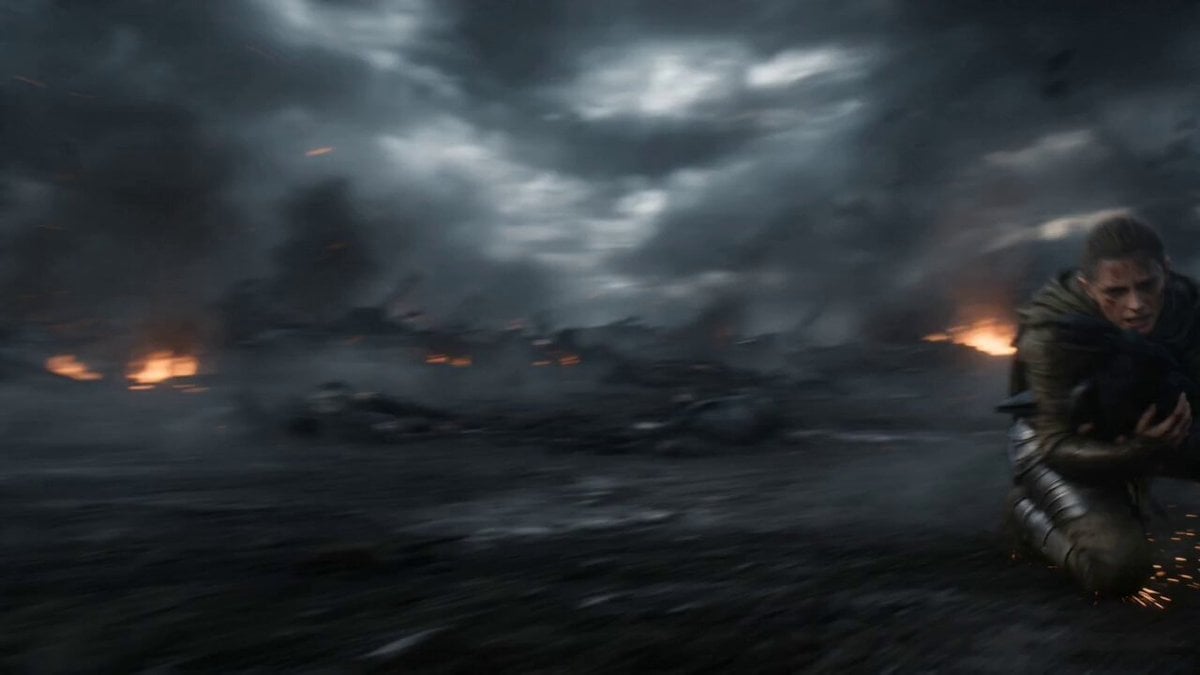
Dark Fantasy Sorceress Transformation
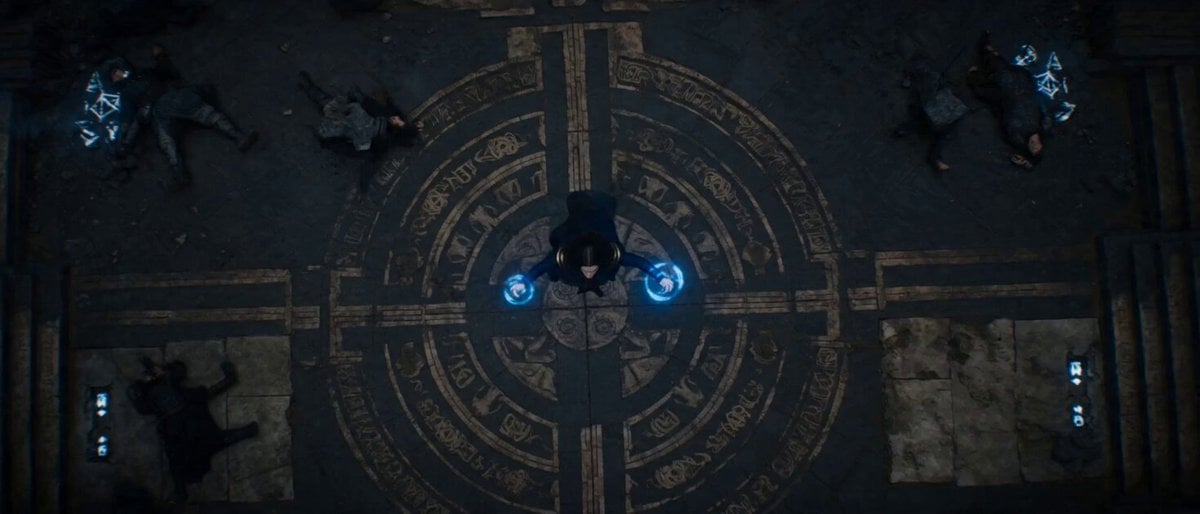
Sorceress Arcane Storm Summoning
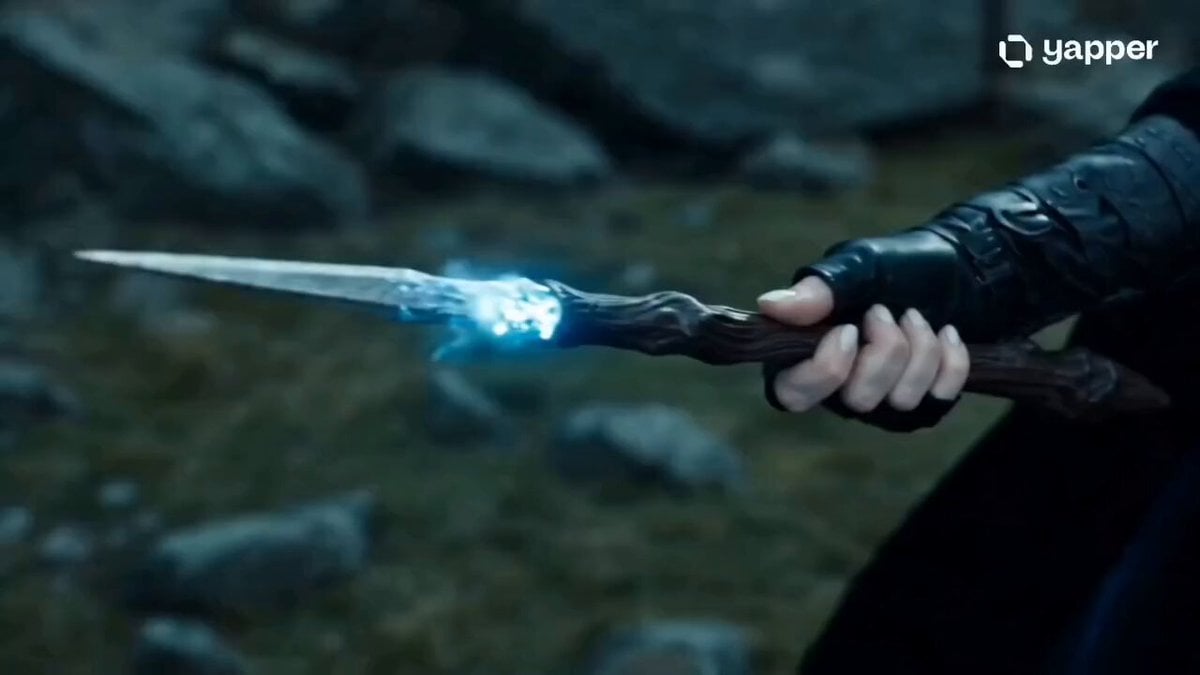
Sorceress Frost Shockwave
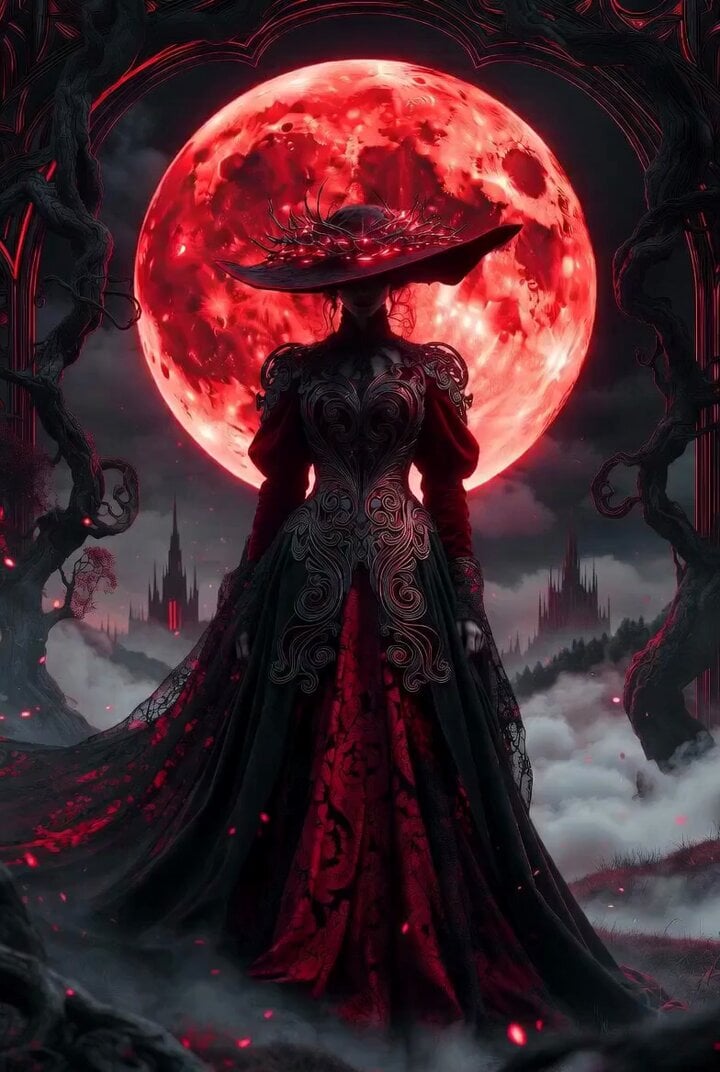
Dark Fantasy Sorceress 'Extend from Frame' Video
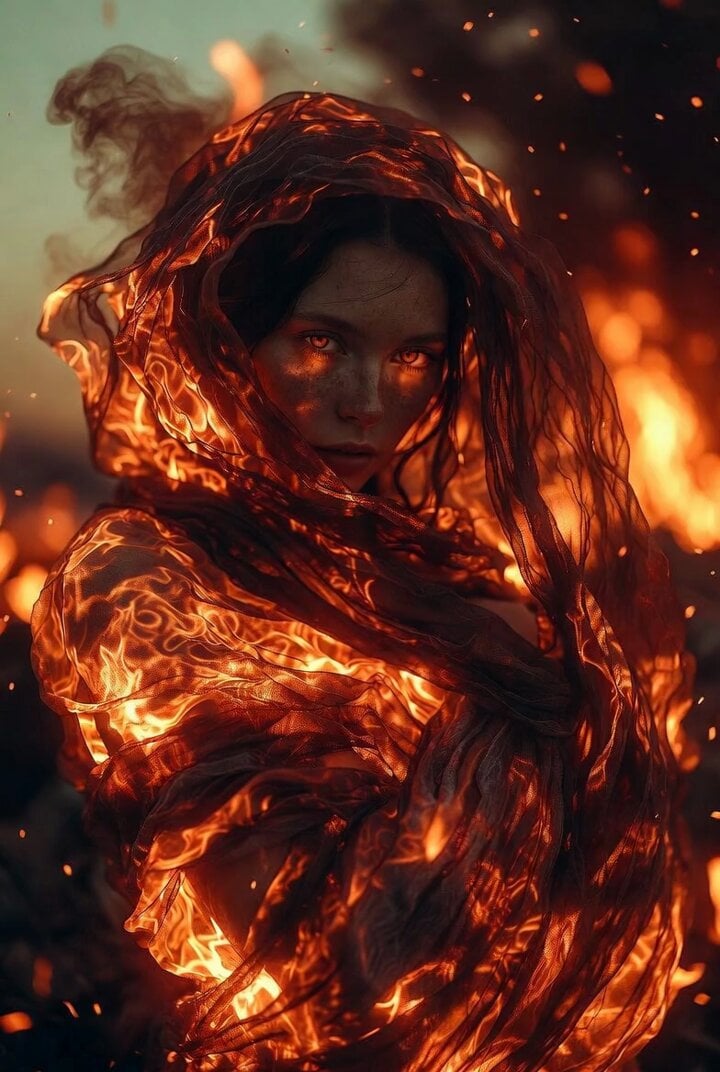
Ultra Sharp Portrait of a Sorceress Wrapped in Flame Fabrics
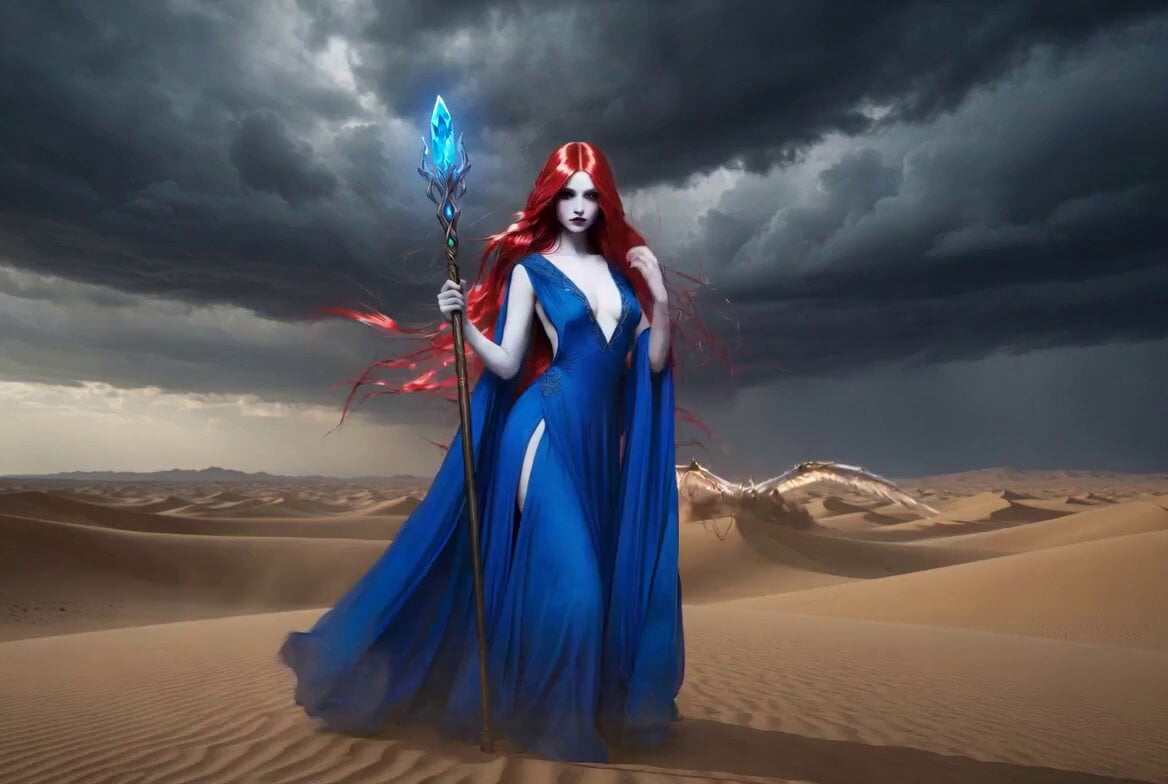
Sorceress Staff Magic Blast

Sorceress Manifestation Cinematic Sequence

Magic City Fantasy Battle Animation

Street Dance Battle Sony Headphones
Make it yours
Sorceress Sigil Battle works as-is. These are the safest ways to change it without losing the look.
Change one field
Copy a single group, rewrite it, and generate again so you can see what that field is doing.
Keep the frame, change the subject
Hold the composition and light of Sorceress Sigil Battle, then swap wardrobe, props or the person for a new take.
| If the result… | Why | Fix |
|---|---|---|
| The result drifts from the preview | Too many fields changed at once. | Reuse Sorceress Sigil Battle as-is first, then change one group — subject, light, or setting. |
| The model over-stylizes the scene | The prose prompt leaves finish and camera underspecified. | Add one camera or lighting sentence and stay on Seedance 2.0. |
More Seedance 2.0 templates
Other prompts made for Seedance 2.0.

Comical Martial Arts Punch Scene

Maglev Train Action Sequence

Martial Arts Fight Sequence

Wuxia Protection and Trust Script

Vintage Korean Arcade MiniDV Vlog

Mercedes 190 SL Luxury Ad

Rainy Night Supernatural Reverse Comedy Video Script

Amazon Civilization Discovery

Futuristic South Asian City Transformation

Cozy Luxury Cafe Commercial
More video prompts
Fresh picks from across the catalog.

Single-Take Tracking Shot from Past to Present
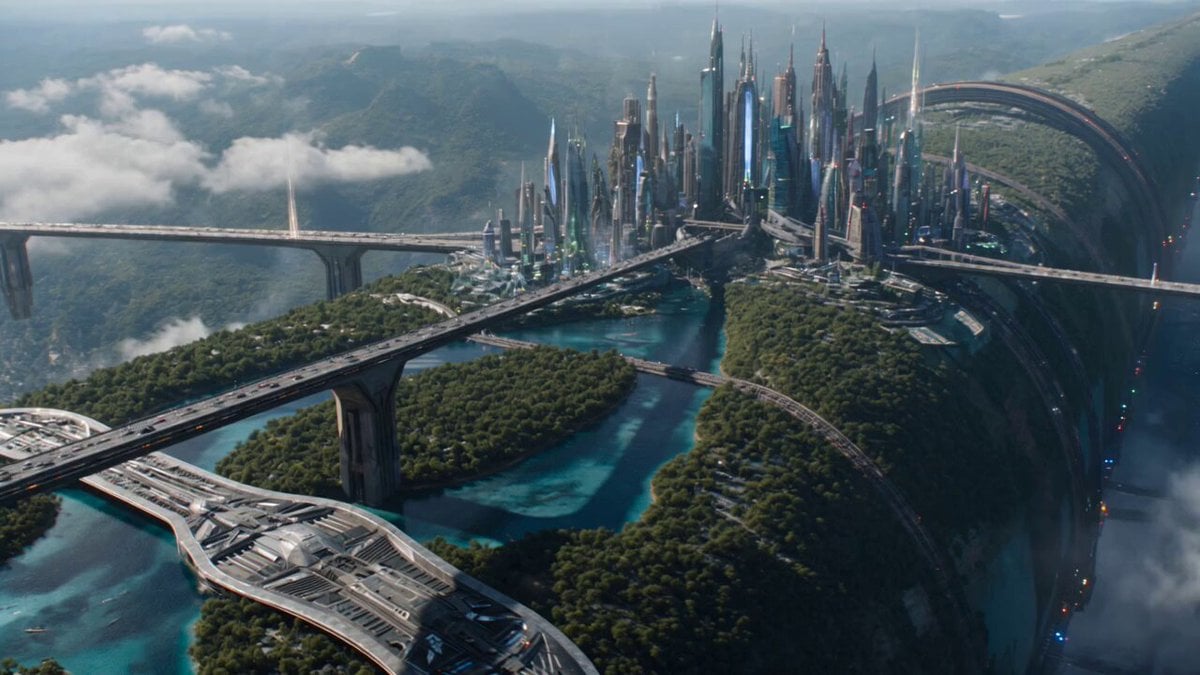
Futuristic Interceptor O'Neill Cylinder Chase

Wasteland Sister Battle

Metallic Relic Rainbow Energy
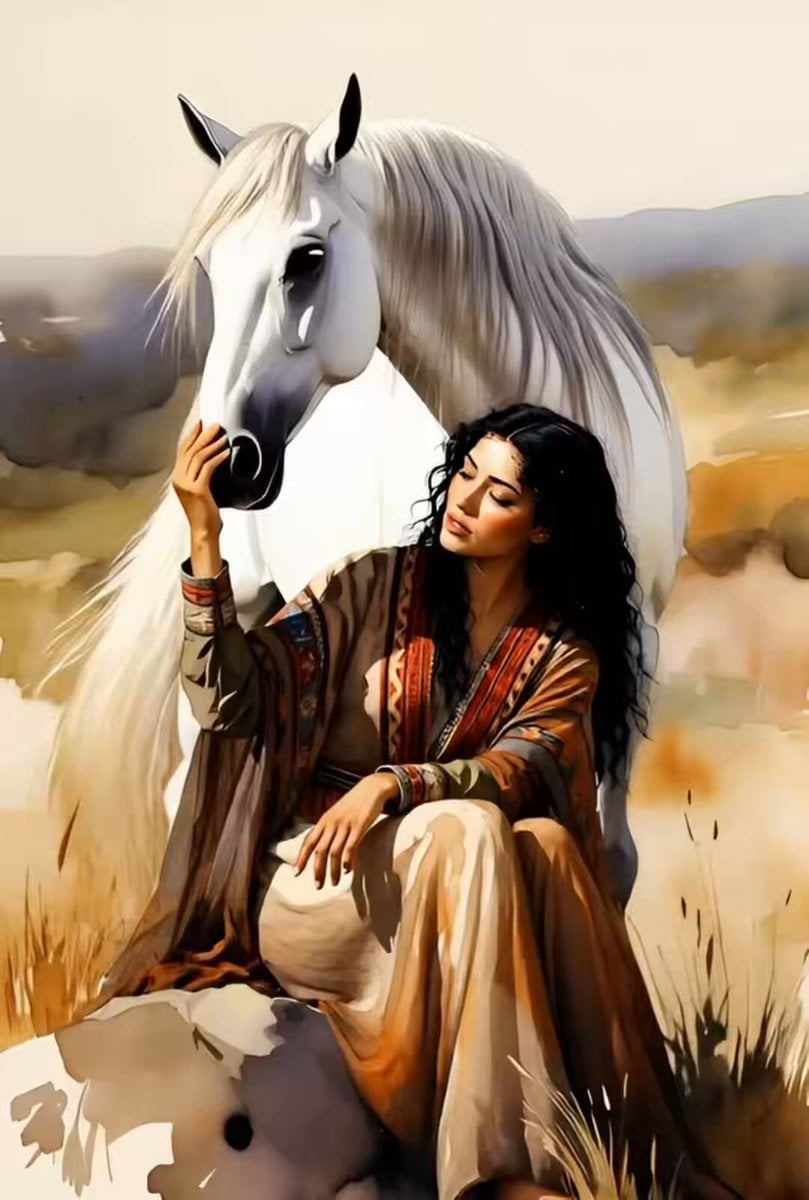
Watercolor Painting of Gypsy Woman and White Horse

Seedance 2.0 Valentine's Chocolate Making Scene

Futuristic Cyborg Sprinter Video Prompt

Claymation Odysseus and Cyclops Animation
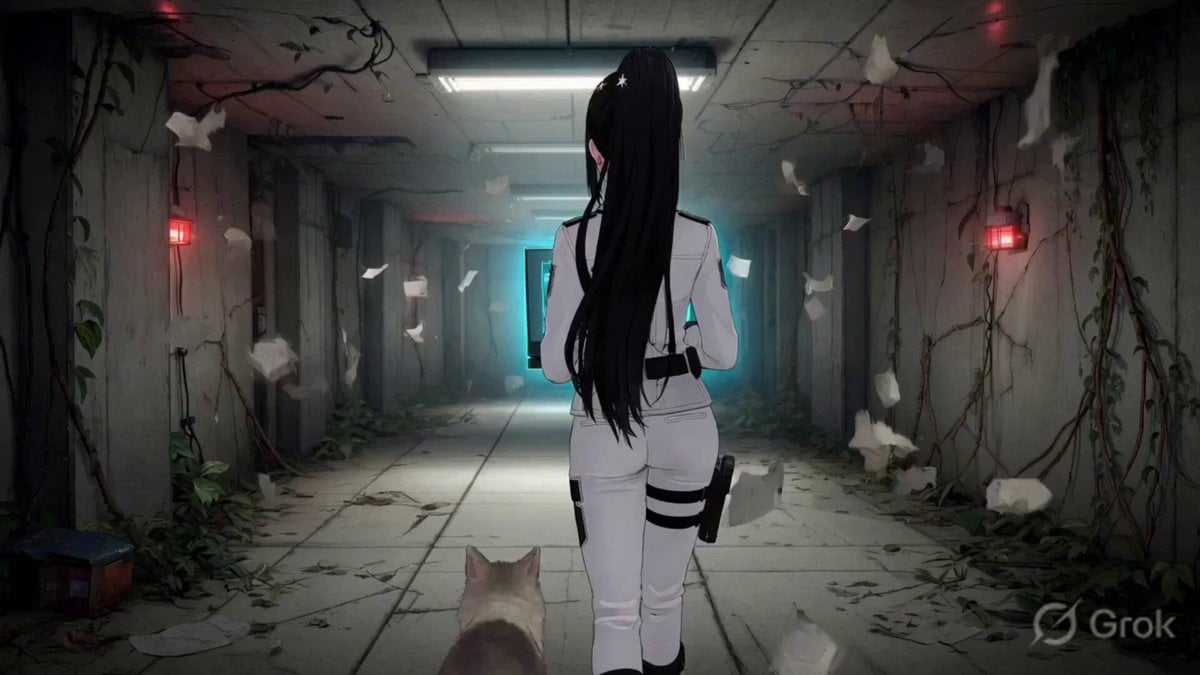
Chloe's Spatial Rift
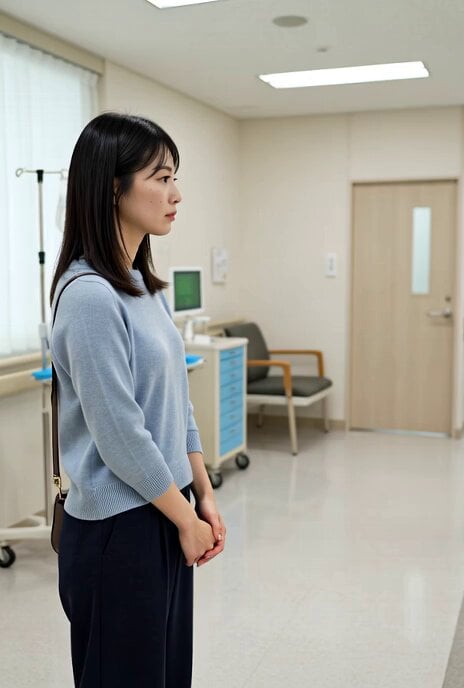
Video Prompt: Hospital Scene with Baby's Cry
Browse template categories
Sorceress Sigil Battle questions
How do I use the Sorceress Sigil Battle template?
Add your photo if the template asks for one, edit the prompt if you like — the template's model and format are already selected — and press Generate. Your version opens in PicX Studio.
Can I customize the Sorceress Sigil Battle template?
Yes. You can change the subject, setting, lighting, mood, format, and available model controls before creating your video.
Is the Sorceress Sigil Battle template free?
Opening and editing this template is free. Generating uses credits, shown on the Generate button when you are signed in.
Which AI model should I use?
Start with Seedance 2.0, which is the model associated with this template. You can compare another compatible model for a different finish.
Looking for something else? Browse all templates.

Your photo, any look
Thousands of ready templates for every top image and video model, from one credit balance.