How do I use the Sorceress Manifestation Cinematic Sequence template?
Edit the prompt in the box under the preview — the template's model and format are already selected — and press Generate. Your version appears right on this page.
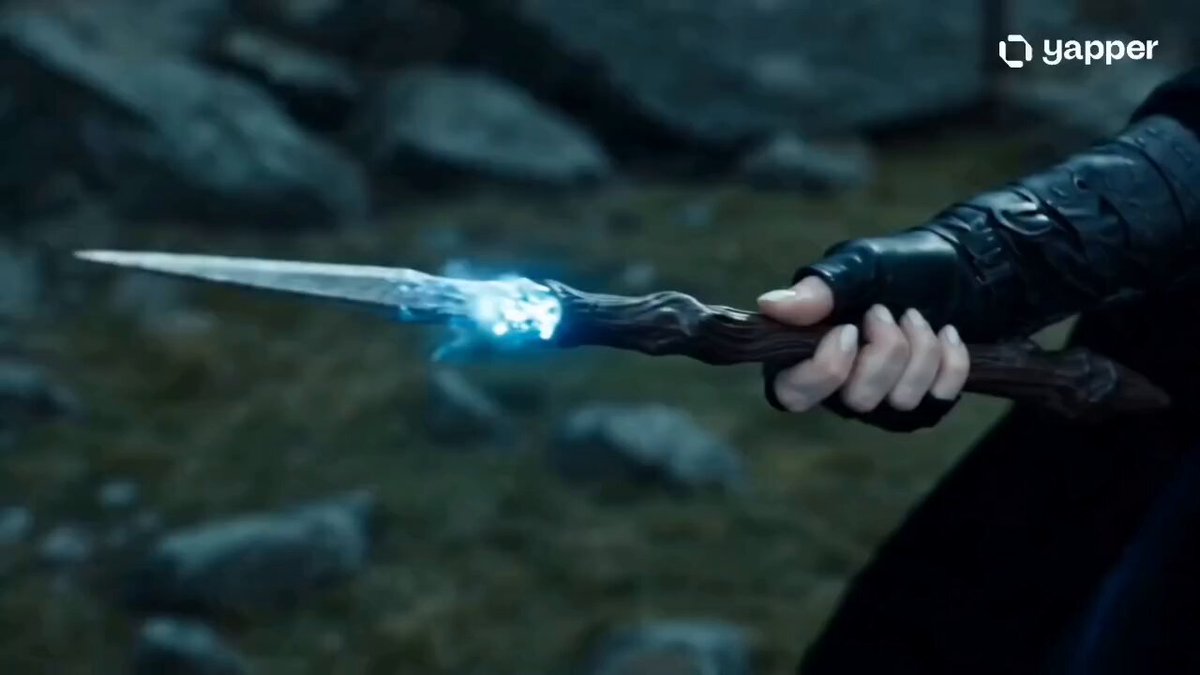
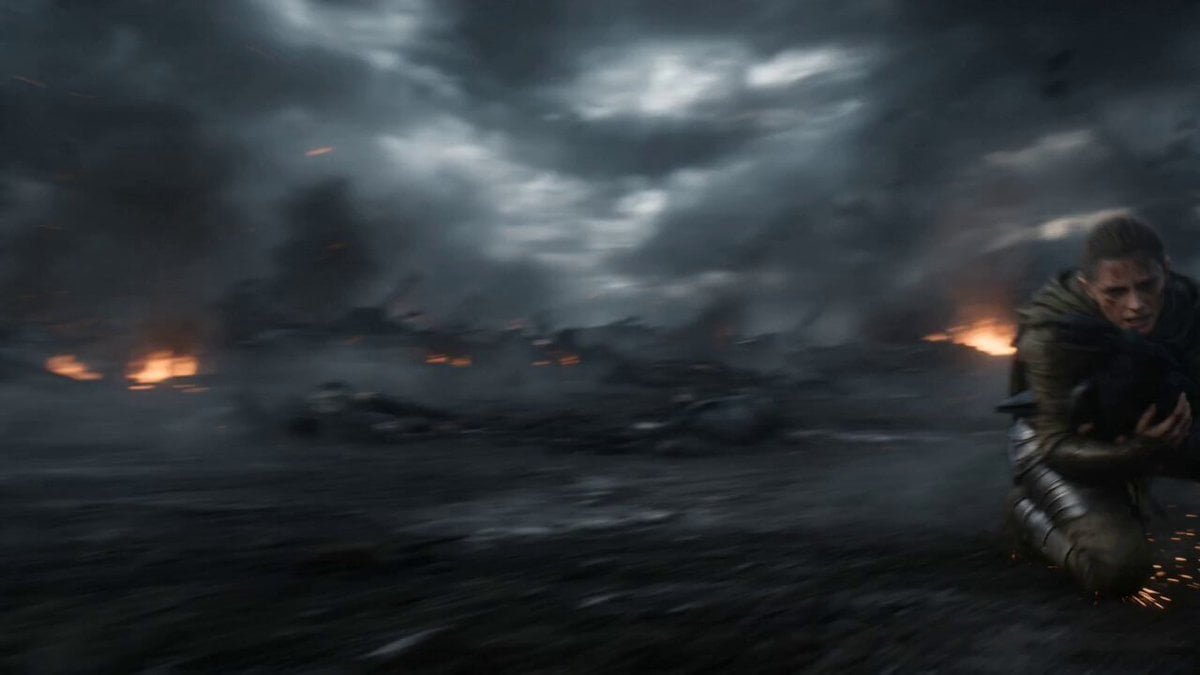
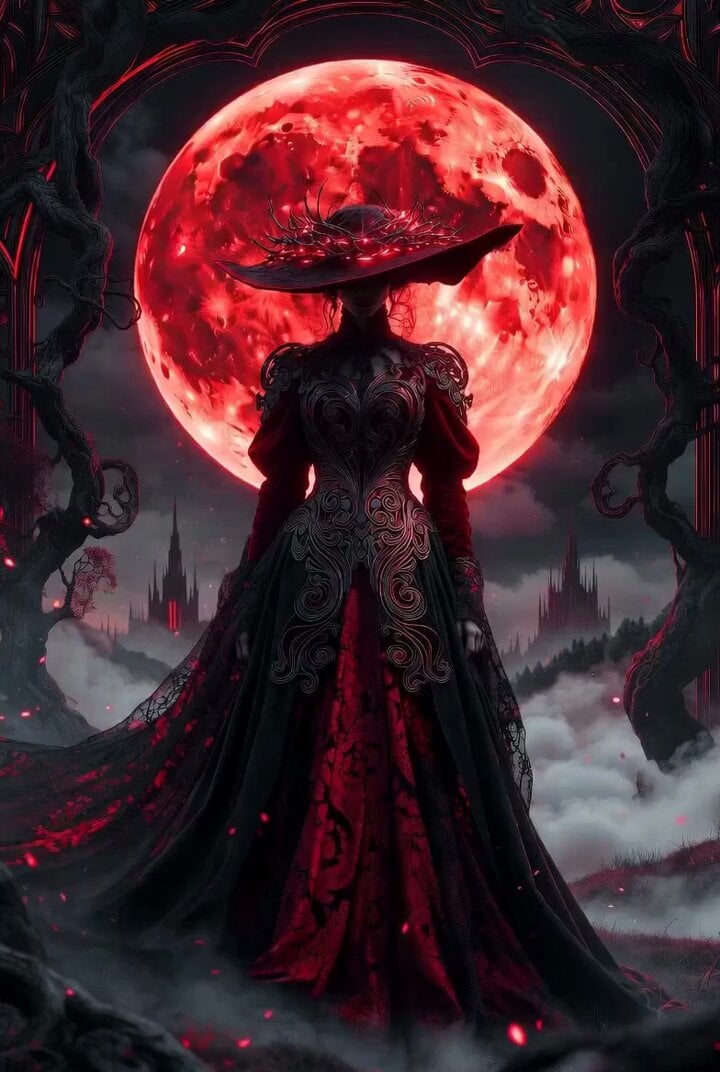
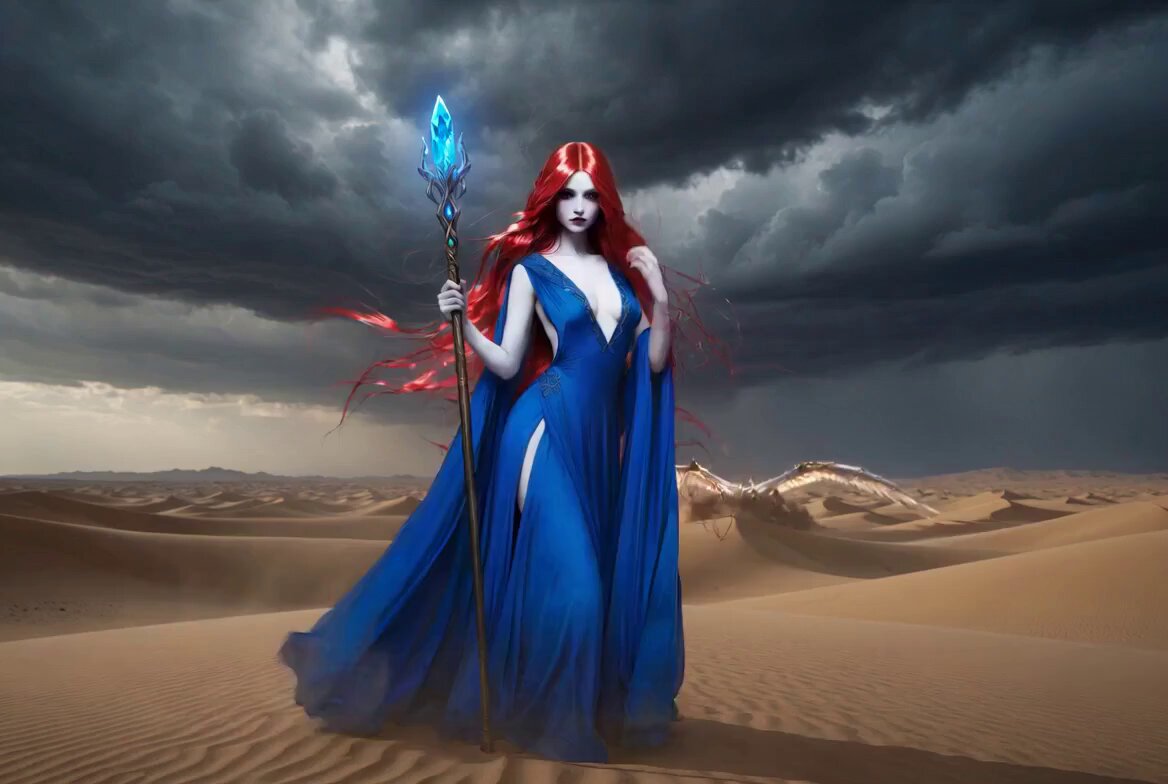
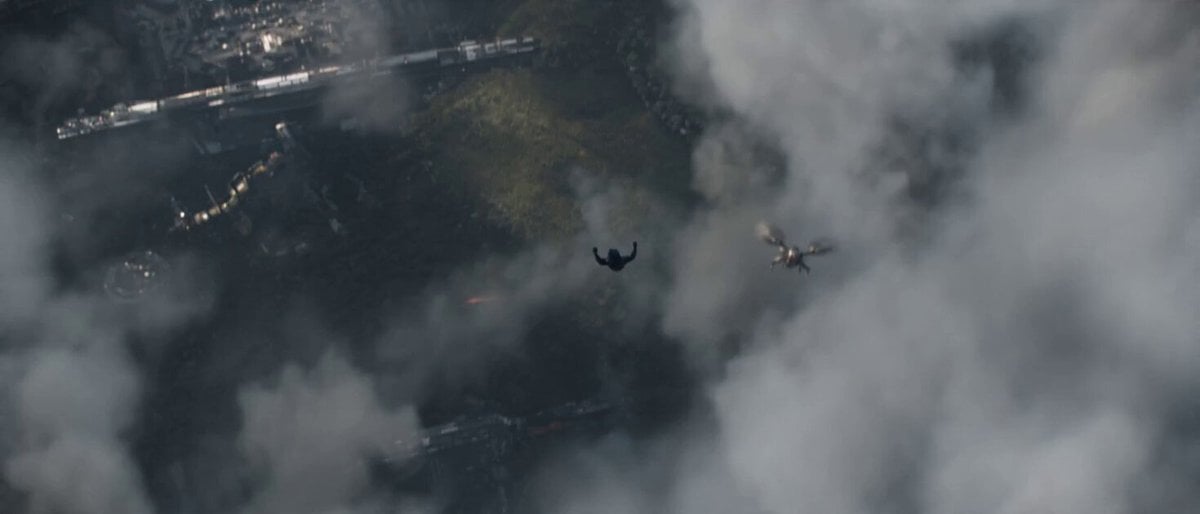
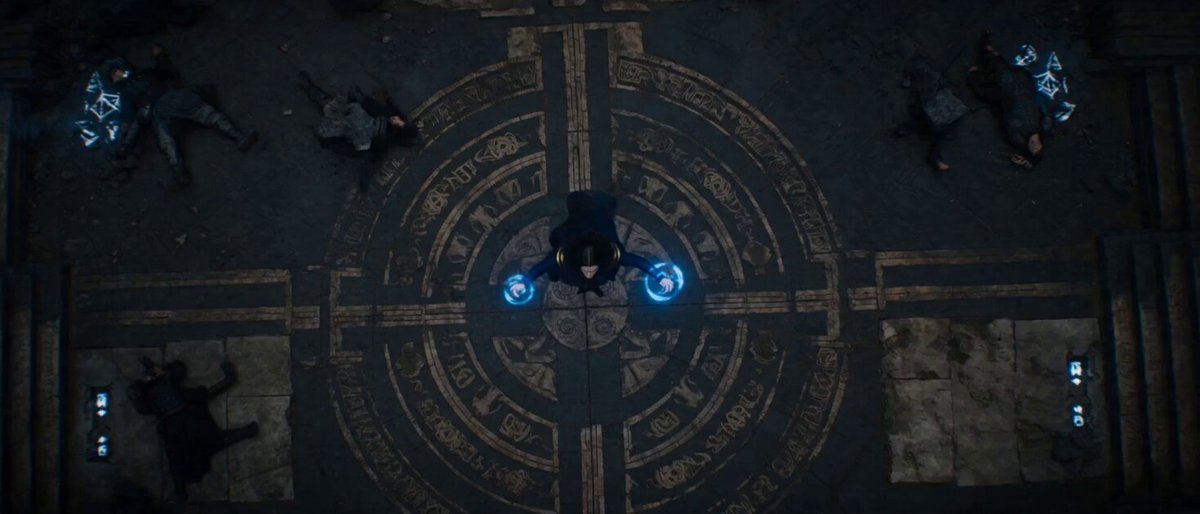
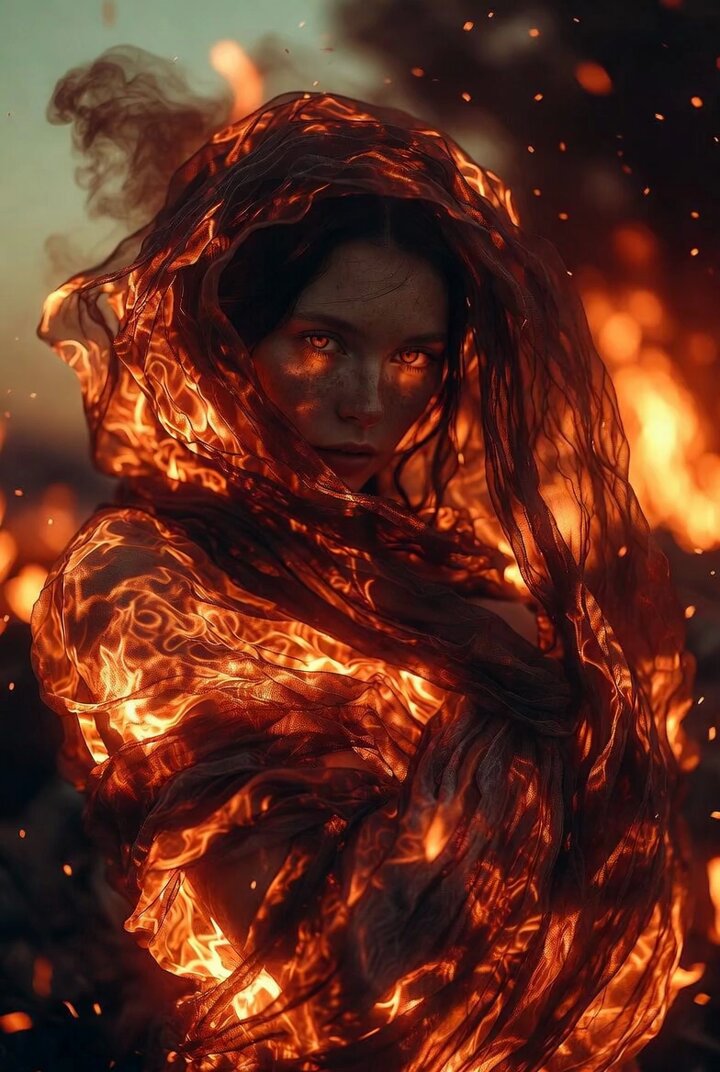
A detailed 15-second cinematic storyboard prompt featuring a sorceress summoning a solar fire lion and unleashing a celestial shockwave.
0–3s – The Manifestation: The shot opens with the woman slamming her hands toward the earth. Volcanic rock explodes as a 20-foot-tall lion made of roiling solar fire lunges from the fissures. Her gown whips violently in the resulting thermal blast. 3–7s – The Synchronization: A rapid, low-angle orbital camera moves around the duo. The woman weaves her arms in a commanding dance; the lion mimics her movements, swiping a massive flaming paw at the camera and leaving a trail of intense heat haze and sparks across the lens. 7–10s – The Compression: The woman pulls her hands together at her chest, drawing the lion's mass inward. The beast recoils and condenses into a blinding, white-hot orb of pure energy between her palms. A dramatic snap-zoom focuses on her face, her eyes reflecting the swirling solar core. 11–13s – The Shockwave: The orb detonates. A massive, golden circular shockwave ripples outward, disintegrating nearby rock pillars into dust. The lion re-emerges behind her, now three times its previous size—a gargantuan, translucent celestial titan that rears back and roars into the heavens. 13–15s – The Firestorm: The celestial lion dissolves into a million falling stars. The camera pulls back into an epic wide shot, showing the woman's tiny silhouette standing in a rain of golden embers as the storm clouds above ignite into a gargantuan, swirling fire vortex.
0–3s – The Manifestation: The shot opens with the woman slamming her hands toward the earth. Volcanic rock explodes as a 20-foot-tall lion made of roiling solar fire lunges from the fissures. Her gown whips violently in the resulting thermal blast. 3–7s – The Synchronization: A rapid, low-angle orbital camera moves around the duo. The woman weaves her arms in a commanding dance; the lion mimics her movements, swiping a massive flaming paw at the camera and leaving a trail of intense heat haze and sparks across the lens. 7–10s – The Compression: The woman pulls her hands together at her chest, drawing the lion's mass inward. The beast recoils and condenses into a blinding, white-hot orb of pure energy between her palms. A dramatic snap-zoom focuses on her face, her eyes reflecting the swirling solar core. 11–13s – The Shockwave: The orb detonates. A massive, golden circular shockwave ripples outward, disintegrating nearby rock pillars into dust. The lion re-emerges behind her, now three times its previous size—a gargantuan, translucent celestial titan that rears back and roars into the heavens. 13–15s – The Firestorm: The celestial lion dissolves into a million falling stars. The camera pulls back into an epic wide shot, showing the woman's tiny silhouette standing in a rain of golden embers as the storm clouds above ignite into a gargantuan, swirling fire vortex.
Edit the prompt in the box under the preview — the template's model and format are already selected — and press Generate. Your version appears right on this page.
Yes. You can change the subject, setting, lighting, mood, format, and available model controls before creating your video.
Opening and editing this template is free. Generating uses credits, shown on the Generate button when you are signed in.
Start with Seedance 2.0, which is the model associated with this template. You can compare another compatible model for a different finish.
Follow a topic to a crawlable collection of related PicX Studio templates.