
Ultra-Realistic Sports Broadcast Goal Sequence
A comprehensive prompt for generating a sports broadcast sequence where a fan is called onto the field to score a goal, complete with cinematic lighting and TV overlays.
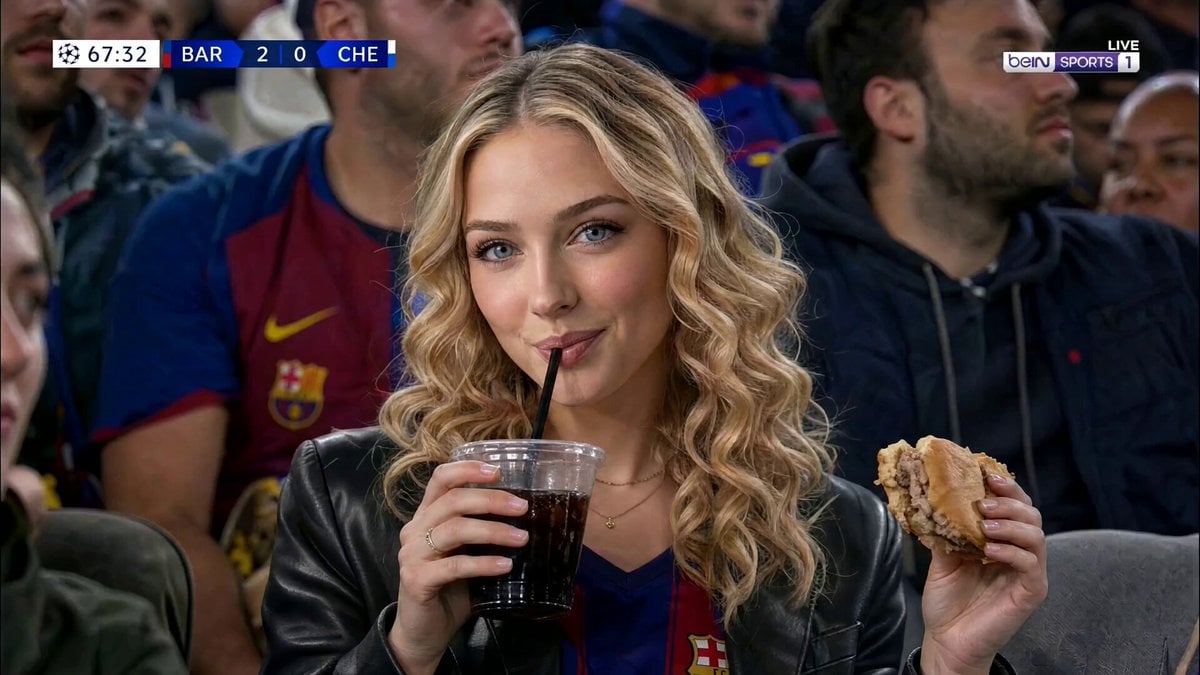
- Prompt included
- Model and format preset
- Premium template
The prompt behind this video
Copy the exact prompt behind Ultra-Realistic Sports Broadcast Goal Sequence, or open it in the studio and make it yours.
Ultra-realistic sports broadcast video, cinematic night match atmosphere. A glamorous woman sits in a packed football stadium surrounded by fans in jerseys and scarves. She is mid-drinking the beer cup in her other hand, while a half-eaten French fry on another hand. Suddenly the stadium PA booms her name "[place your name]" — she freezes, eyes wide, everybody looks at her cheering. She carefully sets the beer cup and eats the French fry, wipes her hand with the tissue paper, and throws it. She stands, slides past the row of fans, and walks purposefully down the stadium steps toward the pitch. She steps onto the field — the crowd murmurs with anticipation. The football players on the ground toss the ball towards her. She lines up, takes two measured steps, and sends a powerful, clean kick straight through the goal posts. The stadium erupts. She turns, jogs back toward the broadcast camera with a wide grin, reaches both arms forward, and covers the lens completely with her open palms — the screen goes black. Throughout: broadcast overlay with live score and match timer in top-left corner, sports network watermark top-right, shallow depth of field with sharp focus on the woman, slightly blurred crowd background, natural arena floodlighting, authentic live TV aesthetic.
How to use Ultra-Realistic Sports Broadcast Goal Sequence in 3 steps
- 1
Open
The prompt is already in the box next to the preview, with the template's model and format selected.
- 2…a portrait of your subject in softgolden-hour light, 85mm…
Personalize
Edit the subject and creative details for your destination.
- 3Generate
Generate
Press Generate — your video is created in PicX Studio, so you can compare it with the original and refine one variable at a time.
More like this
Templates with the same subject, style or setup. Open one to see its prompt.

Sports Anime Goal Storyboard Sequence
Professional Soccer Goal Sequence
Basketball Broadcast Motion Sequence
Sports Broadcast Jumbotron Reaction
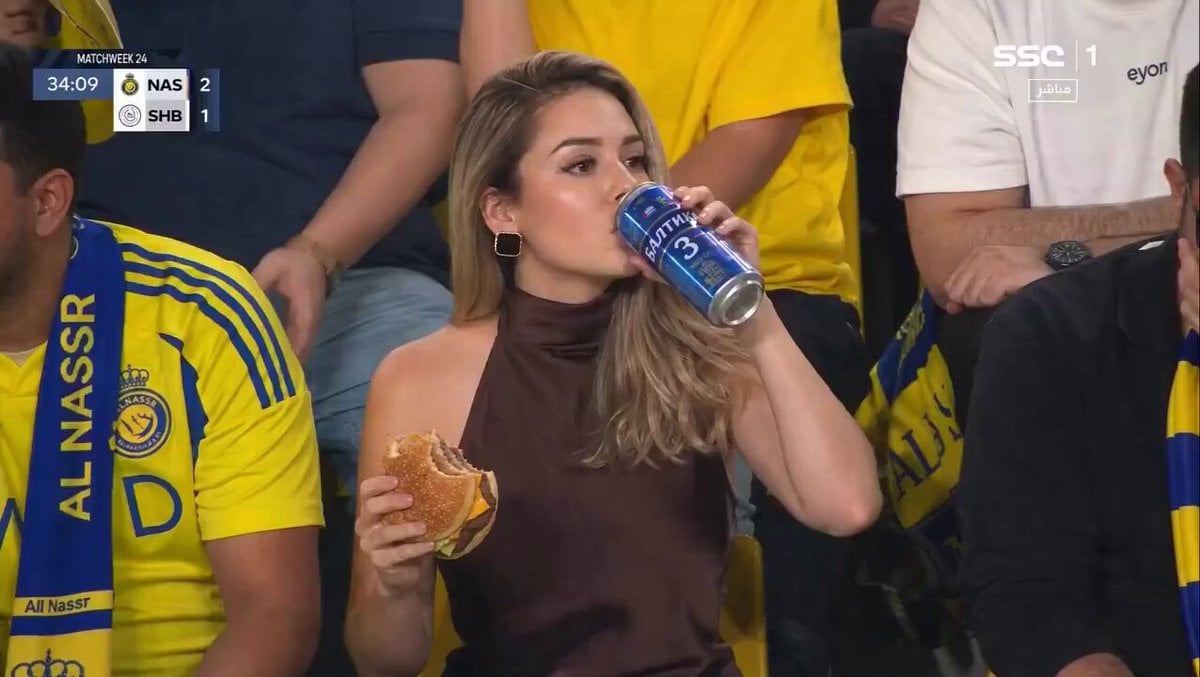
Surreal Sports Broadcast Reaction
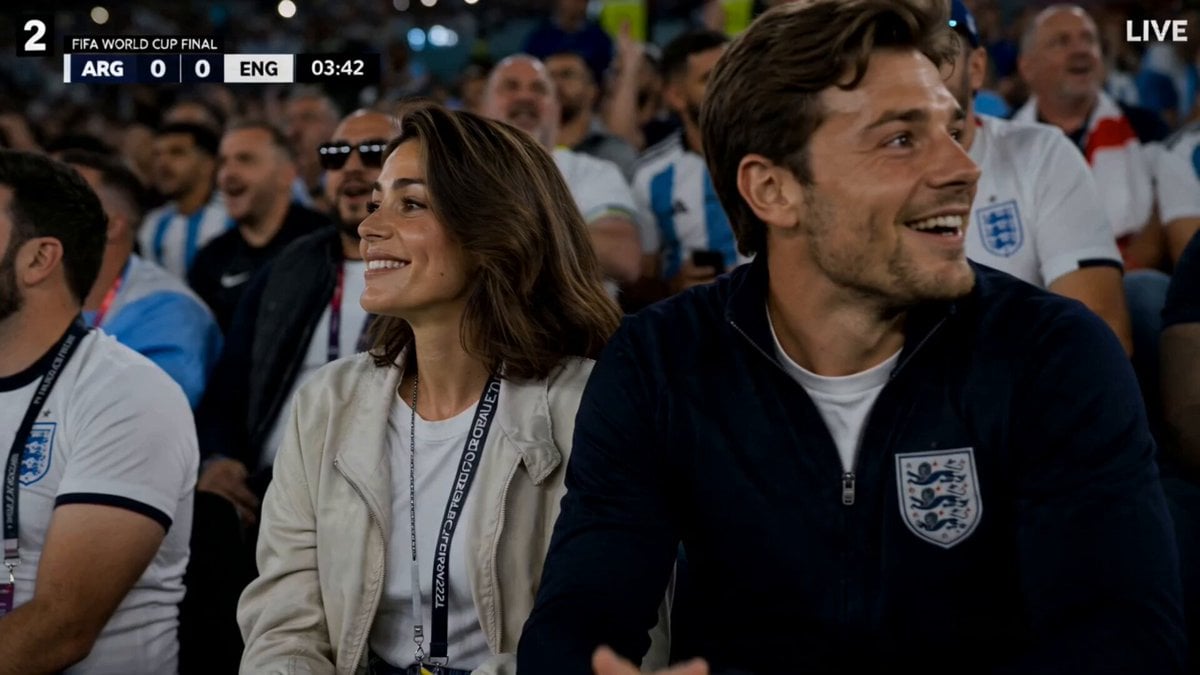
FIFA World Cup Broadcast Goal
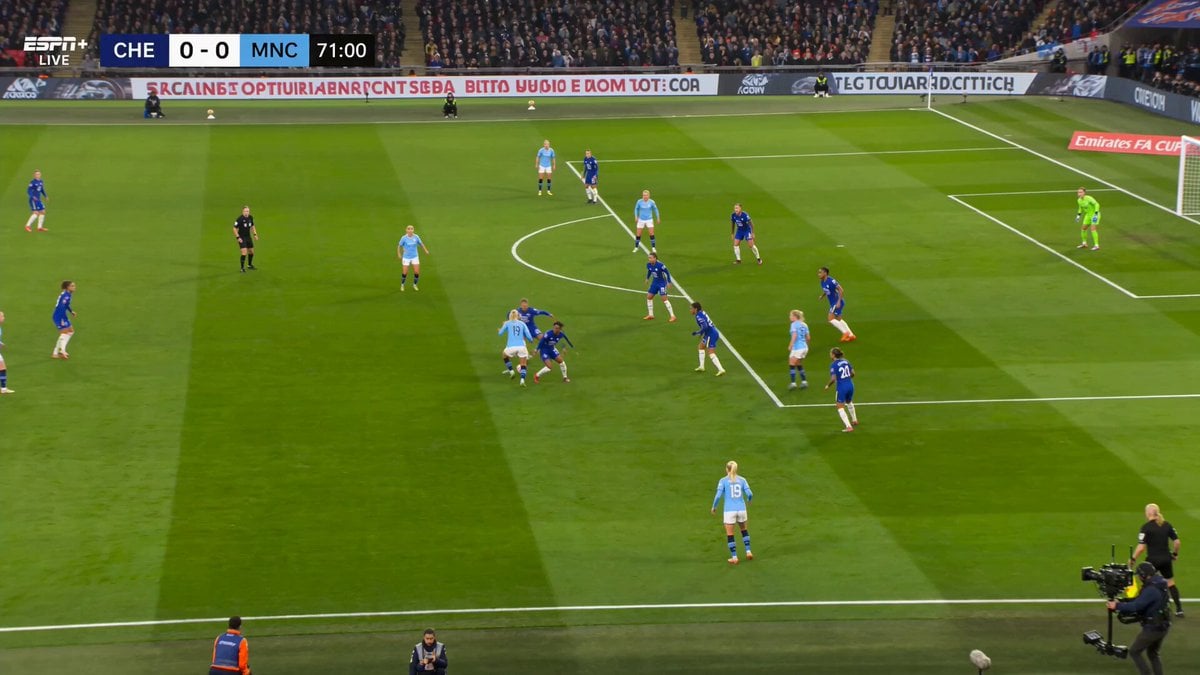
Manchester City FA Cup Sports Broadcast
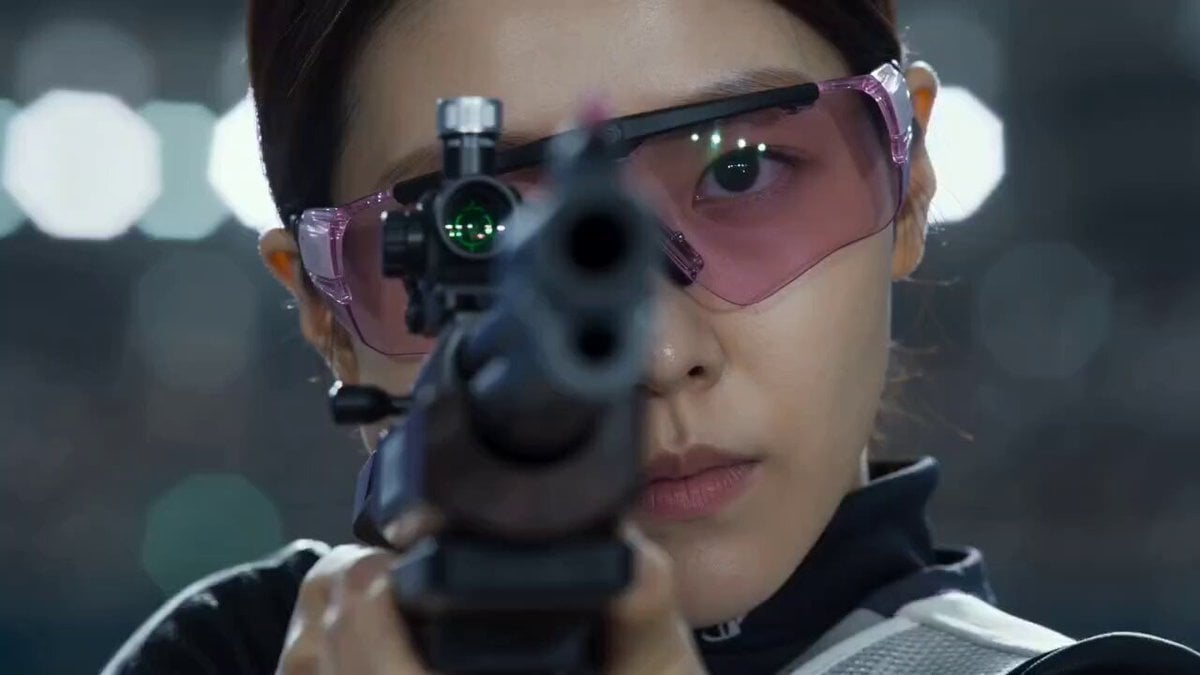
Korean Sports Broadcast Shooting
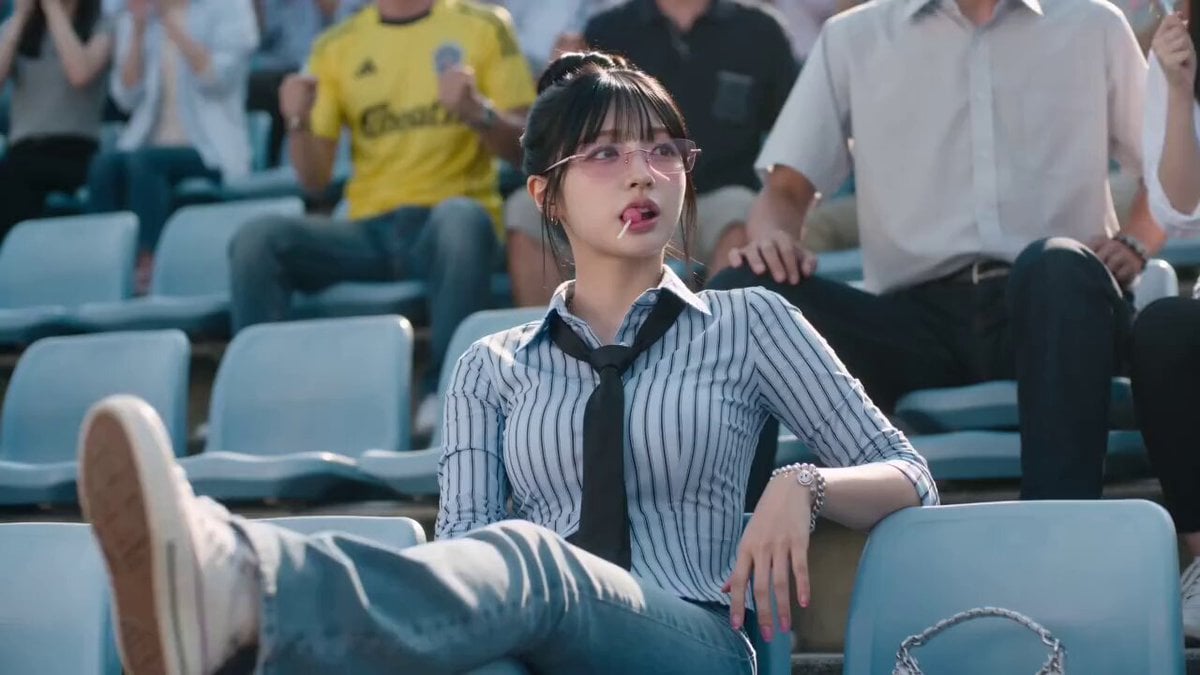
Cinematic Soccer Goal Sequence
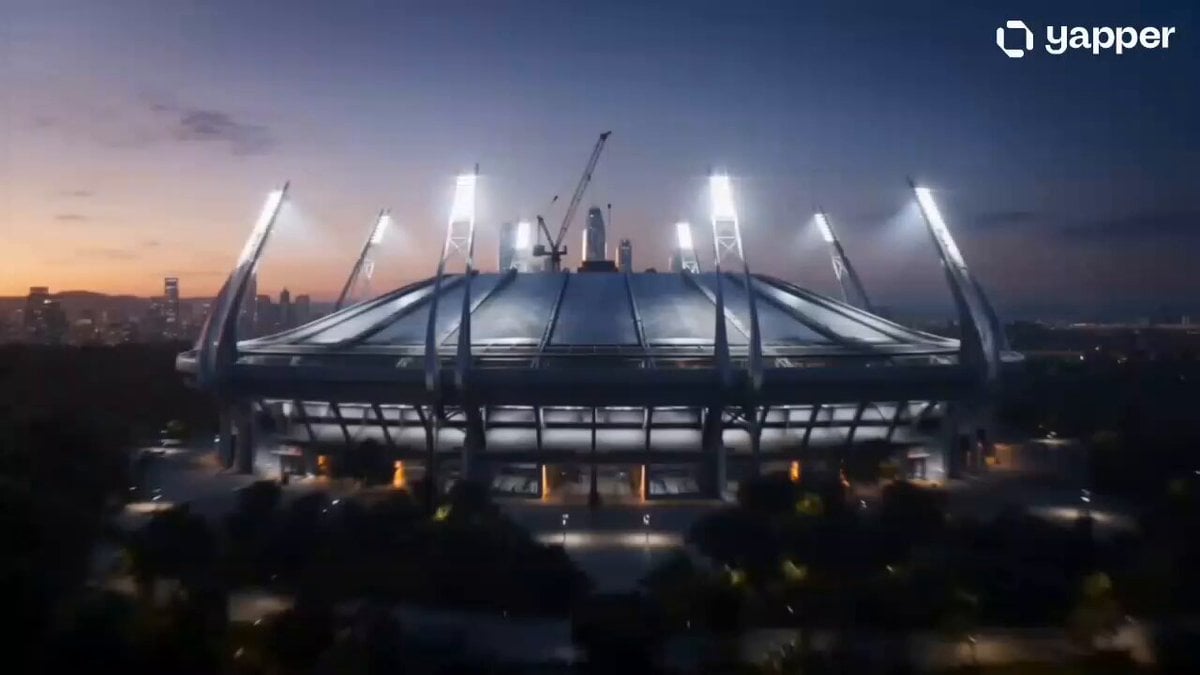
Sci-Fi Cyborg Sports Sequence
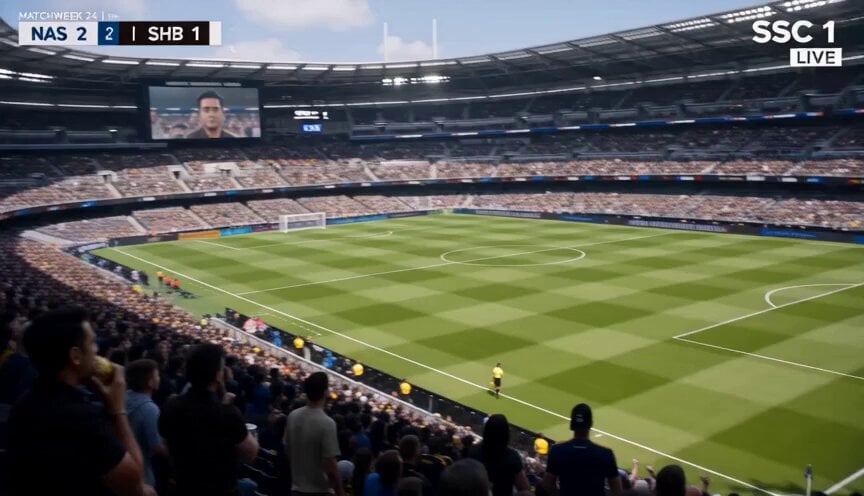
Football Broadcast Fan Goal Scenario
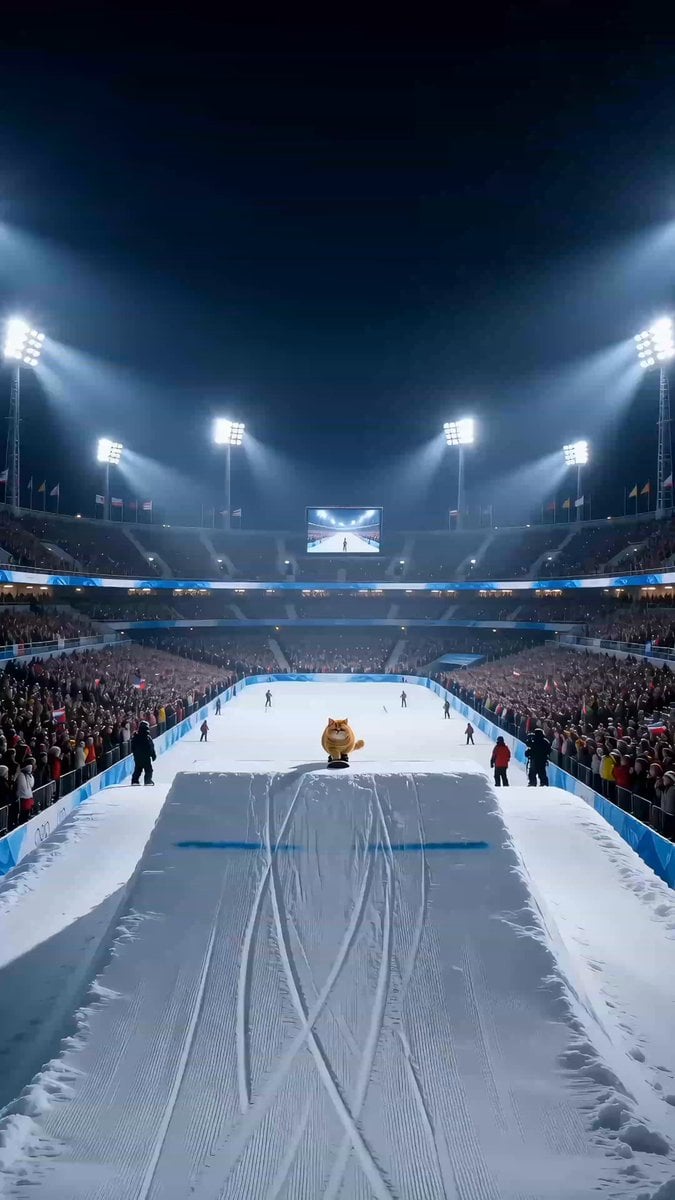
Snowboarding House Cat Sports Broadcast
Make it yours
Ultra-Realistic Sports Broadcast Goal Sequence works as-is. These are the safest ways to change it without losing the look.
Change one field
Copy a single group, rewrite it, and generate again so you can see what that field is doing.
Keep the frame, change the subject
Hold the composition and light of Ultra-Realistic Sports Broadcast Goal Sequence, then swap wardrobe, props or the person for a new take.
| If the result… | Why | Fix |
|---|---|---|
| The result drifts from the preview | Too many fields changed at once. | Reuse Ultra-Realistic Sports Broadcast Goal Sequence as-is first, then change one group — subject, light, or setting. |
| The model over-stylizes the scene | The prose prompt leaves finish and camera underspecified. | Add one camera or lighting sentence and stay on Seedance 2.0. |
More Seedance 2.0 templates
Other prompts made for Seedance 2.0.

Comical Martial Arts Punch Scene

Wuxia Protection and Trust Script

Vintage Korean Arcade MiniDV Vlog

Mercedes 190 SL Luxury Ad

Rainy Night Supernatural Reverse Comedy Video Script

Amazon Civilization Discovery

Futuristic South Asian City Transformation

Cozy Luxury Cafe Commercial

Cyber Ronin Nanotech Transformation Video

Desert Courier and Sandstorm Leviathan Chase
More video prompts
Fresh picks from across the catalog.
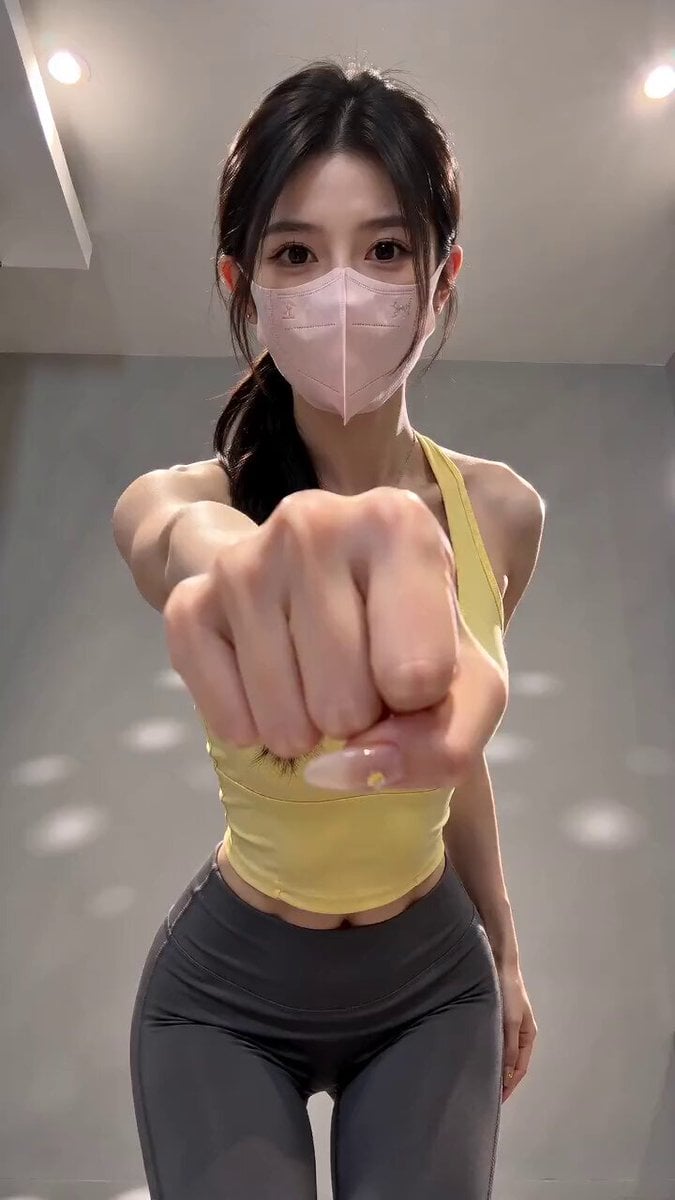
Viral Masked Dancer Tutorial
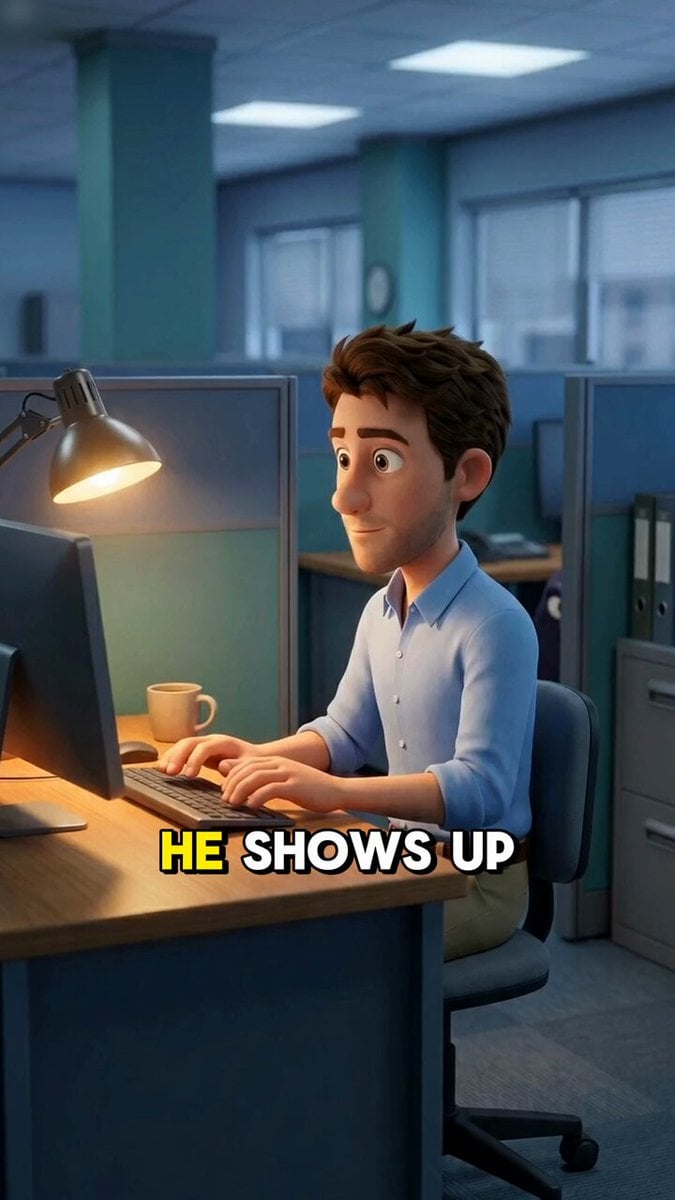
Multishot Workspace Internal Cuts
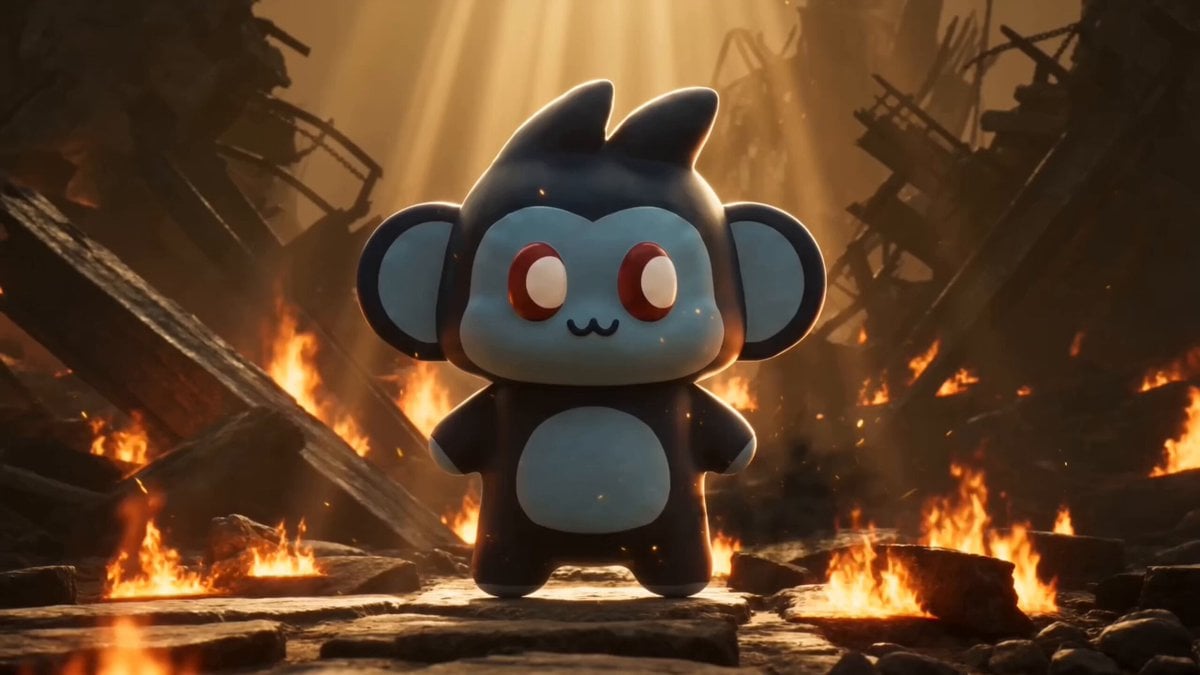
Cosplay Gaming Loading Screen
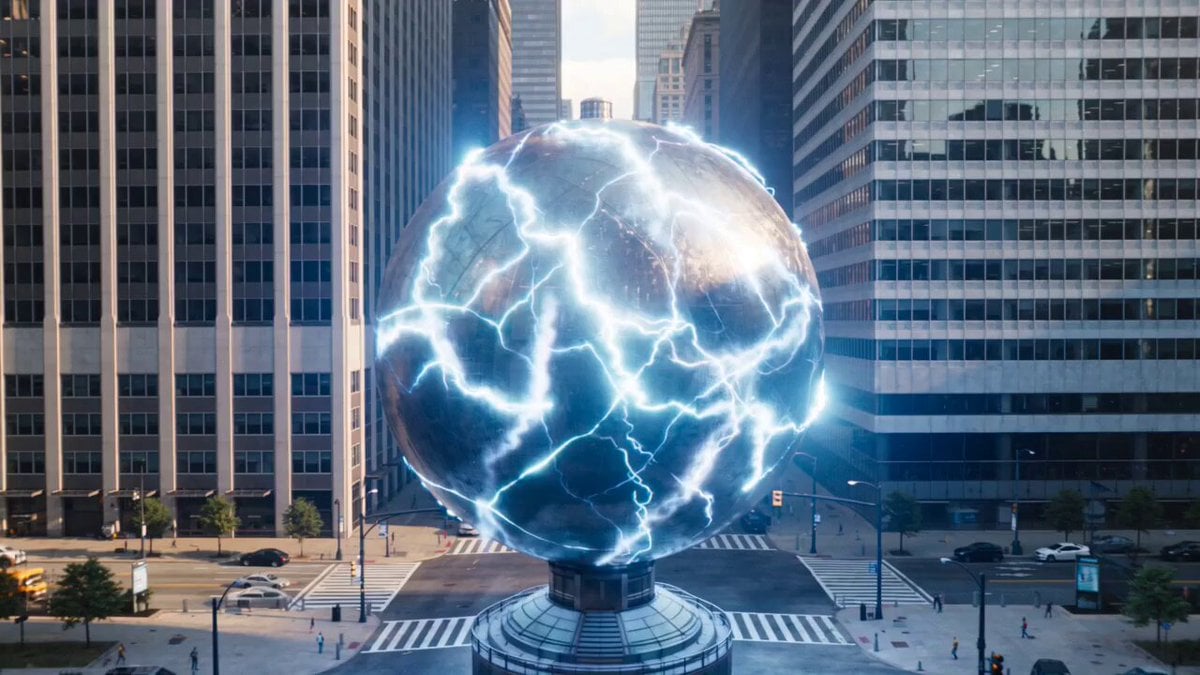
Urban destruction energy core detonation
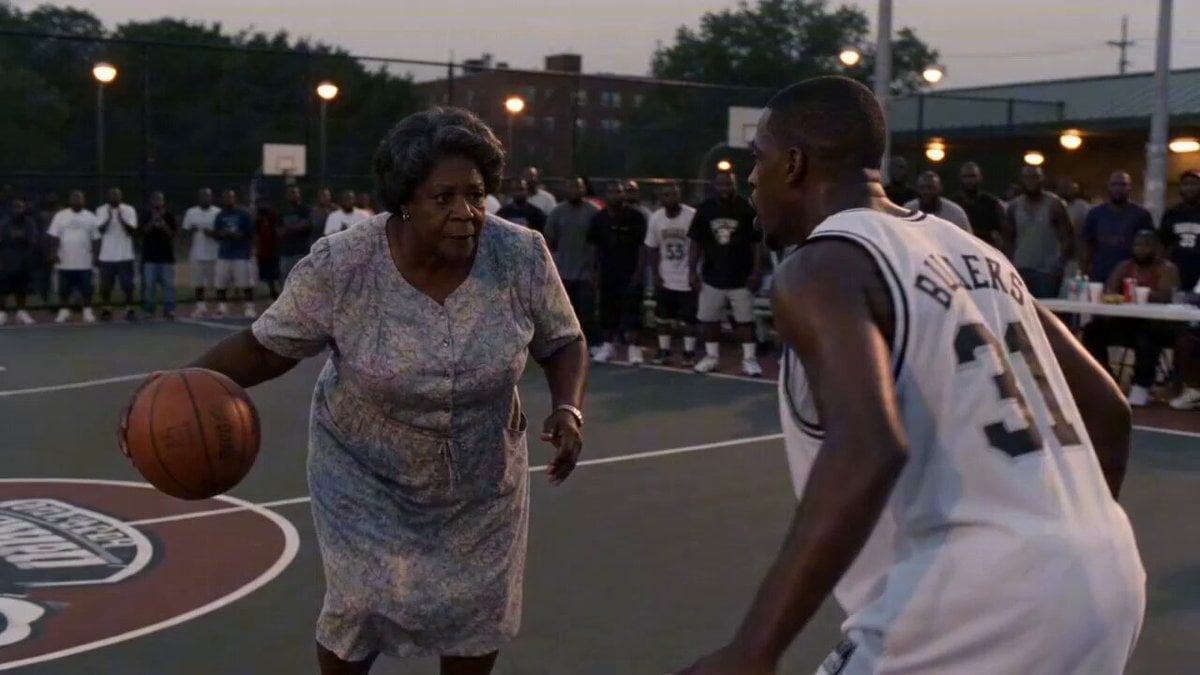
Rucker Park Slam Dunk Viral Video
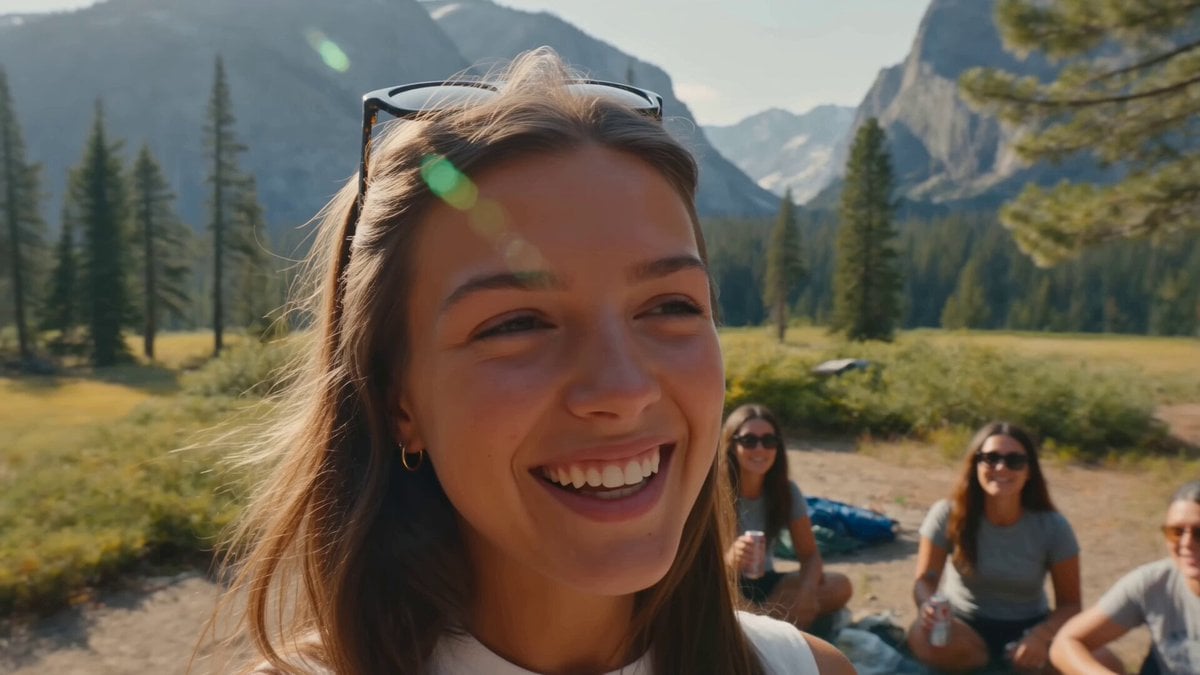
Smartphone Camping Montage
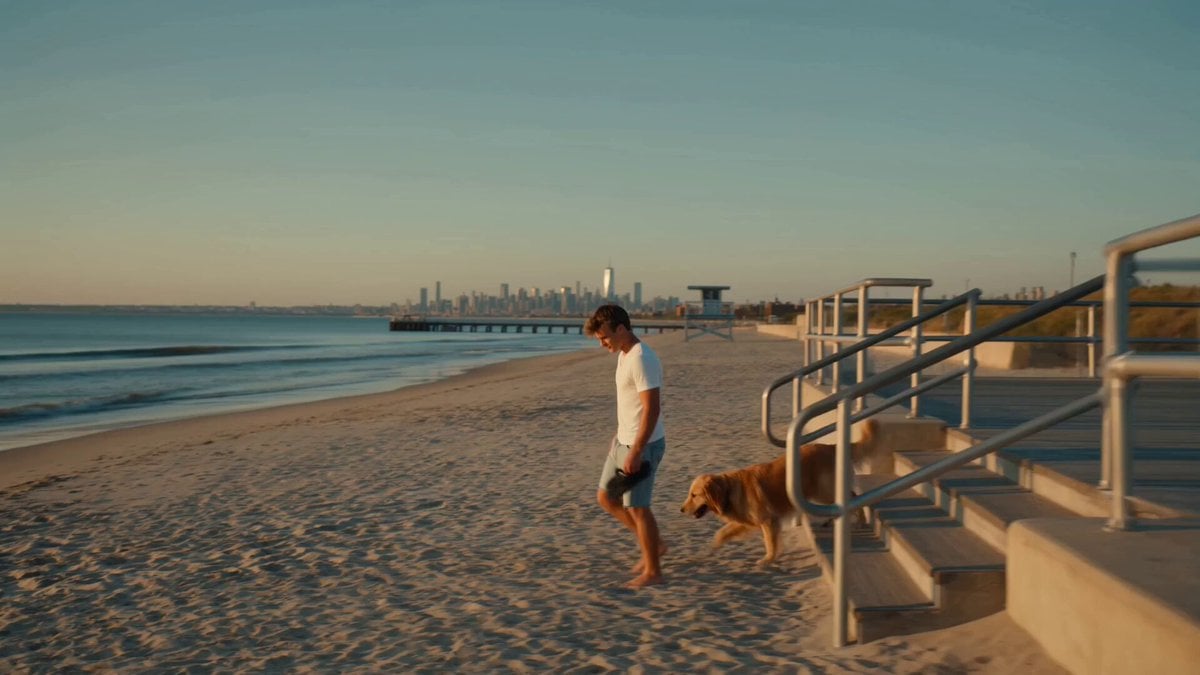
Golden Hour NYC Beach Stroll
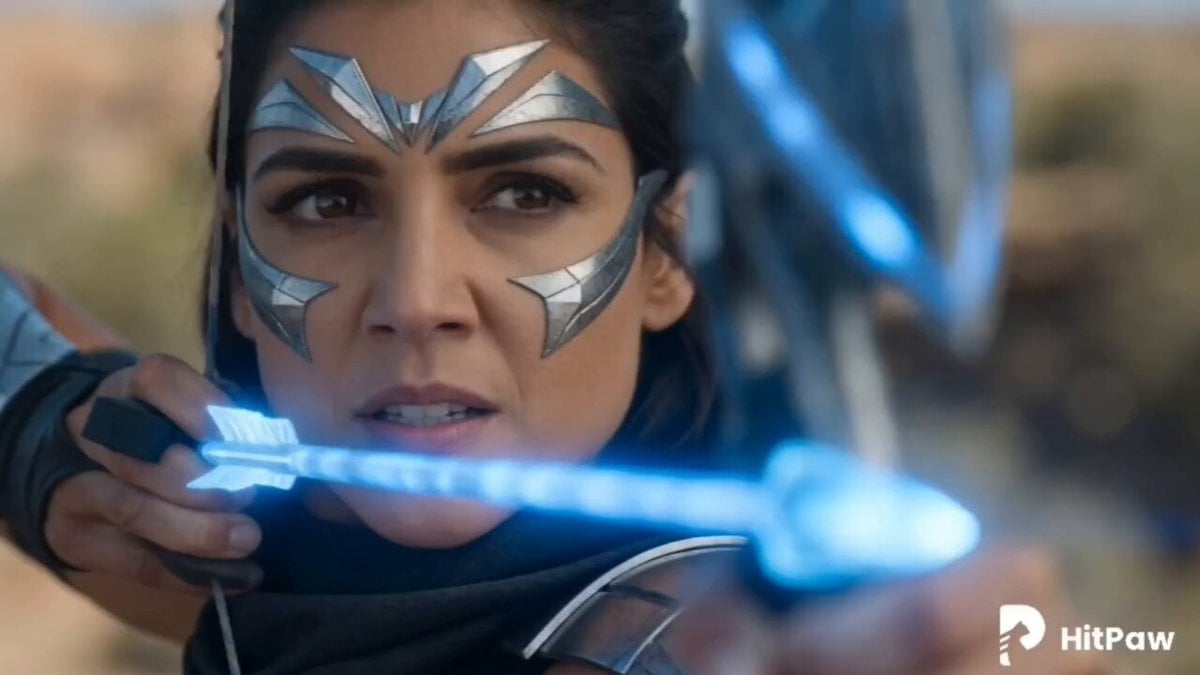
Warrior Archer Energy Bow Action
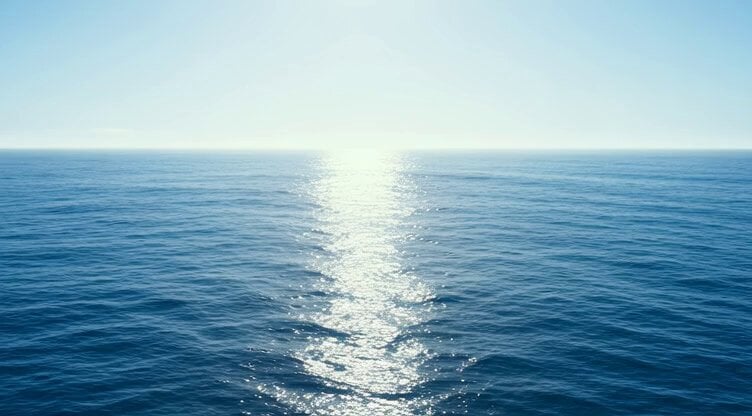
Frost Titan awakening video prompt
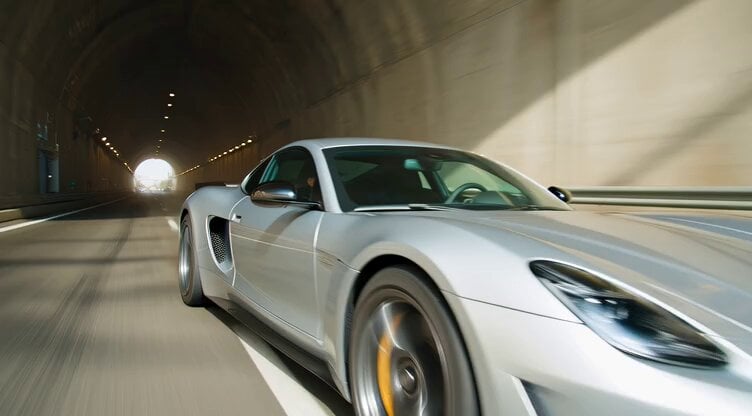
Hypercar Tunnel Tracking Shot Video Prompt
Browse template categories
Ultra-Realistic Sports Broadcast Goal Sequence questions
How do I use the Ultra-Realistic Sports Broadcast Goal Sequence template?
Add your photo if the template asks for one, edit the prompt if you like — the template's model and format are already selected — and press Generate. Your version opens in PicX Studio.
Can I customize the Ultra-Realistic Sports Broadcast Goal Sequence template?
Yes. You can change the subject, setting, lighting, mood, format, and available model controls before creating your video.
Is the Ultra-Realistic Sports Broadcast Goal Sequence template free?
Opening and editing this template is free. Generating uses credits, shown on the Generate button when you are signed in.
Which AI model should I use?
Start with Seedance 2.0, which is the model associated with this template. You can compare another compatible model for a different finish.
Looking for something else? Browse all templates.

Your photo, any look
Thousands of ready templates for every top image and video model, from one credit balance.