
Warrior Archer Energy Bow Action
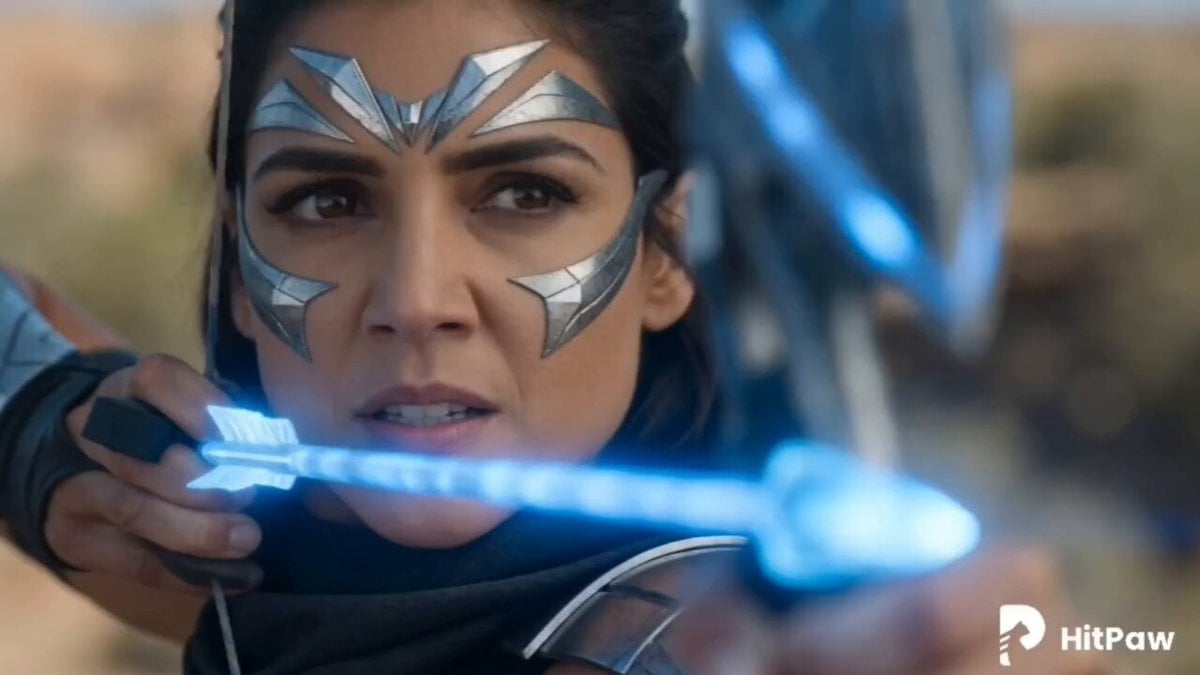
A fast-paced action sequence featuring a female warrior firing a glowing energy bow from a cliffside overlooking a monster army.
- Prompt included
- Model and format preset
- Premium template
The prompt behind this video
Copy the exact prompt behind Warrior Archer Energy Bow Action, or open it in the studio and make it yours.
A cinematic, fast-paced action sequence starting with a close-up of a fierce female warrior with dark hair and silver metallic facial markings, aiming a glowing blue energy bow and arrow. Transition to an extreme close-up of her brown eye as a futuristic orange digital targeting reticle activates over her pupil. The camera cuts to an over-the-shoulder wide shot showing her standing on a high rocky cliff, overlooking a sunlit desert canyon where an army of dark, monstrous creatures is marching. She releases the glowing blue arrow, which splits into multiple brilliant energy beams mid-air. The camera swiftly tracks the main blue beam as it speeds down the canyon towards the monsters, culminating in a massive, explosive impact of thick dust and debris among the creatures.
How to use Warrior Archer Energy Bow Action in 3 steps
- 1
Open
The prompt is already in the box next to the preview, with the template's model and format selected.
- 2…a portrait of your subject in softgolden-hour light, 85mm…
Personalize
Edit the subject and creative details for your destination.
- 3Generate
Generate
Press Generate — your video is created in PicX Studio, so you can compare it with the original and refine one variable at a time.
More like this
Templates with the same subject, style or setup. Open one to see its prompt.
Energy Bow Jungle Edit

Metallic Relic Rainbow Energy
Indian Warrior Fort Action
Sci-Fi Stellar Energy Extraction
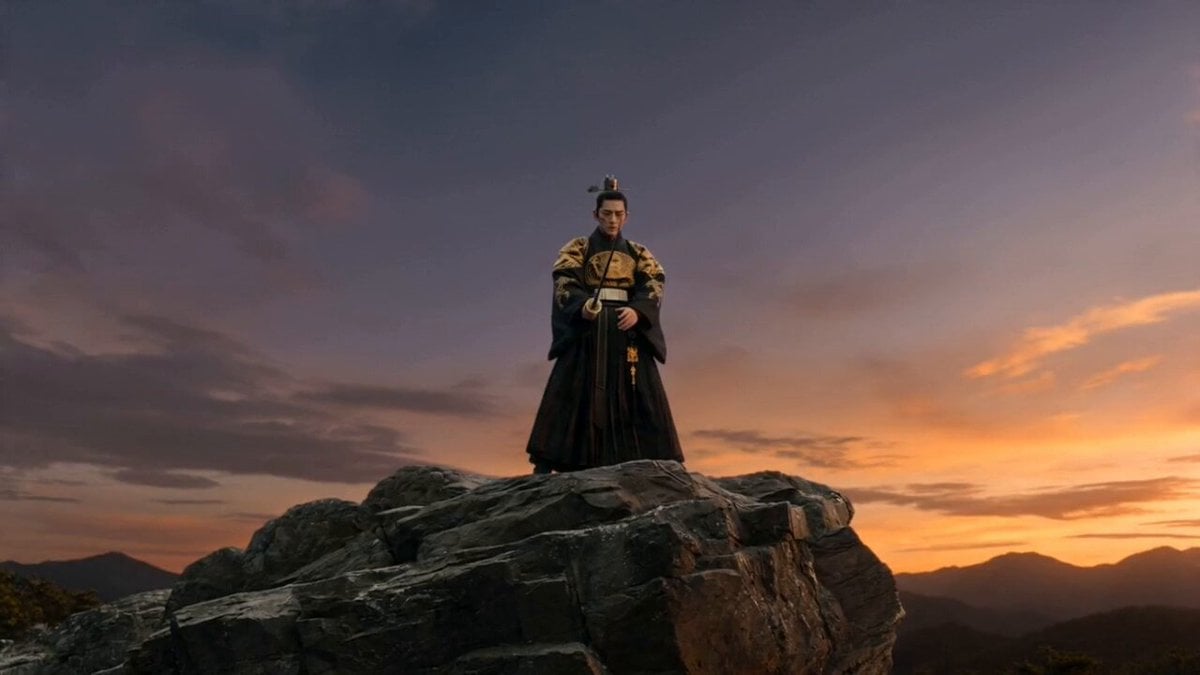
Joseon Warrior Energy Slash Cinematic
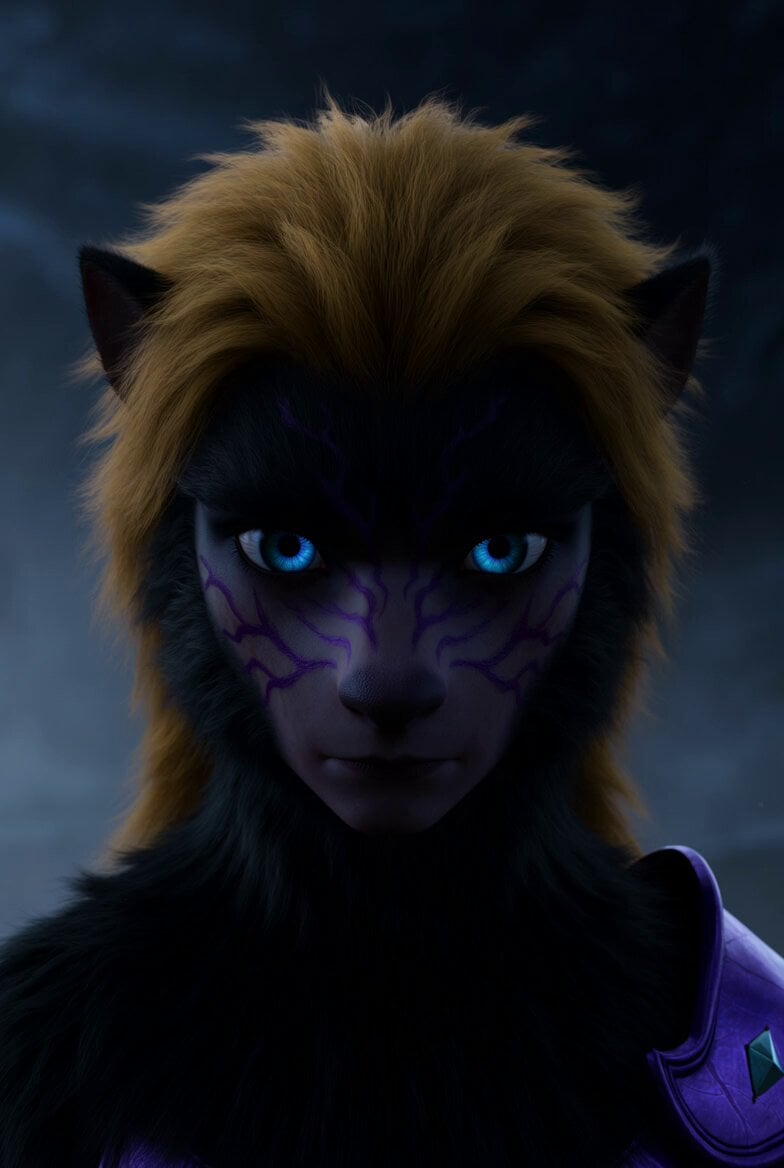
Cybernetic Warrior Bow

Walking Factory with Rebel on Hoverbike - Wasteland
Thornmaw Monarch — Crimson Glass Desert Beast
Warhorse Sprint on Cliff Aqueduct
Parametric Fight Scenes Seedance

Nano Banana Seedance Time Control Streets
Colossal Sea Creature — Stormy Shore Charge (Seedance)
Make it yours
Warrior Archer Energy Bow Action works as-is. These are the safest ways to change it without losing the look.
Change one field
Copy a single group, rewrite it, and generate again so you can see what that field is doing.
Keep the frame, change the subject
Hold the composition and light of Warrior Archer Energy Bow Action, then swap wardrobe, props or the person for a new take.
| If the result… | Why | Fix |
|---|---|---|
| The result drifts from the preview | Too many fields changed at once. | Reuse Warrior Archer Energy Bow Action as-is first, then change one group — subject, light, or setting. |
| The model over-stylizes the scene | The prose prompt leaves finish and camera underspecified. | Add one camera or lighting sentence and stay on Seedance 2.0. |
More Seedance 2.0 templates
Other prompts made for Seedance 2.0.

Comical Martial Arts Punch Scene

Maglev Train Action Sequence

Martial Arts Fight Sequence

Wuxia Protection and Trust Script

Vintage Korean Arcade MiniDV Vlog

Mercedes 190 SL Luxury Ad

Rainy Night Supernatural Reverse Comedy Video Script

Amazon Civilization Discovery

Futuristic South Asian City Transformation

Cozy Luxury Cafe Commercial
More video prompts
Fresh picks from across the catalog.
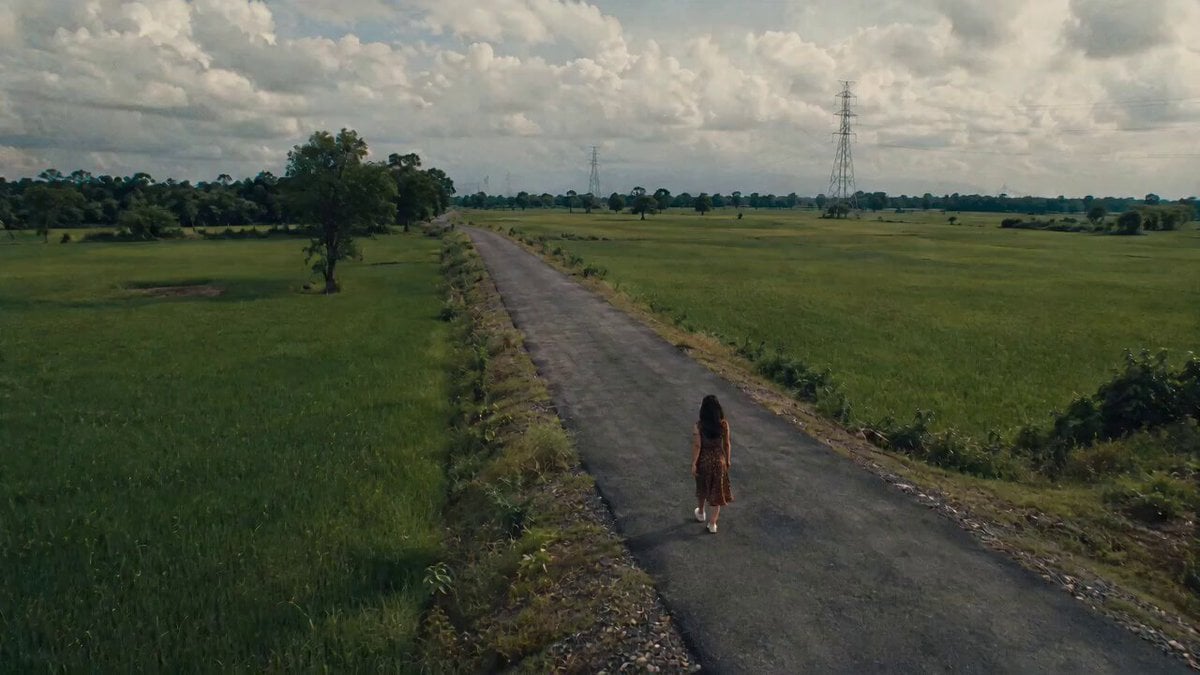
Uncanny Rural Road Cinematic Video
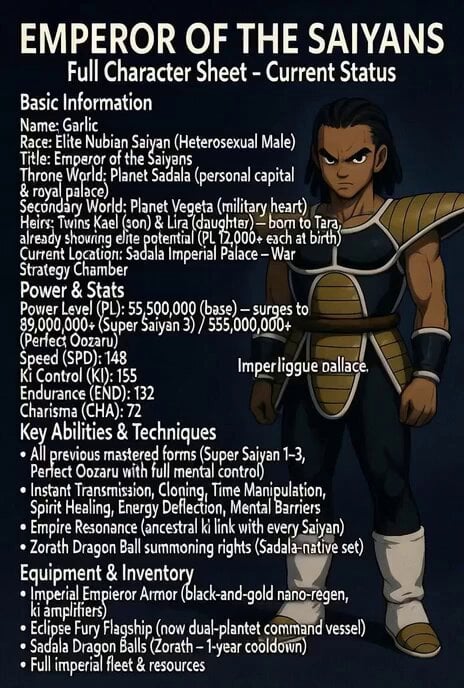
Super Saiyan 3 transformation
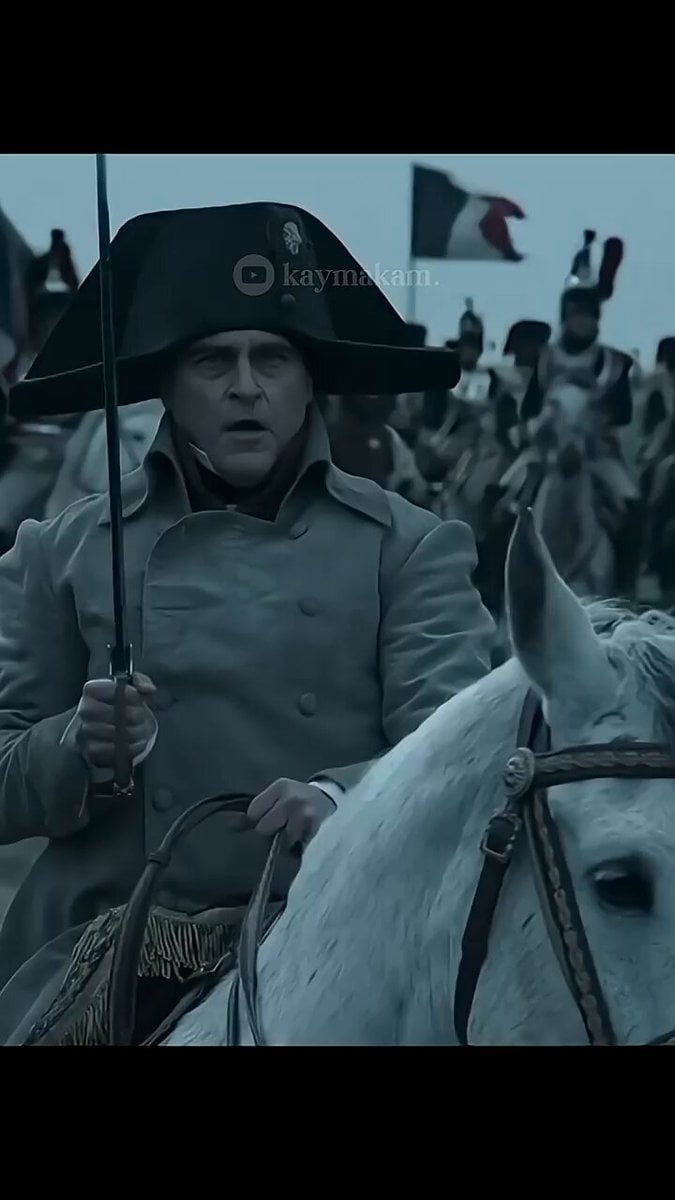
Napoleon Charging at Waterloo Prompt
Video prompt: Hero protecting a woman in a crowd
Workout time
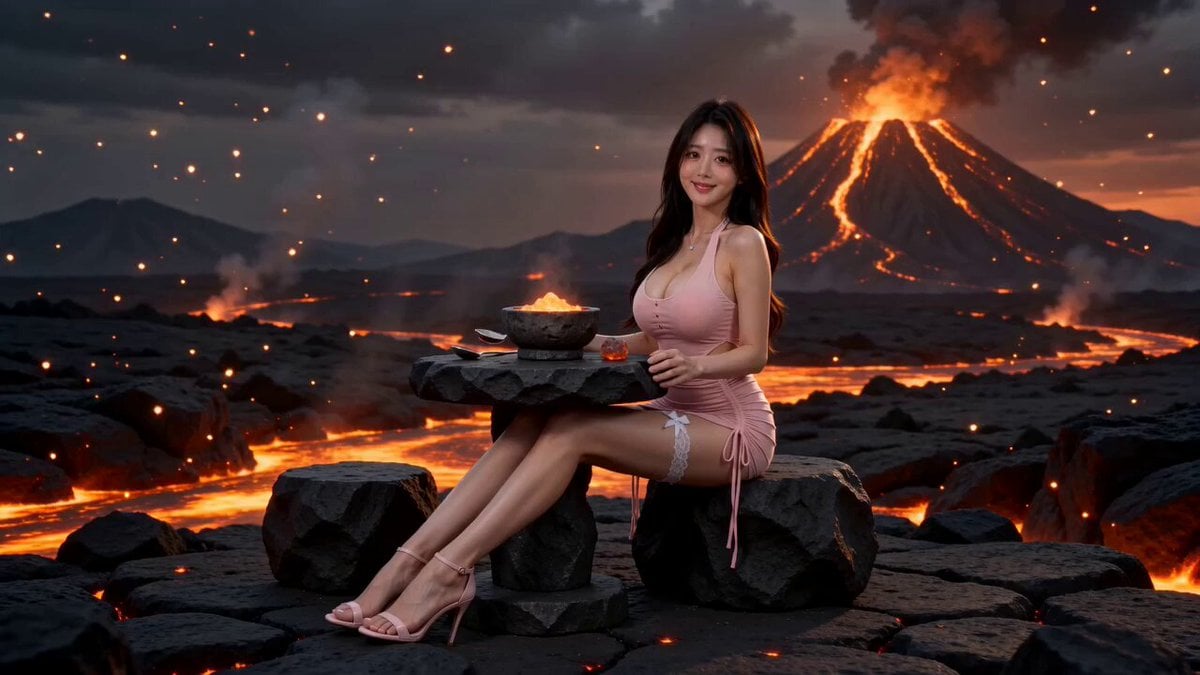
Surreal Volcano Lava Mukbang ASMR
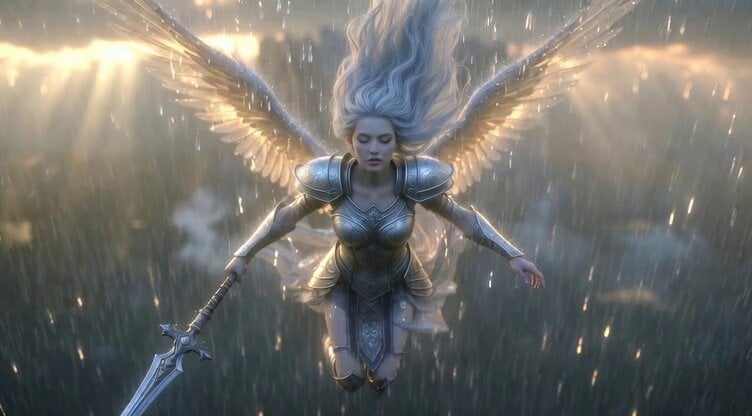
Video generation prompt: Celestial Valkyrie descending to Earth in the rain
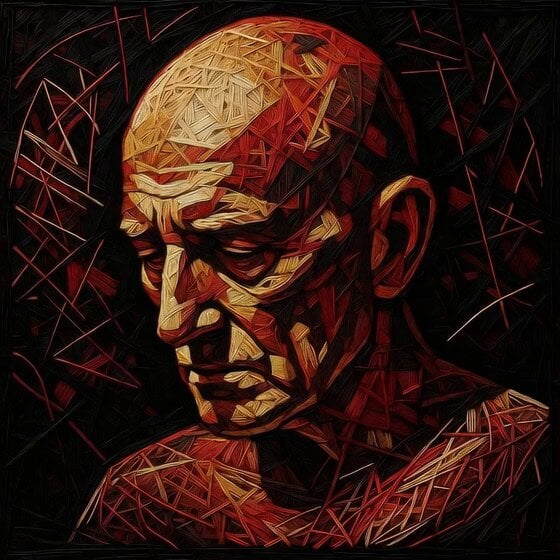
Deconstructing Portrait into Void
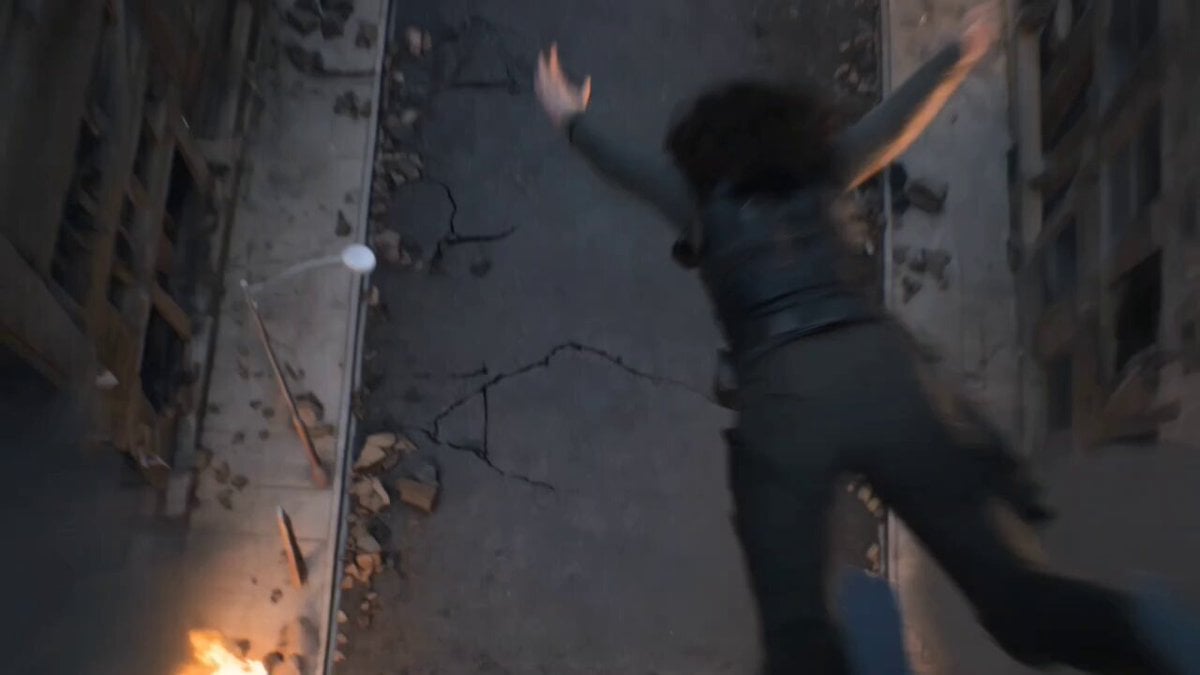
Epic Post-Apocalyptic Warrior Transformation Video Prompt
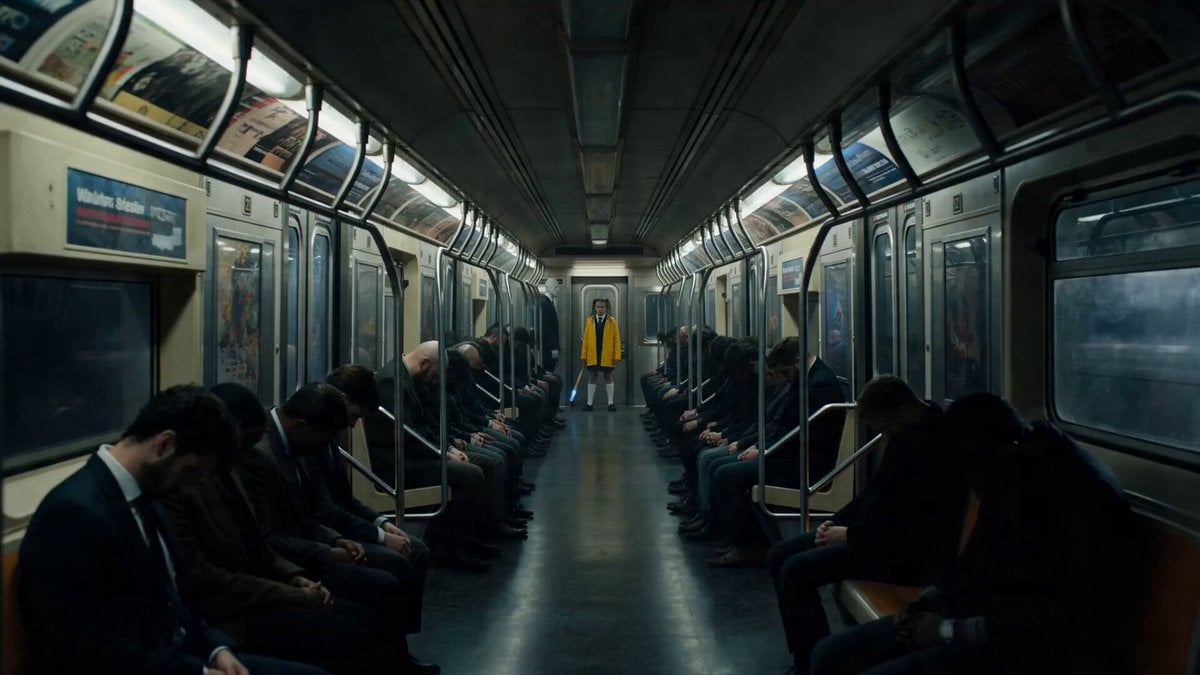
Possessed Train Schoolgirl Action Video

Browse template categories
Warrior Archer Energy Bow Action questions
How do I use the Warrior Archer Energy Bow Action template?
Add your photo if the template asks for one, edit the prompt if you like — the template's model and format are already selected — and press Generate. Your version opens in PicX Studio.
Can I customize the Warrior Archer Energy Bow Action template?
Yes. You can change the subject, setting, lighting, mood, format, and available model controls before creating your video.
Is the Warrior Archer Energy Bow Action template free?
Opening and editing this template is free. Generating uses credits, shown on the Generate button when you are signed in.
Which AI model should I use?
Start with Seedance 2.0, which is the model associated with this template. You can compare another compatible model for a different finish.
Looking for something else? Browse all templates.

Your photo, any look
Thousands of ready templates for every top image and video model, from one credit balance.