
Joseon Warrior Energy Slash Cinematic
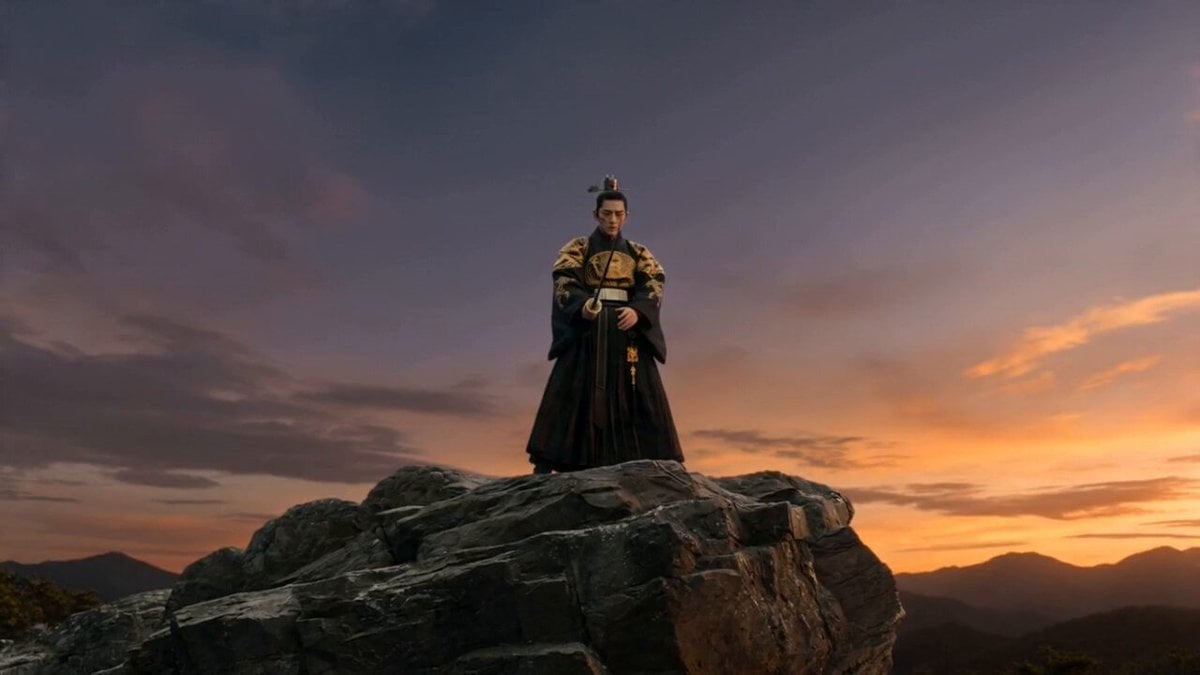
A 15-second photorealistic sequence of a Joseon warrior unleashing a massive black energy slash on a cliffside.
- Prompt included
- Model and format preset
- Free template
The prompt behind this video
Copy the exact prompt behind Joseon Warrior Energy Slash Cinematic, or open it in the studio and make it yours.
Cinematic 15-second ultra-photorealistic video, masterpiece, best quality, 8K. Exact reference to the provided image: fierce Joseon warrior with sharp intense face, battle scars, traditional topknot hairstyle secured with ornate metal hairpin, wearing flowing dark black ornate dragon robe with intricate gold patterns. Scene sequence: 0-3 seconds: Wide dramatic establishing shot of the warrior standing powerfully on the edge of a sheer rocky cliff at twilight. Strong wind billows his robe and hair. He holds a long traditional Korean sword straight forward with both hands, eyes closed in deep concentration. Thick oppressive black aura like heavy swirling ink smoke with subtle dark violet undertones and faint crackling dark particles slowly rises from his body and intensely concentrates into the sword blade. 3-8 seconds: Camera slowly orbits 180 degrees around the warrior while the black aura grows denser, fully enveloping the sword which begins to vibrate powerfully. His eyes suddenly snap open with piercing intensity. 8-12 seconds: Extreme slow-motion (0.4x) powerful diagonal downward slash. A massive crescent-shaped black energy slash erupts from the blade, trailing thick swirling black smoke, dark particles, and shadowy energy cracks, shooting fast across the deep canyon. 12-15 seconds: The black energy slash violently slams into the opposite cliff face, causing catastrophic realistic destruction — massive explosion of shattering rocks, flying debris, thick black dust clouds, and crumbling boulders with realistic physics. Final shot cuts back to the warrior still in slashing stance, slowly lowering the sword while staring coldly at the completely destroyed opposite cliff. Volumetric fog, moody cinematic rim lighting, dark color grading, highly detailed fabric texture and metallic sword reflection, dynamic wind simulation, epic oppressive atmosphere.
How to use Joseon Warrior Energy Slash Cinematic in 3 steps
- 1Upload ImagePNG, JPG or paste
Add your photo
Upload the photo the template builds on. The prompt, model and format are already set.
- 2…a portrait of your subject in softgolden-hour light, 85mm…
Personalize
Edit the subject and creative details for your destination.
- 3Generate
Generate
Press Generate — your video is created in PicX Studio, so you can compare it with the original and refine one variable at a time.
More like this
Templates with the same subject, style or setup. Open one to see its prompt.
Energy Bow Jungle Edit
Warrior Archer Energy Bow Action
Gothic Anime Sword Slash

Metallic Relic Rainbow Energy

Cosmic Heart Radiant Energy
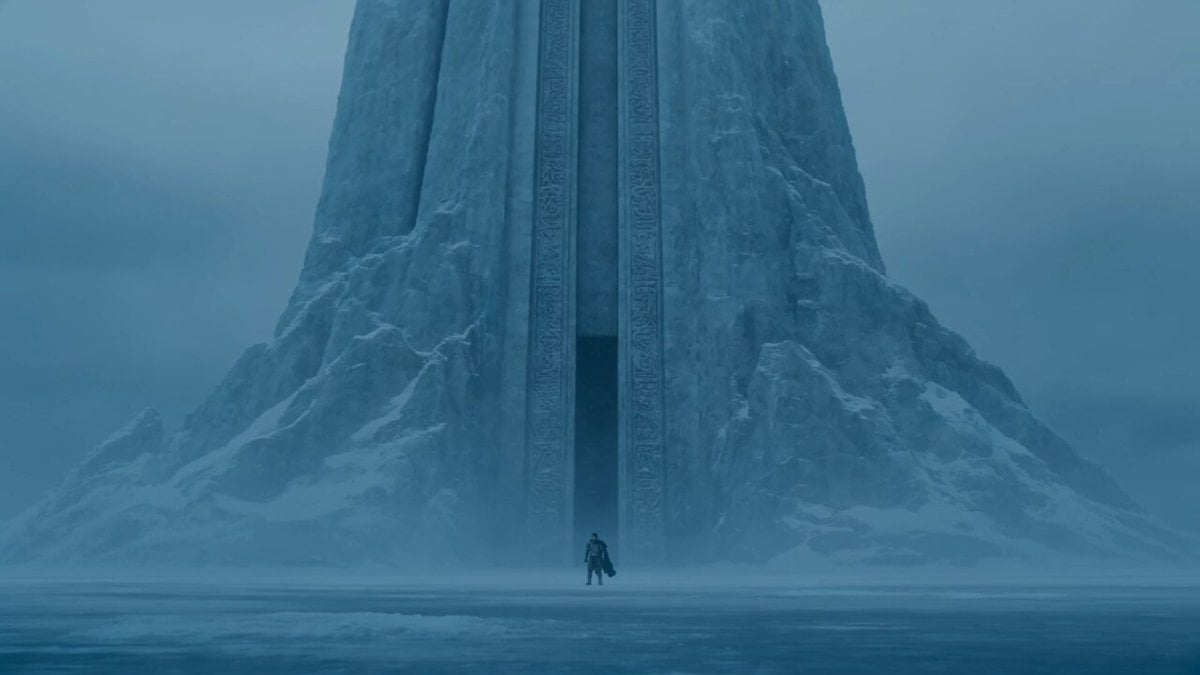
Lone Warrior at Frozen Mountain Gate
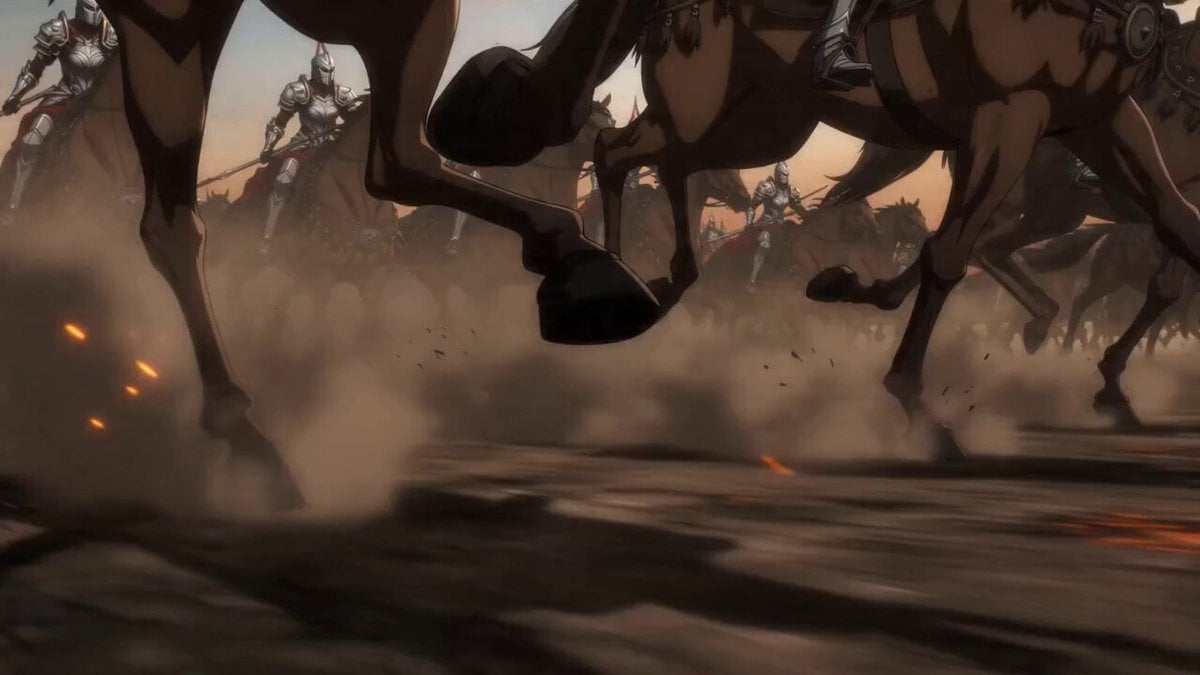
Epic Anime Warrior Queen Cavalry Charge

Warrior and Lion Courage Scene
Indian Warrior Fort Action
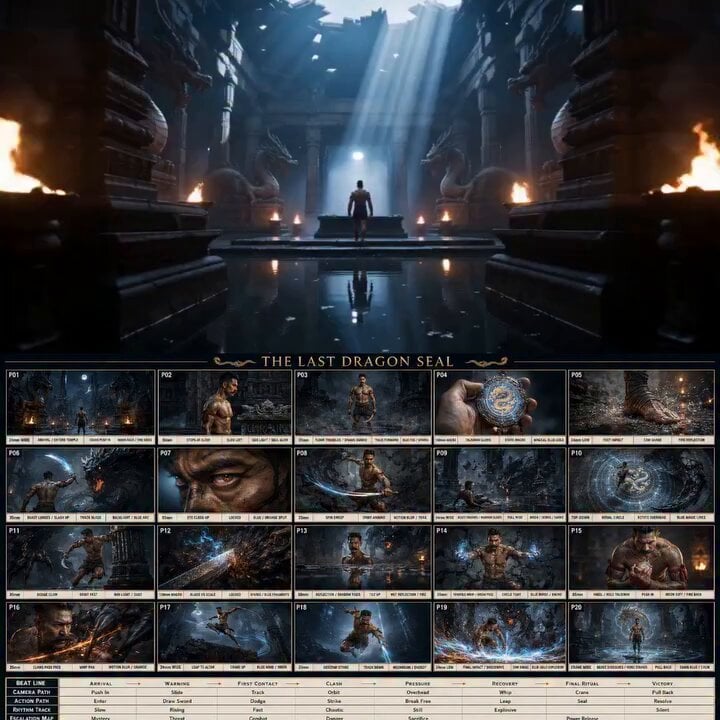
Ancient Dragon Temple Warrior Zoom
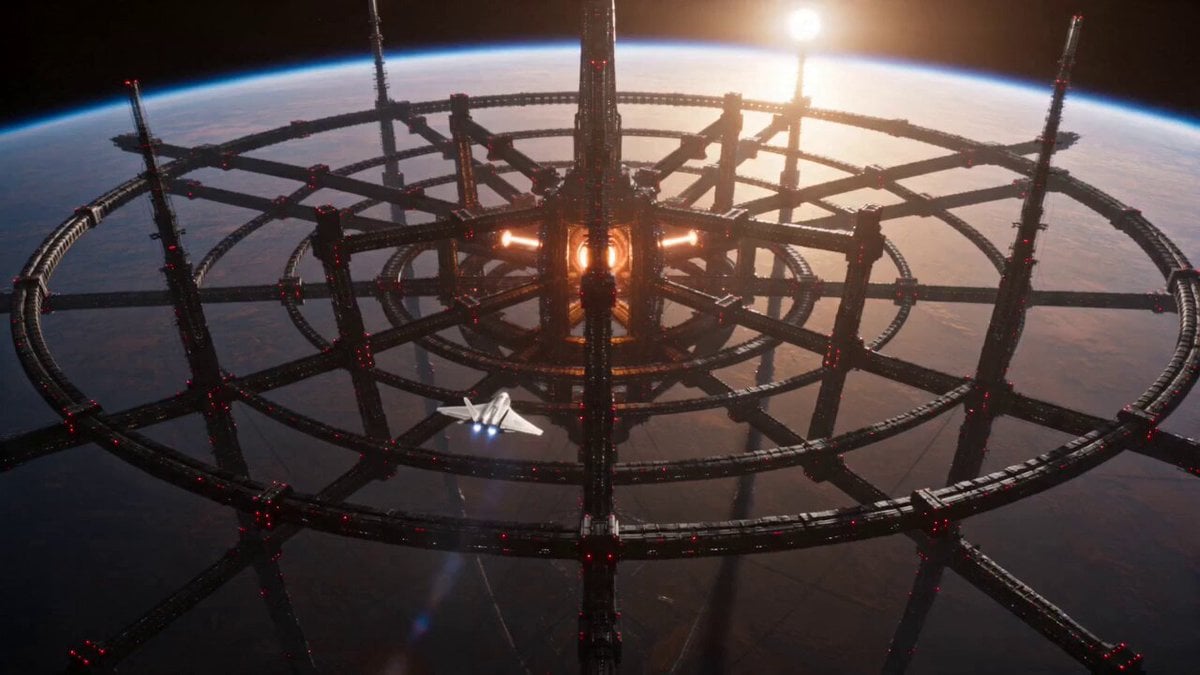
Sci-Fi Stellar Energy Extraction
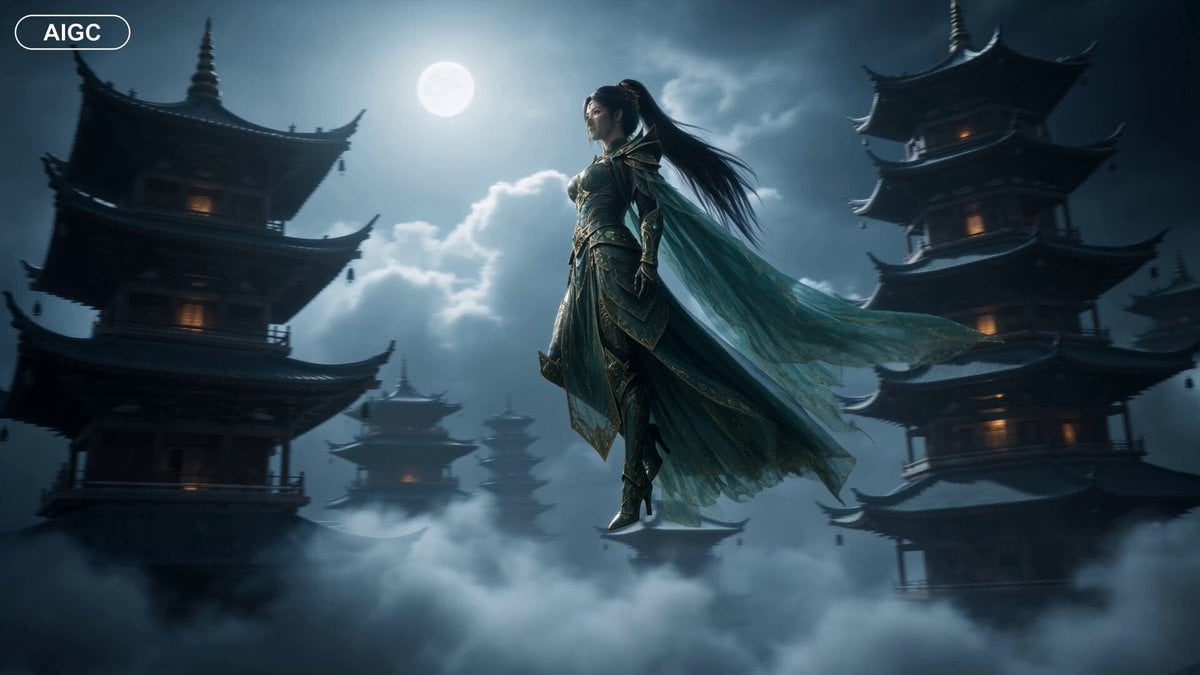
Fantasy Warrior Transformation Sequence
Make it yours
Joseon Warrior Energy Slash Cinematic works as-is. These are the safest ways to change it without losing the look.
Change one field
Copy a single group, rewrite it, and generate again so you can see what that field is doing.
Keep the frame, change the subject
Hold the composition and light of Joseon Warrior Energy Slash Cinematic, then swap wardrobe, props or the person for a new take.
| If the result… | Why | Fix |
|---|---|---|
| The result drifts from the preview | Too many fields changed at once. | Reuse Joseon Warrior Energy Slash Cinematic as-is first, then change one group — subject, light, or setting. |
| The model over-stylizes the scene | The prose prompt leaves finish and camera underspecified. | Add one camera or lighting sentence and stay on Seedance 2.0. |
More Seedance 2.0 templates
Other prompts made for Seedance 2.0.

Comical Martial Arts Punch Scene

Maglev Train Action Sequence

Martial Arts Fight Sequence

Wuxia Protection and Trust Script

Vintage Korean Arcade MiniDV Vlog

Mercedes 190 SL Luxury Ad

Rainy Night Supernatural Reverse Comedy Video Script

Amazon Civilization Discovery

Futuristic South Asian City Transformation

Cozy Luxury Cafe Commercial
More video prompts
Fresh picks from across the catalog.
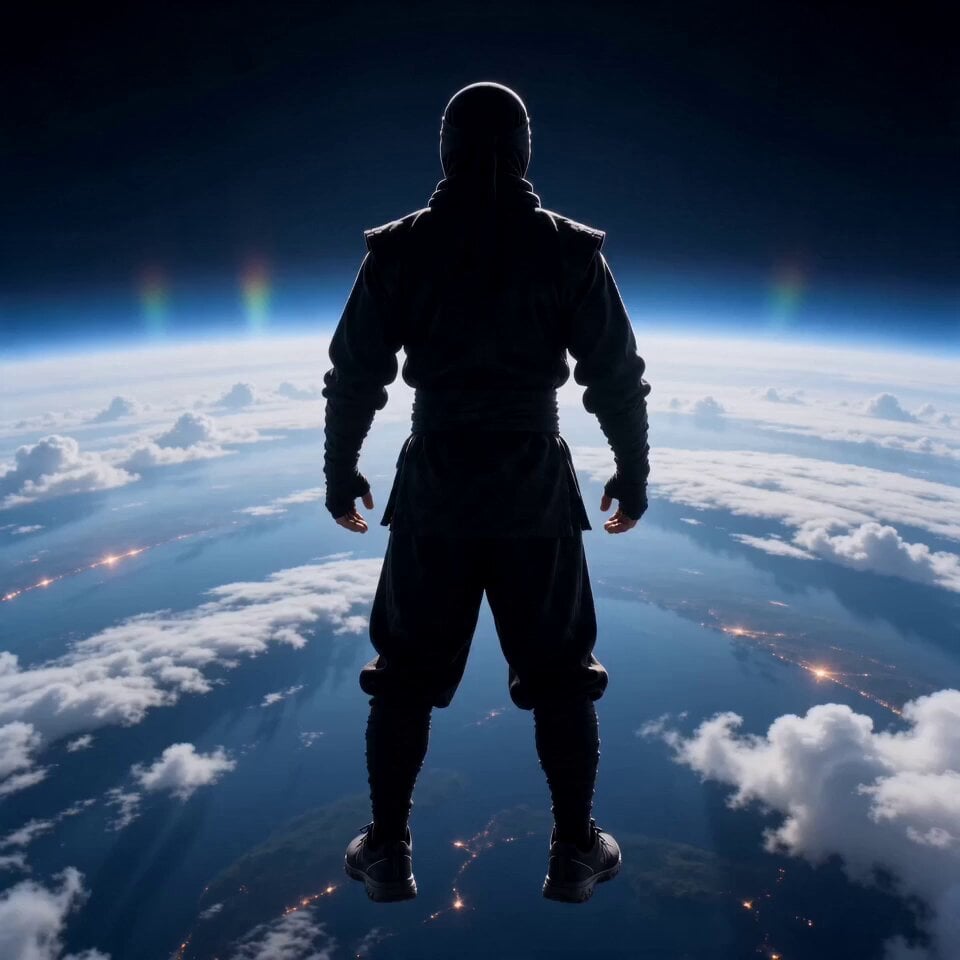
Cinematic Superhero Flight Over Earth
Sweet Boyfriend POV Interaction Video
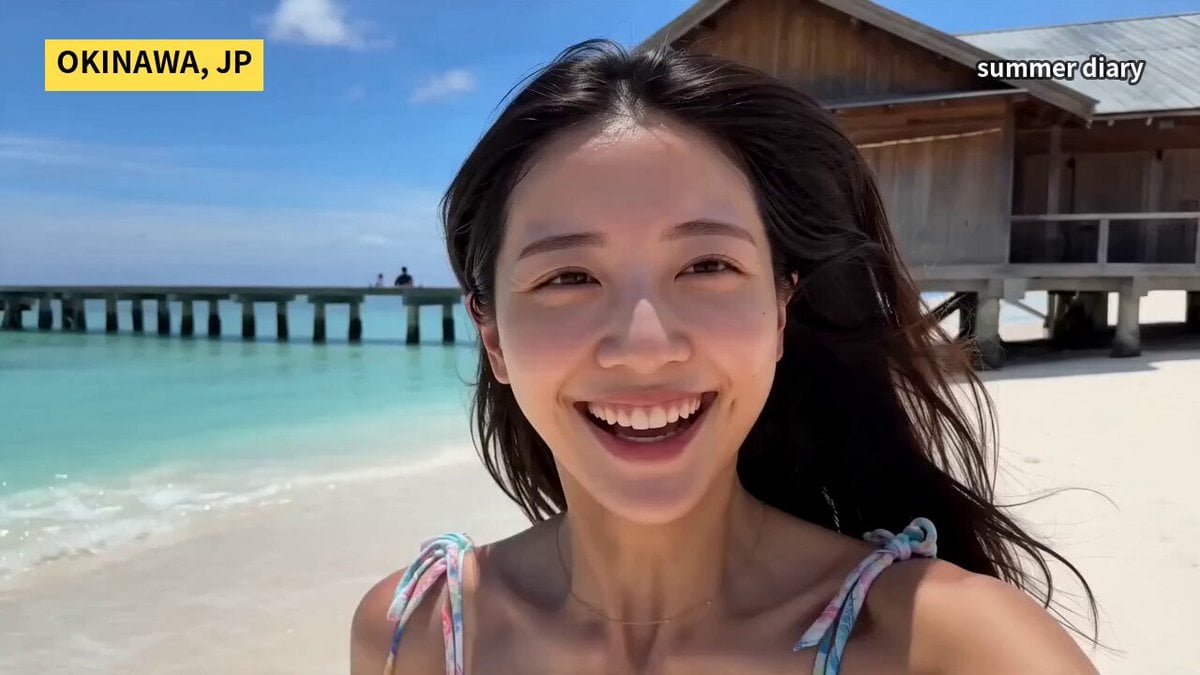
Okinawa Summer Beach Smartphone Vlog
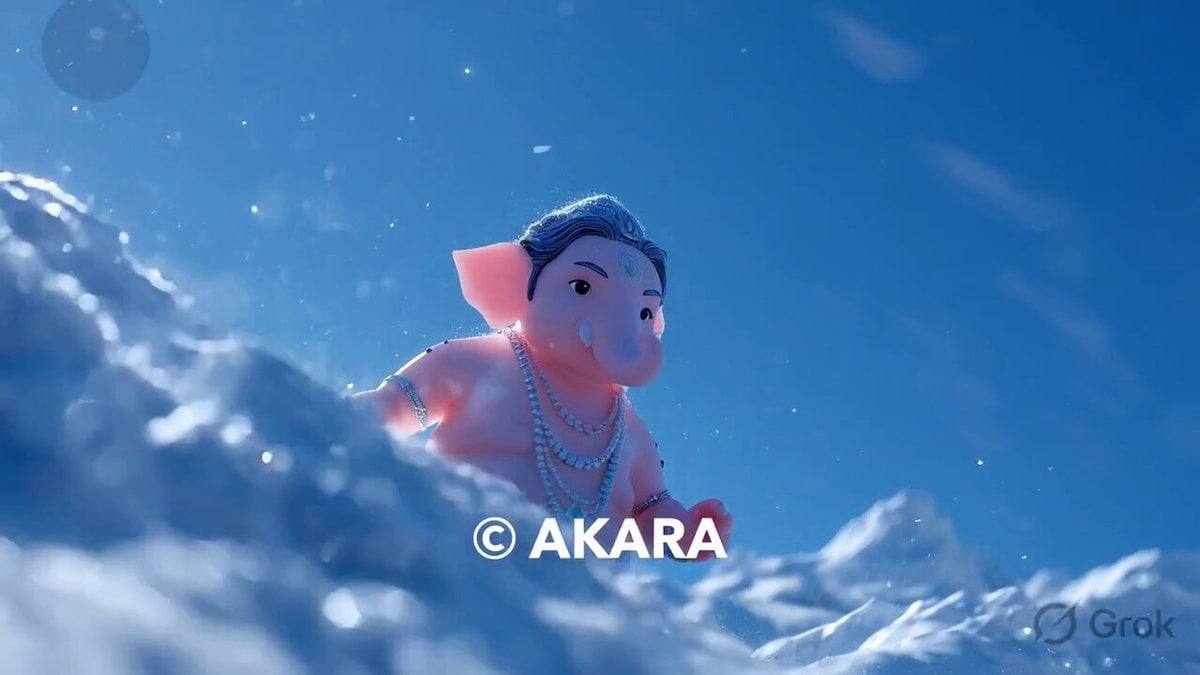
Lord Ganesha Sliding Down Snowy Slope
Claude Prompt: Outlier and Anomaly Detector

Cinematic Grocery Store Emotional Story

Anime to Photorealistic Transformation

Grok Imagine Prompt: Render two kids outside dressed in winter coats and toques in traditional Easte
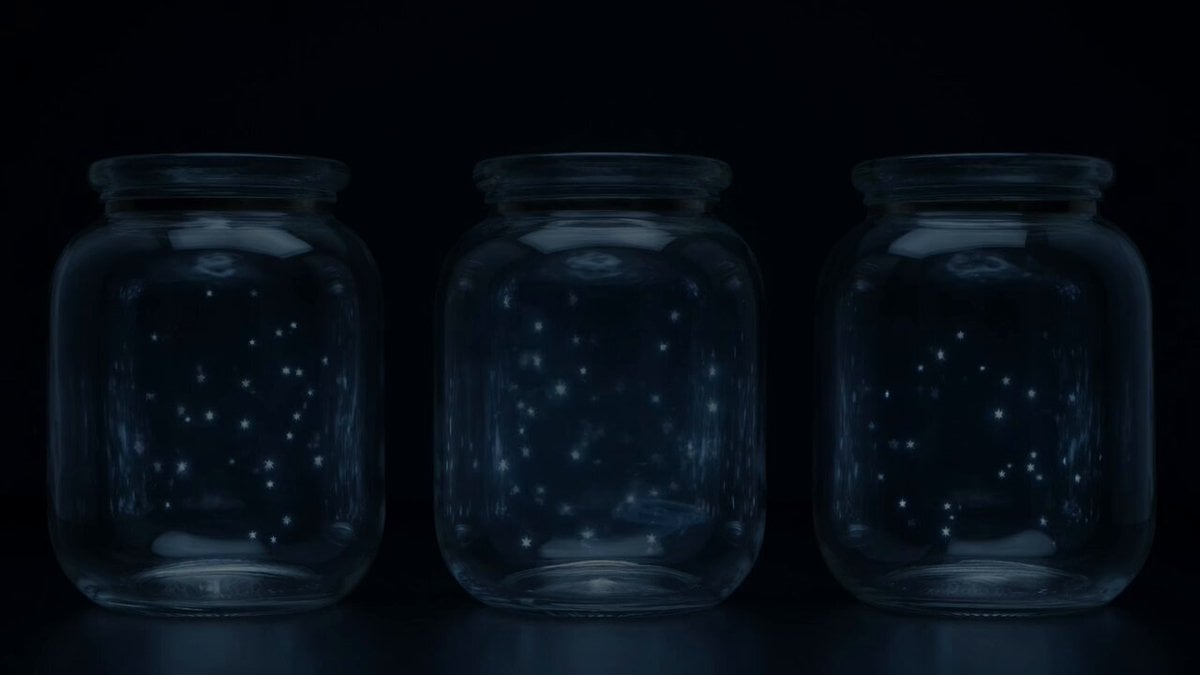
Stars in Jars Timed Overlay

Global Fashion World Tour
Browse template categories
Joseon Warrior Energy Slash Cinematic questions
How do I use the Joseon Warrior Energy Slash Cinematic template?
Add your photo if the template asks for one, edit the prompt if you like — the template's model and format are already selected — and press Generate. Your version opens in PicX Studio.
Can I customize the Joseon Warrior Energy Slash Cinematic template?
Yes. You can change the subject, setting, lighting, mood, format, and available model controls before creating your video.
Is the Joseon Warrior Energy Slash Cinematic template free?
Opening and editing this template is free. Generating uses credits, shown on the Generate button when you are signed in.
Which AI model should I use?
Start with Seedance 2.0, which is the model associated with this template. You can compare another compatible model for a different finish.
Looking for something else? Browse all templates.

Your photo, any look
Thousands of ready templates for every top image and video model, from one credit balance.