
Snowboarding House Cat Sports Broadcast
A highly detailed sports broadcast style prompt featuring a house cat performing a snowboarding jump at the Olympics, with complex physics and camera instructions.
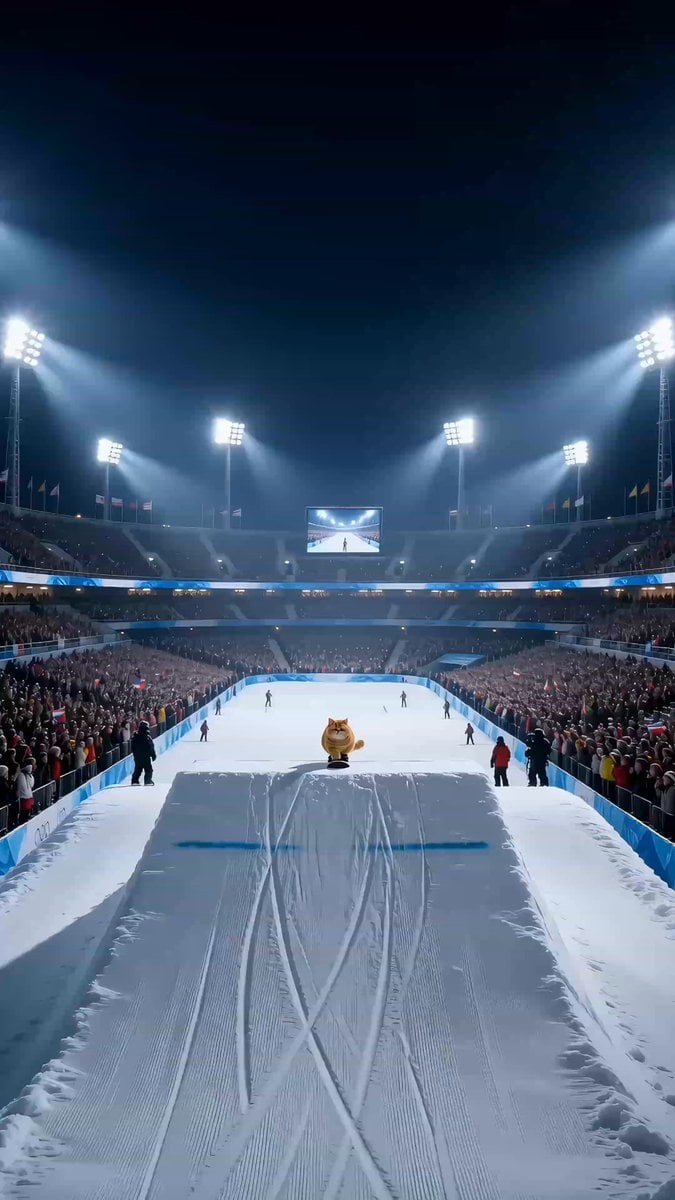
- Prompt included
- Model and format preset
- Premium template
The prompt behind this video
Copy the exact prompt behind Snowboarding House Cat Sports Broadcast, or open it in the studio and make it yours.
15-second ultra-photorealistic cinematic sports film. Subject: Chubby yellow short-haired house cat, realistic cat anatomy, natural proportions, dense fur detail, whiskers, breath vapor, balanced on a snowboard. Scene: Winter Olympics-style large snowboard big air stadium under night lights, full stands, flags, cold air, compacted snow, realistic piste tracks. Style: Premium sports broadcast realism, natural lighting mixed with powerful stadium floodlights, ultra-detailed snow spray, realistic gravity, momentum, and landing impact, crisp winter air, high-speed action photography. 0-4 seconds: Wide establishing shot + slow crane down, cat accelerates towards the ramp, board edges create clear lines in the snow, snow particles are blown towards the camera, anticipation murmurs from the stands. 4-9 seconds: Side tracking shot, cat enters the final ramp and launches into a powerful pop and long jump, body remains balanced, tail and paws react realistically to airflow, long airtime, natural physics. 9-13s: Dramatic telephoto slow motion, artistic spin and stylish grab in mid-air, stadium lights passing underneath, detailed fur movement, snow crystals and cold breath particles, Olympic final moment energy. 13-15s: Low angle follow shot into landing, solid and satisfying landing, board settles on the ground, a dense cloud of snow rises, the cat continues to glide in the flow, spectators rise to their feet and respond with powerful applause and cheers, final hero frame, triumphant winter sports atmosphere.
How to use Snowboarding House Cat Sports Broadcast in 3 steps
- 1
Open
The prompt is already in the box next to the preview, with the template's model and format selected.
- 2…a portrait of your subject in softgolden-hour light, 85mm…
Personalize
Edit the subject and creative details for your destination.
- 3Generate
Generate
Press Generate — your video is created in PicX Studio, so you can compare it with the original and refine one variable at a time.
More like this
Templates with the same subject, style or setup. Open one to see its prompt.
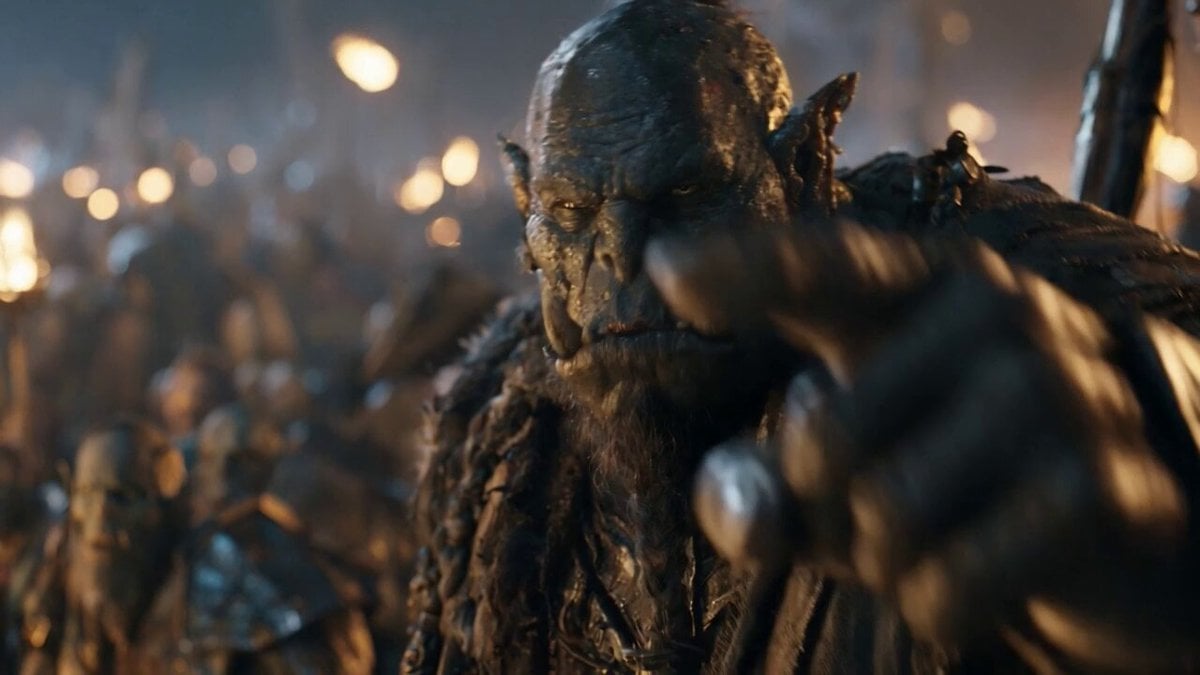
3D Animated Cat and Old Man - Seedance
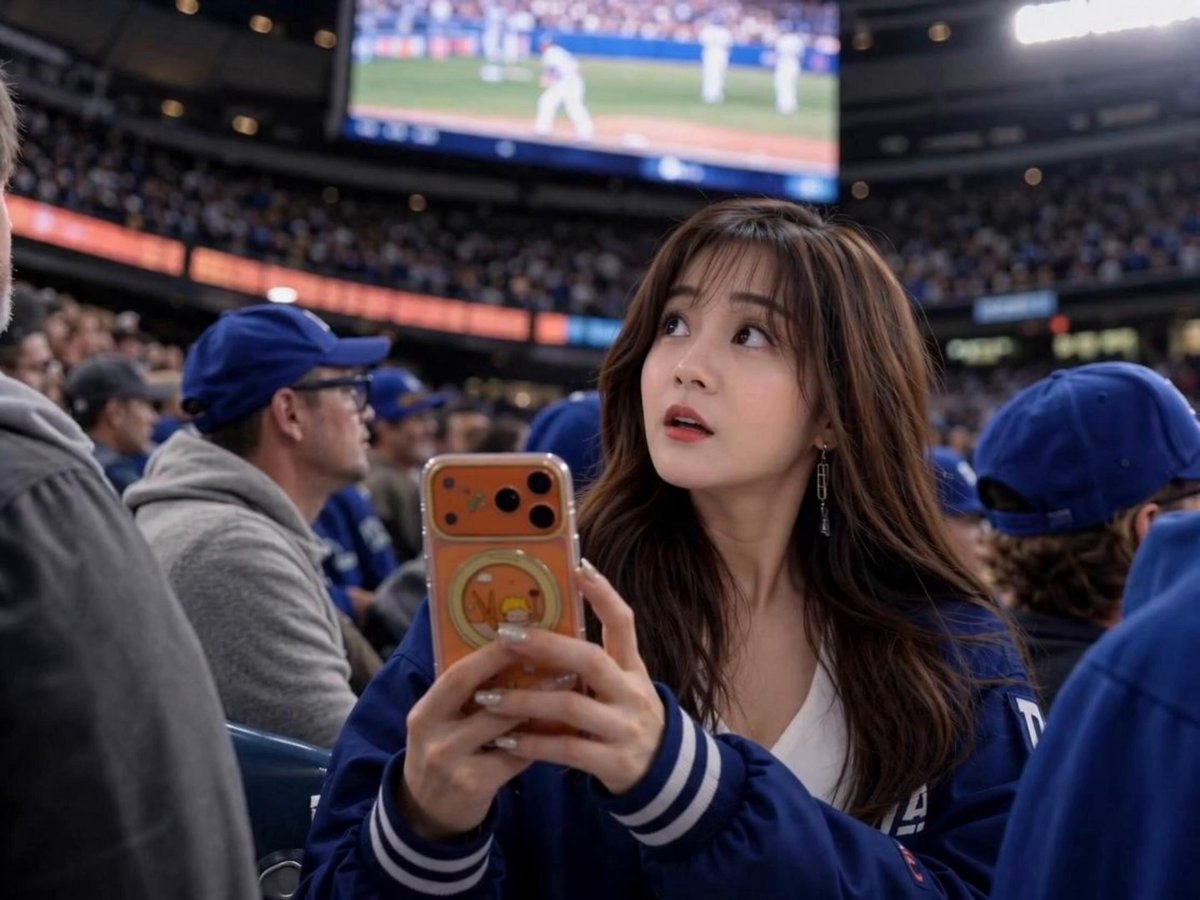
Sports Broadcast Jumbotron Reaction
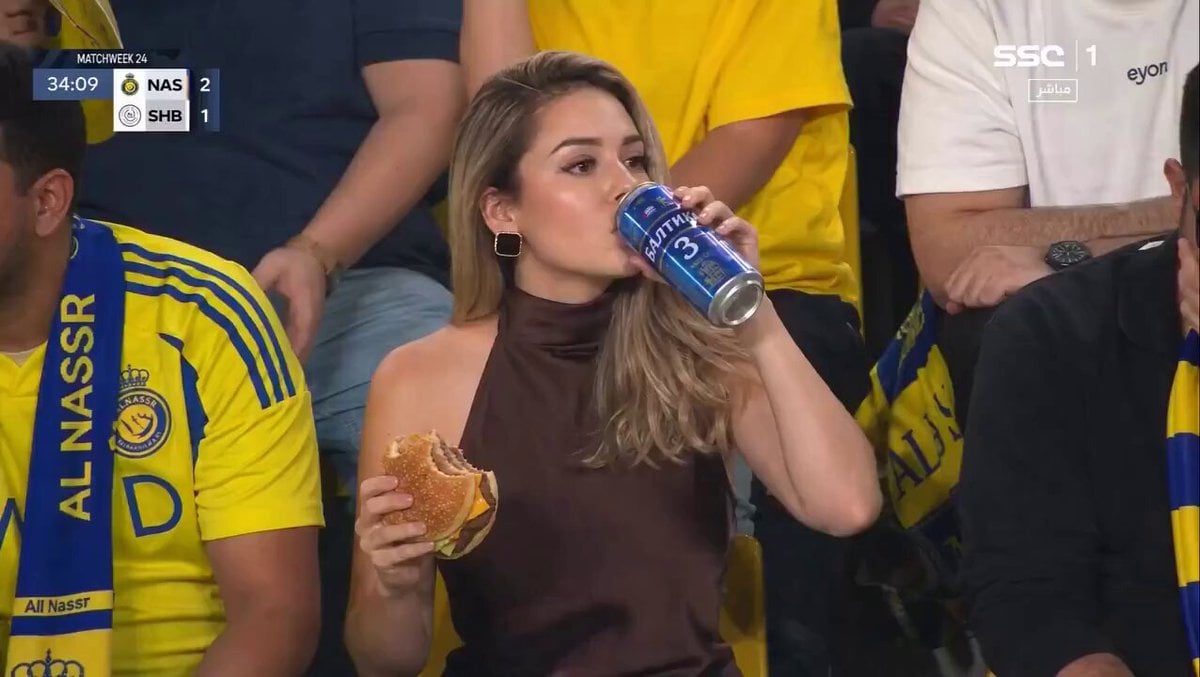
Surreal Sports Broadcast Reaction
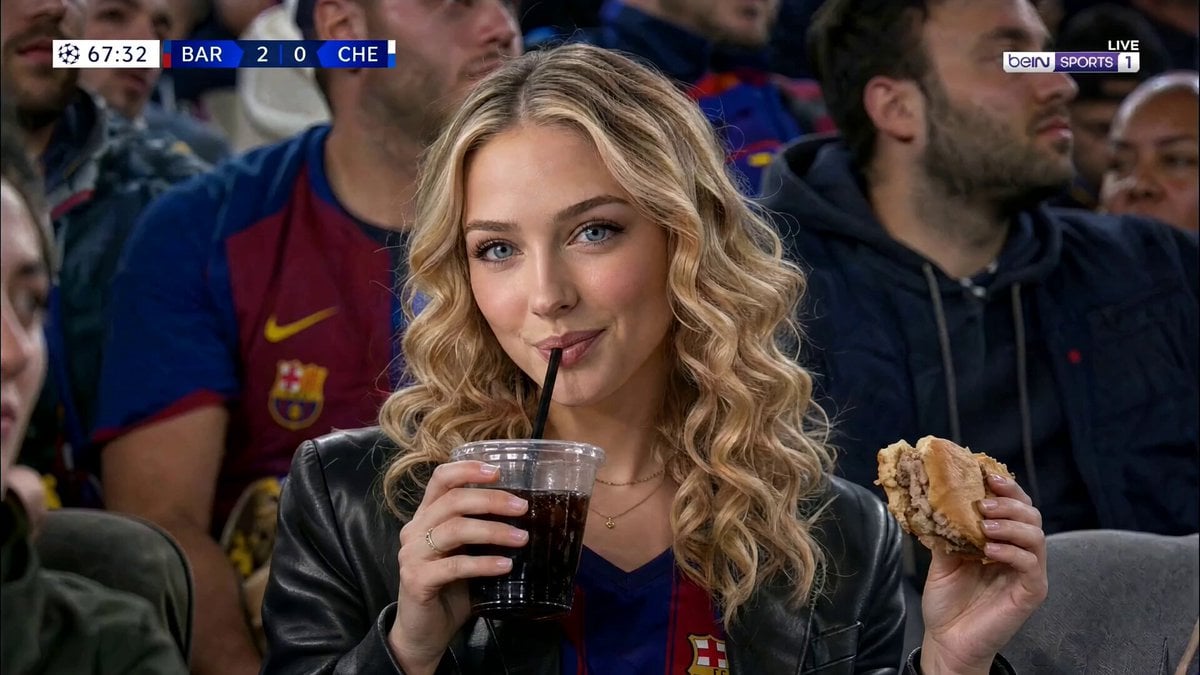
Ultra-Realistic Sports Broadcast Goal Sequence
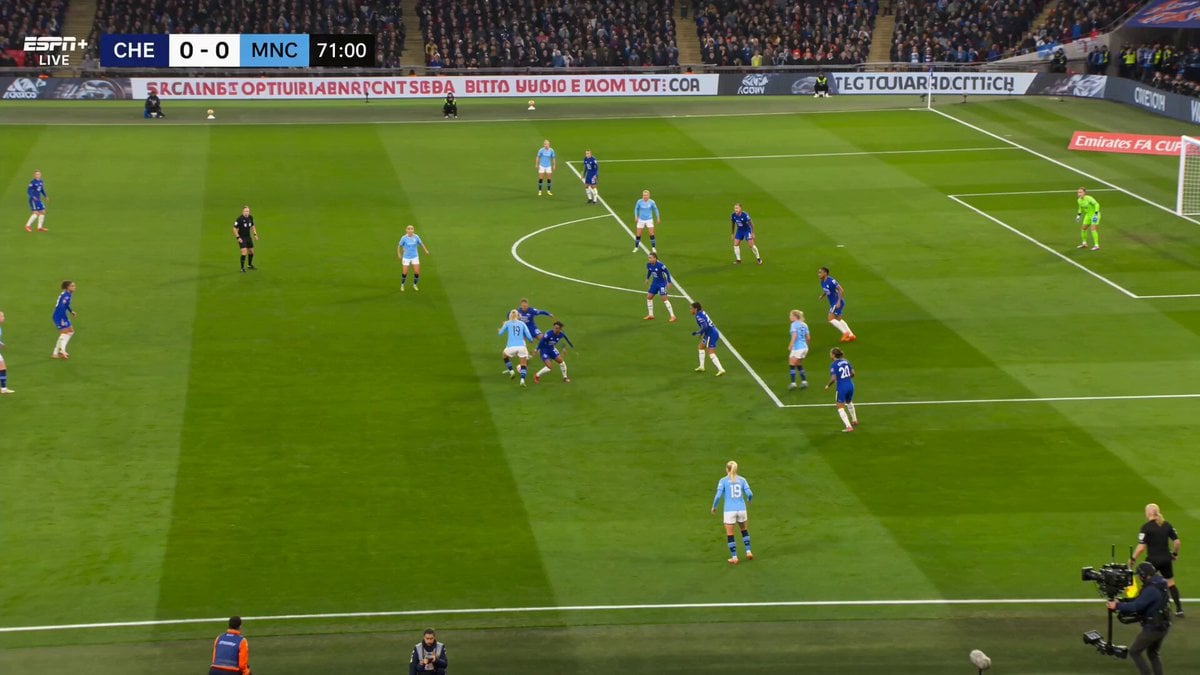
Manchester City FA Cup Sports Broadcast
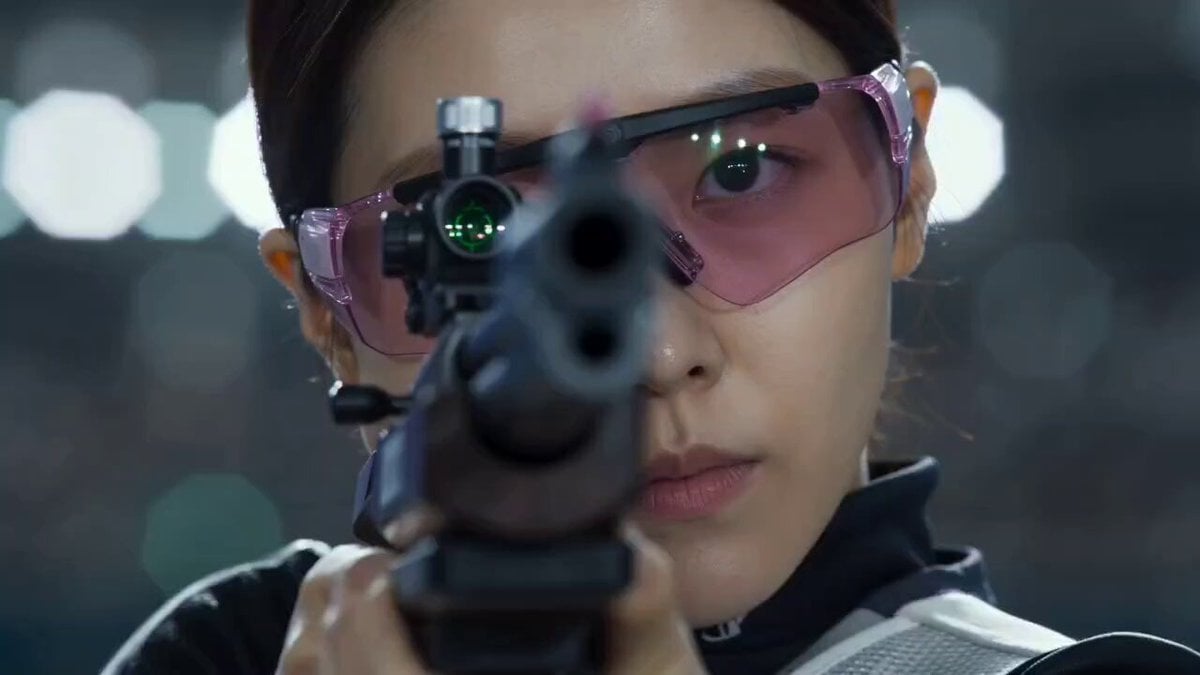
Korean Sports Broadcast Shooting
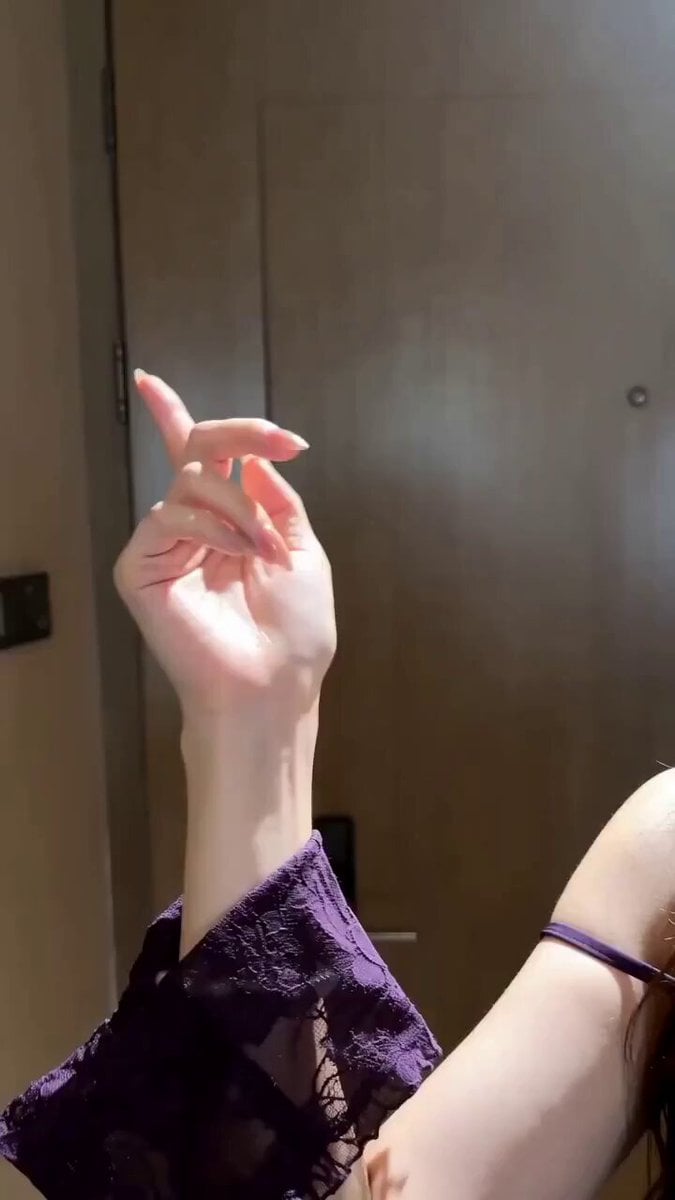
Future House Dance Performance
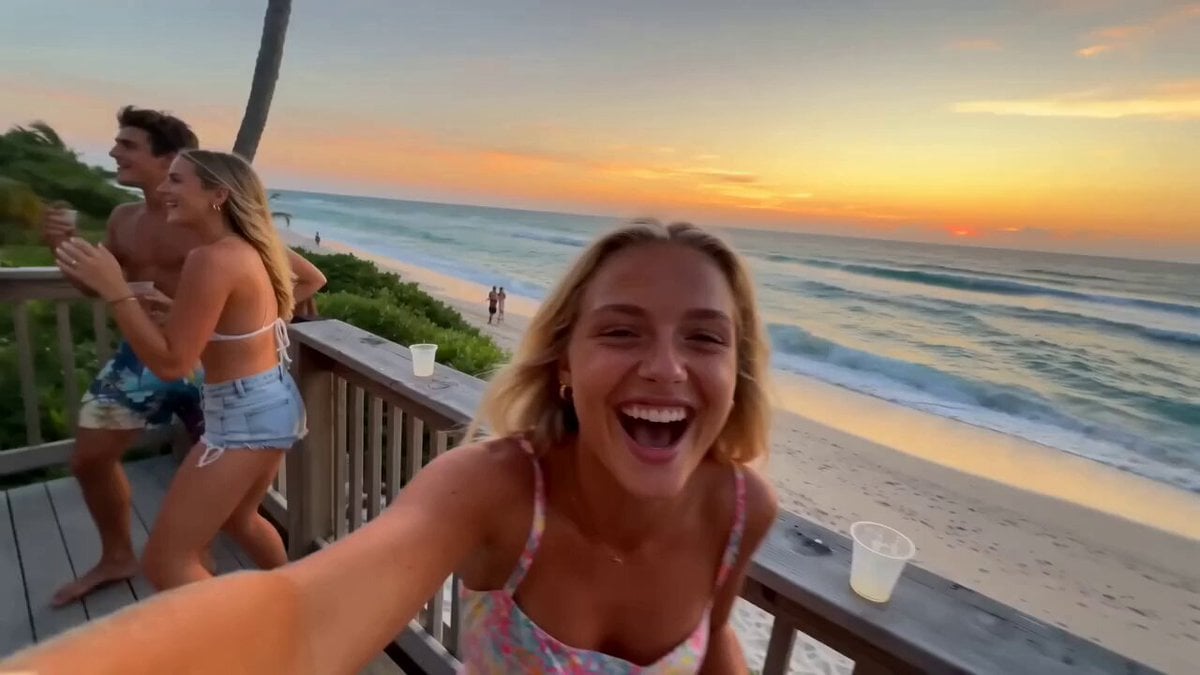
Miami Beach House Party Smartphone Video
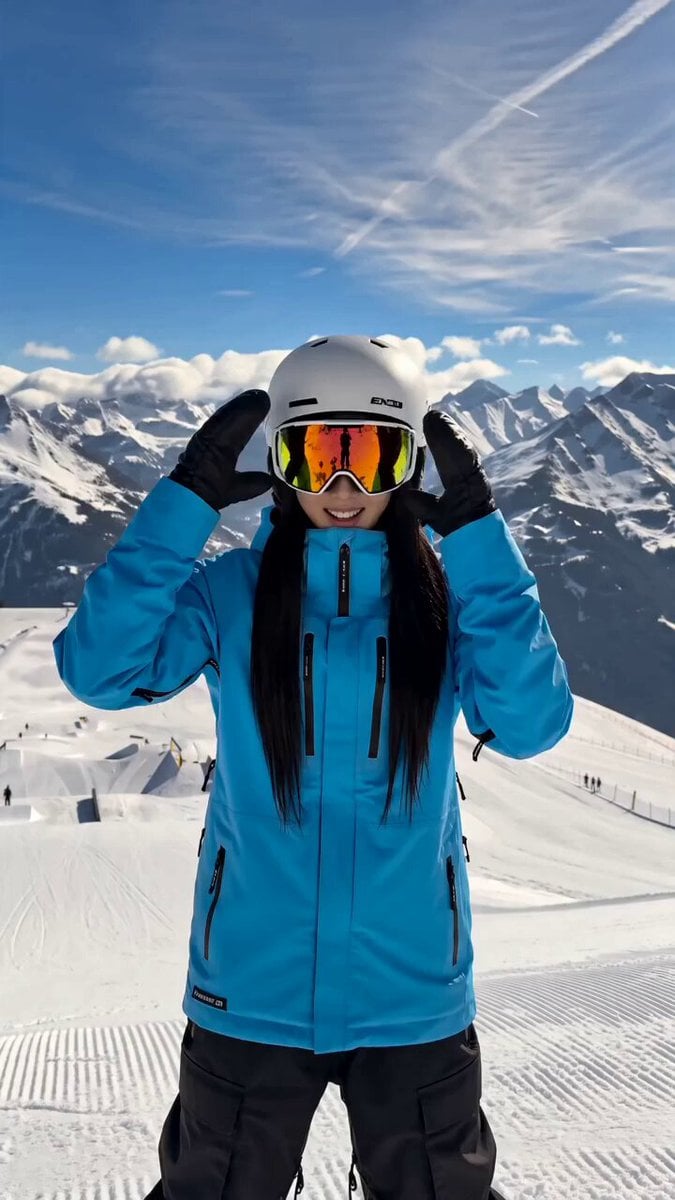
Snowboarding Cinematic Action
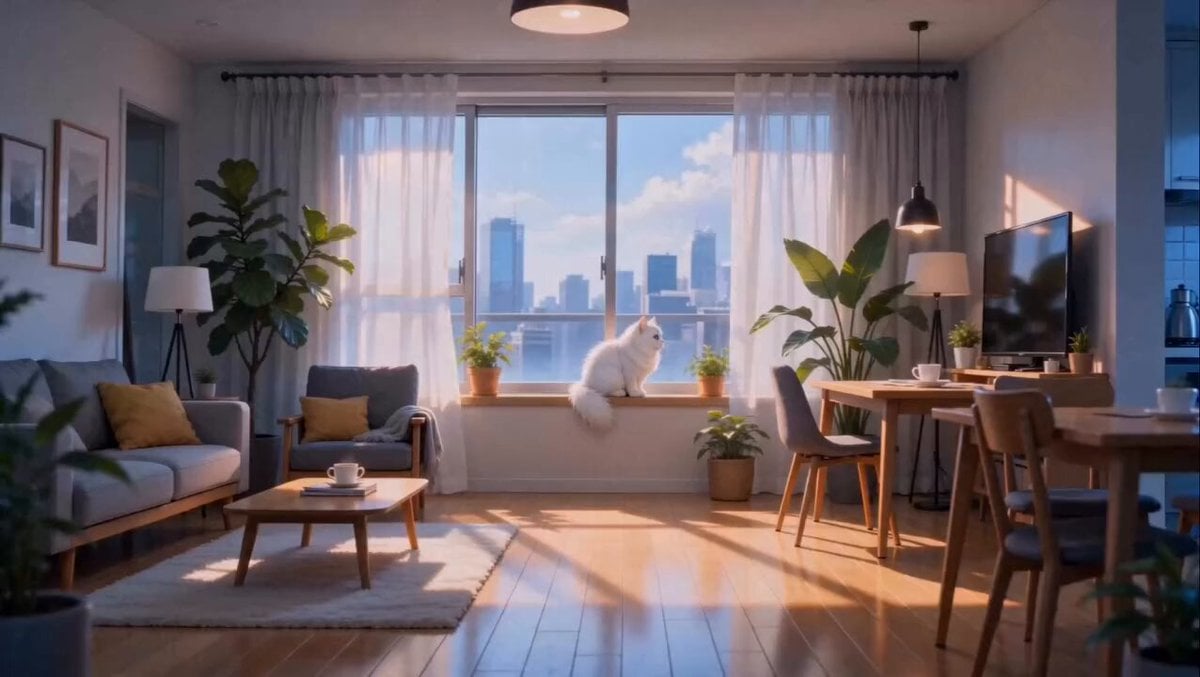
Anime Fluffy Cat Morning Routine
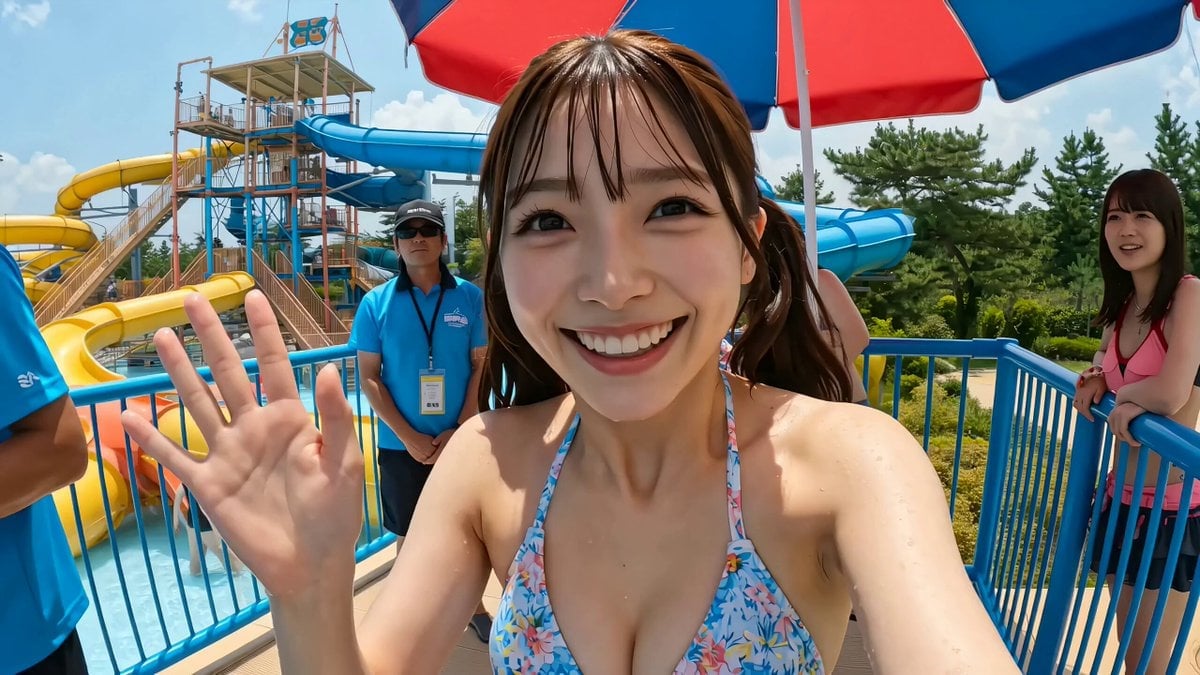
Water Slide to Haunted House Surprise
East Asian Women Opera House
Make it yours
Snowboarding House Cat Sports Broadcast works as-is. These are the safest ways to change it without losing the look.
Change one field
Copy a single group, rewrite it, and generate again so you can see what that field is doing.
Keep the frame, change the subject
Hold the composition and light of Snowboarding House Cat Sports Broadcast, then swap wardrobe, props or the person for a new take.
| If the result… | Why | Fix |
|---|---|---|
| The result drifts from the preview | Too many fields changed at once. | Reuse Snowboarding House Cat Sports Broadcast as-is first, then change one group — subject, light, or setting. |
| The model over-stylizes the scene | The prose prompt leaves finish and camera underspecified. | Add one camera or lighting sentence and stay on Seedance 2.0. |
More Seedance 2.0 templates
Other prompts made for Seedance 2.0.

Comical Martial Arts Punch Scene

Maglev Train Action Sequence

Martial Arts Fight Sequence

Wuxia Protection and Trust Script

Vintage Korean Arcade MiniDV Vlog

Mercedes 190 SL Luxury Ad

Rainy Night Supernatural Reverse Comedy Video Script

Amazon Civilization Discovery

Futuristic South Asian City Transformation

Cozy Luxury Cafe Commercial
More video prompts
Fresh picks from across the catalog.
Cinematic Wormhole POV Fly Scene Prompt

Grok Imagine Prompt: Woman with Blooming Branches

Industrial Mecha Battle
Tiny Dragons in Water Bucket
Gouache Concept Art Animation

Wingsuit Flying Extreme Sports Video Prompt
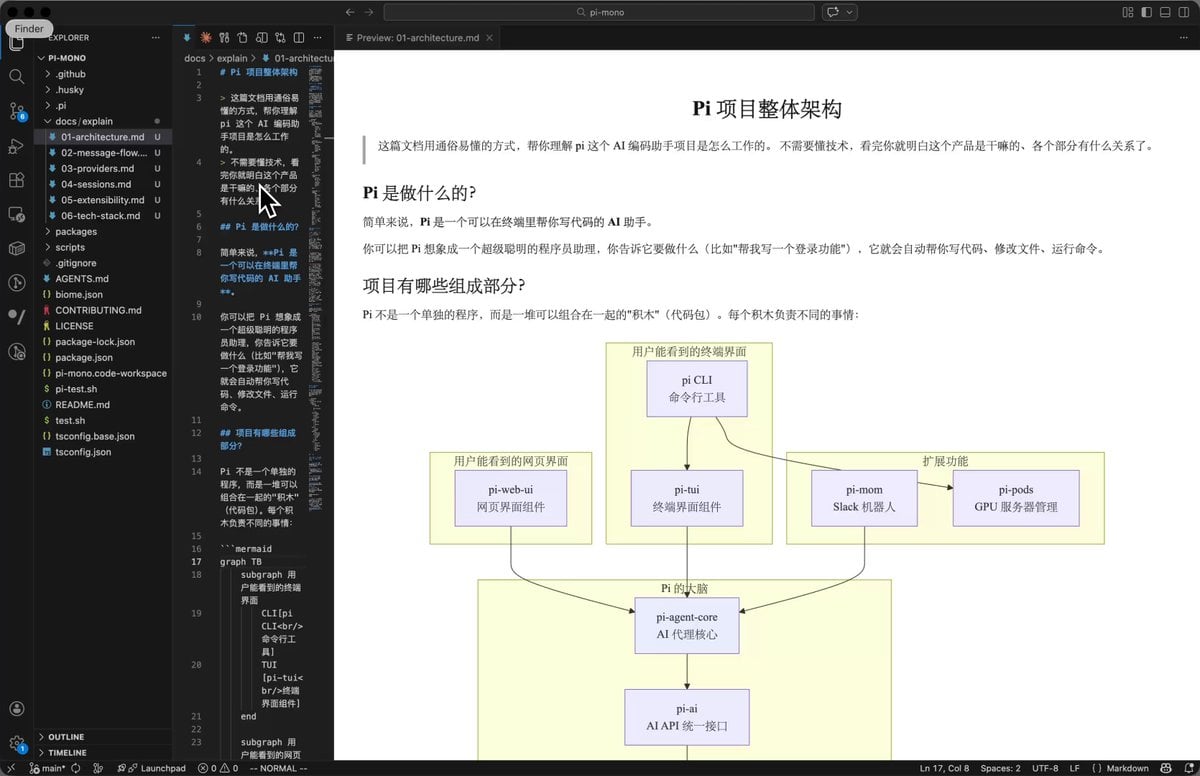
AI Prompt for Code Repository Analysis and Documentation
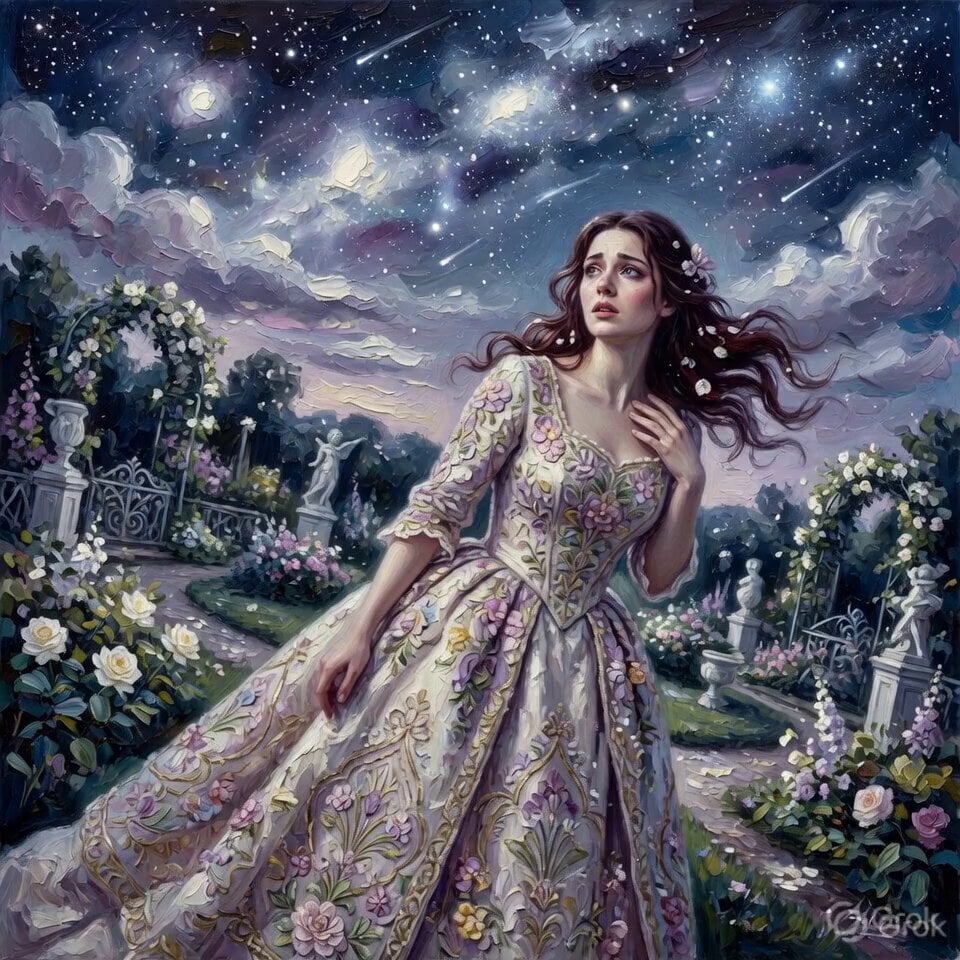
Moonlit Oil Painting Garden Portrait
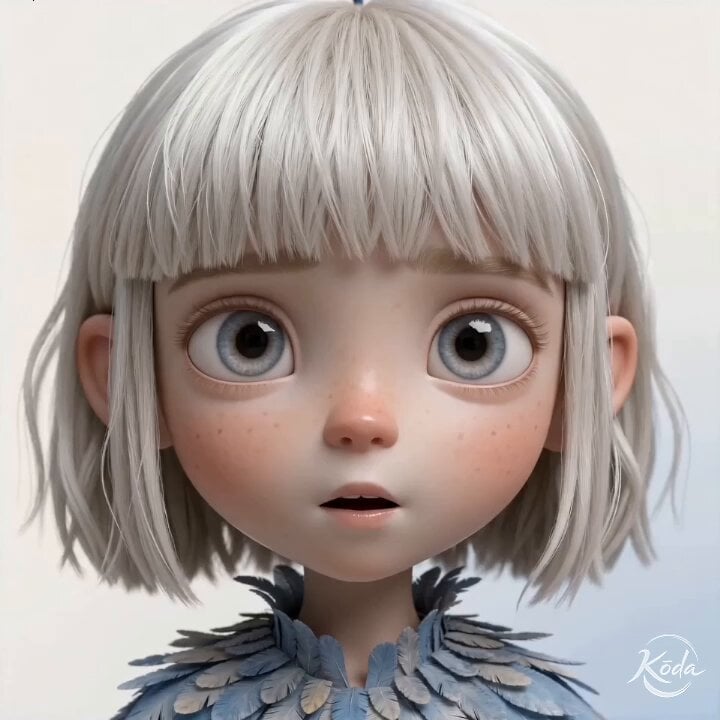
Mysterious Character Facial Animation
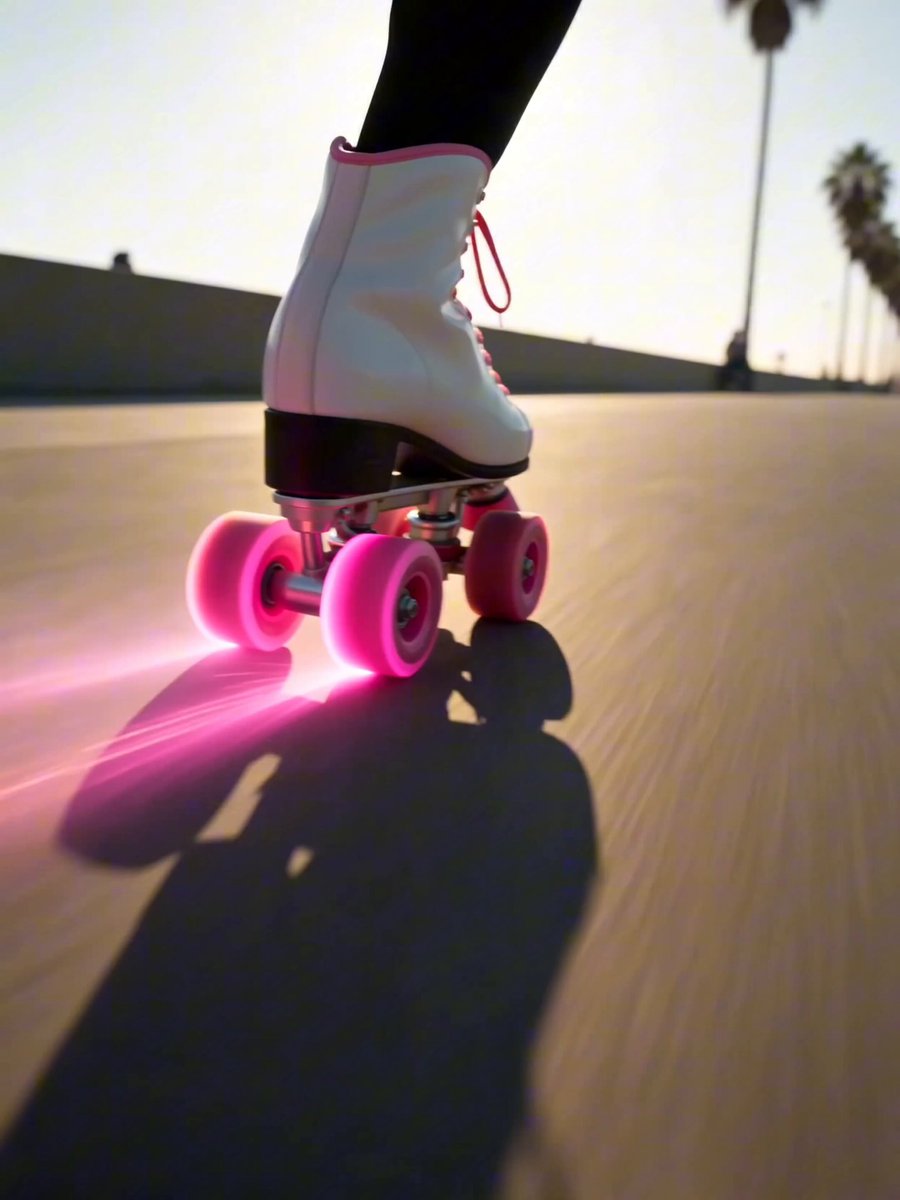
Roller Derby Glitch Transition Sequence
Browse template categories
Snowboarding House Cat Sports Broadcast questions
How do I use the Snowboarding House Cat Sports Broadcast template?
Add your photo if the template asks for one, edit the prompt if you like — the template's model and format are already selected — and press Generate. Your version opens in PicX Studio.
Can I customize the Snowboarding House Cat Sports Broadcast template?
Yes. You can change the subject, setting, lighting, mood, format, and available model controls before creating your video.
Is the Snowboarding House Cat Sports Broadcast template free?
Opening and editing this template is free. Generating uses credits, shown on the Generate button when you are signed in.
Which AI model should I use?
Start with Seedance 2.0, which is the model associated with this template. You can compare another compatible model for a different finish.
Looking for something else? Browse all templates.

Your photo, any look
Thousands of ready templates for every top image and video model, from one credit balance.