
Snowboarding Cinematic Action
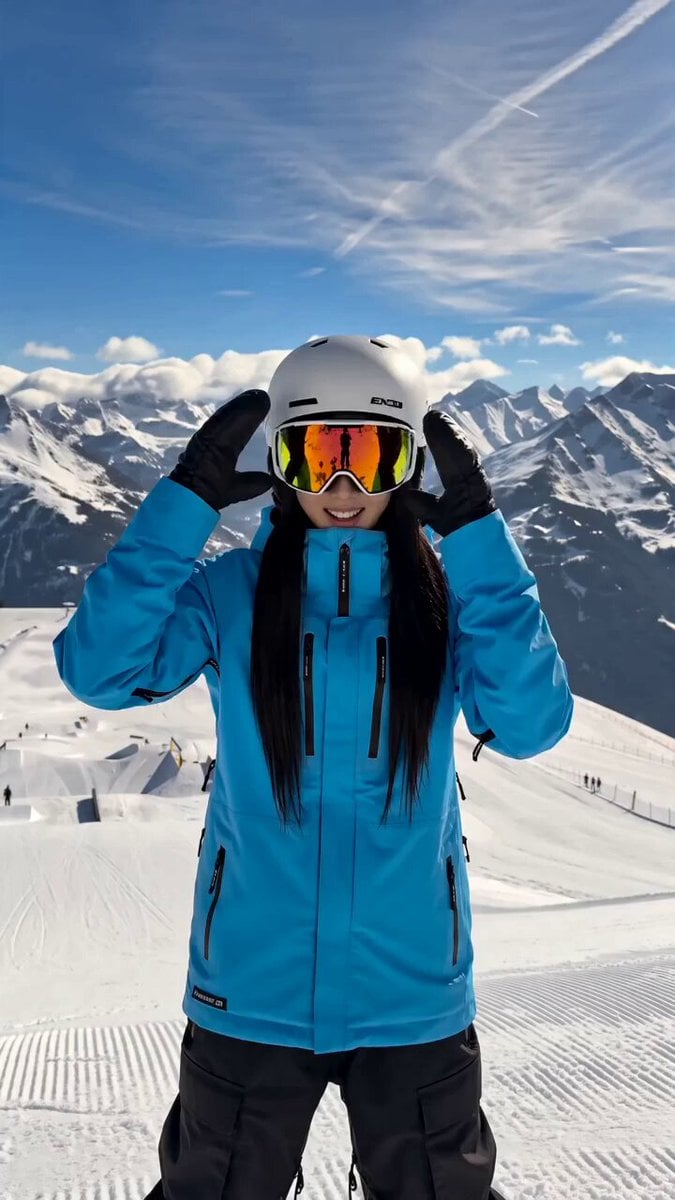
A high-energy vertical video prompt for a professional ski-film aesthetic featuring a snowboarder performing rail grinds and aerial rotations.
- Prompt included
- Model and format preset
- Free template
The prompt behind this video
Copy the exact prompt behind Snowboarding Cinematic Action, or open it in the studio and make it yours.
Cinematic vertical video of a young East Asian woman with long straight black hair snowboarding at a high-alpine ski resort on a bright sunny day. She wears a vibrant turquoise-blue ski jacket, black snow pants, white helmet, reflective orange-tinted goggles, and black gloves. Opening shot: medium close-up of her standing on a groomed snow slope with dramatic snow-capped mountain peaks and a clear blue sky behind her. She smiles brightly, adjusts her white helmet and goggles with both gloved hands, then clasps her hands excitedly in front of her chest while saying “I’m so excited!” Smooth transition into dynamic action: first-person and tracking shots of her carving down wide, groomed powder runs with visible ski tracks. She approaches a long yellow-and-black rail, grinds it with perfect balance, arms out for style. She then hits a large snow jump, launching into a high aerial with a stylish mid-air grab and rotation, snowboard visible against the deep blue sky and distant mountain ranges. Snow particles and powder spray trail behind her as she flies. Bright sunlight creates lens flares and sharp shadows on the pristine white snow. High-energy, professional ski-film aesthetic, smooth camera movement, crisp details, vibrant colors, 15-second duration.
How to use Snowboarding Cinematic Action in 3 steps
- 1
Open
The prompt is already in the box next to the preview, with the template's model and format selected.
- 2…a portrait of your subject in softgolden-hour light, 85mm…
Personalize
Edit the subject and creative details for your destination.
- 3Generate
Generate
Press Generate — your video is created in PicX Studio, so you can compare it with the original and refine one variable at a time.
More like this
Templates with the same subject, style or setup. Open one to see its prompt.

Walking Factory with Rebel on Hoverbike - Wasteland
Thornmaw Monarch — Crimson Glass Desert Beast
Warhorse Sprint on Cliff Aqueduct
Parametric Fight Scenes Seedance

Nano Banana Seedance Time Control Streets
Colossal Sea Creature — Stormy Shore Charge (Seedance)
Skybridge Rescue — Supertall Tower Collapse (Seedance)
Highway Biker — Aggressive Lane Split (PixVerse C1)
Bullet Time Selfie — Modular Parameter Template (Seedance)
Dragon Rescue — Volcanic Kingdom Collapse (Seedance)
Swordsman vs Shadow Monster — Bamboo Forest Battle
Stone Colossus Desert Riders — Golden Fire Reveal
Make it yours
Snowboarding Cinematic Action works as-is. These are the safest ways to change it without losing the look.
Change one field
Copy a single group, rewrite it, and generate again so you can see what that field is doing.
Keep the frame, change the subject
Hold the composition and light of Snowboarding Cinematic Action, then swap wardrobe, props or the person for a new take.
| If the result… | Why | Fix |
|---|---|---|
| The result drifts from the preview | Too many fields changed at once. | Reuse Snowboarding Cinematic Action as-is first, then change one group — subject, light, or setting. |
| The model over-stylizes the scene | The prose prompt leaves finish and camera underspecified. | Add one camera or lighting sentence and stay on Seedance 2.0. |
More Seedance 2.0 templates
Other prompts made for Seedance 2.0.

Comical Martial Arts Punch Scene

Martial Arts Fight Sequence

Wuxia Protection and Trust Script

Vintage Korean Arcade MiniDV Vlog

Mercedes 190 SL Luxury Ad

Rainy Night Supernatural Reverse Comedy Video Script

Amazon Civilization Discovery

Futuristic South Asian City Transformation

Cozy Luxury Cafe Commercial

Cyber Ronin Nanotech Transformation Video
More video prompts
Fresh picks from across the catalog.
Ice Mammoth City Glacier Transformation
Raptor Chase and Lasso Escape
Penguin Dancer in Cat Hotpot Restaurant
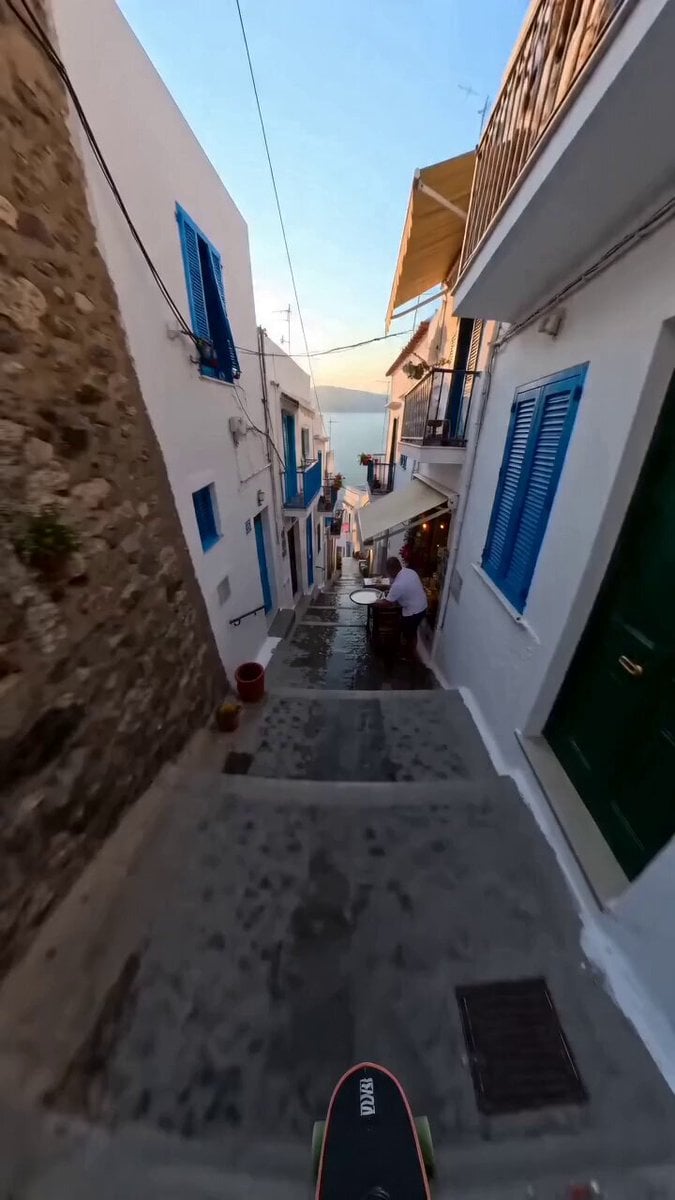
Continuous Shot Downhill Longboard Run
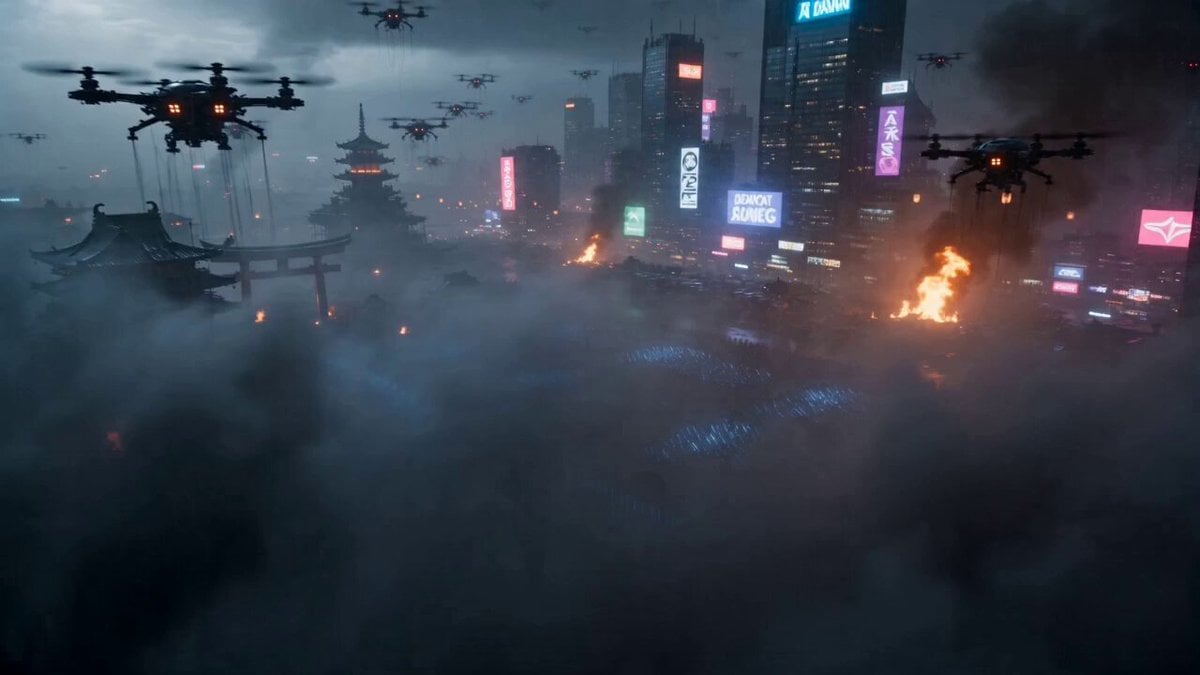
Cyberpunk Samurai Battle Video Prompt
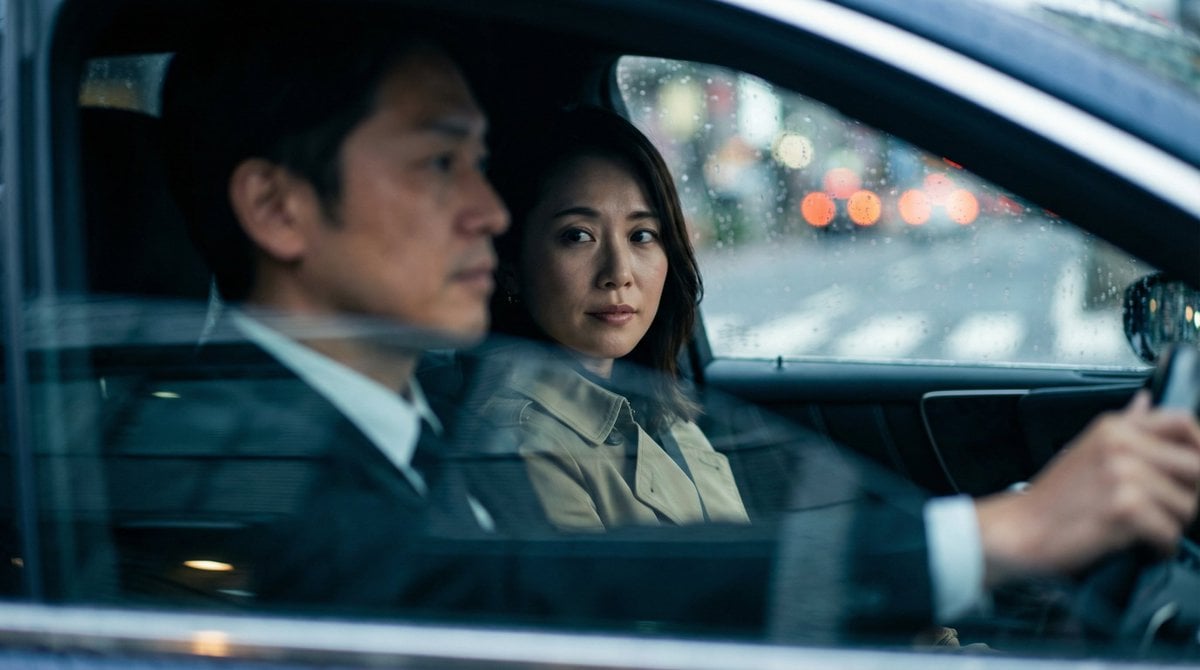
Japanese Couple in Parked Car During Heavy Rain
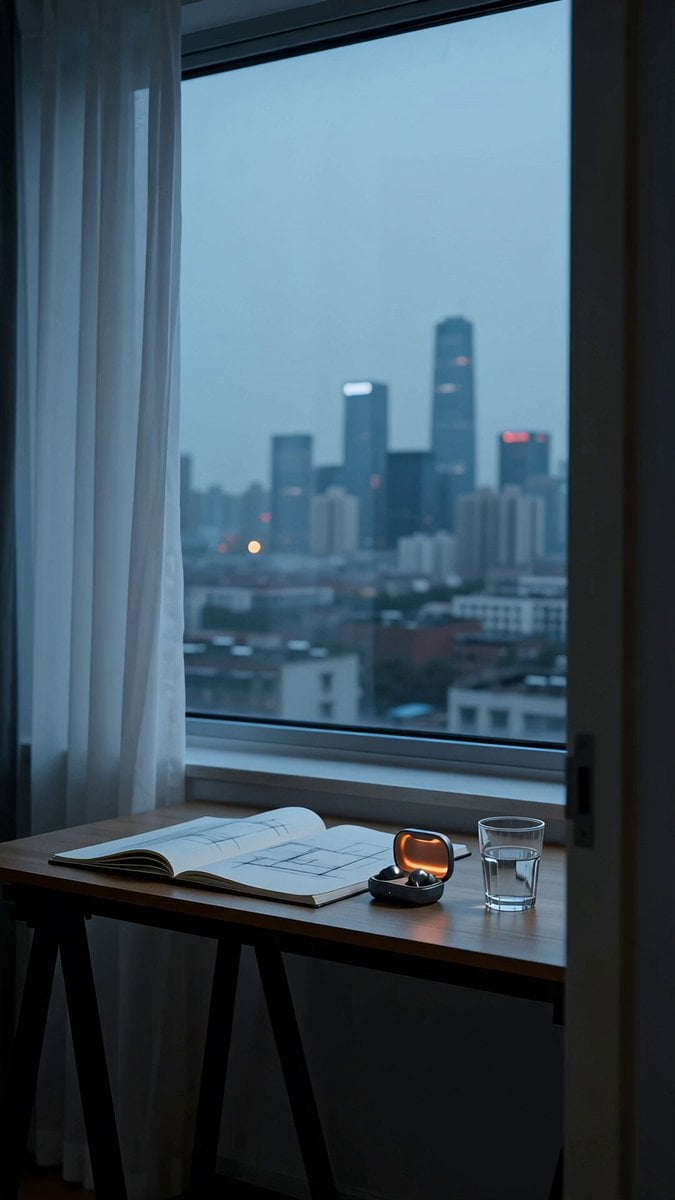
Realistic Wireless Earbuds Commercial
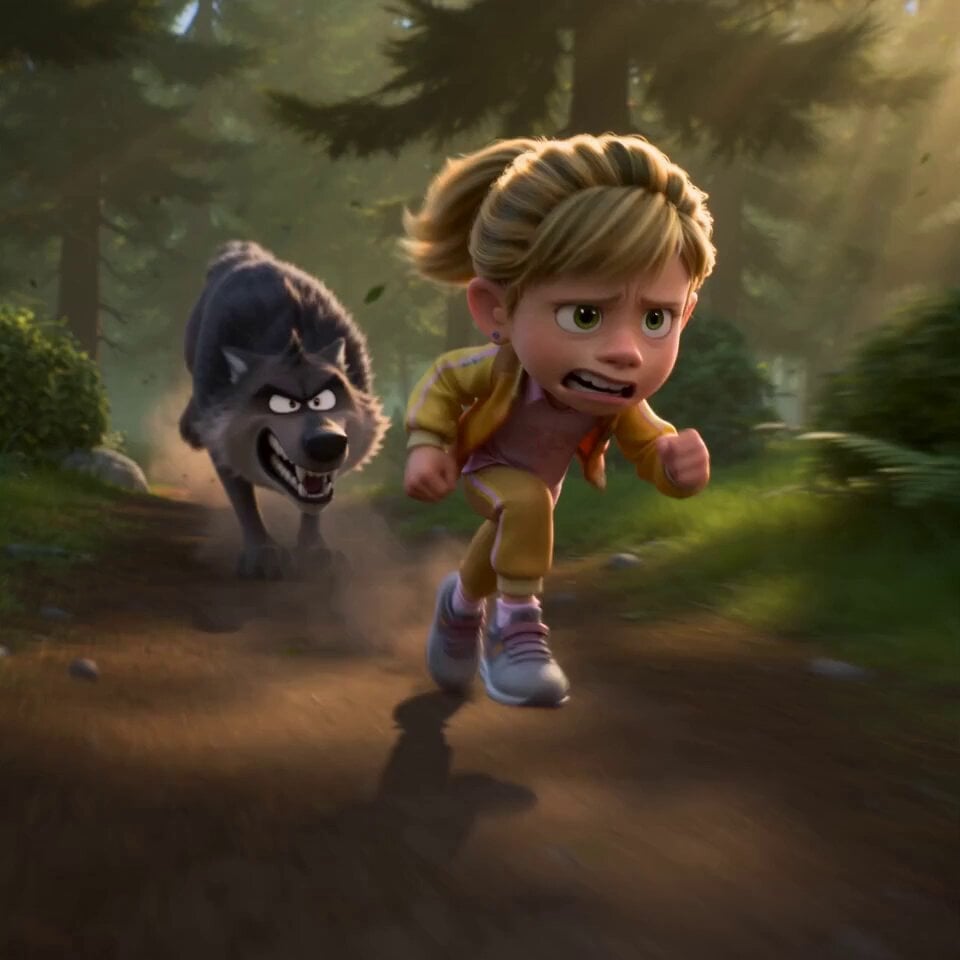
Pixar Forest Chase Animation
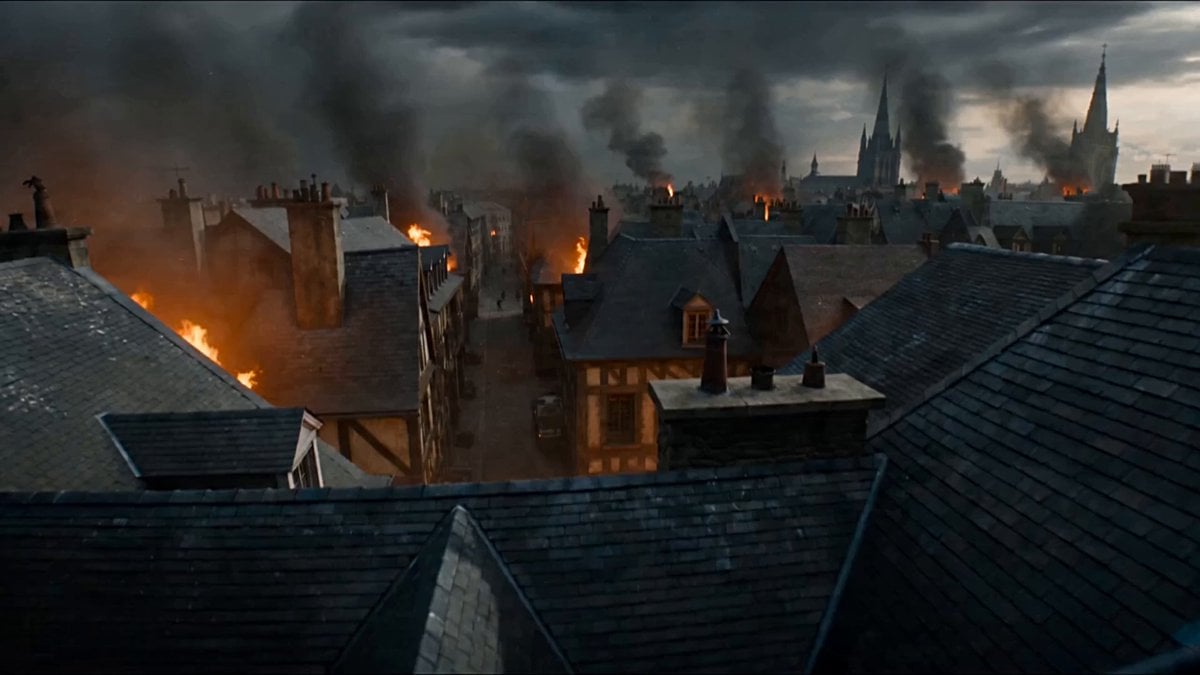
First-Person POV Fantasy Demon Battle
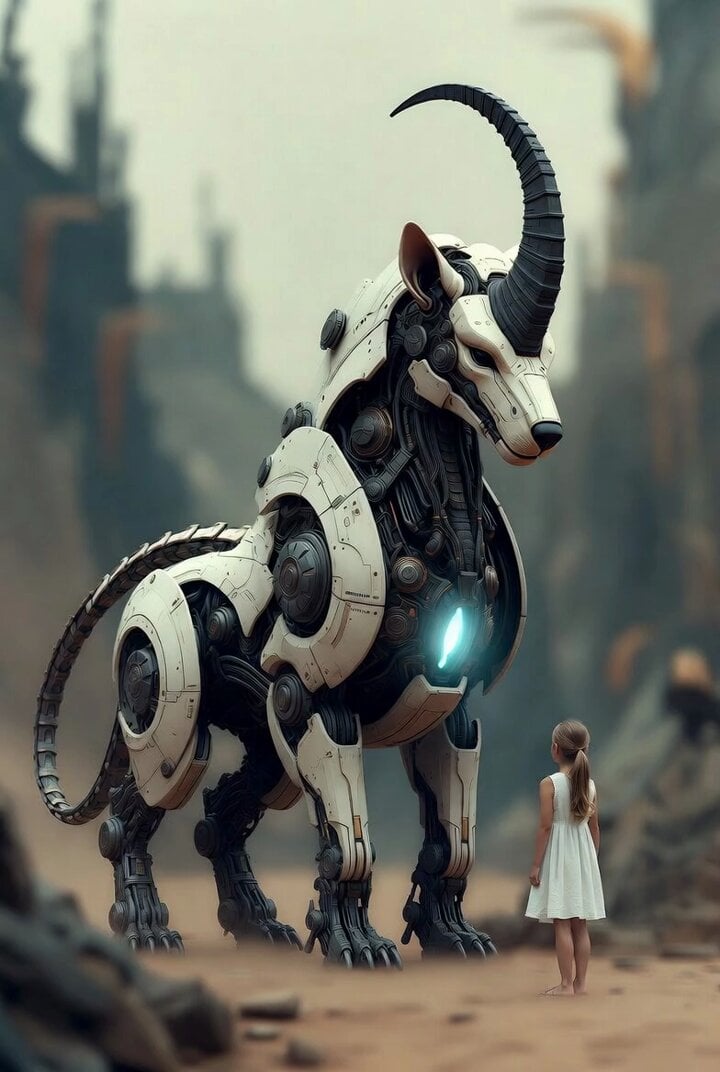
Surreal cyborg animal and young girl
Browse template categories
Snowboarding Cinematic Action questions
How do I use the Snowboarding Cinematic Action template?
Add your photo if the template asks for one, edit the prompt if you like — the template's model and format are already selected — and press Generate. Your version opens in PicX Studio.
Can I customize the Snowboarding Cinematic Action template?
Yes. You can change the subject, setting, lighting, mood, format, and available model controls before creating your video.
Is the Snowboarding Cinematic Action template free?
Opening and editing this template is free. Generating uses credits, shown on the Generate button when you are signed in.
Which AI model should I use?
Start with Seedance 2.0, which is the model associated with this template. You can compare another compatible model for a different finish.
Looking for something else? Browse all templates.

Your photo, any look
Thousands of ready templates for every top image and video model, from one credit balance.