How do I use the Water Slide to Haunted House Surprise template?
Edit the prompt in the box under the preview — the template's model and format are already selected — and press Generate. Your version appears right on this page.
A creative storyboard prompt for Seedance 2.0 where a fun water slide ride unexpectedly ends in a scary haunted house, focusing on the character's reaction.
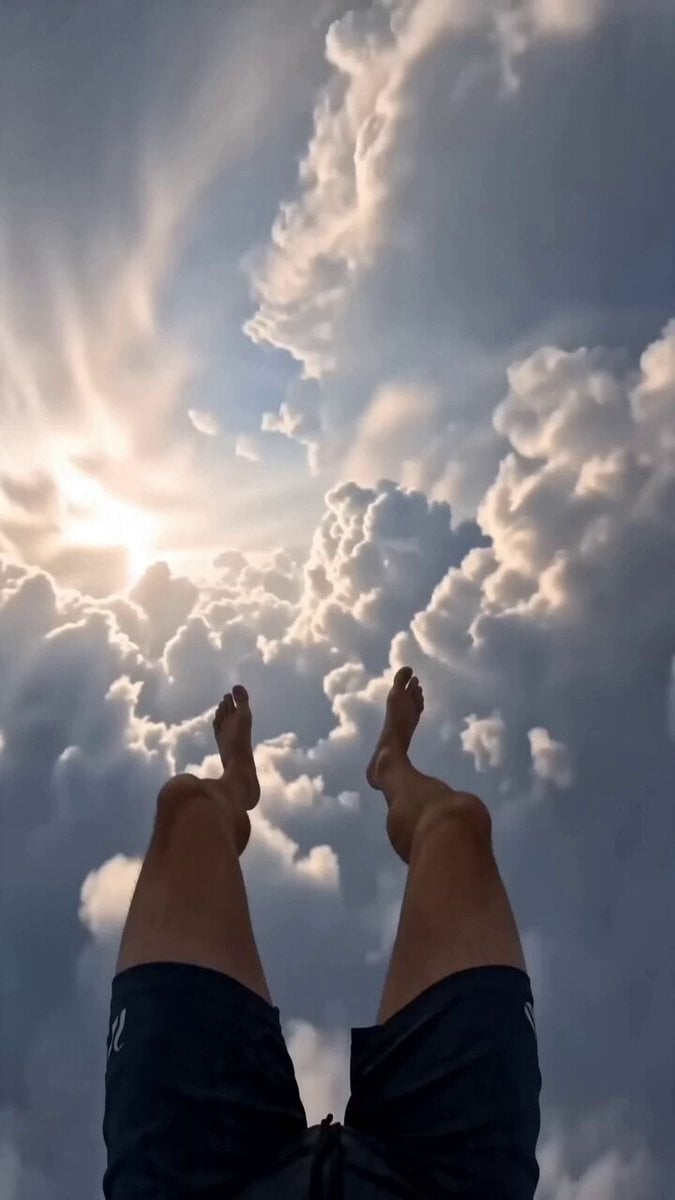
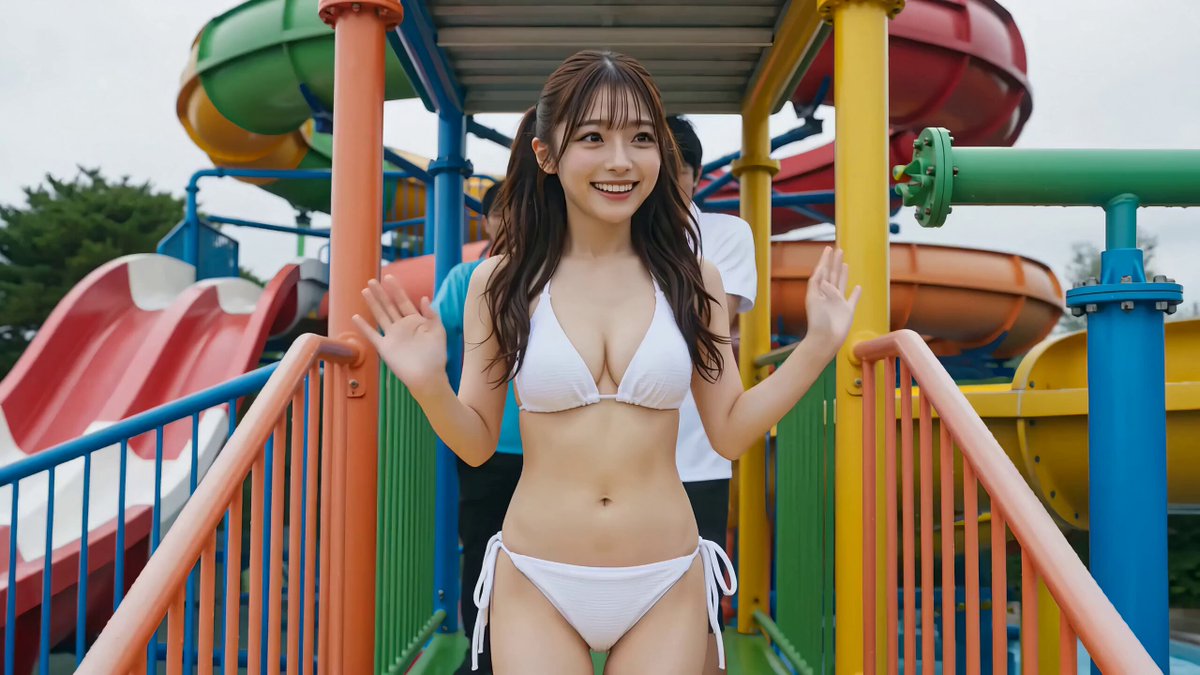
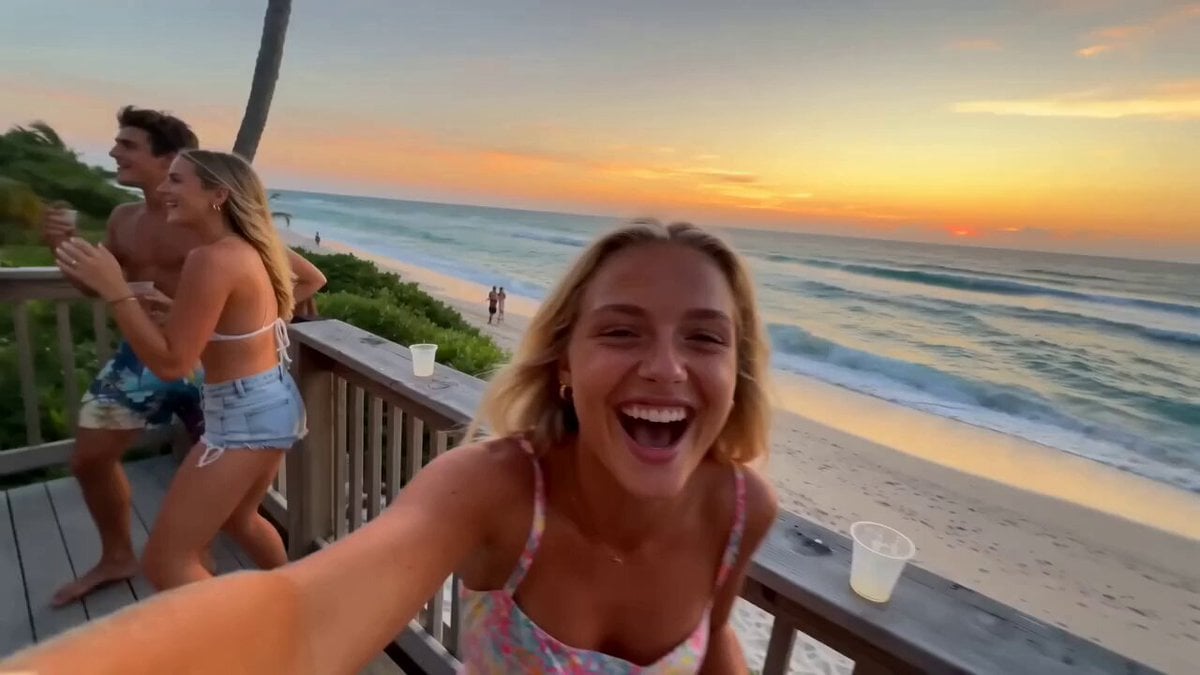
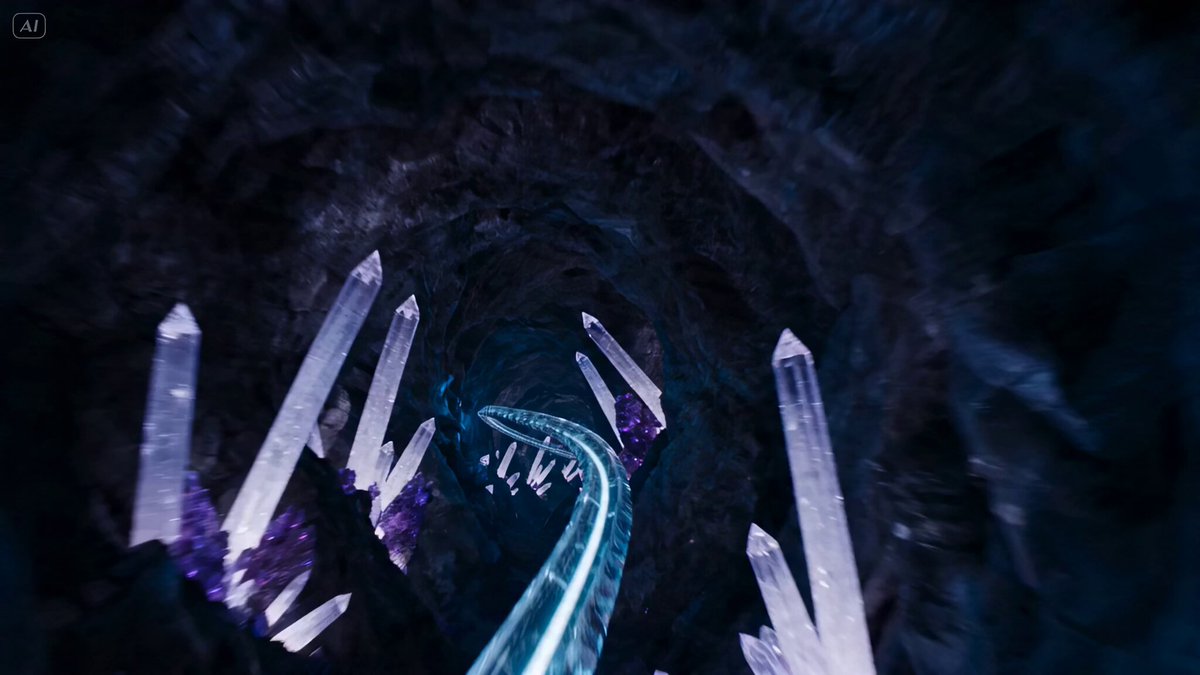
タイトル: 「最悪のゴール地点」 参照画像の人物を主人公として使用。主人公は参照画像と同一人物の成人女性。顔立ち、髪型、髪色、体型、表情の特徴を忠実に維持する。衣装はシンプルで上品なデザインのビキニ水着。フォトリアル、映画品質、超高精細、リアルな水表現、シネマティックライティング、自然な人物アニメーション、24fps、15秒、16:9。 0〜3秒 大型ウォーターパーク。 主人公はウォータースライダーのスタート地点で笑顔。 期待に胸を膨ませながらスタッフに手を振り、勢いよく滑り始める。 カメラは主人公を正面や斜め前から追い、表情を中心に撮影。 水しぶき、髪が風になびく様子、躍動感のあるカメラワーク。 明るく楽しい夏の雰囲気。 3〜9秒 POV(一人称)視点へ切り替わる。 主人公の伸ばした脚だけが画面下部に見えている。 高速で筒状のウォータースライダーを滑走。 外は一切見えず、完全に密閉されたチューブ。 水流が勢いよく流れ、左右へ大きくバンクしながら進む。 青や白の照明が高速で流れ、スピード感を演出。 カメラには水滴が付き、リアルな疾走感。 最後に出口から強い光が差し込む。 9〜12秒 主人公が勢いよく滑り出た先は、本格的なお化け屋敷の内部。 古びた日本家屋の廊下、壊れた家具、揺れる照明。 主人公は立ち上がるが、周囲を見回して異変に気付く。 すると四方から幽霊や怪物風の演出キャラクターがゆっくり現れ、主人公を取り囲む。 主人公は肩を震わせながら後ずさりし、恐怖で体を硬直させる。 カメラは少し引いた視点で状況全体を映す。 12〜15秒 主人公は大慌て。 全身をぶるぶる震わせながら出口を探して右往左往。 背後では幽霊たちがゆっくり近づき、不気味な雰囲気を演出するが、直接接触はしない。 主人公は悲鳴を上げそうな表情で必死に出口を探し、小走りで画面外へ逃げていくところで終了。 映像スタイル •フォトリアル映画品質 •高精細な水・濡れた髪・肌のリアルな描写 •お化け屋屋敷は遊園地のアトラクションらしい雰囲気を保ちつつ、没入感のある演出 •スリルとコミカルさを両立したテンポ •ダイナミックなカメラワーク •幽霊は超自然的で不気味だが、過度にグロテスクな表現は避ける •主人公の恐怖や慌てるリアクションを豊かな表情と自然なモーションで描写 •セリフ・字幕・ロゴ・ウォーターマークなし •顔・手・体型の一貫性を維持 •「楽しいウォータースライダーのゴールがお化け屋敷だった」という意外性を、映画のようなリアルさとコミカルなリアクションで描く。
タイトル: 「最悪のゴール地点」 参照画像の人物を主人公として使用。主人公は参照画像と同一人物の成人女性。顔立ち、髪型、髪色、体型、表情の特徴を忠実に維持する。衣装はシンプルで上品なデザインのビキニ水着。フォトリアル、映画品質、超高精細、リアルな水表現、シネマティックライティング、自然な人物アニメーション、24fps、15秒、16:9。 0〜3秒 大型ウォーターパーク。 主人公はウォータースライダーのスタート地点で笑顔。 期待に胸を膨ませながらスタッフに手を振り、勢いよく滑り始める。 カメラは主人公を正面や斜め前から追い、表情を中心に撮影。 水しぶき、髪が風になびく様子、躍動感のあるカメラワーク。 明るく楽しい夏の雰囲気。 3〜9秒 POV(一人称)視点へ切り替わる。 主人公の伸ばした脚だけが画面下部に見えている。 高速で筒状のウォータースライダーを滑走。 外は一切見えず、完全に密閉されたチューブ。 水流が勢いよく流れ、左右へ大きくバンクしながら進む。 青や白の照明が高速で流れ、スピード感を演出。 カメラには水滴が付き、リアルな疾走感。 最後に出口から強い光が差し込む。 9〜12秒 主人公が勢いよく滑り出た先は、本格的なお化け屋敷の内部。 古びた日本家屋の廊下、壊れた家具、揺れる照明。 主人公は立ち上がるが、周囲を見回して異変に気付く。 すると四方から幽霊や怪物風の演出キャラクターがゆっくり現れ、主人公を取り囲む。 主人公は肩を震わせながら後ずさりし、恐怖で体を硬直させる。 カメラは少し引いた視点で状況全体を映す。 12〜15秒 主人公は大慌て。 全身をぶるぶる震わせながら出口を探して右往左往。 背後では幽霊たちがゆっくり近づき、不気味な雰囲気を演出するが、直接接触はしない。 主人公は悲鳴を上げそうな表情で必死に出口を探し、小走りで画面外へ逃げていくところで終了。 映像スタイル •フォトリアル映画品質 •高精細な水・濡れた髪・肌のリアルな描写 •お化け屋屋敷は遊園地のアトラクションらしい雰囲気を保ちつつ、没入感のある演出 •スリルとコミカルさを両立したテンポ •ダイナミックなカメラワーク •幽霊は超自然的で不気味だが、過度にグロテスクな表現は避ける •主人公の恐怖や慌てるリアクションを豊かな表情と自然なモーションで描写 •セリフ・字幕・ロゴ・ウォーターマークなし •顔・手・体型の一貫性を維持 •「楽しいウォータースライダーのゴールがお化け屋敷だった」という意外性を、映画のようなリアルさとコミカルなリアクションで描く。
Edit the prompt in the box under the preview — the template's model and format are already selected — and press Generate. Your version appears right on this page.
Yes. You can change the subject, setting, lighting, mood, format, and available model controls before creating your video.
Opening and editing this template is free. Generating uses credits, shown on the Generate button when you are signed in.
Start with Seedance 2.0, which is the model associated with this template. You can compare another compatible model for a different finish.
Follow a topic to a crawlable collection of related PicX Studio templates.