
Cinematic Viral Waterslide Dream Sequence
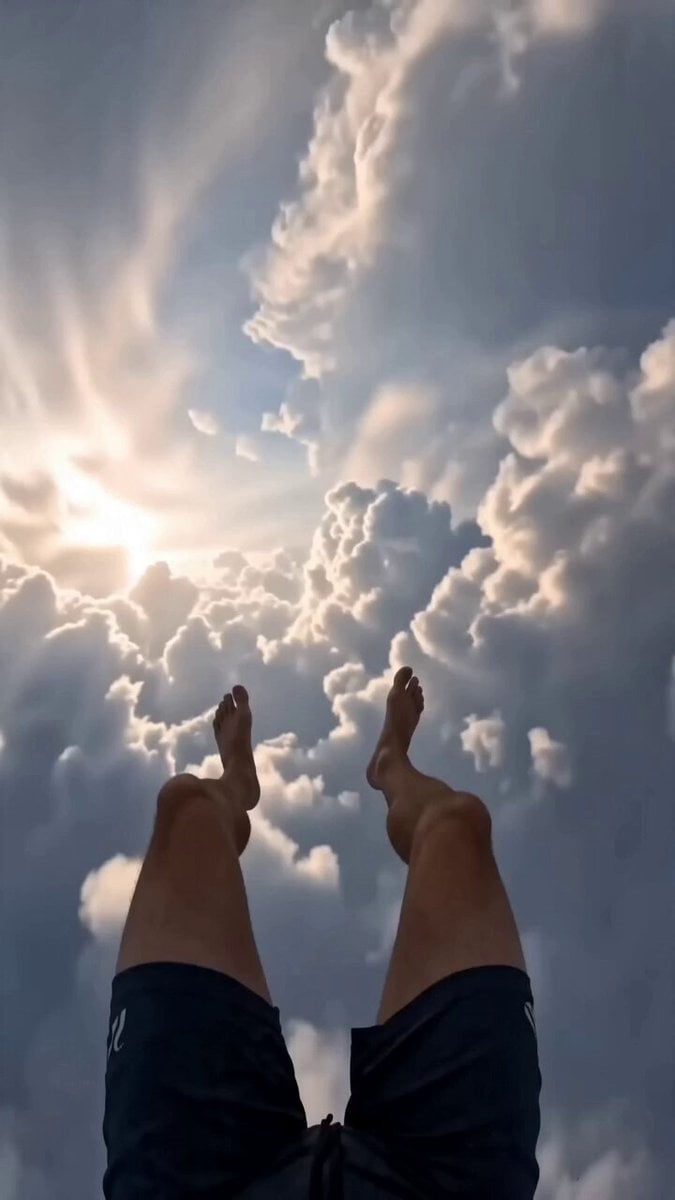
A detailed POV prompt for a high-speed, surreal waterslide adventure that transitions from the sky into a realistic bedroom landing, designed for viral social media content.
- Prompt included
- Model and format preset
- Premium template
The prompt behind this video
Copy the exact prompt behind Cinematic Viral Waterslide Dream Sequence, or open it in the studio and make it yours.
Cinematic viral AI dream sequence, photorealistic, intense fast-paced POV shot of a surreal extreme waterslide adventure. The video begins in first-person POV as the rider bursts out of the clouds at high speed on a giant, colorful, twisting waterslide built impossibly through the sky. Water splashes aggressively onto the lens with realistic spray and motion blur. The rider races down the massive slide with wild loops, sharp drops, spiraling turns, and near-vertical sections, zooming between towering skyscrapers and surreal city structures glowing with neon colors. As the descent continues, the ground and dense city buildings become clearly visible far below. At the end of the slide, the rider launches off halfway to the ground, suddenly flying through the air. Heavy breathing and panicked scared sounds fill the audio as the POV falls rapidly toward the ground. A house appears directly below, getting closer and closer. The rider crashes through the roof of the house and lands hard on a bed inside the bedroom. The final shot shows the person’s hands on the bed, breathing heavily in shock and relief as the video ends. Dynamic camera with extreme speed, intense motion blur, water spray, dizzying perspectives, and chaotic energy. Bright daytime lighting with vibrant colors, realistic water physics, and dream-like impossible architecture. Adrenaline-pumping, thrilling, surreal, and slightly terrifying vibe perfect for TikTok. Slinger continue shot
How to use Cinematic Viral Waterslide Dream Sequence in 3 steps
- 1
Open
The prompt is already in the box next to the preview, with the template's model and format selected.
- 2…a portrait of your subject in softgolden-hour light, 85mm…
Personalize
Edit the subject and creative details for your destination.
- 3Generate
Generate
Press Generate — your video is created in PicX Studio, so you can compare it with the original and refine one variable at a time.
More like this
Templates with the same subject, style or setup. Open one to see its prompt.
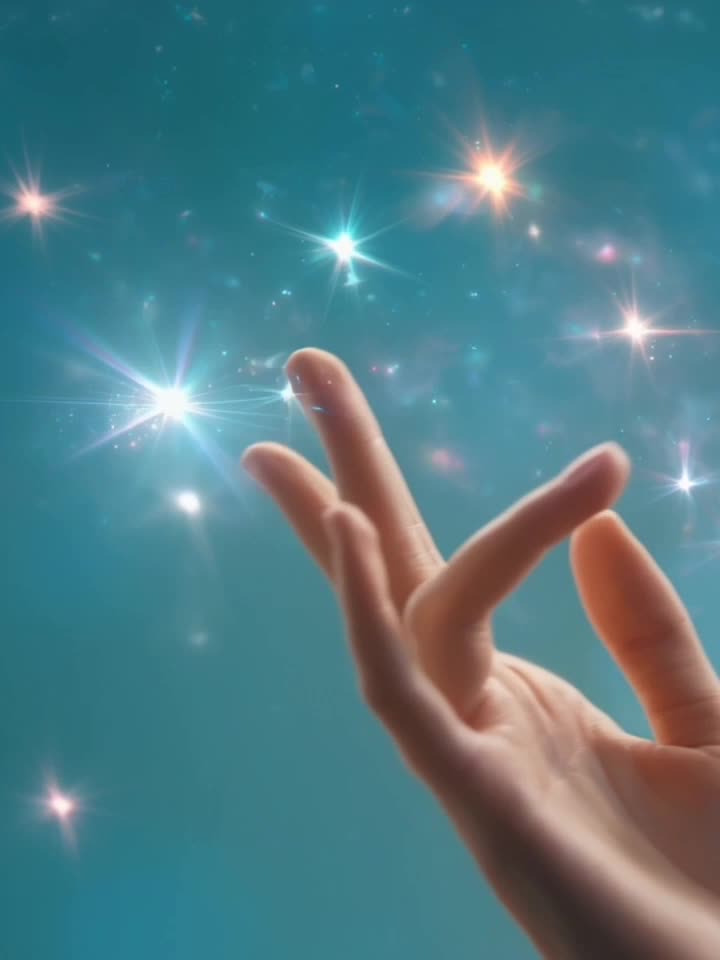
Haute Couture Dream Bokeh Film
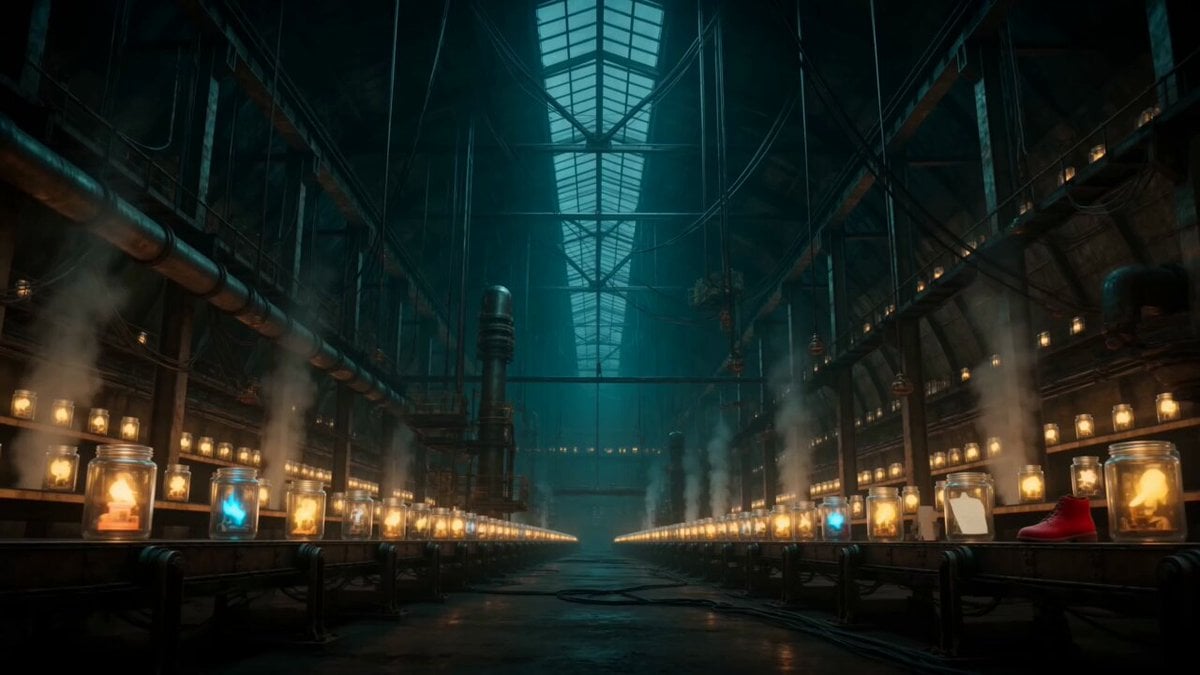
Abandoned Factory Dream Sequence
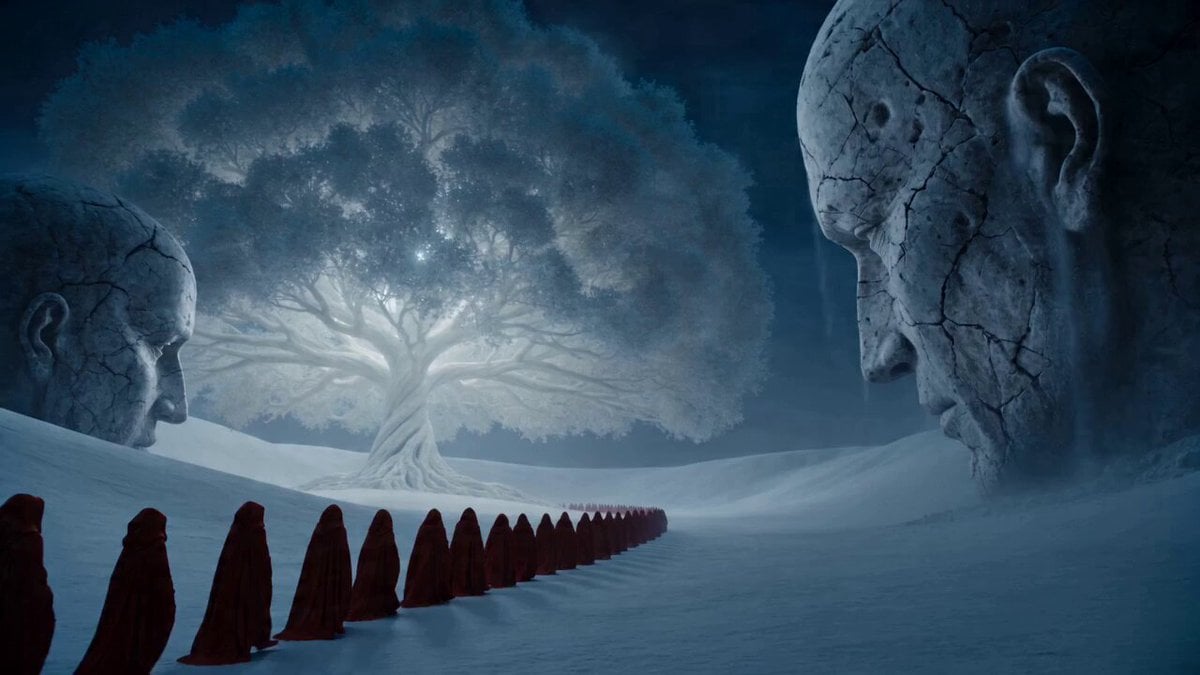
Surreal Dream Collapse Sequence
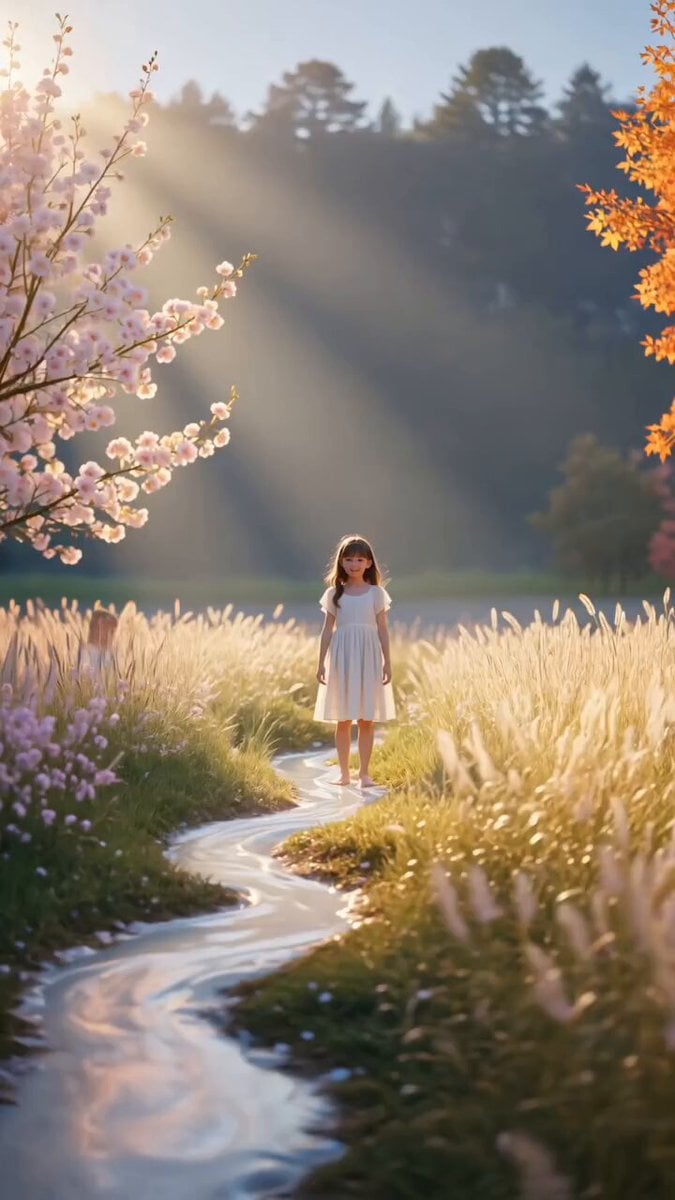
Nostalgic Dream Meadow Sequence
Ankitpatel Time Freeze Viral
Duttasomrat Time Freeze Viral V2
Johnnywang Tokyo Time Freeze
Duttasomrat Time Freeze Viral
Elevencreative Time Freeze
Mayorking Time Freeze Higgsfield
Misa Time Freeze Japanese
Lillyli Time Freeze Avatar
Make it yours
Cinematic Viral Waterslide Dream Sequence works as-is. These are the safest ways to change it without losing the look.
Change one field
Copy a single group, rewrite it, and generate again so you can see what that field is doing.
Keep the frame, change the subject
Hold the composition and light of Cinematic Viral Waterslide Dream Sequence, then swap wardrobe, props or the person for a new take.
| If the result… | Why | Fix |
|---|---|---|
| The result drifts from the preview | Too many fields changed at once. | Reuse Cinematic Viral Waterslide Dream Sequence as-is first, then change one group — subject, light, or setting. |
| The model over-stylizes the scene | The prose prompt leaves finish and camera underspecified. | Add one camera or lighting sentence and stay on Seedance 2.0. |
More Seedance 2.0 templates
Other prompts made for Seedance 2.0.

Comical Martial Arts Punch Scene

Wuxia Protection and Trust Script

Vintage Korean Arcade MiniDV Vlog

Mercedes 190 SL Luxury Ad

Rainy Night Supernatural Reverse Comedy Video Script

Amazon Civilization Discovery

Futuristic South Asian City Transformation

Cozy Luxury Cafe Commercial

Cyber Ronin Nanotech Transformation Video

Desert Courier and Sandstorm Leviathan Chase
More video prompts
Fresh picks from across the catalog.
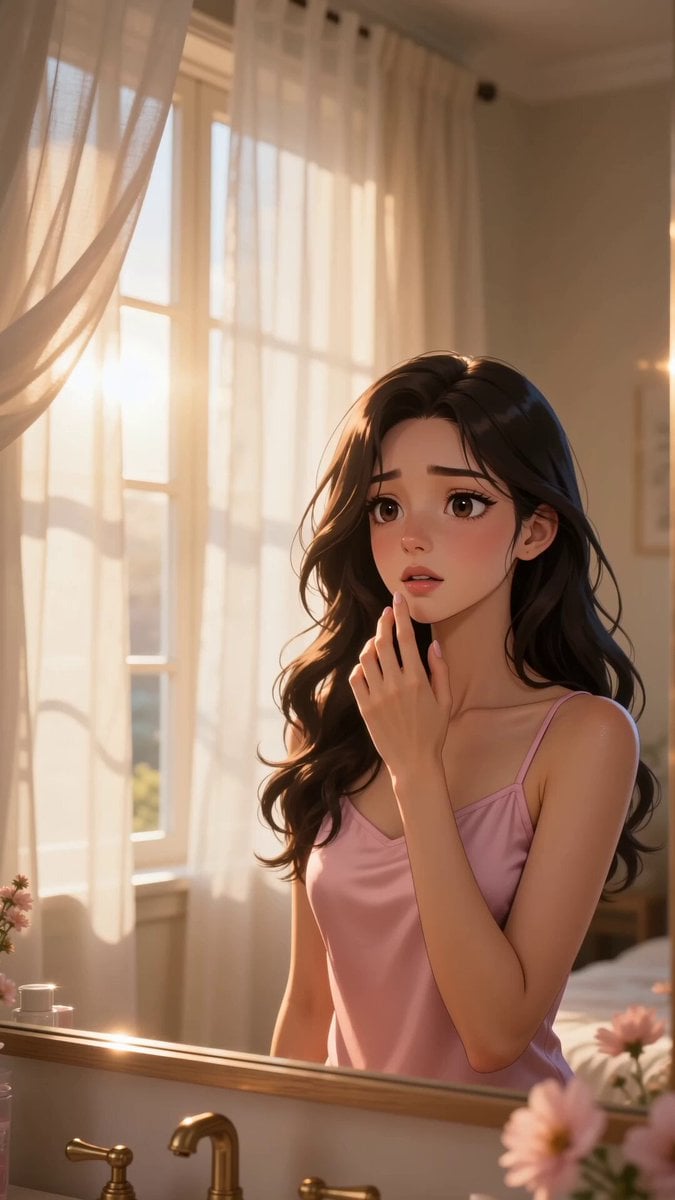
Luxury Skincare Lip Balm Ad
Dim Sum Chase — Shrimp Dumpling Monster
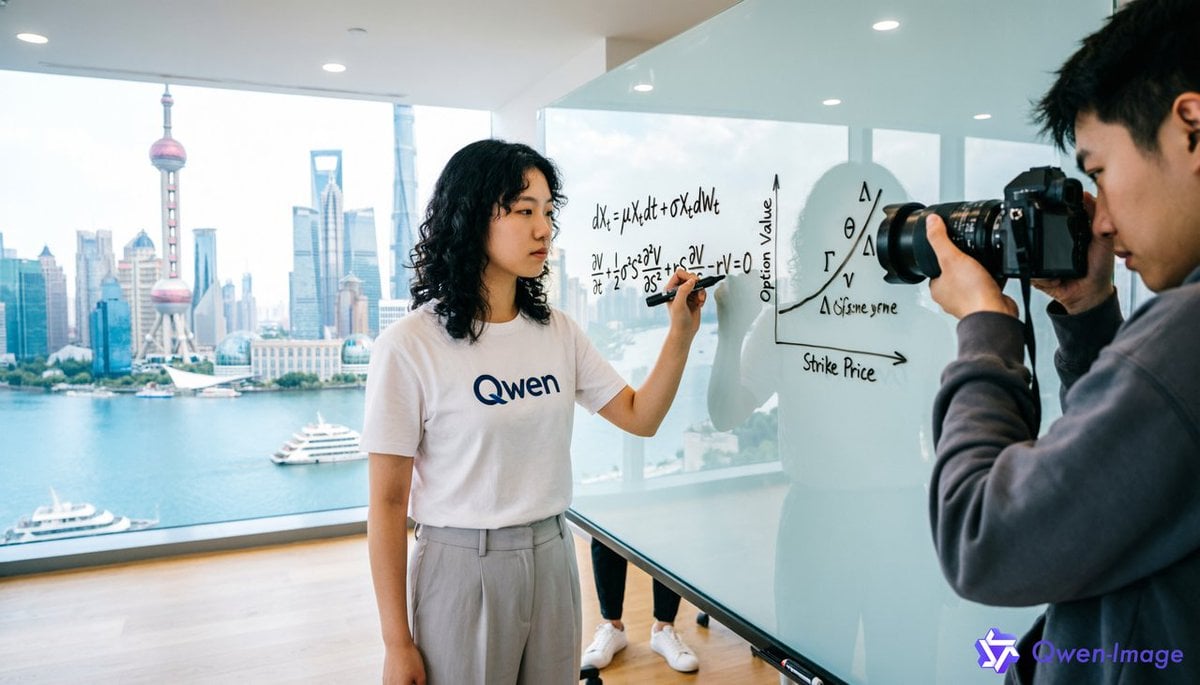
First-Person Perspective Photo Shoot Setup
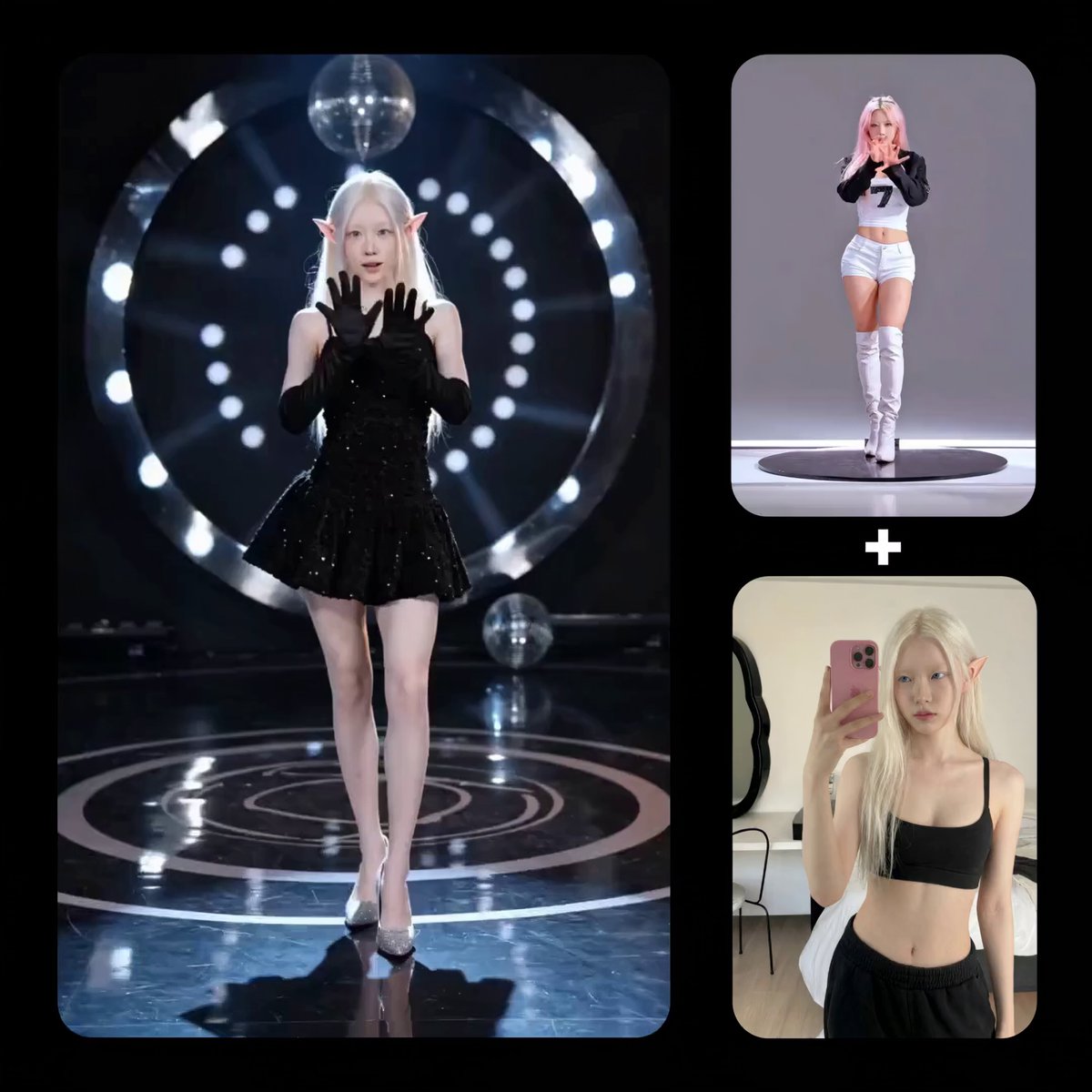
Reference-based Video Generation Prompt
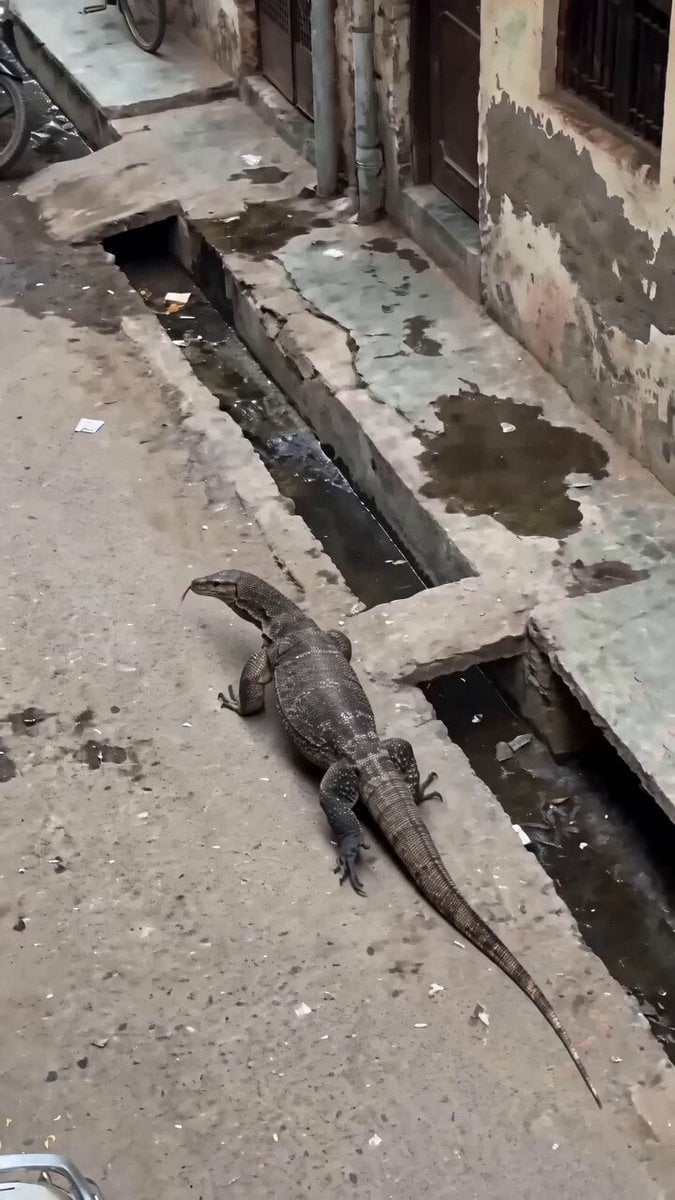
Delhi Street Monitor Lizard Scare
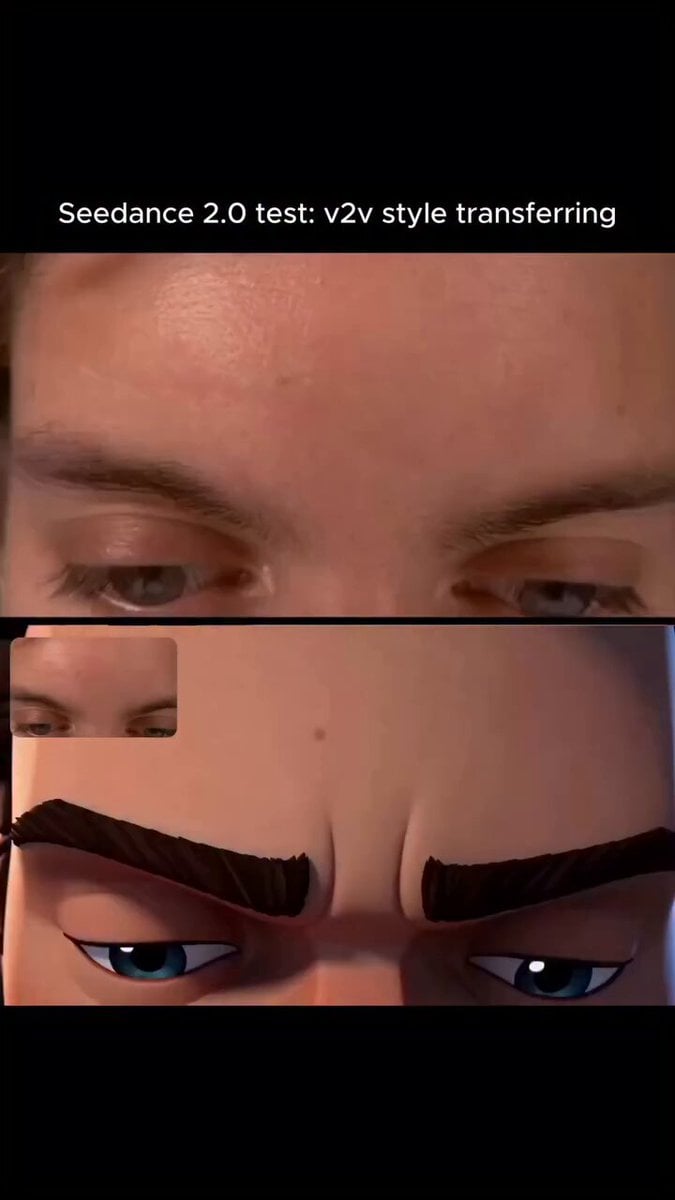
Arcane Style Video Transfer
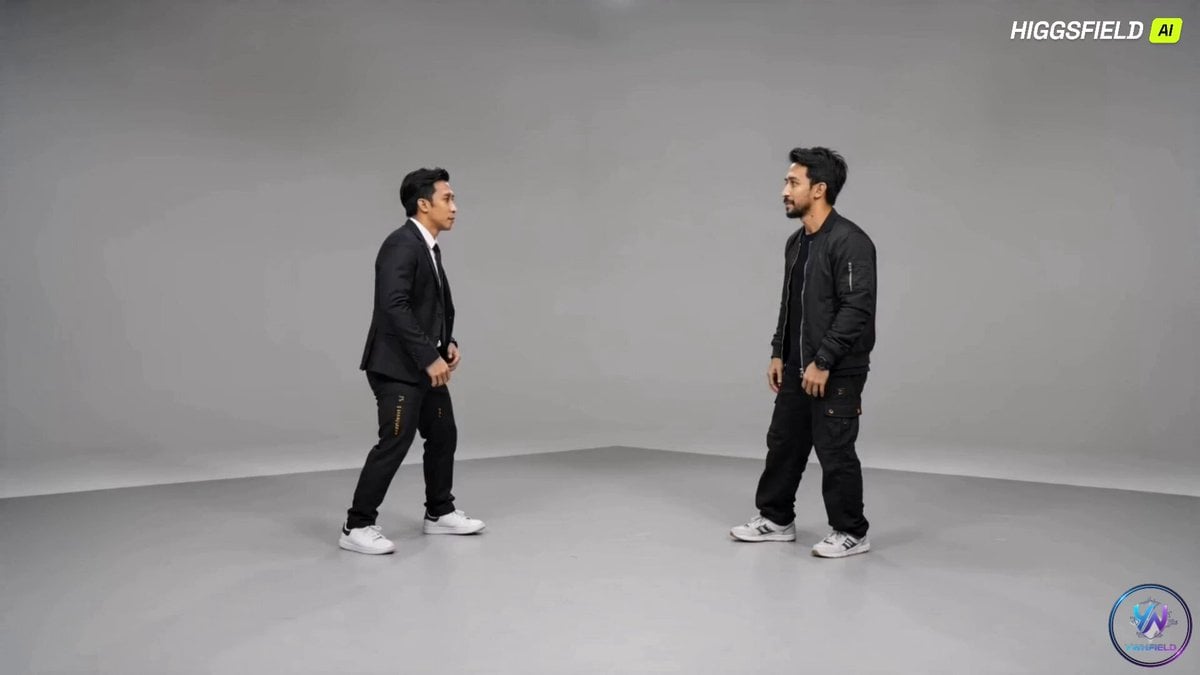
Breakdance Battle Cinematic Video
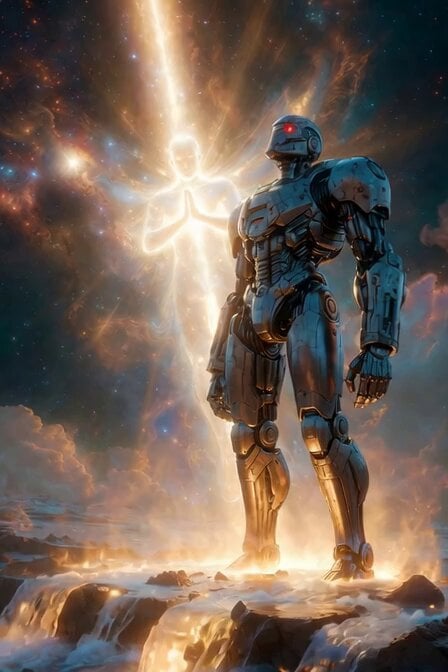
Ethereal Cosmic Light Being
Valkyrie Anime Battle Sakuga
Apartment Arrival Storyboard Animation
Browse template categories
Cinematic Viral Waterslide Dream Sequence questions
How do I use the Cinematic Viral Waterslide Dream Sequence template?
Add your photo if the template asks for one, edit the prompt if you like — the template's model and format are already selected — and press Generate. Your version opens in PicX Studio.
Can I customize the Cinematic Viral Waterslide Dream Sequence template?
Yes. You can change the subject, setting, lighting, mood, format, and available model controls before creating your video.
Is the Cinematic Viral Waterslide Dream Sequence template free?
Opening and editing this template is free. Generating uses credits, shown on the Generate button when you are signed in.
Which AI model should I use?
Start with Seedance 2.0, which is the model associated with this template. You can compare another compatible model for a different finish.
Looking for something else? Browse all templates.

Your photo, any look
Thousands of ready templates for every top image and video model, from one credit balance.