How do I use the First-Person Perspective Photo Shoot Setup template?
Edit the prompt in the box under the preview — the template's model and format are already selected — and press Generate. Your version appears right on this page.
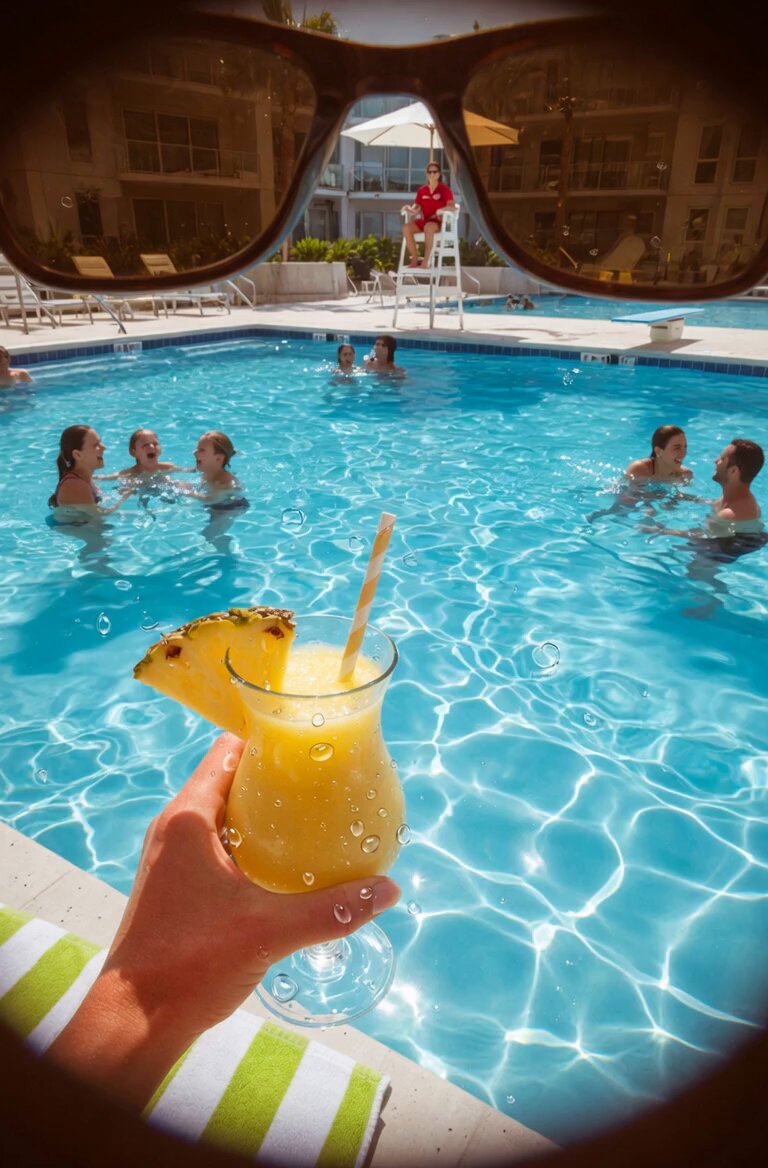
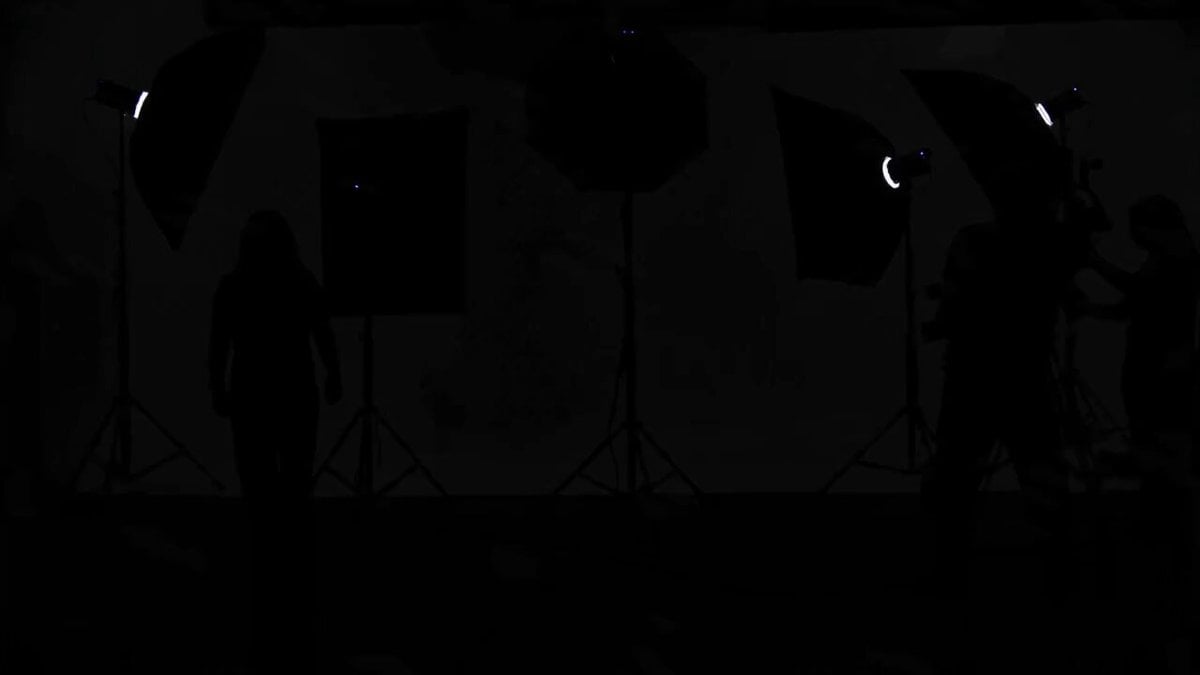
A prompt describing a first-person perspective shot where a vertically suspended, frosted-edge transparent glass whiteboard is positioned slightly right of center.

第一人称视角拍摄,一块垂直悬挂的磨砂边框透明玻璃白板占据画面中央偏右位置,白板表面光洁无划痕,在自然光下呈现轻微反光;白板上清晰映出摄影师的倒影——一名穿着深灰连帽衫、双手持握一台黑色无反相机(带竖拍手柄与24-70mm变焦镜头)正专注取景,其手臂姿态稳定,镜头指向白板前方;白板前站立一
第一人称视角拍摄,一块垂直悬挂的磨砂边框透明玻璃白板占据画面中央偏右位置,白板表面光洁无划痕,在自然光下呈现轻微反光;白板上清晰映出摄影师的倒影——一名穿着深灰连帽衫、双手持握一台黑色无反相机(带竖拍手柄与24-70mm变焦镜头)正专注取景,其手臂姿态稳定,镜头指向白板前方;白板前站立一
Edit the prompt in the box under the preview — the template's model and format are already selected — and press Generate. Your version appears right on this page.
Yes. You can change the subject, setting, lighting, mood, format, and available model controls before creating your video.
Opening and editing this template is free. Generating uses credits, shown on the Generate button when you are signed in.
Start with Seedance 2.0, which is the model associated with this template. You can compare another compatible model for a different finish.
Follow a topic to a crawlable collection of related PicX Studio templates.