
Taj Mahal Fashion Shoot
A highly detailed production prompt for a professional fashion shoot at the Taj Mahal, focusing on fabric physics and camera movements.
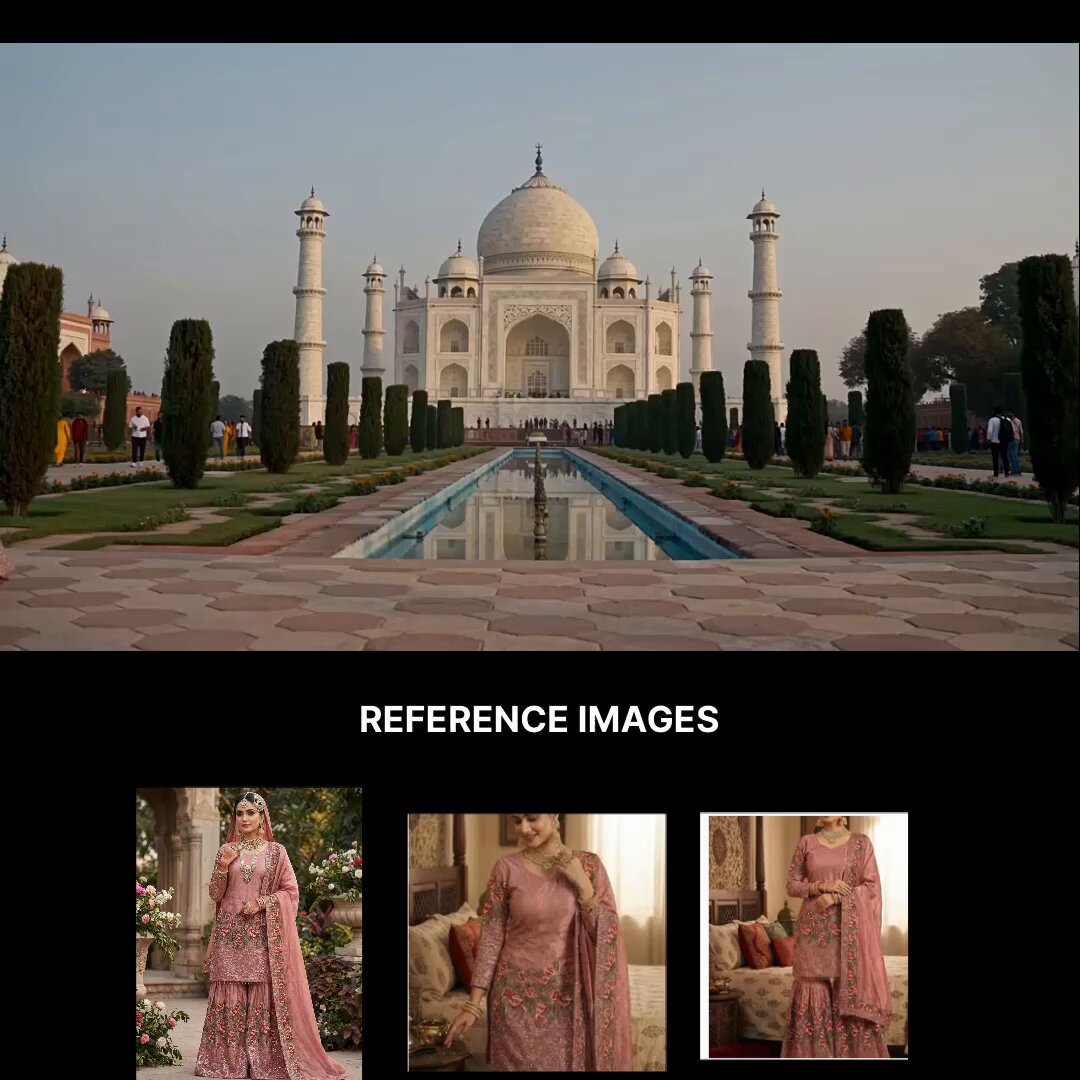
- Prompt included
- Model and format preset
- Free template
The prompt behind this video
Copy the exact prompt behind Taj Mahal Fashion Shoot, or open it in the studio and make it yours.
FORMAT 15 seconds | 16:9 | live-action fashion dress shoot footage Real outdoor fashion shoot in Taj Mahal, Agra. Raw professional camera footage, observational realism. No commercial-style fantasy treatment. REFERENCE CONTROL @Image1 = exact dress reference. The model wears the exact dress shown in the reference. Preserve the dress construction precisely: dusty rose-pink traditional outfit, intricate lace and embroidery, detailed floral embellishment, matching embroidered lower garment, sheer matching dupatta with detailed embroidered border, rich traditional textile detailing. Do not simplify or redesign the dress. Maintain the exact dress throughout every shot. SETTING Beautiful open-air fashion shoot at the Taj Mahal during sunset. Historic Mughal architecture, white marble façades, gardens, trees and symmetrical pathways surrounding the model. Soft warm sunset daylight. Real Taj Mahal atmosphere. MODEL Adult high-fashion model. Tall, slender proportions. Minimal makeup, understated hair. Natural relaxed expression. Controlled graceful movements. 00–02.5s — ENTRANCE Wide shot from the Taj Mahal. The camera holds on the Taj Mahal and surrounding garden. The model suddenly enters the frame from the left side wearing the exact referenced dress and smiling naturally. The dress begins moving naturally with her steps. The dupatta responds gently to the light breeze. 02.5–05s — WALK Medium rear three-quarter tracking shot. Camera moves behind her as she walks into the garden. Show the back of her body while revealing the details of the dress. The dress sways with realistic weight and delayed momentum. The embroidery catches subtle sunset daylight. 05–07s — DETAIL Extreme close-up of the dress. Show the dimensional lace, embroidery and layered construction. Camera moves naturally across the fabric. The intricate details catch subtle sunset daylight. 07–09s — FACE Close-up shot of her face. Show her eyes, lips and natural facial expression. She looks naturally toward camera before shifting her gaze toward the sunset. Natural skin texture and realistic facial detail. 09–12s — SUNSET Medium-wide shot. She sits gracefully in the garden and adjusts her clothes naturally. The fabric gathers and settles realistically around her. She looks toward the setting sun. Warm sunset light falls naturally across her face and dress. 12–15s — DRONE Distant drone shot. The camera rises and pulls backward away from her. Reveal the model seated in the garden with the Taj Mahal behind her. The frame expands to reveal the scale of the Taj Mahal and surrounding gardens. CAMERA Real professional fashion-shoot camera coverage. Wide, tracking, close-up and drone professional camera footage. Natural operator micro-movement. Minor reframing. Real autofocus adjustments. Natural motion blur and depth of field. No floating camera.
How to use Taj Mahal Fashion Shoot in 3 steps
- 1
Open
The prompt is already in the box next to the preview, with the template's model and format selected.
- 2…a portrait of your subject in softgolden-hour light, 85mm…
Personalize
Edit the subject and creative details for your destination.
- 3Generate
Generate
Press Generate — your video is created in PicX Studio, so you can compare it with the original and refine one variable at a time.
More like this
Templates with the same subject, style or setup. Open one to see its prompt.

Sneaker Product Commercial
Cinematic Short Film Scene

Luxury Lifestyle Day Vlog
Taj Mahal Sunrise FPV Drone Flyover
Luxury Handbag Commercial — Hollywood VFX Ad
Fashion Magazine Cover Shoot Sequence
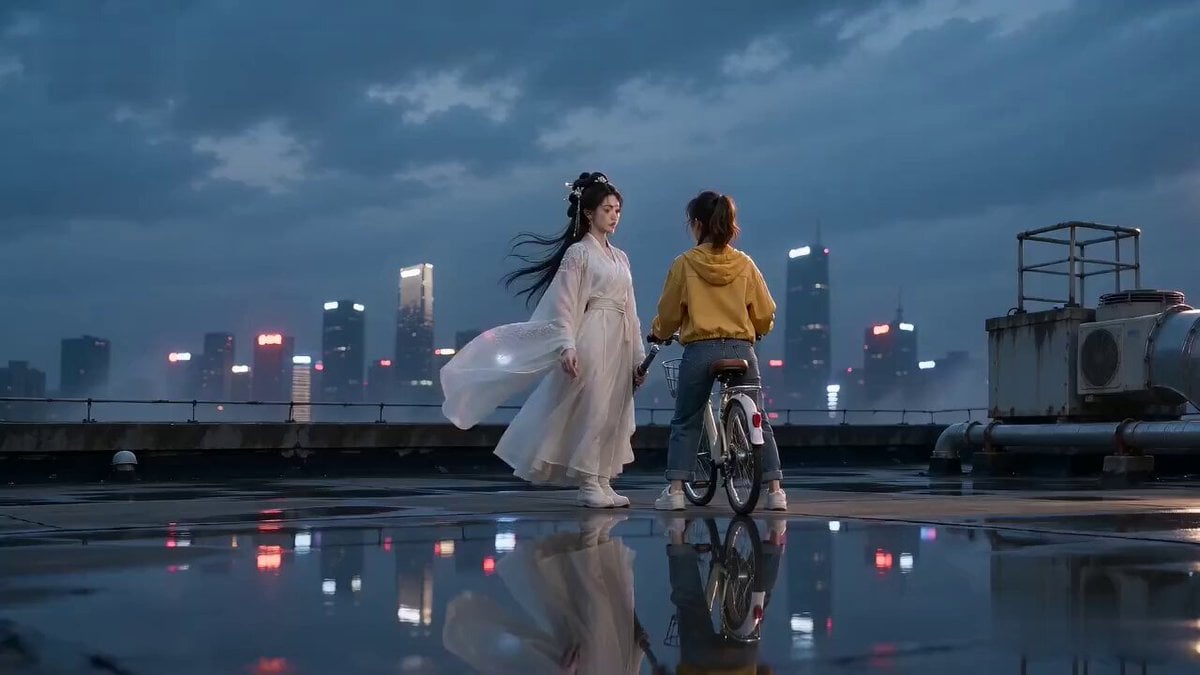
Sword Array Lighting Fashion Shoot
Three-Column Space Shooter Game Comparison
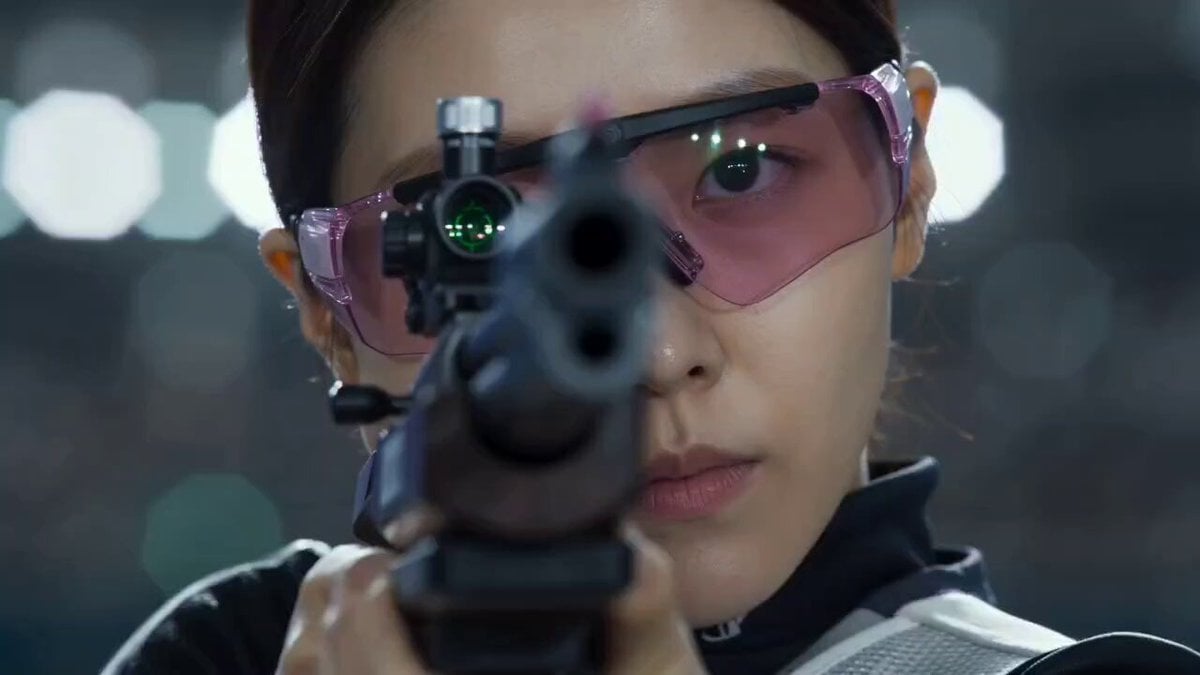
Korean Sports Broadcast Shooting
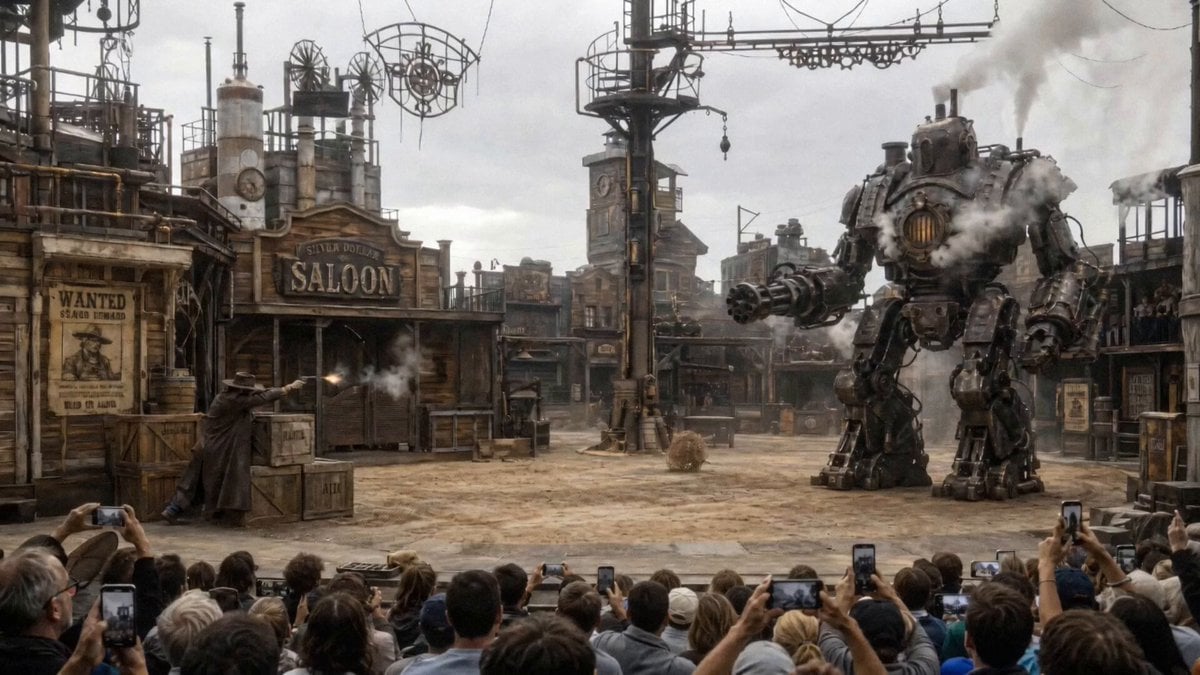
Steampunk Theater Shootout POV
Couple watching shooting stars on a hill
First-Person Perspective Photo Shoot Setup
Make it yours
Taj Mahal Fashion Shoot works as-is. These are the safest ways to change it without losing the look.
Change one field
Copy a single group, rewrite it, and generate again so you can see what that field is doing.
Keep the frame, change the subject
Hold the composition and light of Taj Mahal Fashion Shoot, then swap wardrobe, props or the person for a new take.
| If the result… | Why | Fix |
|---|---|---|
| The result drifts from the preview | Too many fields changed at once. | Reuse Taj Mahal Fashion Shoot as-is first, then change one group — subject, light, or setting. |
| The model over-stylizes the scene | The prose prompt leaves finish and camera underspecified. | Add one camera or lighting sentence and stay on Seedance 2.0. |
More Seedance 2.0 templates
Other prompts made for Seedance 2.0.

Comical Martial Arts Punch Scene

Maglev Train Action Sequence

Martial Arts Fight Sequence

Wuxia Protection and Trust Script

Vintage Korean Arcade MiniDV Vlog

Mercedes 190 SL Luxury Ad

Rainy Night Supernatural Reverse Comedy Video Script

Amazon Civilization Discovery

Futuristic South Asian City Transformation

Cozy Luxury Cafe Commercial
More video prompts
Fresh picks from across the catalog.
Wuxia Hero Cat Battle Scene
Outdoor Adventure Backpack Commercial Storyboard
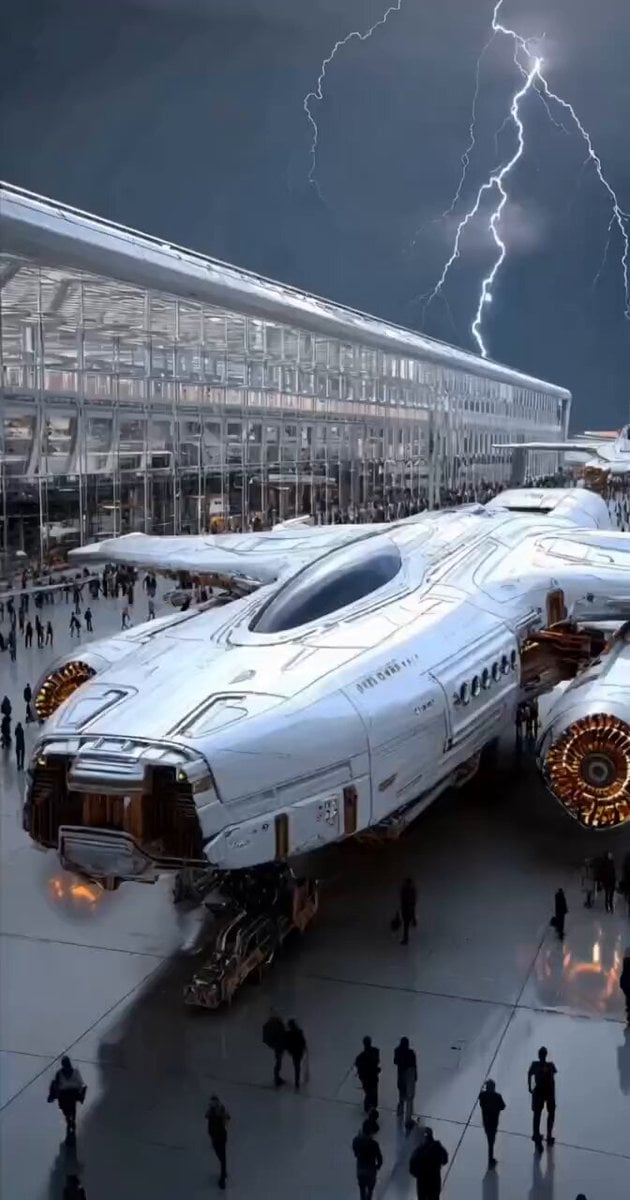
Futuristic Spacecraft Launch
Japanese Anime Combat Sequence
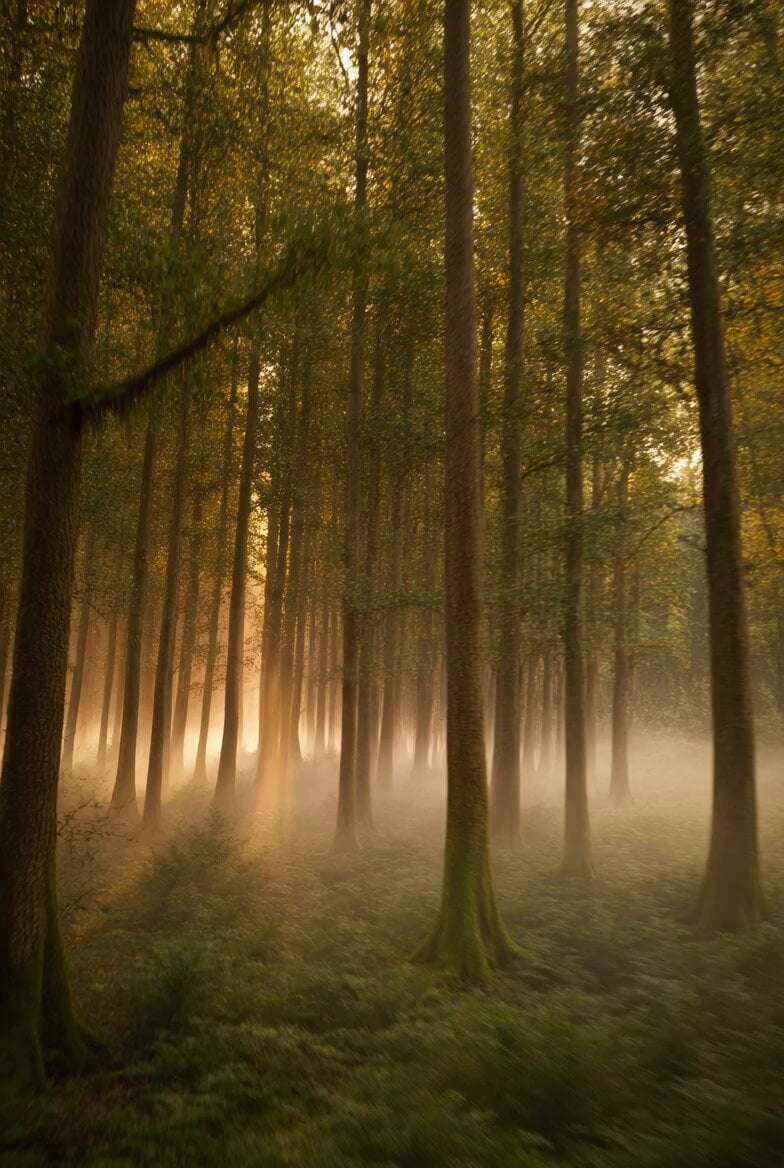
Sunrise Forest FPV VFX

Grok Imagine Prompt: Linux, Containers/K8s, and OpenClaw OS Concepts
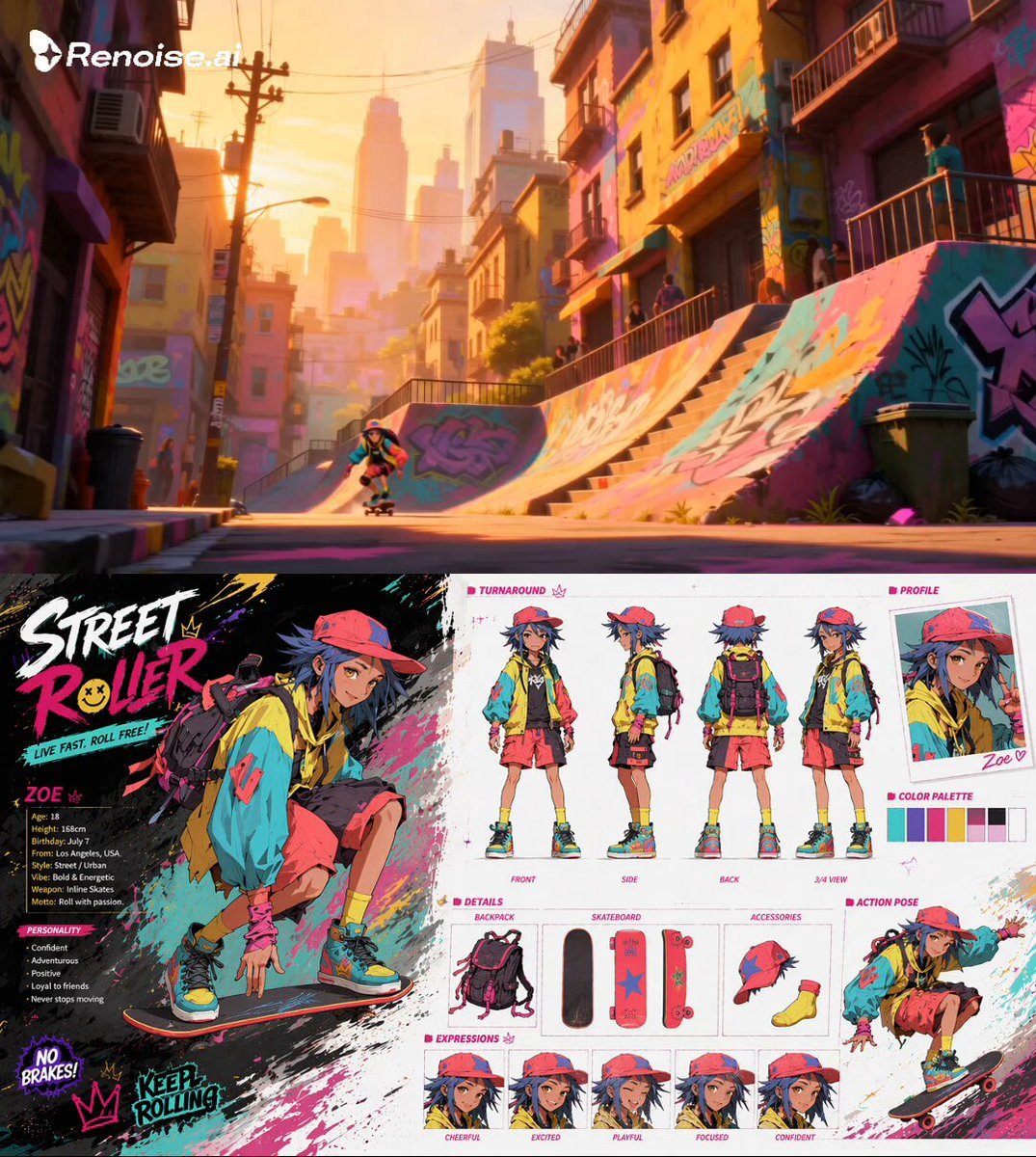
Extreme Skateboarding Cinematic Video
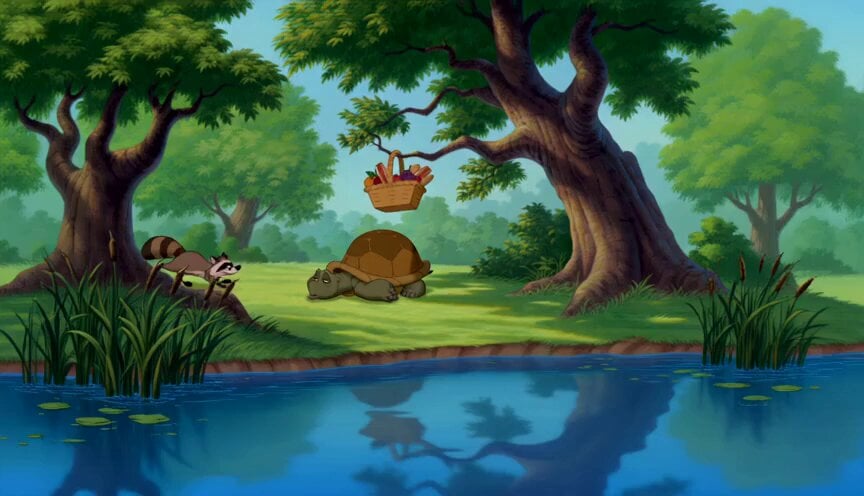
90s Disney Forest Animation
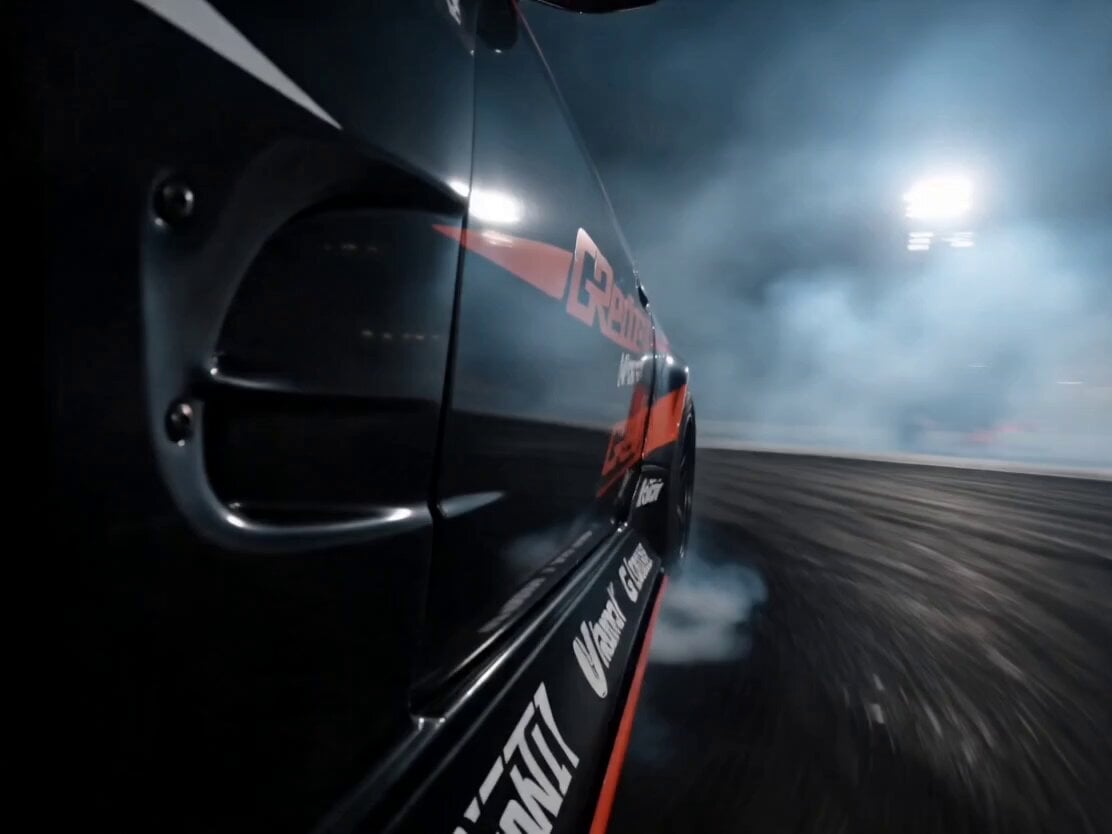
Formula Drift Racing Driver Film
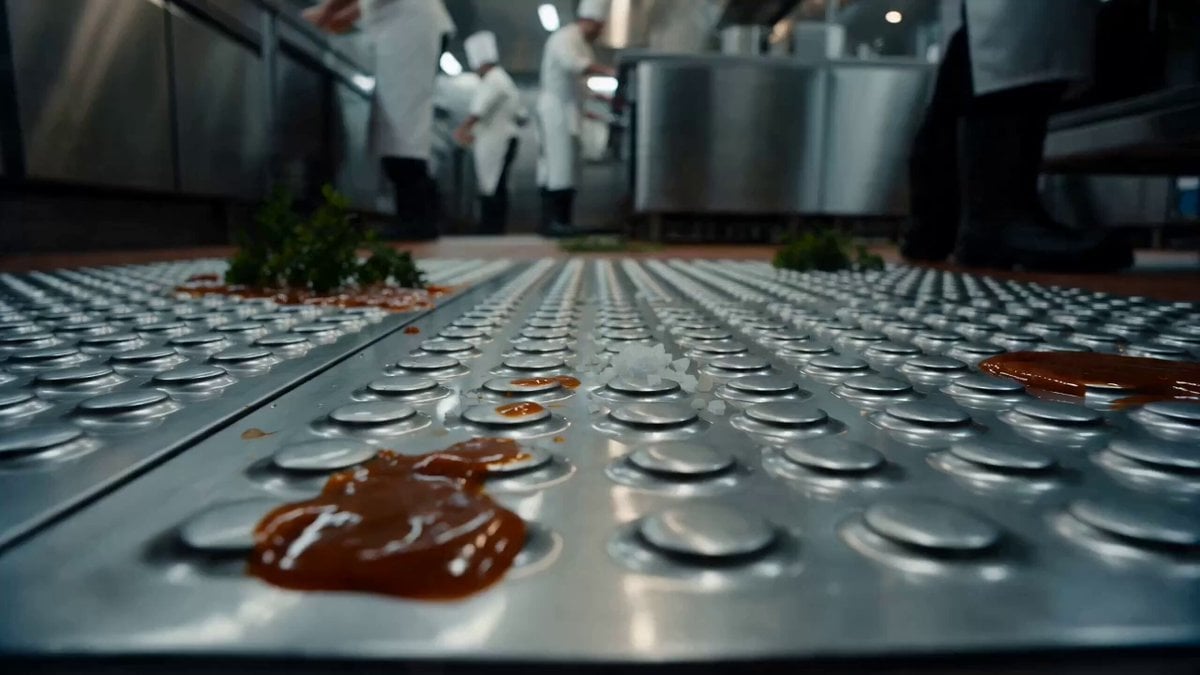
Commercial Kitchen Impossible Camera Move Prompt
Browse template categories
Taj Mahal Fashion Shoot questions
How do I use the Taj Mahal Fashion Shoot template?
Add your photo if the template asks for one, edit the prompt if you like — the template's model and format are already selected — and press Generate. Your version opens in PicX Studio.
Can I customize the Taj Mahal Fashion Shoot template?
Yes. You can change the subject, setting, lighting, mood, format, and available model controls before creating your video.
Is the Taj Mahal Fashion Shoot template free?
Opening and editing this template is free. Generating uses credits, shown on the Generate button when you are signed in.
Which AI model should I use?
Start with Seedance 2.0, which is the model associated with this template. You can compare another compatible model for a different finish.
Looking for something else? Browse all templates.

Your photo, any look
Thousands of ready templates for every top image and video model, from one credit balance.