How do I use the 90s Disney Forest Animation template?
Edit the prompt in the box under the preview — the template's model and format are already selected — and press Generate. Your version appears right on this page.
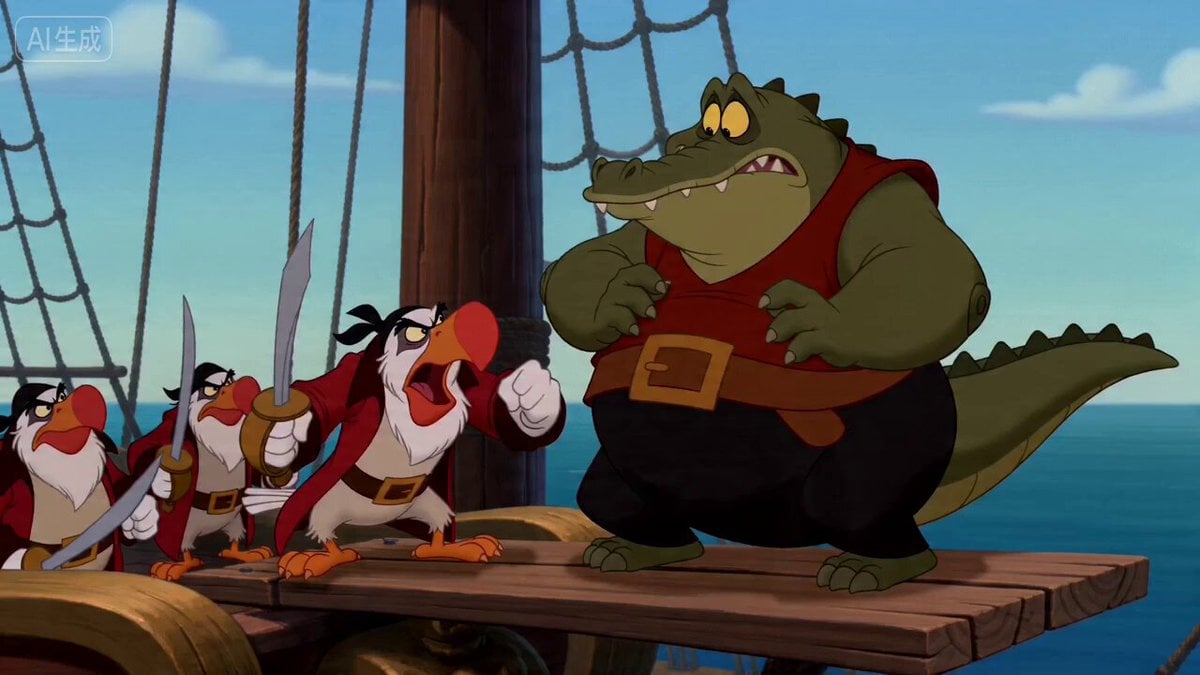
A multi-scene video prompt for creating a 1990s Disney-style hand-drawn animation featuring a raccoon and a turtle in a forest.
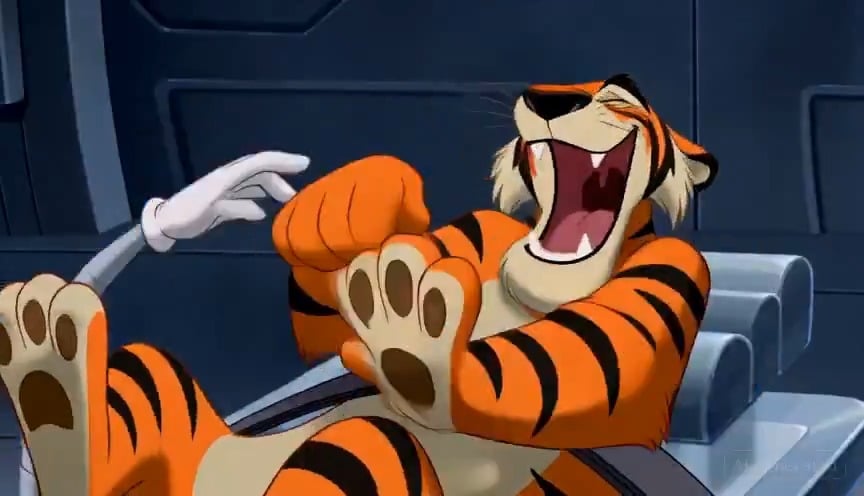
Classic 1990s Disney-style hand-drawn animation, colorful forest, expressive animal faces, exaggerated physical comedy, smooth cinematic motion, family-friendly humor. Scene 1 — 0–3s: A mischievous raccoon spots a picnic basket hanging from a tree. He stands on a sleepy turtle’s curved shell, stretching upward and saying, “Stay still!” Scene 2 — 3–6s: A tiny butterfly lands on the turtle’s nose. The turtle’s eyes cross, his cheeks puff up, and he desperately tries not to sneeze. The raccoon wobbles above him. Scene 3 — 6–10s: The turtle releases a huge sneeze and pulls into his shell. The shell suddenly rolls forward like a wheel, carrying the terrified raccoon around the pond as he shouts, “Wrong way!” Scene 4 — 10–13s: The shell hits a tree root, launching the raccoon through the air and directly into the hanging picnic basket. Food and fruit explode everywhere. Scene 5 — 13–15s: The raccoon lands face-first in a cream pie. The turtle calmly catches a falling sandwich, takes a bite, and asks, “Did we get it?” The raccoon silently gives him a cream-covered thumbs-up. Fast pacing, clear visual storytelling, natural character motion, playful sound effects, no subtitles, no watermark.
Classic 1990s Disney-style hand-drawn animation, colorful forest, expressive animal faces, exaggerated physical comedy, smooth cinematic motion, family-friendly humor. Scene 1 — 0–3s: A mischievous raccoon spots a picnic basket hanging from a tree. He stands on a sleepy turtle’s curved shell, stretching upward and saying, “Stay still!” Scene 2 — 3–6s: A tiny butterfly lands on the turtle’s nose. The turtle’s eyes cross, his cheeks puff up, and he desperately tries not to sneeze. The raccoon wobbles above him. Scene 3 — 6–10s: The turtle releases a huge sneeze and pulls into his shell. The shell suddenly rolls forward like a wheel, carrying the terrified raccoon around the pond as he shouts, “Wrong way!” Scene 4 — 10–13s: The shell hits a tree root, launching the raccoon through the air and directly into the hanging picnic basket. Food and fruit explode everywhere. Scene 5 — 13–15s: The raccoon lands face-first in a cream pie. The turtle calmly catches a falling sandwich, takes a bite, and asks, “Did we get it?” The raccoon silently gives him a cream-covered thumbs-up. Fast pacing, clear visual storytelling, natural character motion, playful sound effects, no subtitles, no watermark.
Edit the prompt in the box under the preview — the template's model and format are already selected — and press Generate. Your version appears right on this page.
Yes. You can change the subject, setting, lighting, mood, format, and available model controls before creating your video.
Opening and editing this template is free. Generating uses credits, shown on the Generate button when you are signed in.
Start with Seedance 2.0, which is the model associated with this template. You can compare another compatible model for a different finish.
Follow a topic to a crawlable collection of related PicX Studio templates.