
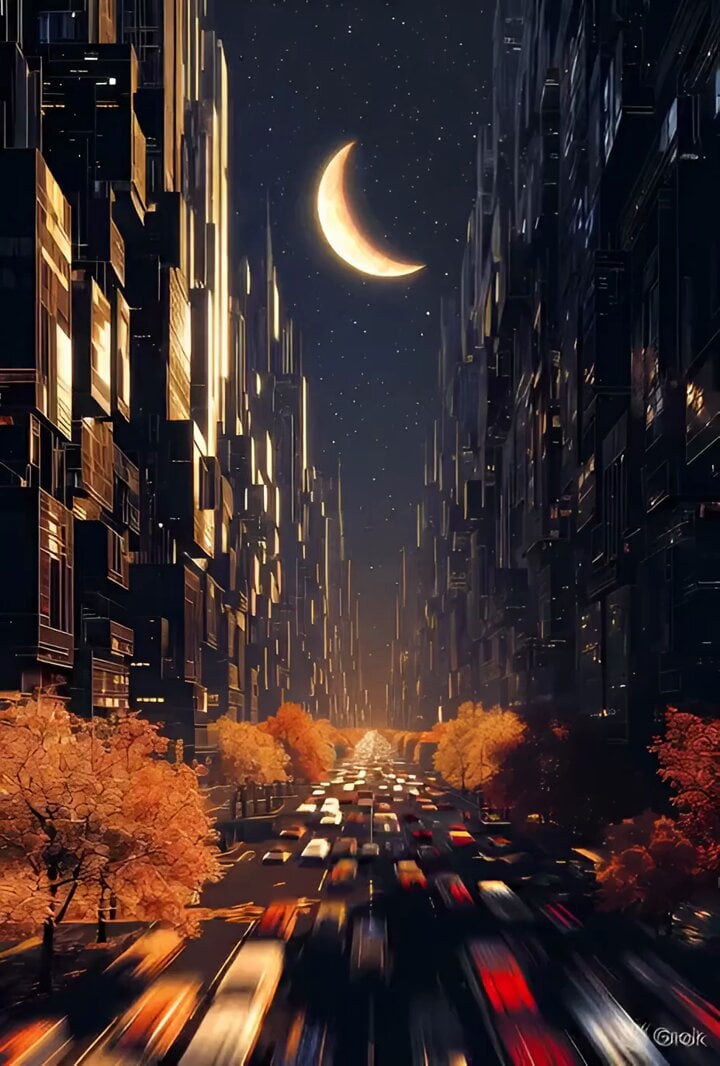
Futuristic Abstract City at Night
A detailed, cinematic prompt for Grok Imagine to generate a vertical masterpiece of a futuristic abstract city at night, featuring glowing skyscrapers, high-speed light trails, vibrant autumn trees, and a massive…
- Prompt included
- Model and format preset
- Premium template
The prompt behind this video
Copy the exact prompt behind Futuristic Abstract City at Night, or open it in the studio and make it yours.
"A vertical, cinematic masterpiece of a futuristic abstract city at night. Towering, sleek skyscrapers made of geometric glass panels reflect a glowing golden light from a central street. The street is a blur of high-speed long-exposure light trails in orange and red. Rows of vibrant, glowing autumn trees line the boulevard. In the background, a massive, glowing crescent moon hangs in a deep navy starry sky. Ultra-detailed, 8k resolution, architectural visualization, synthwave aesthetic, sharp focus, dramatic lighting."
How to use Futuristic Abstract City at Night in 3 steps
- 1
Open
The prompt is already in the box next to the preview, with the template's model and format selected.
- 2…a portrait of your subject in softgolden-hour light, 85mm…
Personalize
Edit the subject and creative details for your destination.
- 3Generate
Generate
Press Generate — your video is created in PicX Studio, so you can compare it with the original and refine one variable at a time.
More like this
Templates with the same subject, style or setup. Open one to see its prompt.

Glowing Water Forest Night Prompt
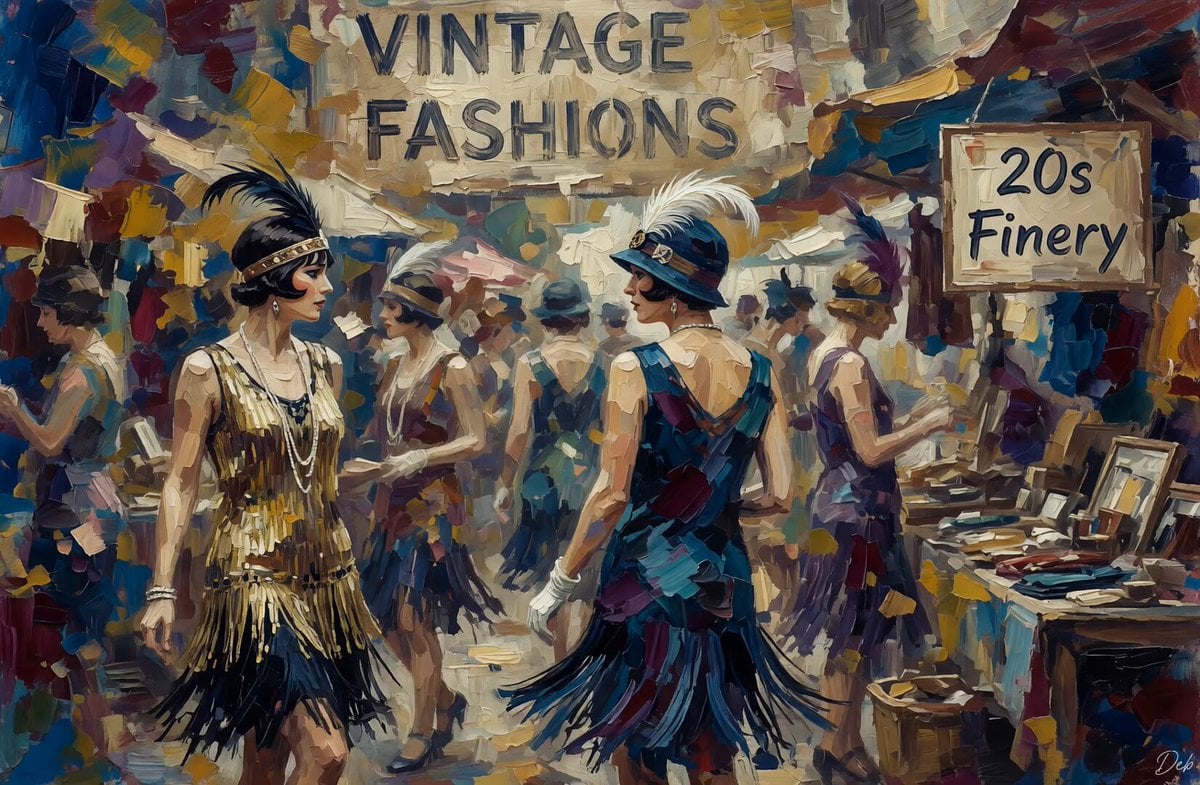
Vintage Abstract Flappers Market
Starry Night Aurora Borealis
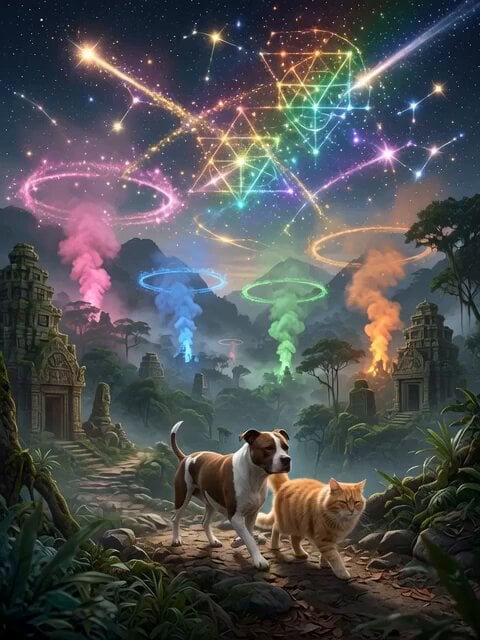
Futuristic Neon Metropolis Sky
Futuristic Robot Competition Showcase
Abstract Intelligence Formal System
Abstract geometric flow around a void
Abstract time and entropy video prompt
Abstract fashion model made of lunch meat video prompt (truncated)
Cinematic Night Reveal of Endless Stone Staircase
Grok Imagine video prompt for abstract liquid spectacle
Cinematic Solarpunk Biophilic Megacity at Golden Hour
Make it yours
Futuristic Abstract City at Night works as-is. These are the safest ways to change it without losing the look.
Change one field
Copy a single group, rewrite it, and generate again so you can see what that field is doing.
Keep the frame, change the subject
Hold the composition and light of Futuristic Abstract City at Night, then swap wardrobe, props or the person for a new take.
| If the result… | Why | Fix |
|---|---|---|
| The result drifts from the preview | Too many fields changed at once. | Reuse Futuristic Abstract City at Night as-is first, then change one group — subject, light, or setting. |
| The model over-stylizes the scene | The prose prompt leaves finish and camera underspecified. | Add one camera or lighting sentence and stay on Grok Imagine. |
More Grok Imagine templates
Other prompts made for Grok Imagine.

Kaleidoscopic Cosmic Dolphin Video

Horror Daffy Duck Video Transition

America 250th Anniversary Celebration

Soft Pink Roses Dreamer Prompt

Ninja Wizard Levitation Jump

Coffee Cup Interaction Motion

Voice Controlled Water Animation

Pterodactyl Transformation Journey

Candle Mandala Mirror Video

Psychedelic Purple Disc World Video
More video prompts
Fresh picks from across the catalog.
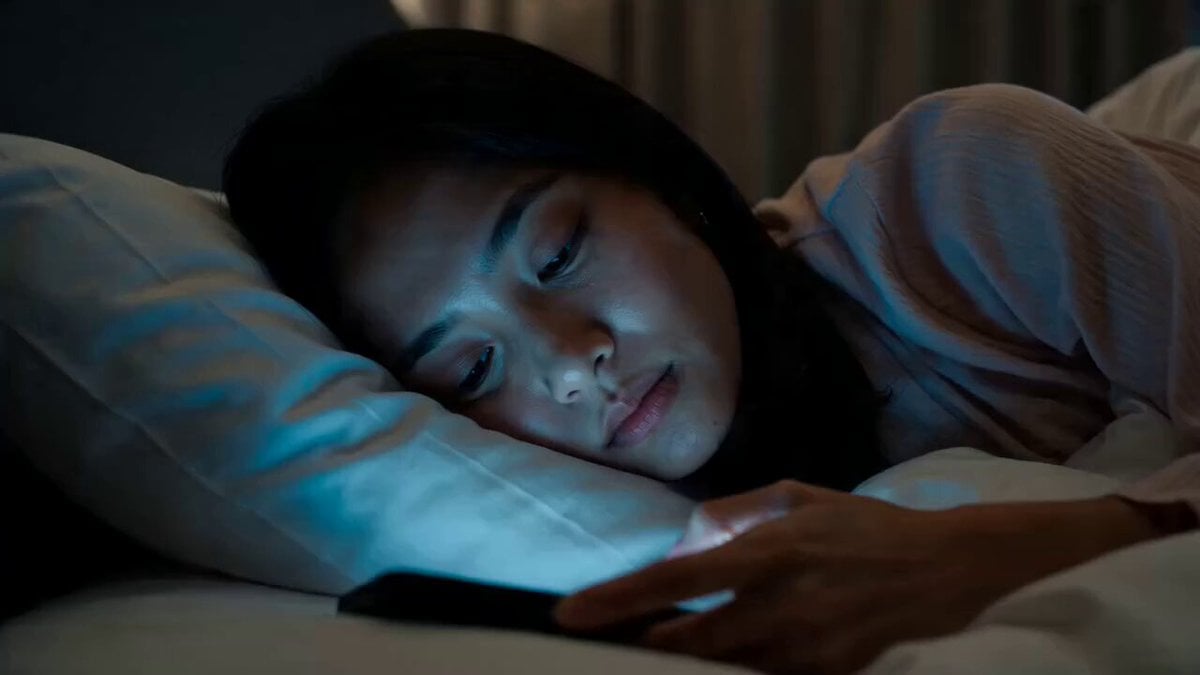
Horror Short Guesthouse Box
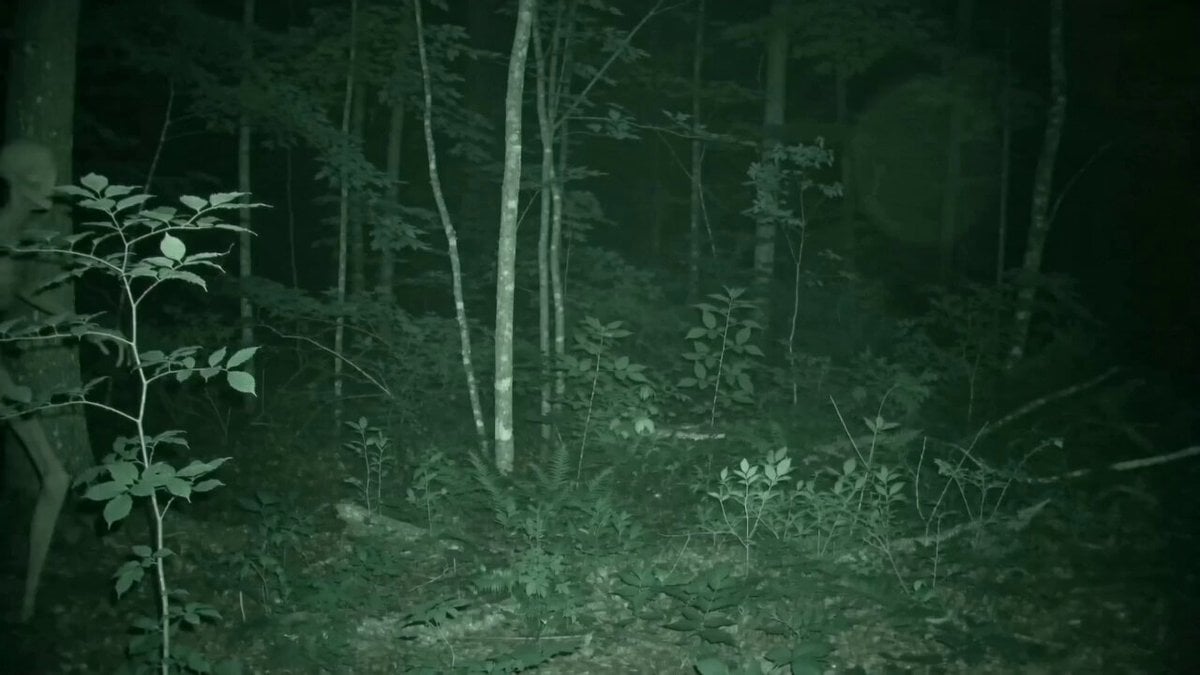
Skinwalker Night Vision Footage
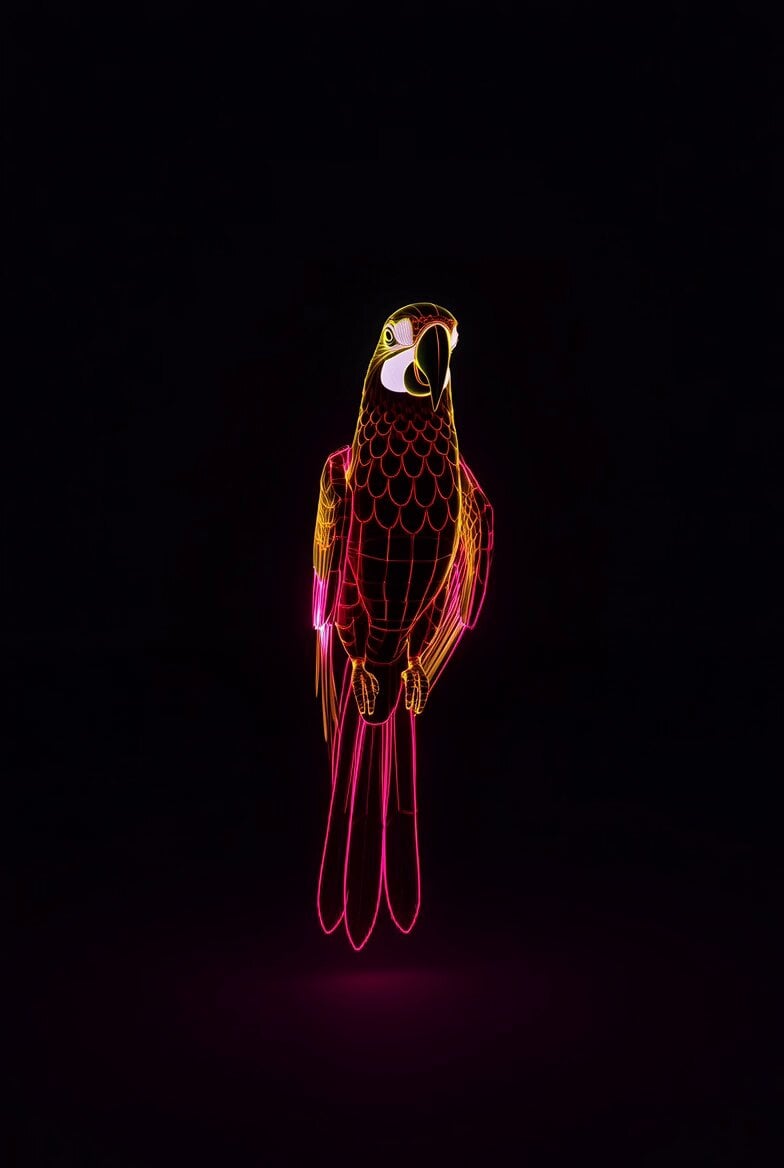
Neon Wireframe Parrot
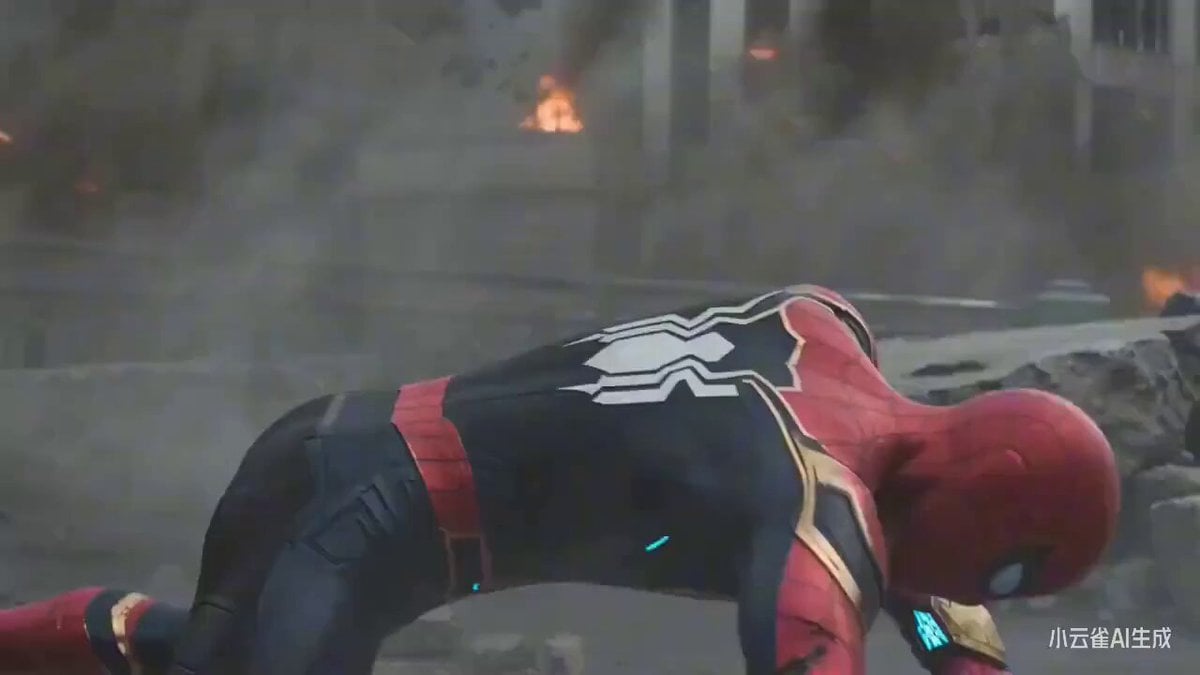
Spider-Man vs. Sun Wukong Cinematic Battle
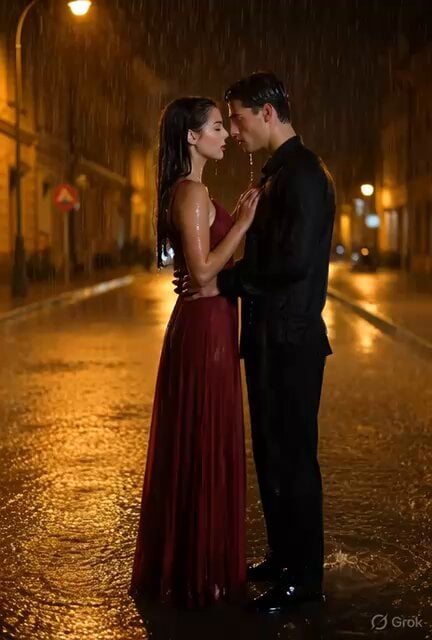
Cinematic Couple Dancing in Rain
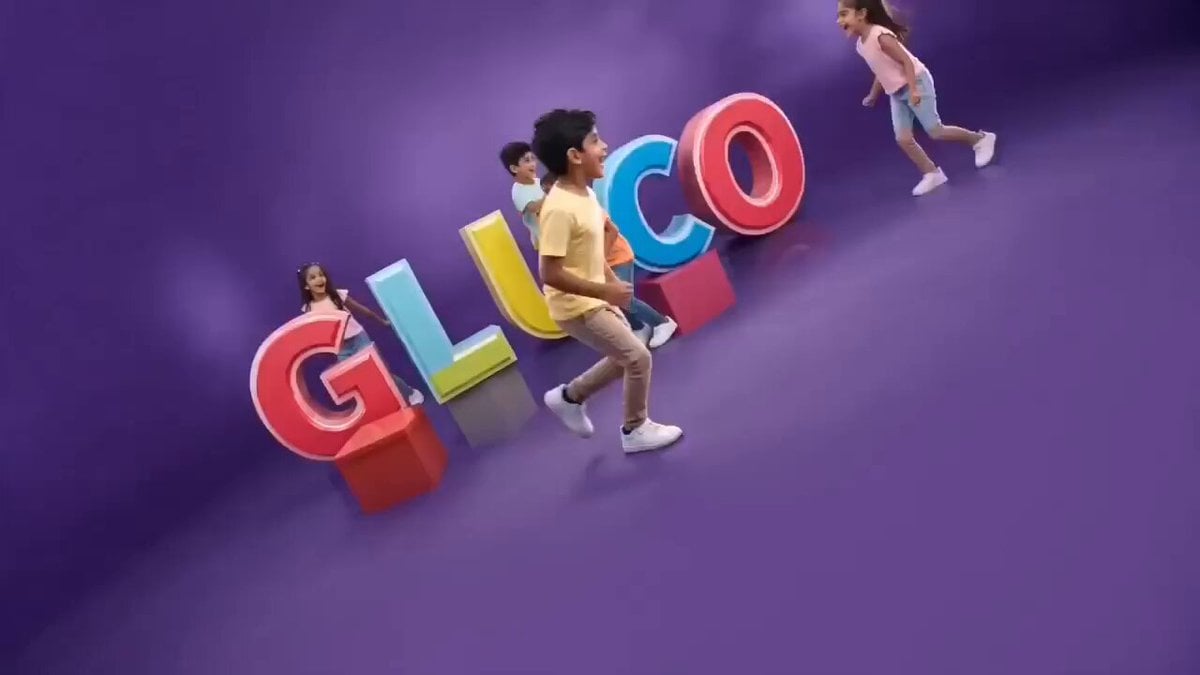
Vibrant Purple Gluco Energy Biscuit Commercial
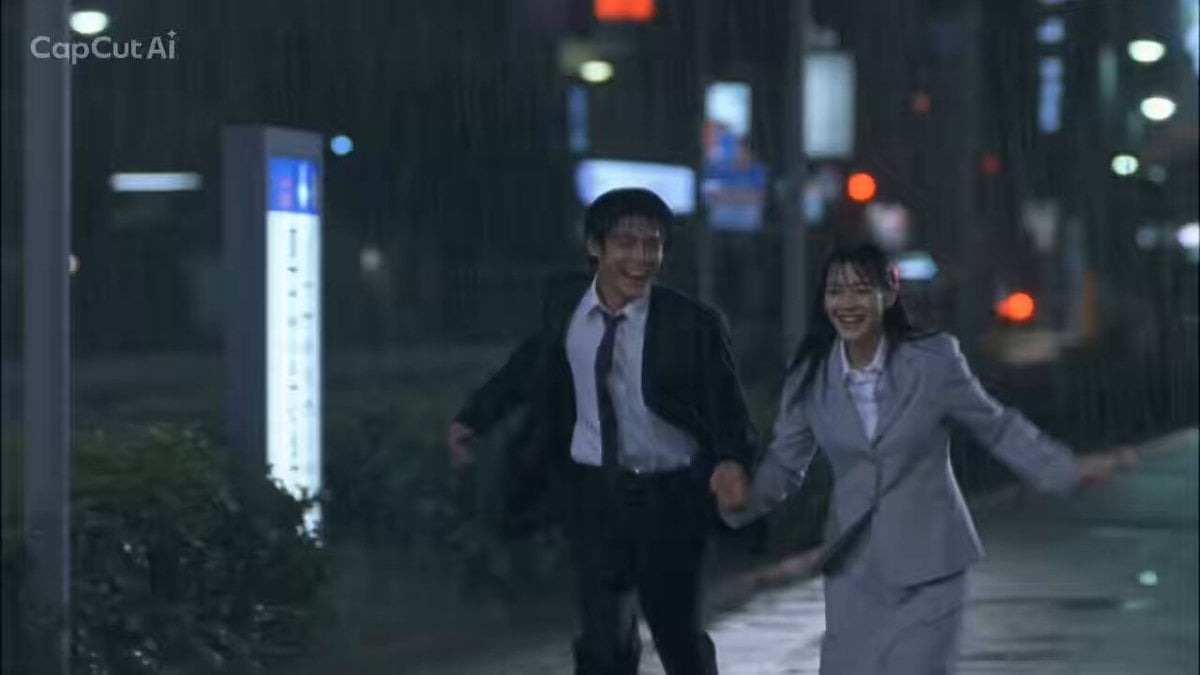
1990s Japanese Trendy Drama Style Video Prompt
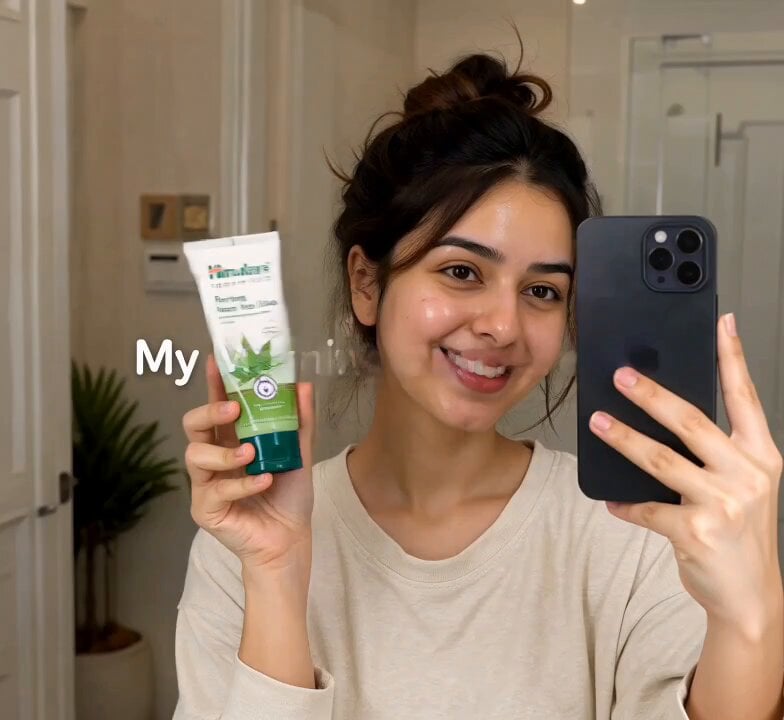
Morning Skincare Routine Vlog Script
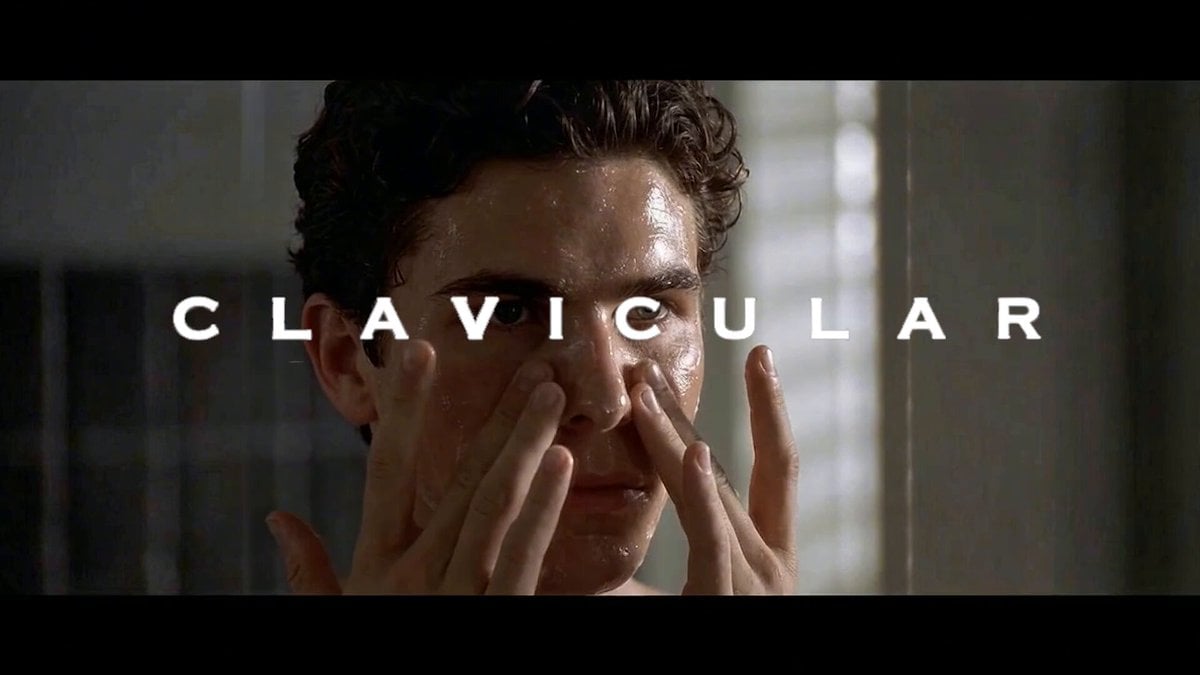
Clavicular's Morning Routine Prompt
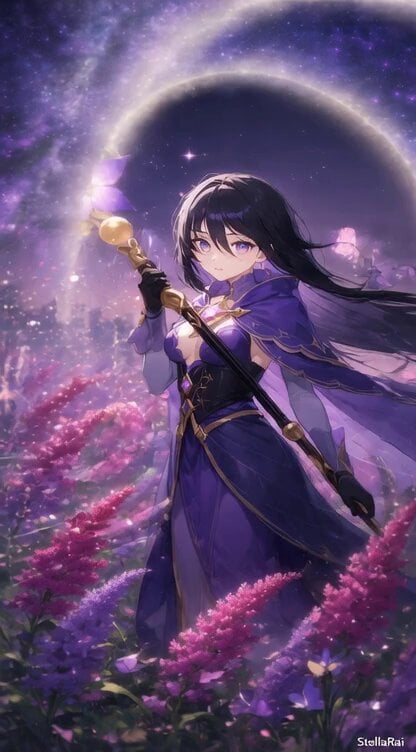
Animate Female Mage in Amaranth Field
Browse template categories
Futuristic Abstract City at Night questions
How do I use the Futuristic Abstract City at Night template?
Add your photo if the template asks for one, edit the prompt if you like — the template's model and format are already selected — and press Generate. Your version opens in PicX Studio.
Can I customize the Futuristic Abstract City at Night template?
Yes. You can change the subject, setting, lighting, mood, format, and available model controls before creating your video.
Is the Futuristic Abstract City at Night template free?
Opening and editing this template is free. Generating uses credits, shown on the Generate button when you are signed in.
Which AI model should I use?
Start with Grok Imagine, which is the model associated with this template. You can compare another compatible model for a different finish.
Looking for something else? Browse all templates.

Your photo, any look
Thousands of ready templates for every top image and video model, from one credit balance.