How do I use the Anime Character Water Slide with Reaction PIP template?
Edit the prompt in the box under the preview — the template's model and format are already selected — and press Generate. Your version appears right on this page.
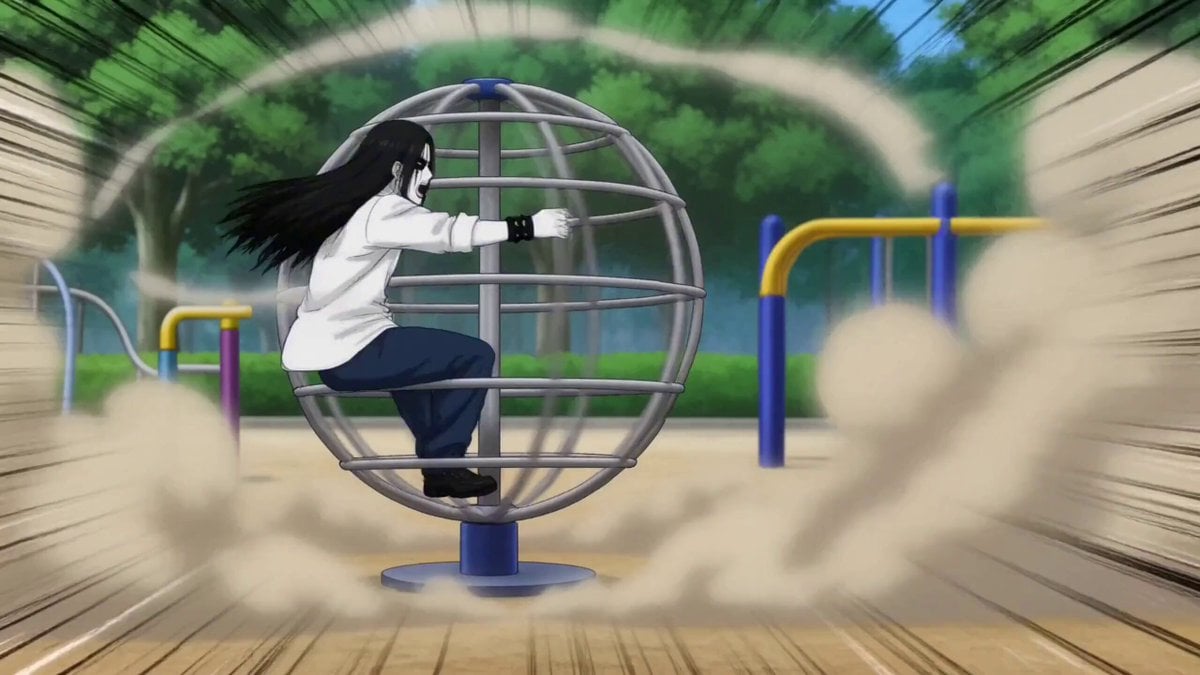
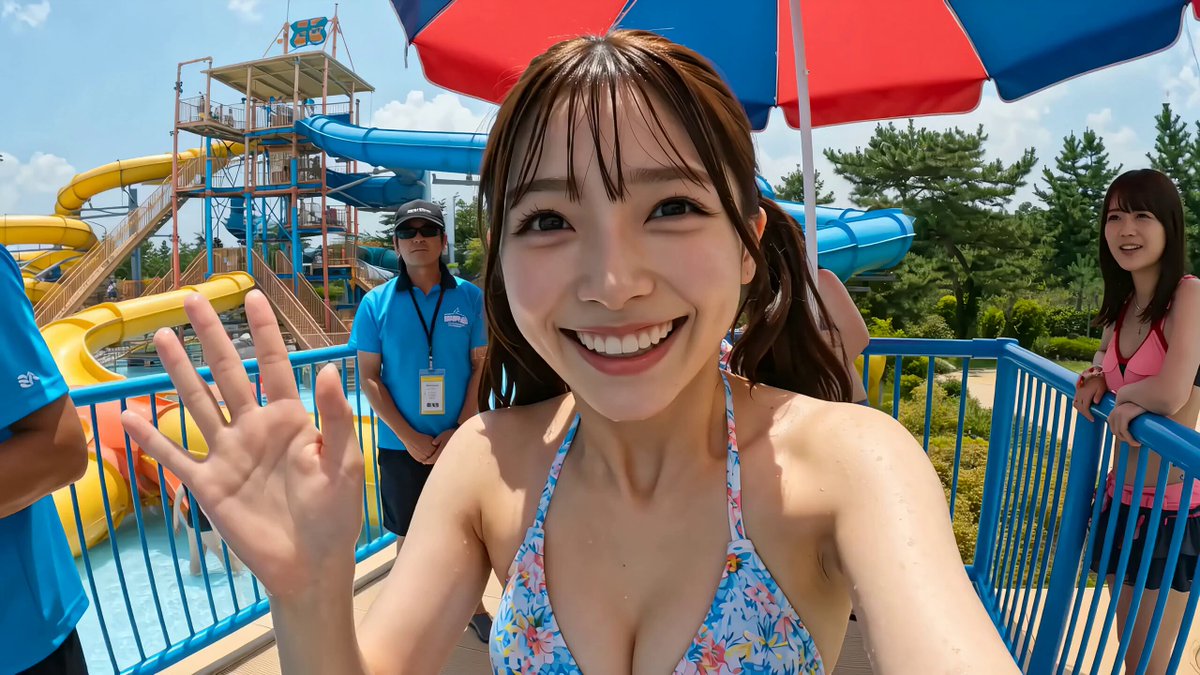
A complex video generation prompt that creates a continuous shot of an anime character on a water slide, featuring a persistent circular picture-in-picture frame in the corner to show facial reactions.
被写体:2Dアニメ調のキャラクターが乗ったボード一つ。メインカメラはボードの斜め後ろに固定、ショットは途切れない。右上に小さな丸いワイプフレームを埋め込み、キャラクターの顔を正面から常時可視化。丸ワイプは明確なフレームエッジを持ち、高い解像度でキャラクターの表情(驚き、興奮、爽快感)を映し続ける。 シーン:カメラをボードの真後ろのリアフォローマウントにロックし、ショットを決して切らない。リアルなウォーターパークの広大な青空ゾーンで始まり、トロピカルな緑(ヤシの木、南国の風景)を背景に、キャラクターはボードに乗ったままウォータースライダーの頂上からスタート。1本の連続したスライダーを滑走し、最初はゆっくり、徐々に加速。大きく右カーカーブを描き、水が豪快に飛び散り、白く煌めく。メインフレームをボード追従で保ち、スライダーレール、カーブ、水しぶき、光の反射が後ろから明確に読み取れるように。右上の丸ワイプではキャラクターの顔、肩、髪が風に揺れ、目はキラキラの驚きから歓喜へ、髪は速度の下でなびき、水がかかる瞬間にびっくり表情に。最終的には高速のストレート区間を突き進み、プール状の着水ゾーンに突入。着水の瞬間、大きな水の爆発。スローダウンしながら水が光に包まれ、爽快感が画面全体を満たす。ワイプでもキャラクターの着水時の輝く瞳と爽快的な笑顔が同時に映る。1本の途切れない動き、全編にわたりリアルな水と光、トロピカルな背景、メインフレームの追従、右上の丸ワイプの常時表示。 ムード:息をのむ爽快感、バラエティ的な楽しさ、驚きと喜びの融合、爽涼しさ、スピード感。 カラー・ロジック:ナチュラル・フィルム・プリント・エミュレーション。青空のビビッドな青、水の白い輝き、トロピカルな緑が鮮烈。 スタイル:シネマティックリアリズム&アニメハイブリッド、アクション・エンターテインメント、バラエティ・スペクタクル。No spoken dialogue(セリフなし)。
被写体:2Dアニメ調のキャラクターが乗ったボード一つ。メインカメラはボードの斜め後ろに固定、ショットは途切れない。右上に小さな丸いワイプフレームを埋め込み、キャラクターの顔を正面から常時可視化。丸ワイプは明確なフレームエッジを持ち、高い解像度でキャラクターの表情(驚き、興奮、爽快感)を映し続ける。 シーン:カメラをボードの真後ろのリアフォローマウントにロックし、ショットを決して切らない。リアルなウォーターパークの広大な青空ゾーンで始まり、トロピカルな緑(ヤシの木、南国の風景)を背景に、キャラクターはボードに乗ったままウォータースライダーの頂上からスタート。1本の連続したスライダーを滑走し、最初はゆっくり、徐々に加速。大きく右カーカーブを描き、水が豪快に飛び散り、白く煌めく。メインフレームをボード追従で保ち、スライダーレール、カーブ、水しぶき、光の反射が後ろから明確に読み取れるように。右上の丸ワイプではキャラクターの顔、肩、髪が風に揺れ、目はキラキラの驚きから歓喜へ、髪は速度の下でなびき、水がかかる瞬間にびっくり表情に。最終的には高速のストレート区間を突き進み、プール状の着水ゾーンに突入。着水の瞬間、大きな水の爆発。スローダウンしながら水が光に包まれ、爽快感が画面全体を満たす。ワイプでもキャラクターの着水時の輝く瞳と爽快的な笑顔が同時に映る。1本の途切れない動き、全編にわたりリアルな水と光、トロピカルな背景、メインフレームの追従、右上の丸ワイプの常時表示。 ムード:息をのむ爽快感、バラエティ的な楽しさ、驚きと喜びの融合、爽涼しさ、スピード感。 カラー・ロジック:ナチュラル・フィルム・プリント・エミュレーション。青空のビビッドな青、水の白い輝き、トロピカルな緑が鮮烈。 スタイル:シネマティックリアリズム&アニメハイブリッド、アクション・エンターテインメント、バラエティ・スペクタクル。No spoken dialogue(セリフなし)。
Edit the prompt in the box under the preview — the template's model and format are already selected — and press Generate. Your version appears right on this page.
Yes. You can change the subject, setting, lighting, mood, format, and available model controls before creating your video.
Opening and editing this template is free. Generating uses credits, shown on the Generate button when you are signed in.
Start with Seedance 2.0, which is the model associated with this template. You can compare another compatible model for a different finish.
Follow a topic to a crawlable collection of related PicX Studio templates.