
Gugu Gaga Chibi Anime Reaction
A detailed prompt for Seedance 2.0 to generate an ultra-cute 3D chibi anime animation of the character 'Gugu Gaga' in a penguin kigurumi, focusing on her exaggerated reaction to biting a lemon slice and subsequent cute…
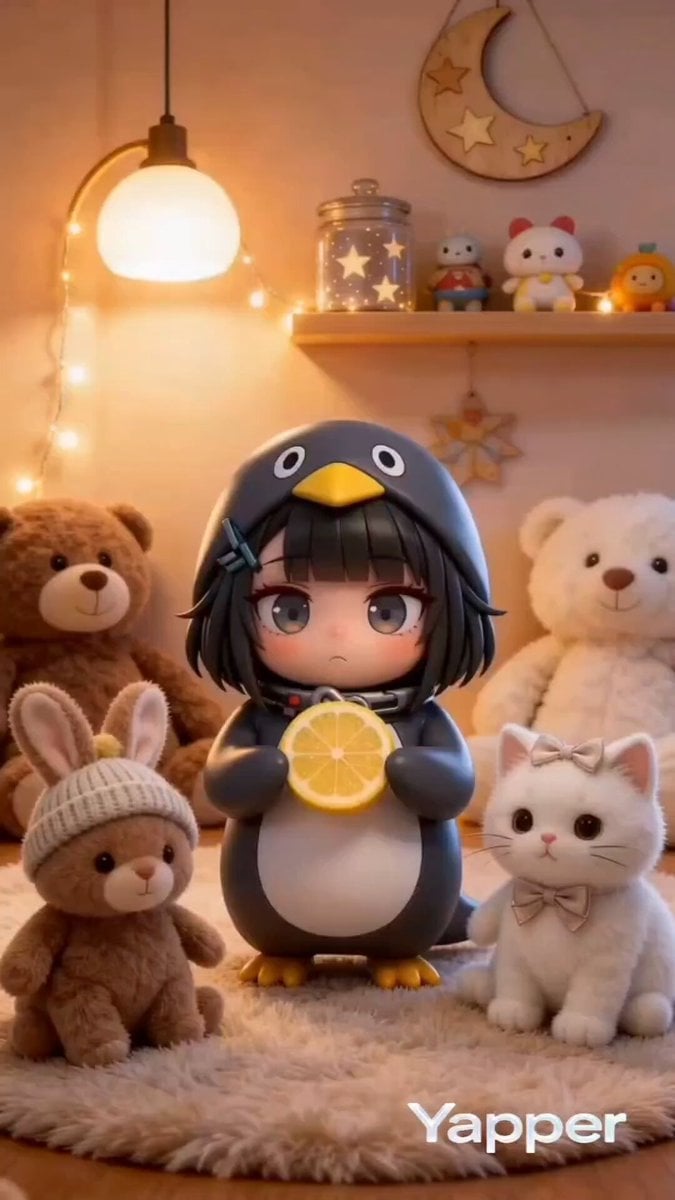
- Prompt included
- Model and format preset
- Premium template
The prompt behind this video
Copy the exact prompt behind Gugu Gaga Chibi Anime Reaction, or open it in the studio and make it yours.
masterpiece, best quality, ultra-cute 3D chibi anime animation, adorable moe girl "Gugu Gaga" (Endministrator) wearing oversized fluffy black-and-white penguin kigurumi onesie with hood and beak details, yellow beak and feet accents, short black bob hair, enormous sparkling anime eyes with highlights, tiny stubby body and arms, rosy cheeks, holding and biting a bright juicy yellow lemon slice, exaggerated sour puckered-lip reaction with wide surprised eyes then cute "gugu gaga" recovery bounce, dynamic playful pose, smooth bouncy chibi physics, vibrant saturated colors, soft warm volumetric lighting with eye sparkles, cozy pastel toy-filled room background with stuffed animals (teddies, bunny, white cat), Arknights Endfield aesthetic, high-detail fur texture, vertical 9:16 TikTok format, whimsical innocent mood, 4k --ar 9:16 --motion 3 --stylize 250
How to use Gugu Gaga Chibi Anime Reaction in 3 steps
- 1
Open
The prompt is already in the box next to the preview, with the template's model and format selected.
- 2…a portrait of your subject in softgolden-hour light, 85mm…
Personalize
Edit the subject and creative details for your destination.
- 3Generate
Generate
Press Generate — your video is created in PicX Studio, so you can compare it with the original and refine one variable at a time.
More like this
Templates with the same subject, style or setup. Open one to see its prompt.
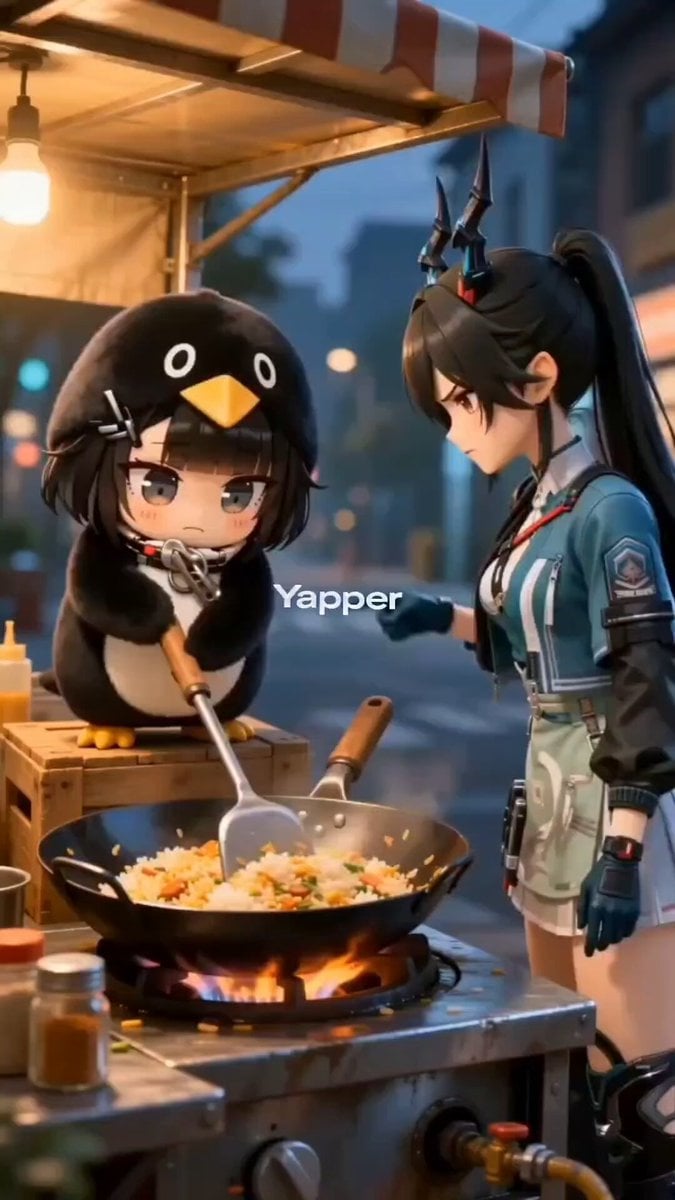
Chibi penguin girl 'Gugu Gaga' cooking with an angry expression
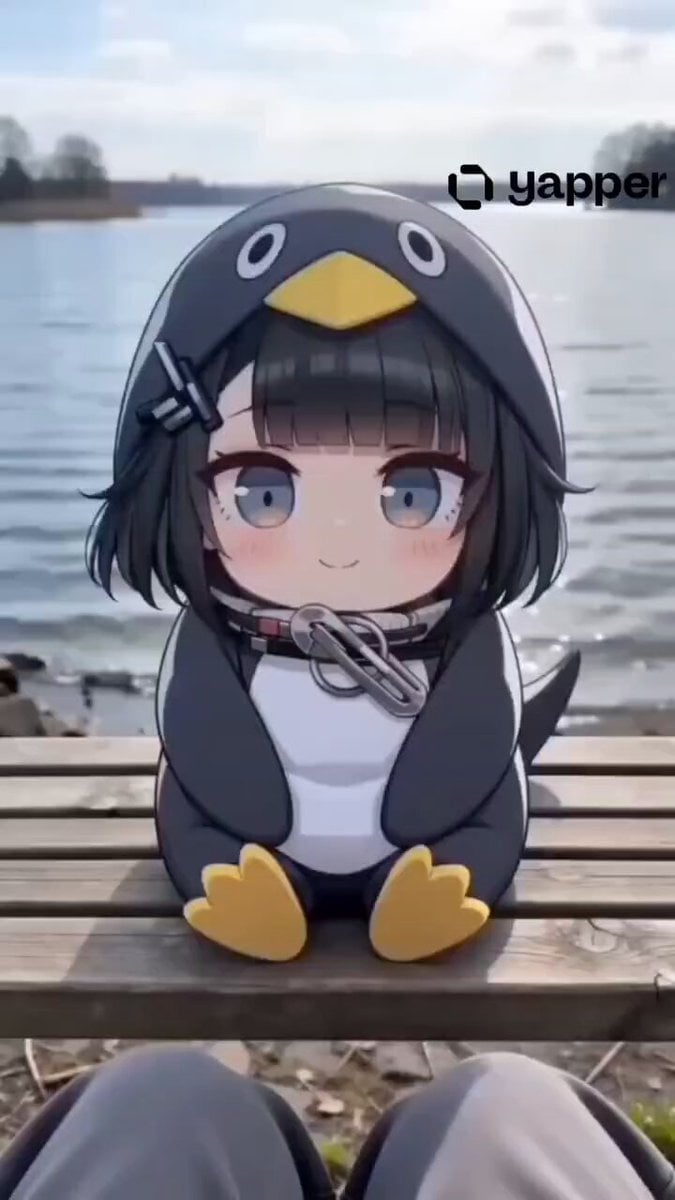
Gugu Gaga Chibi Animation by the Lake
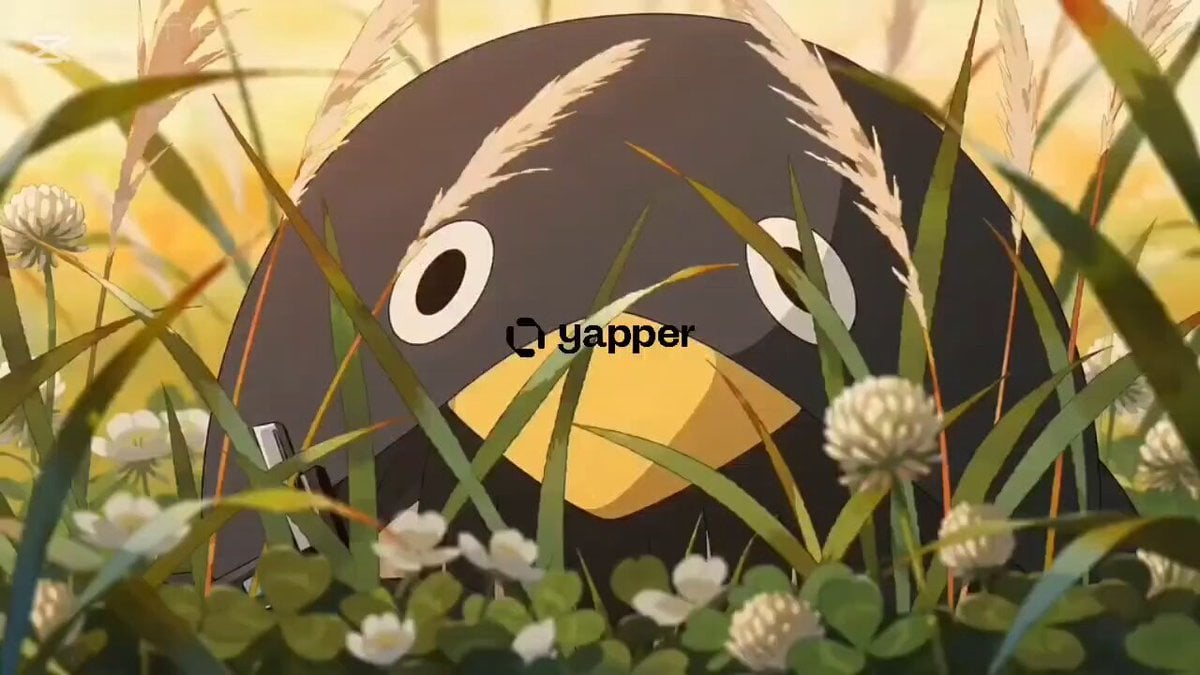
Kawaii Chibi Animation of Gugugaga and Doro
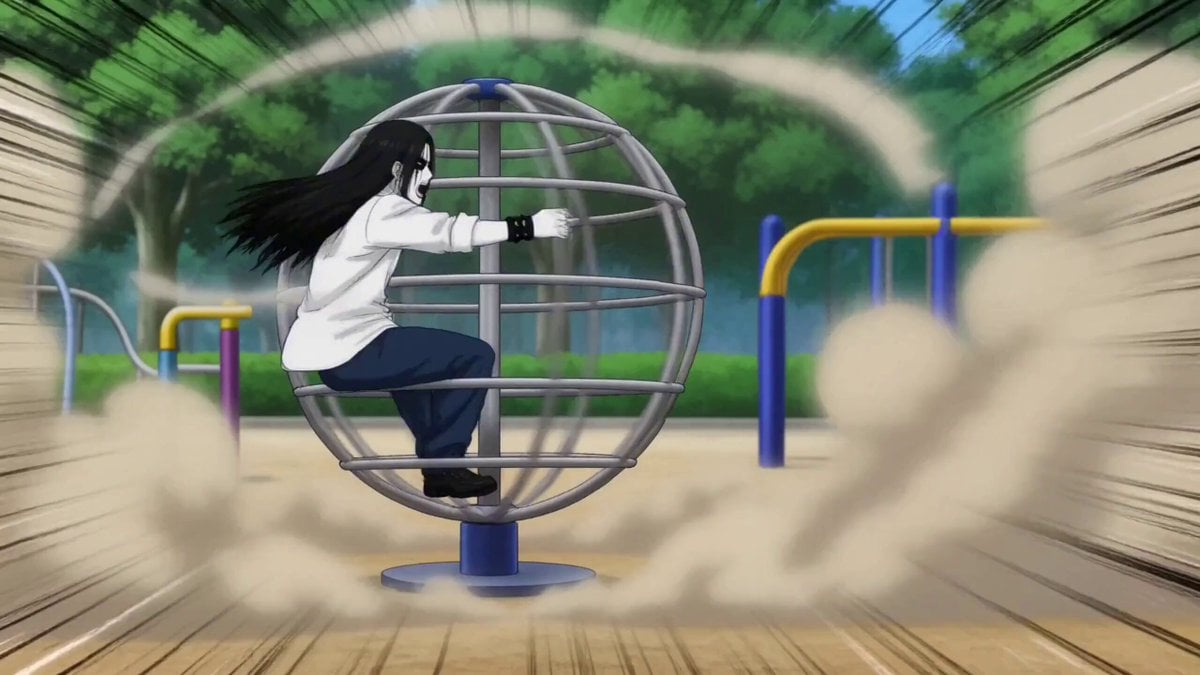
Gag Anime Comedy Reaction Scene
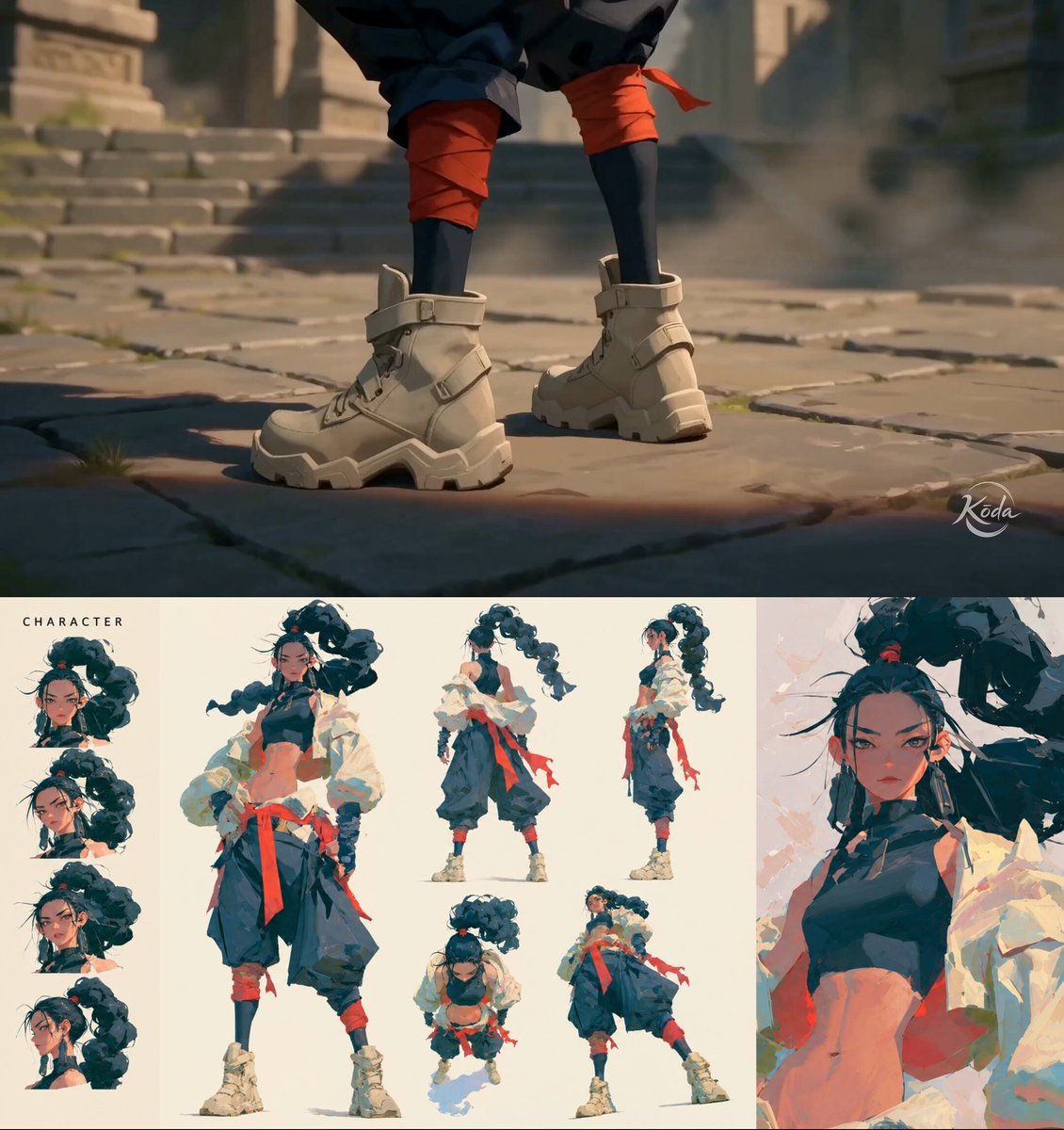
MiniMax H3 Character Introduction
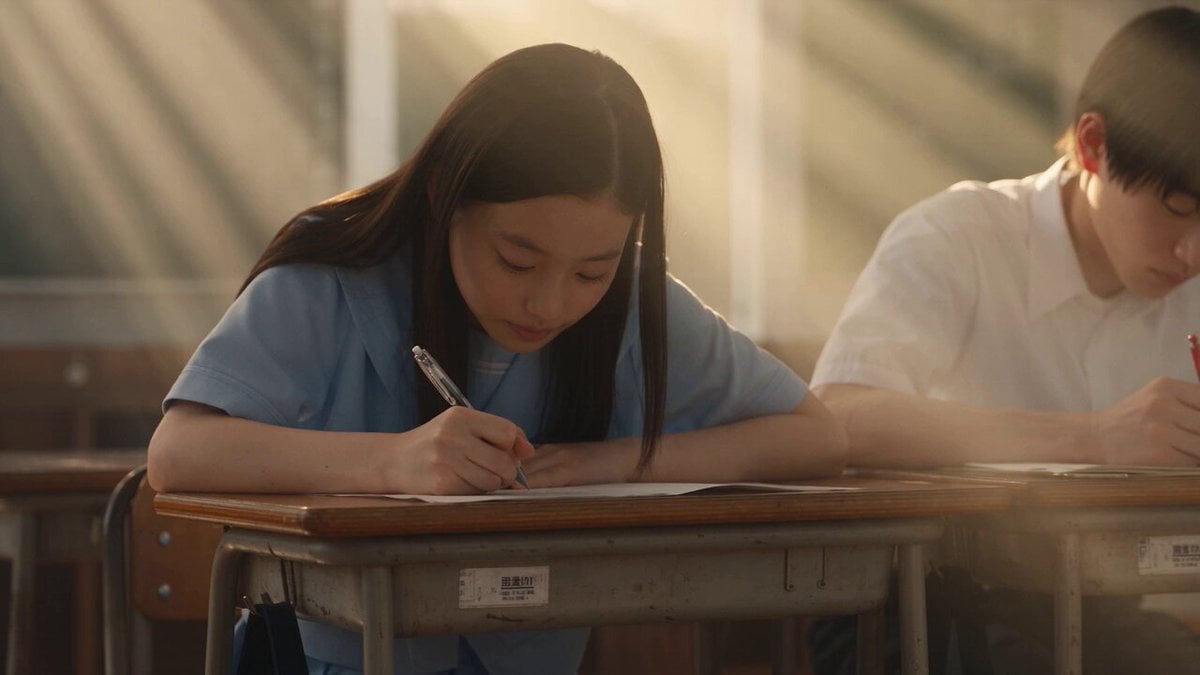
Japanese Pure Love Short Film
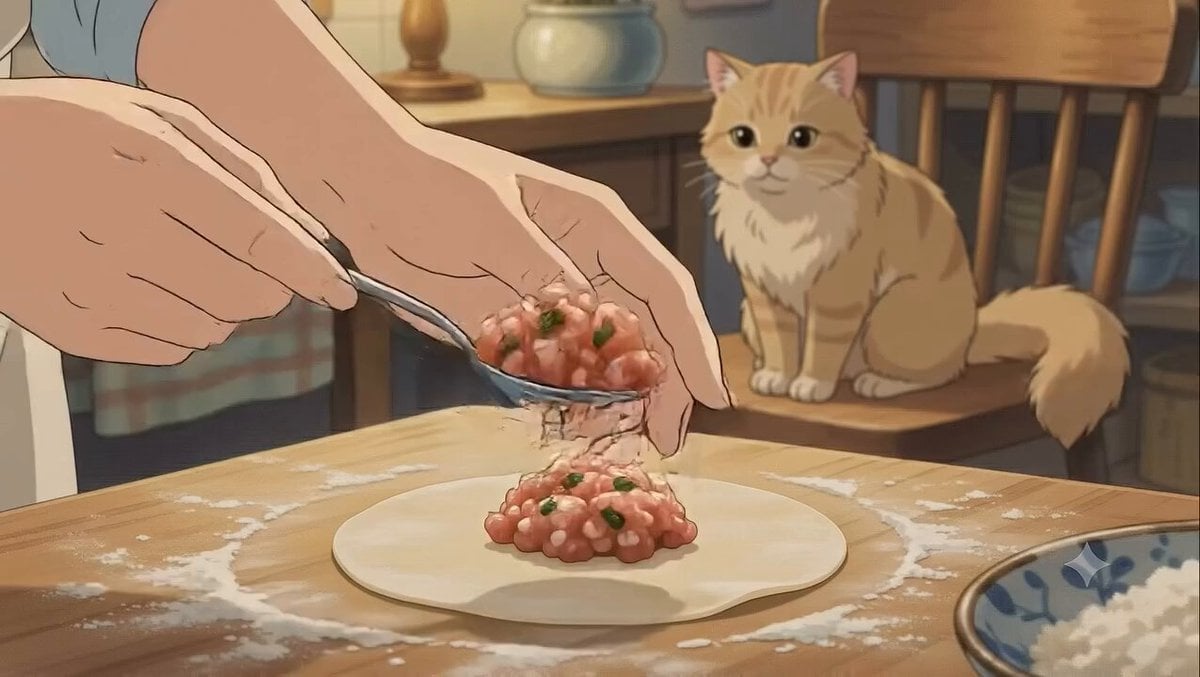
Studio Ghibli Dumpling Kitchen Cooking Scene

Chibi Boxing Match with Anime Action Style
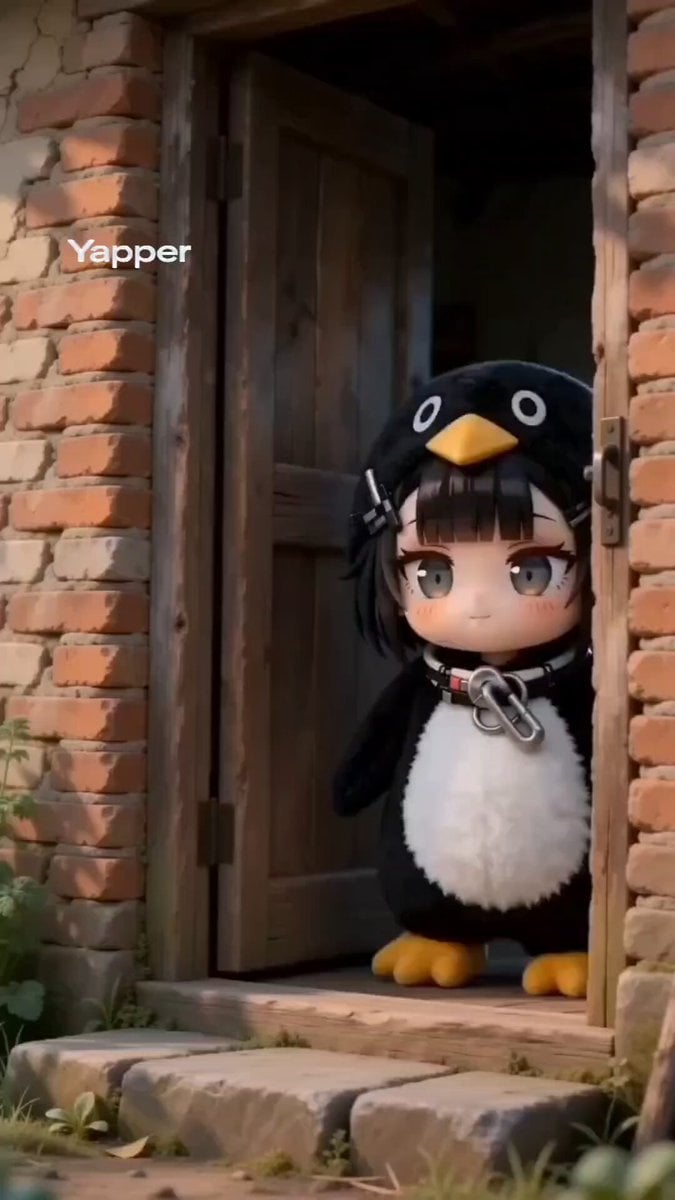
Seedance 2.0 Prompt: Gugu Gaga Harvesting Cuteness
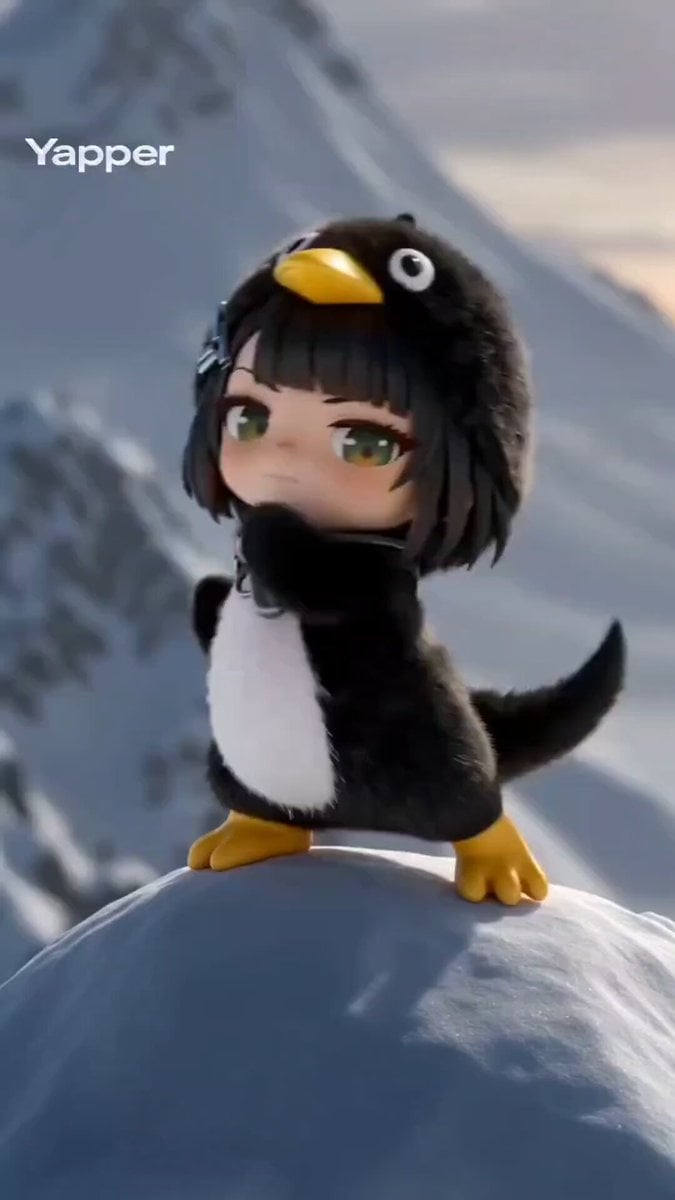
Seedance 2.0 Prompt: Gugu Gaga on a Mountain Top
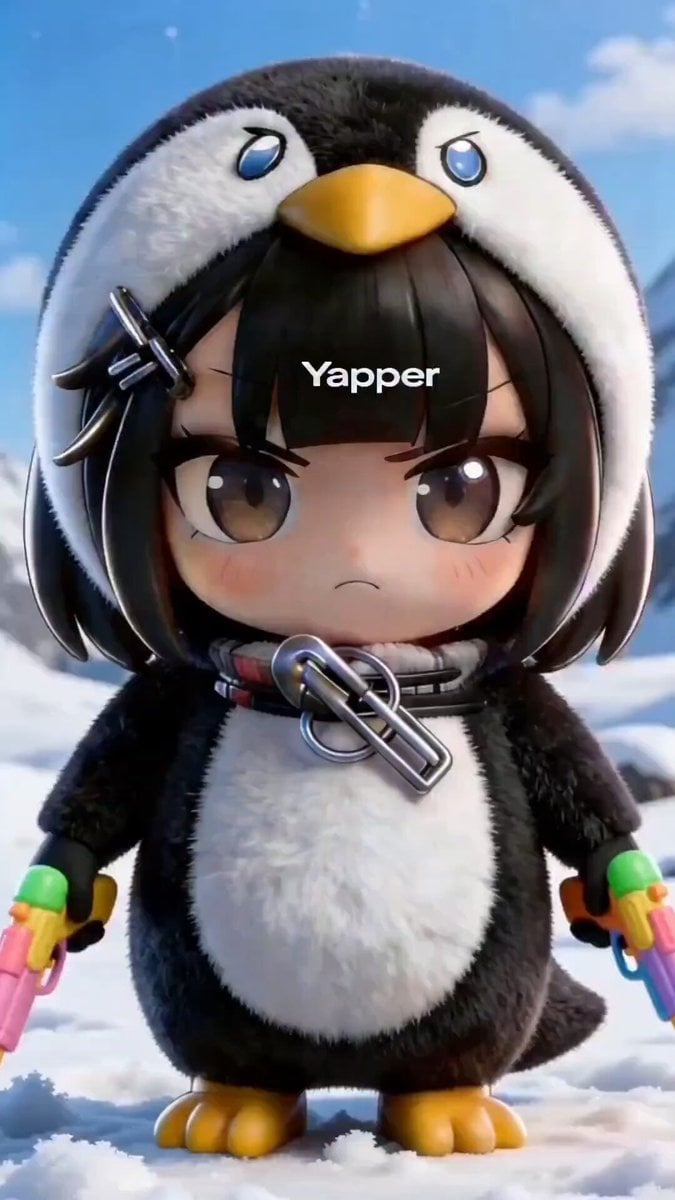
Chibi Anime Girl in Penguin Onesie Dancing in Snow
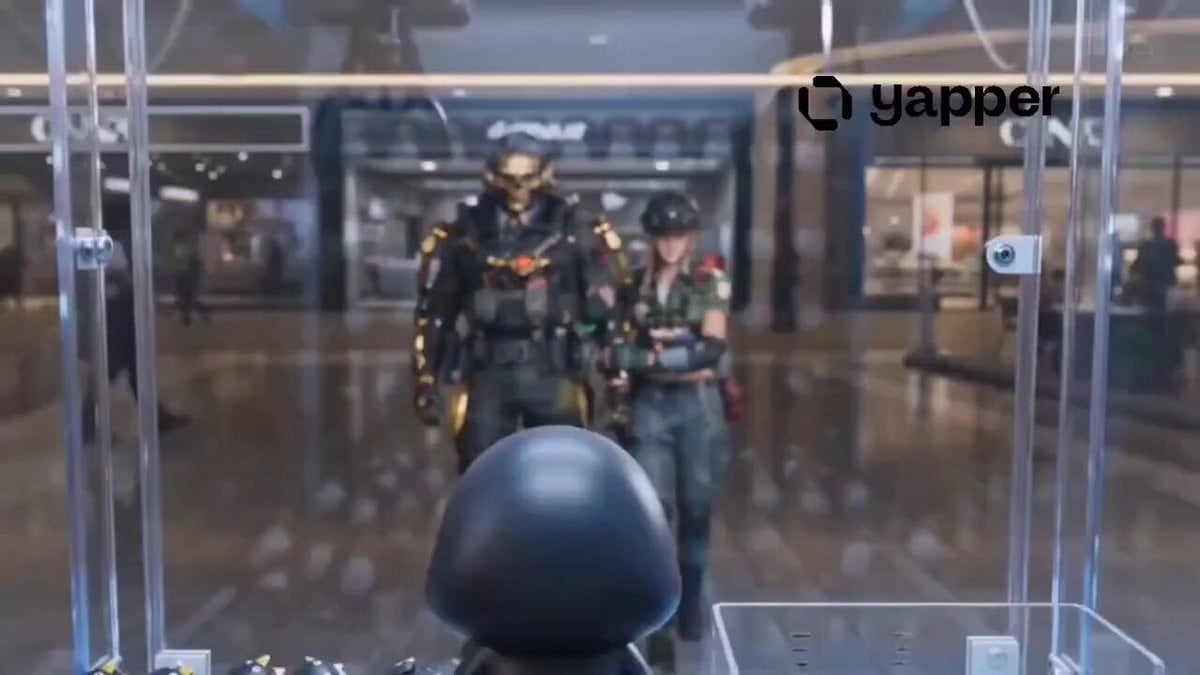
Arknights: Endfield Gugu Gaga Shopping Scene
Make it yours
Gugu Gaga Chibi Anime Reaction works as-is. These are the safest ways to change it without losing the look.
Change one field
Copy a single group, rewrite it, and generate again so you can see what that field is doing.
Keep the frame, change the subject
Hold the composition and light of Gugu Gaga Chibi Anime Reaction, then swap wardrobe, props or the person for a new take.
| If the result… | Why | Fix |
|---|---|---|
| The result drifts from the preview | Too many fields changed at once. | Reuse Gugu Gaga Chibi Anime Reaction as-is first, then change one group — subject, light, or setting. |
| The model over-stylizes the scene | The prose prompt leaves finish and camera underspecified. | Add one camera or lighting sentence and stay on Seedance 2.0. |
More Seedance 2.0 templates
Other prompts made for Seedance 2.0.

Comical Martial Arts Punch Scene

Maglev Train Action Sequence

Martial Arts Fight Sequence

Wuxia Protection and Trust Script

Vintage Korean Arcade MiniDV Vlog

Mercedes 190 SL Luxury Ad

Rainy Night Supernatural Reverse Comedy Video Script

Amazon Civilization Discovery

Futuristic South Asian City Transformation

Cozy Luxury Cafe Commercial
More video prompts
Fresh picks from across the catalog.
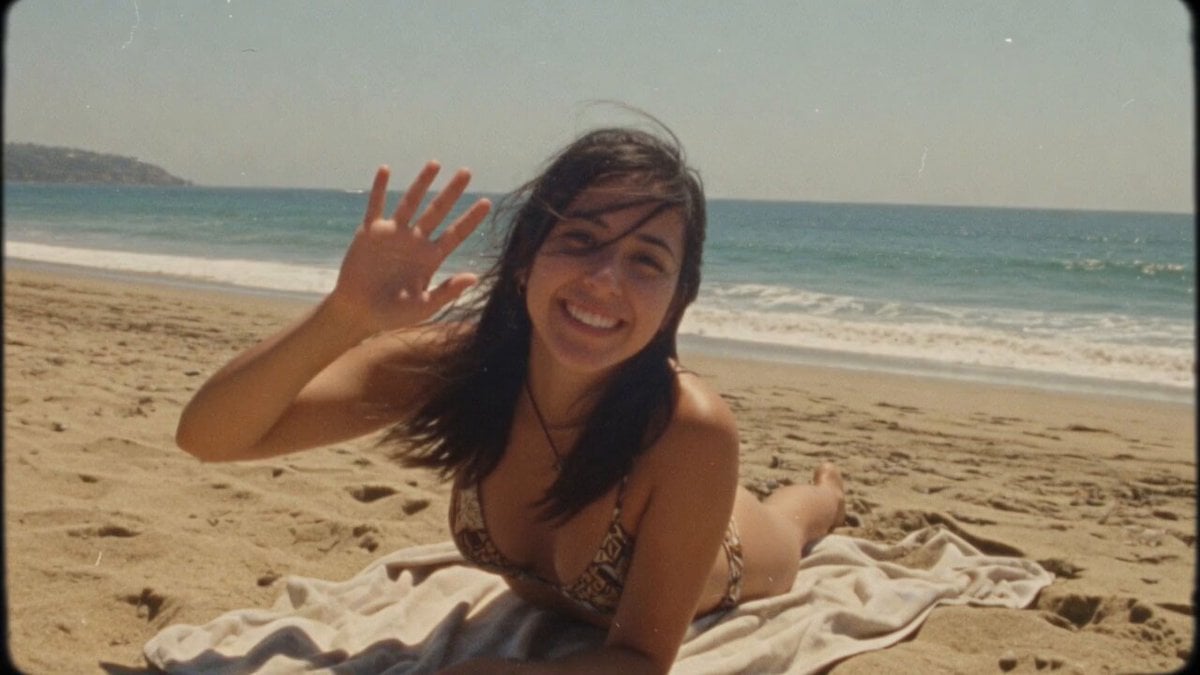
Super 8 Film Beach Woman Wave
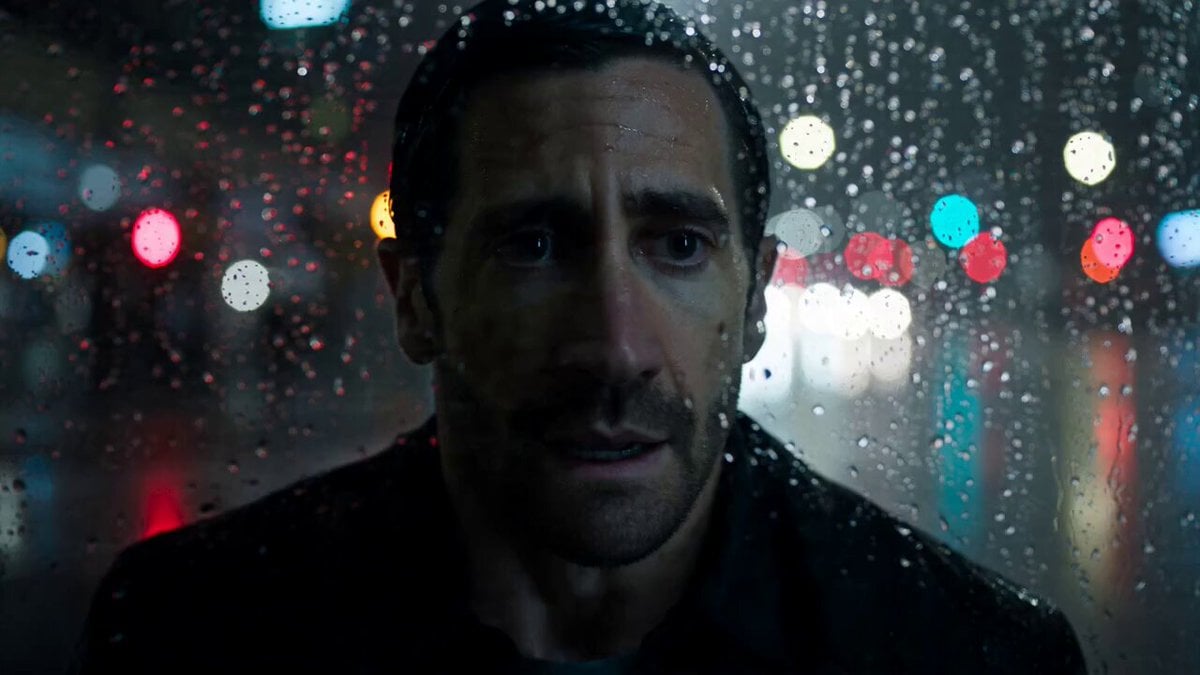
Night Pursuit Cinematic Chase
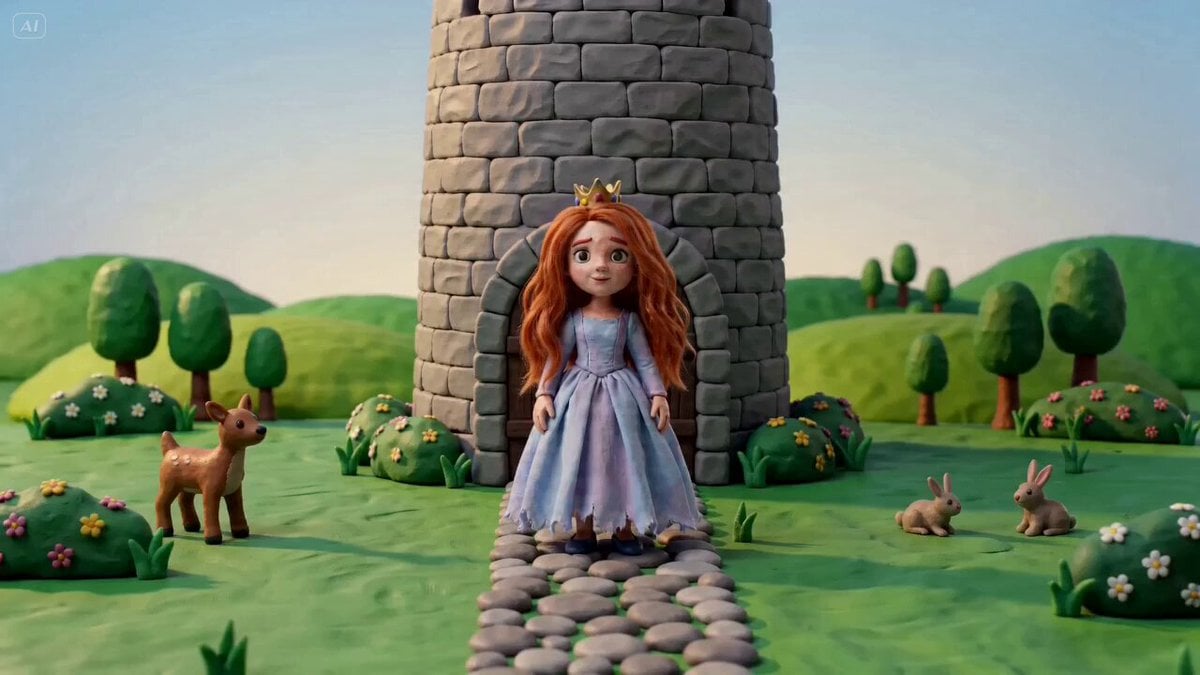
Character Consistency Video Prompt
Ultra-Refined Motion Design Sequence
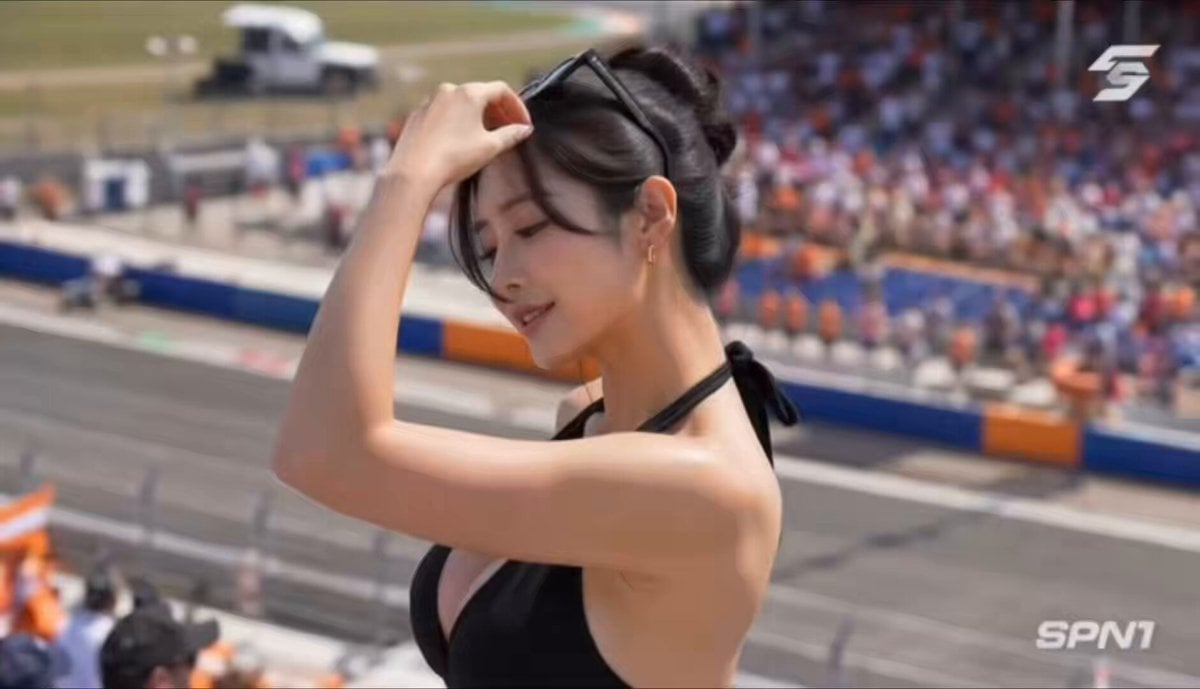
F1 Grand Prix Grandstand Dance Video
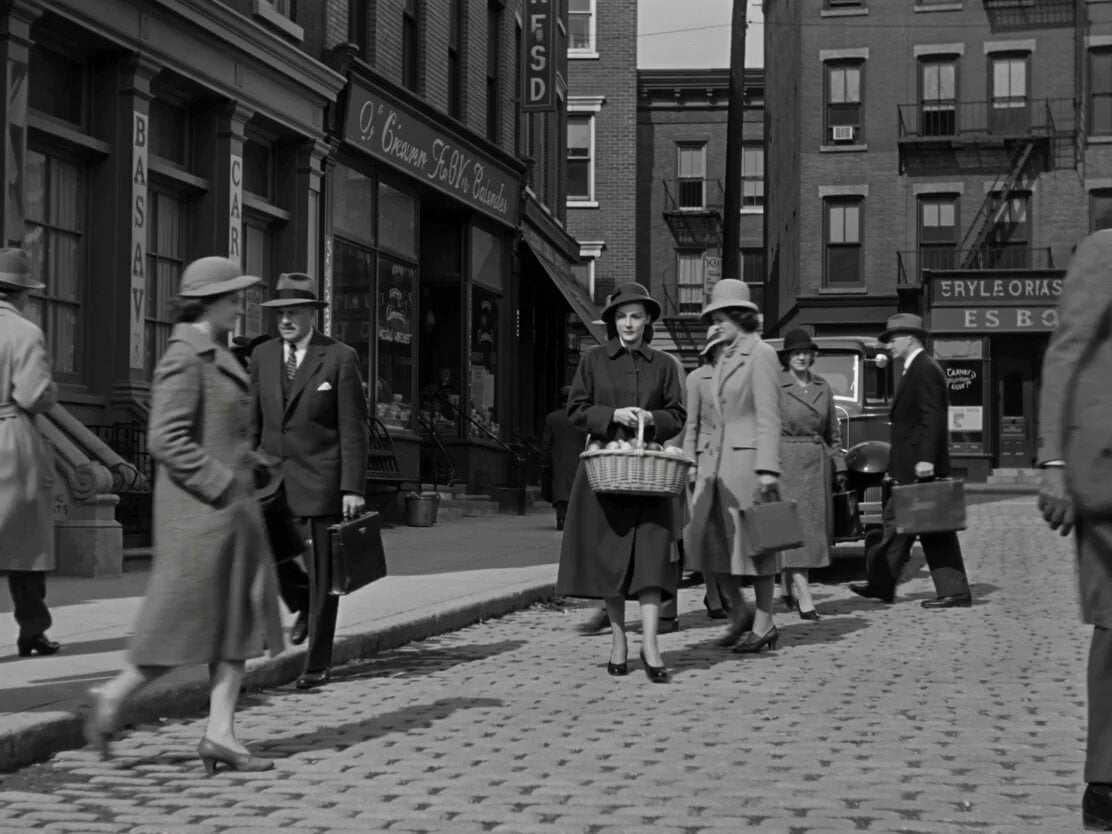
1950s Romantic Drama Scene

Giant Crocodile Houseboat Attack
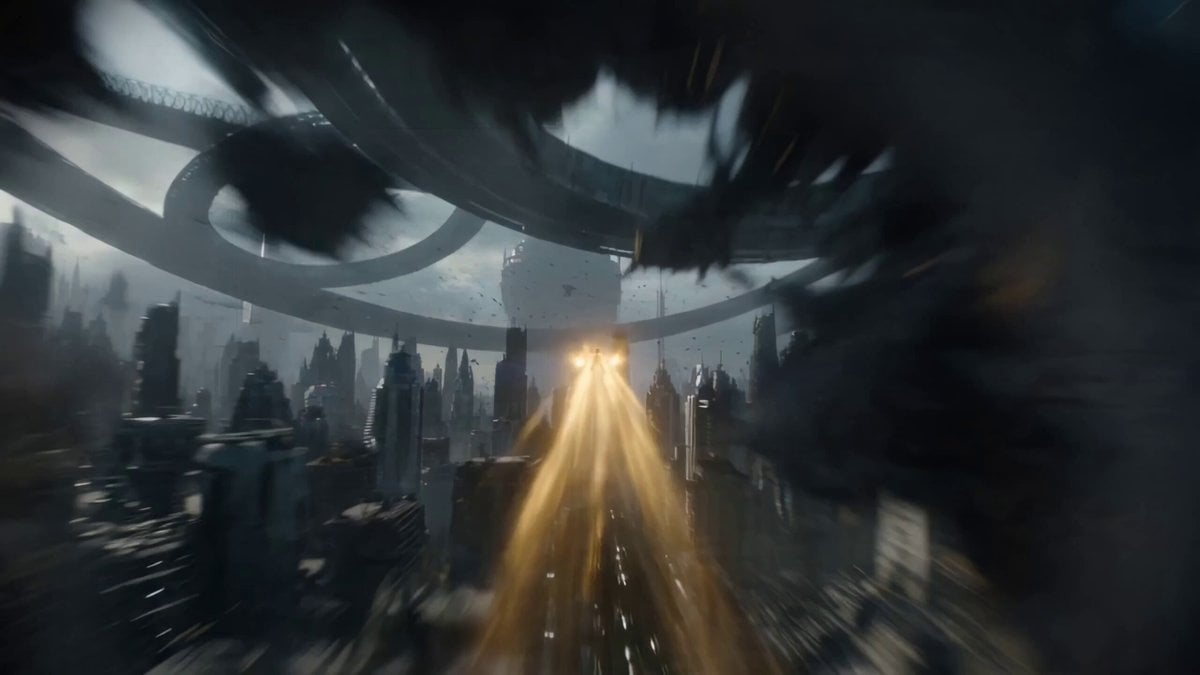
One-Shot Continuous Fall Through Four Layers of Reality
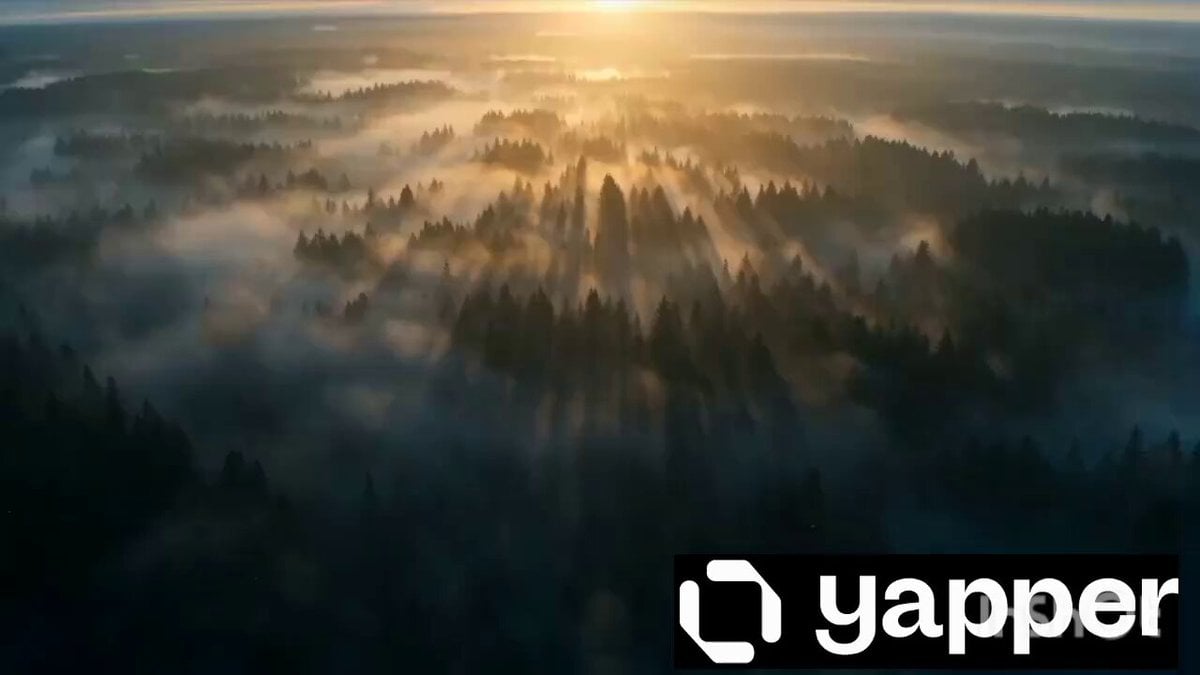
Viking Warrior Forest Charge
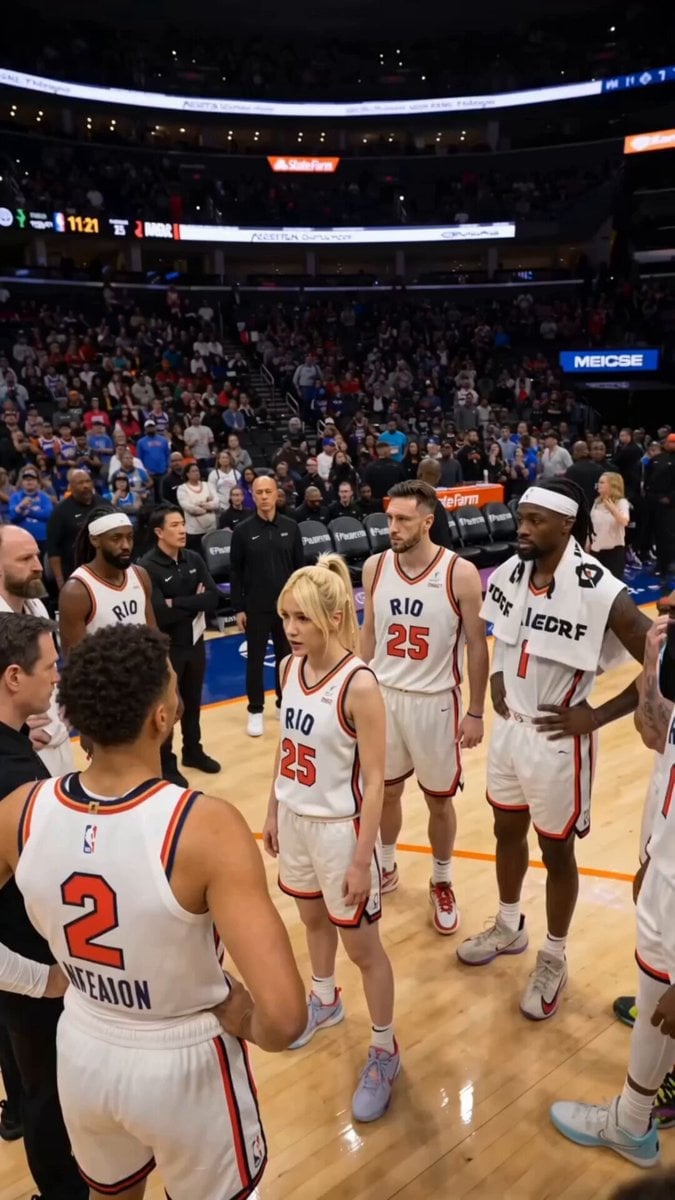
NBA Buzzer Beater Victory Scene
Browse template categories
Gugu Gaga Chibi Anime Reaction questions
How do I use the Gugu Gaga Chibi Anime Reaction template?
Add your photo if the template asks for one, edit the prompt if you like — the template's model and format are already selected — and press Generate. Your version opens in PicX Studio.
Can I customize the Gugu Gaga Chibi Anime Reaction template?
Yes. You can change the subject, setting, lighting, mood, format, and available model controls before creating your video.
Is the Gugu Gaga Chibi Anime Reaction template free?
Opening and editing this template is free. Generating uses credits, shown on the Generate button when you are signed in.
Which AI model should I use?
Start with Seedance 2.0, which is the model associated with this template. You can compare another compatible model for a different finish.
Looking for something else? Browse all templates.

Your photo, any look
Thousands of ready templates for every top image and video model, from one credit balance.