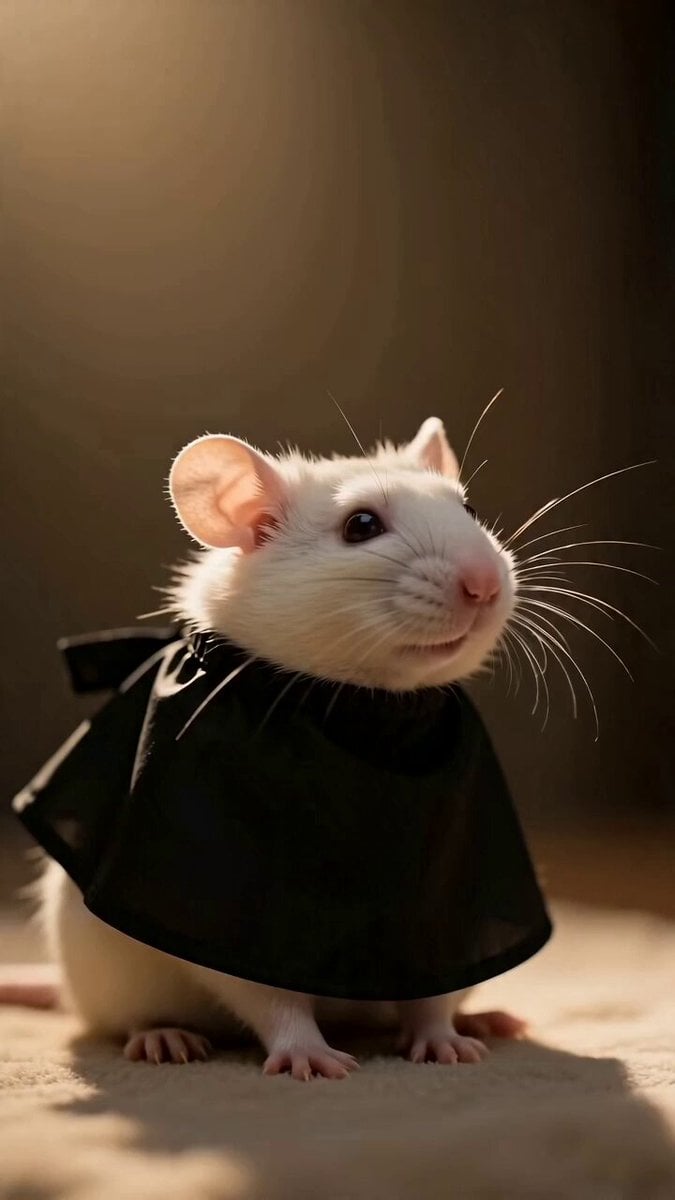
How do I use the Kawaii Chibi Animation of Gugugaga and Doro template?
Edit the prompt in the box under the preview — the template's model and format are already selected — and press Generate. Your version appears right on this page.
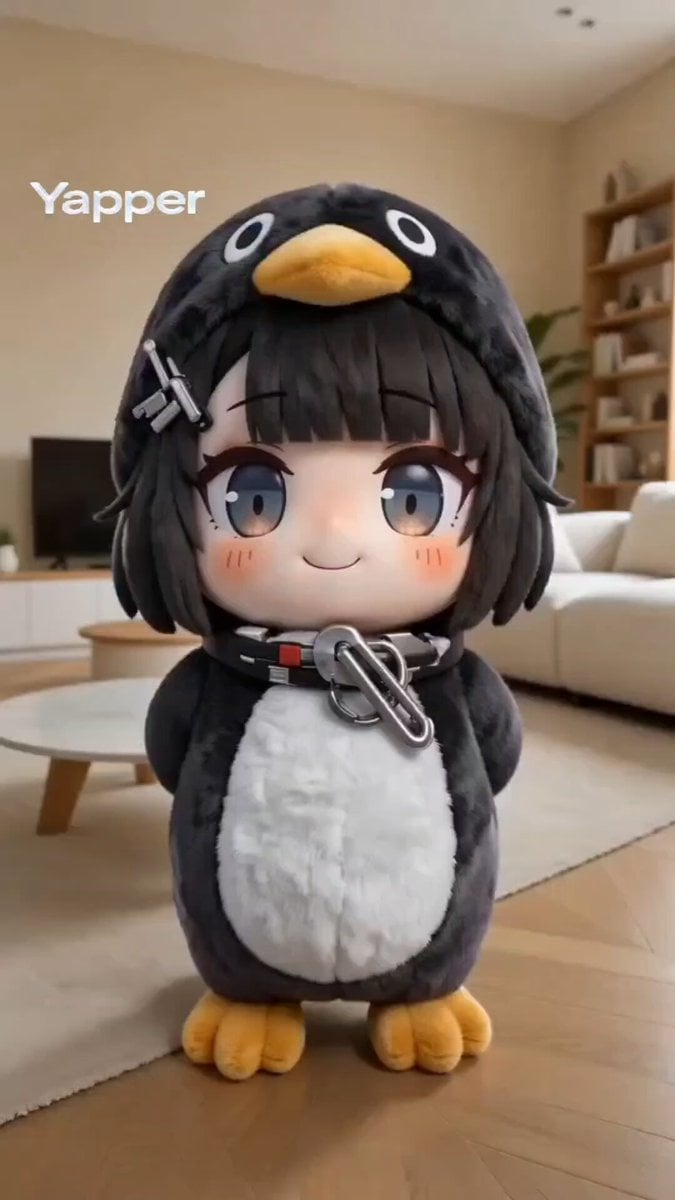
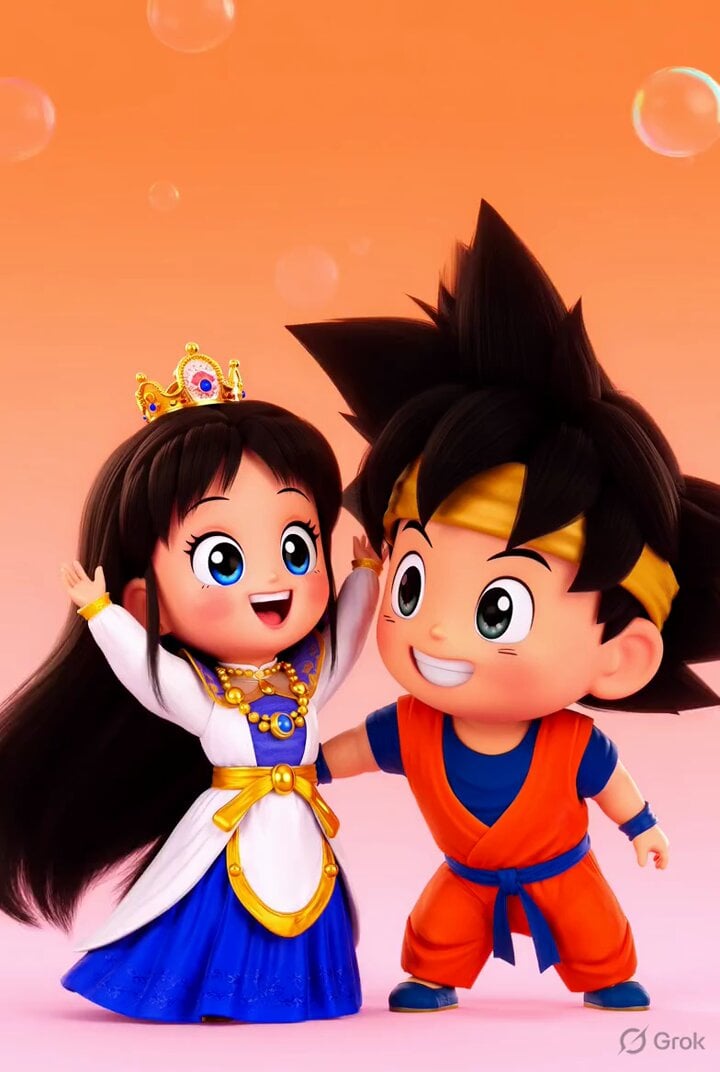
A prompt for generating a super cute, short looping chibi anime cartoon animation in the style of Arknights Endfield, featuring the characters Gugugaga and Doro playing joyfully.
A super cute chibi anime cartoon animation in vibrant kawaii Arknights Endfield style: the adorable penguin-hooded baby administrator Gugugaga (black glossy penguin helmet with yellow beak, big sparkling blue eyes full of hearts and sparkles, dark bob hair with bangs, heavy blush, tiny body) playfully interacting and playing together with her bestie Doro in a wholesome, joyful scene. They are jumping, hugging, chasing, or doing silly cute antics with floating hearts, sparkles, and motion lines. Bright pastel color palette — soft pinks, peaches, yellows, and glowing whites with high saturation and warm cozy lighting. Clean, centered composition with shallow depth of field, characters perfectly balanced in frame, soft glowing effects. TikTok vertical 9:16 format, short looping clip, ultra-cute exaggerated proportions, smooth bouncy animation, high detail on shiny eyes and blush. Overlay text at bottom: "gugugaga and doro playing together 🥰🥰🥰". Relaxing ambient mood, no text except the caption, pure heartwarming vibe --ar 9:16 --stylize 750 --v 6
A super cute chibi anime cartoon animation in vibrant kawaii Arknights Endfield style: the adorable penguin-hooded baby administrator Gugugaga (black glossy penguin helmet with yellow beak, big sparkling blue eyes full of hearts and sparkles, dark bob hair with bangs, heavy blush, tiny body) playfully interacting and playing together with her bestie Doro in a wholesome, joyful scene. They are jumping, hugging, chasing, or doing silly cute antics with floating hearts, sparkles, and motion lines. Bright pastel color palette — soft pinks, peaches, yellows, and glowing whites with high saturation and warm cozy lighting. Clean, centered composition with shallow depth of field, characters perfectly balanced in frame, soft glowing effects. TikTok vertical 9:16 format, short looping clip, ultra-cute exaggerated proportions, smooth bouncy animation, high detail on shiny eyes and blush. Overlay text at bottom: "gugugaga and doro playing together 🥰🥰🥰". Relaxing ambient mood, no text except the caption, pure heartwarming vibe --ar 9:16 --stylize 750 --v 6
Edit the prompt in the box under the preview — the template's model and format are already selected — and press Generate. Your version appears right on this page.
Yes. You can change the subject, setting, lighting, mood, format, and available model controls before creating your video.
Opening and editing this template is free. Generating uses credits, shown on the Generate button when you are signed in.
Start with Seedance 2.0, which is the model associated with this template. You can compare another compatible model for a different finish.
Follow a topic to a crawlable collection of related PicX Studio templates.