How do I use the Seedance 2.0 Kawaii Idol Dance Animation template?
Edit the prompt in the box under the preview — the template's model and format are already selected — and press Generate. Your version appears right on this page.
A detailed video prompt for Seedance 2.0 that creates a playful 10-second dance animation with consistent character design and vibrant pop-art background visuals.
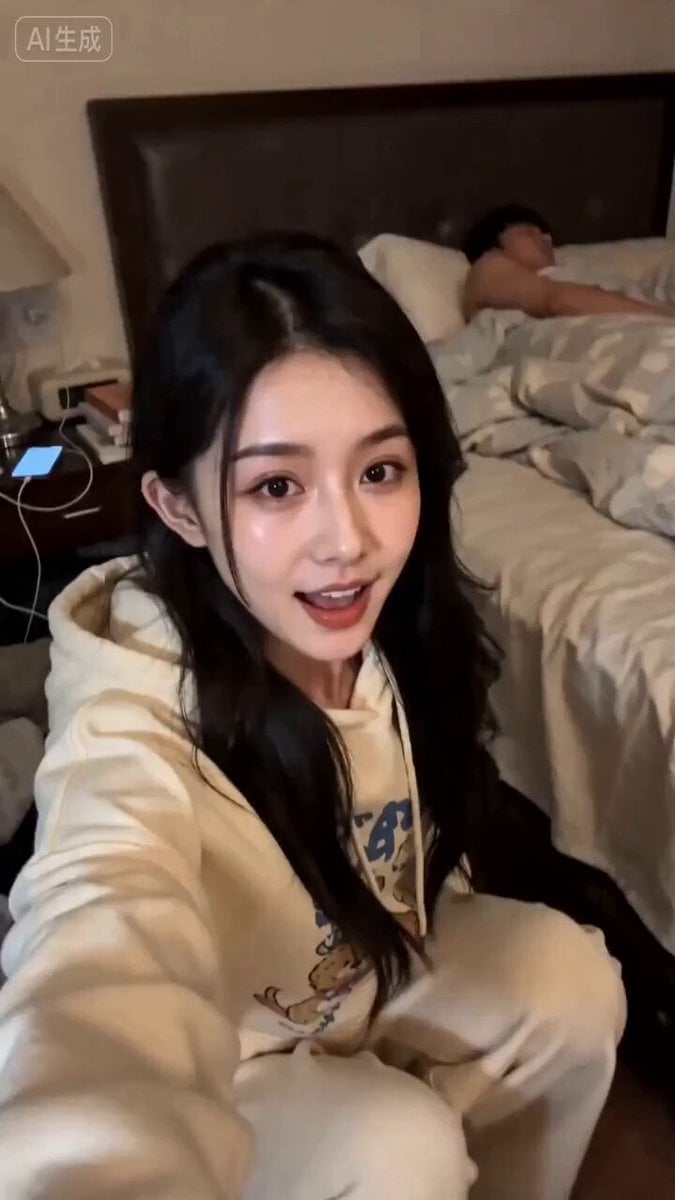
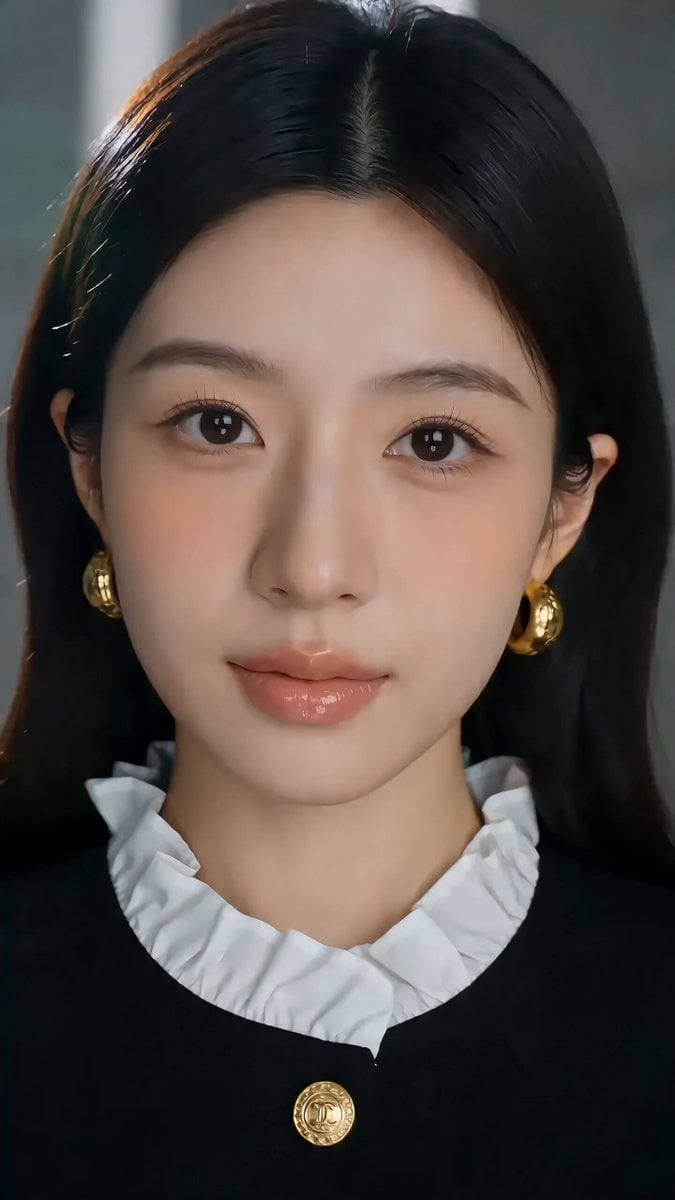
The character from the attached reference image dances playfully, rendered in exactly the same art style as the reference — whether photorealistic, anime, or 3D, match it faithfully. Keep the character's face, hairstyle, outfit and overall design perfectly consistent with the reference throughout the entire video. Background: a colorful pop-art style room — vivid candy-pink and sky-blue walls, oversized polka dots and star shapes, confetti accents, bright cheerful studio lighting. The character tilts their head side to side twice with fists near their cheeks, then crosses their arms and flicks them open with fluttering fingers while bouncing their shoulders, side-steps left and right poking their cheek with one finger, freezes completely for half a second as the music breaks to silence, then does a quick two-step making a small heart with their hands, spins half-turn and looks back over their shoulder with a wink and finger heart. Rhythmic, bouncy, K-pop idol energy but innocent and charming. Fixed camera, medium shot from waist up, slight low angle, clean composition, subtle film grain, 4K quality, 10 seconds. Audio: cute kawaii Japanese pop jingle at 120 BPM, ukulele and glockenspiel melody, handclaps on the beat, playful female scat vocals like "pa pa pa", bright and bouncy TV commercial style, the music cuts to one beat of complete silence when the character freezes, then kicks back in with energy for the finale.
The character from the attached reference image dances playfully, rendered in exactly the same art style as the reference — whether photorealistic, anime, or 3D, match it faithfully. Keep the character's face, hairstyle, outfit and overall design perfectly consistent with the reference throughout the entire video. Background: a colorful pop-art style room — vivid candy-pink and sky-blue walls, oversized polka dots and star shapes, confetti accents, bright cheerful studio lighting. The character tilts their head side to side twice with fists near their cheeks, then crosses their arms and flicks them open with fluttering fingers while bouncing their shoulders, side-steps left and right poking their cheek with one finger, freezes completely for half a second as the music breaks to silence, then does a quick two-step making a small heart with their hands, spins half-turn and looks back over their shoulder with a wink and finger heart. Rhythmic, bouncy, K-pop idol energy but innocent and charming. Fixed camera, medium shot from waist up, slight low angle, clean composition, subtle film grain, 4K quality, 10 seconds. Audio: cute kawaii Japanese pop jingle at 120 BPM, ukulele and glockenspiel melody, handclaps on the beat, playful female scat vocals like "pa pa pa", bright and bouncy TV commercial style, the music cuts to one beat of complete silence when the character freezes, then kicks back in with energy for the finale.
Edit the prompt in the box under the preview — the template's model and format are already selected — and press Generate. Your version appears right on this page.
Yes. You can change the subject, setting, lighting, mood, format, and available model controls before creating your video.
Opening and editing this template is free. Generating uses credits, shown on the Generate button when you are signed in.
Start with Seedance 2.0, which is the model associated with this template. You can compare another compatible model for a different finish.
Follow a topic to a crawlable collection of related PicX Studio templates.