
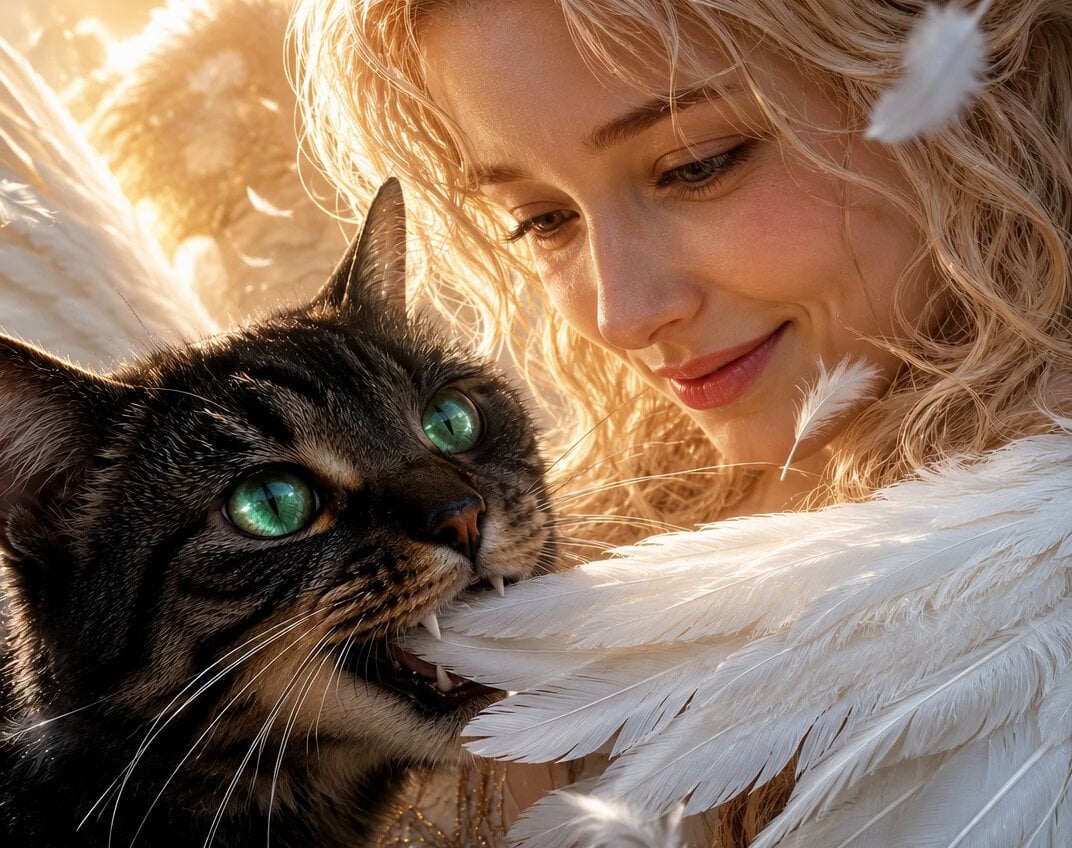
Angel and Curious Cat
A heartwarming cinematic video prompt featuring a curious cat and an angel with a focus on lighting and texture.
- Prompt included
- Model and format preset
- Free template
The prompt behind this video
Copy the exact prompt behind Angel and Curious Cat, or open it in the studio and make it yours.
The Sweetest Temptation. Even an angel can’t stop a curious cat… One tiny feather. One serious little face. One unforgettable moment.
How to use Angel and Curious Cat in 3 steps
- 1
Open
The prompt is already in the box next to the preview, with the template's model and format selected.
- 2…a portrait of your subject in softgolden-hour light, 85mm…
Personalize
Edit the subject and creative details for your destination.
- 3Generate
Generate
Press Generate — your video is created in PicX Studio, so you can compare it with the original and refine one variable at a time.
More like this
Templates with the same subject, style or setup. Open one to see its prompt.
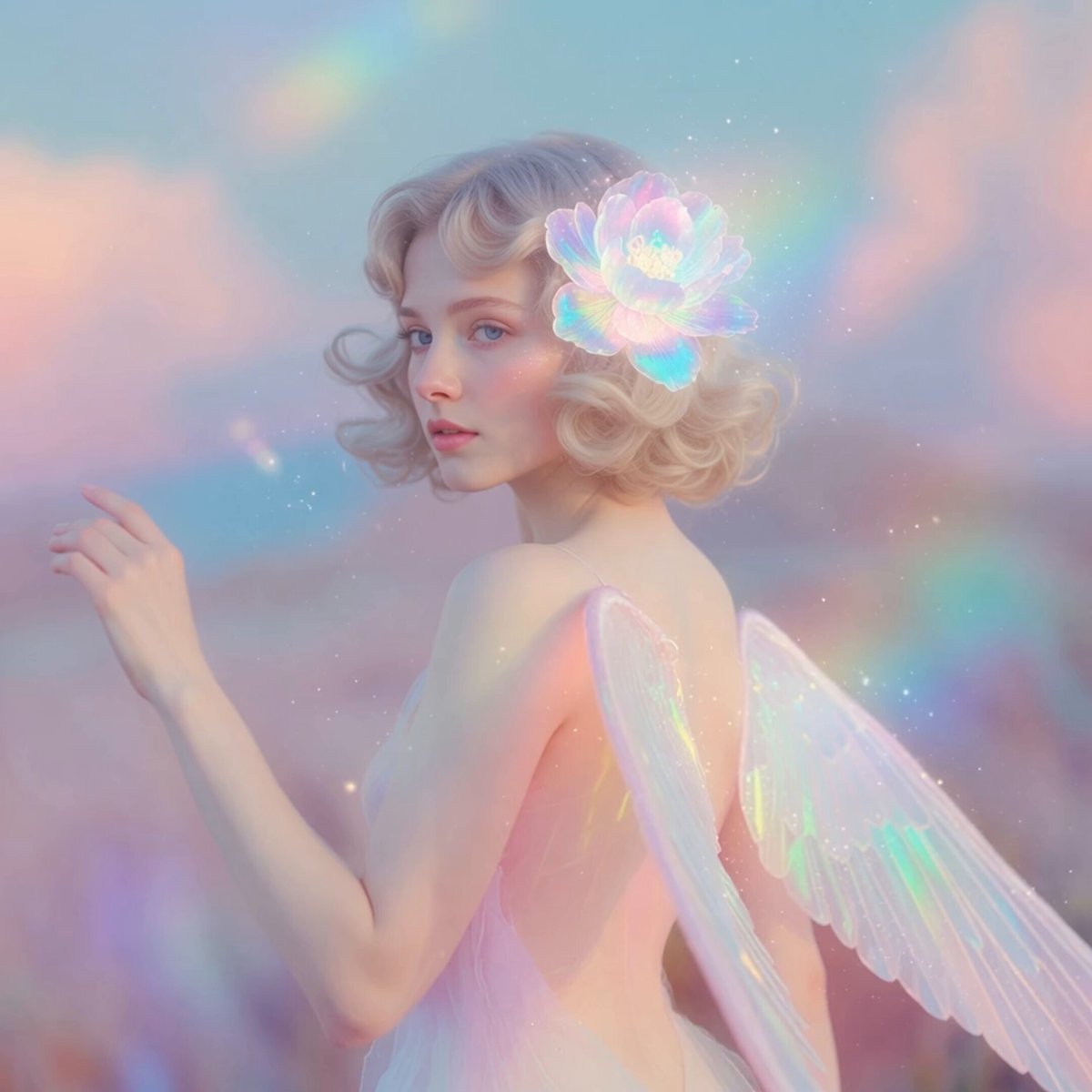
Ethereal Pastel Angelic Wings
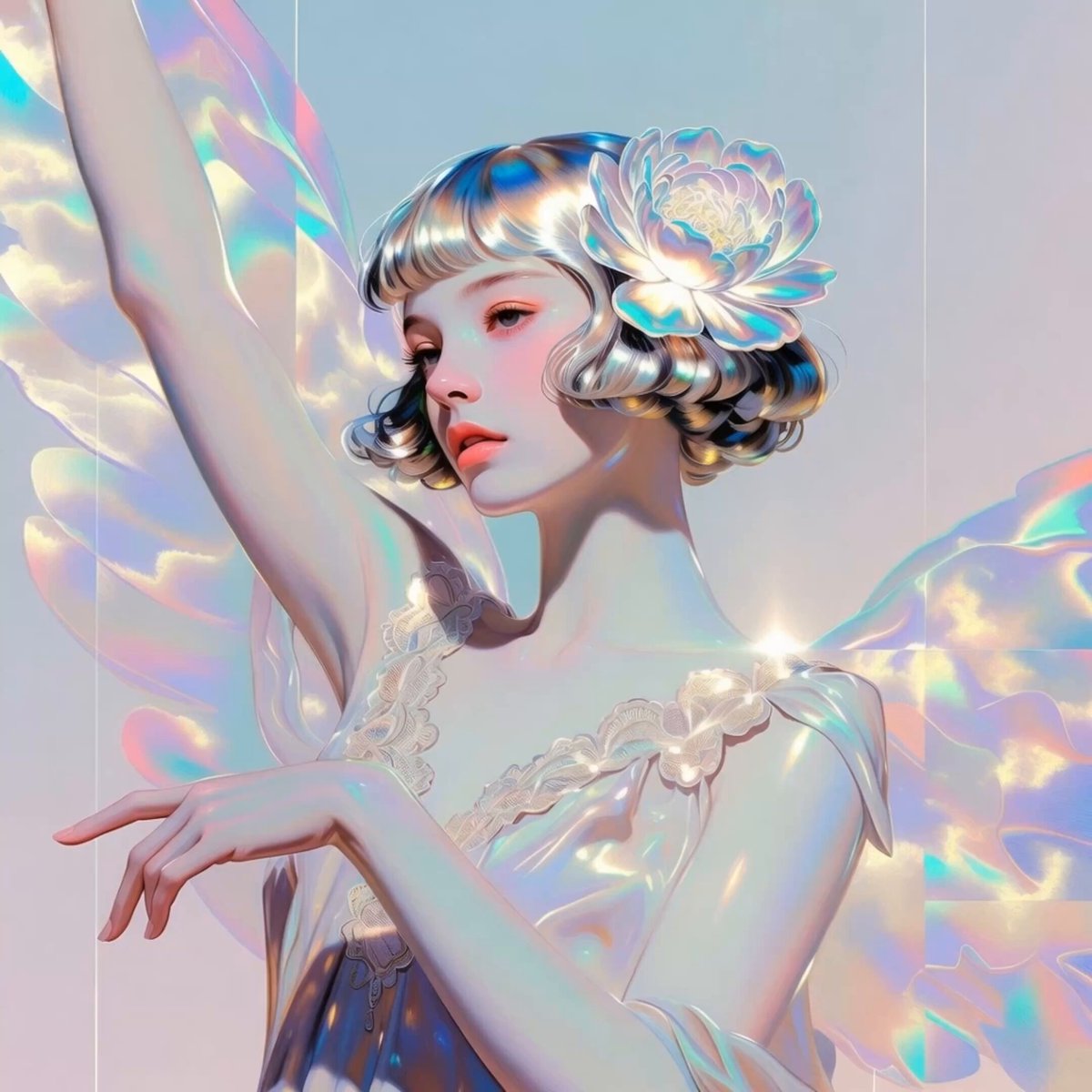
Iridescent Angelic Presence

Ethereal Angel on Barcelona Beach

Golden Sea Creature and Angel Fin Gift
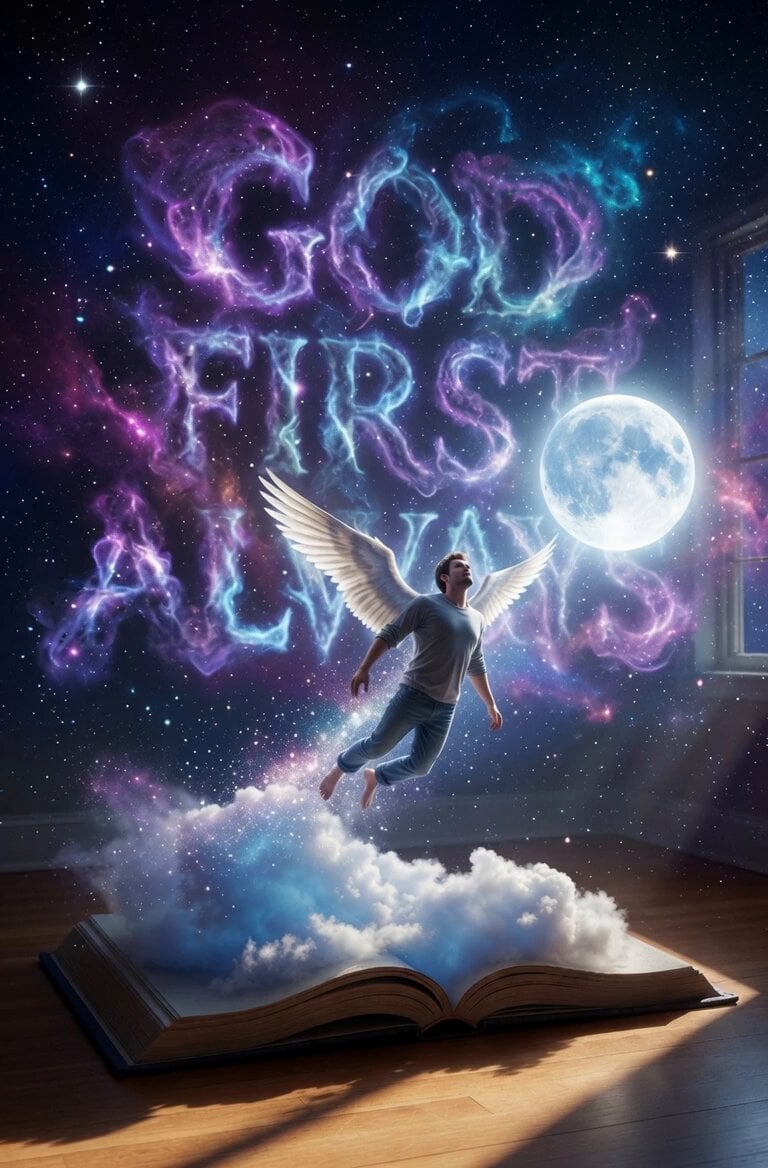
Angel Flight Sequence Prompt
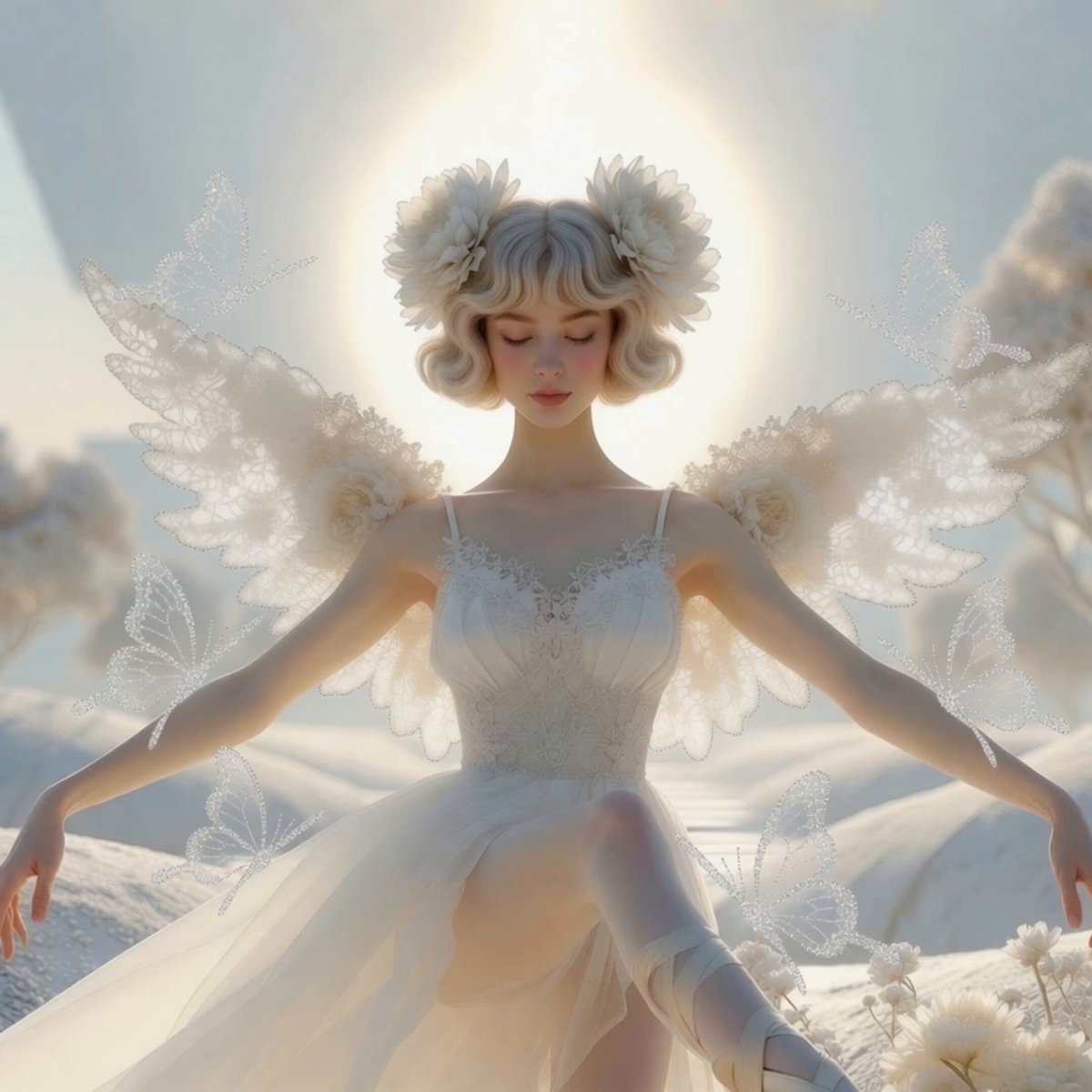
Serene Angel and Holographic Butterflies
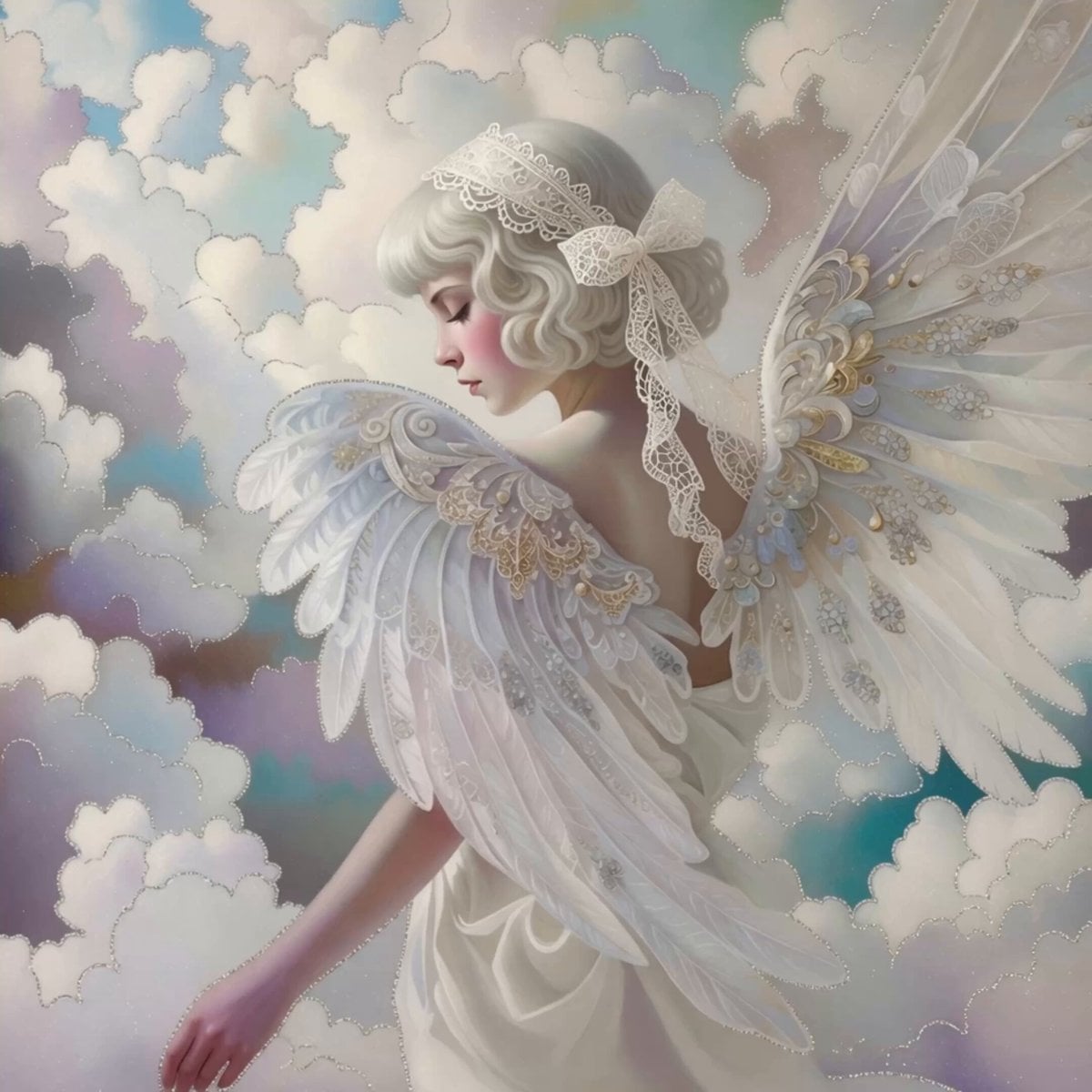
Ethereal Angel in Pastel Clouds
The Universe as a Galaxy of Angel Wings
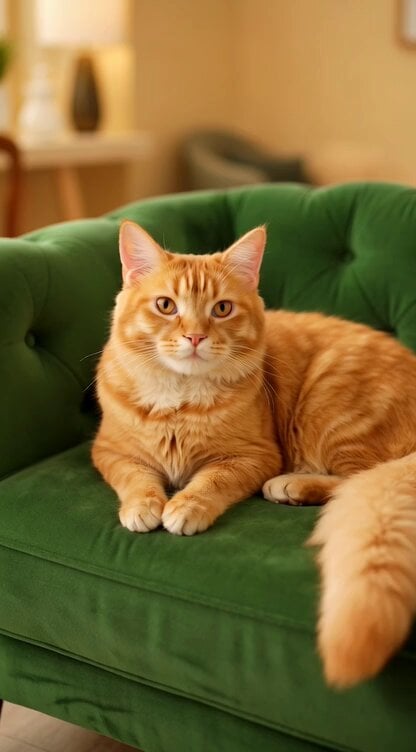
Regal Cat Perfect Loop Video
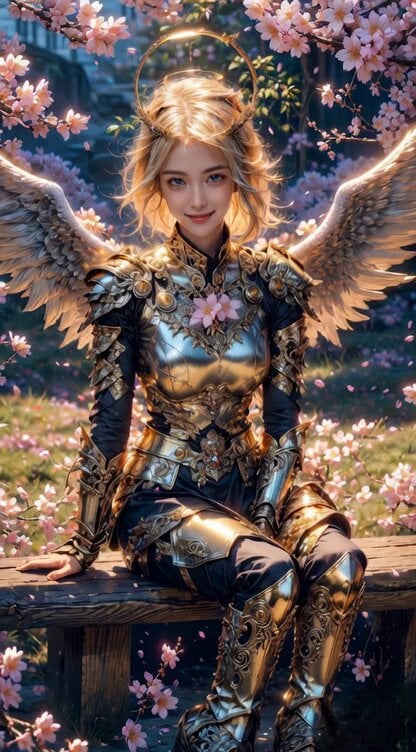
Angel Warrior in Cherry Blossom Garden Video Prompt

Video Prompt for Tesla's Biggest Month Catalysts

Slow motion resurrection scene with an angel and Jesus Christ
Make it yours
Angel and Curious Cat works as-is. These are the safest ways to change it without losing the look.
Change one field
Copy a single group, rewrite it, and generate again so you can see what that field is doing.
Keep the frame, change the subject
Hold the composition and light of Angel and Curious Cat, then swap wardrobe, props or the person for a new take.
| If the result… | Why | Fix |
|---|---|---|
| The result drifts from the preview | Too many fields changed at once. | Reuse Angel and Curious Cat as-is first, then change one group — subject, light, or setting. |
| The model over-stylizes the scene | The prose prompt leaves finish and camera underspecified. | Add one camera or lighting sentence and stay on Grok Imagine. |
More Grok Imagine templates
Other prompts made for Grok Imagine.

Pterodactyl Transformation Journey

Candle Mandala Mirror Video

Psychedelic Purple Disc World Video

Mecha Runway Tap Dance Video Prompt

Quantum Inventor in Sonoran Desert

Emotional Angry Couple Drama

Train Zooming in Star Field Video Prompt

Cyberpunk Guerrilla Girl Video Generation

Detailed multi-part video prompt

Interior View Video Generation Prompt
More video prompts
Fresh picks from across the catalog.
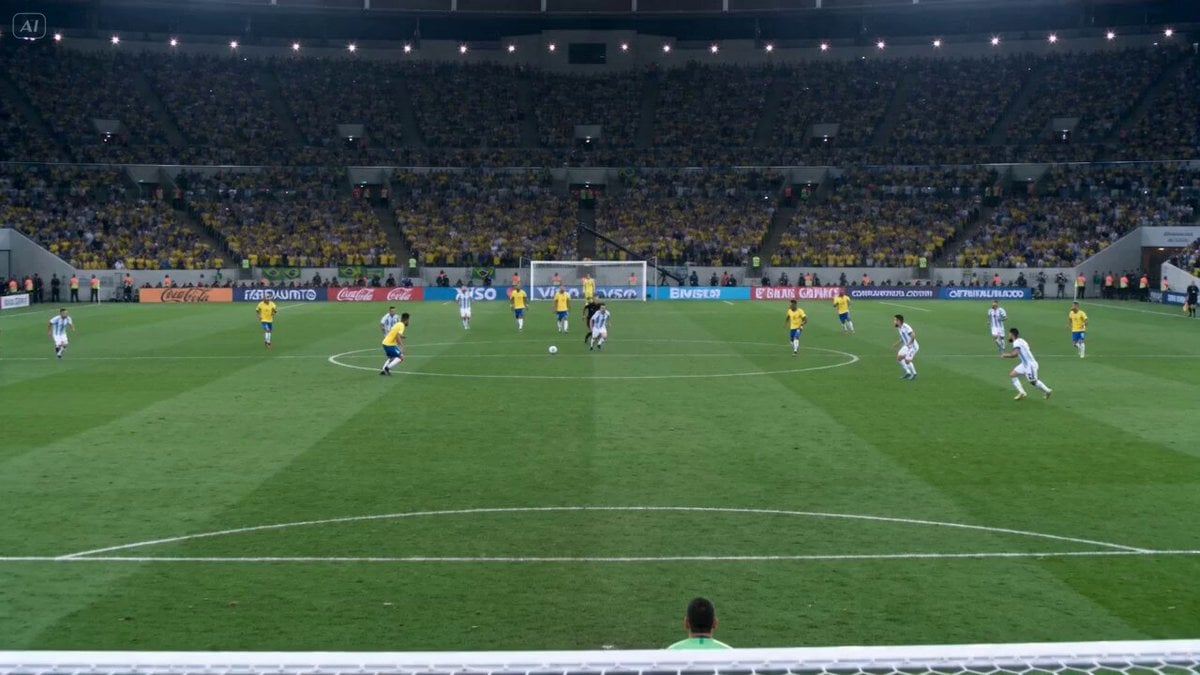
Cinematic Football Highlight Clip

Grok Imagine prompt: Three crosses at Gethsemane
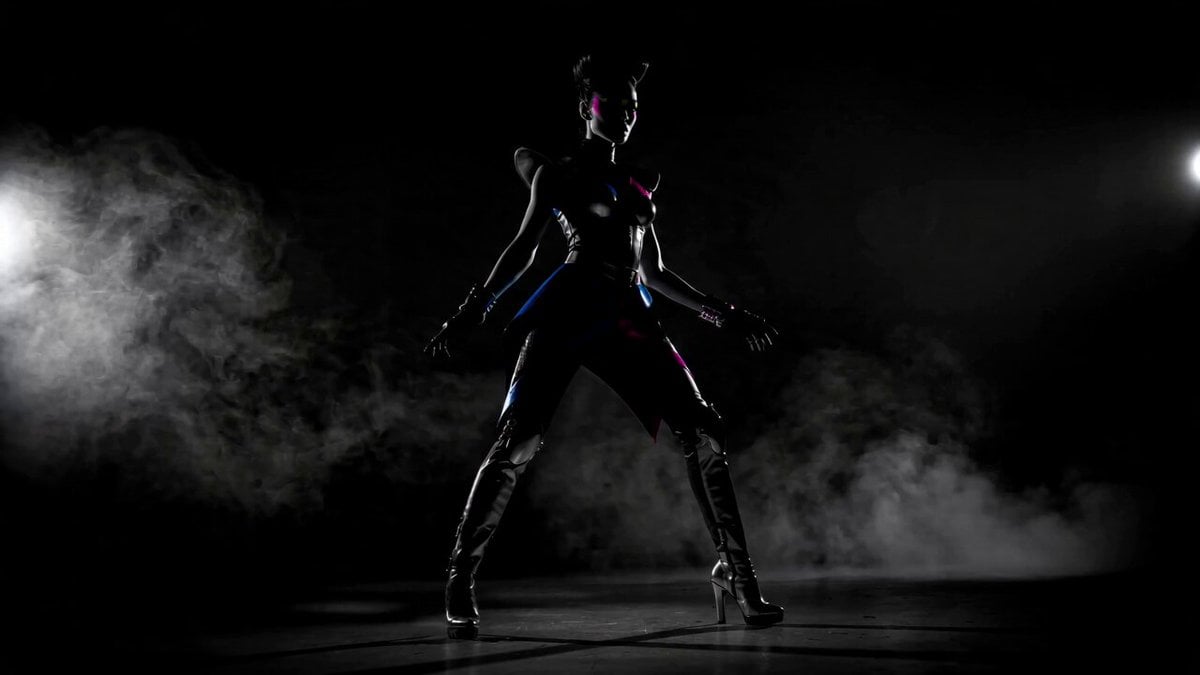
Futuristic Neon Fashionista Dance

Train monster impact sequence
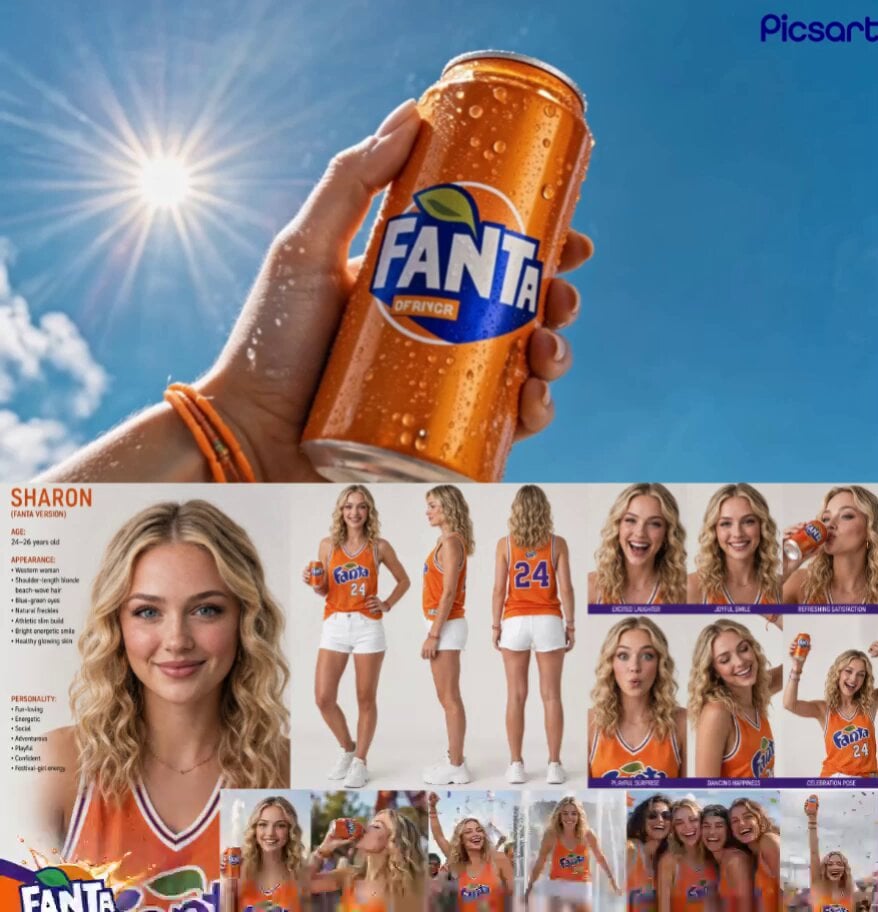
Fanta Lifestyle Beverage Commercial
Premium Game Studio Logo Intro
Frozen City Time-Stop Cinematic
Electric Mosquito Swatter Ad
Colossal pink Tyrannosaurus Rex infused with ancient magic

Football Stadium Fan Celebration Sequence
Browse template categories
Angel and Curious Cat questions
How do I use the Angel and Curious Cat template?
Add your photo if the template asks for one, edit the prompt if you like — the template's model and format are already selected — and press Generate. Your version opens in PicX Studio.
Can I customize the Angel and Curious Cat template?
Yes. You can change the subject, setting, lighting, mood, format, and available model controls before creating your video.
Is the Angel and Curious Cat template free?
Opening and editing this template is free. Generating uses credits, shown on the Generate button when you are signed in.
Which AI model should I use?
Start with Grok Imagine, which is the model associated with this template. You can compare another compatible model for a different finish.
Looking for something else? Browse all templates.

Your photo, any look
Thousands of ready templates for every top image and video model, from one credit balance.