
Cinematic Girl and Pigeons on Bridge
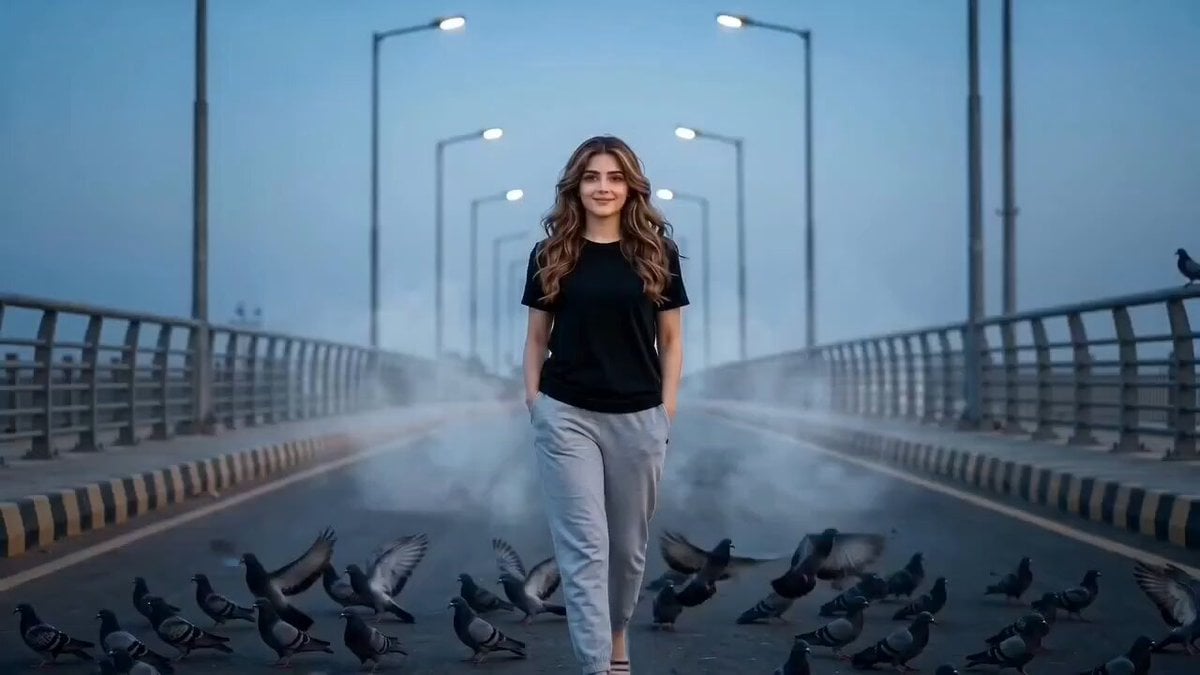
A soft, blue-hour cinematic sequence of a young girl walking across a bridge as a flock of pigeons erupts into the frame.
- Prompt included
- Model and format preset
- Free template
The prompt behind this video
Copy the exact prompt behind Cinematic Girl and Pigeons on Bridge, or open it in the studio and make it yours.
Ultra-realistic cinematic 15-second video. A young girl walks confidently toward the camera at the center of a long, empty modern bridge. She moves with a calm, natural presence and a soft, innocent expression. Hands are casually in her pockets. As she walks forward, a large flock of pigeons suddenly bursts into the air from the bridge surface and railings. The birds scatter in all directions, filling the frame with dynamic motion and energy. The bridge is symmetrical with repeating railings and street lamps fading into deep perspective. Strong leading lines guide the view toward the horizon. Cool blue-hour lighting creates a soft, slightly moody atmosphere. Gentle haze in the distance adds cinematic depth. Camera uses a low eye-level tracking shot, centered composition, slow forward movement matching her pace. Shallow depth of field keeps the subject sharp while birds show subtle motion blur. Cinematic color grading, ultra-realistic textures, high dynamic range lighting, film-quality realism.
How to use Cinematic Girl and Pigeons on Bridge in 3 steps
- 1
Open
The prompt is already in the box next to the preview, with the template's model and format selected.
- 2…a portrait of your subject in softgolden-hour light, 85mm…
Personalize
Edit the subject and creative details for your destination.
- 3Generate
Generate
Press Generate — your video is created in PicX Studio, so you can compare it with the original and refine one variable at a time.
More like this
Templates with the same subject, style or setup. Open one to see its prompt.
Cartoon Bullfight Arena — Girl vs Bull (Seedance)
Time Freeze — Snap Shockwave Scene Seedance

Asha and Arjun Bridge Survival

Stormy Rope Bridge Forced Cooperation Video
Epic Knight Battle on Ruined Bridge

Dissolving Rope Bridge Canyon
Sci-Fi Space Bridge Collapse
Action Stunt Scene: Bridge Jump

Cinematic Bridge of Light Video
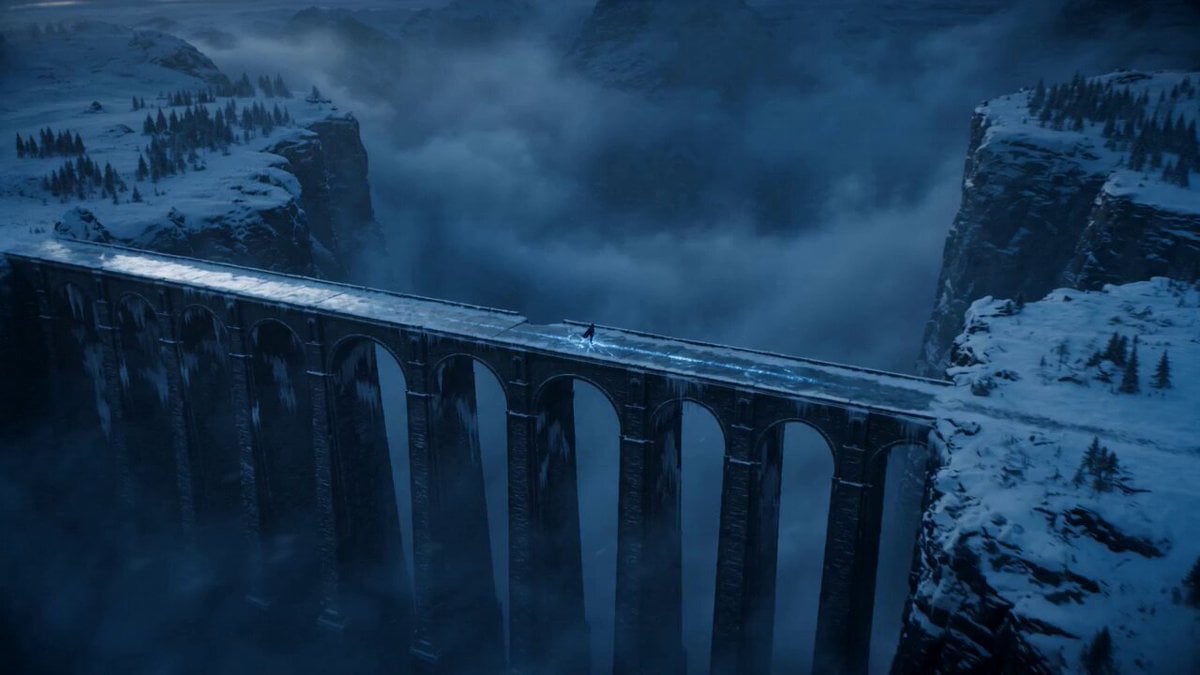
Dark Fantasy Frozen Bridge
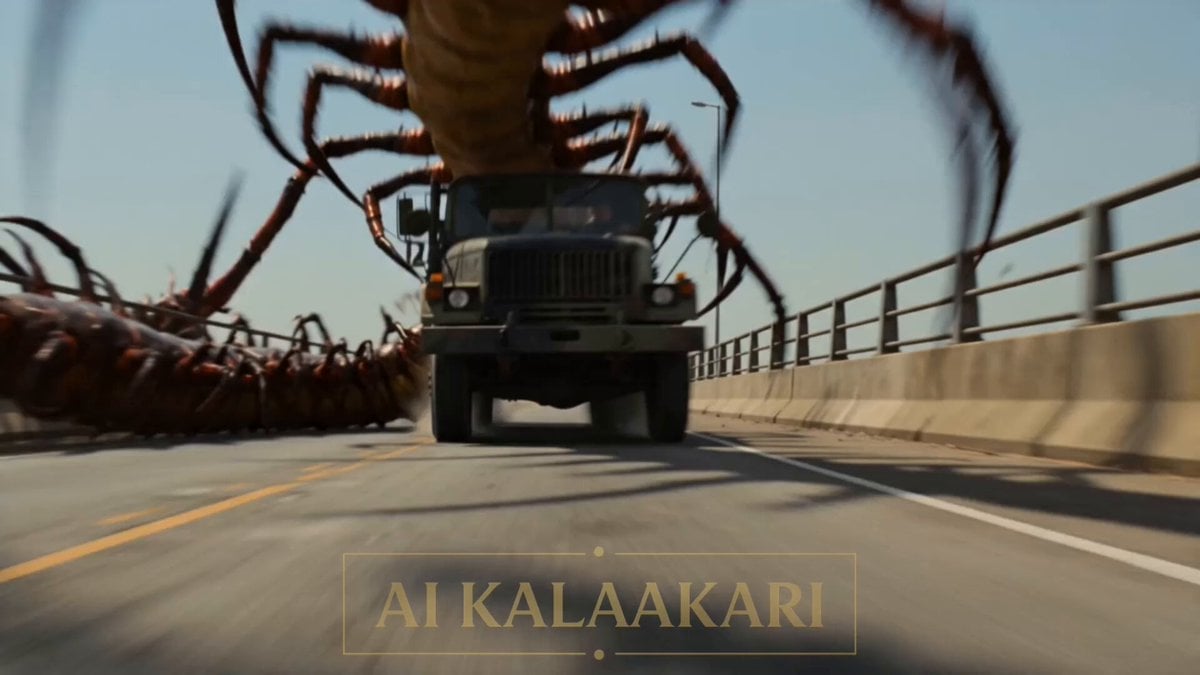
River Crawler Bridge Attack

Stormy Bridge Motorcycle Stunt
Make it yours
Cinematic Girl and Pigeons on Bridge works as-is. These are the safest ways to change it without losing the look.
Change one field
Copy a single group, rewrite it, and generate again so you can see what that field is doing.
Keep the frame, change the subject
Hold the composition and light of Cinematic Girl and Pigeons on Bridge, then swap wardrobe, props or the person for a new take.
| If the result… | Why | Fix |
|---|---|---|
| The result drifts from the preview | Too many fields changed at once. | Reuse Cinematic Girl and Pigeons on Bridge as-is first, then change one group — subject, light, or setting. |
| The model over-stylizes the scene | The prose prompt leaves finish and camera underspecified. | Add one camera or lighting sentence and stay on Seedance 2.0. |
More Seedance 2.0 templates
Other prompts made for Seedance 2.0.

Comical Martial Arts Punch Scene

Maglev Train Action Sequence

Martial Arts Fight Sequence

Wuxia Protection and Trust Script

Vintage Korean Arcade MiniDV Vlog

Mercedes 190 SL Luxury Ad

Rainy Night Supernatural Reverse Comedy Video Script

Amazon Civilization Discovery

Futuristic South Asian City Transformation

Cozy Luxury Cafe Commercial
More video prompts
Fresh picks from across the catalog.
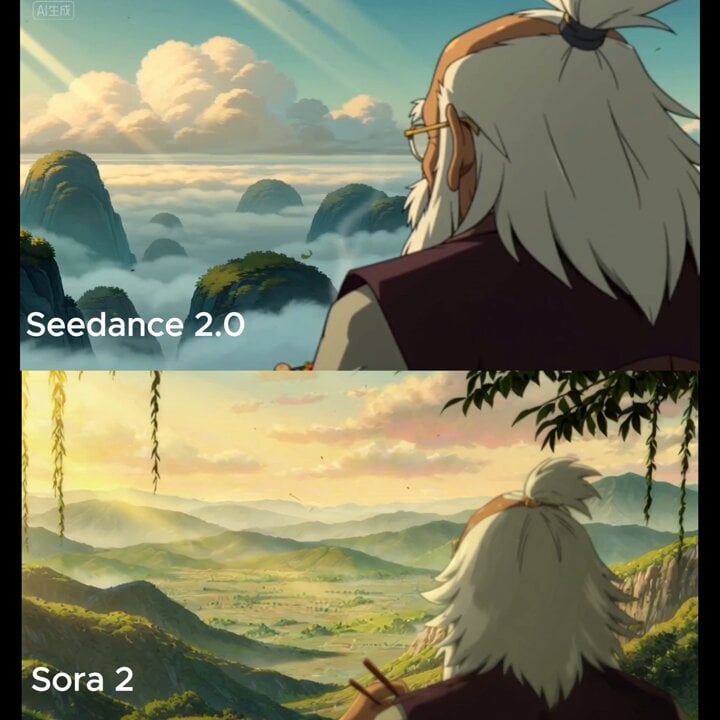
Over-the-shoulder shot of a quiet fantasy landscape with slowly drifting clouds
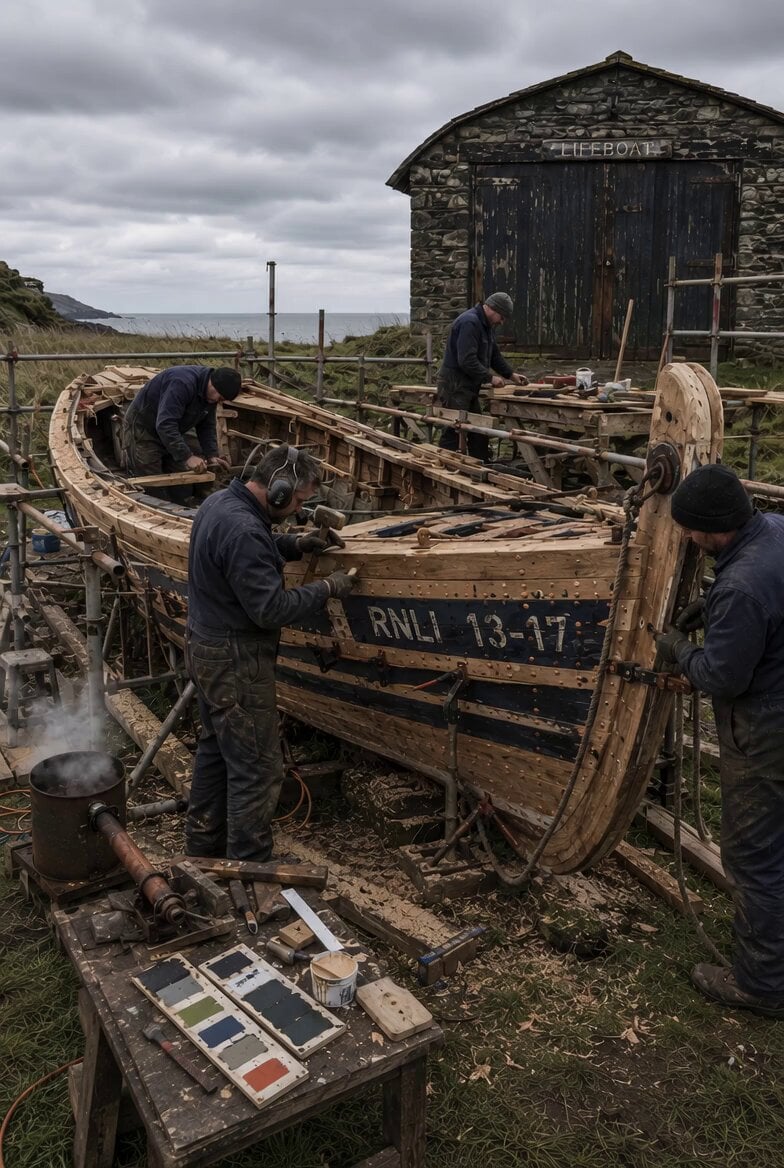
Static Tripod Coastal Scene

Lunar Realm Portal Animation
Stable Scene Lock Bunker Room
Luxury Electric Car Arrival at Villa
Detailed anime battle scene prompt for Seedance 2.0
Surreal Snake Hair Giraffe Animation
Character Movement Video Instruction

Professional Designer Suit Business Meeting
Mythological Griffin Transformation Sequence
Browse template categories
Cinematic Girl and Pigeons on Bridge questions
How do I use the Cinematic Girl and Pigeons on Bridge template?
Add your photo if the template asks for one, edit the prompt if you like — the template's model and format are already selected — and press Generate. Your version opens in PicX Studio.
Can I customize the Cinematic Girl and Pigeons on Bridge template?
Yes. You can change the subject, setting, lighting, mood, format, and available model controls before creating your video.
Is the Cinematic Girl and Pigeons on Bridge template free?
Opening and editing this template is free. Generating uses credits, shown on the Generate button when you are signed in.
Which AI model should I use?
Start with Seedance 2.0, which is the model associated with this template. You can compare another compatible model for a different finish.
Looking for something else? Browse all templates.

Your photo, any look
Thousands of ready templates for every top image and video model, from one credit balance.