How do I use the Seedance 2.5 - @AIwithkhan - 728160 template?
Edit the prompt in the box under the preview — the template's model and format are already selected — and press Generate. Your version appears right on this page.
Seedance 2.5 video template .
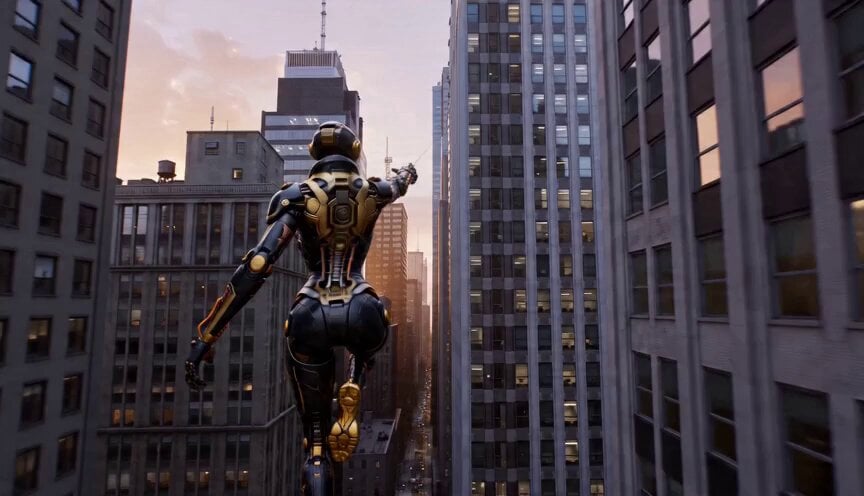
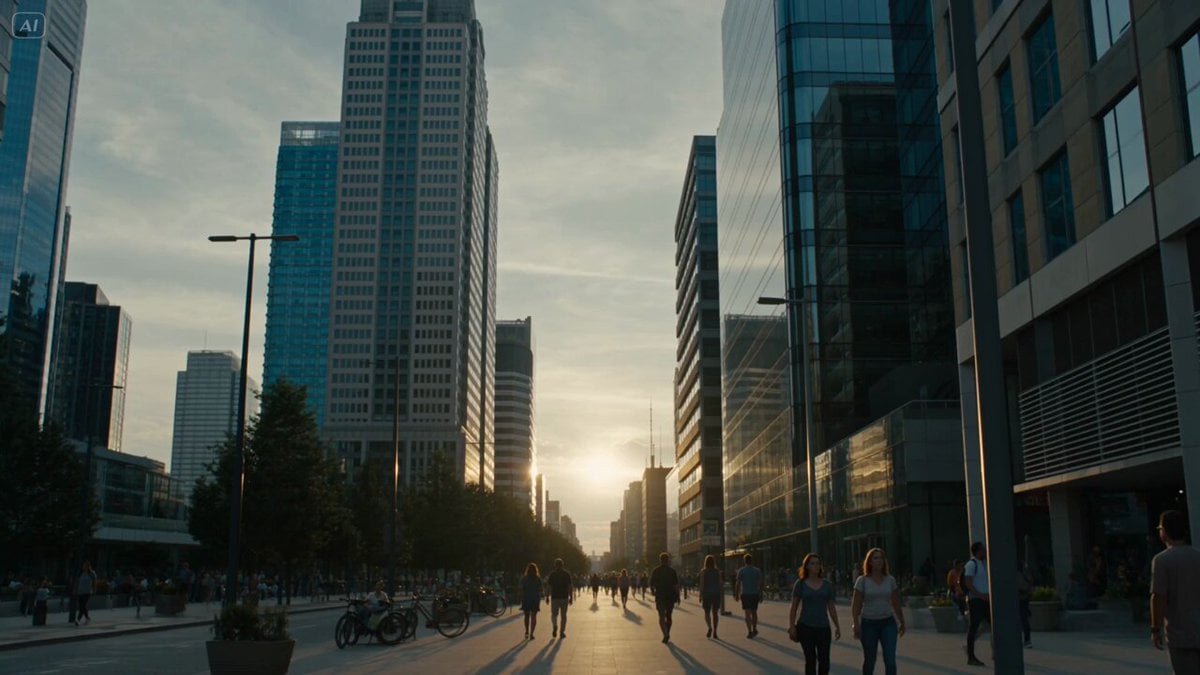
Seedance 2.5 just gave me wings 💸 Prompt 👇 Young East Asian woman in modern casual streetwear with headphones, white gloves, and teal ballet pointe shoes, photorealistic. SHOT 1 Feet on a balcony overlooking New York City. Smiling warmly, she says, "Hello! Follow me!" before putting on her headphones and intentionally falling backward off the balcony. She fires a web from her wrist in a Spider-Man style swing, soaring across the city before landing smoothly on the roof of a moving car. SHOT 2 Using Spider-Man style web swinging, she launches into the air, releases the web, and lands on the side of a building. She runs confidently across the vertical wall before firing another web and swinging back down toward the street. SHOT 3 She lands on the street, laughs excitedly, then jumps onto a car roof and shoots another web into the sky. Swinging upward, she shouts, "WHOOO!" before floating high above New York City in a relaxed pose, with the skyline stretching beneath her.
Seedance 2.5 just gave me wings 💸 Prompt 👇 Young East Asian woman in modern casual streetwear with headphones, white gloves, and teal ballet pointe shoes, photorealistic. SHOT 1 Feet on a balcony overlooking New York City. Smiling warmly, she says, "Hello! Follow me!" before putting on her headphones and intentionally falling backward off the balcony. She fires a web from her wrist in a Spider-Man style swing, soaring across the city before landing smoothly on the roof of a moving car. SHOT 2 Using Spider-Man style web swinging, she launches into the air, releases the web, and lands on the side of a building. She runs confidently across the vertical wall before firing another web and swinging back down toward the street. SHOT 3 She lands on the street, laughs excitedly, then jumps onto a car roof and shoots another web into the sky. Swinging upward, she shouts, "WHOOO!" before floating high above New York City in a relaxed pose, with the skyline stretching beneath her.
Edit the prompt in the box under the preview — the template's model and format are already selected — and press Generate. Your version appears right on this page.
Yes. You can change the subject, setting, lighting, mood, format, and available model controls before creating your video.
Opening and editing this template is free. Generating uses credits, shown on the Generate button when you are signed in.
Start with seedance-2.5, which is the model associated with this template. You can compare another compatible model for a different finish.
Follow a topic to a crawlable collection of related PicX Studio templates.