How do I use the Cinematic Train and Giant Crocodile Collision template?
Edit the prompt in the box under the preview — the template's model and format are already selected — and press Generate. Your version appears right on this page.
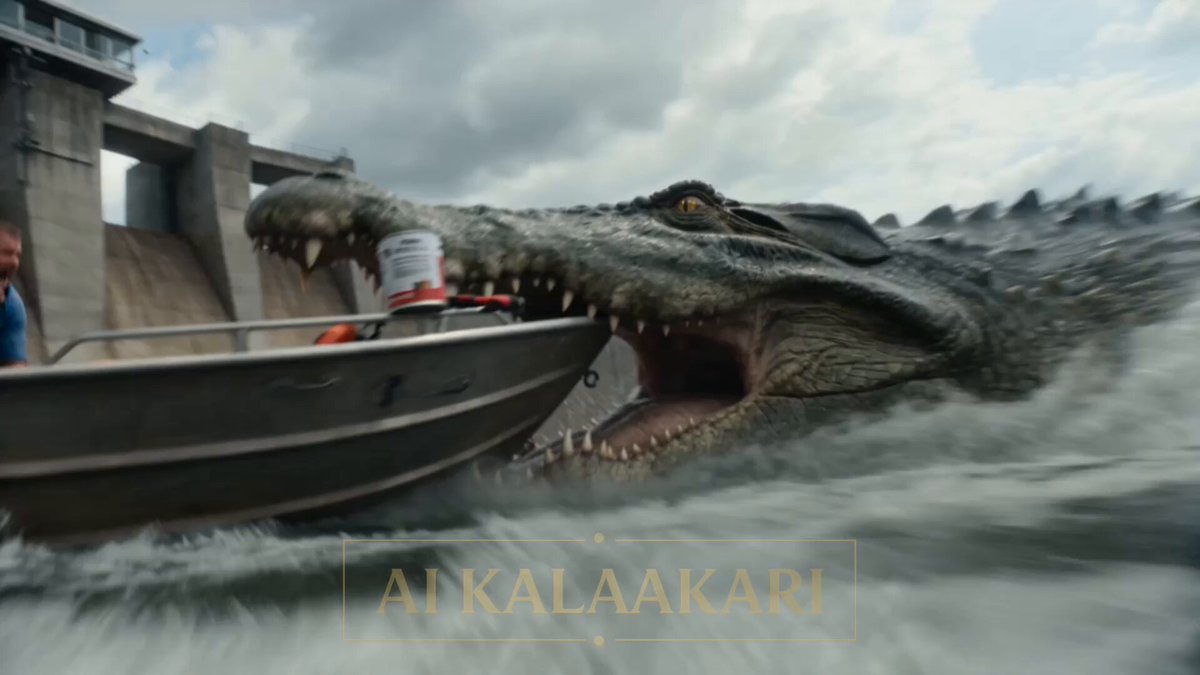
A multi-shot action prompt for Seedance 2.0 featuring a giant crocodile attacking a bomb truck on train tracks, culminating in a dramatic train collision and explosion.
An army truck full of bombs is parked near train tracks. A mega crocodile, big as a truck, grabs the back of it. The truck driver is trapped inside. Far down the tracks, a soldier at the train crossing sees a fast train coming. Sounds: loud engine, croc growling, shouting, a train horn. Shot 1 (0–3s) — THE HOOK: The mega crocodile bites the back of the truck and shakes it hard. The driver can't drive away. He shouts on his radio: "IT WON'T LET GO! I'M STUCK ON THE TRACKS!" Shot 2 (3–6s): Down the tracks, the soldier at the crossing sees the fast train coming. He knows this train comes by every day at this time. He shouts on the radio: "Jump out now! The train is coming fast!" Shot 3 (6–9s): The driver pushes his door open and jumps out. He runs away fast. The truck stays stuck on the tracks. The mega crocodile is still biting the back of it, not letting go. Shot 4 (9–13s) — BIG SLOW MOMENT: The train comes fast down the tracks. We see it slow. The train smashes into the truck and the crocodile together. Metal flies everywhere. Fire starts to burst out. Shot 5 (13–15s): Everything goes back to normal speed. BOOM! The bombs inside the truck all go off at once. A giant fireball shoots up into the sky. The driver watches from far away, safe. Cut.
An army truck full of bombs is parked near train tracks. A mega crocodile, big as a truck, grabs the back of it. The truck driver is trapped inside. Far down the tracks, a soldier at the train crossing sees a fast train coming. Sounds: loud engine, croc growling, shouting, a train horn. Shot 1 (0–3s) — THE HOOK: The mega crocodile bites the back of the truck and shakes it hard. The driver can't drive away. He shouts on his radio: "IT WON'T LET GO! I'M STUCK ON THE TRACKS!" Shot 2 (3–6s): Down the tracks, the soldier at the crossing sees the fast train coming. He knows this train comes by every day at this time. He shouts on the radio: "Jump out now! The train is coming fast!" Shot 3 (6–9s): The driver pushes his door open and jumps out. He runs away fast. The truck stays stuck on the tracks. The mega crocodile is still biting the back of it, not letting go. Shot 4 (9–13s) — BIG SLOW MOMENT: The train comes fast down the tracks. We see it slow. The train smashes into the truck and the crocodile together. Metal flies everywhere. Fire starts to burst out. Shot 5 (13–15s): Everything goes back to normal speed. BOOM! The bombs inside the truck all go off at once. A giant fireball shoots up into the sky. The driver watches from far away, safe. Cut.
Edit the prompt in the box under the preview — the template's model and format are already selected — and press Generate. Your version appears right on this page.
Yes. You can change the subject, setting, lighting, mood, format, and available model controls before creating your video.
Opening and editing this template is free. Generating uses credits, shown on the Generate button when you are signed in.
Start with Seedance 2.0, which is the model associated with this template. You can compare another compatible model for a different finish.
Follow a topic to a crawlable collection of related PicX Studio templates.