
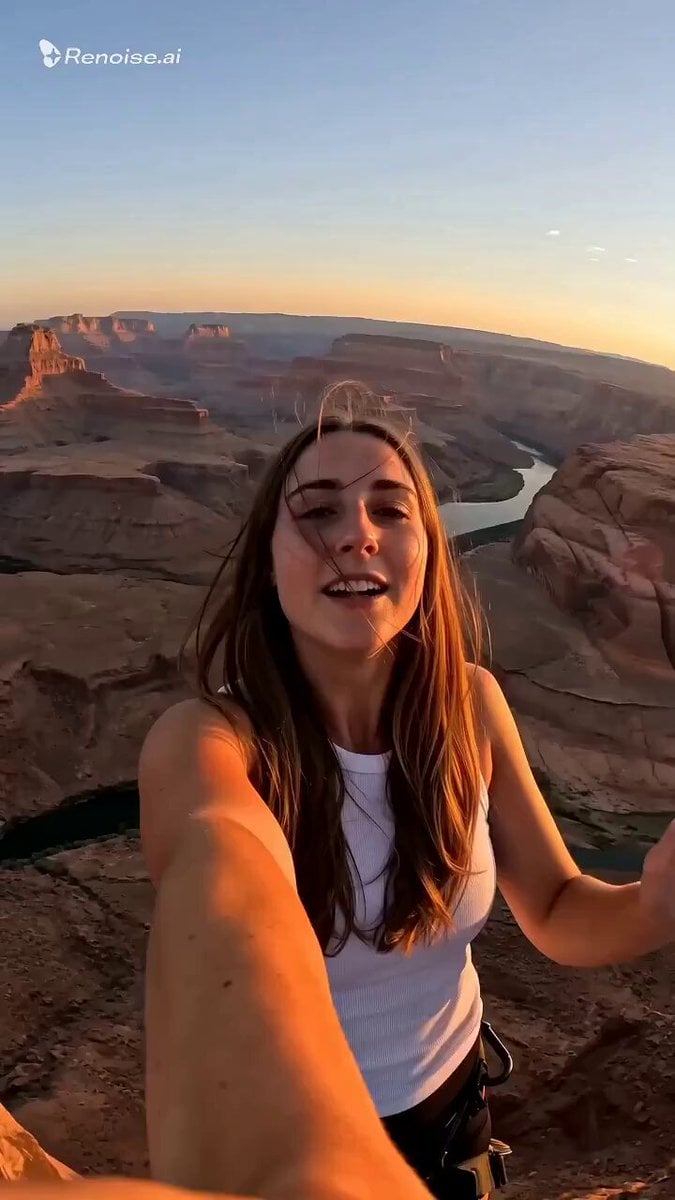
Selfie POV Bungee Jump Vlog
A thrill-seeking social media vlog prompt filmed in a vertical 9:16 aspect ratio.
- Prompt included
- Model and format preset
- Premium template
The prompt behind this video
Copy the exact prompt behind Selfie POV Bungee Jump Vlog, or open it in the studio and make it yours.
[0:00-0:02] A young woman stands on a wooden platform at the edge of a massive canyon bridge, bungee cord clipped to her ankles, phone held out in front of her in selfie angle, wind whipping her hair, golden late-afternoon sunlight, nervous excited smile, POV from phone camera perspective looking slightly upward at her face with the vast canyon and river far below in the background. [0:02-0:04] She counts down with her fingers, mouths "3, 2, 1!", takes a deep breath, camera slightly shaking with anticipation, wind sound rising, cinematic handheld selfie-cam feel. [0:04-0:07] She jumps the platform drops away, her body free-falls forward, phone still held at arm's length capturing her own face, hair and cord whipping upward against gravity, mouth open in a mix of scream and laughter, canyon walls and river rushing past in the background blur, motion blur on the edges, sense of rapid vertical descent. [0:07-0:09] Mid fall, the cord begins to tension, her body bounces slightly, camera perspective wobbles with the recoil, sunlight flares across the lens, her expression shifts to euphoric relief and laughter. [0:09-0:12] She dangles upside down or swinging gently over the canyon, still holding the selfie angle, breathless laughing, giving a thumbs-up or peace sign to the camera, distant canyon and river visible below, warm sunset light, cord swaying rhythmically. Camera: handheld selfie POV, slight lens flare, natural motion blur during fall, warm golden hour color grade, ultra-realistic skin and hair physics, cinematic 4K look, vertical 9:16 aspect ratio for social media. Audio cues: wind rush, rope tension creak, her own voice laughing, screaming, cheering.
How to use Selfie POV Bungee Jump Vlog in 3 steps
- 1
Open
The prompt is already in the box next to the preview, with the template's model and format selected.
- 2…a portrait of your subject in softgolden-hour light, 85mm…
Personalize
Edit the subject and creative details for your destination.
- 3Generate
Generate
Press Generate — your video is created in PicX Studio, so you can compare it with the original and refine one variable at a time.
More like this
Templates with the same subject, style or setup. Open one to see its prompt.
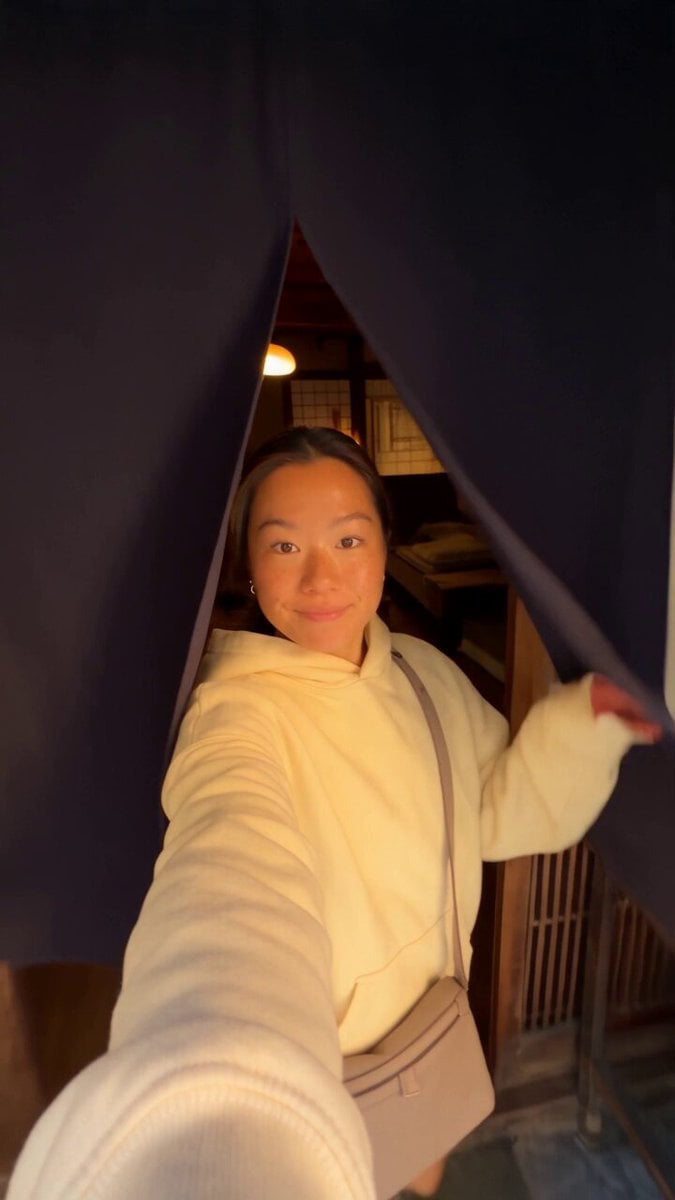
Kyoto Morning Selfie Vlog
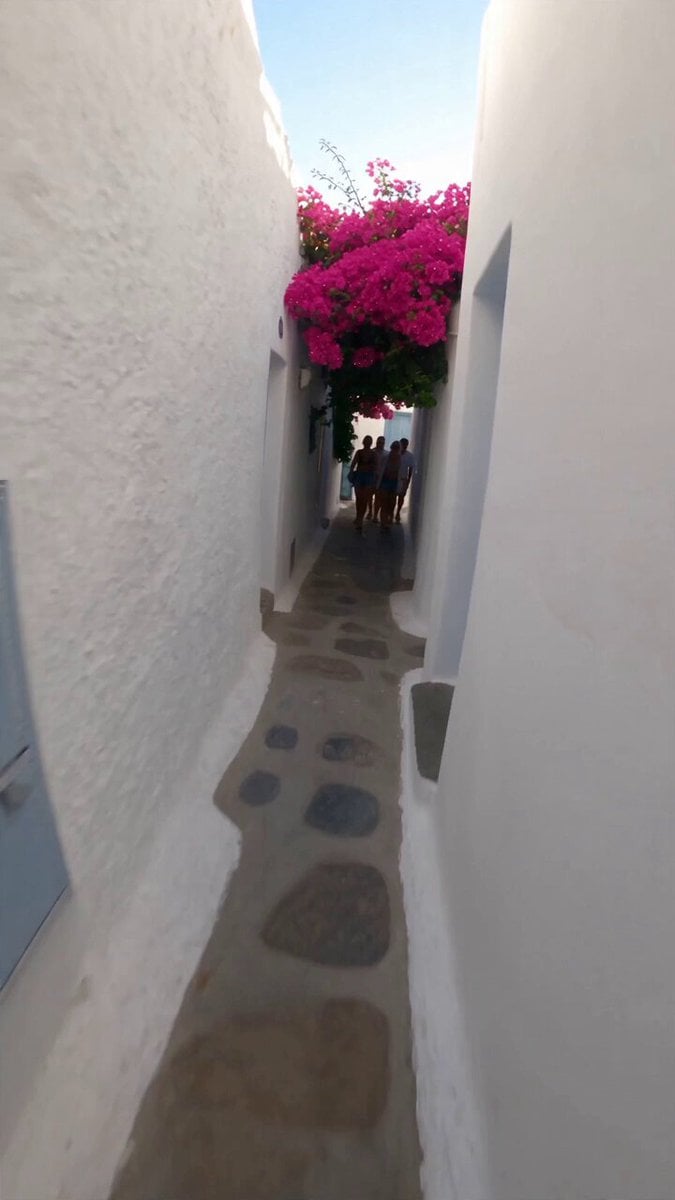
Selfie Travel Vlog Mykonos
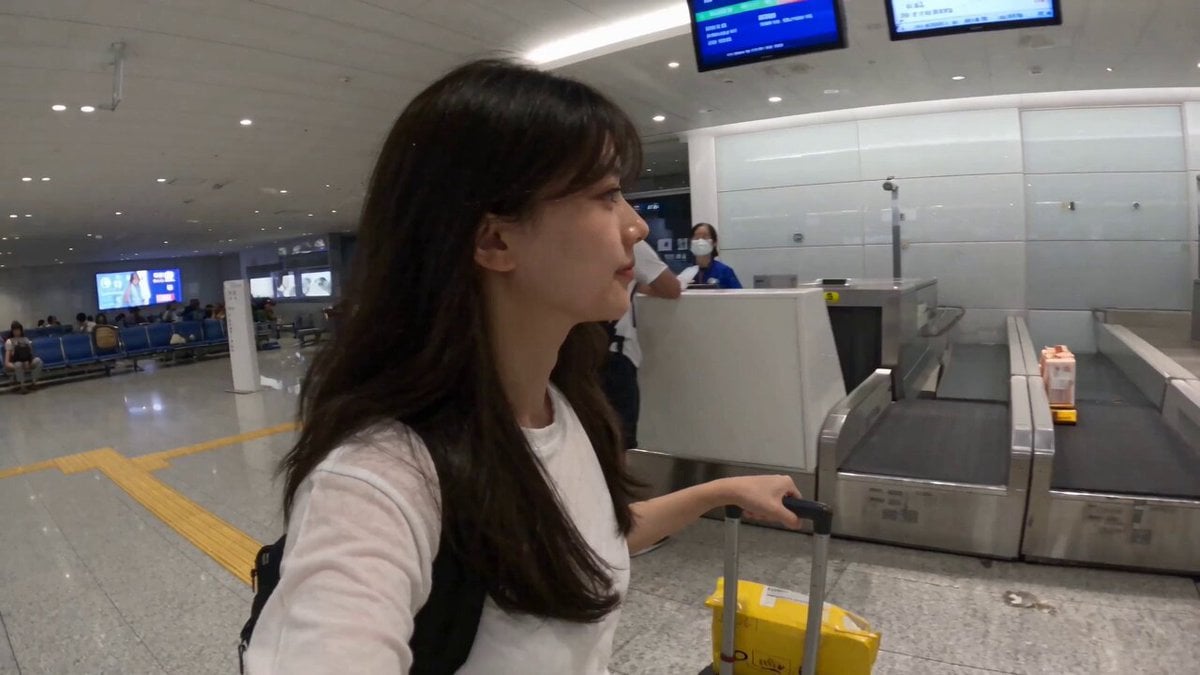
Smartphone Travel Vlog Tokyo Trip Identity Preserved
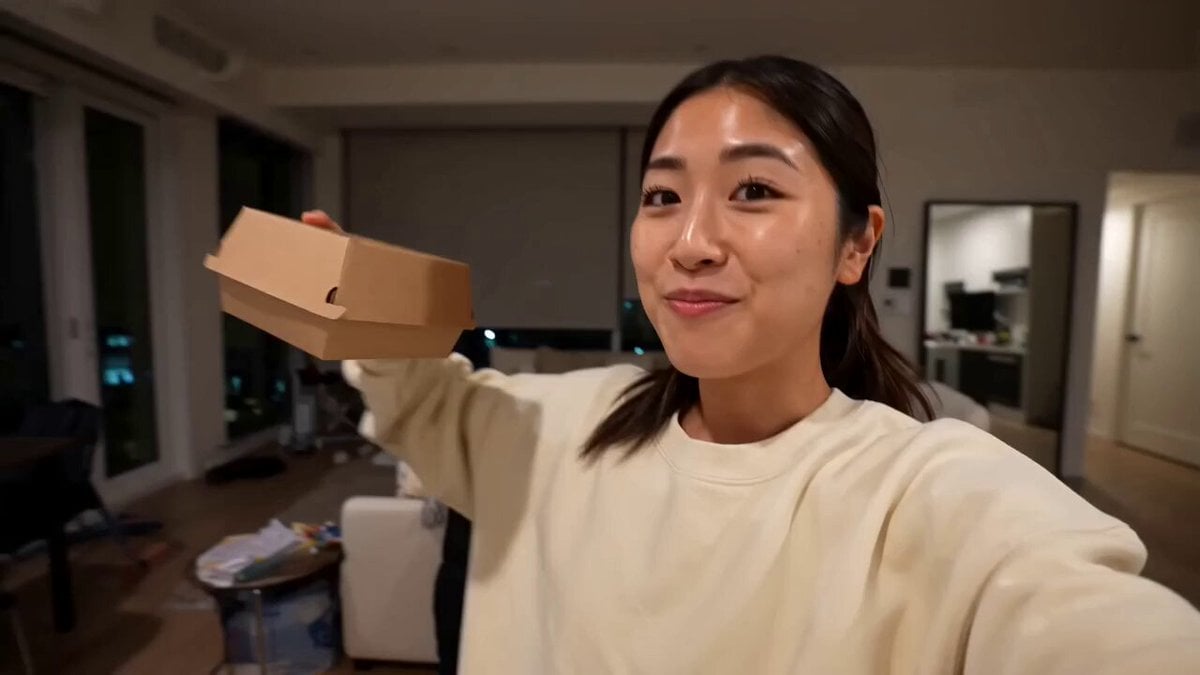
Gourmet Burger Vlog Selfie Style
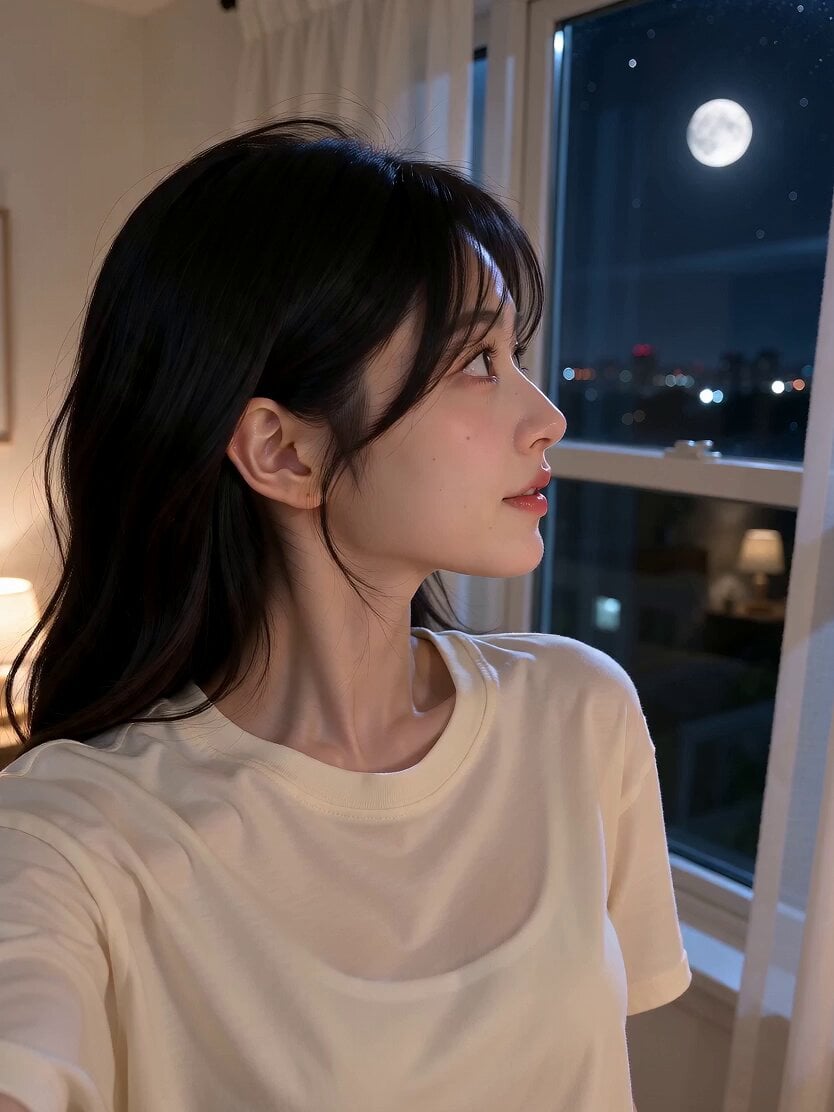
Romantic Bedroom Selfie Vlog
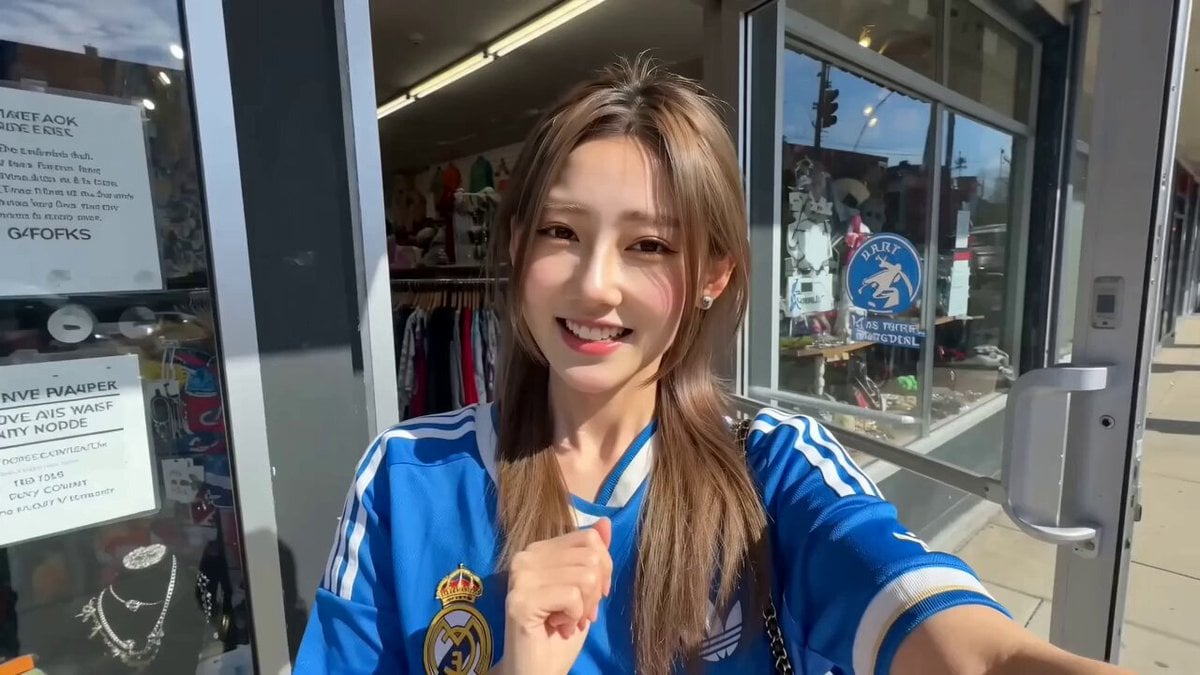
Thrift Store Vlog Selfie
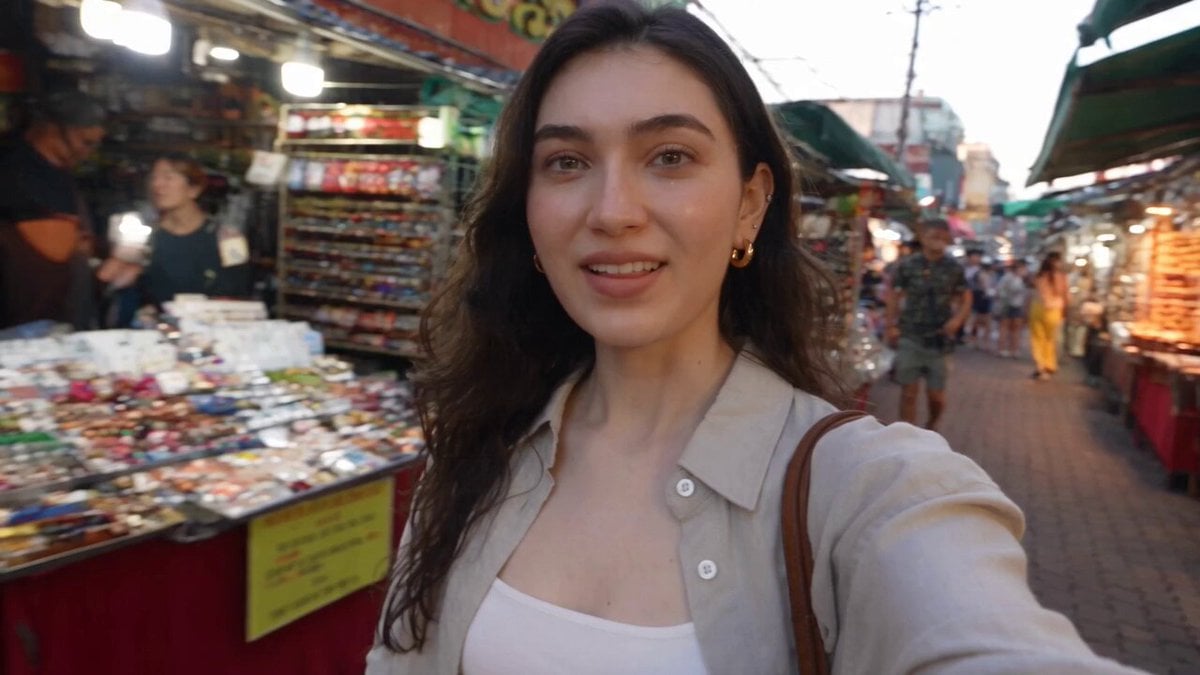
Smartphone Selfie Vlog Market Tour
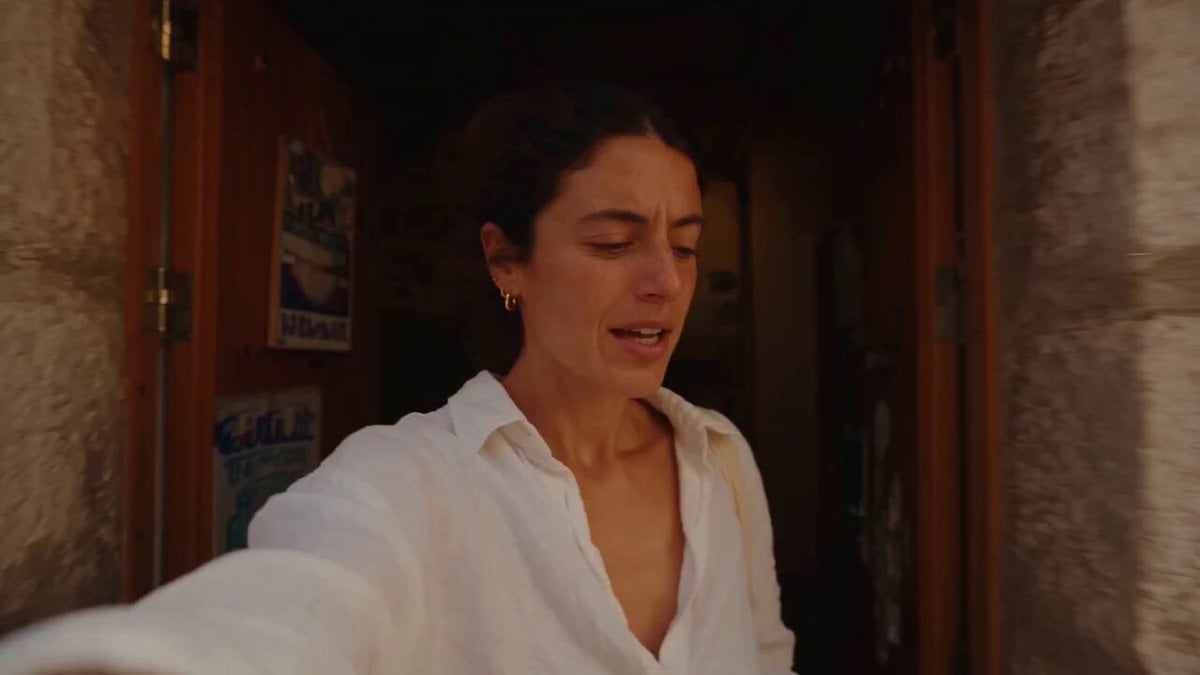
Mediterranean Coffee Run Vlog - Seedance 2.5

Mysterious Home Exploration Vlog - Seedance 2.5
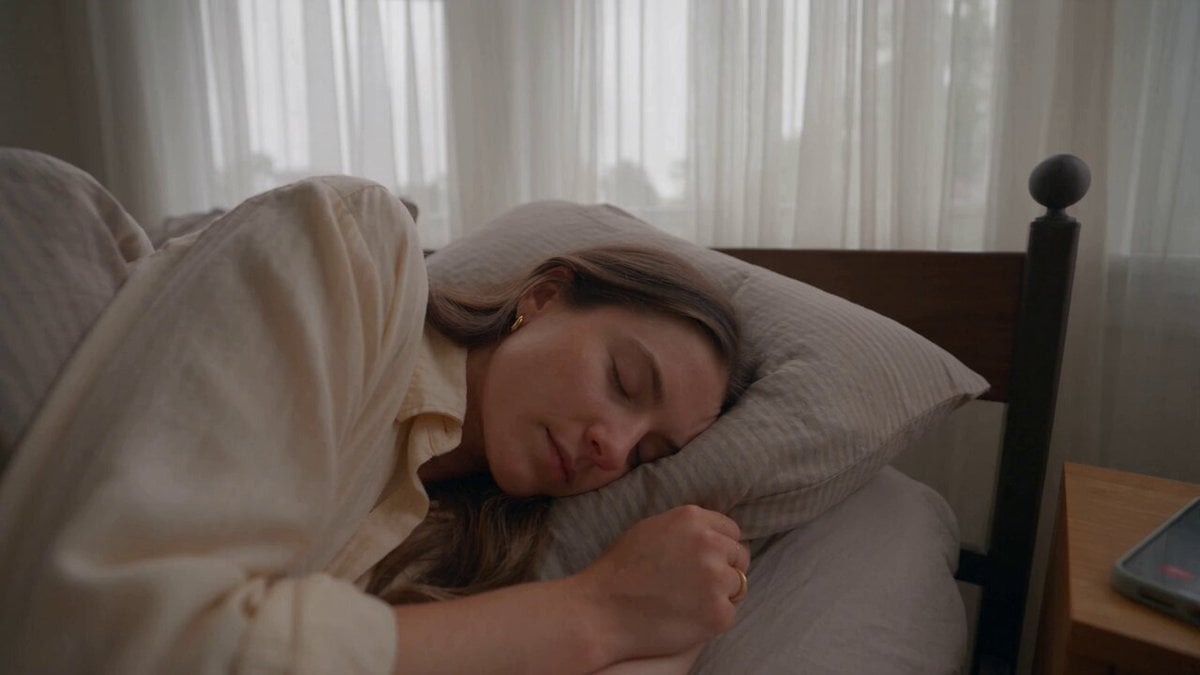
Realistic Morning Routine Lifestyle Vlog - Seedance 2.5
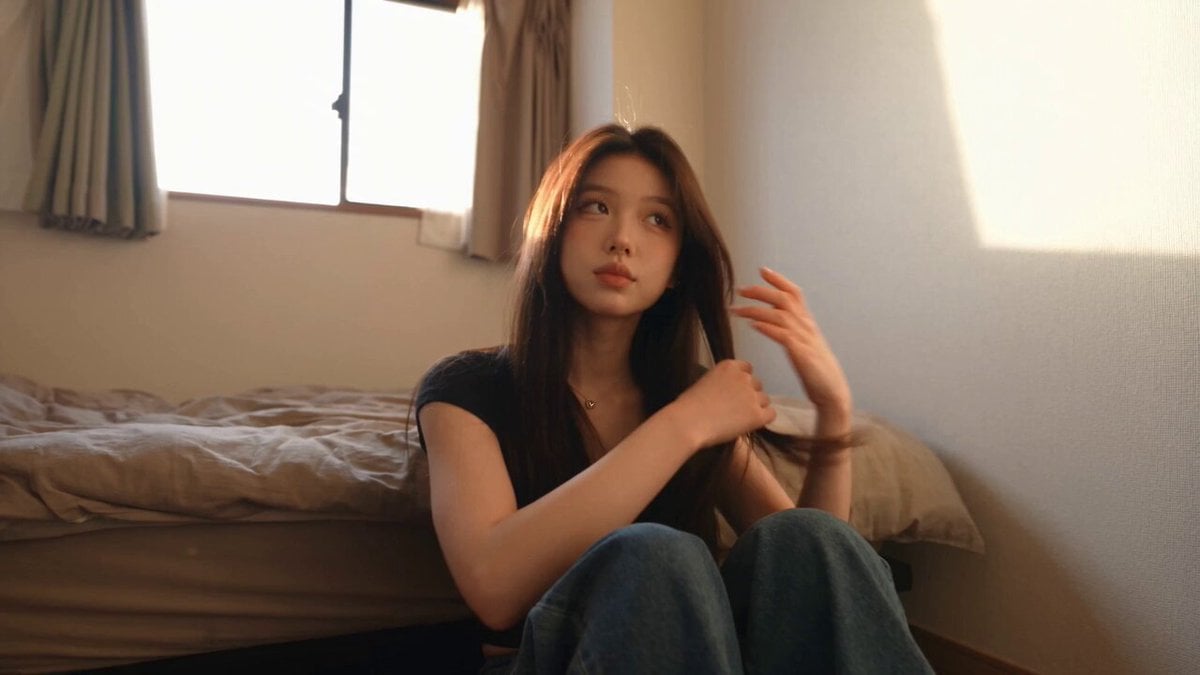
Handheld Tokyo Travel Vlog - Seedance 2.5
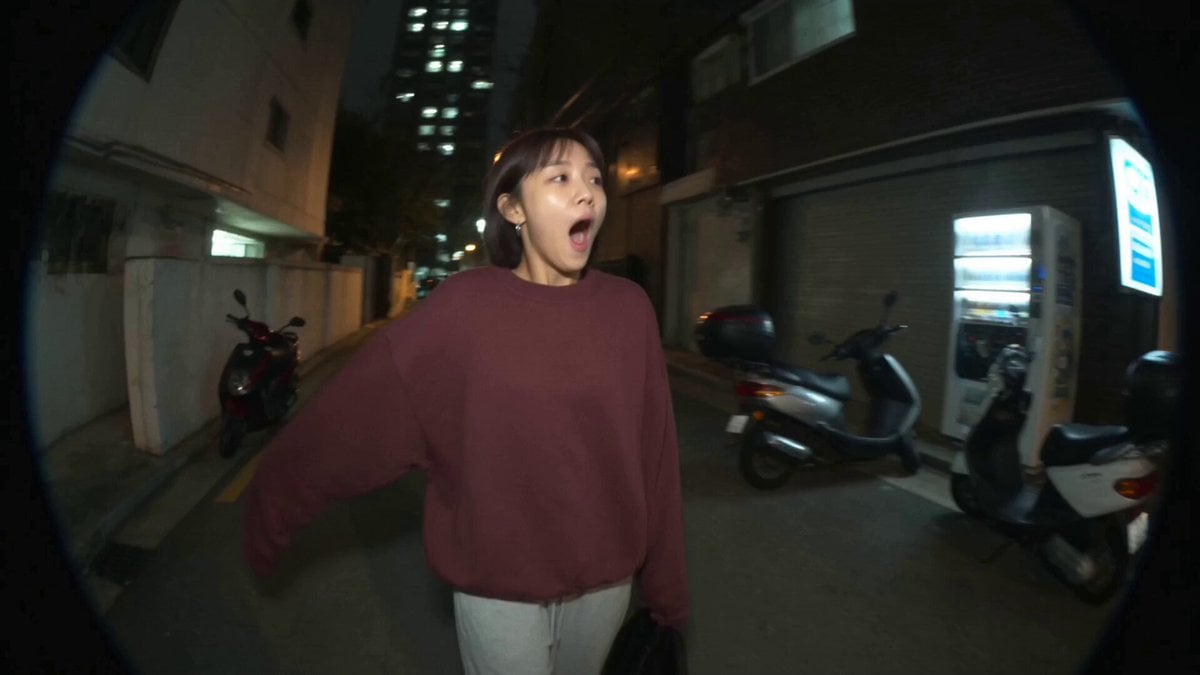
Nostalgic MiniDV Convenience Store Vlog - Seedance 2.5
Make it yours
Selfie POV Bungee Jump Vlog works as-is. These are the safest ways to change it without losing the look.
Change one field
Copy a single group, rewrite it, and generate again so you can see what that field is doing.
Keep the frame, change the subject
Hold the composition and light of Selfie POV Bungee Jump Vlog, then swap wardrobe, props or the person for a new take.
| If the result… | Why | Fix |
|---|---|---|
| The result drifts from the preview | Too many fields changed at once. | Reuse Selfie POV Bungee Jump Vlog as-is first, then change one group — subject, light, or setting. |
| The model over-stylizes the scene | The prose prompt leaves finish and camera underspecified. | Add one camera or lighting sentence and stay on Seedance 2.0. |
More Seedance 2.0 templates
Other prompts made for Seedance 2.0.

Comical Martial Arts Punch Scene

Maglev Train Action Sequence

Martial Arts Fight Sequence

Wuxia Protection and Trust Script

Vintage Korean Arcade MiniDV Vlog

Mercedes 190 SL Luxury Ad

Rainy Night Supernatural Reverse Comedy Video Script

Amazon Civilization Discovery

Futuristic South Asian City Transformation

Cozy Luxury Cafe Commercial
More video prompts
Fresh picks from across the catalog.
Dragon Energy Battle Anime Video
Troll Finding Flower Cinematic Video
Ancient Stone Guardian Awakening
Matrix Style Fire vs Shadow Duel BTS
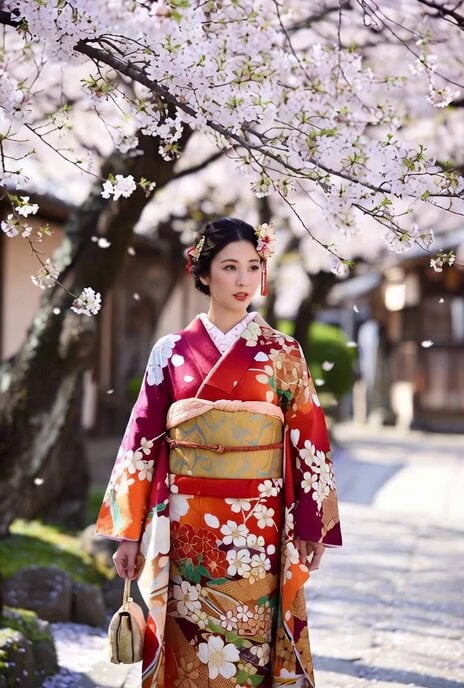
Beautiful Japanese Woman in Kimono under Cherry Blossoms
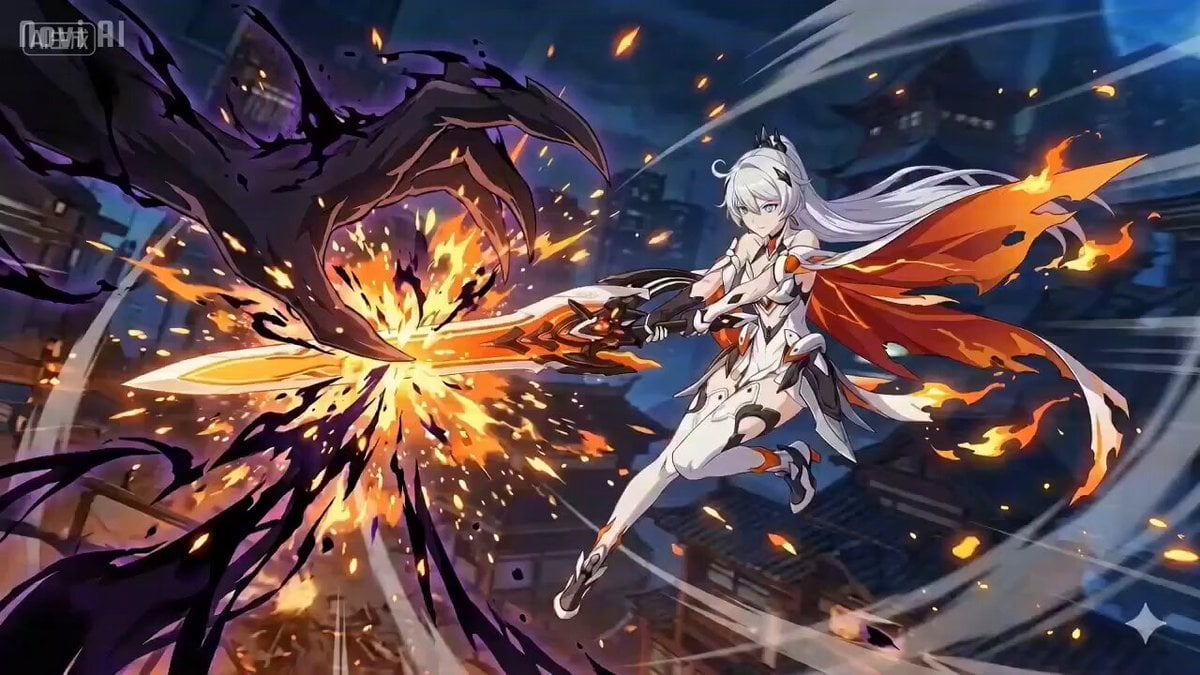
Anime Combat Scene: Knight vs. Shadow Monster
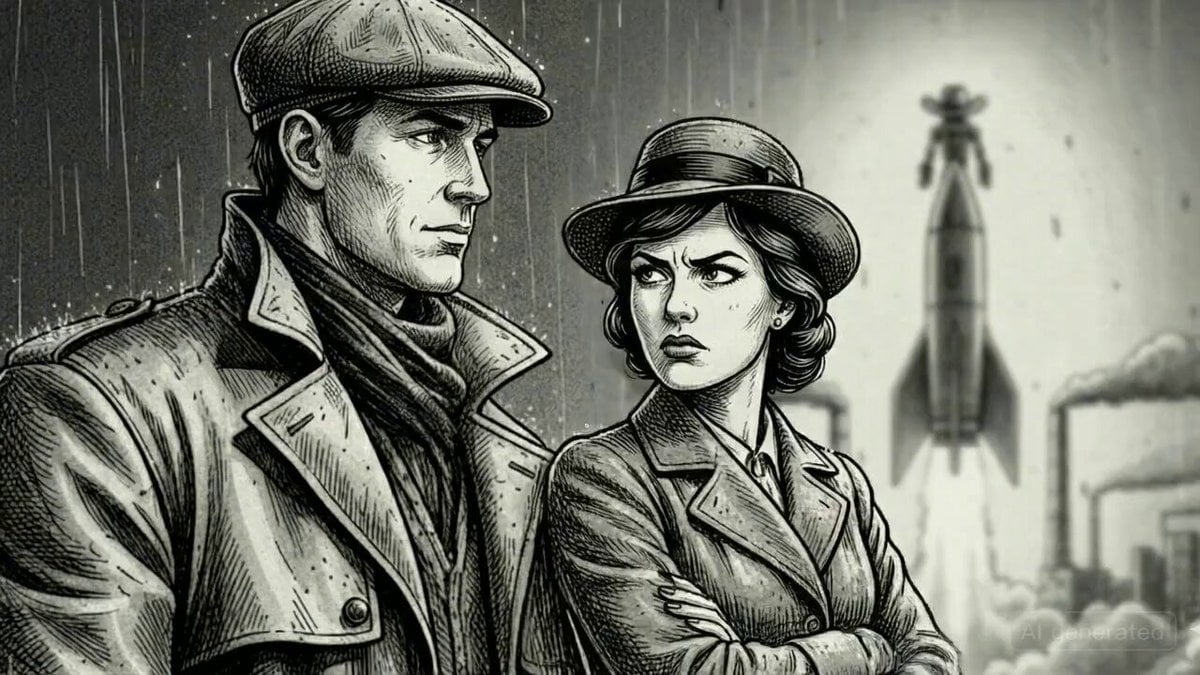
Argument and Departure Scene Prompt
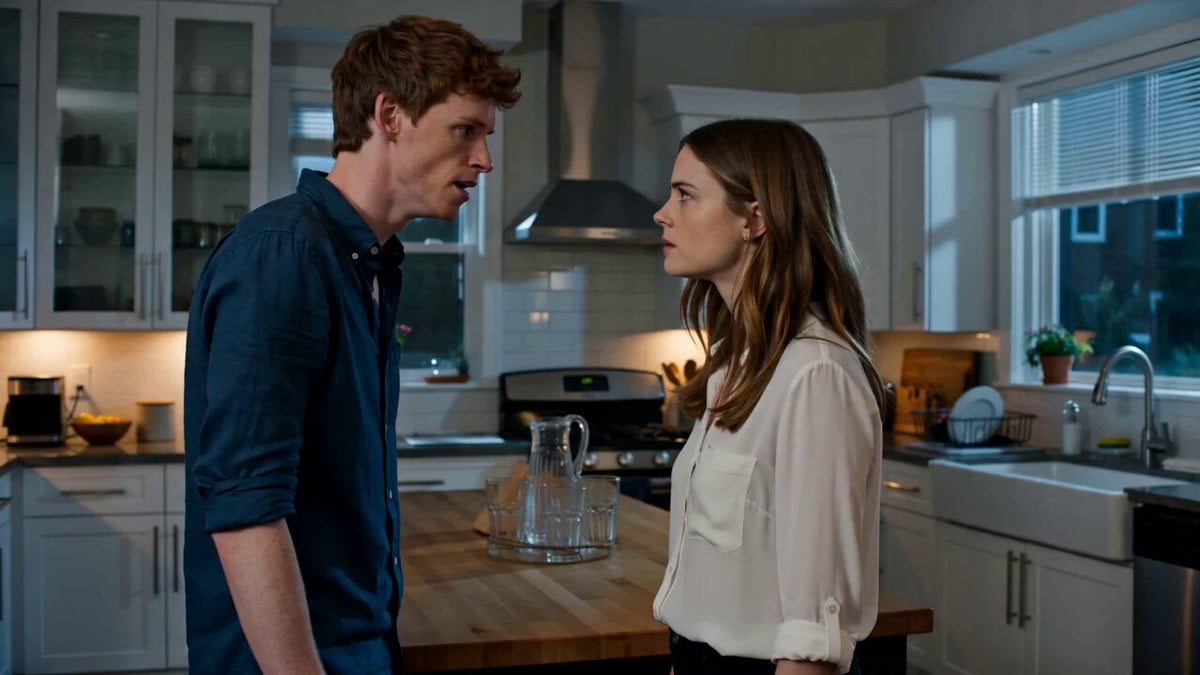
Emotional Kitchen Confrontation Drama
Sunset Desert Horse Chase

Umbrella Blown Away and Camera Pan Video Prompt
Browse template categories
Selfie POV Bungee Jump Vlog questions
How do I use the Selfie POV Bungee Jump Vlog template?
Add your photo if the template asks for one, edit the prompt if you like — the template's model and format are already selected — and press Generate. Your version opens in PicX Studio.
Can I customize the Selfie POV Bungee Jump Vlog template?
Yes. You can change the subject, setting, lighting, mood, format, and available model controls before creating your video.
Is the Selfie POV Bungee Jump Vlog template free?
Opening and editing this template is free. Generating uses credits, shown on the Generate button when you are signed in.
Which AI model should I use?
Start with Seedance 2.0, which is the model associated with this template. You can compare another compatible model for a different finish.
Looking for something else? Browse all templates.

Your photo, any look
Thousands of ready templates for every top image and video model, from one credit balance.