How do I use the Kawaii Chibi Phoebe with Baby Chicks template?
Edit the prompt in the box under the preview — the template's model and format are already selected — and press Generate. Your version appears right on this page.
A detailed anime chibi animation prompt for Seedance 2.0, featuring specific instructions for maintaining character facial consistency and creating a cozy, plush aesthetic.
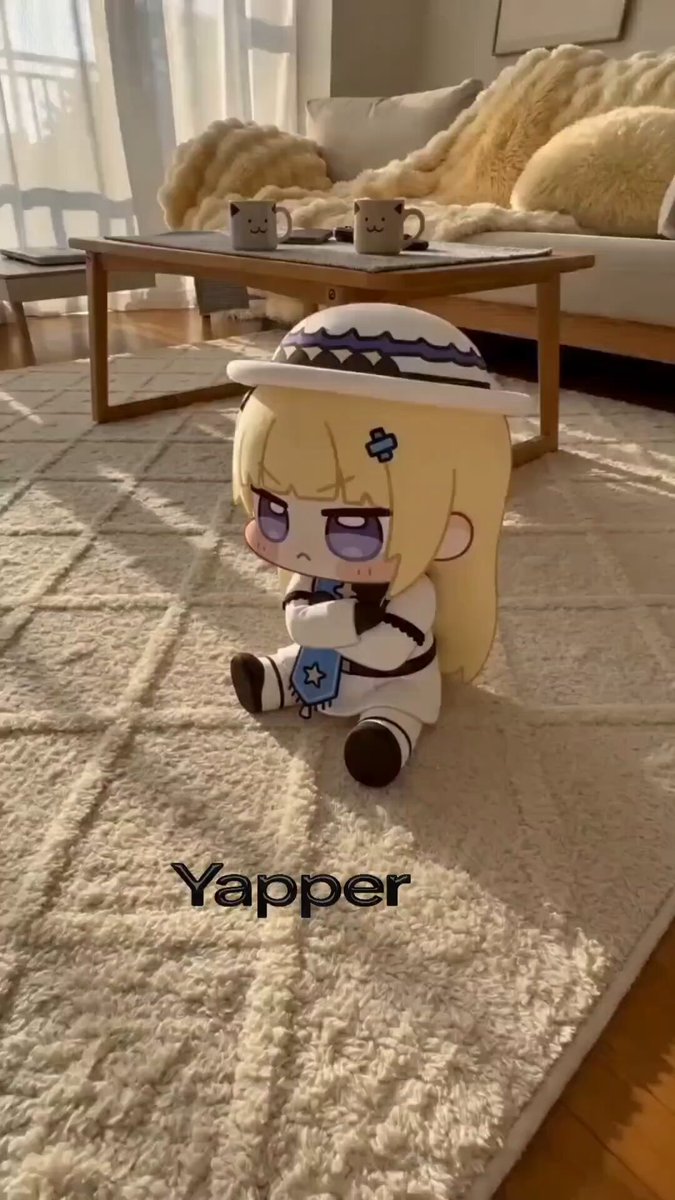
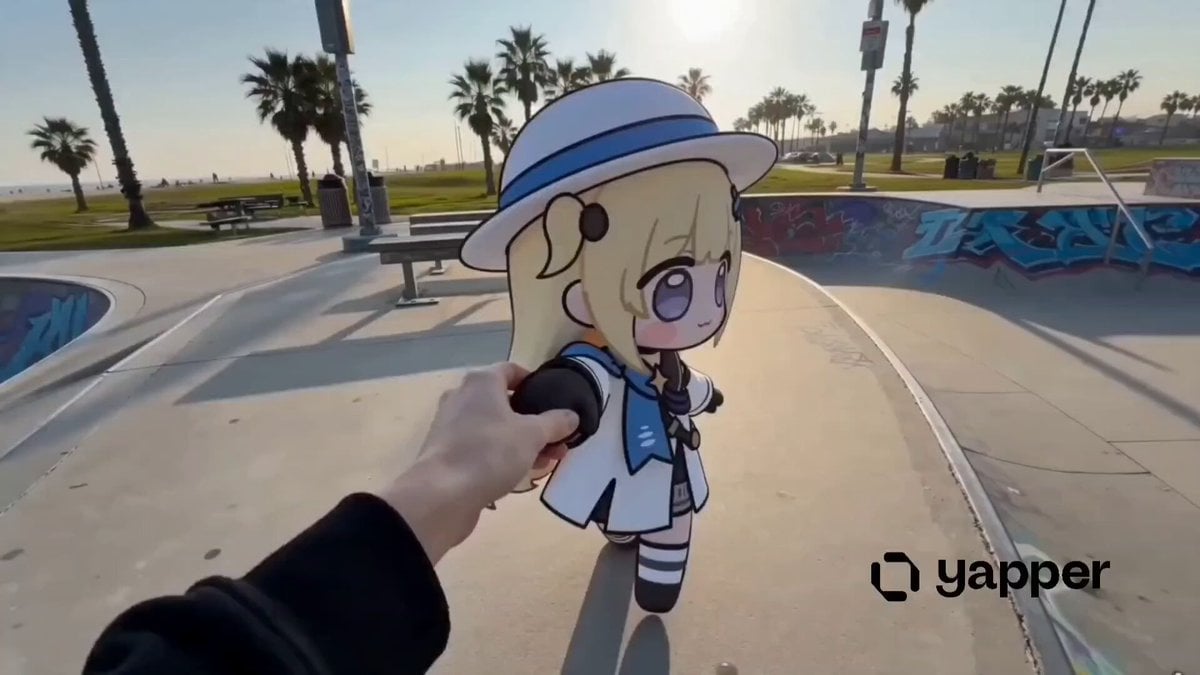
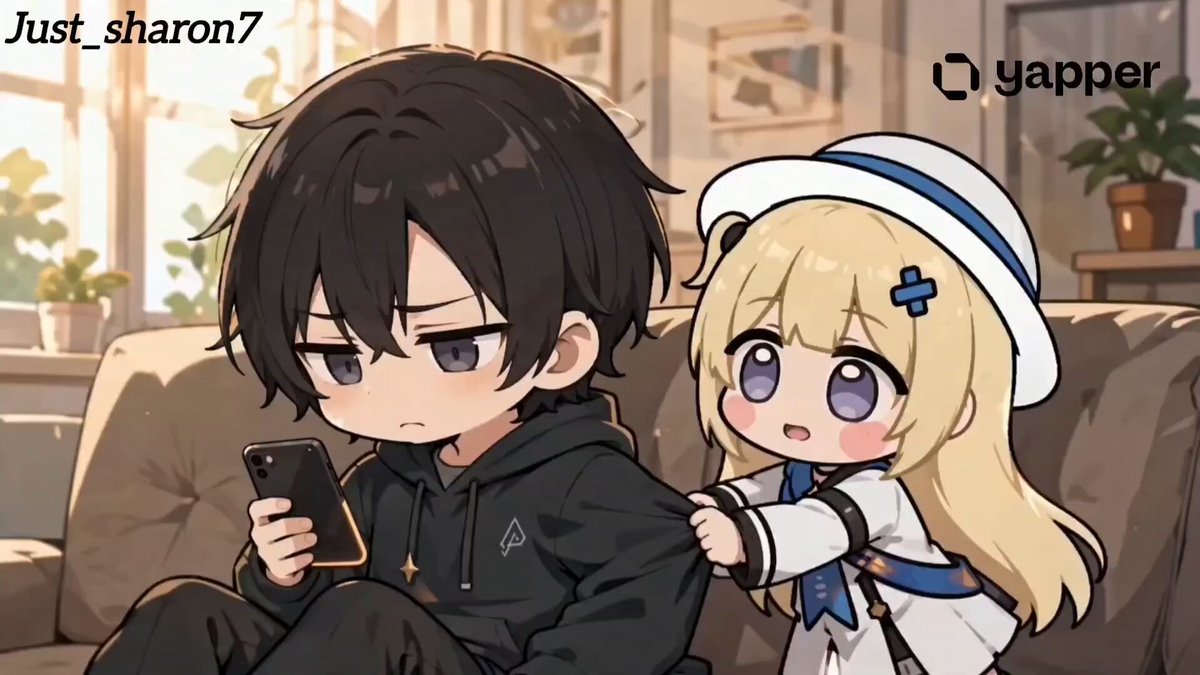
Use the same face from the reference image without changing facial features. ultra-kawaii 3D chibi CGI animation, plush toy aesthetic with realistic fabric and fur textures. Cute blonde anime girl Phoebe from Wuthering Waves as chibi: huge head, tiny body, long blonde hair with white wide-brim hat, blue ribbon and butterfly clip, blue cape and white-black outfit with cross emblem, big sparkling closed-eye smile with blush cheeks. She sits happily on a fluffy white rug in a cozy sunlit modern living room, clapping her hands in delight. Surrounded by 5-6 tiny fluffy yellow baby chicks waddling around her. Background: soft white sofa with thick creamy-yellow fuzzy blanket draped over it. Foreground: small wooden coffee table with white game controller and smartphone. Warm golden sunlight rays, soft pastel color palette (creamy yellows, whites, light blues), gentle shadows, high detail, wholesome and adorable atmosphere. Slow gentle camera movement with slight orbit and soft zoom-in.
Use the same face from the reference image without changing facial features. ultra-kawaii 3D chibi CGI animation, plush toy aesthetic with realistic fabric and fur textures. Cute blonde anime girl Phoebe from Wuthering Waves as chibi: huge head, tiny body, long blonde hair with white wide-brim hat, blue ribbon and butterfly clip, blue cape and white-black outfit with cross emblem, big sparkling closed-eye smile with blush cheeks. She sits happily on a fluffy white rug in a cozy sunlit modern living room, clapping her hands in delight. Surrounded by 5-6 tiny fluffy yellow baby chicks waddling around her. Background: soft white sofa with thick creamy-yellow fuzzy blanket draped over it. Foreground: small wooden coffee table with white game controller and smartphone. Warm golden sunlight rays, soft pastel color palette (creamy yellows, whites, light blues), gentle shadows, high detail, wholesome and adorable atmosphere. Slow gentle camera movement with slight orbit and soft zoom-in.
Edit the prompt in the box under the preview — the template's model and format are already selected — and press Generate. Your version appears right on this page.
Yes. You can change the subject, setting, lighting, mood, format, and available model controls before creating your video.
Opening and editing this template is free. Generating uses credits, shown on the Generate button when you are signed in.
Start with Seedance 2.0, which is the model associated with this template. You can compare another compatible model for a different finish.
Follow a topic to a crawlable collection of related PicX Studio templates.