How do I use the Chibi Character Phoebe Pizza Scene template?
Edit the prompt in the box under the preview — the template's model and format are already selected — and press Generate. Your version appears right on this page.
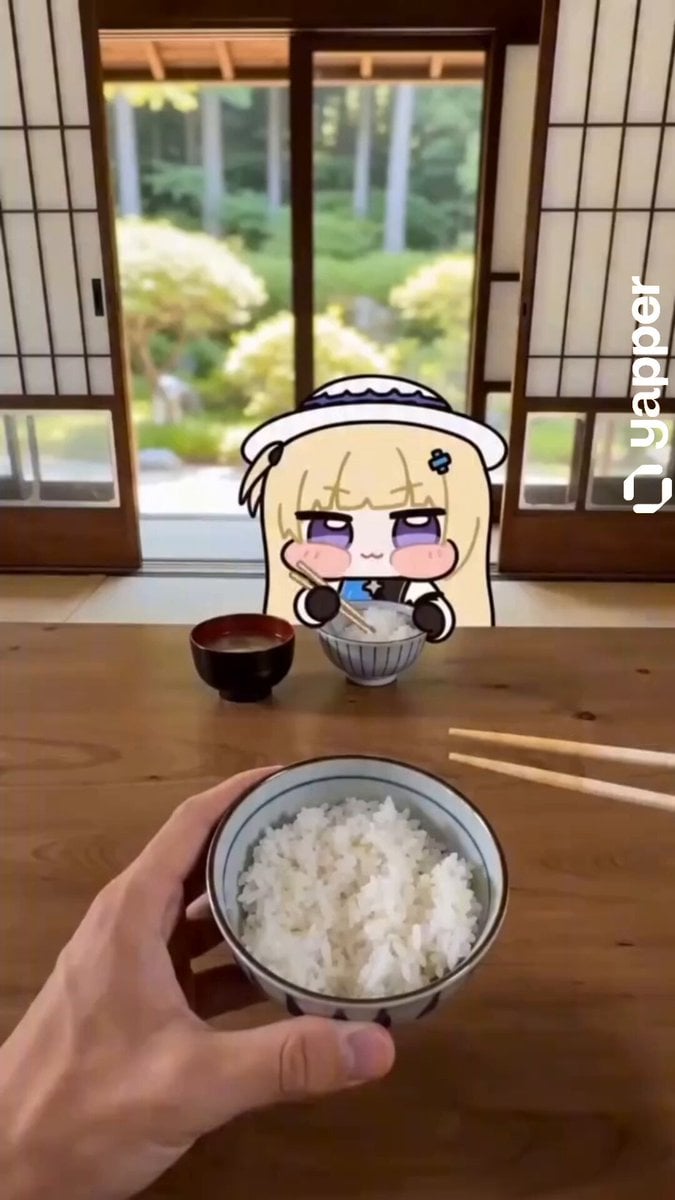
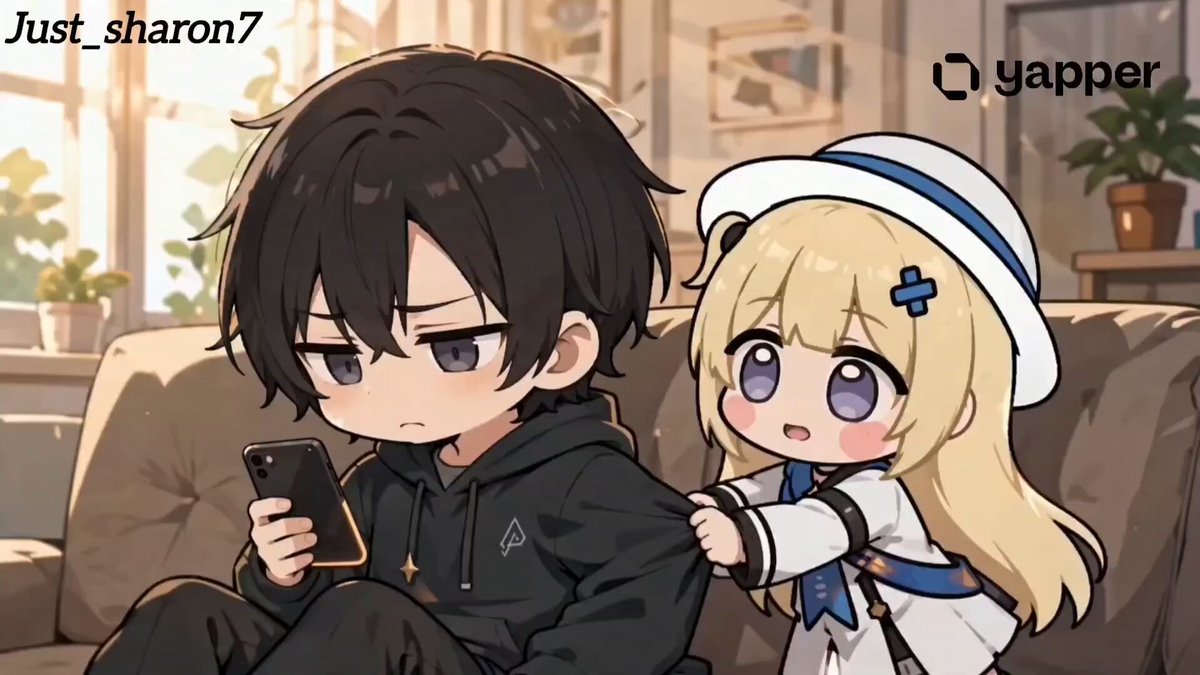
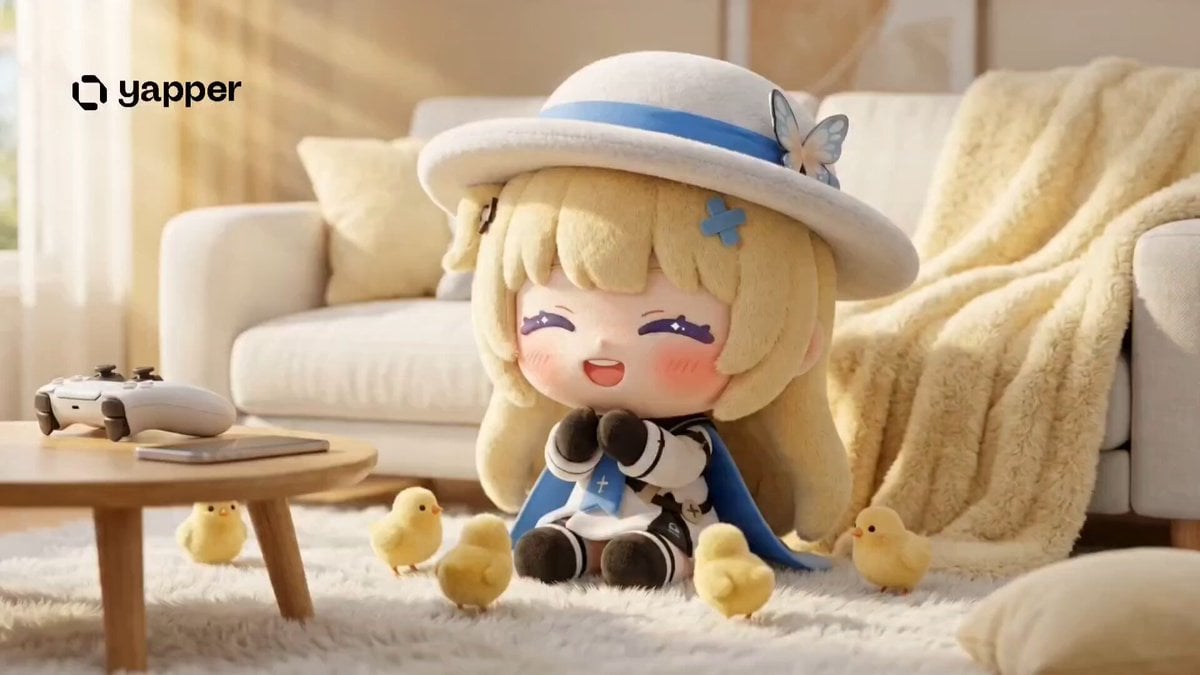
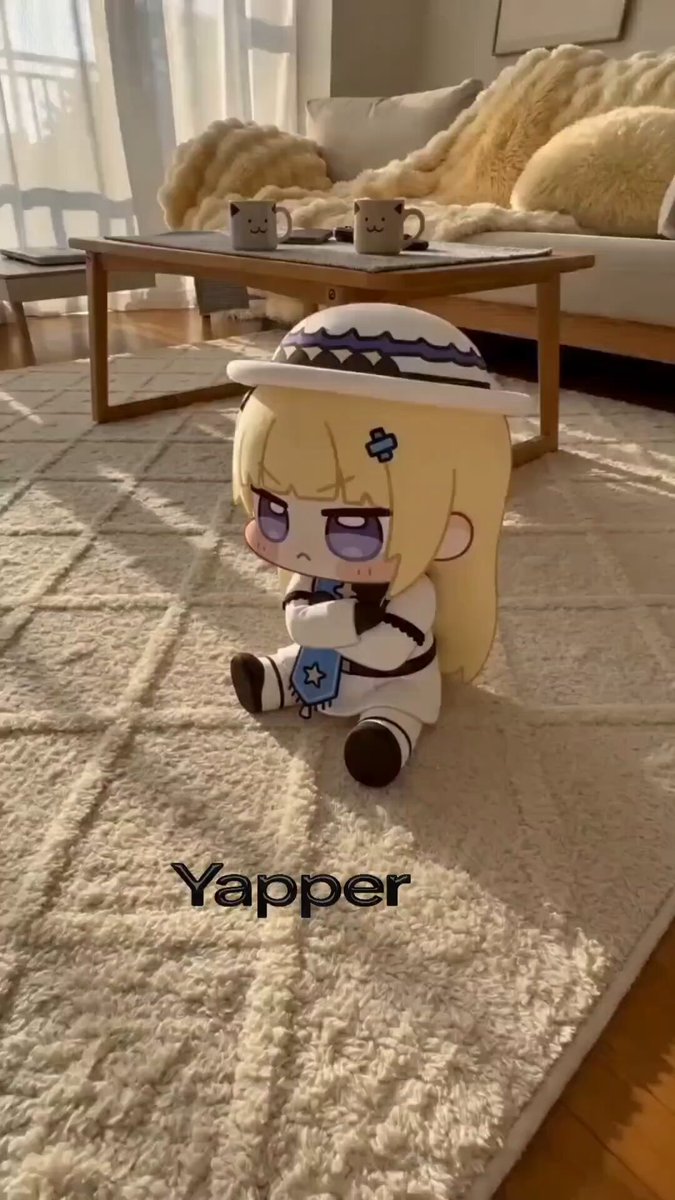
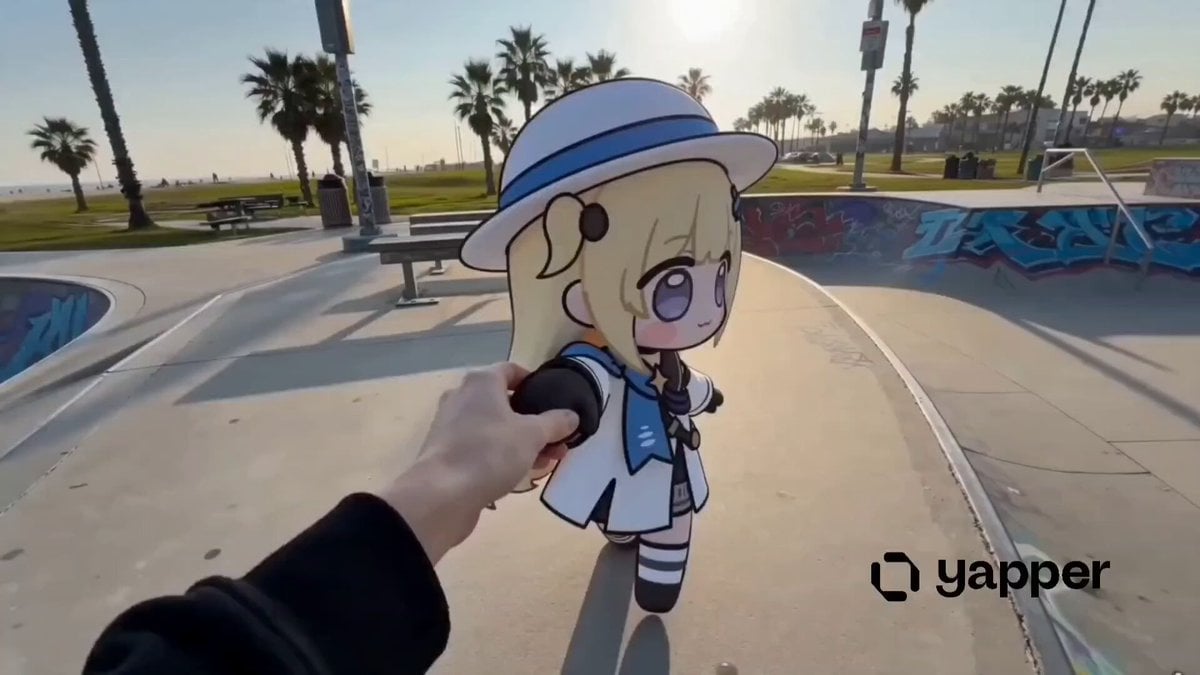
A cute, multi-shot animation prompt for a chibi character named Phoebe, transitioning from pouting to joy upon receiving a slice of pizza.
Cute chibi-style animated character “Phoebe” in a cozy room, soft pastel colors, smooth animation, expressive emotions, cinematic lighting, 15 seconds total, consistent character design (small body, big expressive eyes, soft rounded features). Shot 1 (0:00–0:03) Medium shot. Phoebe chibi sits facing away, arms crossed, visibly angry, pouting and mumbling softly: “Phoebe chibi… Phoebe chibi…” Background calm, slight idle motion. Shot 2 (0:03–0:05) A hand enters from off-screen and gently pokes her cheek. Phoebe turns her head away annoyed, still mumbling angrily. Shot 3 (0:05–0:07) The hand pokes again. Phoebe ignores it, turns further away, extra pout, tiny frustrated movements. Shot 4 (0:07–0:10) The hand re-enters holding a fresh slice/box of pizza. Warm light glow on the pizza. Phoebe slowly glances… her eyes begin to sparkle. Shot 5 (0:10–0:12) Close-up. Phoebe’s eyes fully glisten, anger instantly melts into excitement. She says softly, now happy: “Phoebe chibi…” Shot 6 (0:12–0:15) Wide shot. Phoebe jumps forward and hugs the person tightly, bouncing with joy, repeating excitedly: “Phoebe chibi! Phoebe chibi!” Bright, wholesome ending, soft glow. Style: Chibi animation, ultra-cute, smooth transitions, expressive face animation, soft lighting, pastel palette, cozy wholesome vibe.
Cute chibi-style animated character “Phoebe” in a cozy room, soft pastel colors, smooth animation, expressive emotions, cinematic lighting, 15 seconds total, consistent character design (small body, big expressive eyes, soft rounded features). Shot 1 (0:00–0:03) Medium shot. Phoebe chibi sits facing away, arms crossed, visibly angry, pouting and mumbling softly: “Phoebe chibi… Phoebe chibi…” Background calm, slight idle motion. Shot 2 (0:03–0:05) A hand enters from off-screen and gently pokes her cheek. Phoebe turns her head away annoyed, still mumbling angrily. Shot 3 (0:05–0:07) The hand pokes again. Phoebe ignores it, turns further away, extra pout, tiny frustrated movements. Shot 4 (0:07–0:10) The hand re-enters holding a fresh slice/box of pizza. Warm light glow on the pizza. Phoebe slowly glances… her eyes begin to sparkle. Shot 5 (0:10–0:12) Close-up. Phoebe’s eyes fully glisten, anger instantly melts into excitement. She says softly, now happy: “Phoebe chibi…” Shot 6 (0:12–0:15) Wide shot. Phoebe jumps forward and hugs the person tightly, bouncing with joy, repeating excitedly: “Phoebe chibi! Phoebe chibi!” Bright, wholesome ending, soft glow. Style: Chibi animation, ultra-cute, smooth transitions, expressive face animation, soft lighting, pastel palette, cozy wholesome vibe.
Edit the prompt in the box under the preview — the template's model and format are already selected — and press Generate. Your version appears right on this page.
Yes. You can change the subject, setting, lighting, mood, format, and available model controls before creating your video.
Opening and editing this template is free. Generating uses credits, shown on the Generate button when you are signed in.
Start with Seedance 2.0, which is the model associated with this template. You can compare another compatible model for a different finish.
Follow a topic to a crawlable collection of related PicX Studio templates.