
Surgical Sci-Fi Spaceship Battle
A controlled, cinematic sci-fi prompt for a high-stakes battle between capital ships and fighters, focusing on surgical strikes and dynamic lighting.
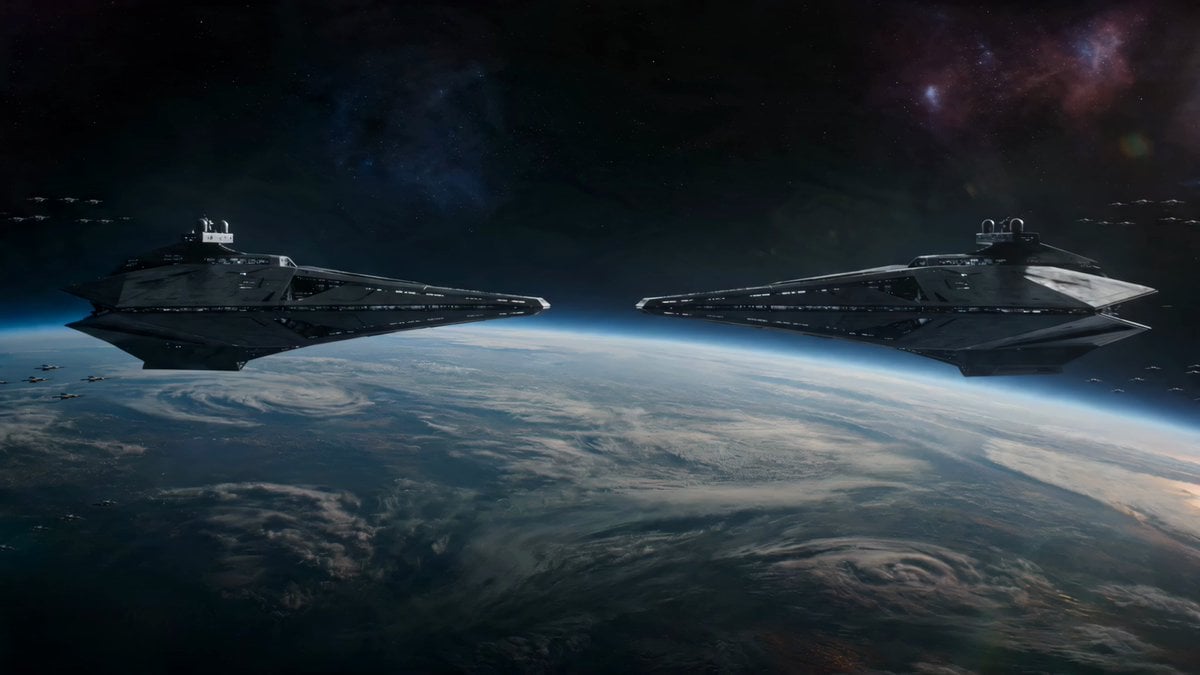
- Prompt included
- Model and format preset
- Premium template
The prompt behind this video
Copy the exact prompt behind Surgical Sci-Fi Spaceship Battle, or open it in the studio and make it yours.
Alien sky above a luminous planet: a high-stakes battle between two elite capital ships and a handful of precision fighters. Every movement is deliberate, lethal. Wide shot: two massive ships facing off in silence, energy fields humming, small fighter units orbiting like predators. Slow push-in: tension builds as weapon systems charge, light intensifying across hull lines. Sudden burst: fighters launch first, darting forward in tight formation, breaking into evasive patterns. Tracking shot: camera follows a fighter skimming along the enemy hull, dodging point-defense fire, targeting weak spots. Impact moment: a precise strike destabilizes a shield segment, energy flickers and tears open. Close-up: capital ship fires a focused beam, not chaotic, but surgical, it slices across the opponent’s structure. Reaction shot: damaged ship rotates, venting plasma, deploying countermeasures, trying to regain control. Final escalation: both ships commit, closing distance, beams and projectiles colliding mid-space, energy warping the atmosphere around them. No clutter, no randomness: controlled choreography, rising tension, every shot purposeful, cinematic pacing, high-detail sci-fi realism, dynamic lighting, grounded physics.
How to use Surgical Sci-Fi Spaceship Battle in 3 steps
- 1
Open
The prompt is already in the box next to the preview, with the template's model and format selected.
- 2…a portrait of your subject in softgolden-hour light, 85mm…
Personalize
Edit the subject and creative details for your destination.
- 3Generate
Generate
Press Generate — your video is created in PicX Studio, so you can compare it with the original and refine one variable at a time.
More like this
Templates with the same subject, style or setup. Open one to see its prompt.

Sci-Fi Disaster Movie Scene - Seedance 2.5
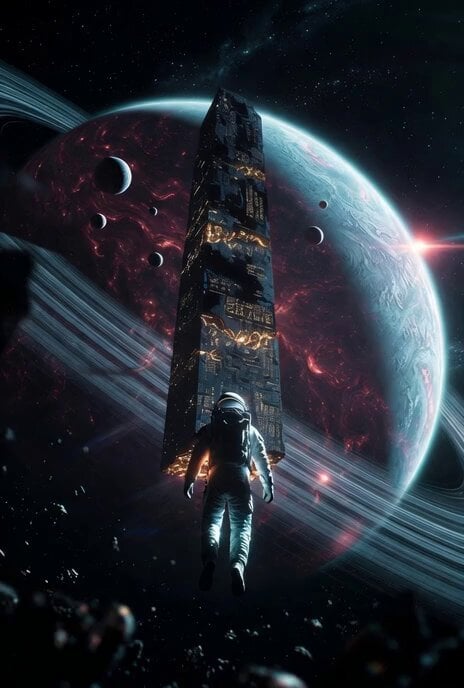
Cinematic sci-fi spaceship emergence video prompt
Spaceship Battle Over Missouri River
Swordsman vs Shadow Monster — Bamboo Forest Battle
Tiger vs Gorilla — Jungle Canyon Clash
Mecha Transformation vs Kaiju — 4-Scene Epic
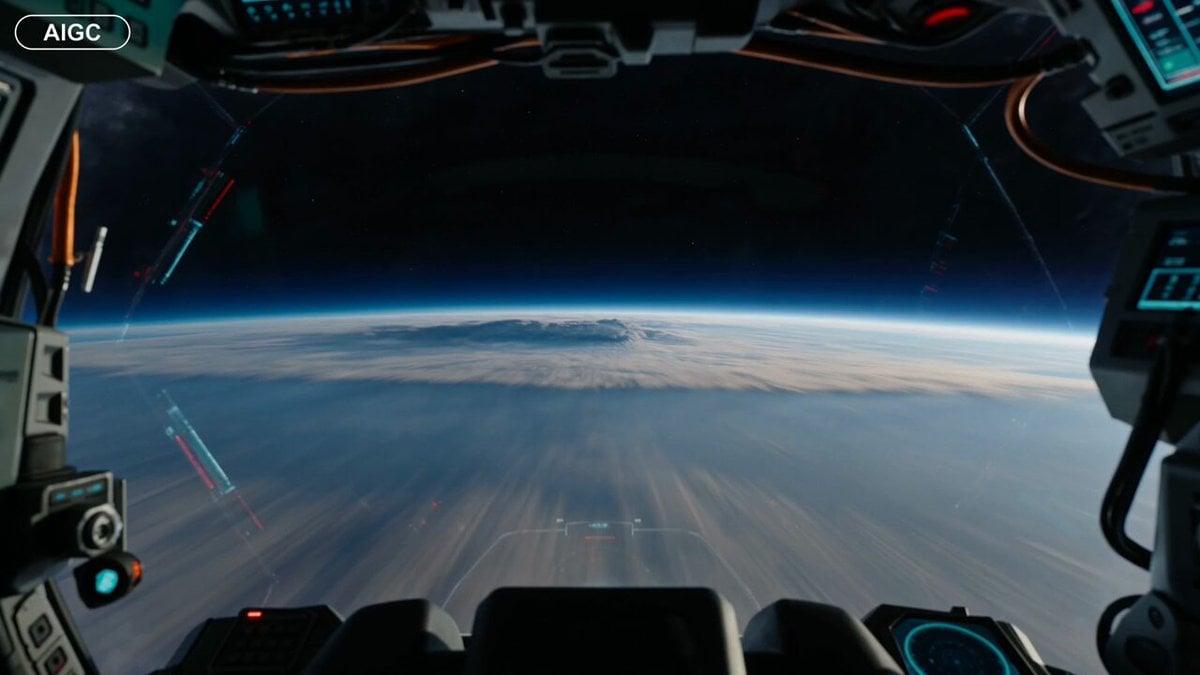
First-Person Spaceship Cockpit Flight
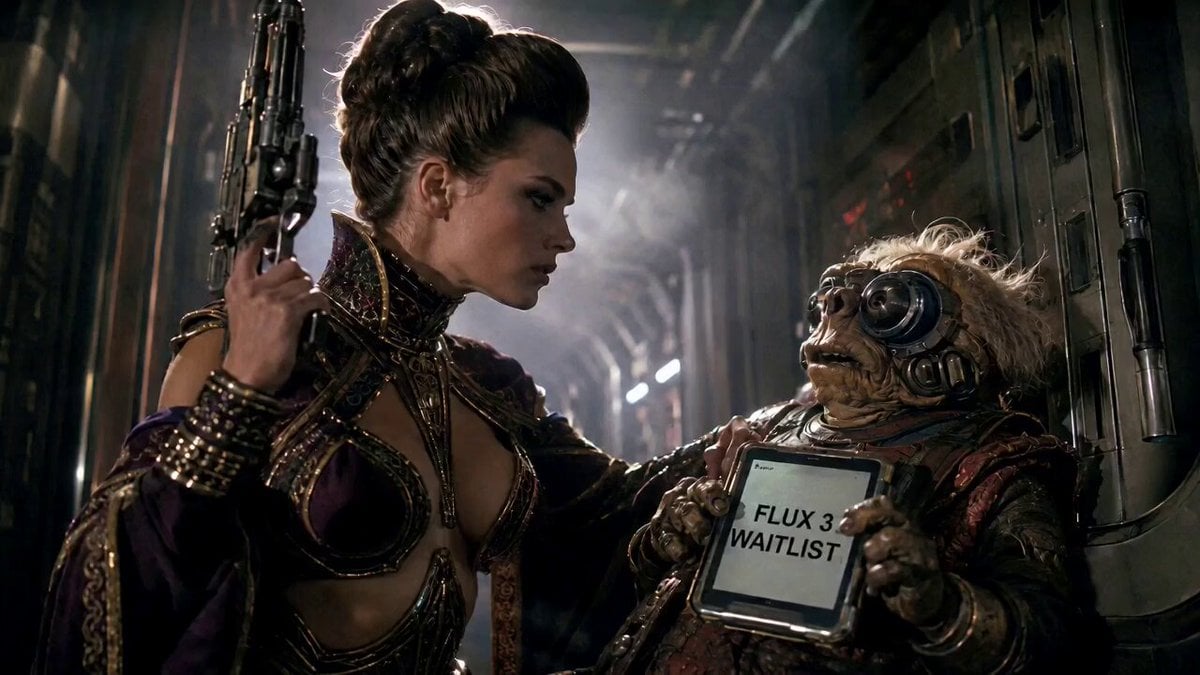
80s Sci-Fi Practical Effects Scene Prompt
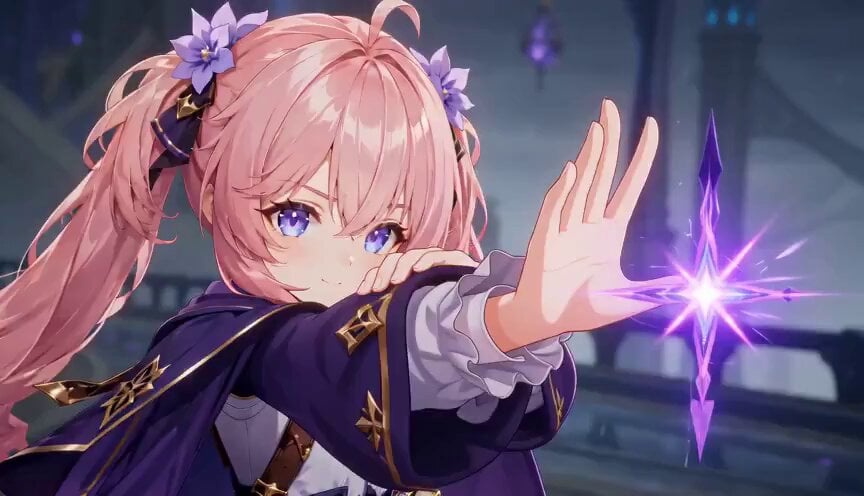
Magic City Fantasy Battle Animation
Sci-Fi Horror Hospital Alien Scene

Spaceship Landing on Alien Planet
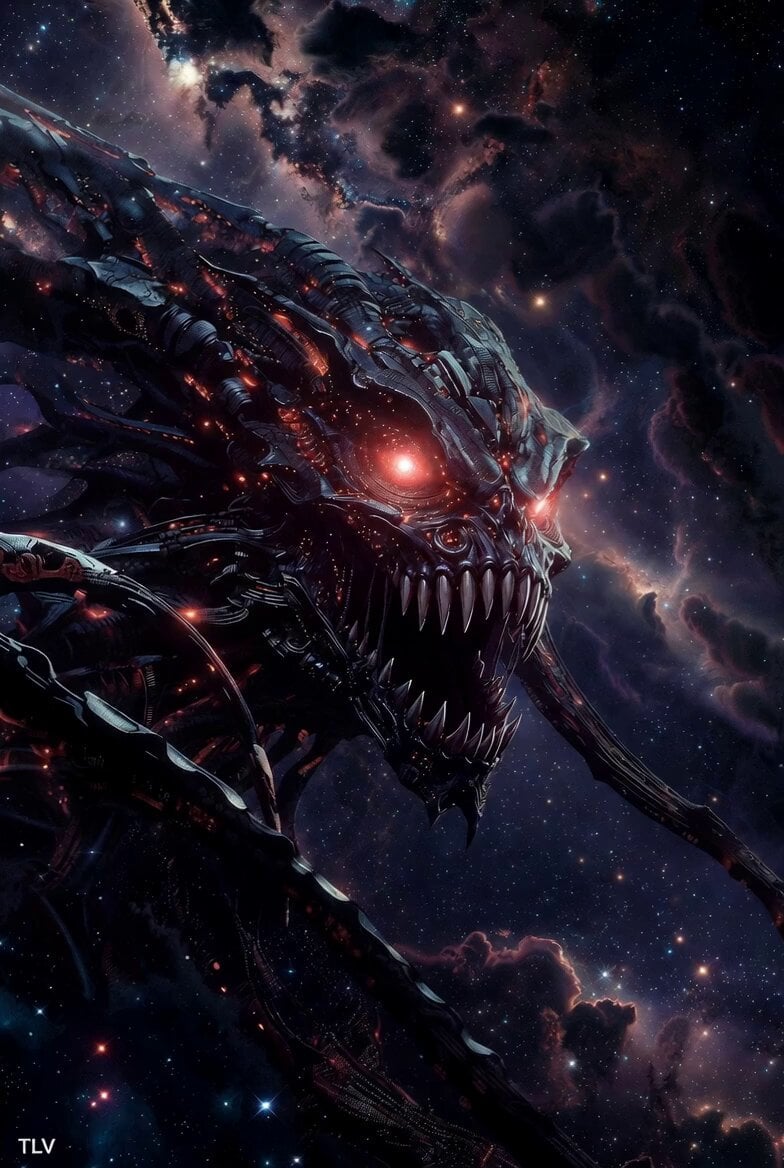
Evil Space Sci-Fi Power Threshold
Make it yours
Surgical Sci-Fi Spaceship Battle works as-is. These are the safest ways to change it without losing the look.
Change one field
Copy a single group, rewrite it, and generate again so you can see what that field is doing.
Keep the frame, change the subject
Hold the composition and light of Surgical Sci-Fi Spaceship Battle, then swap wardrobe, props or the person for a new take.
| If the result… | Why | Fix |
|---|---|---|
| The result drifts from the preview | Too many fields changed at once. | Reuse Surgical Sci-Fi Spaceship Battle as-is first, then change one group — subject, light, or setting. |
| The model over-stylizes the scene | The prose prompt leaves finish and camera underspecified. | Add one camera or lighting sentence and stay on Seedance 2.0. |
More Seedance 2.0 templates
Other prompts made for Seedance 2.0.

Comical Martial Arts Punch Scene

Maglev Train Action Sequence

Martial Arts Fight Sequence

Wuxia Protection and Trust Script

Vintage Korean Arcade MiniDV Vlog

Mercedes 190 SL Luxury Ad

Rainy Night Supernatural Reverse Comedy Video Script

Amazon Civilization Discovery

Futuristic South Asian City Transformation

Cozy Luxury Cafe Commercial
More video prompts
Fresh picks from across the catalog.
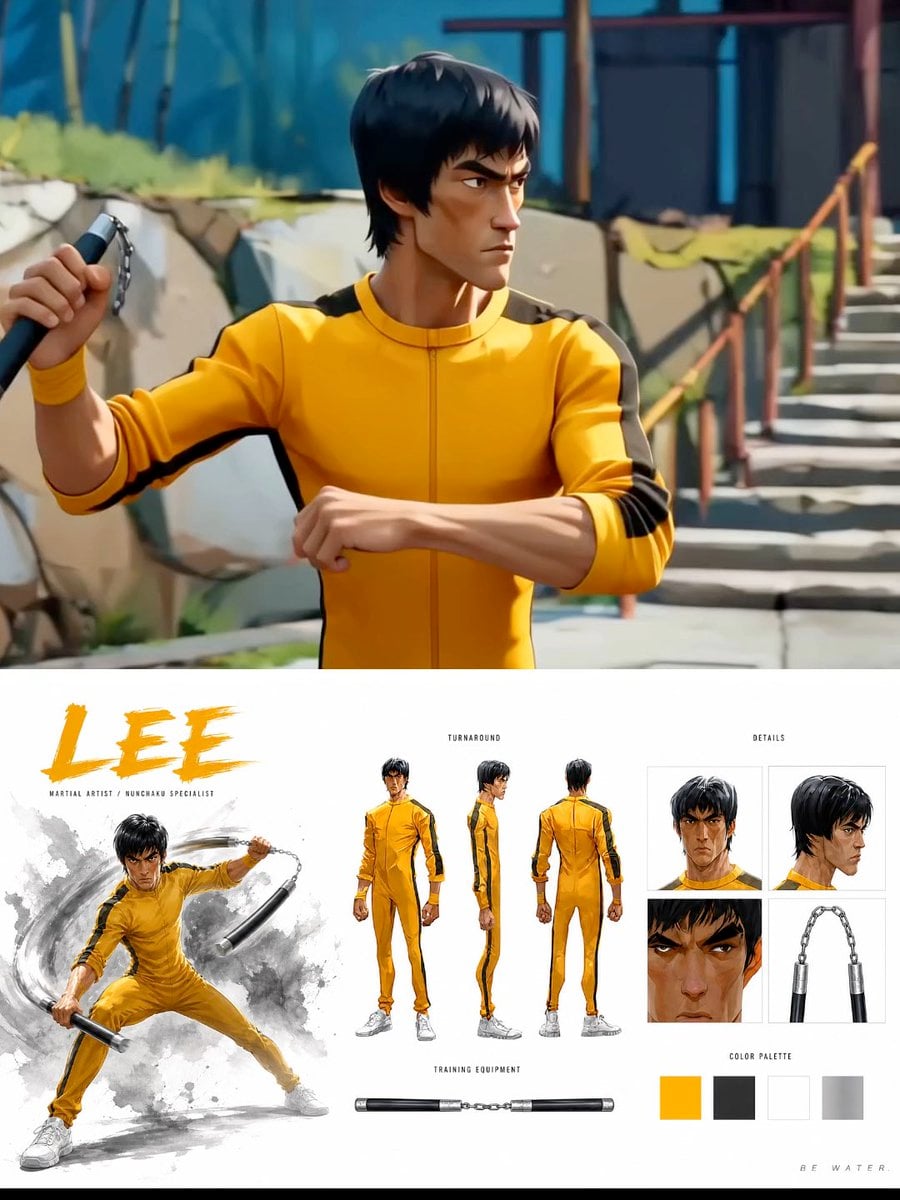
Cinematic Anime Martial Arts Training Ground
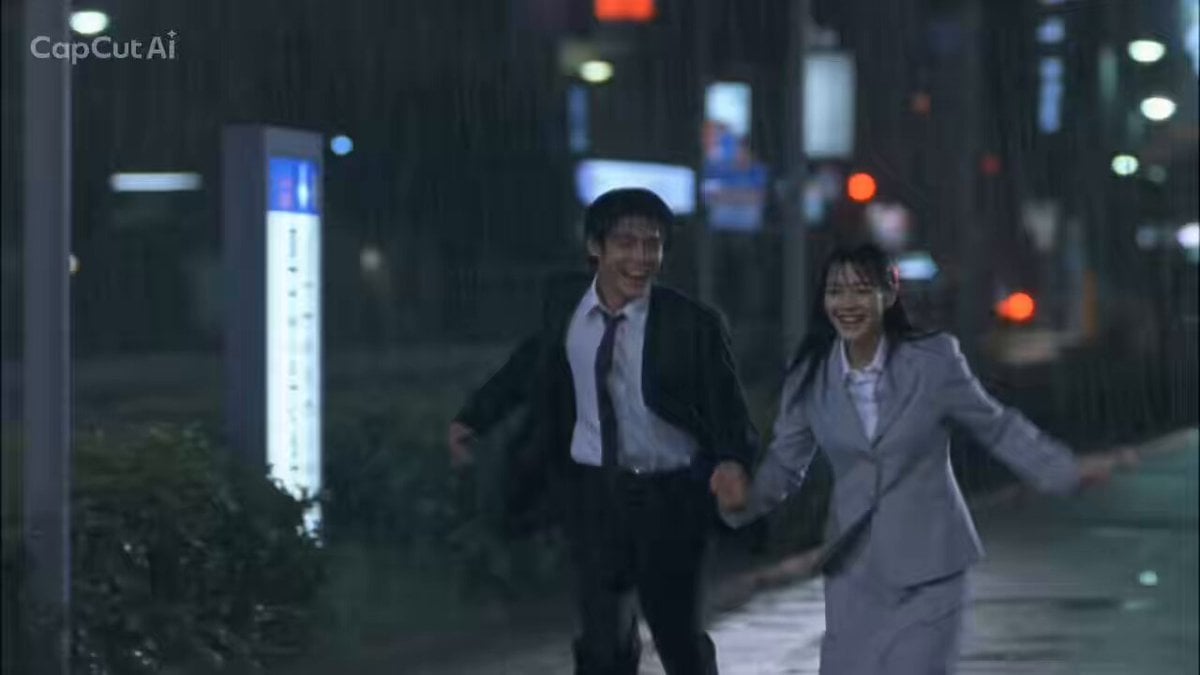
1990s Japanese Trendy Drama Style Video Prompt
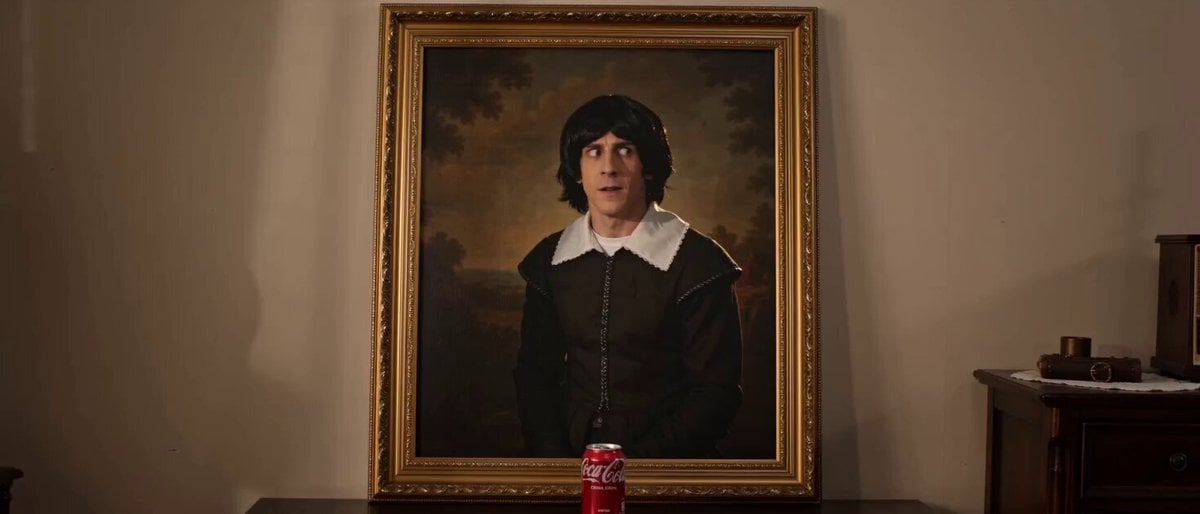
Painting Character Steals and Drinks Cola
Johnnywang Tokyo Time Freeze
Japanese Seaside Town MiniDV Documentary

Seedance 2.0 Valentine's Chocolate Making Scene
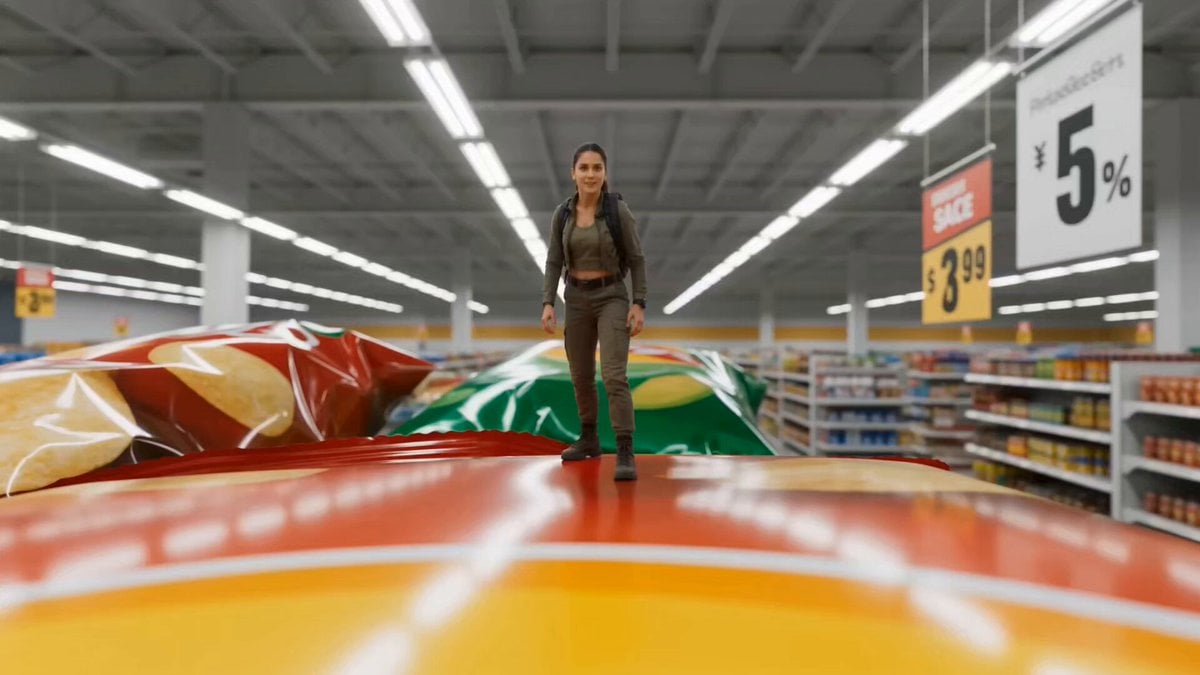
Miniature Tiny Person Parkour
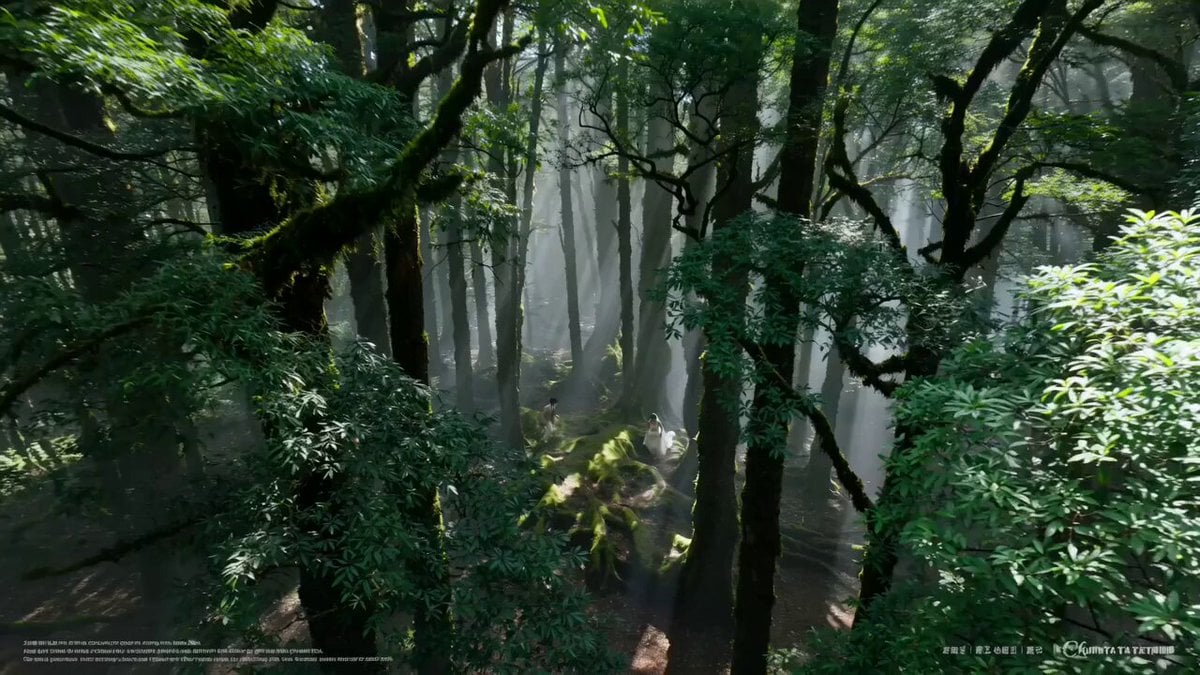
AI Wedding Video Prompt: Minimalist Forest Style with Light Effects
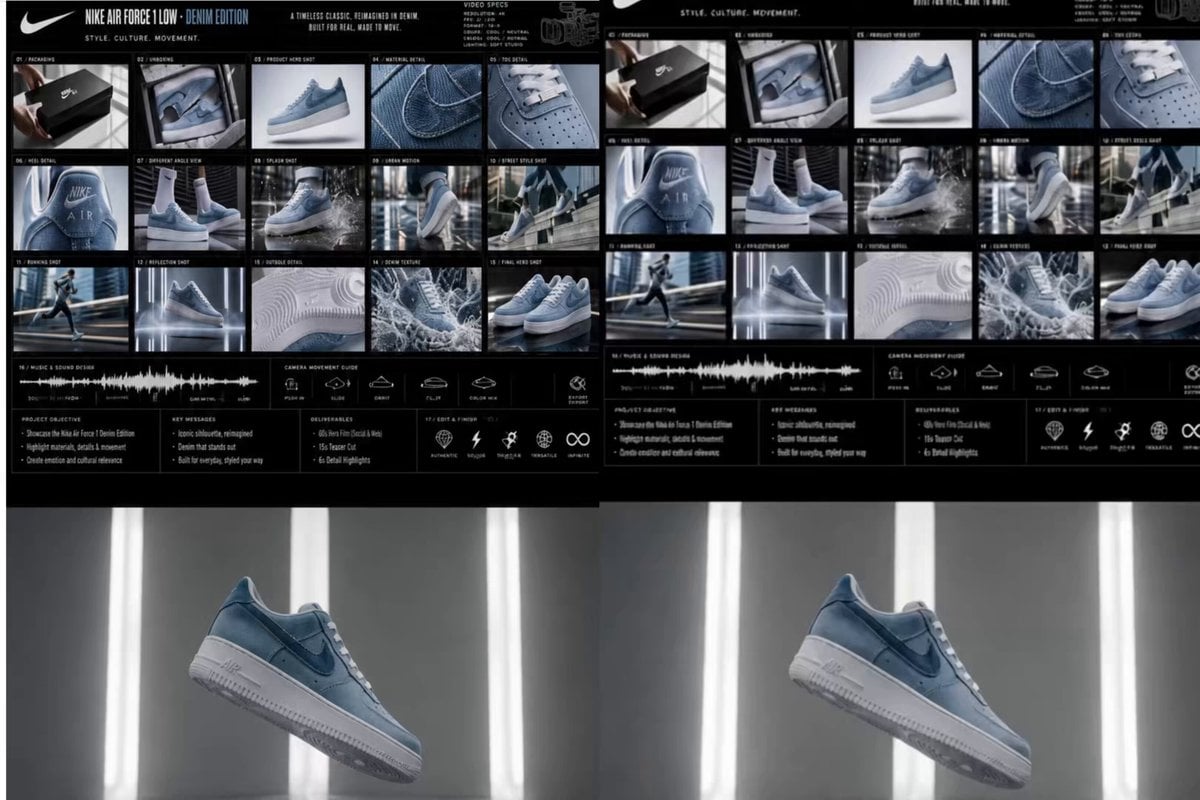
Nike Denim Edition Commercial
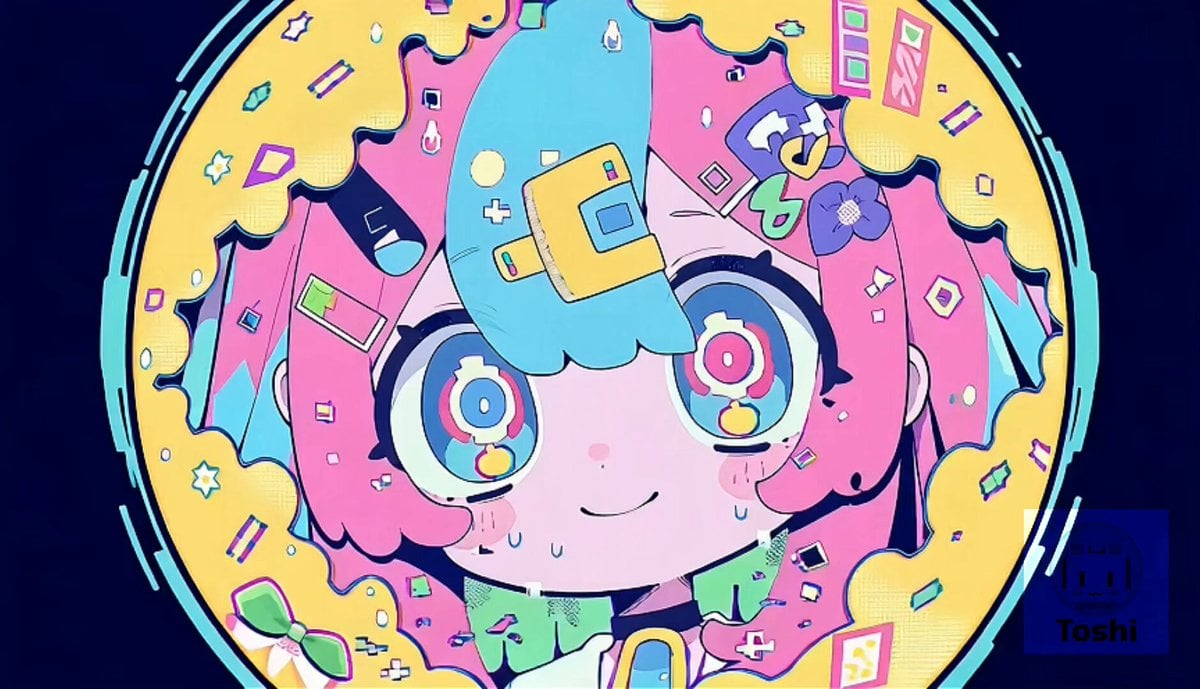
Kawaii Hyper-Pop Anime MV
Browse template categories
Surgical Sci-Fi Spaceship Battle questions
How do I use the Surgical Sci-Fi Spaceship Battle template?
Add your photo if the template asks for one, edit the prompt if you like — the template's model and format are already selected — and press Generate. Your version opens in PicX Studio.
Can I customize the Surgical Sci-Fi Spaceship Battle template?
Yes. You can change the subject, setting, lighting, mood, format, and available model controls before creating your video.
Is the Surgical Sci-Fi Spaceship Battle template free?
Opening and editing this template is free. Generating uses credits, shown on the Generate button when you are signed in.
Which AI model should I use?
Start with Seedance 2.0, which is the model associated with this template. You can compare another compatible model for a different finish.
Looking for something else? Browse all templates.

Your photo, any look
Thousands of ready templates for every top image and video model, from one credit balance.