
Kawaii Hyper-Pop Anime MV
A comprehensive prompt for a fast-paced, chaotic kawaii anime music video featuring fisheye lens effects and rapid character switching.
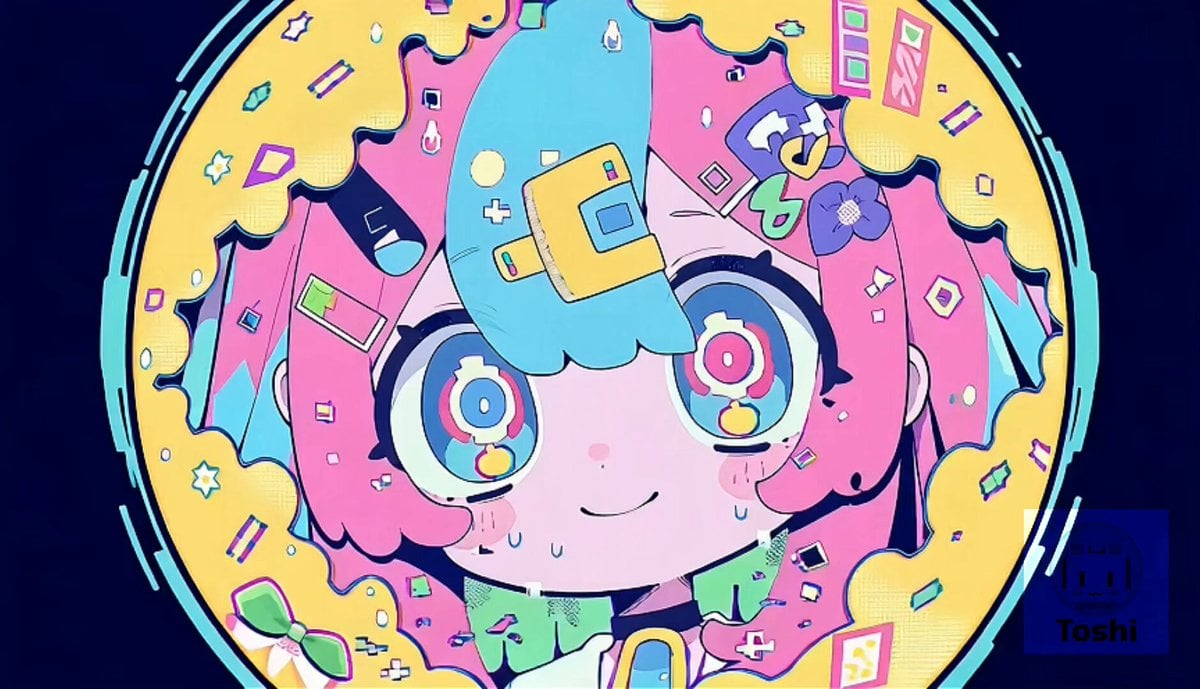
- Prompt included
- Model and format preset
- Premium template
The prompt behind this video
Copy the exact prompt behind Kawaii Hyper-Pop Anime MV, or open it in the studio and make it yours.
Use the uploaded images as character and style references. 15-second kawaii hyper-pop music video at BPM 174. No lip-sync. No singing focus. Create a fast, chaotic, cute visual sequence with rapid character switching among all uploaded reference characters. Style: Pastel neon anime, pink, cyan, yellow, mint, lavender, bold outlines, flat shading, stickers, flowers, bows, spirals, halftone dots, manga panels, candy glitch accents. Main motion: Fast BPM174 rhythm, rapid cuts every 0.1–0.4 seconds, cute dance bursts, sudden poses, bouncing, spinning, mob-dance energy, exaggerated reactions, clone echoes, split panels, and visual overload. Lens effects: Use strong fisheye and ultra-wide distortion. Make the center bulge forward. Stretch and curve the edges clearly. Use obvious barrel distortion, warped perspective, tunnel zooms, crash zooms, rotating camera, dutch angles, whip pans, and sudden push-ins. Variation: Do not repeat similar shots. Each section should introduce a different effect: fisheye close-up, spinning camera, split-panel shatter, clone multiplication, kaleidoscope mirror, mob-dance burst, sticker tunnel, wide-angle distortion, radial explosion, multi-character chaos. Timeline: 0–3s: extreme fisheye close-ups, fast character switching, sticker bursts. 3–6s: rotating camera, panel splits, shattered manga frames. 6–9s: clone multiplication, mob-dance bouncing, wide-lens warping. 9–12s: kaleidoscope mirrors, tunnel zooms, crash zoom reactions. 12–15s: maximum chaos, rapid effect relay, all characters in fast succession, final distorted cute impact frame. Important: Make the fisheye distortion visually obvious, especially at the edges. Keep faces cute and readable. Use many different visual tricks, not one repeated effect. Negative prompt: weak fisheye, only round frame, static camera, repetitive shots, slow motion, lip-sync, realistic style, horror, grotesque face, broken anatomy, extra limbs, muddy colors, low energy
How to use Kawaii Hyper-Pop Anime MV in 3 steps
- 1Upload ImagePNG, JPG or paste
Add your photo
Upload the photo the template builds on. The prompt, model and format are already set.
- 2…a portrait of your subject in softgolden-hour light, 85mm…
Personalize
Edit the subject and creative details for your destination.
- 3Generate
Generate
Press Generate — your video is created in PicX Studio, so you can compare it with the original and refine one variable at a time.
More like this
Templates with the same subject, style or setup. Open one to see its prompt.
Kawaii Bunny Chef Anime Cooking

MiniMax H3 Character Introduction

Japanese Pure Love Short Film

Studio Ghibli Dumpling Kitchen Cooking Scene
Kawaii Chaotic Anime Music Video
Kawaii anime parade video prompt
Mecha Transformation vs Kaiju — 4-Scene Epic
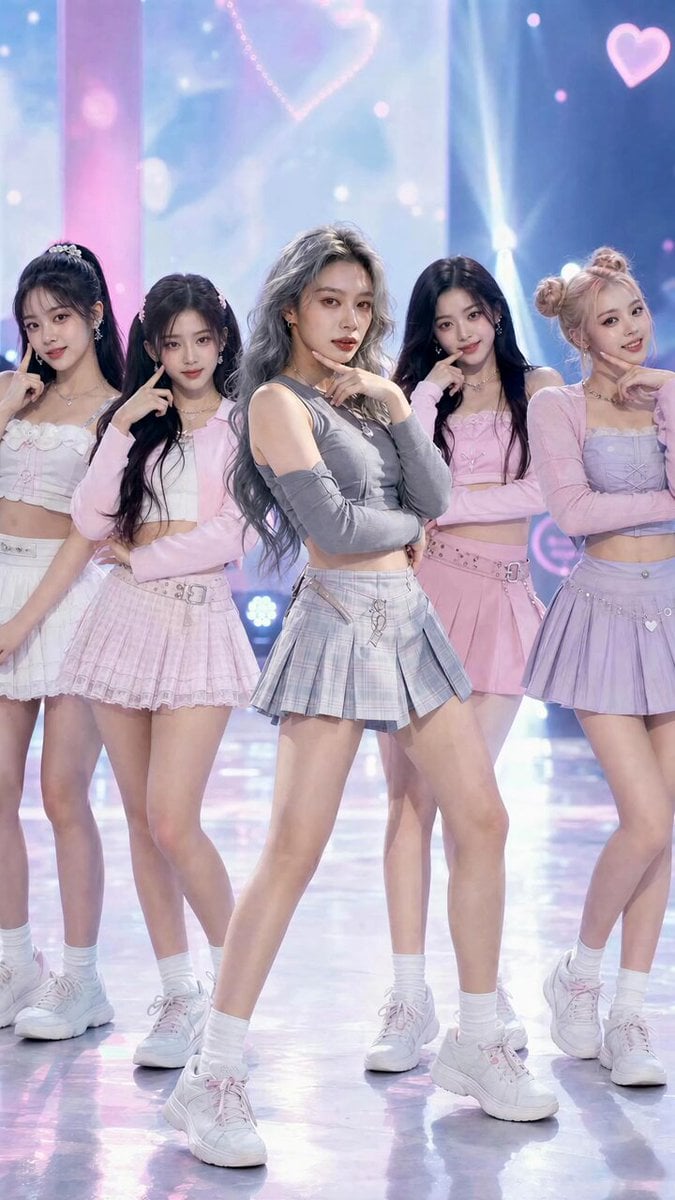
K-Pop Fancam Style Dance Animation
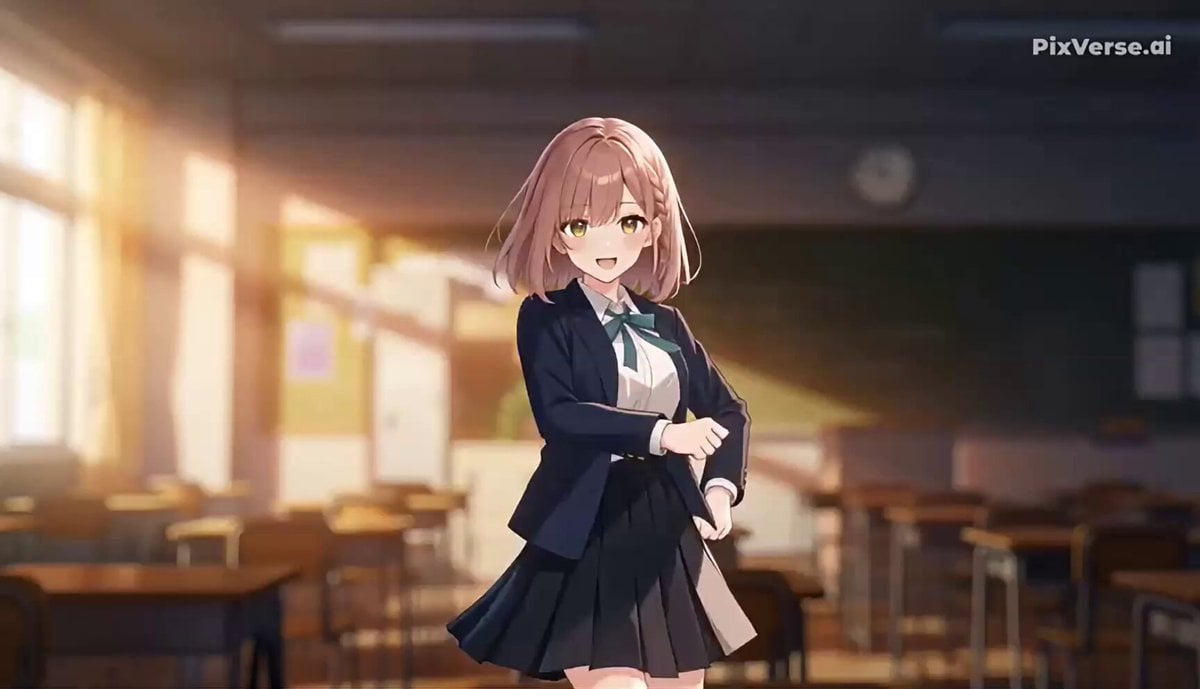
J-Pop Idol Classroom Dance Sequence
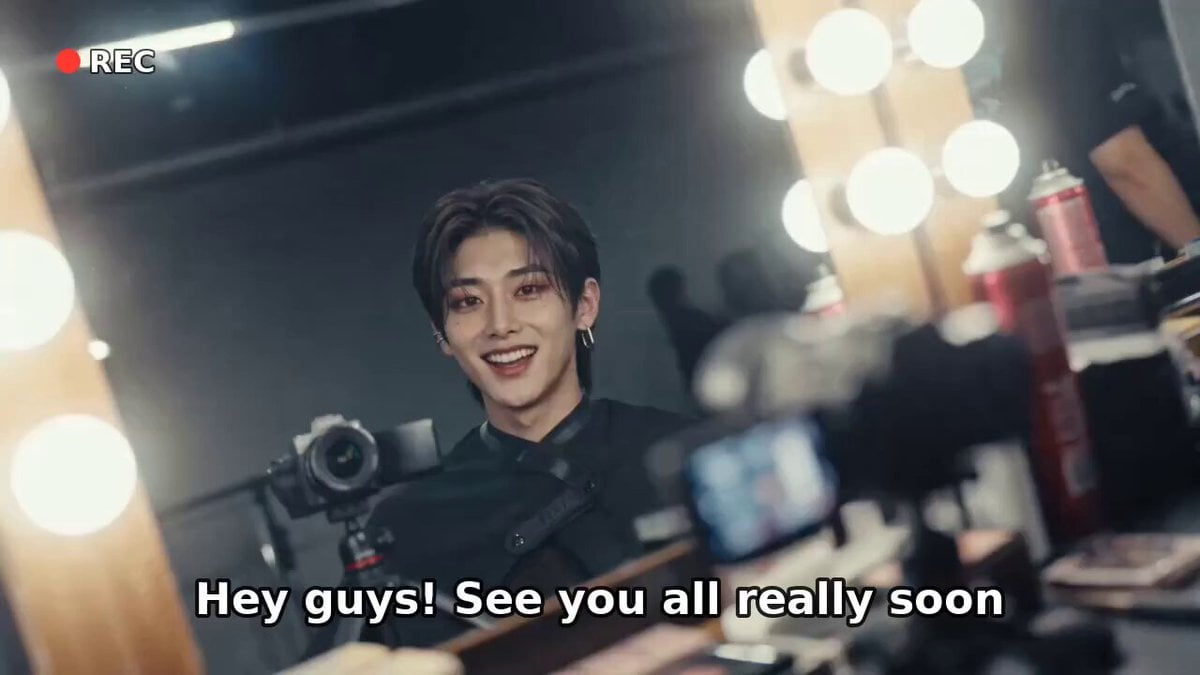
K-Pop Male Idol Backstage Vlog
Cinematic Anime Cyborg Running Scene
Seedance 2.0 Kawaii Idol Dance Animation
Make it yours
Kawaii Hyper-Pop Anime MV works as-is. These are the safest ways to change it without losing the look.
Change one field
Copy a single group, rewrite it, and generate again so you can see what that field is doing.
Keep the frame, change the subject
Hold the composition and light of Kawaii Hyper-Pop Anime MV, then swap wardrobe, props or the person for a new take.
| If the result… | Why | Fix |
|---|---|---|
| The result drifts from the preview | Too many fields changed at once. | Reuse Kawaii Hyper-Pop Anime MV as-is first, then change one group — subject, light, or setting. |
| The model over-stylizes the scene | The prose prompt leaves finish and camera underspecified. | Add one camera or lighting sentence and stay on Seedance 2.0. |
More Seedance 2.0 templates
Other prompts made for Seedance 2.0.

Comical Martial Arts Punch Scene

Maglev Train Action Sequence

Martial Arts Fight Sequence

Wuxia Protection and Trust Script

Vintage Korean Arcade MiniDV Vlog

Mercedes 190 SL Luxury Ad

Rainy Night Supernatural Reverse Comedy Video Script

Amazon Civilization Discovery

Futuristic South Asian City Transformation

Cozy Luxury Cafe Commercial
More video prompts
Fresh picks from across the catalog.

King-size canopy bed made of flexible, luminous crystal
Martial Arts Tournament Scene with Image Inputs
Character Replacement Video Transformation

Chibi Boxing Match with Anime Action Style
Photorealistic Kaiju Disaster Film
Biotech Alien Suit Metamorphosis
Man Laughing Inside Vintage TV
Video Prompt for Pepe Frog Grok Meme Token Robot
Degree Camera Rotation
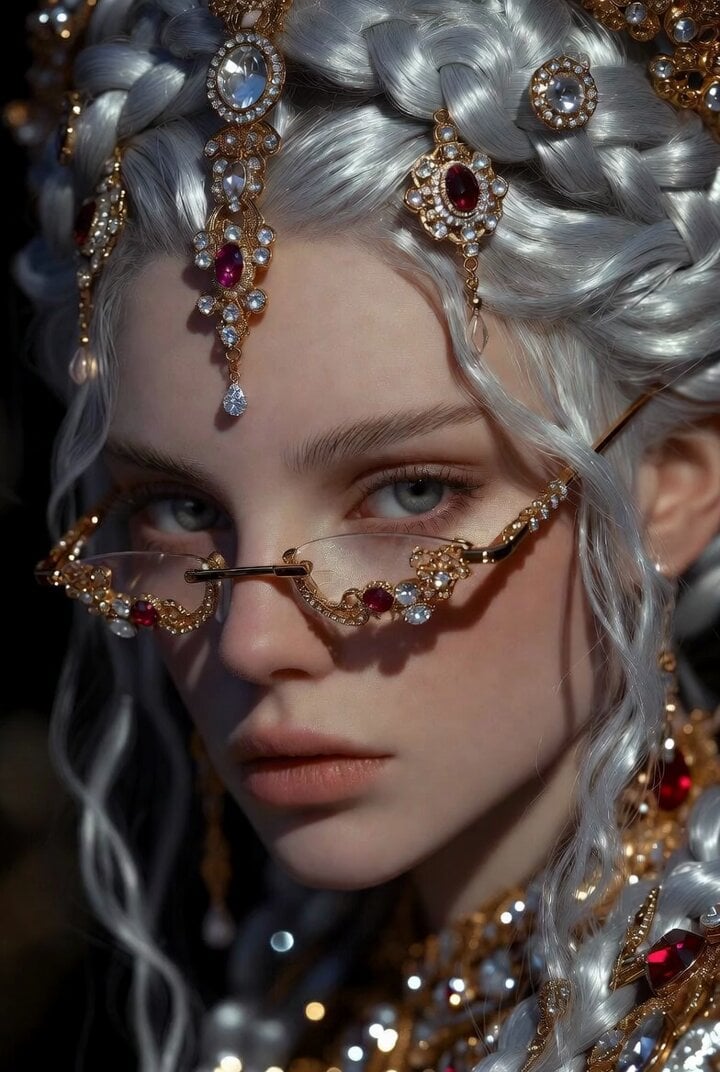
Dramatic Fantasy Portrait of a Young Woman
Browse template categories
Kawaii Hyper-Pop Anime MV questions
How do I use the Kawaii Hyper-Pop Anime MV template?
Add your photo if the template asks for one, edit the prompt if you like — the template's model and format are already selected — and press Generate. Your version opens in PicX Studio.
Can I customize the Kawaii Hyper-Pop Anime MV template?
Yes. You can change the subject, setting, lighting, mood, format, and available model controls before creating your video.
Is the Kawaii Hyper-Pop Anime MV template free?
Opening and editing this template is free. Generating uses credits, shown on the Generate button when you are signed in.
Which AI model should I use?
Start with Seedance 2.0, which is the model associated with this template. You can compare another compatible model for a different finish.
Looking for something else? Browse all templates.

Your photo, any look
Thousands of ready templates for every top image and video model, from one credit balance.