
Phoebe Chibi Expressive Animation Sequence
A multi-scene character animation prompt featuring a persistent chibi girl in various daily life settings.
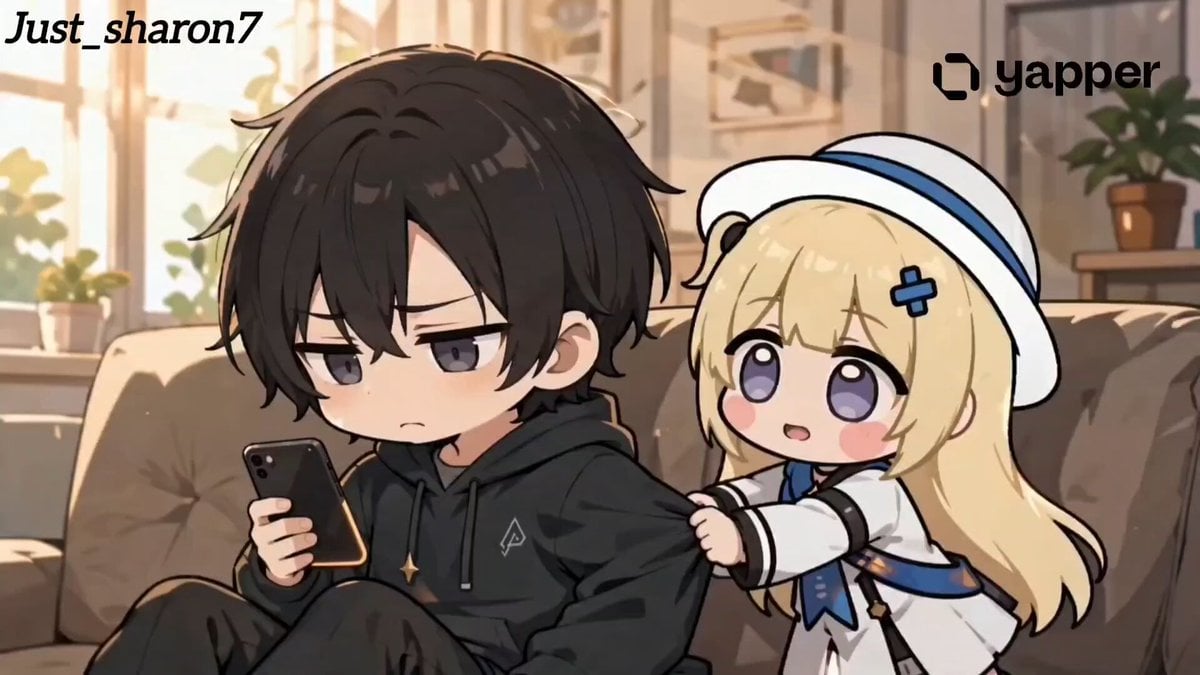
- Prompt included
- Model and format preset
- Free template
The prompt behind this video
Copy the exact prompt behind Phoebe Chibi Expressive Animation Sequence, or open it in the studio and make it yours.
A highly expressive anime chibi-style cinematic video featuring a cute chibi girl Phoebe (oversized sparkling eyes, soft pastel hair, pouty cheeks) constantly insisting someone to play with her, while the other person is visibly annoyed, tired, or frustrated. Strong contrast between her playful energy and their reactions. Ultra-detailed, smooth animation, 4k, soft shading, expressive faces, dynamic camera. Scene 1 – Phone Scroll Interrupt (Indoor, cozy) Phoebe repeatedly tugs on sleeve while person scrolls phone, annoyed expression. Phoebe: “Come onnn, play with me!” Person: “Phoebe… not now 😑” Camera: close-up → slight zoom shake Scene 2 – Work Desk (Stress) Messy desk, laptop open, person working. Phoebe pulling arm. Phoebe: “You promiseddd!” Person: “I have work 😩” Transition: quick whip pan Scene 3 – Gaming Scene (Neon lighting) Controller in hand, intense moment. Phoebe interrupts. Phoebe: “Just one game with me!” Person: “I’m IN a game 😤” Screen glow lighting, fast cuts Scene 4 – Sleep Disturbance (Morning light) Person half asleep, Phoebe shaking them. Phoebe: “Wake uppp, let’s play!” Person: “It’s 7 AM… please 😭” Soft light + slow zoom Scene 5 – Study Scene (Quiet tension) Books open, serious mood. Phoebe leaning and pulling sleeve. Phoebe: “Studying is boringgg!” Person: “Exactly why I need to do it 😑” Subtle camera tilt Scene 6 – Headphones Ignore (Modern casual) Person wearing headphones ignoring her. Phoebe: “Helloooo?? I’m talking to you!” Person (muttering): “I can’t hear you 🙃” Audio muffled effect Scene 7 – Kitchen Chaos (Warm lighting) Cooking scene, steam rising. Phoebe pulling from behind. Phoebe: “Play first, cook later!” Person: “This will burn 😭” Quick chaotic camera movement Scene 8 – Drawing Interrupt (Soft aesthetic) Person sketching peacefully. Phoebe leans in. Phoebe: “Draw me instead!” Person: “Phoebe please—” Soft blur background Scene 9 – Public Scene (Awkward ending) Quiet public place, people around. Phoebe loudly pulling sleeve. Phoebe: “I’m boreddd!!” Person (whispering): “Stop making a scene 😬” Camera zoom out, people staring Ending Shot: Phoebe still pulling sleeve nonstop → person gives up and sighs deeply. Person: “Fine… let’s play.” Phoebe instantly happy, sparkling eyes. Freeze frame + soft glow Style Keywords: anime chibi, ultra expressive faces, exaggerated emotions, cinematic lighting, smooth animation, soft shading, vibrant colors, meme energy, high detail, 4k, dynamic camera, emotional contrast
How to use Phoebe Chibi Expressive Animation Sequence in 3 steps
- 1
Open
The prompt is already in the box next to the preview, with the template's model and format selected.
- 2…a portrait of your subject in softgolden-hour light, 85mm…
Personalize
Edit the subject and creative details for your destination.
- 3Generate
Generate
Press Generate — your video is created in PicX Studio, so you can compare it with the original and refine one variable at a time.
More like this
Templates with the same subject, style or setup. Open one to see its prompt.
Dim Sum Chase — Shrimp Dumpling Monster
Phoebe Chibi Hybrid Animation
3D Glossy Fairy Animation - Seedance 2.5
Silk Road Pomegranate Folk Animation
Multilingual Creative Typography Loop
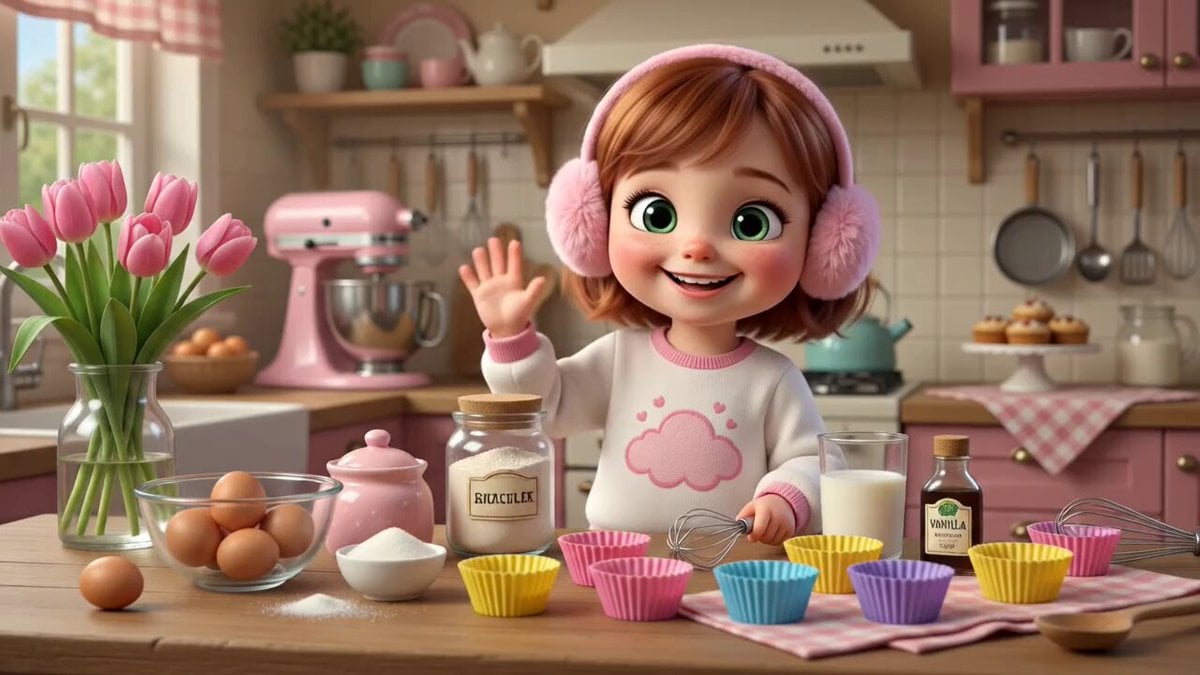
3D Bakery Animation Sequence
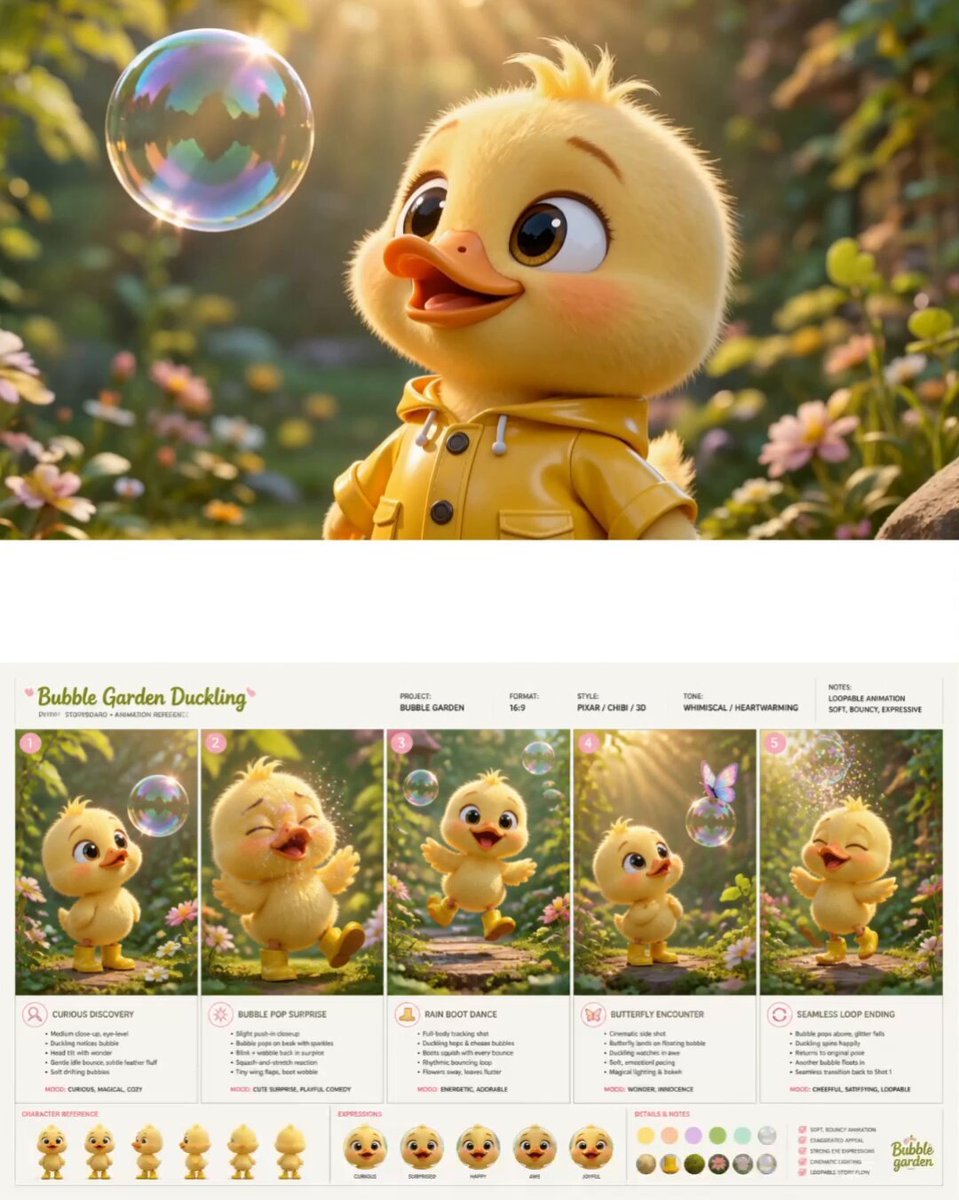
Pixar Style Chibi Duckling Garden Animation

Walking Factory with Rebel on Hoverbike - Wasteland
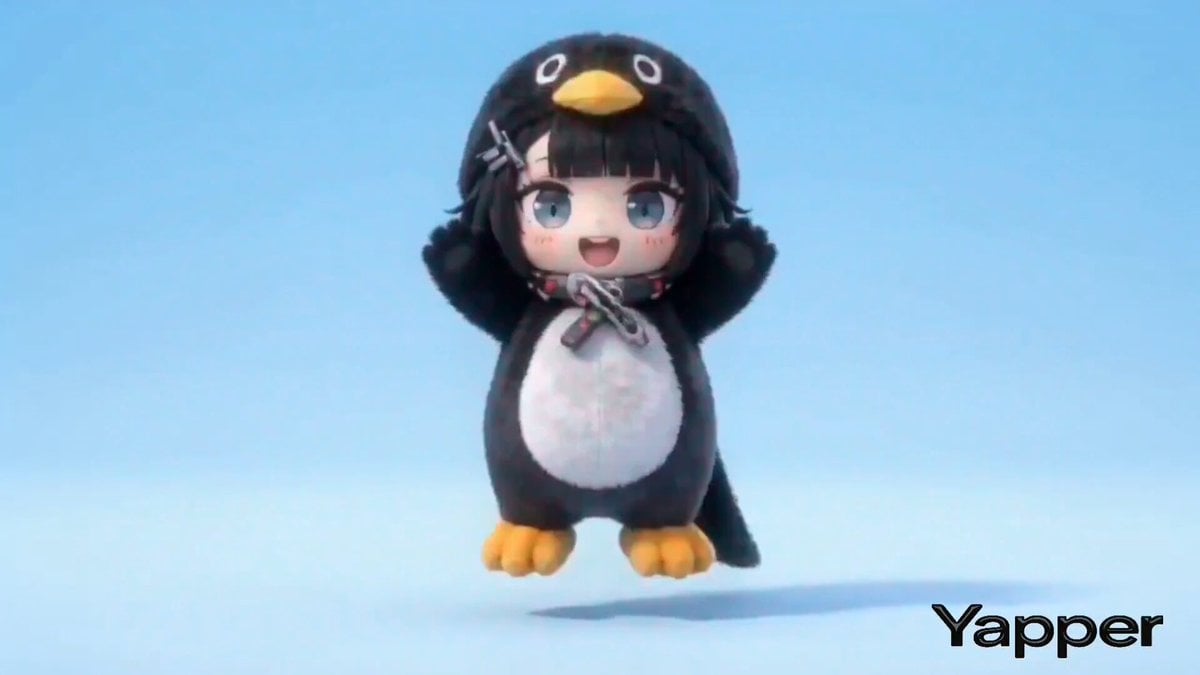
Structured Chibi Character Animation Prompt
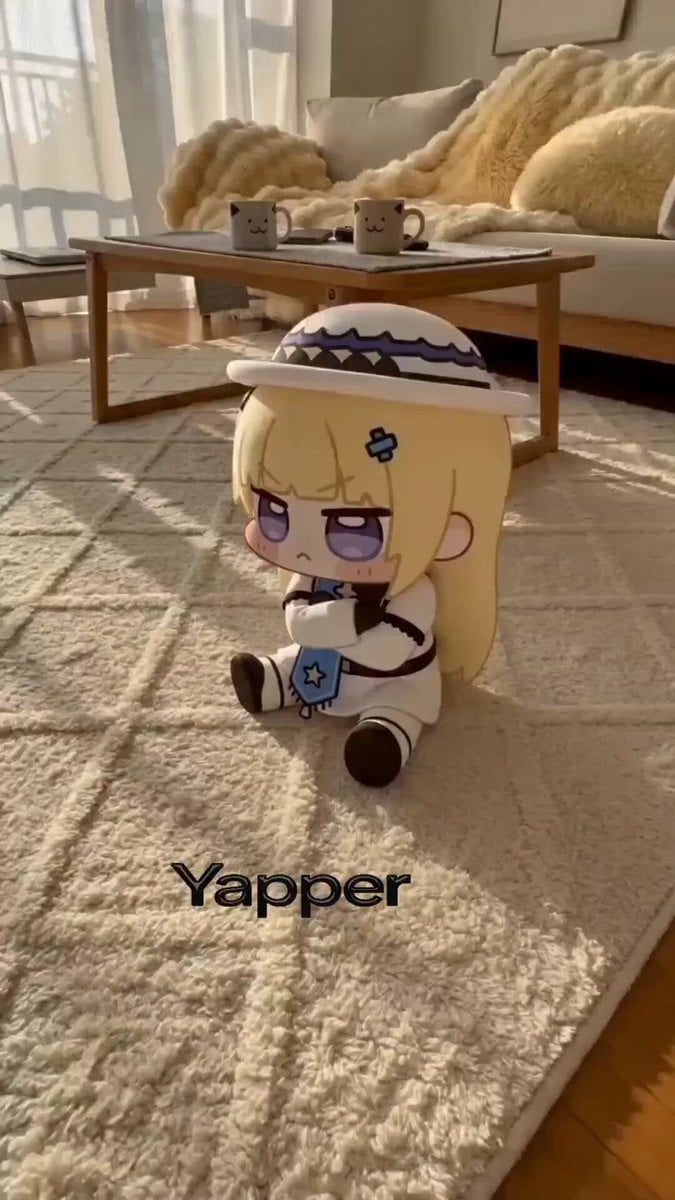
Chibi Phoebe Close-up Portrait with Baby-Talk

Gugu Gaga Chibi Animation by the Lake
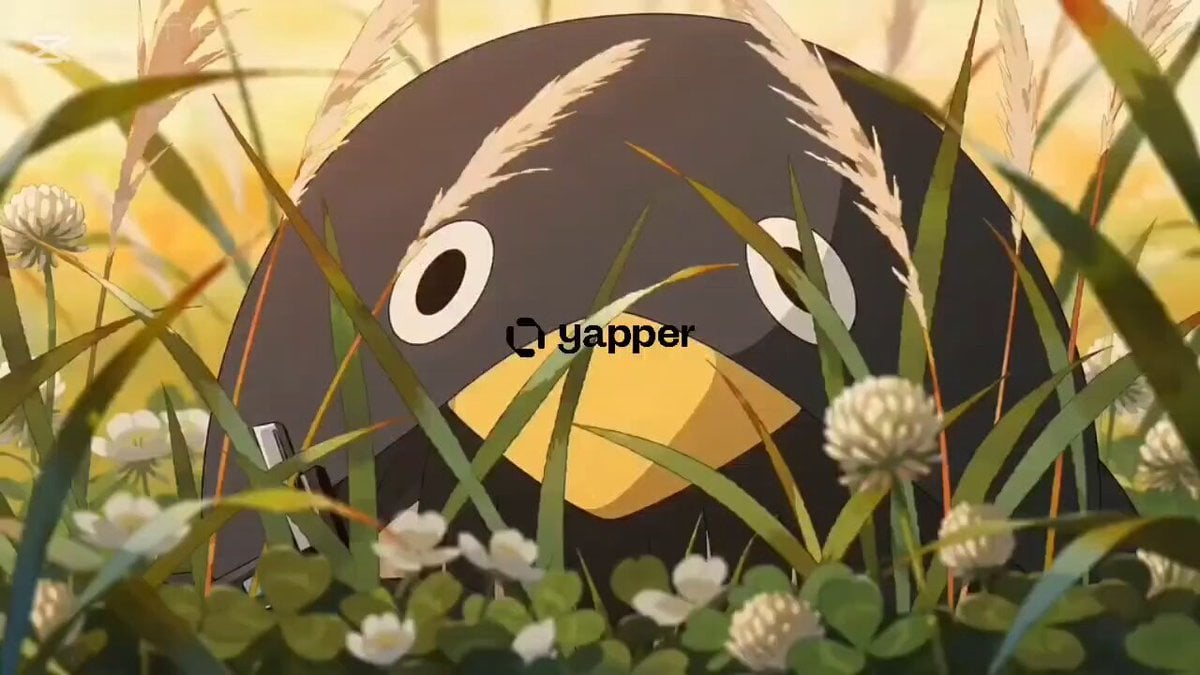
Kawaii Chibi Animation of Gugugaga and Doro
Make it yours
Phoebe Chibi Expressive Animation Sequence works as-is. These are the safest ways to change it without losing the look.
Change one field
Copy a single group, rewrite it, and generate again so you can see what that field is doing.
Keep the frame, change the subject
Hold the composition and light of Phoebe Chibi Expressive Animation Sequence, then swap wardrobe, props or the person for a new take.
| If the result… | Why | Fix |
|---|---|---|
| The result drifts from the preview | Too many fields changed at once. | Reuse Phoebe Chibi Expressive Animation Sequence as-is first, then change one group — subject, light, or setting. |
| The model over-stylizes the scene | The prose prompt leaves finish and camera underspecified. | Add one camera or lighting sentence and stay on Seedance 2.0. |
More Seedance 2.0 templates
Other prompts made for Seedance 2.0.

Comical Martial Arts Punch Scene

Wuxia Protection and Trust Script

Vintage Korean Arcade MiniDV Vlog

Mercedes 190 SL Luxury Ad

Rainy Night Supernatural Reverse Comedy Video Script

Amazon Civilization Discovery

Futuristic South Asian City Transformation

Cozy Luxury Cafe Commercial

Cyber Ronin Nanotech Transformation Video
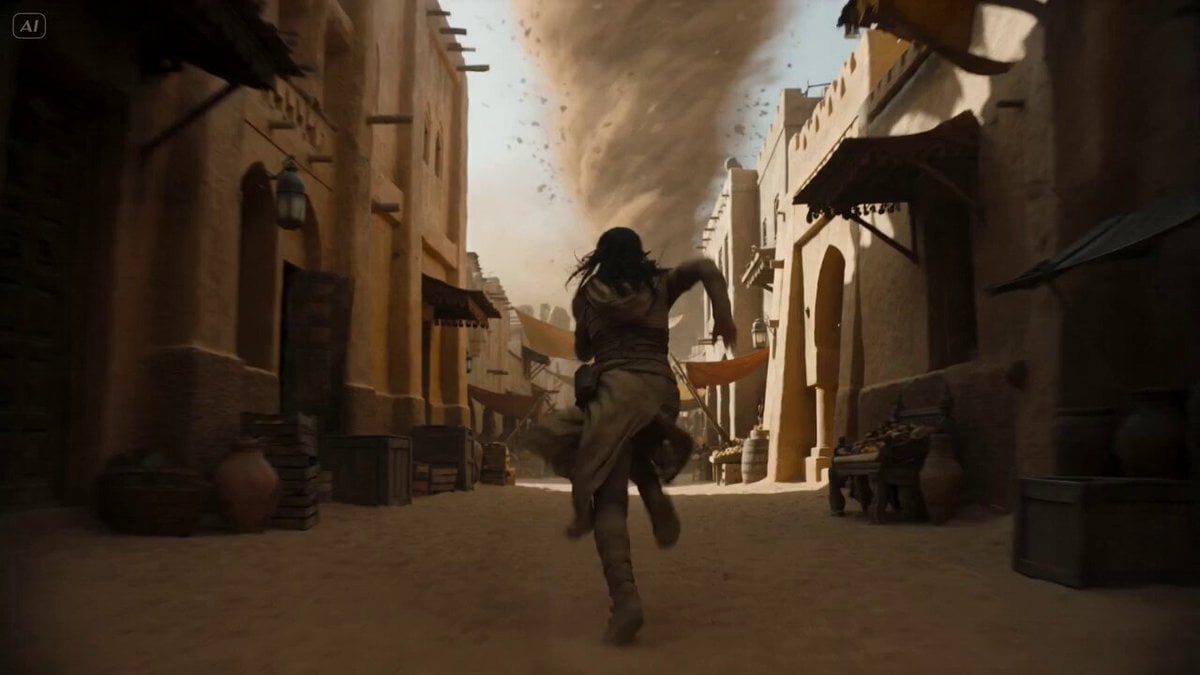
Desert Courier and Sandstorm Leviathan Chase
More video prompts
Fresh picks from across the catalog.
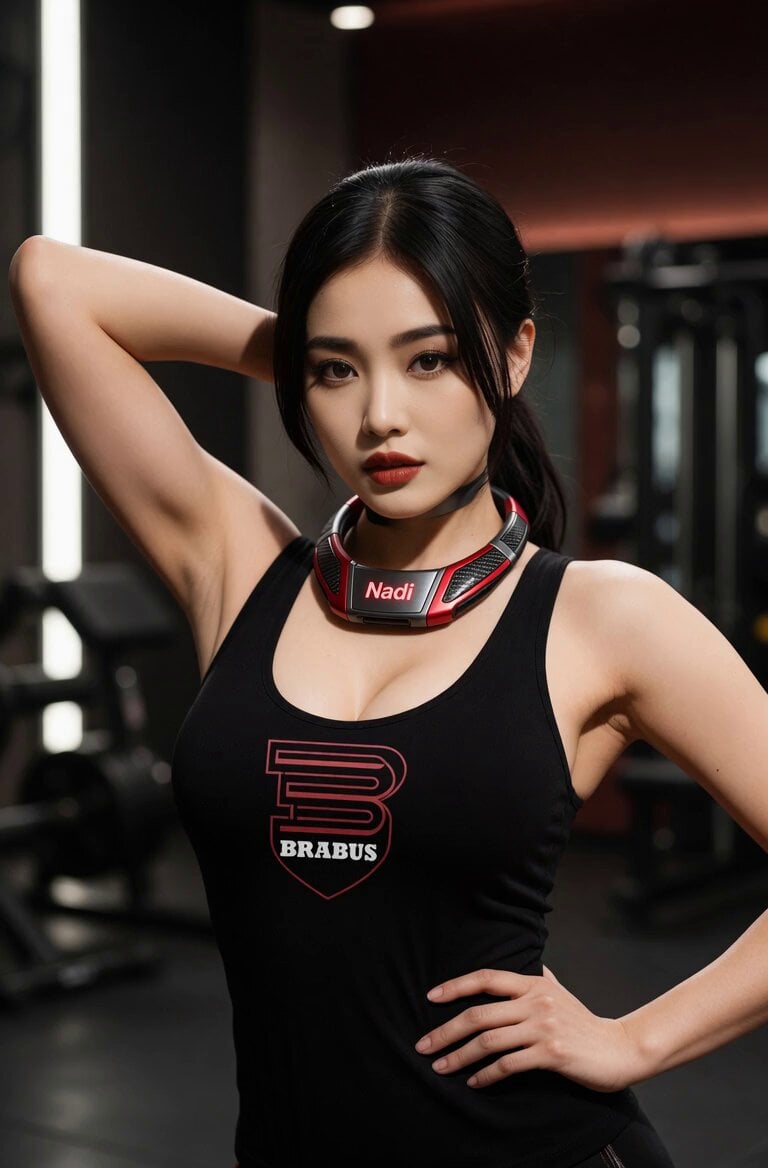
Confident Gym Wearable Tech Portrait
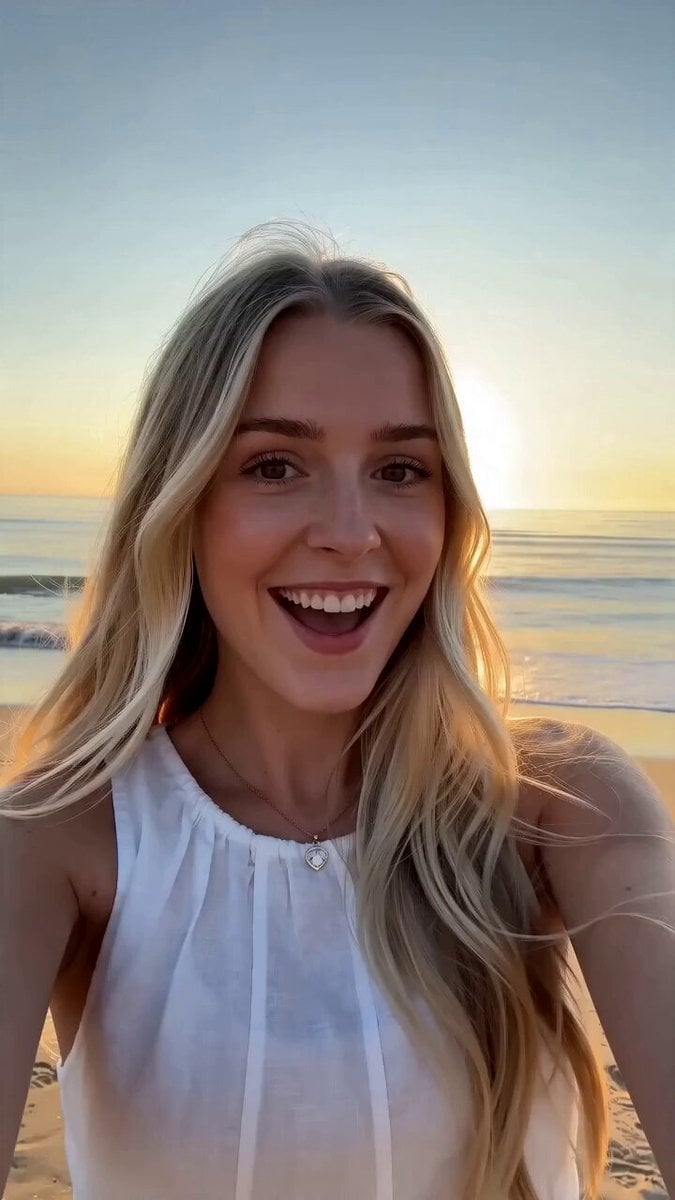
First-Person Beach Family Travel Vlog
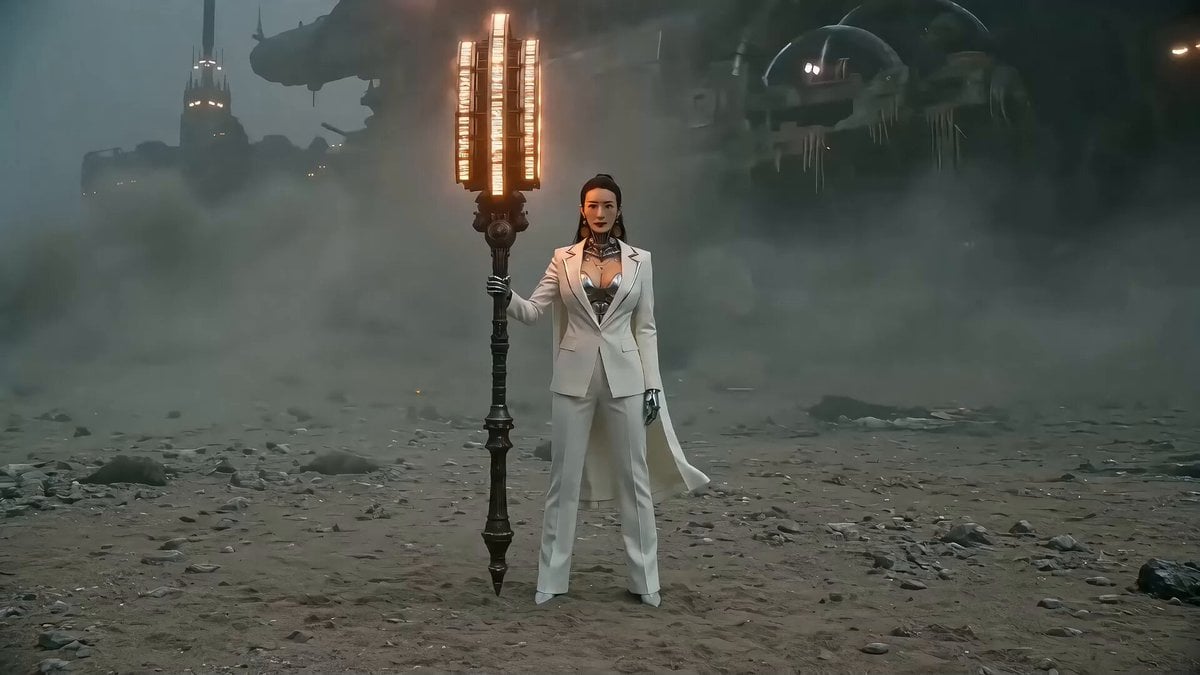
Seedance 2.0 Prompt: Gothic Mech Battle on a Desolate Beach
Second Coffee CM: Japan to Italy Trip
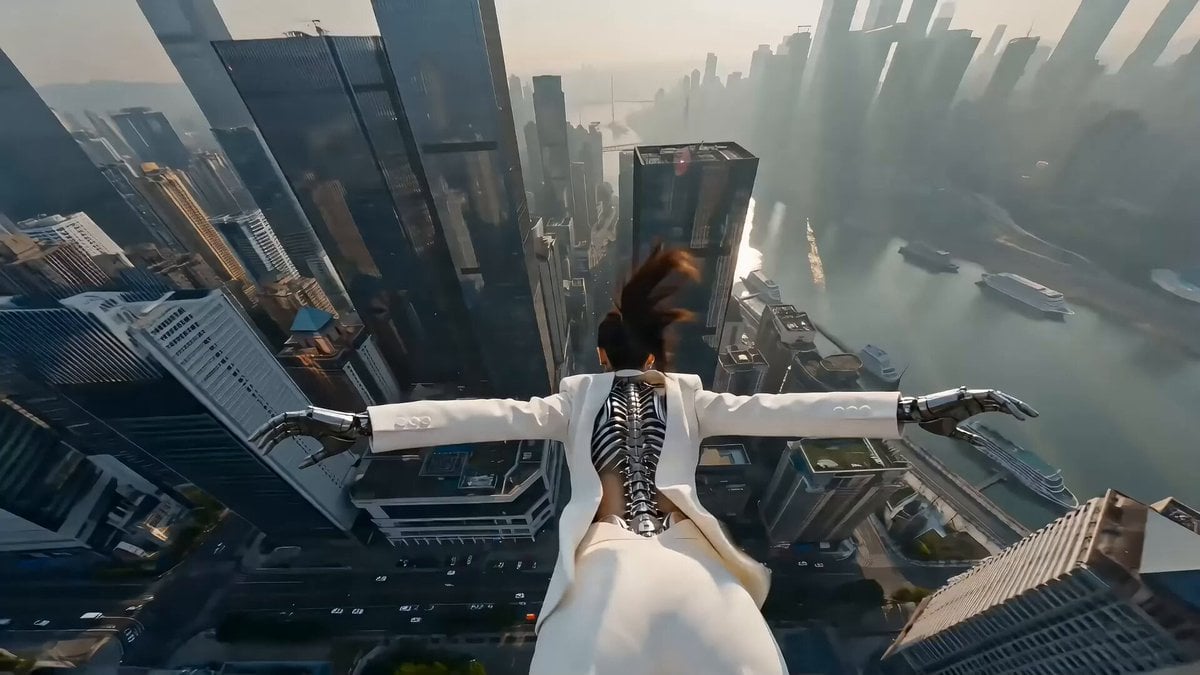
Cyberpunk Action Scene: Freefall and Car Interception Prompt (Chapter 2)
Cinematic Warrior and Dragon Spirit Prompt

Nighttime Dock Silhouette Video Edit
Ocean Trench to Surface Transition

Intricate Fantasy Woman Profile and Cityscape
Photorealistic Concert Scene Generation
Browse template categories
Phoebe Chibi Expressive Animation Sequence questions
How do I use the Phoebe Chibi Expressive Animation Sequence template?
Add your photo if the template asks for one, edit the prompt if you like — the template's model and format are already selected — and press Generate. Your version opens in PicX Studio.
Can I customize the Phoebe Chibi Expressive Animation Sequence template?
Yes. You can change the subject, setting, lighting, mood, format, and available model controls before creating your video.
Is the Phoebe Chibi Expressive Animation Sequence template free?
Opening and editing this template is free. Generating uses credits, shown on the Generate button when you are signed in.
Which AI model should I use?
Start with Seedance 2.0, which is the model associated with this template. You can compare another compatible model for a different finish.
Looking for something else? Browse all templates.

Your photo, any look
Thousands of ready templates for every top image and video model, from one credit balance.