
Second Coffee CM: Japan to Italy Trip
An elaborate commercial prompt for a 15-second canned coffee advertisement.
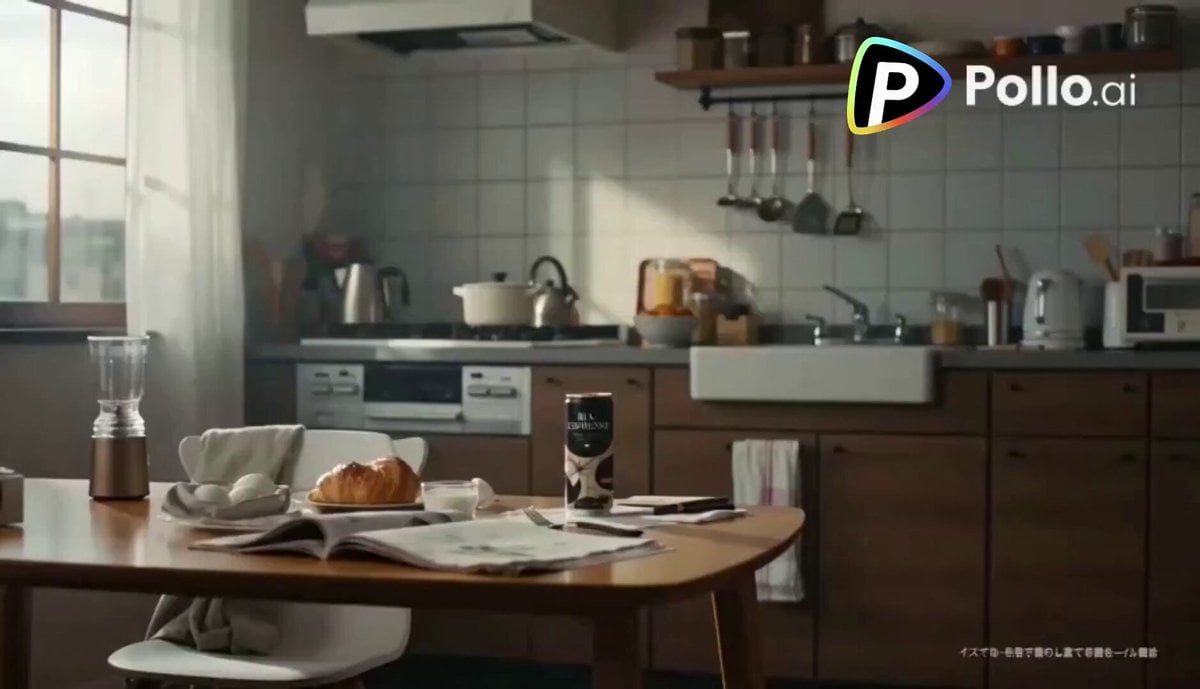
- Prompt included
- Model and format preset
- Free template
The prompt behind this video
Copy the exact prompt behind Second Coffee CM: Japan to Italy Trip, or open it in the studio and make it yours.
超リアリスティックな実写CM、15秒、16:9、480p、シネマティック、高品質、自然な色彩、映画のようなライティング ■全体トーン イタリアのバールのようなおしゃれで明るく活気のある世界観 BGMは軽快で洗練されたイタリア風エスプレッソジャズ(アコーディオン+ピアノ+軽いパーカッション) 朝の爽やかさと幸福感を強調 ■登場人物 日本人女性、25歳、一人暮らし、ナチュラルで可愛らしい、寝起きの少しラフな髪、薄いメイク、部屋着(シンプルで清潔感のある服) ■参照 缶コーヒーの画像 Image 1 (この缶のデザイン・質感を完全に再現すること) ■シーン構成 ①(0〜4秒) 日本の1Kの部屋の朝 柔らかい朝日が差し込む小さなキッチン 少し生活感のあるテーブルの上に缶コーヒー(参照画像と同じ) 女性が眠そうに起きてきて、自然な動作で缶コーヒーを手に取る カメラはゆっくりと寄り(ドリーイン)、シネマティック ②(4〜7秒) 女性が缶コーヒーをプシュッと開ける瞬間をスローモーションで美しく強調 炭酸ではないが、開封の瞬間に香りの蒸気のような演出 音:開封音を気持ちよく強調 ③(7〜13秒)★メインシーン(長め・華やか) 開けた瞬間、空間がシームレスに変化 日本のキッチンが、光に包まれながらイタリアの華やかなバールへ変わる ・石畳 ・カラフルな建物 ・エスプレッソマシン ・パンやスイーツが並ぶショーケース ・活気ある人々(笑顔・会話) ・暖かく明るい太陽光 カメラはスムーズなワンカットで空間変化を追う(トランジションは魔法のように自然) 女性は驚き→すぐに嬉しそうな表情に変わる 女性が缶コーヒーを一口飲む →本当に美味しそうに、自然で可愛い笑顔 →少し目を細めて幸せそうなリアクション スローモーションと通常速度を組み合わせ、幸福感を強調 光はゴールデンで柔らかく、美しく ④(13〜15秒) 缶コーヒーが空中に浮かび、ゆっくり回転(高級感あるプロダクトショット) 缶の正面ラベルが常にカメラに向くよう制御 美しい反射、ライティング、ハイライト 背景はややボケたイタリアの街並み ■ナレーション(若い女性の声、明るく軽やか) 「開けたら、イタリア♪ ビア エスプレッソ」 ■追加指定 ・実写クオリティを最優先(CG感を排除) ・肌、光、影、反射すべてリアル ・カメラワークは滑らかで映画的 ・被写界深度を適切に使用 ・色は暖かく食欲と幸福感を引き出す ・全体に“香りが伝わるような映像表現”
How to use Second Coffee CM: Japan to Italy Trip in 3 steps
- 1Upload ImagePNG, JPG or paste
Add your photo
Upload the photo the template builds on. The prompt, model and format are already set.
- 2…a portrait of your subject in softgolden-hour light, 85mm…
Personalize
Edit the subject and creative details for your destination.
- 3Generate
Generate
Press Generate — your video is created in PicX Studio, so you can compare it with the original and refine one variable at a time.
More like this
Templates with the same subject, style or setup. Open one to see its prompt.

Mediterranean Coffee Run Vlog - Seedance 2.5
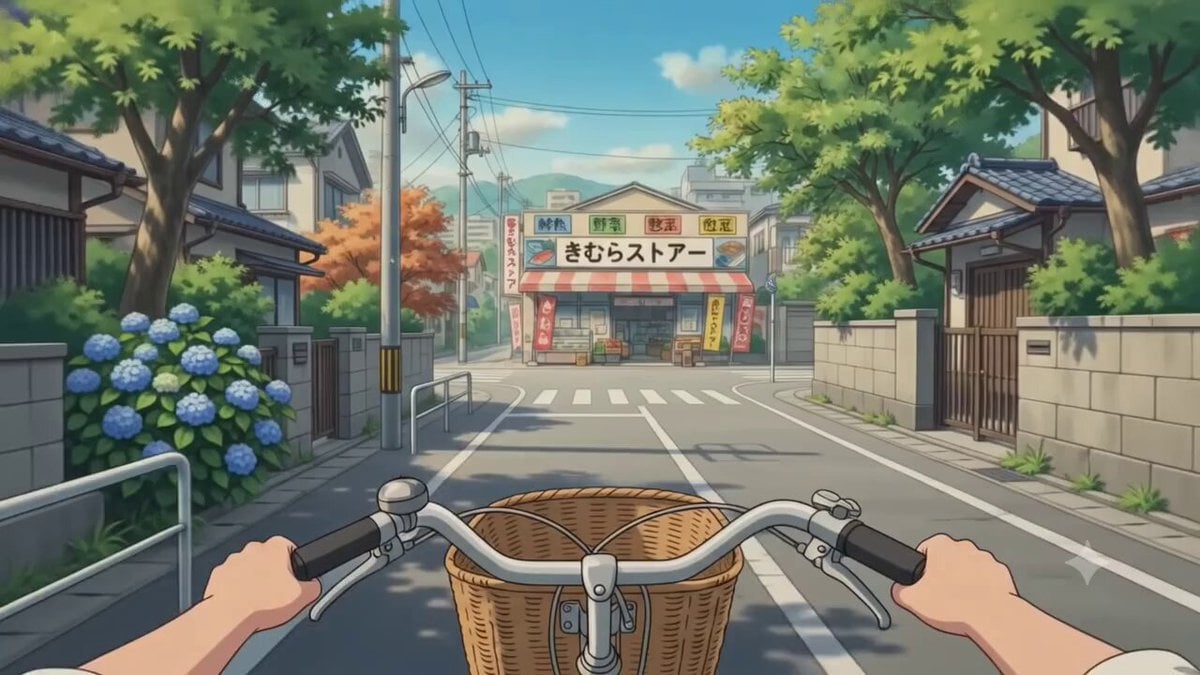
POV Japanese Residential Neighborhood Bike Trip

Capsule Coffee Machine Tutorial
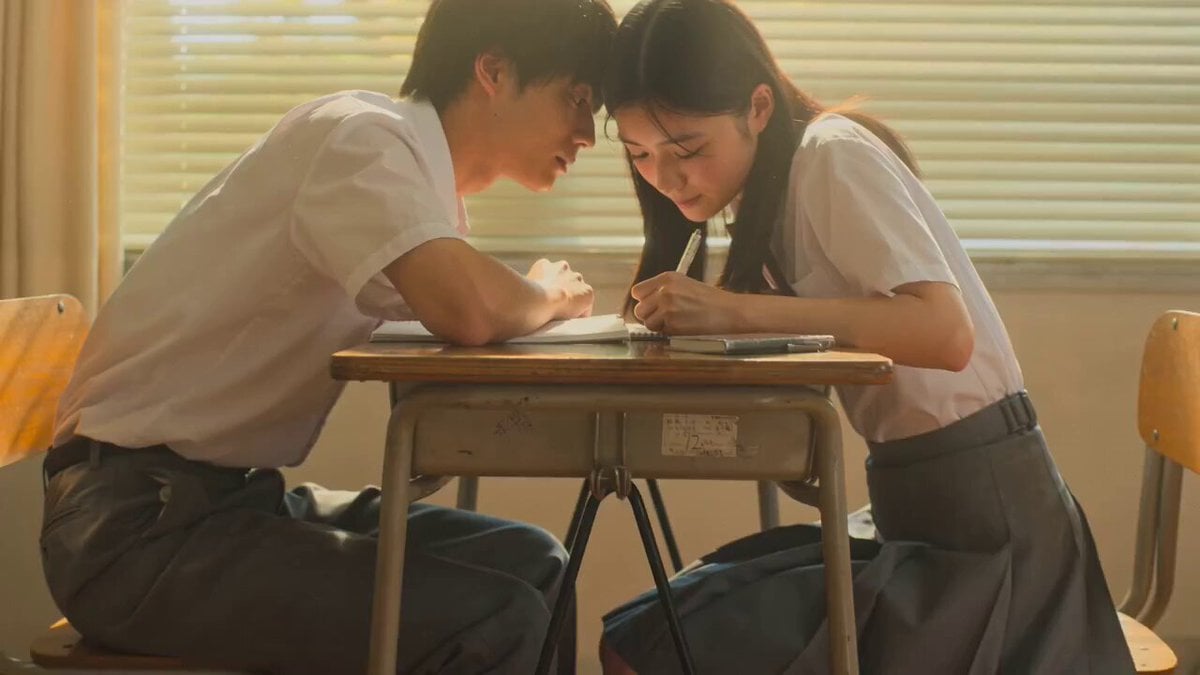
Seedance 2.0: 15-Second Cinematic Japanese Romance Short Film
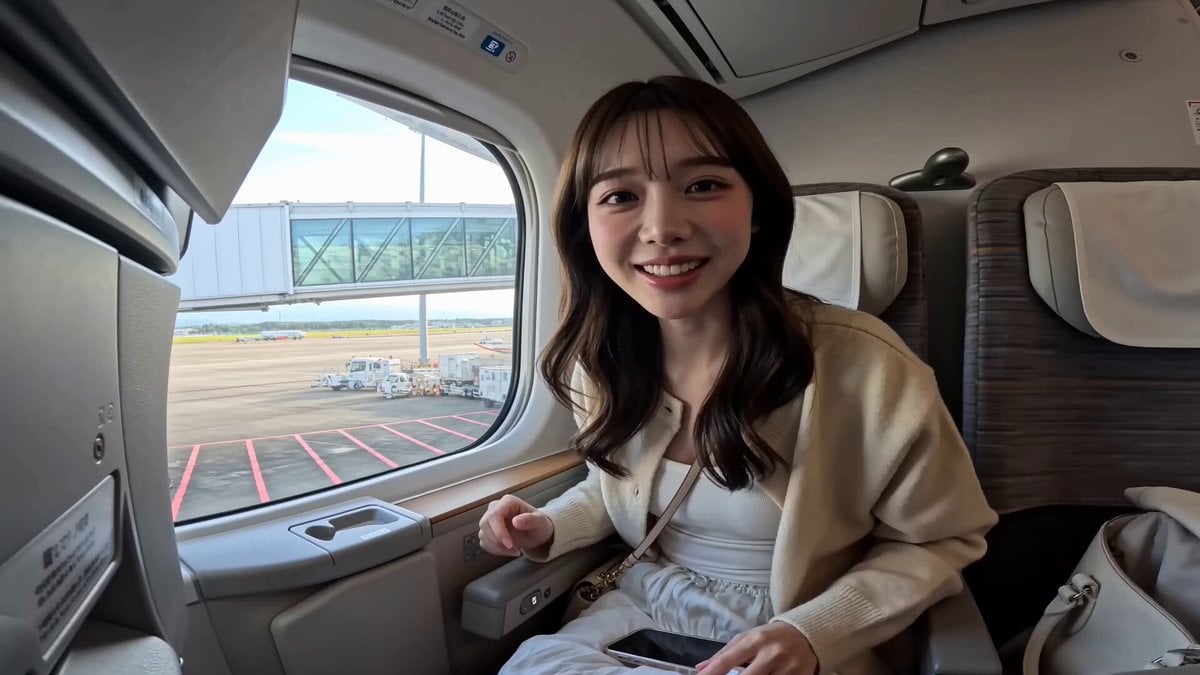
Japanese Airplane Travel Vlog
Japan Travel Vlog Golden Hour
Animated Comedy Coffee Mugs
Japan Street Musician Vlog
Vintage Japanese MiniDV Travel Memory
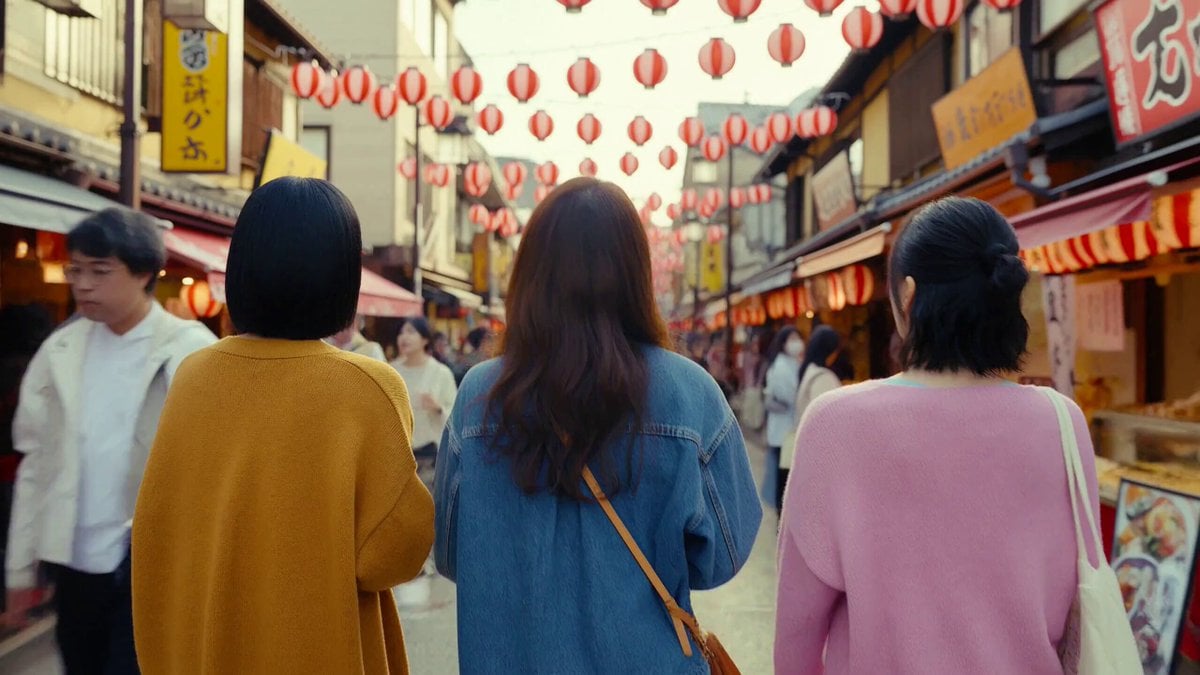
Japanese Market Travel Vlog
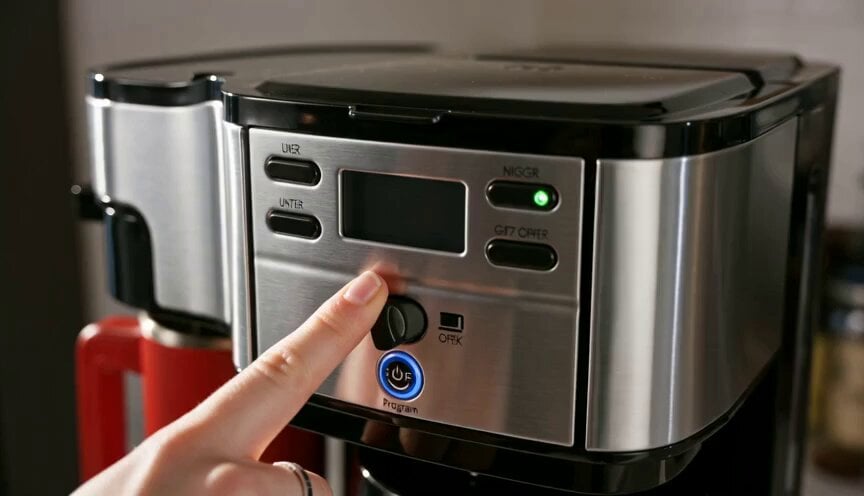
Premium Coffee Maker UGC Ad
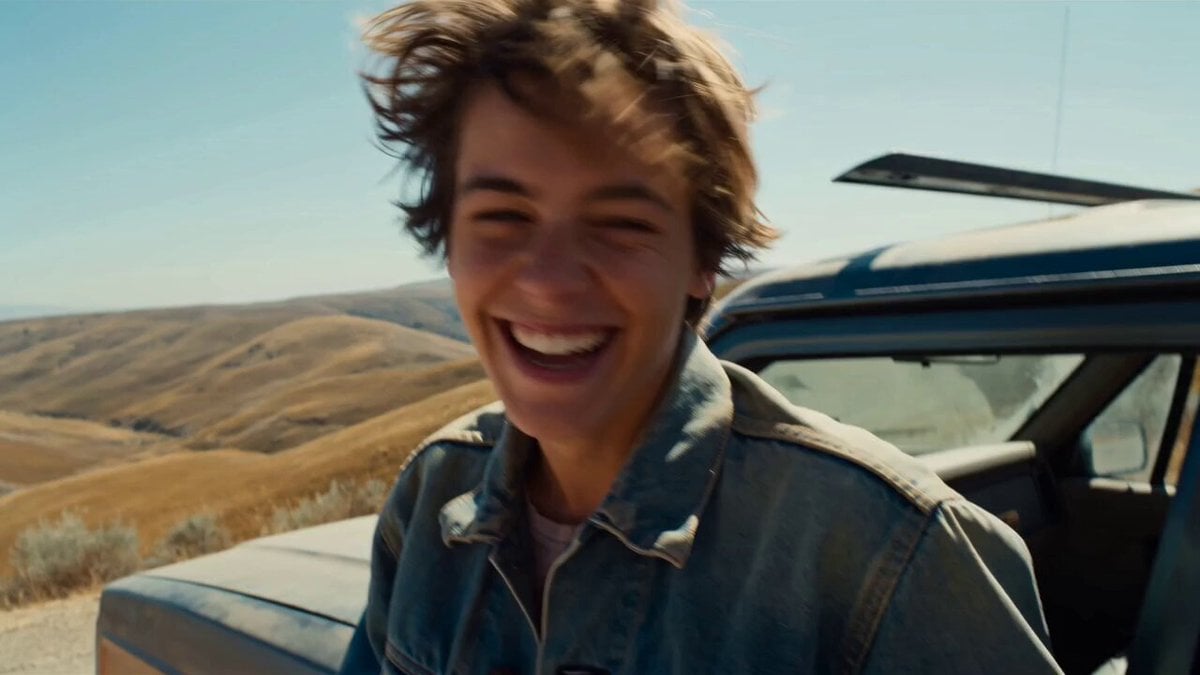
Smartphone Road Trip Vlog Montage
Make it yours
Second Coffee CM: Japan to Italy Trip works as-is. These are the safest ways to change it without losing the look.
Change one field
Copy a single group, rewrite it, and generate again so you can see what that field is doing.
Keep the frame, change the subject
Hold the composition and light of 15-Second Coffee CM: Japan to Italy Trip, then swap wardrobe, props or the person for a new take.
| If the result… | Why | Fix |
|---|---|---|
| The result drifts from the preview | Too many fields changed at once. | Reuse 15-Second Coffee CM: Japan to Italy Trip as-is first, then change one group — subject, light, or setting. |
| The model over-stylizes the scene | The prose prompt leaves finish and camera underspecified. | Add one camera or lighting sentence and stay on Seedance 2.0. |
More Seedance 2.0 templates
Other prompts made for Seedance 2.0.

Comical Martial Arts Punch Scene

Maglev Train Action Sequence

Martial Arts Fight Sequence

Wuxia Protection and Trust Script

Vintage Korean Arcade MiniDV Vlog

Mercedes 190 SL Luxury Ad

Rainy Night Supernatural Reverse Comedy Video Script

Amazon Civilization Discovery

Futuristic South Asian City Transformation

Cozy Luxury Cafe Commercial
More video prompts
Fresh picks from across the catalog.
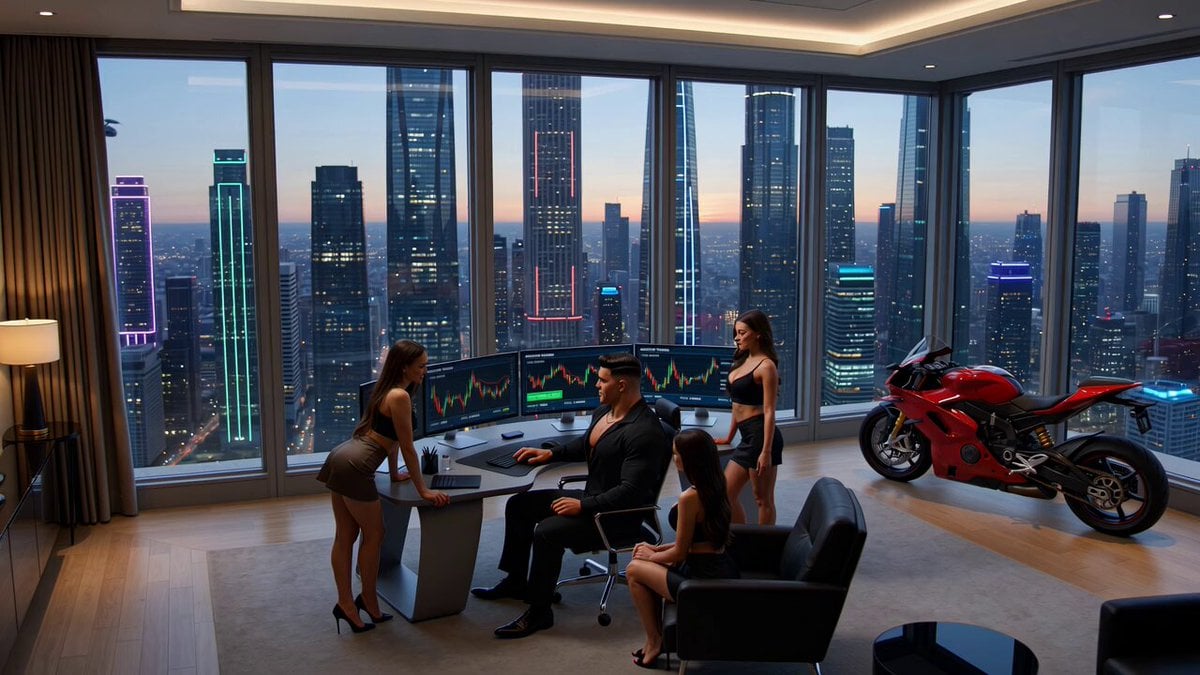
Crypto memecoin degen trading in a cyberpunk high-rise bachelor pad
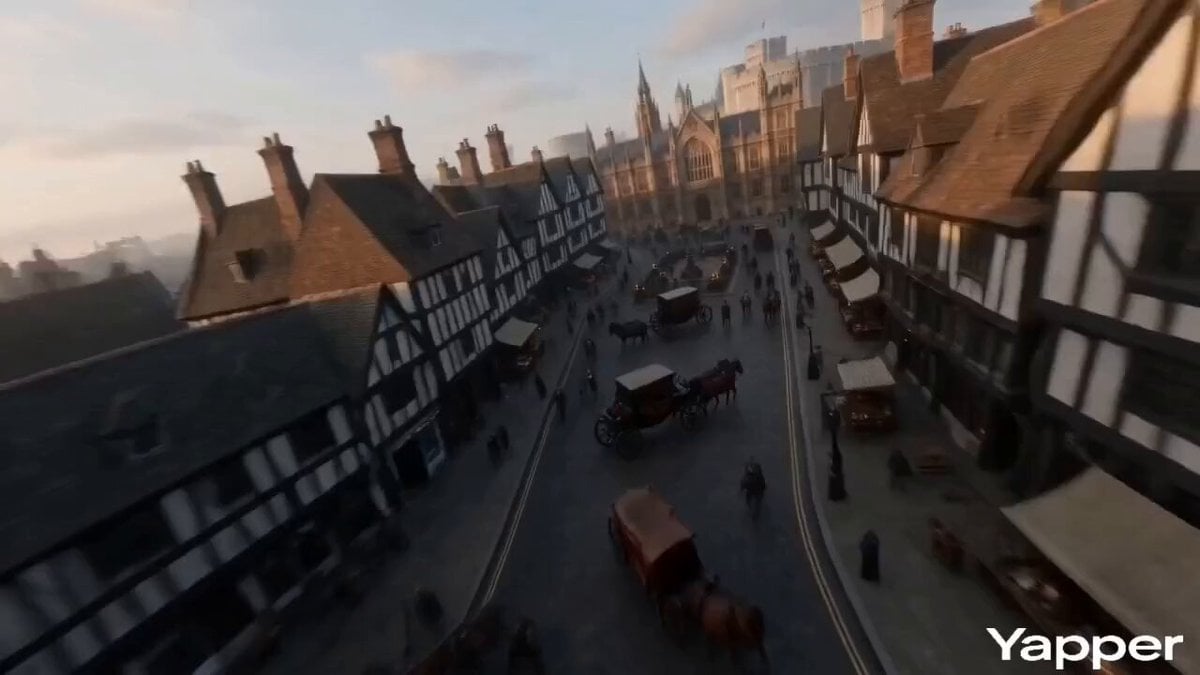
FPV Video of Ancient London
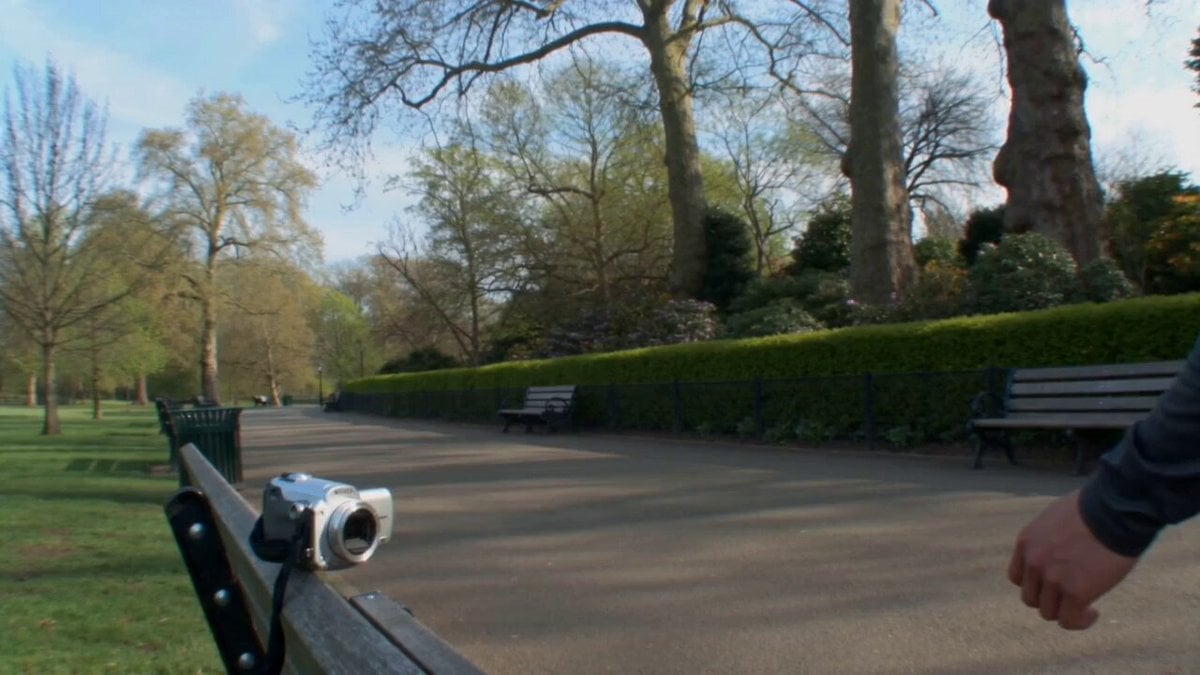
Realistic Korean Man Park Vlog
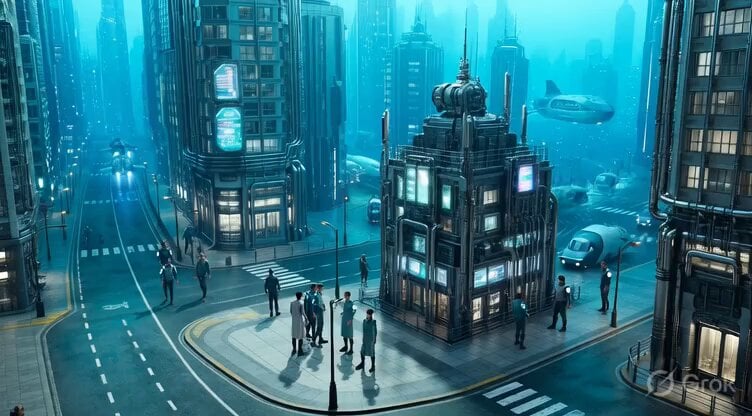
Underwater City Isometric Video Prompt

Tiny Human Ice Cream Interaction
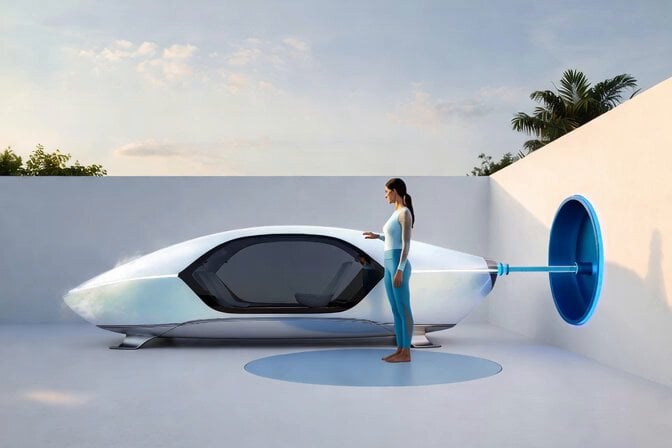
Voice Controlled Water Animation
Samurai Sushi Chef Comedy Hook Prompt
Iridescent Angelic Presence
Late Night Kitchen Phone Recording - Seedance 2.5
Anime Monster Classroom Battle
Browse template categories
Second Coffee CM: Japan to Italy Trip questions
How do I use the 15-Second Coffee CM: Japan to Italy Trip template?
Add your photo if the template asks for one, edit the prompt if you like — the template's model and format are already selected — and press Generate. Your version opens in PicX Studio.
Can I customize the 15-Second Coffee CM: Japan to Italy Trip template?
Yes. You can change the subject, setting, lighting, mood, format, and available model controls before creating your video.
Is the 15-Second Coffee CM: Japan to Italy Trip template free?
Opening and editing this template is free. Generating uses credits, shown on the Generate button when you are signed in.
Which AI model should I use?
Start with Seedance 2.0, which is the model associated with this template. You can compare another compatible model for a different finish.
Looking for something else? Browse all templates.

Your photo, any look
Thousands of ready templates for every top image and video model, from one credit balance.