
Sabbath Rest Heavenly Landscape Video
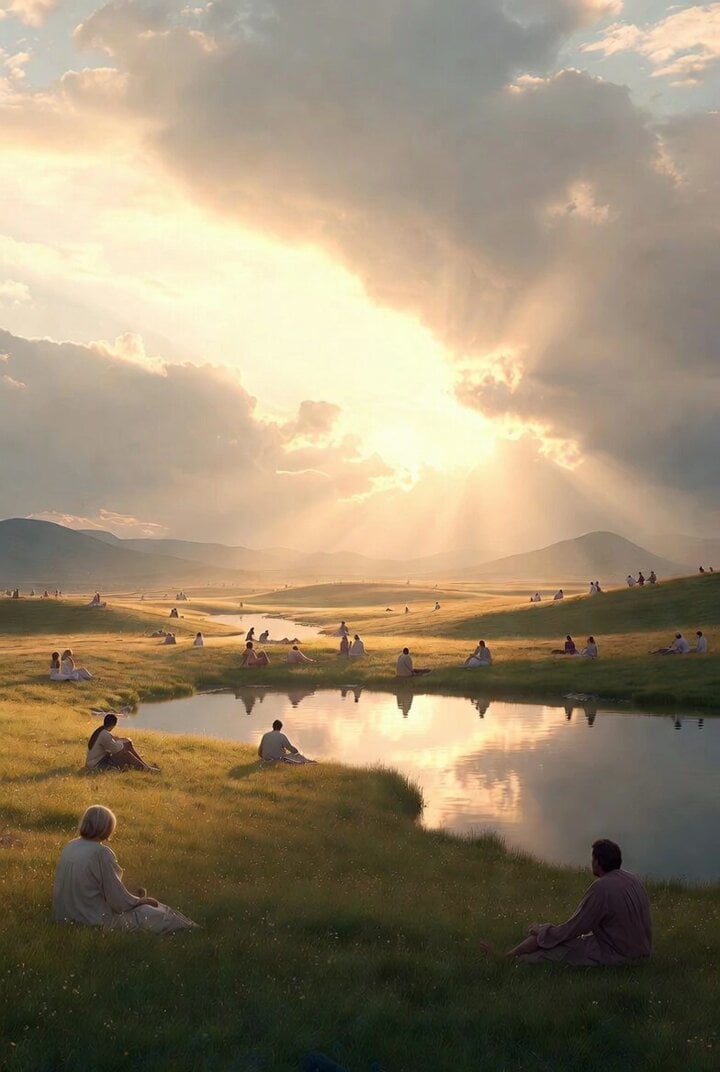
A Grok Imagine video prompt requesting a serene and peaceful heavenly landscape representing the full and complete Sabbath rest for the people of God, featuring tranquil scenery and diverse people resting.
- Prompt included
- Model and format preset
- Free template
The prompt behind this video
Copy the exact prompt behind Sabbath Rest Heavenly Landscape Video, or open it in the studio and make it yours.
A serene and peaceful scene representing the full and complete Sabbath rest for the people of God: a tranquil heavenly landscape with soft golden light, calm rolling meadows, still waters reflecting the sky, people of diverse backgrounds resting
How to use Sabbath Rest Heavenly Landscape Video in 3 steps
- 1
Open
The prompt is already in the box next to the preview, with the template's model and format selected.
- 2…a portrait of your subject in softgolden-hour light, 85mm…
Personalize
Edit the subject and creative details for your destination.
- 3Generate
Generate
Press Generate — your video is created in PicX Studio, so you can compare it with the original and refine one variable at a time.
More like this
Templates with the same subject, style or setup. Open one to see its prompt.
FPV Multilingual Landscape Flight
Winding Forest River Landscape
Heavenly Celestial Whirlpool
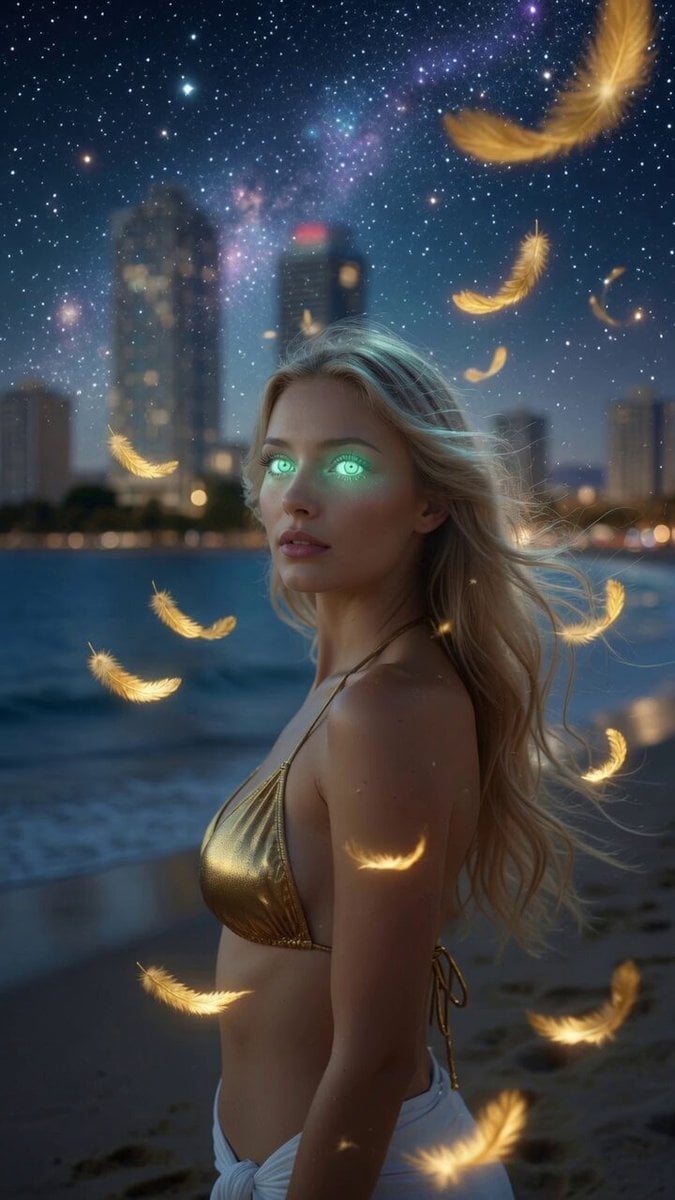
Mystic Ocean Creature Heavenly Visitation

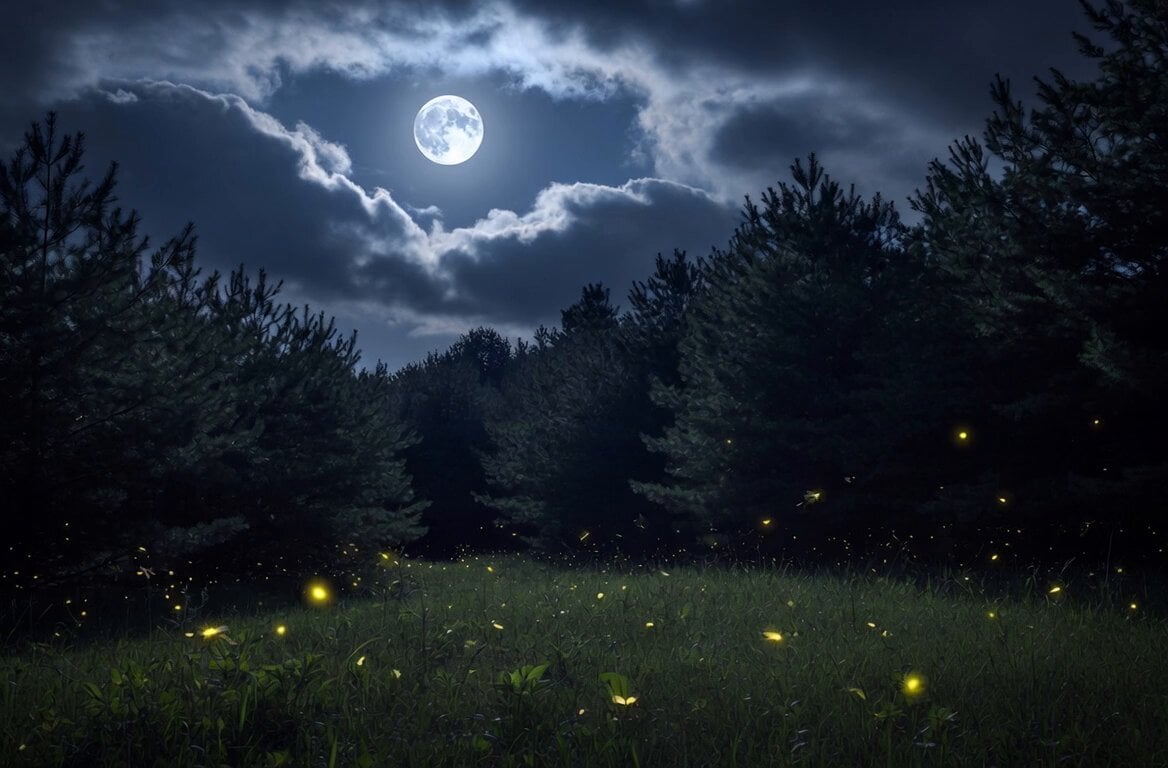
Glowing Water Forest Night Prompt
Night Landscape with Rose Petals
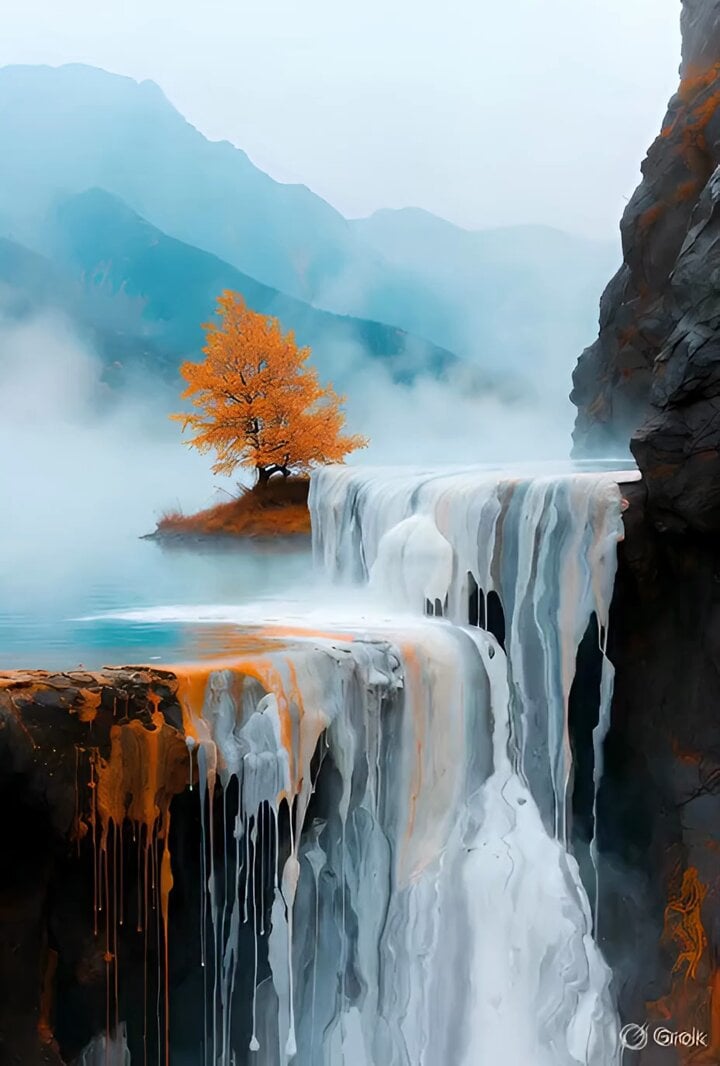
Grok Imagine prompt for a surreal landscape video
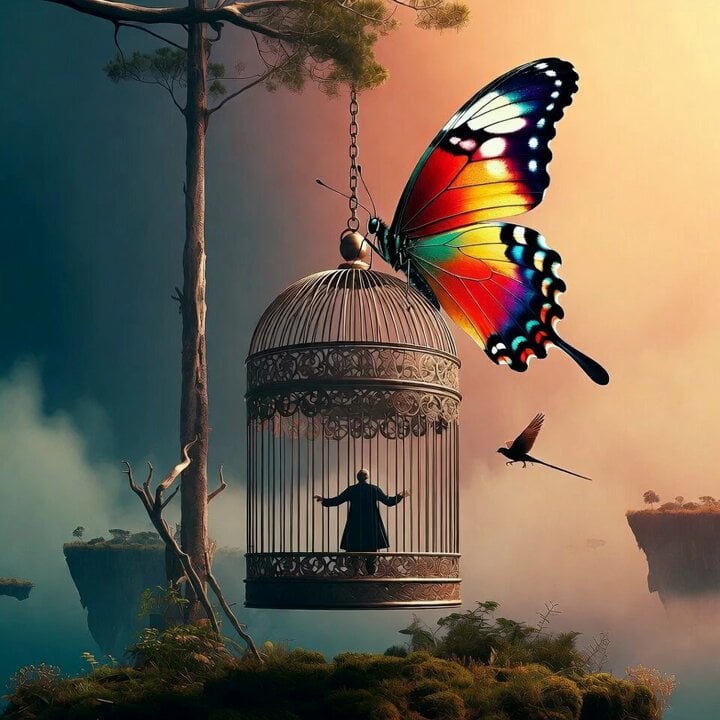
Fantasy transformation scene in floating mountain landscape
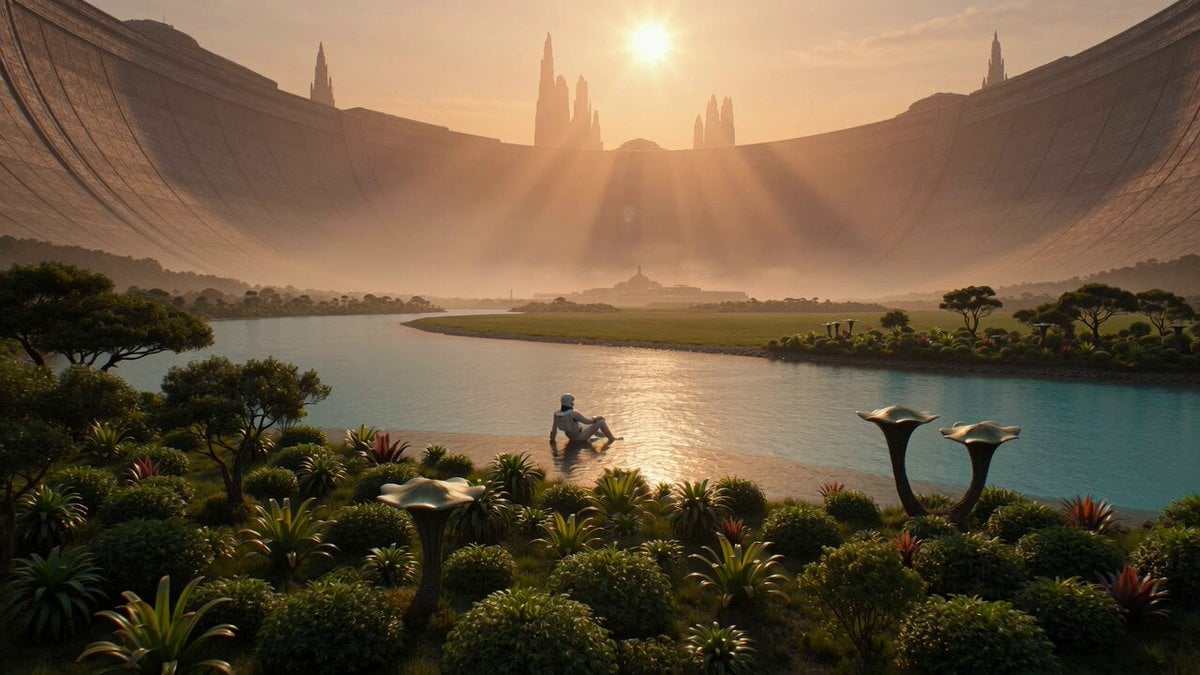
Serene Sci-Fi Ringworld Landscape
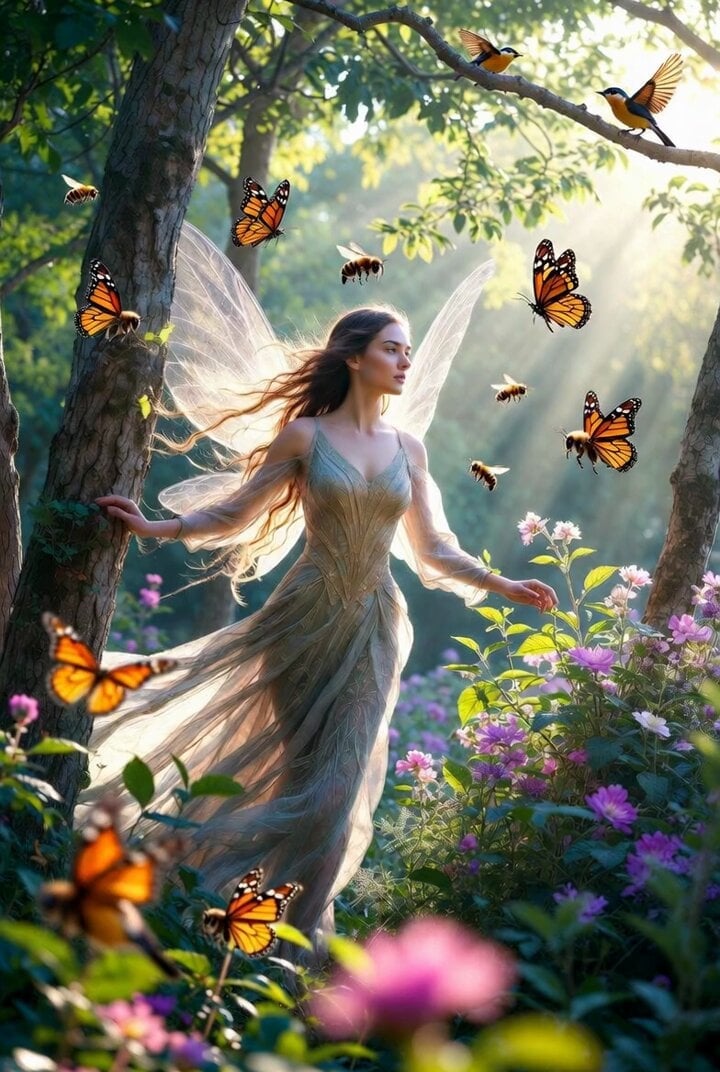
Comic Book Style Forest Fairy Video
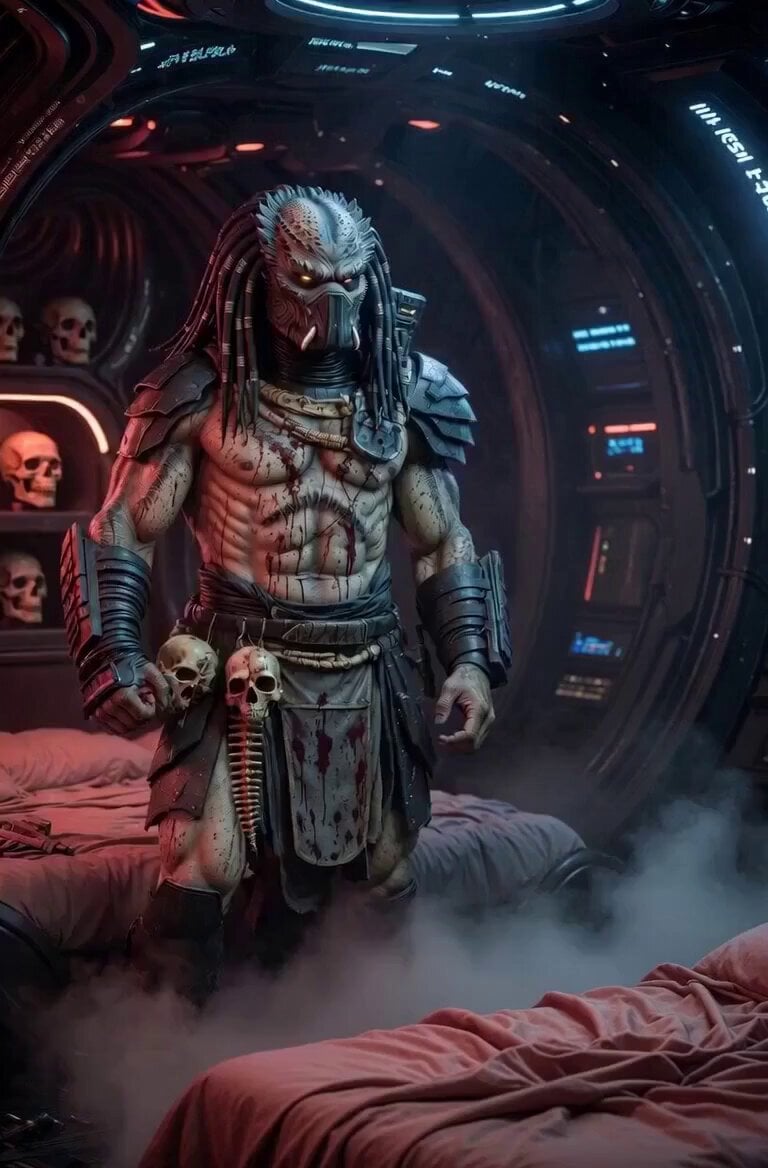
The Predator Rest Prompt
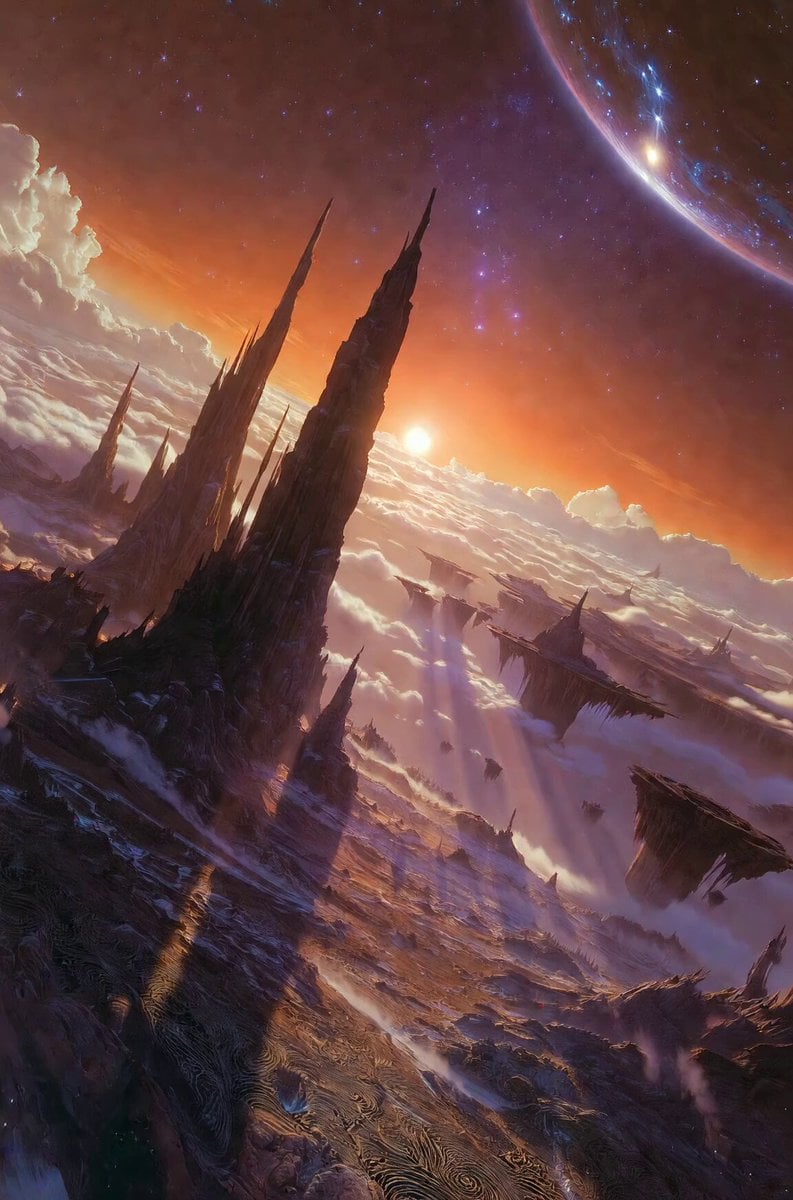
Floating rock spire landscape
Make it yours
Sabbath Rest Heavenly Landscape Video works as-is. These are the safest ways to change it without losing the look.
Change one field
Copy a single group, rewrite it, and generate again so you can see what that field is doing.
Keep the frame, change the subject
Hold the composition and light of Sabbath Rest Heavenly Landscape Video, then swap wardrobe, props or the person for a new take.
| If the result… | Why | Fix |
|---|---|---|
| The result drifts from the preview | Too many fields changed at once. | Reuse Sabbath Rest Heavenly Landscape Video as-is first, then change one group — subject, light, or setting. |
| The model over-stylizes the scene | The prose prompt leaves finish and camera underspecified. | Add one camera or lighting sentence and stay on Grok Imagine. |
More Grok Imagine templates
Other prompts made for Grok Imagine.

Ninja Wizard Levitation Jump

Coffee Cup Interaction Motion

Voice Controlled Water Animation

Pterodactyl Transformation Journey

Candle Mandala Mirror Video

Psychedelic Purple Disc World Video

Mecha Runway Tap Dance Video Prompt

Quantum Inventor in Sonoran Desert

Emotional Angry Couple Drama

Train Zooming in Star Field Video Prompt
More video prompts
Fresh picks from across the catalog.
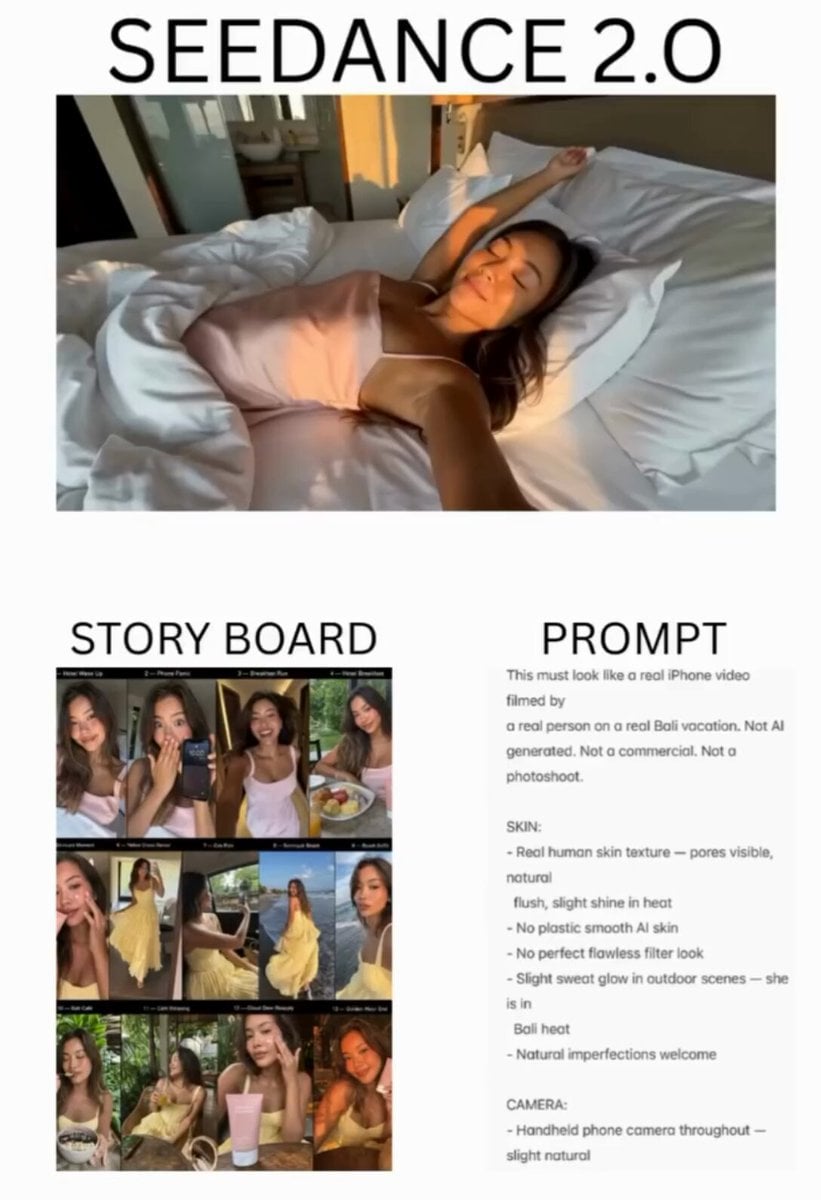
Raw Handheld Bali Vacation Vlog
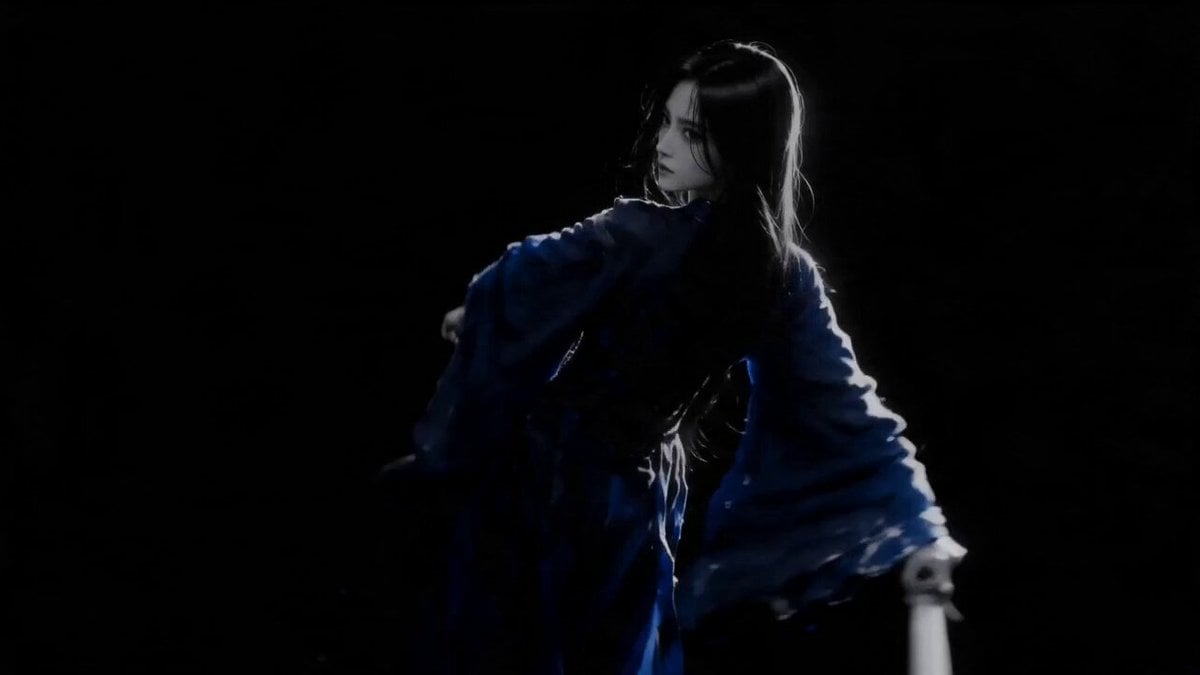
Sapphire Storm Inverted Sumi-e Short
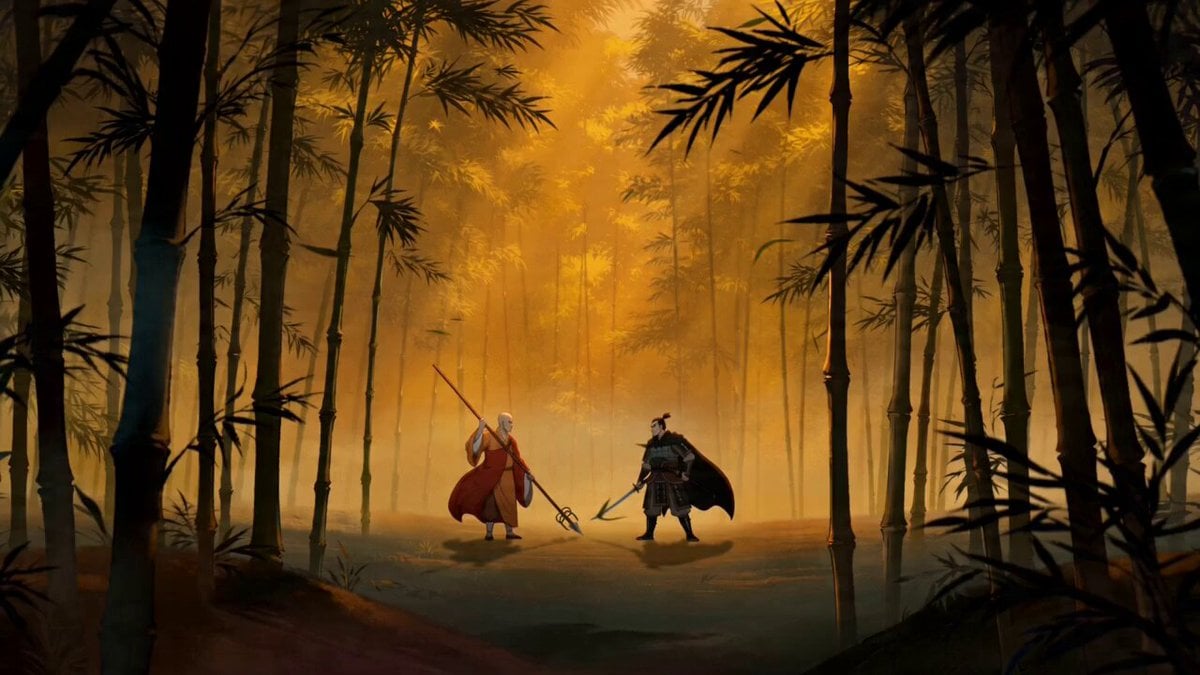
Chinese-Style Wuxia Battle Animation Prompt

Black Helen of Troy Video

Anime and Live-Action Basketball Mix
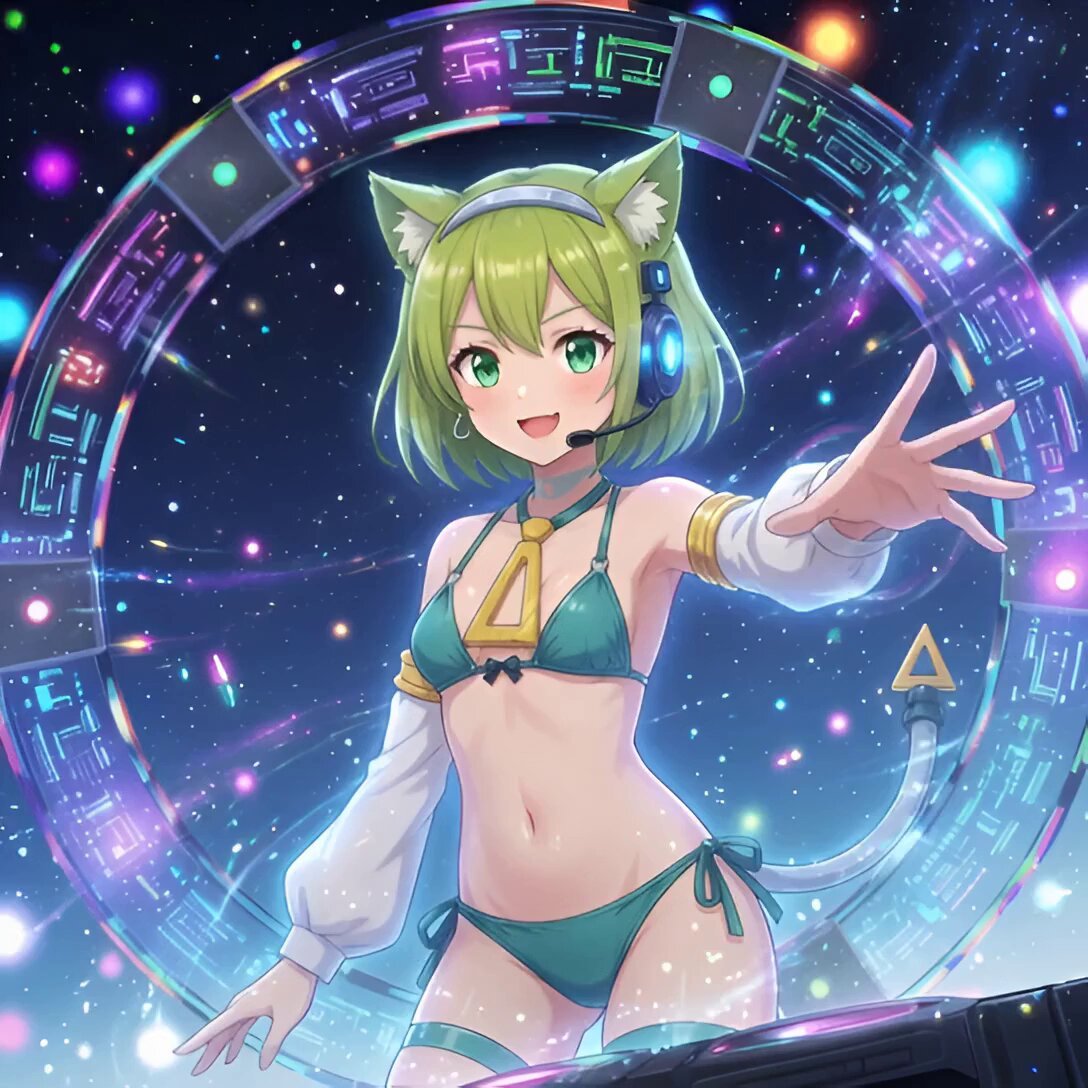
Android Deltamon Anime DJ Loop
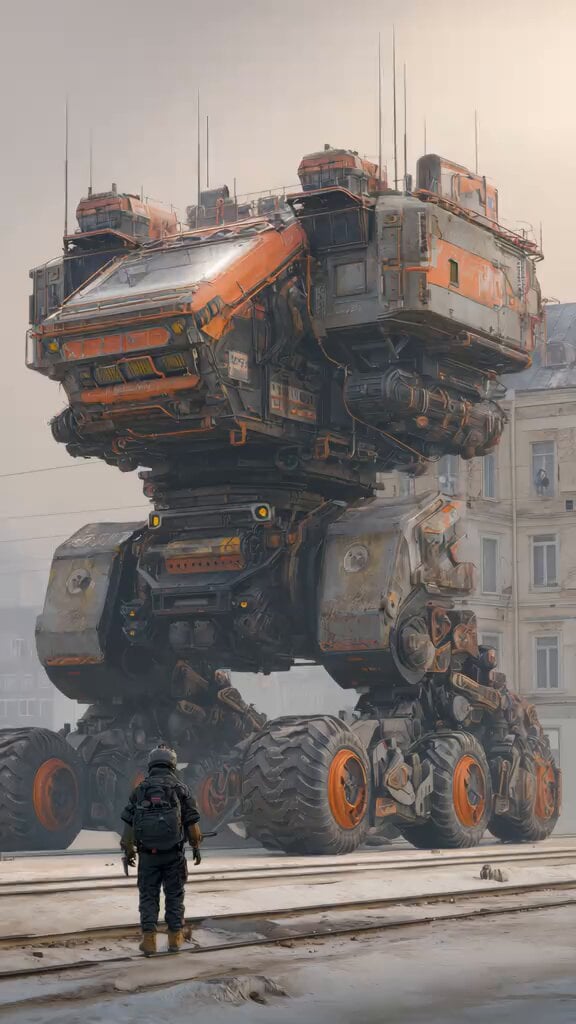
Industrial Mecha Walker Cinematic
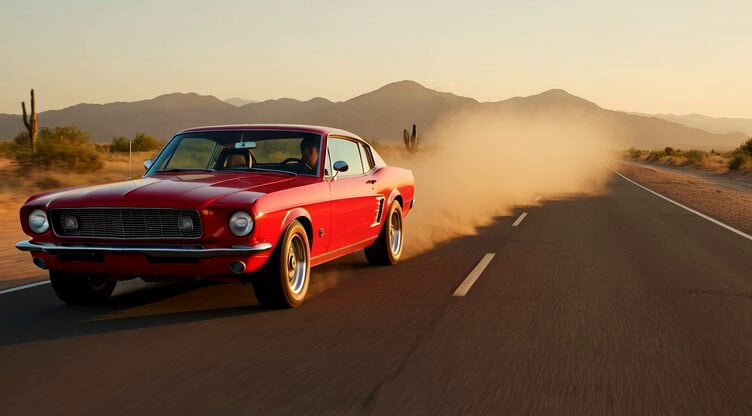
1967 Mustang Racing on Desert Highway at Golden Hour
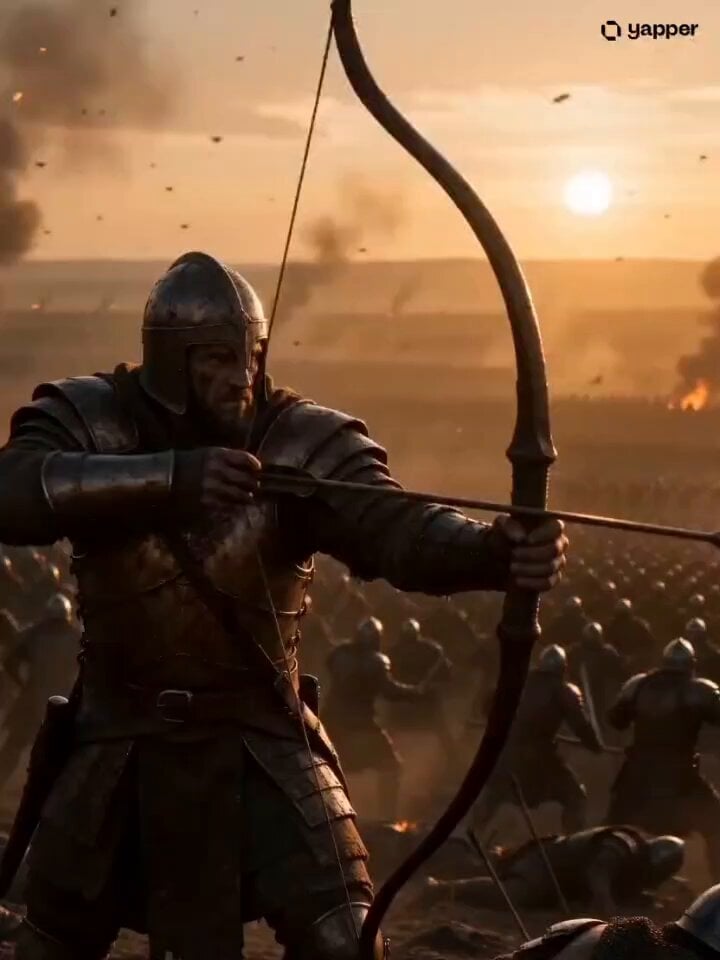
Ancient Battlefield to Microscopic Civilization
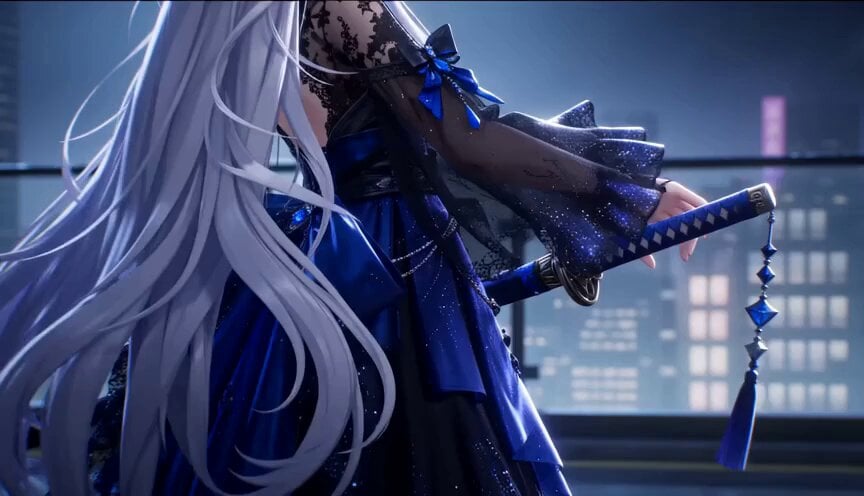
Gothic Anime Sword Slash
Browse template categories
Sabbath Rest Heavenly Landscape Video questions
How do I use the Sabbath Rest Heavenly Landscape Video template?
Add your photo if the template asks for one, edit the prompt if you like — the template's model and format are already selected — and press Generate. Your version opens in PicX Studio.
Can I customize the Sabbath Rest Heavenly Landscape Video template?
Yes. You can change the subject, setting, lighting, mood, format, and available model controls before creating your video.
Is the Sabbath Rest Heavenly Landscape Video template free?
Opening and editing this template is free. Generating uses credits, shown on the Generate button when you are signed in.
Which AI model should I use?
Start with Grok Imagine, which is the model associated with this template. You can compare another compatible model for a different finish.
Looking for something else? Browse all templates.

Your photo, any look
Thousands of ready templates for every top image and video model, from one credit balance.