
Fantasy transformation scene in floating mountain landscape
A detailed, multi-step prompt for generating a one-scene cinematic fantasy video set in a floating mountain landscape, depicting a human figure transforming into a winged being and flying away from an ornate birdcage.
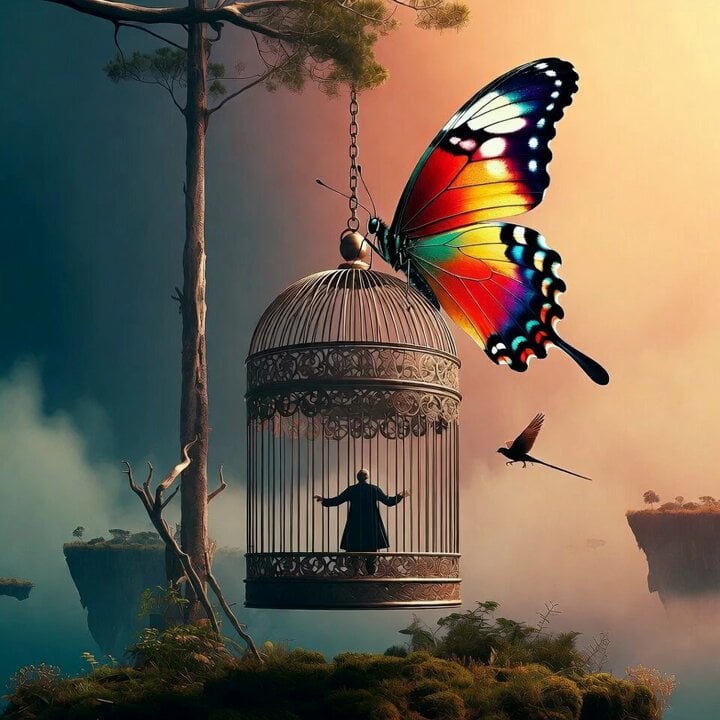
- Prompt included
- Model and format preset
- Premium template
The prompt behind this video
Copy the exact prompt behind Fantasy transformation scene in floating mountain landscape, or open it in the studio and make it yours.
• Ultra-realistic cinematic fantasy scene set in a floating mountain landscape above soft clouds at golden sunset • A large ornate vintage birdcage hangs from a tree branch, with a human figure inside wearing dark clothing, arms slightly open • A giant vibrant rainbow butterfly sits on top of the cage, wings glowing with rich colors • The cage door slowly swings open, releasing a warm golden light that spills into the environment • The human begins transforming in one continuous motion, growing large luminous butterfly wings • Energy ripples, glowing particles, and soft light trails swirl around the body during the transformation • The figure lifts off from the cage and transitions smoothly into flight • Camera starts as a medium shot, slowly pushes in, then follows behind as the character flies forward into the sky • The character flies freely over clouds and floating cliffs, with birds flying alongside • Golden sunlight, volumetric light rays, soft fog, and atmospheric depth throughout • Cinematic lighting, shallow depth of field, smooth motion, film-style color grading • Hyper-detailed, photorealistic, 8K, realistic textures, no cartoon, no illustration
How to use Fantasy transformation scene in floating mountain landscape in 3 steps
- 1
Open
The prompt is already in the box next to the preview, with the template's model and format selected.
- 2…a portrait of your subject in softgolden-hour light, 85mm…
Personalize
Edit the subject and creative details for your destination.
- 3Generate
Generate
Press Generate — your video is created in PicX Studio, so you can compare it with the original and refine one variable at a time.
More like this
Templates with the same subject, style or setup. Open one to see its prompt.
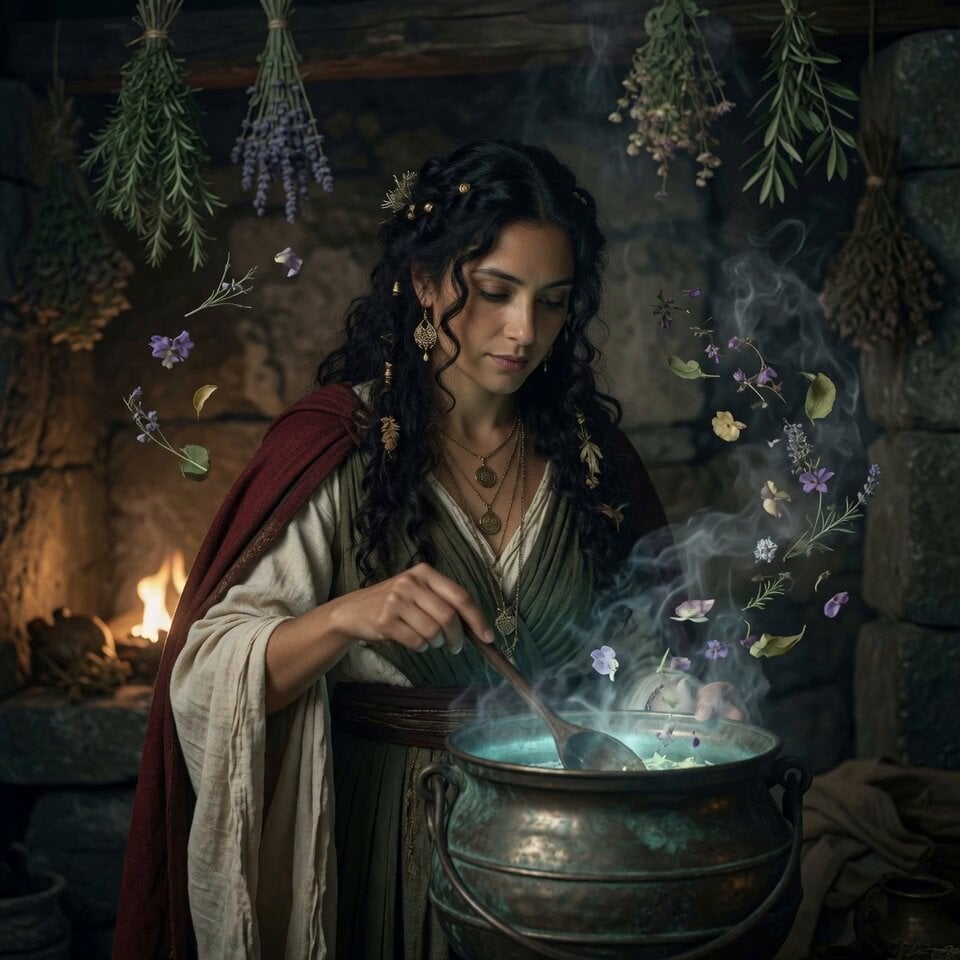
Fantasy Glowing Potion and Floating Herbs
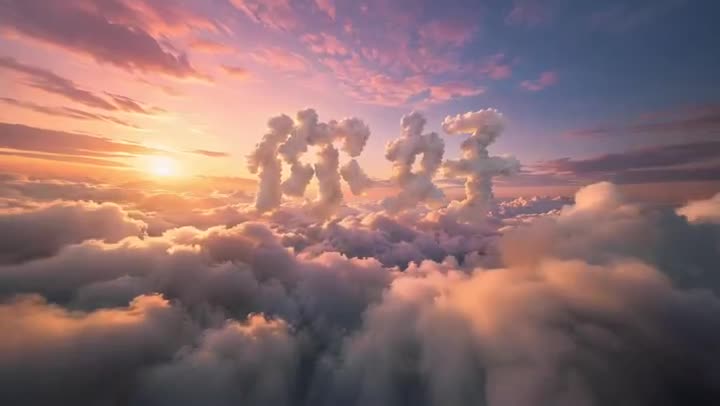
FPV Multilingual Landscape Flight
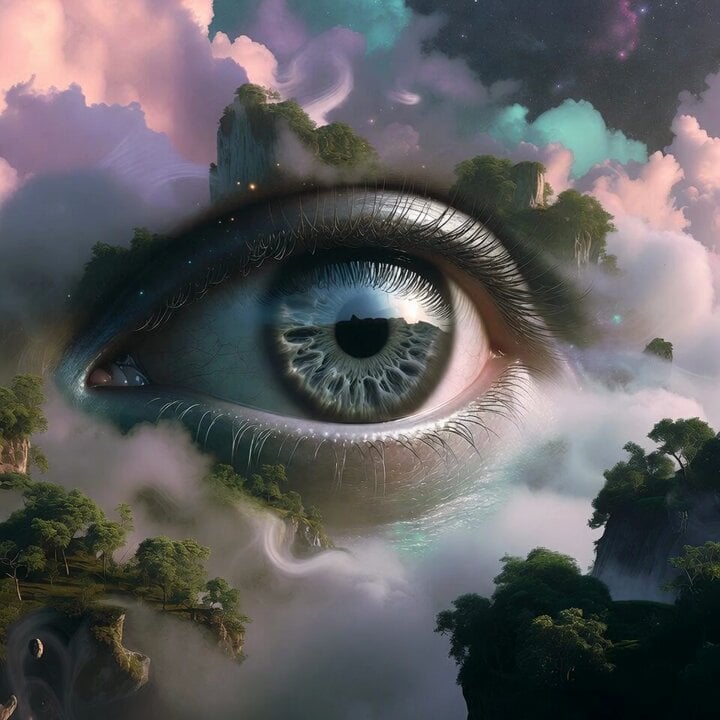
Surreal Floating Mountains Eye Zoom Video Prompt
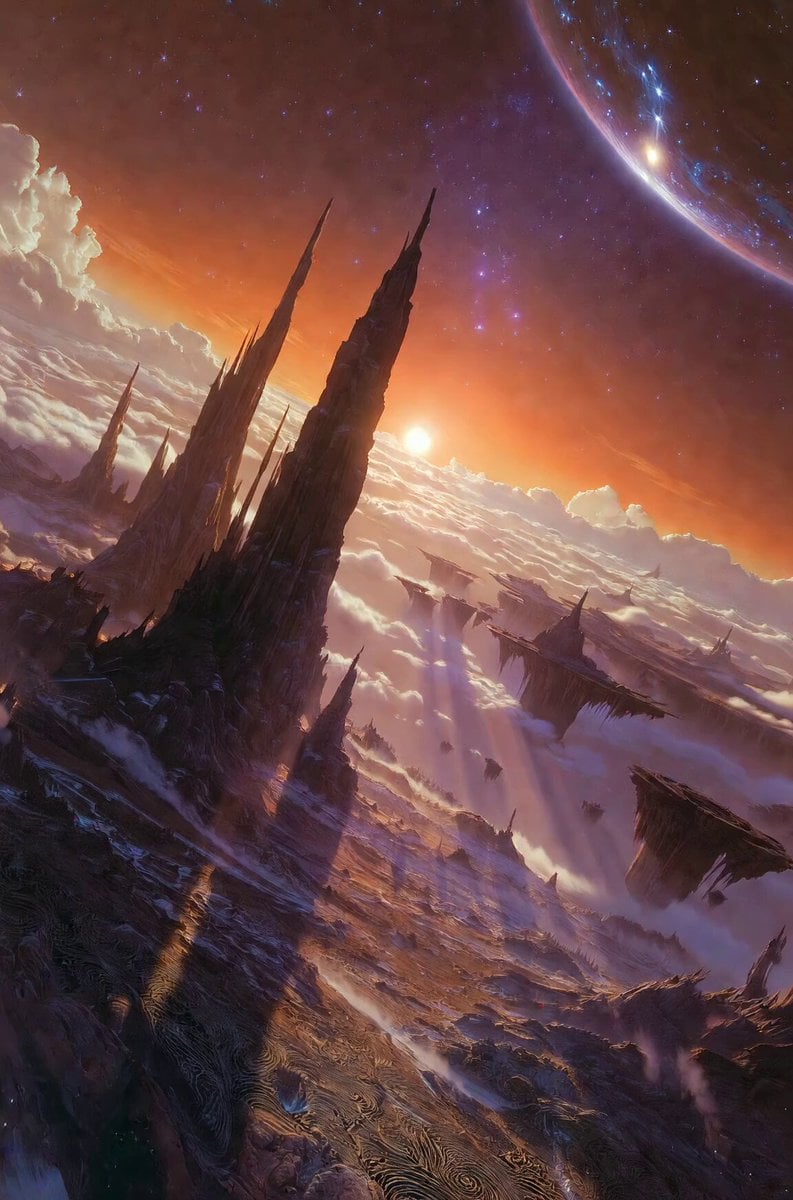
Floating rock spire landscape
Griffin Knight Mountain Kingdom — Seedance 2.0
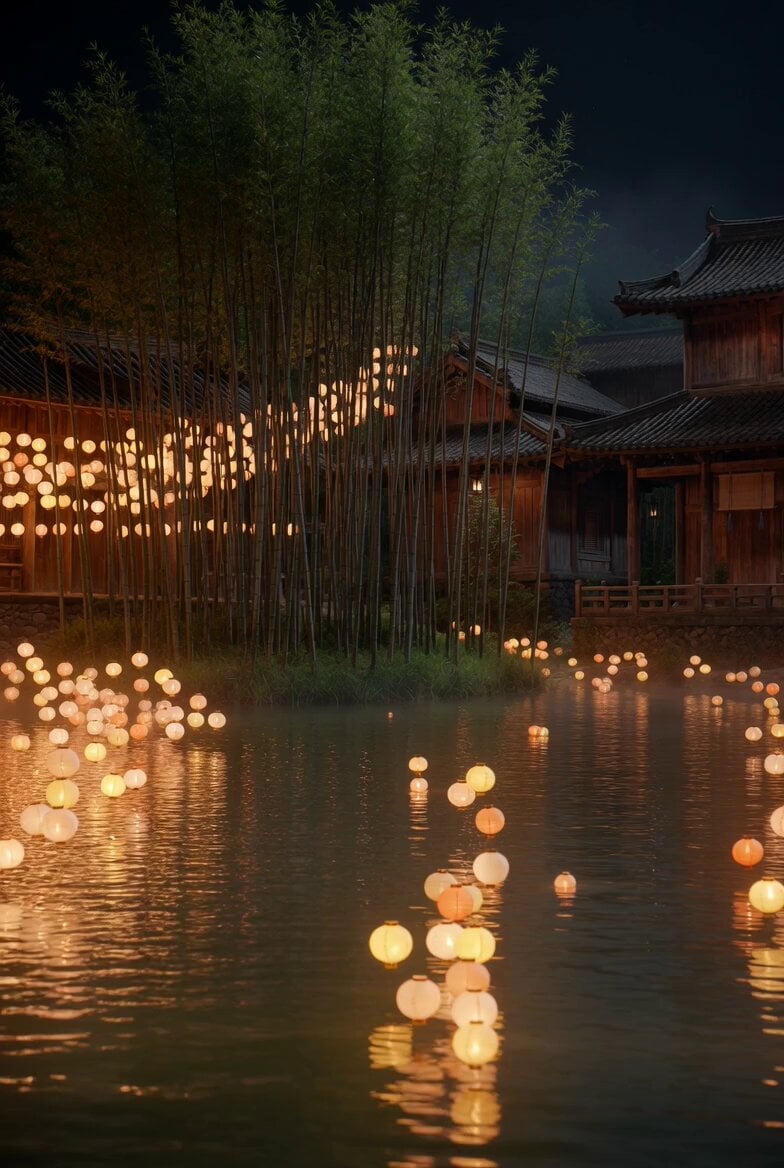
Floating Lights and Lantern Glow Video
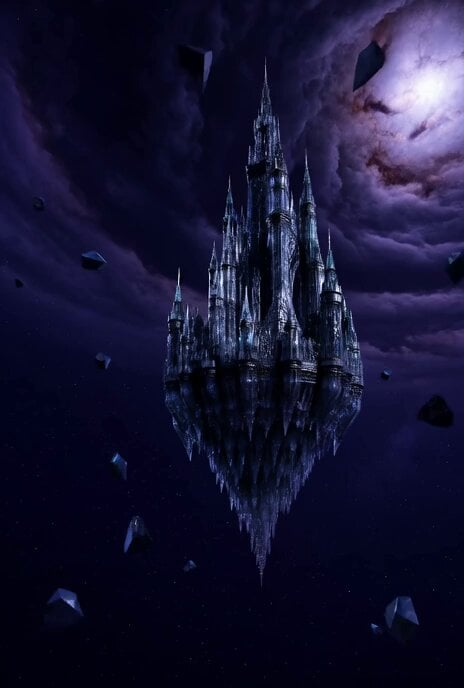
Floating Glass Castle in Cosmic Storm
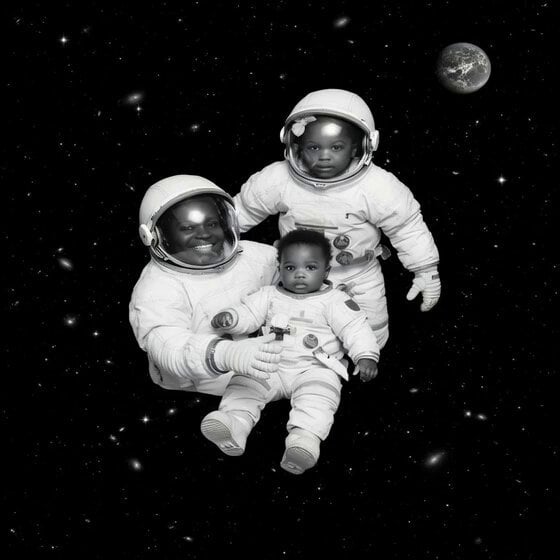
Floating in Space Flight
Floating Islands and Rock Spires
Whimsical Floating Turtle Island
Floating Chinese Palace Ship
Mustard Seed Moving Mountain
Make it yours
Fantasy transformation scene in floating mountain landscape works as-is. These are the safest ways to change it without losing the look.
Change one field
Copy a single group, rewrite it, and generate again so you can see what that field is doing.
Keep the frame, change the subject
Hold the composition and light of Fantasy transformation scene in floating mountain landscape, then swap wardrobe, props or the person for a new take.
| If the result… | Why | Fix |
|---|---|---|
| The result drifts from the preview | Too many fields changed at once. | Reuse Fantasy transformation scene in floating mountain landscape as-is first, then change one group — subject, light, or setting. |
| The model over-stylizes the scene | The prose prompt leaves finish and camera underspecified. | Add one camera or lighting sentence and stay on Grok Imagine. |
More Grok Imagine templates
Other prompts made for Grok Imagine.

Kaleidoscopic Cosmic Dolphin Video

Horror Daffy Duck Video Transition

America 250th Anniversary Celebration

Glowing Water Forest Night Prompt

Soft Pink Roses Dreamer Prompt

Ninja Wizard Levitation Jump

Coffee Cup Interaction Motion

Voice Controlled Water Animation

Candle Mandala Mirror Video

Psychedelic Purple Disc World Video
More video prompts
Fresh picks from across the catalog.
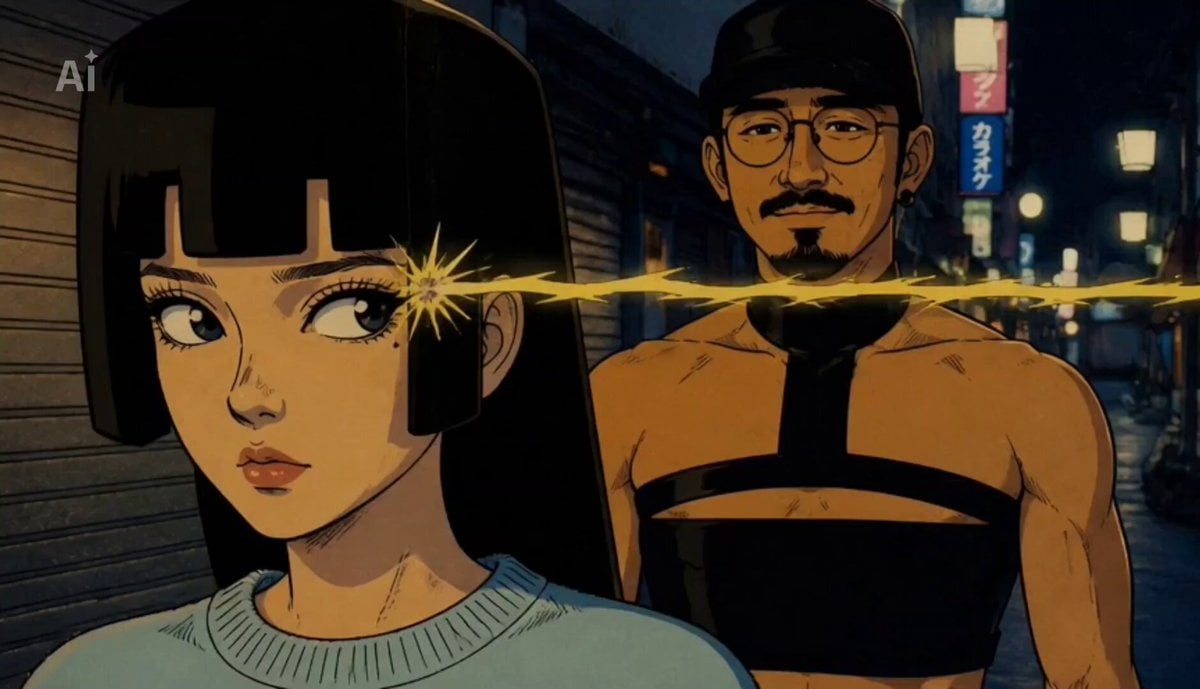
1970s Vintage Anime Action Scene
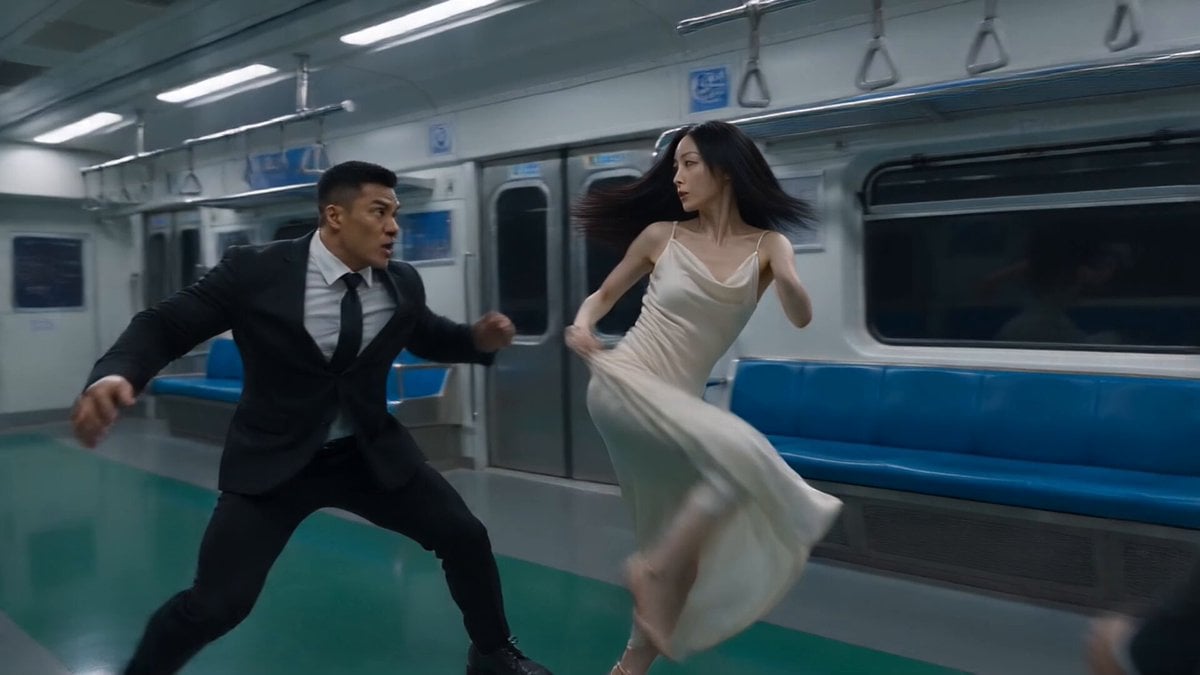
Action Movie Fight Sequence Prompt
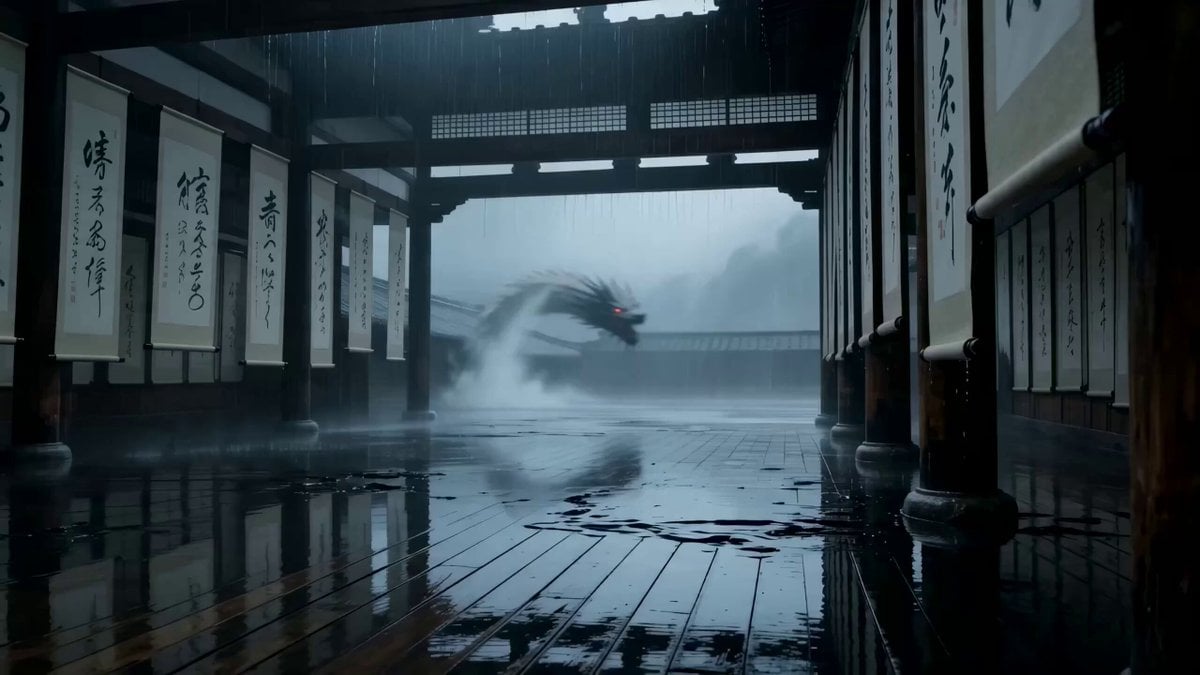
Cinematic supernatural duel: The Ink Monk vs the Paper Dragon
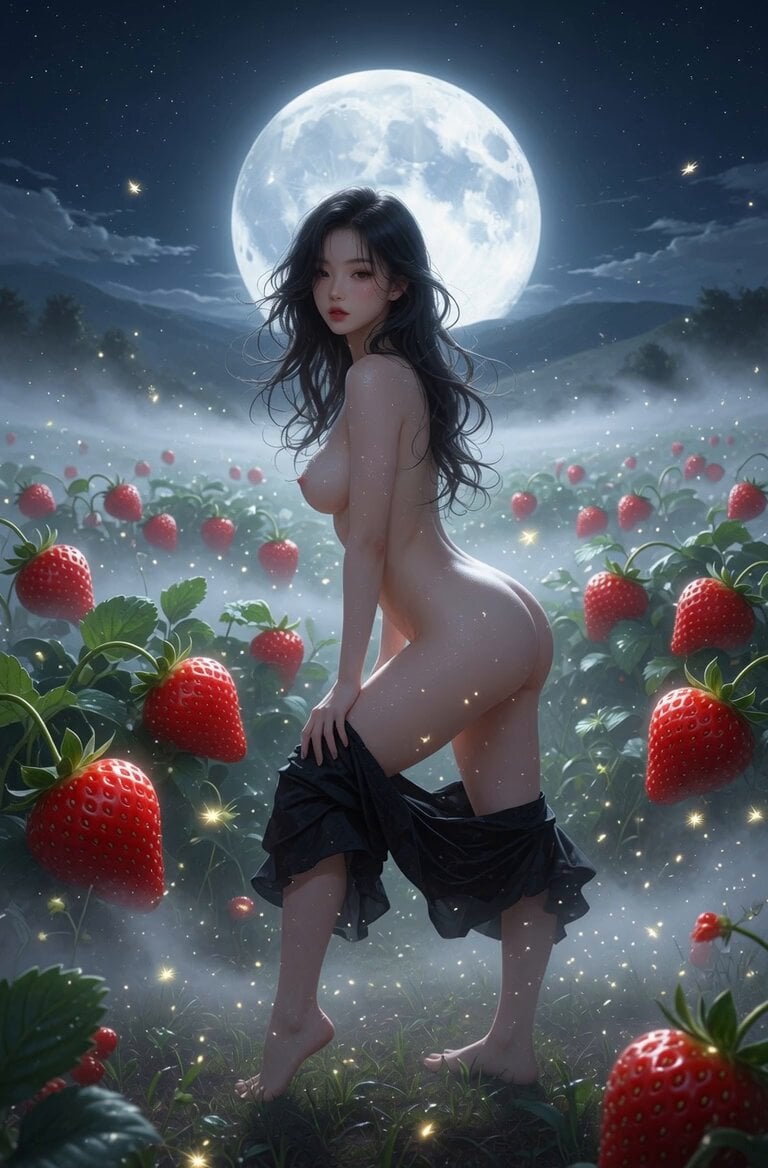
Serene Strawberry Moon Goddess

Soldier Homecoming Emotional Reunion
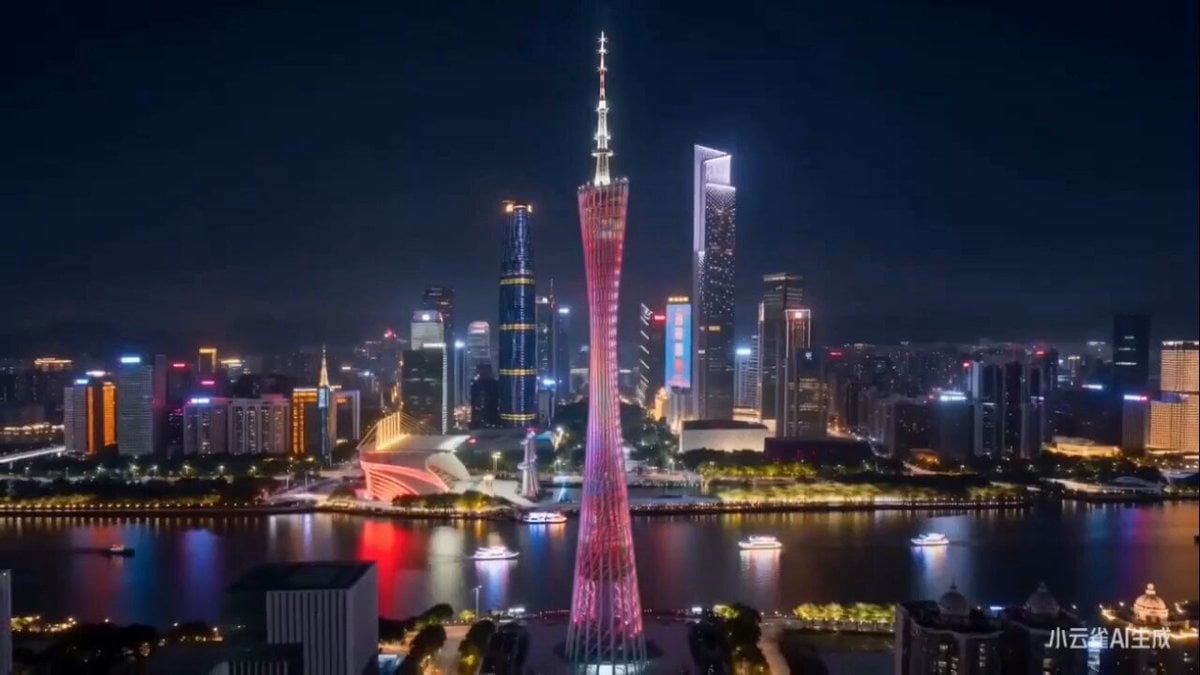
Guangzhou Tourism Promotional Video Prompt (Seedance 2.0)
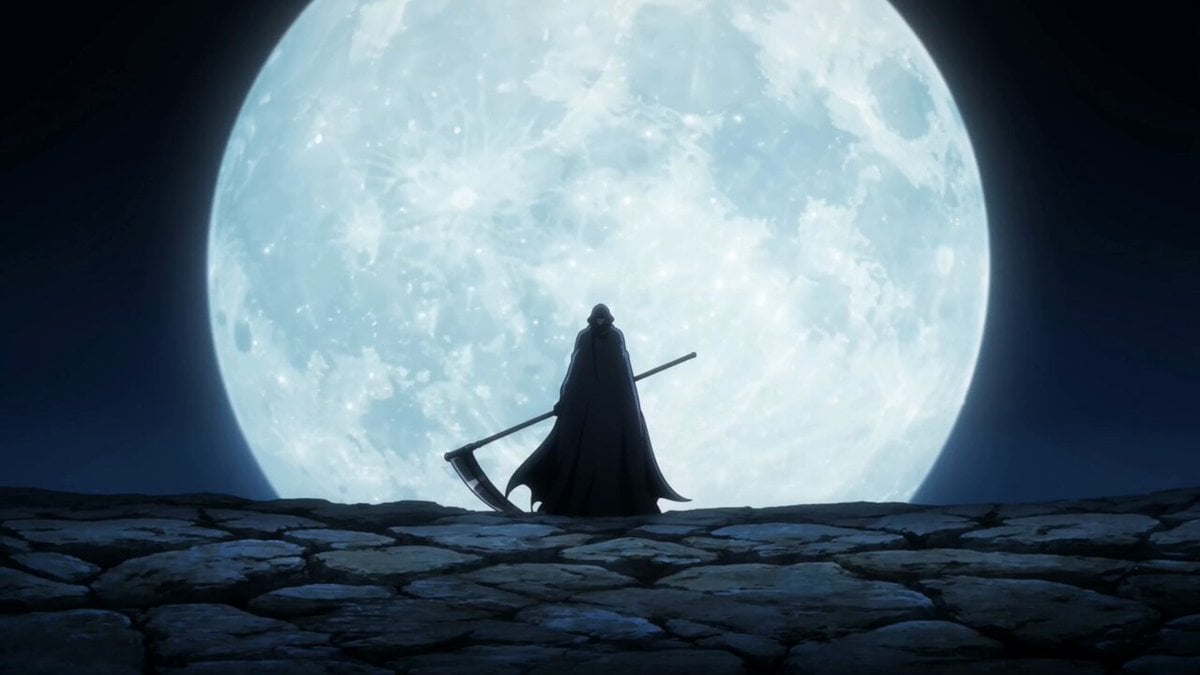
Anime grim reaper cinematic timeline

Grok Girl Anime Character
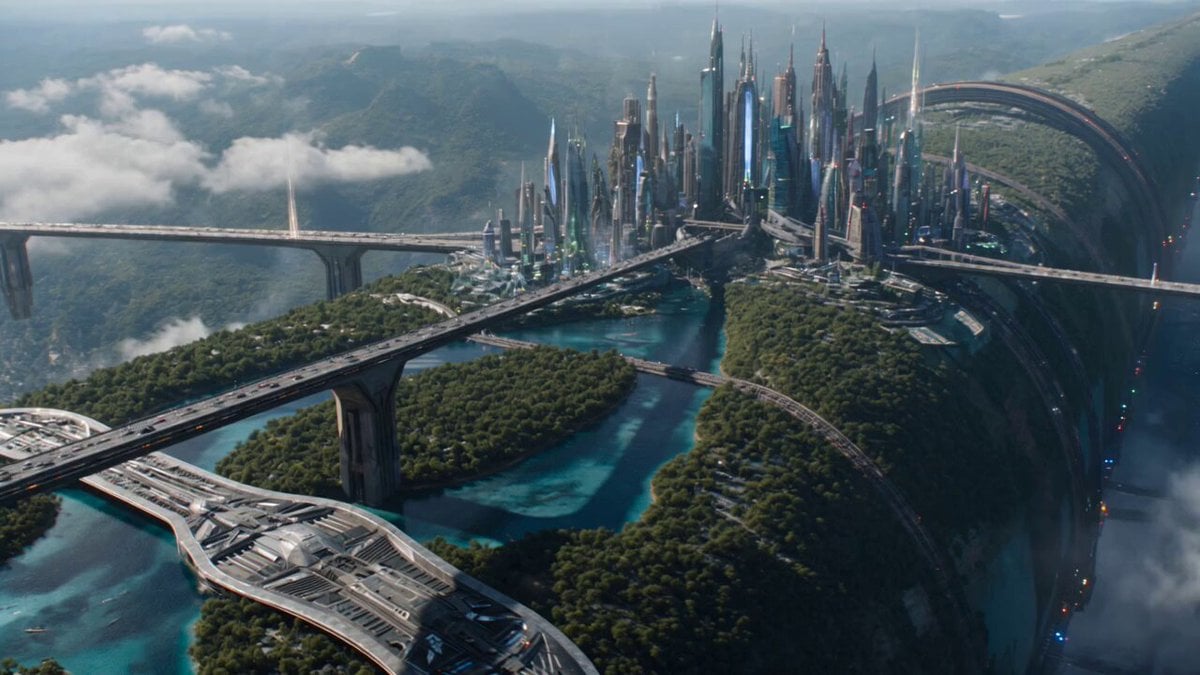
Futuristic Interceptor O'Neill Cylinder Chase
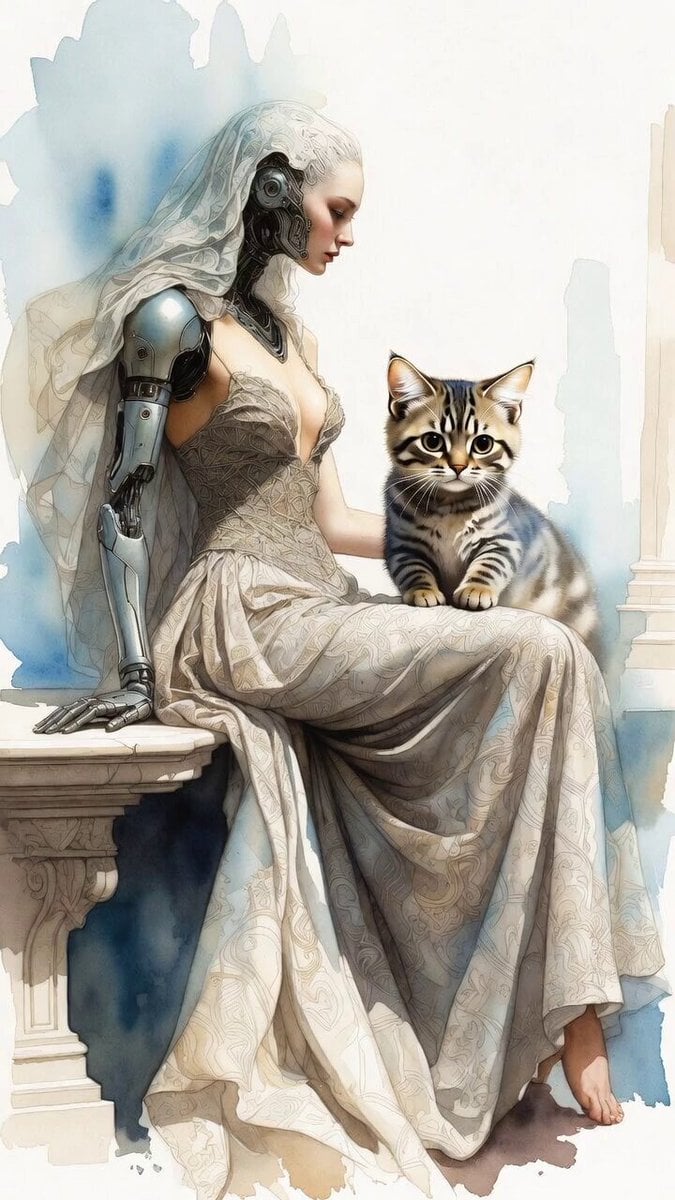
Weekend Greeting Video Prompt
Browse template categories
Fantasy transformation scene in floating mountain landscape questions
How do I use the Fantasy transformation scene in floating mountain landscape template?
Add your photo if the template asks for one, edit the prompt if you like — the template's model and format are already selected — and press Generate. Your version opens in PicX Studio.
Can I customize the Fantasy transformation scene in floating mountain landscape template?
Yes. You can change the subject, setting, lighting, mood, format, and available model controls before creating your video.
Is the Fantasy transformation scene in floating mountain landscape template free?
Opening and editing this template is free. Generating uses credits, shown on the Generate button when you are signed in.
Which AI model should I use?
Start with Grok Imagine, which is the model associated with this template. You can compare another compatible model for a different finish.
Looking for something else? Browse all templates.

Your photo, any look
Thousands of ready templates for every top image and video model, from one credit balance.