
Soldier Homecoming Emotional Reunion
A narrative prompt for a 15-second emotional short film about a soldier's surprise return to his family at an airport.

- Prompt included
- Model and format preset
- Premium template
The prompt behind this video
Copy the exact prompt behind Soldier Homecoming Emotional Reunion, or open it in the studio and make it yours.
15-second ultra realistic emotional cinematic video about a soldier returning home after years away. Scene 1 (0–4s): A tired soldier in uniform slowly walks through a crowded airport terminal carrying a duffle bag. Cinematic handheld camera movement, emotional eyes, soft blue lighting, realistic airport atmosphere, slow motion, dramatic emotional music feeling. Scene 2 (4–8s): His little daughter notices him from far away and freezes in shock before running toward him with tears in her eyes. Mother standing behind emotionally covering her mouth, warm sunlight entering through giant airport windows, ultra realistic facial emotions, cinematic depth of field. Scene 3 (8–12s): Emotional slow-motion reunion hug as the soldier kneels down and tightly hugs his daughter while crying. Camera rotates around them, blurred crowd in background, emotional cinematic lighting, realistic tears, Hollywood movie quality, powerful human emotion. Scene 4 (12–15s): Close-up of the soldier holding his family tightly while smiling emotionally. Text fades in: “Some heroes fight for a country… and for moments like this.” Ultra realistic cinematic storytelling, emotional viral TikTok/Reels style, Hollywood-level camera movement, realistic skin textures, soft film grain, emotional atmosphere, highly detailed, 4K masterpiece, designed for viral emotional engagement.
How to use Soldier Homecoming Emotional Reunion in 3 steps
- 1
Open
The prompt is already in the box next to the preview, with the template's model and format selected.
- 2…a portrait of your subject in softgolden-hour light, 85mm…
Personalize
Edit the subject and creative details for your destination.
- 3Generate
Generate
Press Generate — your video is created in PicX Studio, so you can compare it with the original and refine one variable at a time.
More like this
Templates with the same subject, style or setup. Open one to see its prompt.

Emotional Breakdown and Fabric Interaction - Seedance 2.5
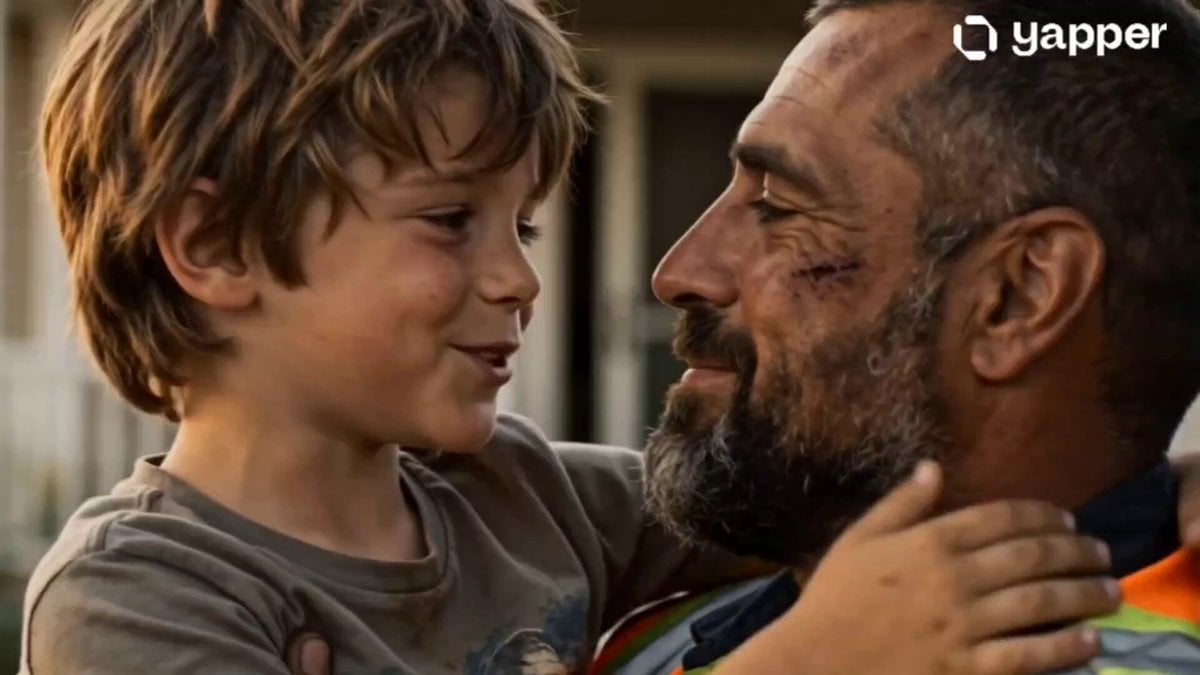
Emotional Father and Son Reunion

Emotional Airport Lovers Reunion

Cinematic Roman Soldier Mountain Escape
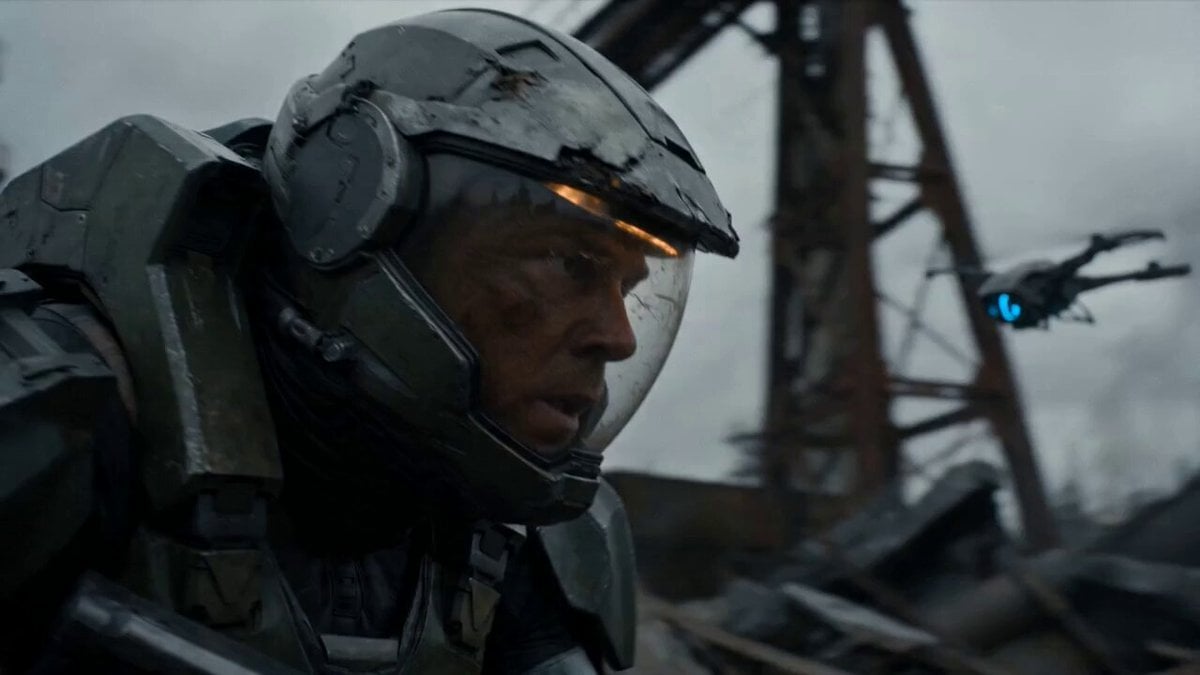
Post-Apocalyptic Sci-Fi Soldier Combat

Austrian Soldier Castle Dracula Battle
Sci-Fi Armored Soldier Action Sequence
Lone Space Soldier Cinematic Scene
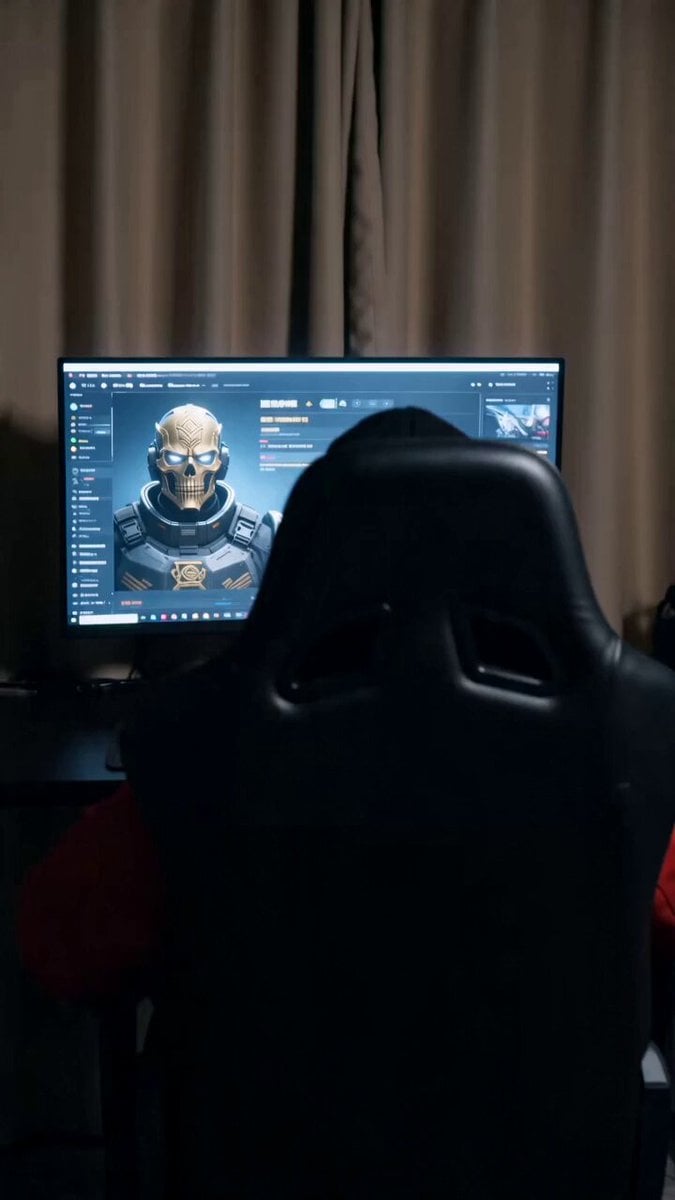
Cinematic Soldier Transition Sequence

Soldier to Water Gun Transformation
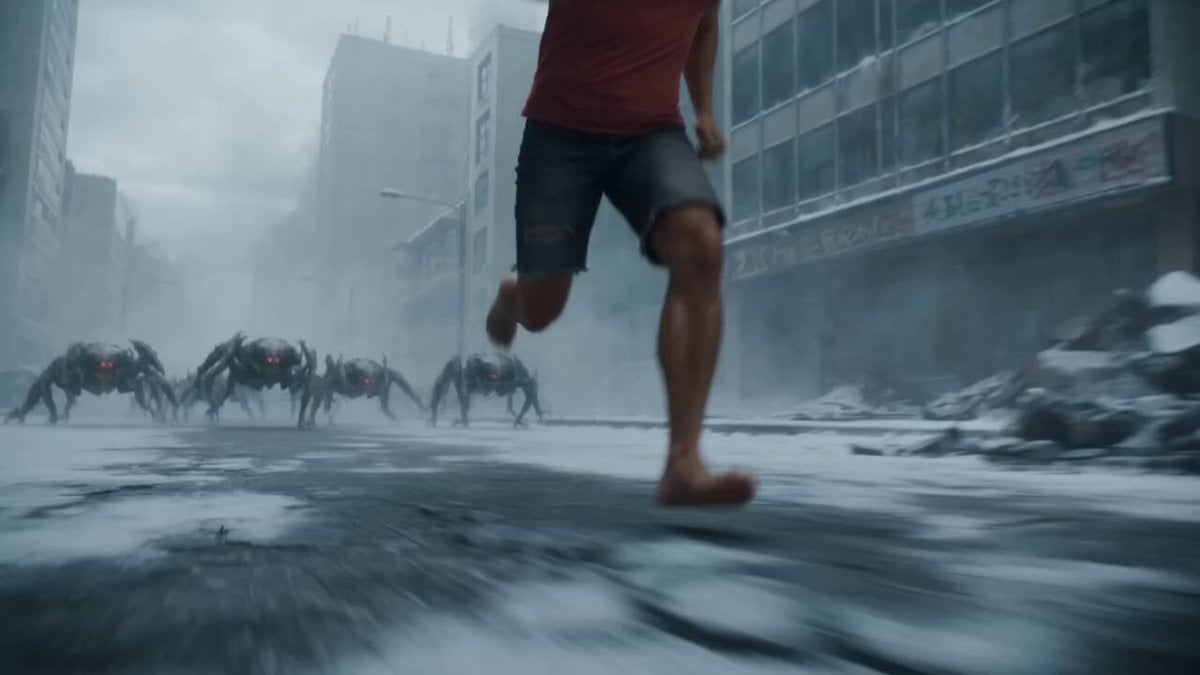
Cyborg Soldier Armor Transformation

Soldier Micro-Expressions Animation
Make it yours
Soldier Homecoming Emotional Reunion works as-is. These are the safest ways to change it without losing the look.
Change one field
Copy a single group, rewrite it, and generate again so you can see what that field is doing.
Keep the frame, change the subject
Hold the composition and light of Soldier Homecoming Emotional Reunion, then swap wardrobe, props or the person for a new take.
| If the result… | Why | Fix |
|---|---|---|
| The result drifts from the preview | Too many fields changed at once. | Reuse Soldier Homecoming Emotional Reunion as-is first, then change one group — subject, light, or setting. |
| The model over-stylizes the scene | The prose prompt leaves finish and camera underspecified. | Add one camera or lighting sentence and stay on Seedance 2.0. |
More Seedance 2.0 templates
Other prompts made for Seedance 2.0.

Comical Martial Arts Punch Scene

Maglev Train Action Sequence

Martial Arts Fight Sequence

Wuxia Protection and Trust Script

Vintage Korean Arcade MiniDV Vlog

Mercedes 190 SL Luxury Ad

Rainy Night Supernatural Reverse Comedy Video Script

Amazon Civilization Discovery

Futuristic South Asian City Transformation

Cozy Luxury Cafe Commercial
More video prompts
Fresh picks from across the catalog.

Mecha Exoskeleton Assembly Sequence

Lava field ATV stunt

Cinematic Surfing Barrel Ride Video

Korean Idol Vlog Swap Challenge

Grok Imagine Multi-Shot Fairy and Girl Cave Animation Prompt
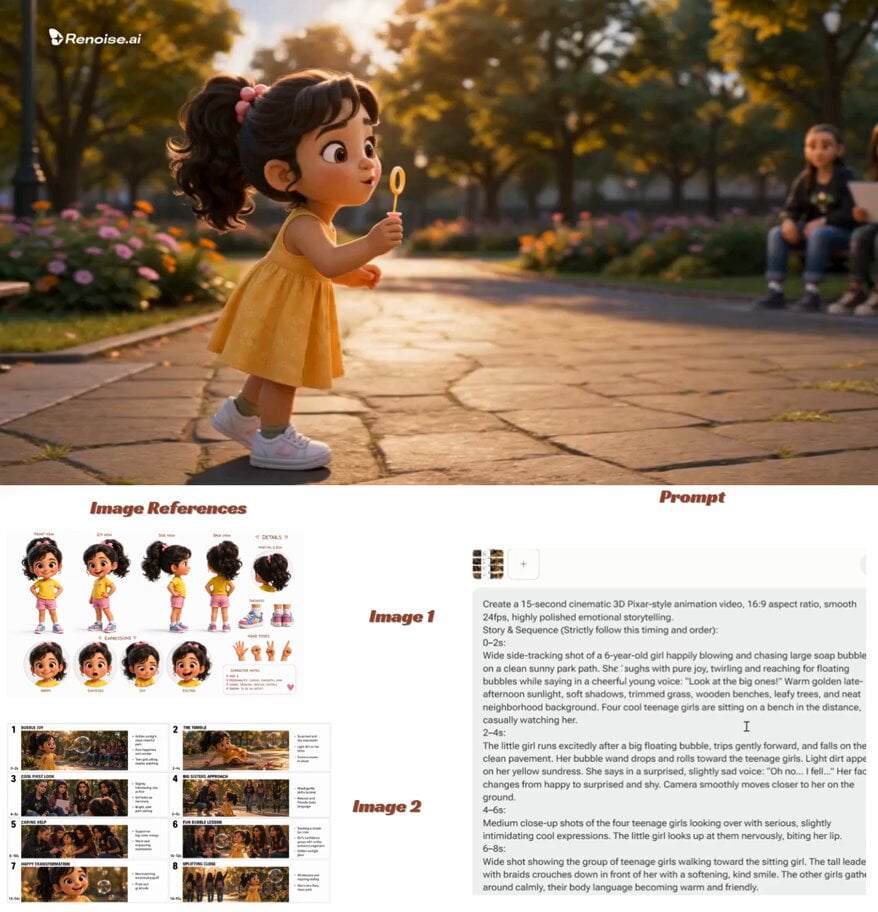
Pixar-Style Child Character Sheet
Seedance 2.0 Beginner Prompting Guide and Financial Topic Avoidance

Cinematic Beach Monster Battle

Space Scout Exit Strategy

Seedance 2.0 Video Prompt: Realistic Life Vlog Scene
Browse template categories
Soldier Homecoming Emotional Reunion questions
How do I use the Soldier Homecoming Emotional Reunion template?
Add your photo if the template asks for one, edit the prompt if you like — the template's model and format are already selected — and press Generate. Your version opens in PicX Studio.
Can I customize the Soldier Homecoming Emotional Reunion template?
Yes. You can change the subject, setting, lighting, mood, format, and available model controls before creating your video.
Is the Soldier Homecoming Emotional Reunion template free?
Opening and editing this template is free. Generating uses credits, shown on the Generate button when you are signed in.
Which AI model should I use?
Start with Seedance 2.0, which is the model associated with this template. You can compare another compatible model for a different finish.
Looking for something else? Browse all templates.

Your photo, any look
Thousands of ready templates for every top image and video model, from one credit balance.