
Cinematic Surfing Barrel Ride Video
A comprehensive prompt for generating a professional, 15-second cinematic surfing video of a lone surfer navigating a massive hollow barrel wave.
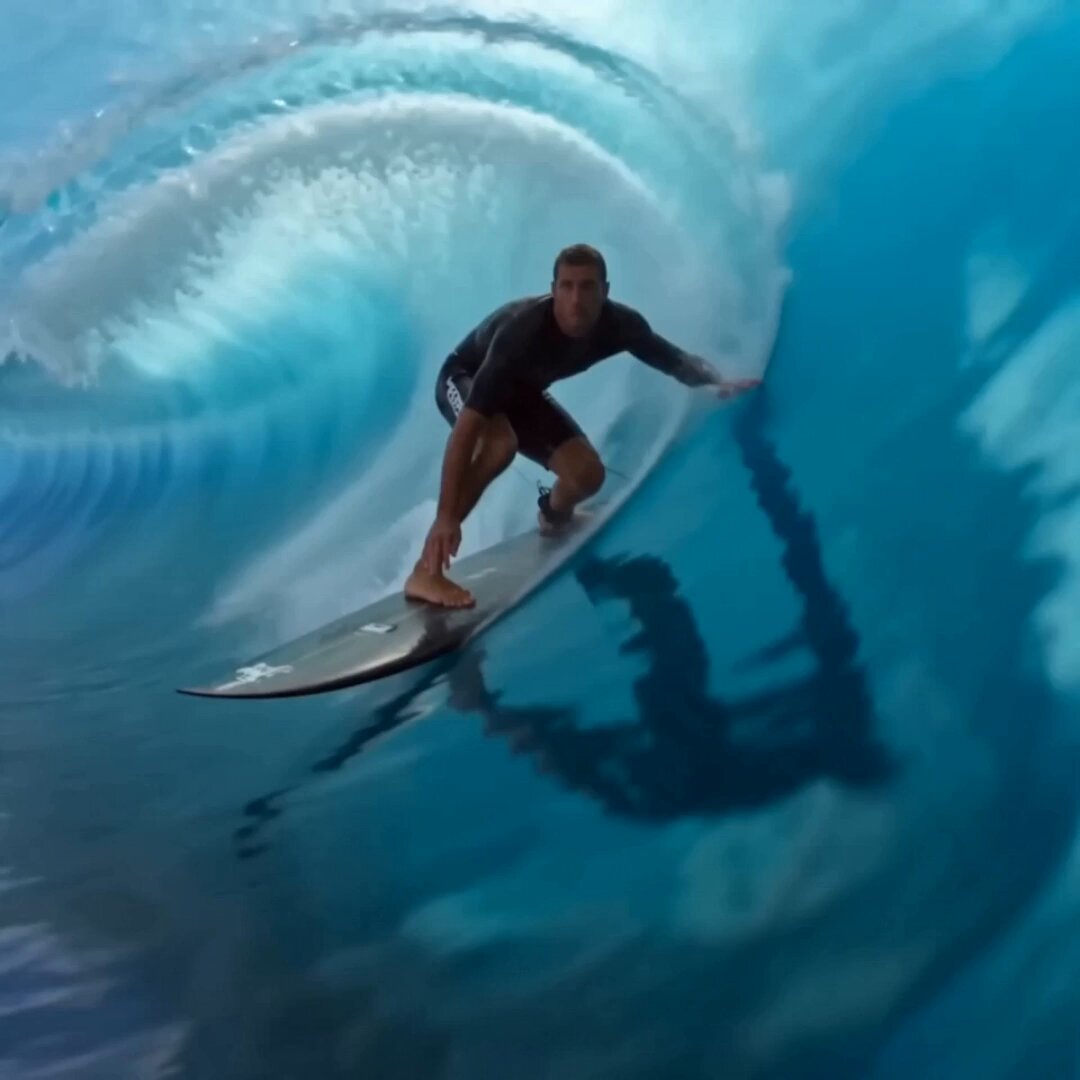
- Prompt included
- Model and format preset
- Free template
The prompt behind this video
Copy the exact prompt behind Cinematic Surfing Barrel Ride Video, or open it in the studio and make it yours.
Create a 15-second cinematic live-action surfing video with no reference images. Bright ocean, major world-class surfing competition atmosphere, but no tournament name, country name, brand logo, readable text, or scoreboard. Focus on one main surfer only, one surfboard only, one continuous ride on the same massive hollow barrel wave, like a powerful pipeline-style tube wave. The surfer is already riding from the first frame. Do not show waiting, paddling, falling, restarting, switching waves, duplicated surfer, extra surfboard, or crowded surfers. Keep the same surfer and surfboard clearly visible throughout. Use a realistic high-production sports film look: fast, vivid, powerful, immersive, bright sunlight, vivid blue ocean, translucent green-blue water, crisp white foam, high contrast, clean highlights, clear tropical air. Avoid dull, gray, muted, cloudy, or washed-out colors. Use dynamic surfing camera work: low water-level tracking beside the board, brief close-ups of feet controlling the board, board rail slicing through the wave, a shot from inside the barrel, and a final wide cinematic shot. Show footwork, weight shift, board edge, water spray, and strong speed. 4-part structure. Part 1: 0–3s. Immediate action. Start with the surfer carving across the face of a huge curling barrel wave. Low water-level tracking, board slicing across water, white spray, sunlight reflections, instant speed. Part 2: 3–6s. Technical control. Brief close-ups of feet on the board, weight shift, rail cutting through the wave face, spray and edge control. Keep close-ups short, then return to a wider readable surfing shot. Part 3: 6–10s. Inside the barrel. The surfer drives into the tube, surrounded by a curved water wall. Show the wave as a moving tunnel, sunlight through translucent water, foam rushing behind. Use very brief slow motion only at the best highlight, such as a hard carve or the most beautiful barrel moment. Do not make the whole ride slow. Do not show the surfer falling or disappearing in foam. Part 4: 10–15s. Clean exit. Return to normal speed as the surfer exits into bright open water. White foam explodes behind, ocean opens wide, surfer continues forward with confidence. End with a wide cinematic shot, quiet victory, freedom, and exhilaration. dynamic camera work, fast readable motion, cinematic sports film, massive hollow barrel wave, pipeline-style tube wave, vivid blue ocean, bright sunlight, crisp foam, powerful surfing motion, visible footwork, board control, no background music, sound effects only, ocean sound effects, no text, no logo, no watermark, not dull, not gray, not muted.
How to use Cinematic Surfing Barrel Ride Video in 3 steps
- 1
Open
The prompt is already in the box next to the preview, with the template's model and format selected.
- 2…a portrait of your subject in softgolden-hour light, 85mm…
Personalize
Edit the subject and creative details for your destination.
- 3Generate
Generate
Press Generate — your video is created in PicX Studio, so you can compare it with the original and refine one variable at a time.
More like this
Templates with the same subject, style or setup. Open one to see its prompt.

Chibi Girl Surfing on Vibrant Ocean Waves
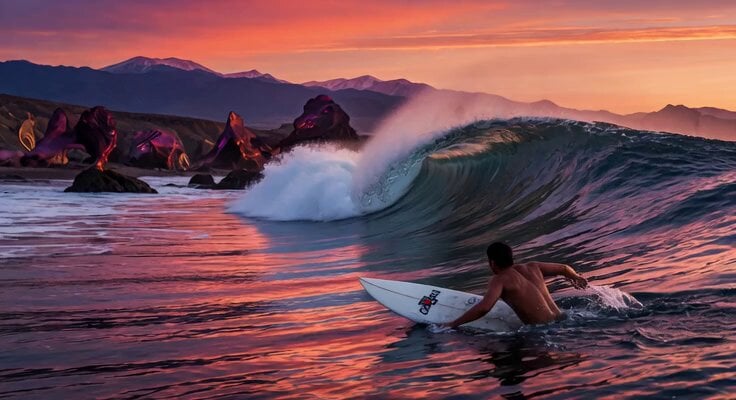
Massive Sunset Wave Surfing
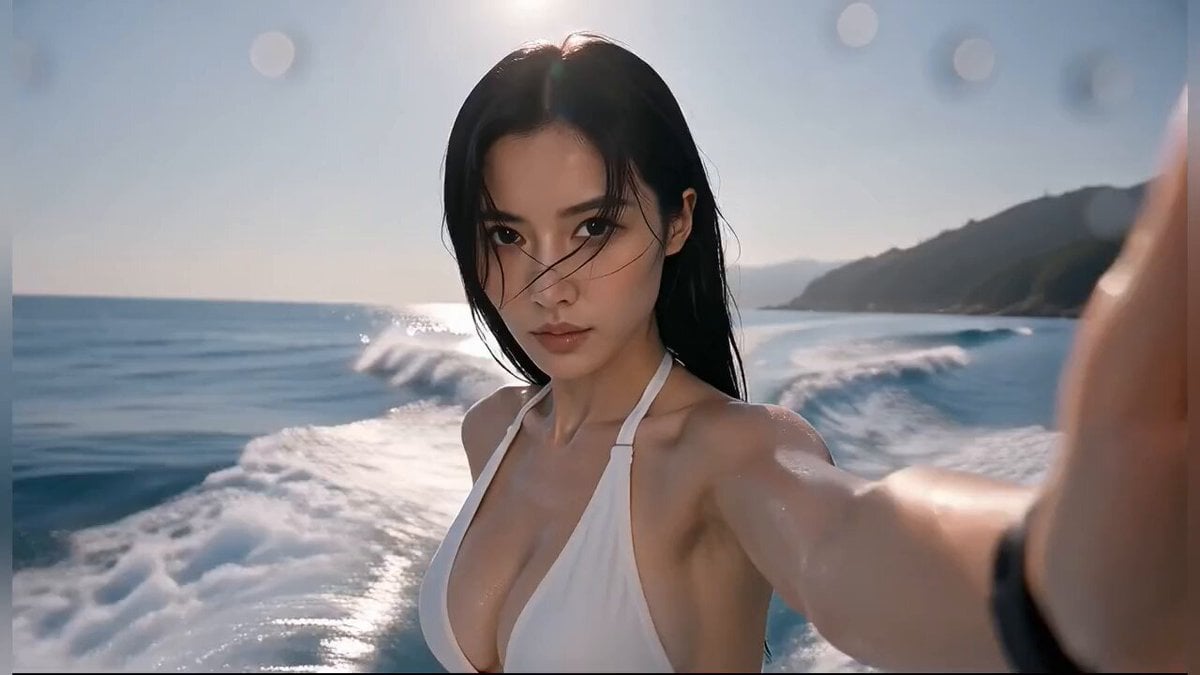
Extreme Cinematic Surfing Continuous Shot
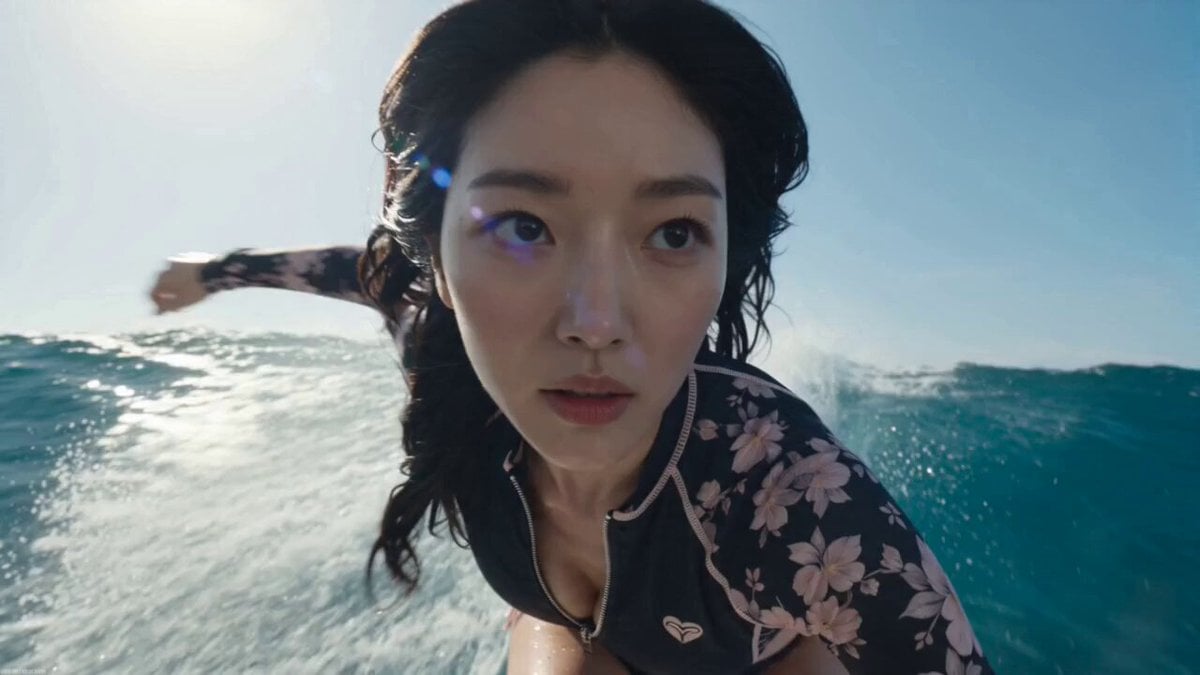
Hyper-Realistic Pro Surfing Video Prompt
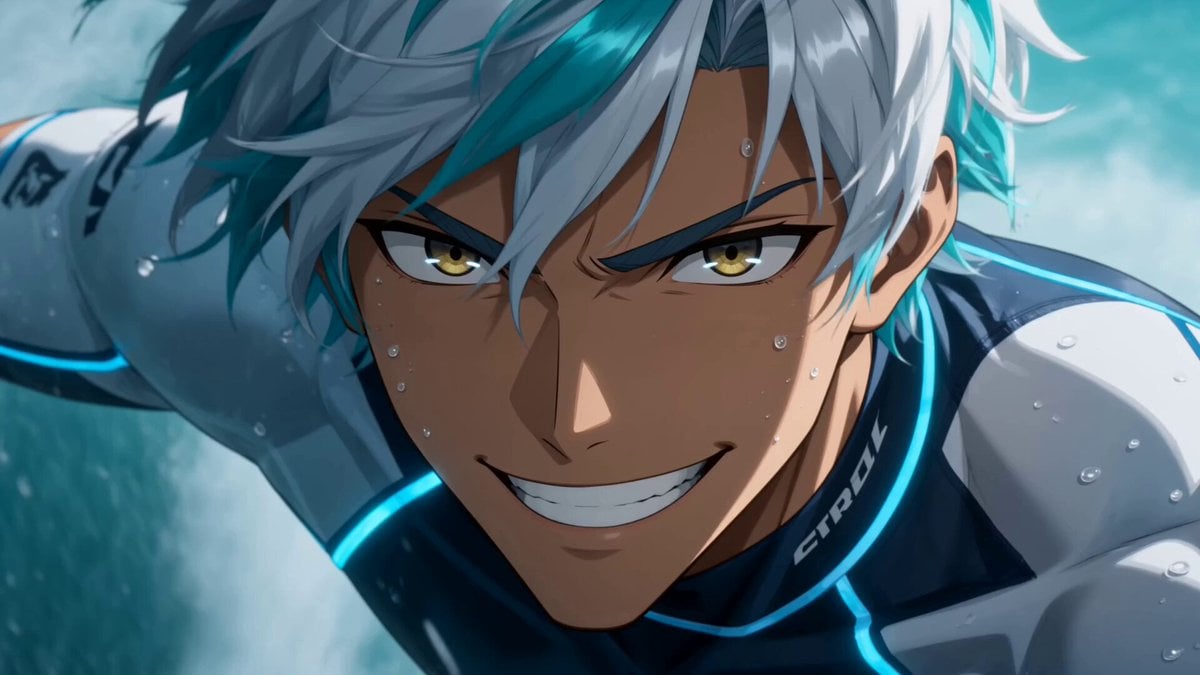
Anime Big Wave Surfing Action
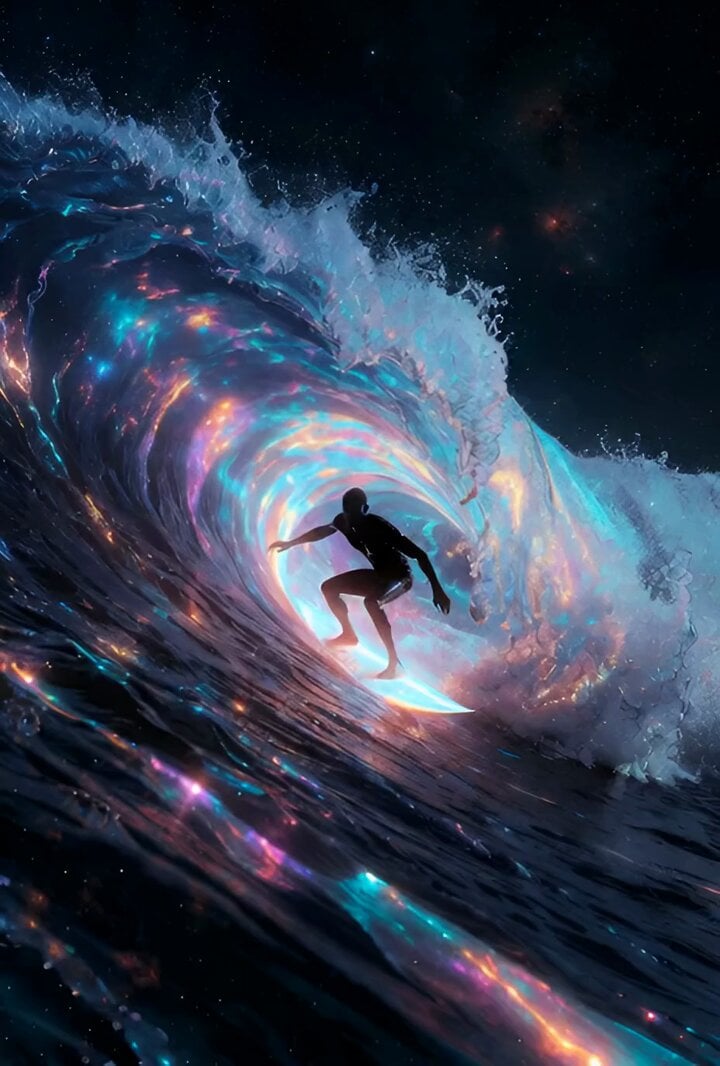
Cosmic Surfing Video

Cinematic Surfer Slow-Motion Barrel

Dark Fantasy Dragon Ride
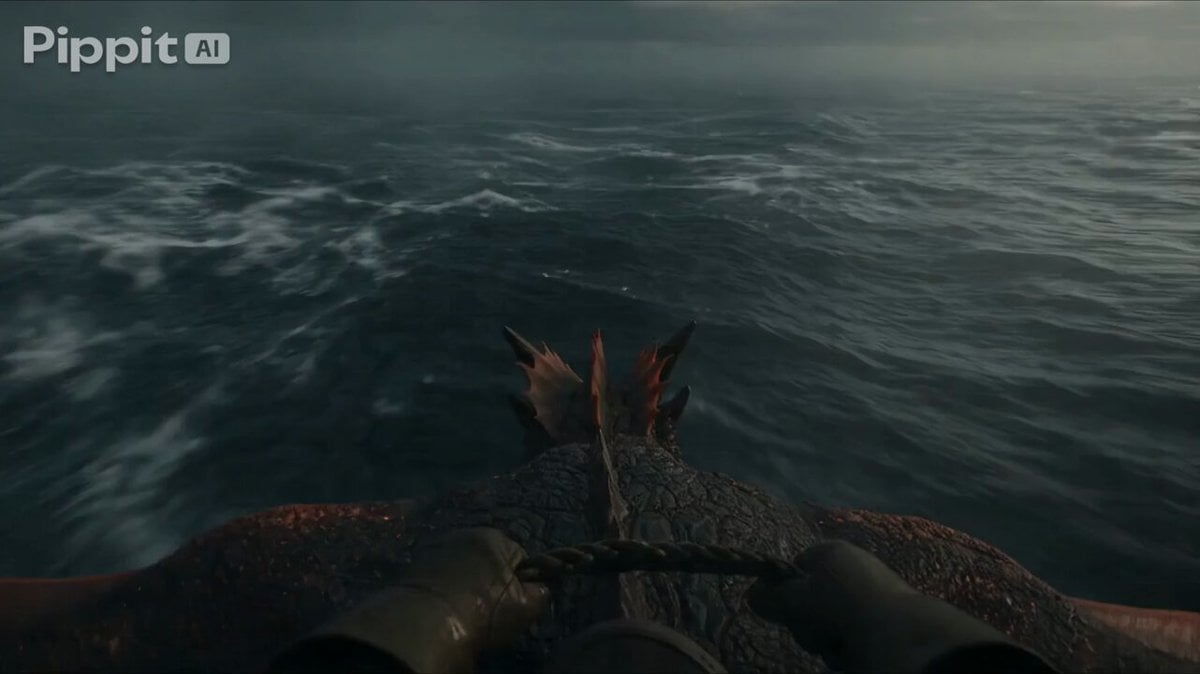
First Person Dragon Rider POV
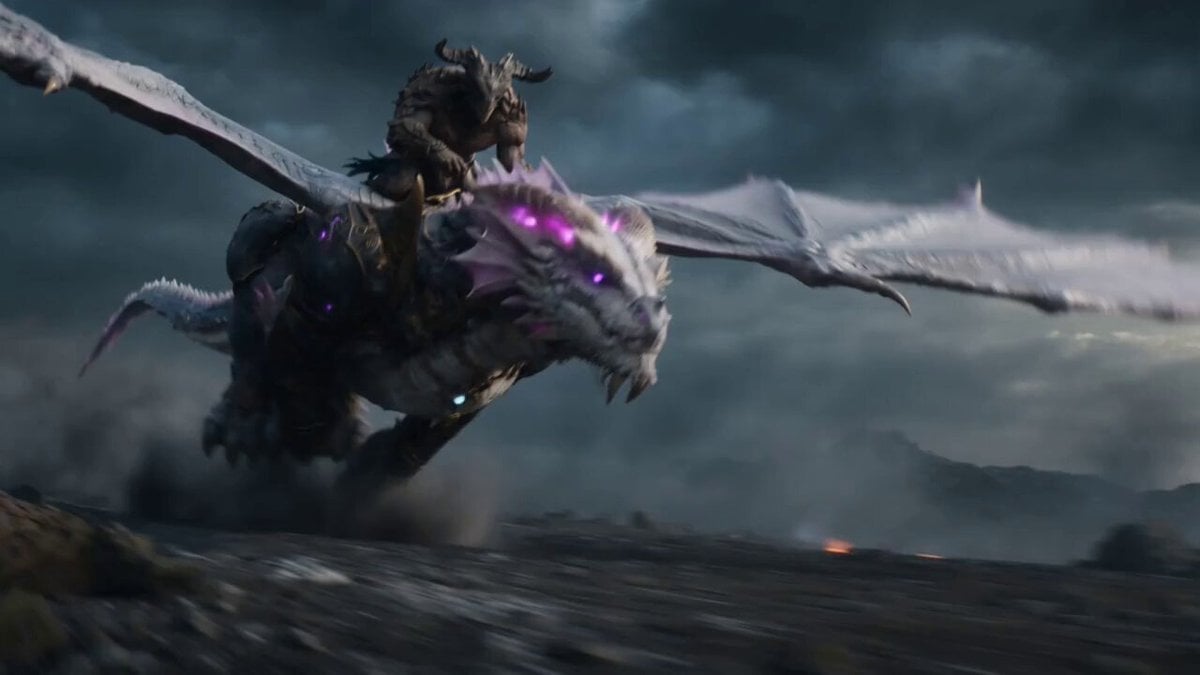
Beastman Dragon Rider Battle
Last Ride Train Outbreak Horror
Cyberpunk Neon City Bike Ride
Make it yours
Cinematic Surfing Barrel Ride Video works as-is. These are the safest ways to change it without losing the look.
Change one field
Copy a single group, rewrite it, and generate again so you can see what that field is doing.
Keep the frame, change the subject
Hold the composition and light of Cinematic Surfing Barrel Ride Video, then swap wardrobe, props or the person for a new take.
| If the result… | Why | Fix |
|---|---|---|
| The result drifts from the preview | Too many fields changed at once. | Reuse Cinematic Surfing Barrel Ride Video as-is first, then change one group — subject, light, or setting. |
| The model over-stylizes the scene | The prose prompt leaves finish and camera underspecified. | Add one camera or lighting sentence and stay on Seedance 2.0. |
More Seedance 2.0 templates
Other prompts made for Seedance 2.0.

Comical Martial Arts Punch Scene

Maglev Train Action Sequence

Martial Arts Fight Sequence

Wuxia Protection and Trust Script

Vintage Korean Arcade MiniDV Vlog

Mercedes 190 SL Luxury Ad

Rainy Night Supernatural Reverse Comedy Video Script

Amazon Civilization Discovery

Futuristic South Asian City Transformation

Cozy Luxury Cafe Commercial
More video prompts
Fresh picks from across the catalog.
Nostalgic MiniDV Korean Bakery
Cinematic Reality Collapse One-Take
Video prompt about destiny and dreams
Martial Arts with Flame Hair
Lotus Lanterns and Milky Way Sanctuary
Aesthetic Morning Energy Routine
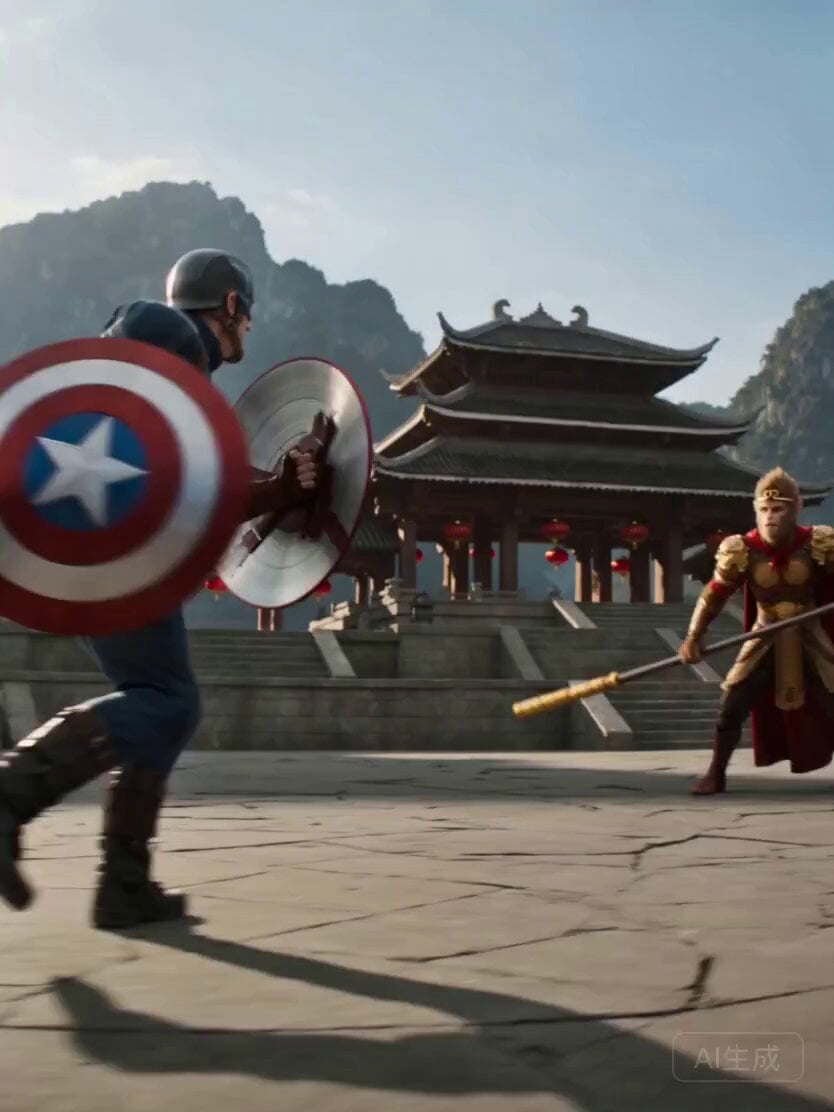
Wukong vs. Captain America Epic Battle

Cyber Xianxia Cinematic Fantasy
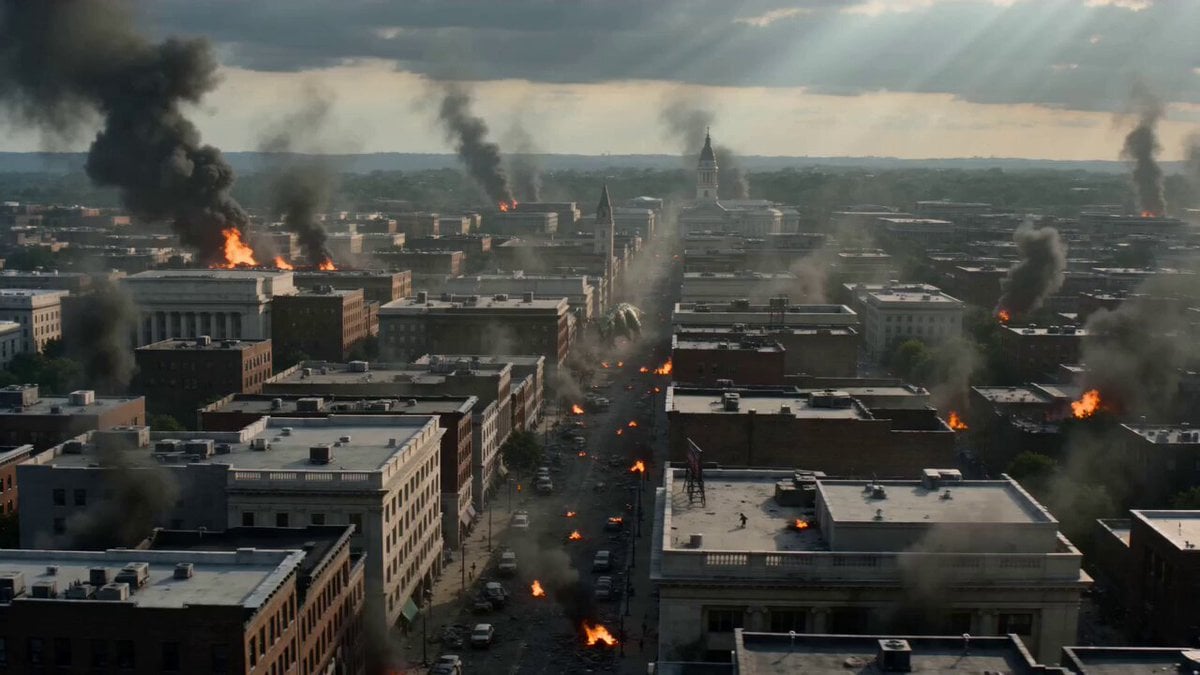
Dinosaur War Military Jets
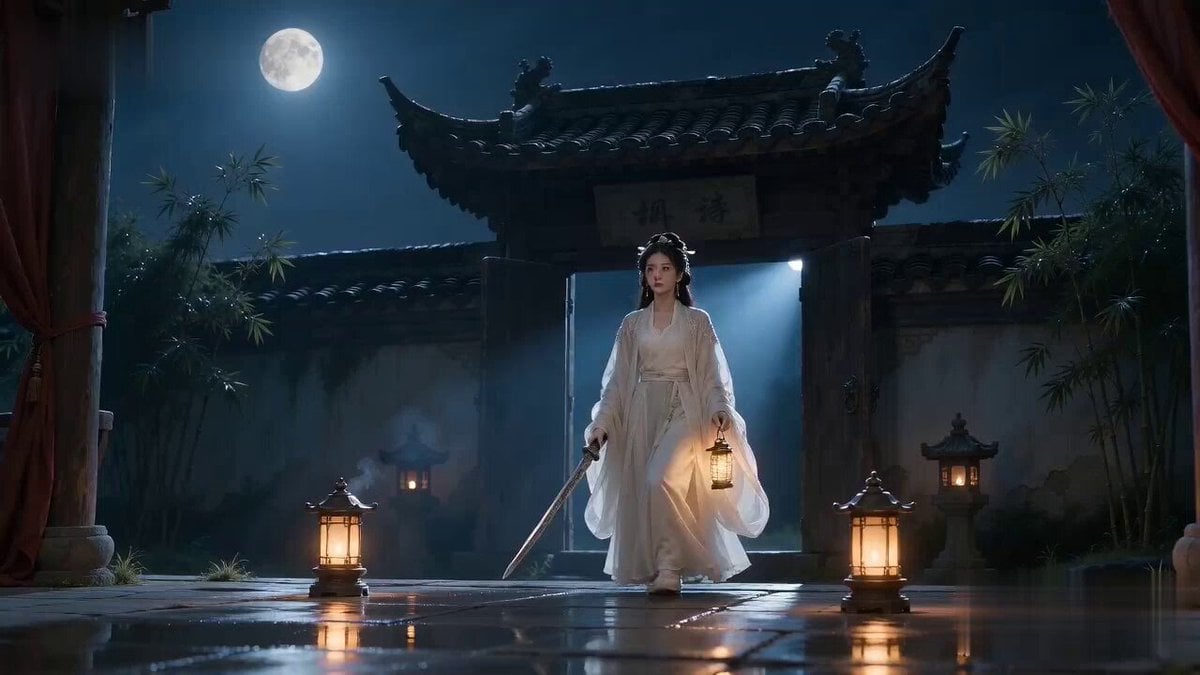
Xianxia Horror to Comedy Rehearsal
Browse template categories
Cinematic Surfing Barrel Ride Video questions
How do I use the Cinematic Surfing Barrel Ride Video template?
Add your photo if the template asks for one, edit the prompt if you like — the template's model and format are already selected — and press Generate. Your version opens in PicX Studio.
Can I customize the Cinematic Surfing Barrel Ride Video template?
Yes. You can change the subject, setting, lighting, mood, format, and available model controls before creating your video.
Is the Cinematic Surfing Barrel Ride Video template free?
Opening and editing this template is free. Generating uses credits, shown on the Generate button when you are signed in.
Which AI model should I use?
Start with Seedance 2.0, which is the model associated with this template. You can compare another compatible model for a different finish.
Looking for something else? Browse all templates.

Your photo, any look
Thousands of ready templates for every top image and video model, from one credit balance.