
Anime Big Wave Surfing Action
A high-speed anime cinematic featuring a character named Kai Tempest surfing a colossal turquoise storm wave with character consistency.
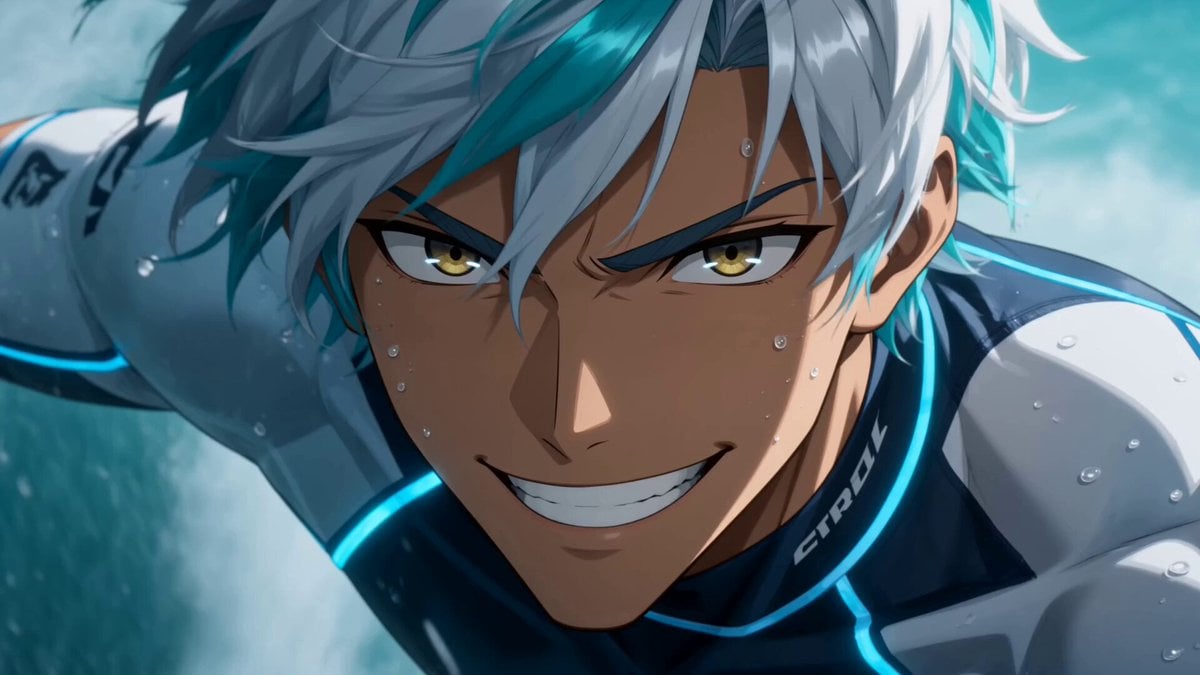
- Prompt included
- Model and format preset
- Free template
The prompt behind this video
Copy the exact prompt behind Anime Big Wave Surfing Action, or open it in the studio and make it yours.
SUBJECT & CONSISTENCY: An ultra-dynamic anime cinematic big-wave surfing video featuring Kai Tempest. Preserve his exact face, piercing emerald-green eyes, messy windblown white hair with vivid aqua streaks, dark-blue and white technical rash guard with a glowing neon-blue seam pattern, black board-shorts with aqua utility straps, waterproof tech-wristband tracker, and a sleek carbon-fiber metallic blue surfboard with a sharp geometric shark-tooth logo. Keep perfect character consistency the whole time. Never change his outfit, hair, or face.\nSTYLE: Ultra-premium anime feature-film quality, high-energy sports-anime cinematography, aggressive dynamic action animation, realistic hydrodynamics and wave physics in anime style, dramatic back-lit ocean lighting, detailed water spray, foam, and mist simulation, lively expressive facial acting. Absolutely no slow motion at any point. Constant high speed and momentum.\nSETTING: A colossal, churning tropical ocean during a storm, massive 50-foot turquoise walls of water, intense sun breaking through dark storm clouds creating dramatic light rays, heavy sea spray whipping through the air, vivid adrenaline-charged atmosphere.\nFORMAT: One continuous single-take shot, no cuts, no transitions, no montage, one uninterrupted aggressive camera move.\nHOOK (first 2 seconds): Open EXTREMELY close on Kai’s face mid-ride inside the barrel of a massive wave, looking straight into the lens with a fierce, ecstatic grin, ocean spray and aqua-streaked hair whipping violently across his face, eyes wide and bright with excitement. He shouts a defiant challenge toward the camera. Instant speed and energy from frame one.\nCAMERA: The camera rips backward off his face, pulling out of the wave's barrel and whipping into a fast 360-degree orbit around his body as he carves down the massive wall of water. In one unbroken motion, it plunges low to the water's surface, tracking just inches above the churning foam, then rockets upward to look down at him from the crest. It chases tightly, snapping between front, side, and over-the-shoulder angles, always fast, always handheld-energetic, never static, never rising into slow drifting.\nACTION FLOW: Kai snaps from a bottom turn into a vertical climb up the towering wave face, accelerating hard, a massive sheet of water spraying off his board's tail. He reaches the lip and launches into a powerful, rotating air-reverse above the crest, body and board spinning sideways against the sky. He throws a cheeky, confident wink at the camera mid-air. Then, landing cleanly back onto the churning slope with a sudden heavy impact, he sticks the landing — his board digs deep into the water, driving him forward with a hard punchy motion (fast and forceful, NOT slow). The water explodes around him, his hair flips back, and the camera shakes violently with the force of the landing.\nFINAL MOMENT: Now racing safely out into th
How to use Anime Big Wave Surfing Action in 3 steps
- 1
Open
The prompt is already in the box next to the preview, with the template's model and format selected.
- 2…a portrait of your subject in softgolden-hour light, 85mm…
Personalize
Edit the subject and creative details for your destination.
- 3Generate
Generate
Press Generate — your video is created in PicX Studio, so you can compare it with the original and refine one variable at a time.
More like this
Templates with the same subject, style or setup. Open one to see its prompt.
Mecha Transformation vs Kaiju — 4-Scene Epic
Time Freeze — Snap Shockwave Scene Seedance
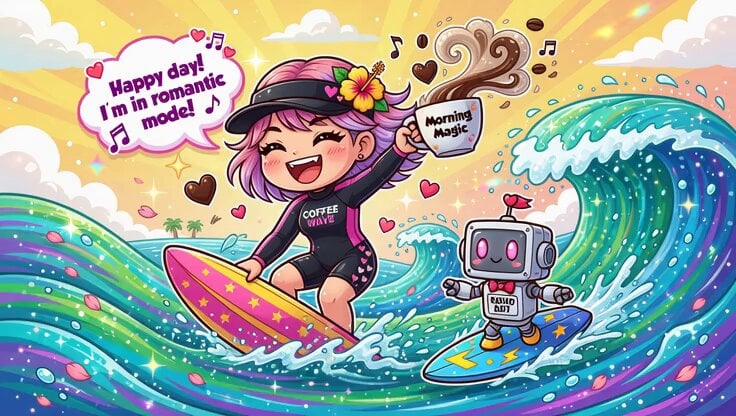
Chibi Girl Surfing on Vibrant Ocean Waves
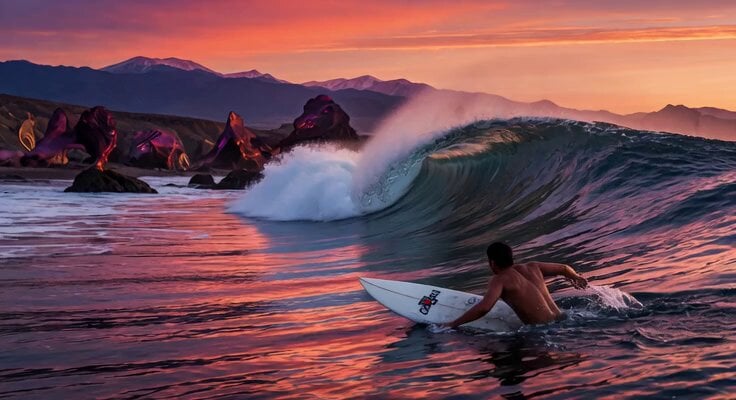
Massive Sunset Wave Surfing

MiniMax H3 Character Introduction

Japanese Pure Love Short Film
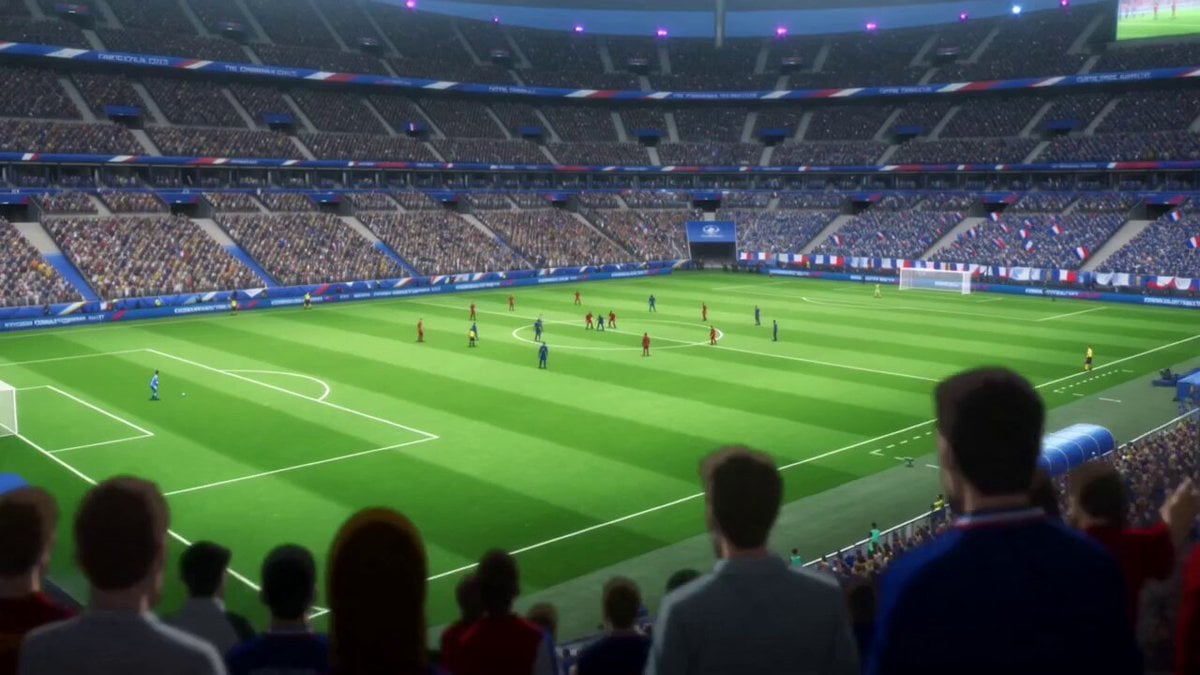
Anime Style Football Striker Cinematic Action

Theatrical Anime Action Market Battle
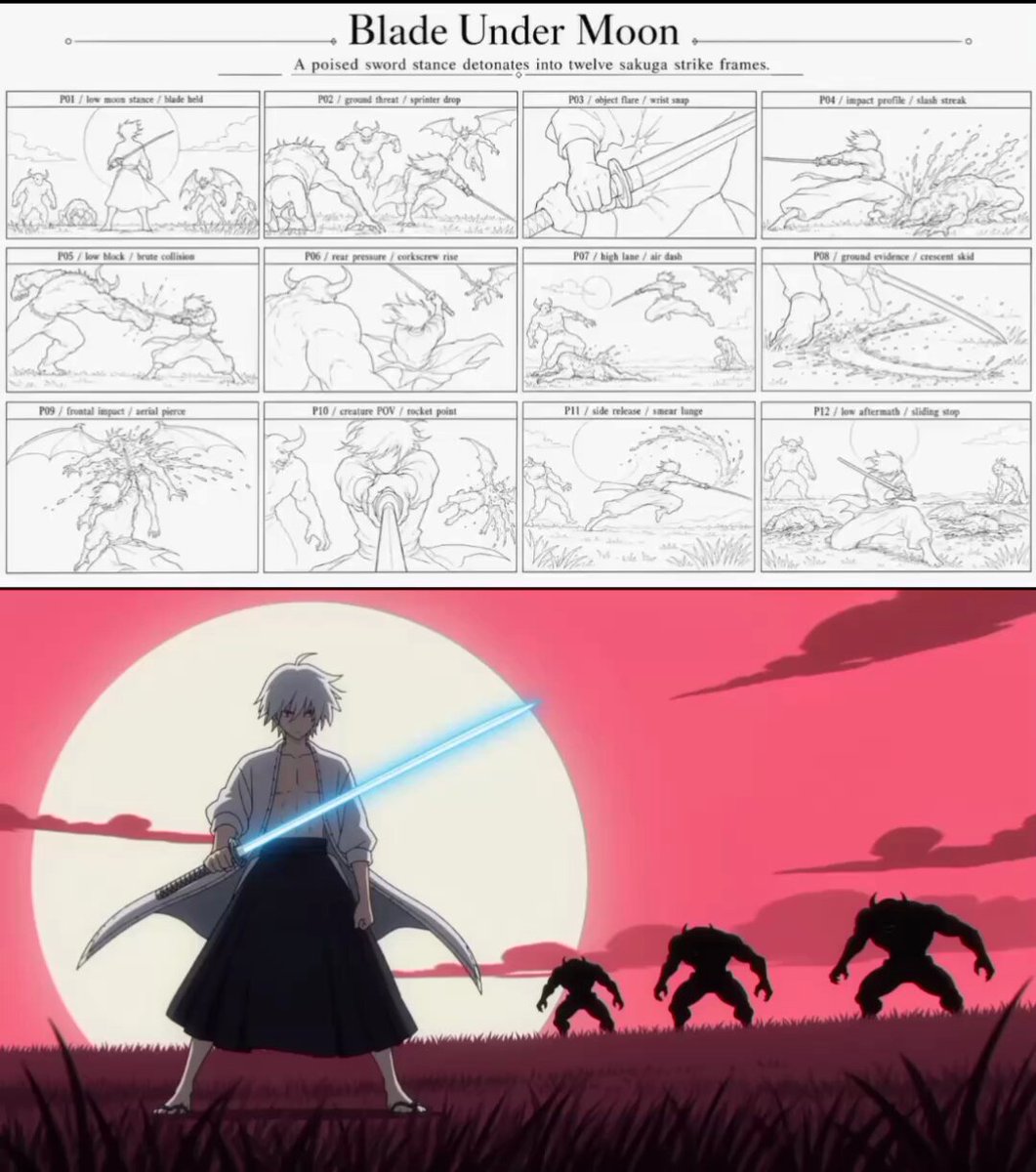
Sakuga Anime Action Storyboard
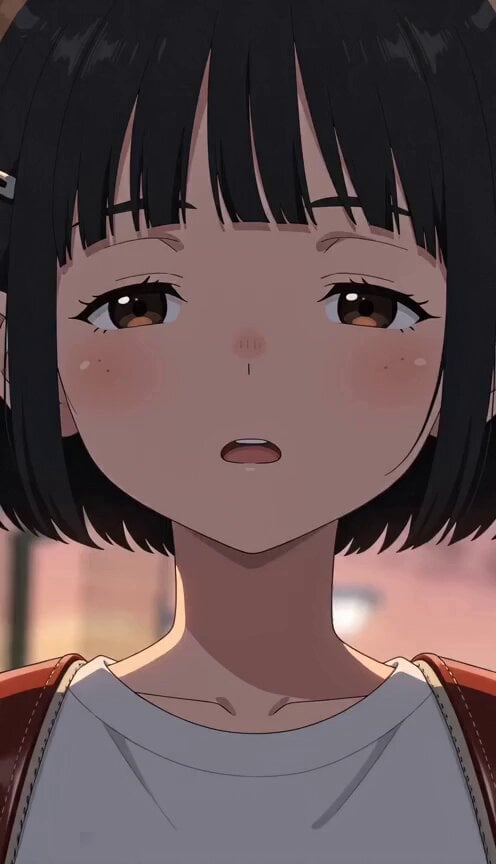
Supernatural Sigh Shockwave Anime Scene
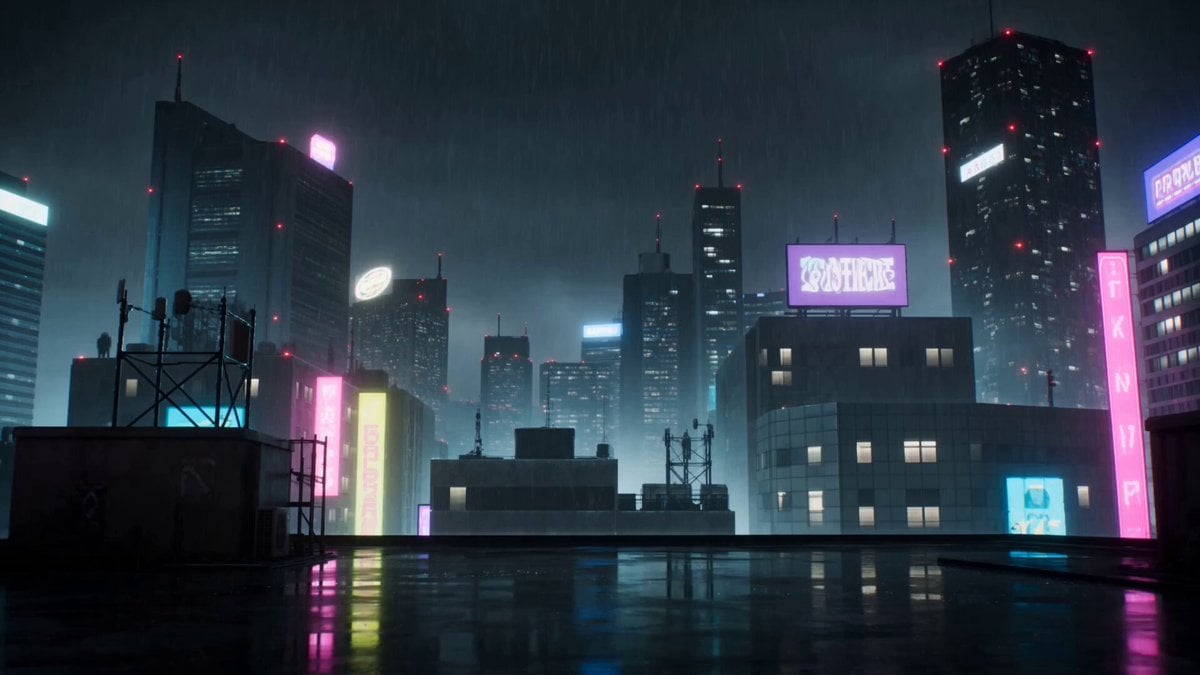
Cyberpunk Anime Duel Action
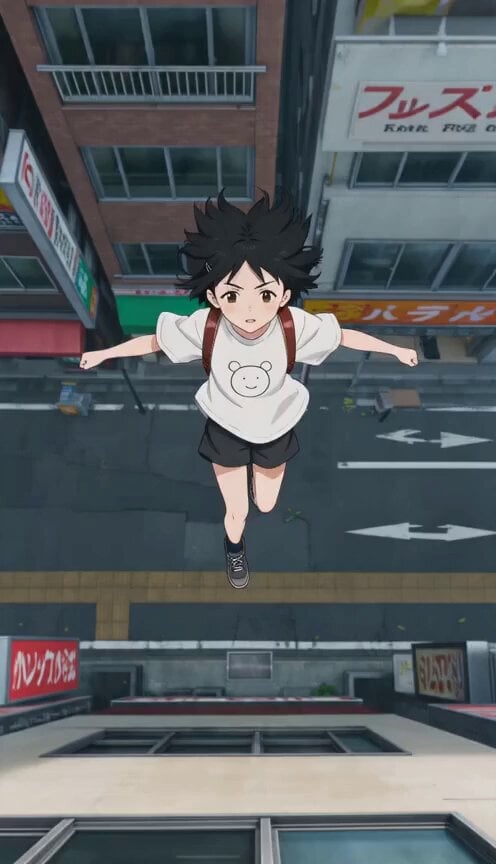
Anime Wall Running Action Scene
Make it yours
Anime Big Wave Surfing Action works as-is. These are the safest ways to change it without losing the look.
Change one field
Copy a single group, rewrite it, and generate again so you can see what that field is doing.
Keep the frame, change the subject
Hold the composition and light of Anime Big Wave Surfing Action, then swap wardrobe, props or the person for a new take.
| If the result… | Why | Fix |
|---|---|---|
| The result drifts from the preview | Too many fields changed at once. | Reuse Anime Big Wave Surfing Action as-is first, then change one group — subject, light, or setting. |
| The model over-stylizes the scene | The prose prompt leaves finish and camera underspecified. | Add one camera or lighting sentence and stay on Seedance 2.0. |
More Seedance 2.0 templates
Other prompts made for Seedance 2.0.

Comical Martial Arts Punch Scene

Maglev Train Action Sequence

Martial Arts Fight Sequence

Wuxia Protection and Trust Script

Vintage Korean Arcade MiniDV Vlog

Mercedes 190 SL Luxury Ad

Rainy Night Supernatural Reverse Comedy Video Script

Amazon Civilization Discovery

Futuristic South Asian City Transformation

Cozy Luxury Cafe Commercial
More video prompts
Fresh picks from across the catalog.
Claude Prompt: Customer/Sales/User Segmentation
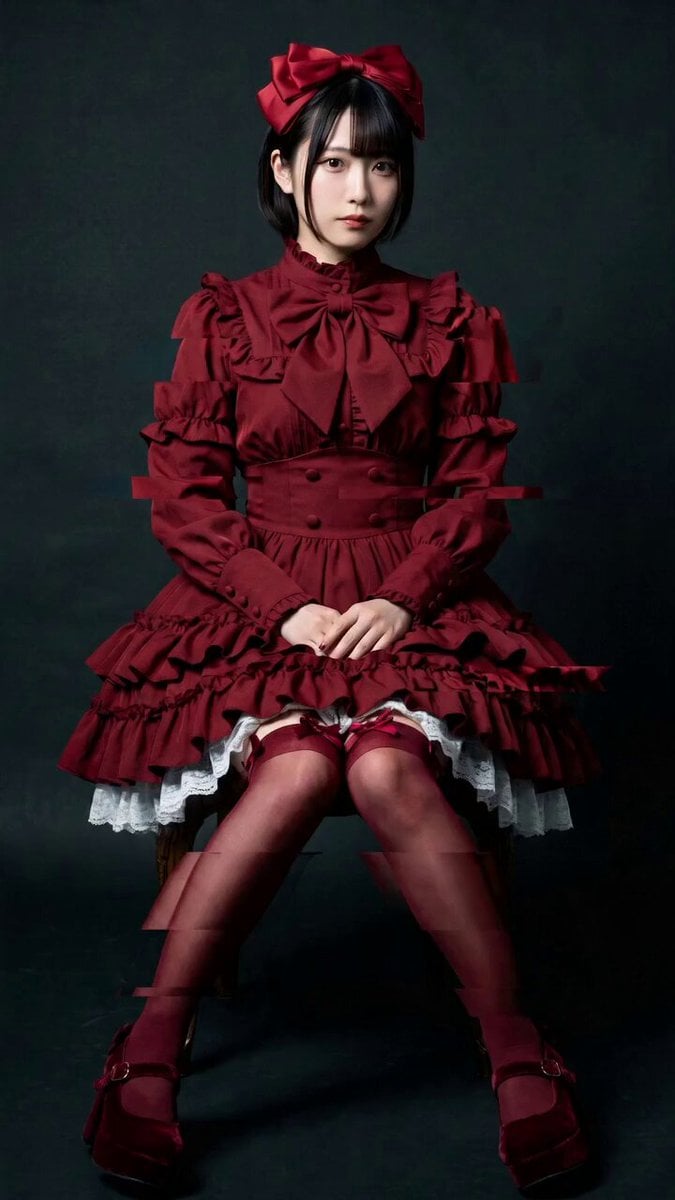
Elegant Camera Orbit for Seated Woman
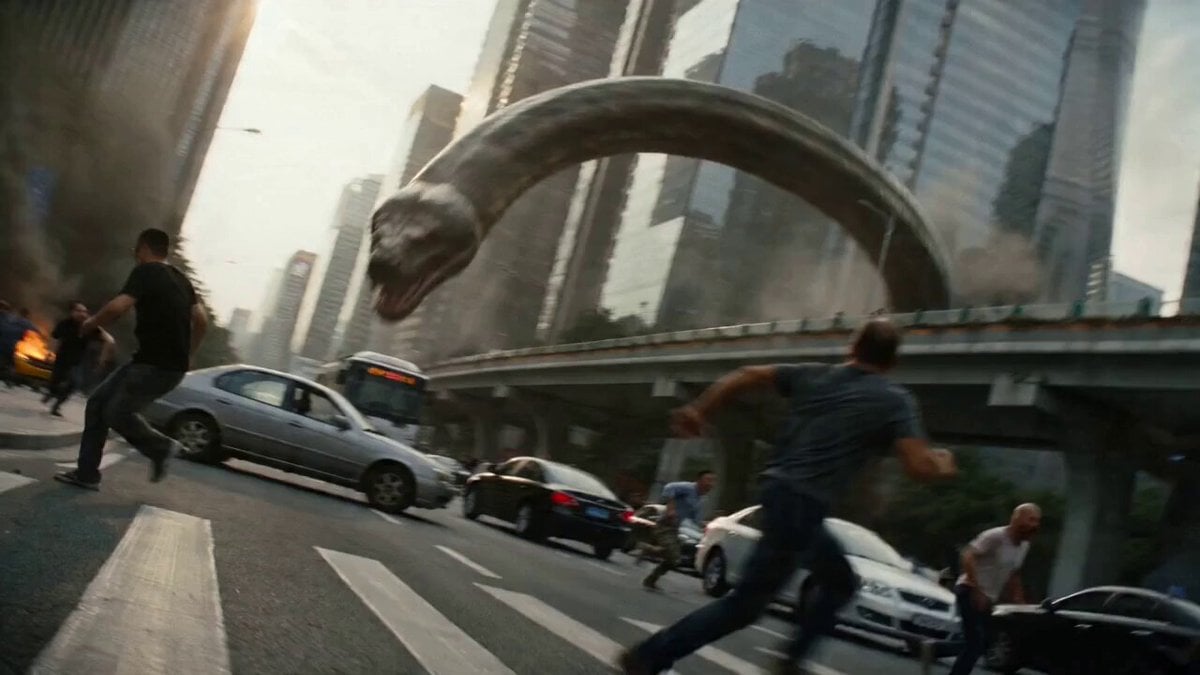
Epic Battle Between Giant Python and Chinese Dragon
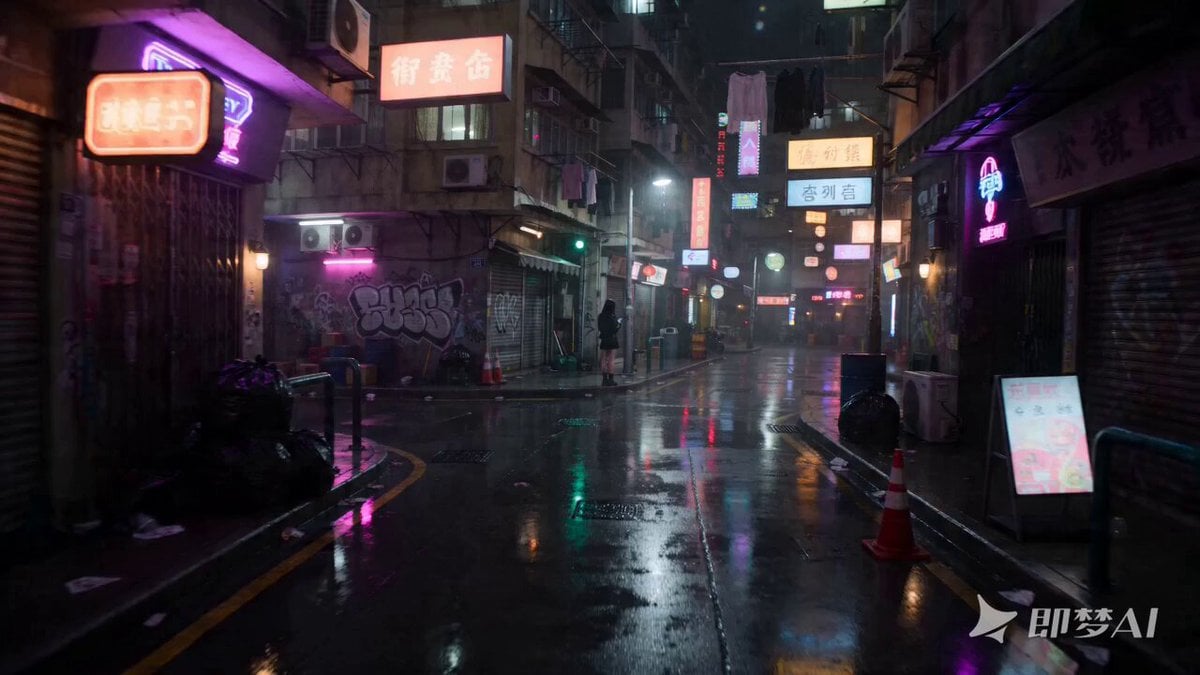
Seedance 2.0 Video Prompt: Neon-lit Street Encounter
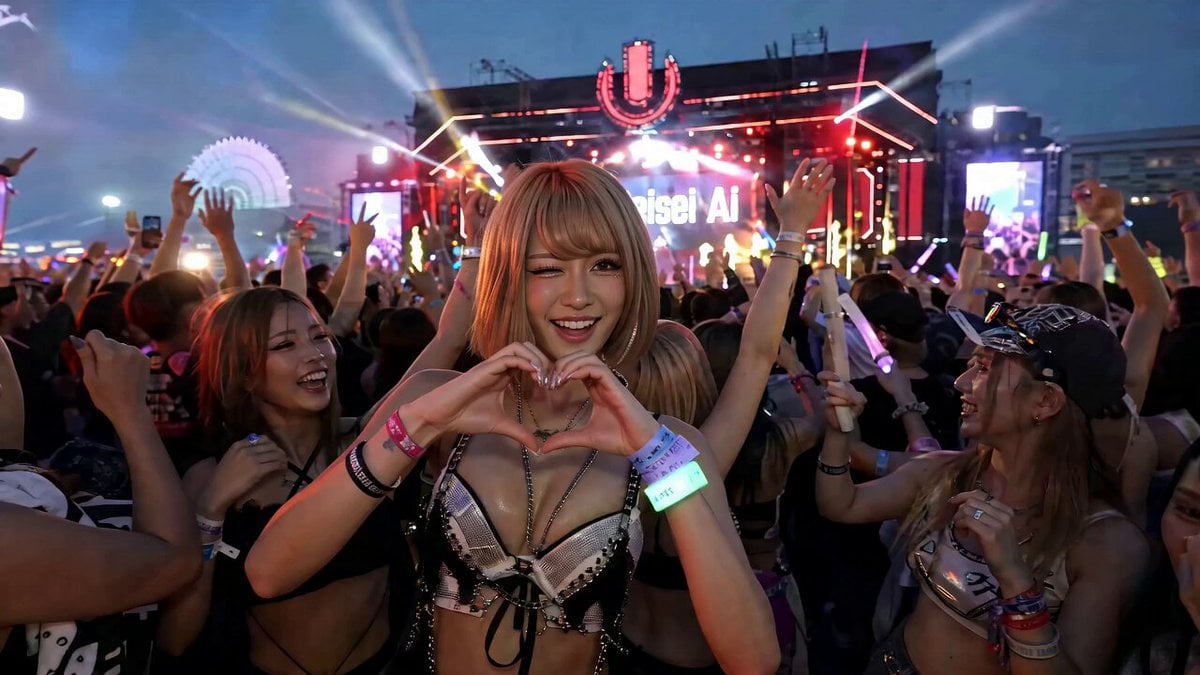
EDM Dance Festival Live Crowd

Rococo Celestial Swing
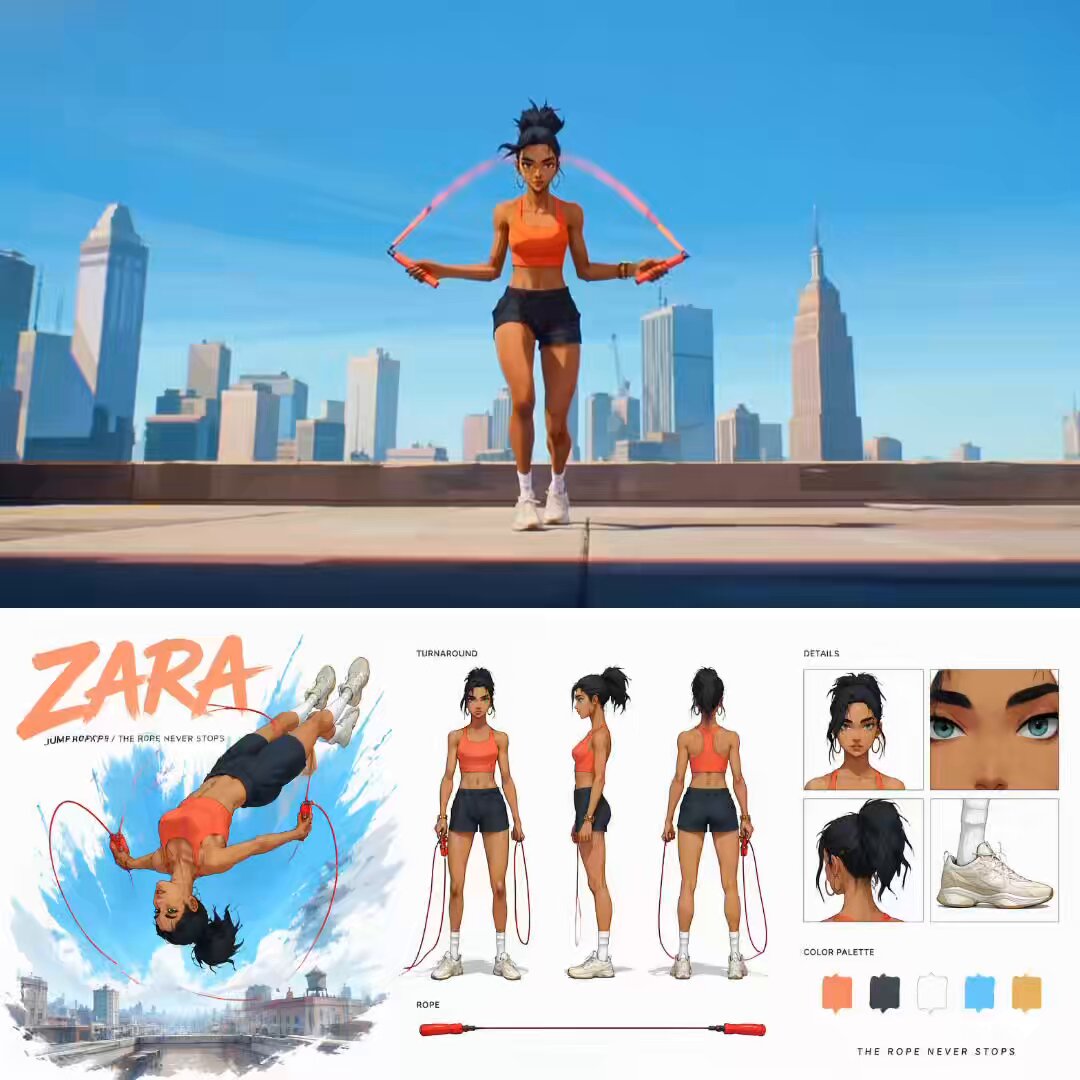
Cinematic Anime Jump Roper Short Film

Desert Leviathan and Shamanic Belly Dancer

Cosmic Heart Radiant Energy
Sci-Fi Black Supercar Transforming into a Humanoid Robot
Browse template categories
Anime Big Wave Surfing Action questions
How do I use the Anime Big Wave Surfing Action template?
Add your photo if the template asks for one, edit the prompt if you like — the template's model and format are already selected — and press Generate. Your version opens in PicX Studio.
Can I customize the Anime Big Wave Surfing Action template?
Yes. You can change the subject, setting, lighting, mood, format, and available model controls before creating your video.
Is the Anime Big Wave Surfing Action template free?
Opening and editing this template is free. Generating uses credits, shown on the Generate button when you are signed in.
Which AI model should I use?
Start with Seedance 2.0, which is the model associated with this template. You can compare another compatible model for a different finish.
Looking for something else? Browse all templates.

Your photo, any look
Thousands of ready templates for every top image and video model, from one credit balance.