
EDM Dance Festival Live Crowd
A vibrant prompt for generating an EDM festival atmosphere with enthusiastic crowds, drone shots, and DJ booth transitions.
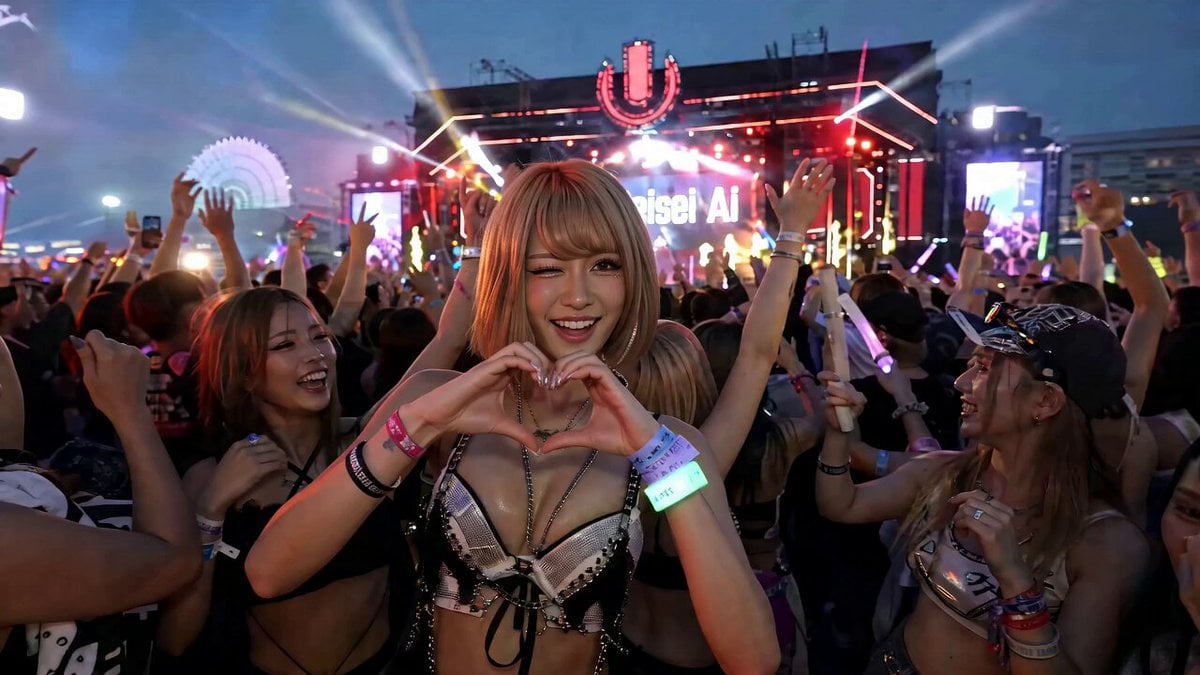
- Prompt included
- Model and format preset
- Free template
The prompt behind this video
Copy the exact prompt behind EDM Dance Festival Live Crowd, or open it in the studio and make it yours.
参照画像をランダム選び、EDMダンスフェスのライブ映像を作成してください。音響はフェス仕様で迫力があり、リアルサウンド、ハウスミュージック、会場の反響音、掛け声、観客席たちは手を大きく上げ下げしたり、カメラに対して、両手でハートマーク、ウインク、手を振るなどをして、体を揺らして踊り、熱狂している。偶にドローンカメラによる上空からの映像やDJブースの映像に切り替わる。
How to use EDM Dance Festival Live Crowd in 3 steps
- 1
Open
The prompt is already in the box next to the preview, with the template's model and format selected.
- 2…a portrait of your subject in softgolden-hour light, 85mm…
Personalize
Edit the subject and creative details for your destination.
- 3Generate
Generate
Press Generate — your video is created in PicX Studio, so you can compare it with the original and refine one variable at a time.
More like this
Templates with the same subject, style or setup. Open one to see its prompt.
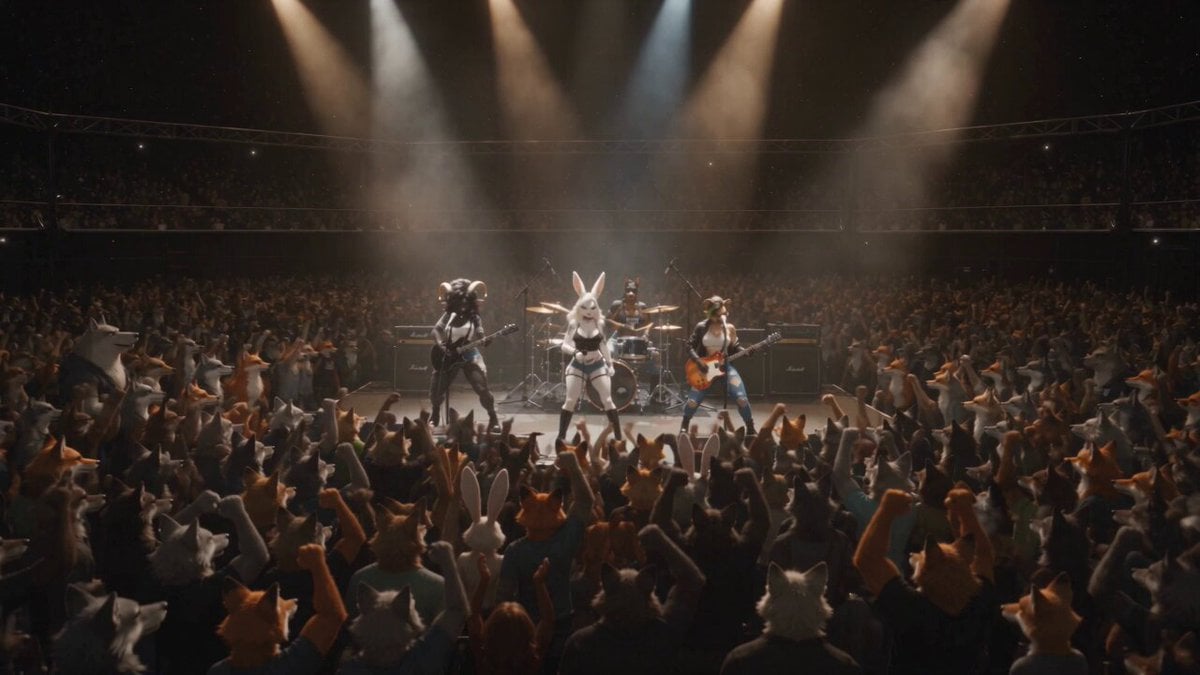
Anthropomorphic Rock Band Live Concert - Seedance 2.5
Cartoon Bullfight Arena — Girl vs Bull (Seedance)
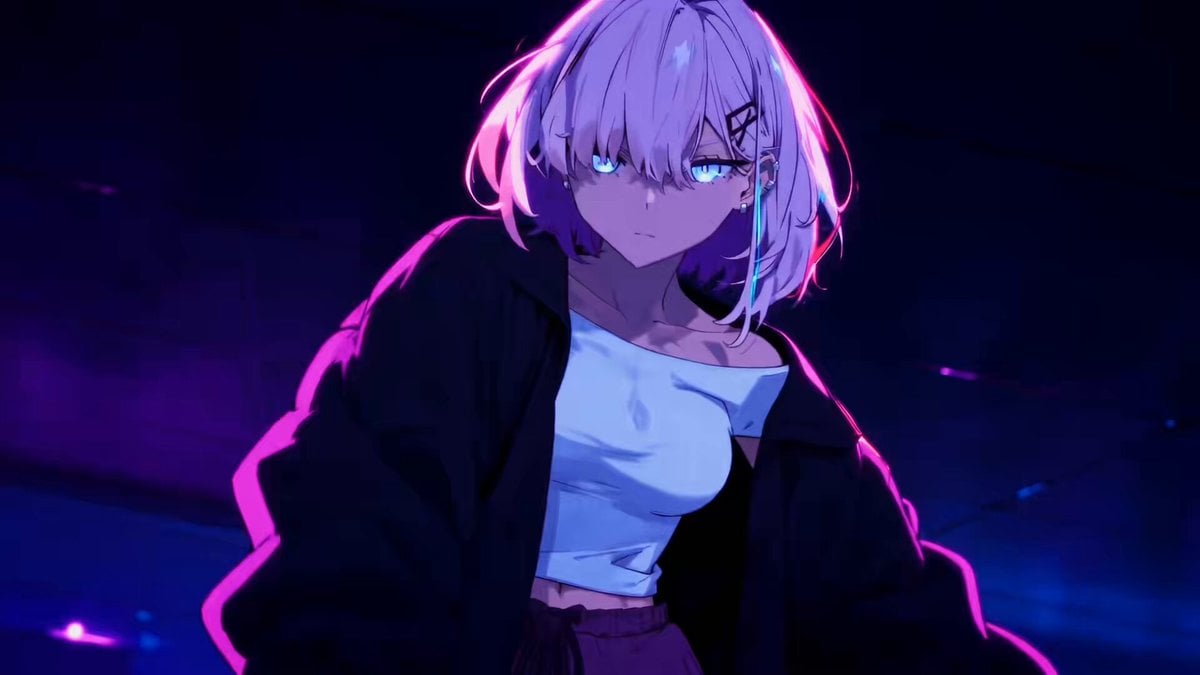
Energetic EDM Dance with Dynamic Camera

Cyberpunk Holographic Dance Performance - Seedance 2.5
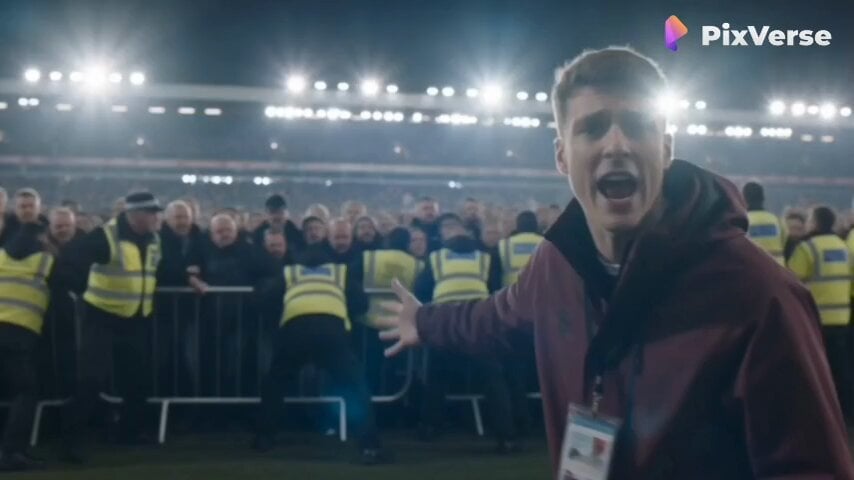
Live Sports News Crowd Surge Report
Lonely Crowd One-Shot Through Seasons
Early-2000s Trainee Flashback Film

Luxury Airport Travel Vlog
Cinematic Live-Action Dance MV Template
Live TV Football Broadcast Crowd Reaction
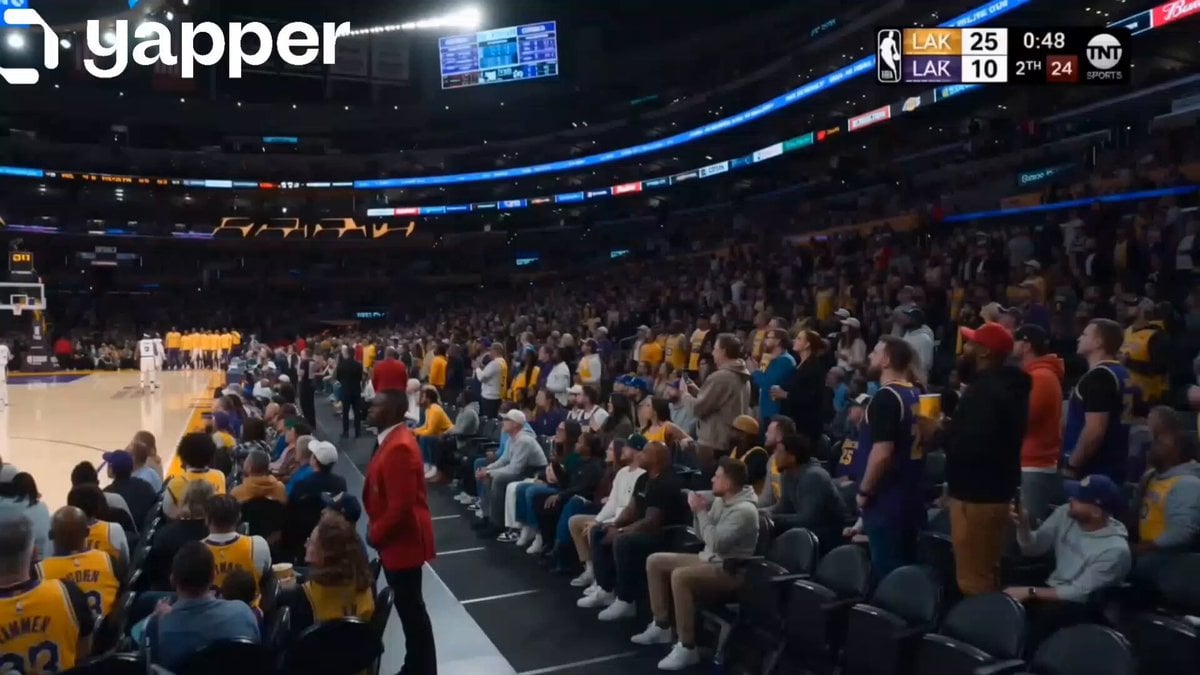
NBA Live Game Crowd Reaction
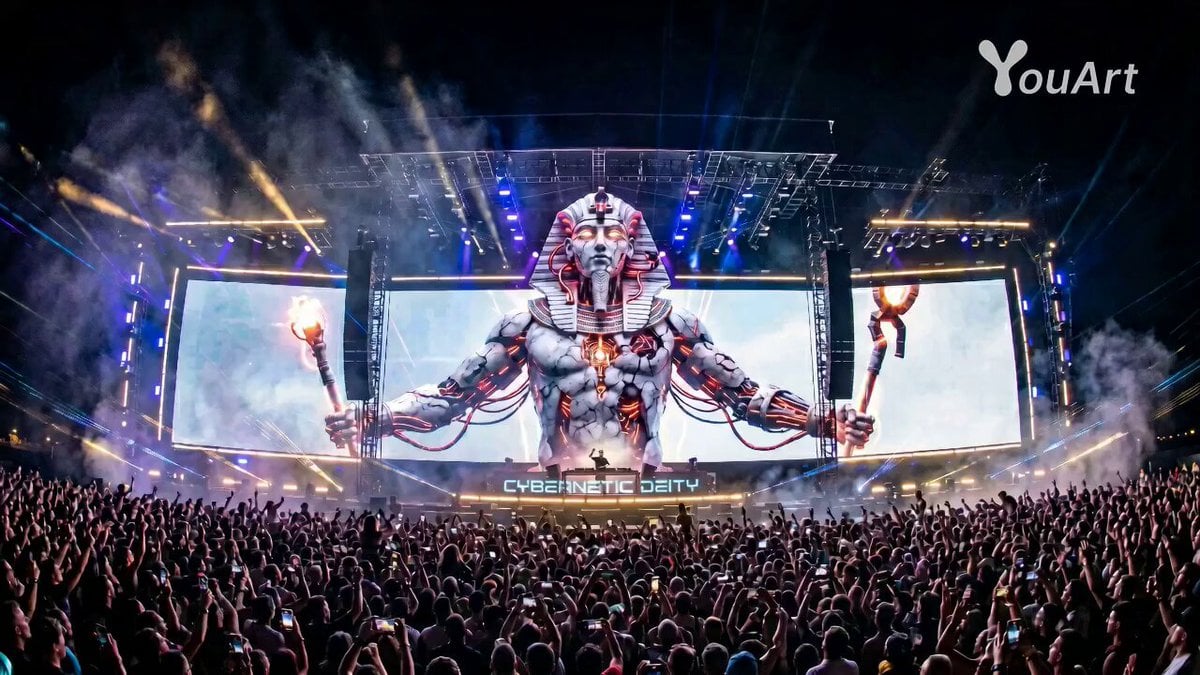
Pharaoh EDM Live Performance
Make it yours
EDM Dance Festival Live Crowd works as-is. These are the safest ways to change it without losing the look.
Change one field
Copy a single group, rewrite it, and generate again so you can see what that field is doing.
Keep the frame, change the subject
Hold the composition and light of EDM Dance Festival Live Crowd, then swap wardrobe, props or the person for a new take.
| If the result… | Why | Fix |
|---|---|---|
| The result drifts from the preview | Too many fields changed at once. | Reuse EDM Dance Festival Live Crowd as-is first, then change one group — subject, light, or setting. |
| The model over-stylizes the scene | The prose prompt leaves finish and camera underspecified. | Add one camera or lighting sentence and stay on Seedance 2.0. |
More Seedance 2.0 templates
Other prompts made for Seedance 2.0.

Comical Martial Arts Punch Scene

Maglev Train Action Sequence

Martial Arts Fight Sequence

Wuxia Protection and Trust Script

Vintage Korean Arcade MiniDV Vlog

Mercedes 190 SL Luxury Ad

Rainy Night Supernatural Reverse Comedy Video Script

Amazon Civilization Discovery

Futuristic South Asian City Transformation

Cozy Luxury Cafe Commercial
More video prompts
Fresh picks from across the catalog.
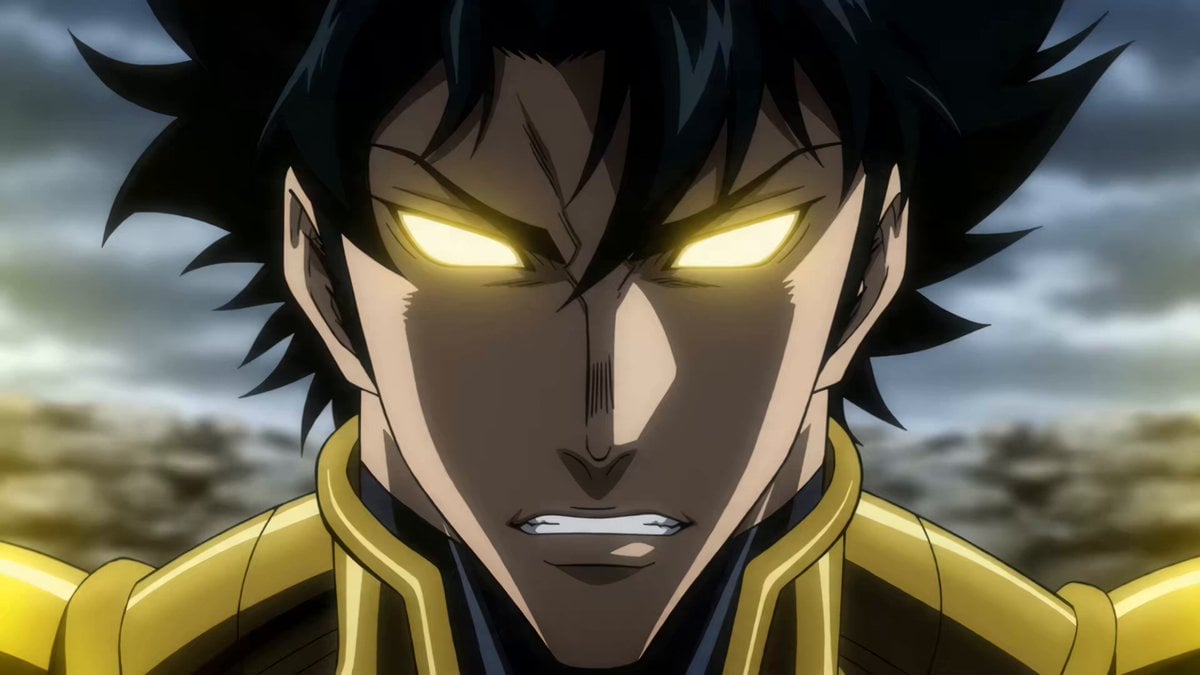
90s Anime Telekinetic Supervillain
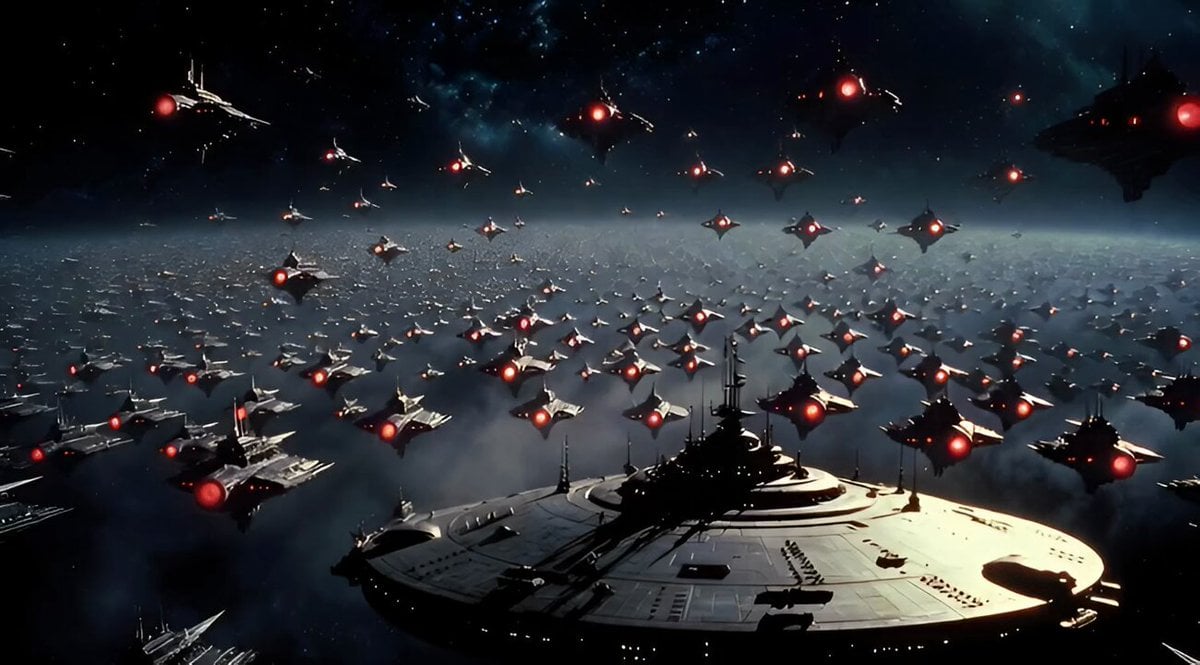
Large Spaceship Floats as Others Circle Randomly
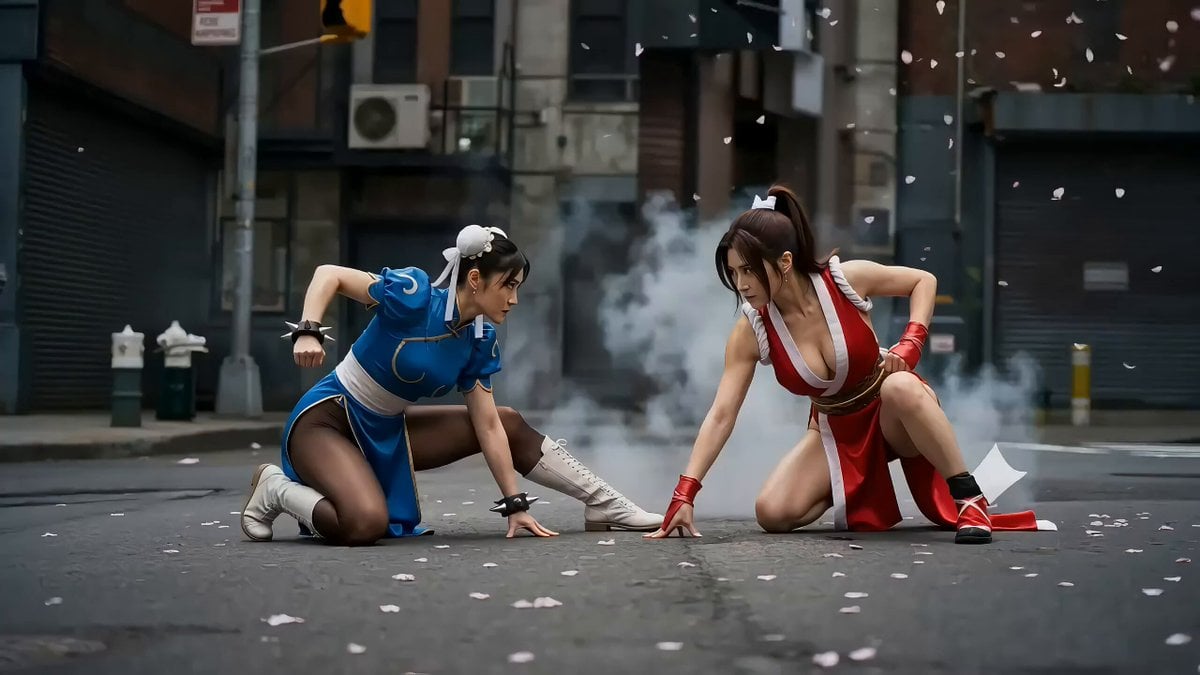
Second Action Sequence Video Prompt (Seedance 2.0)
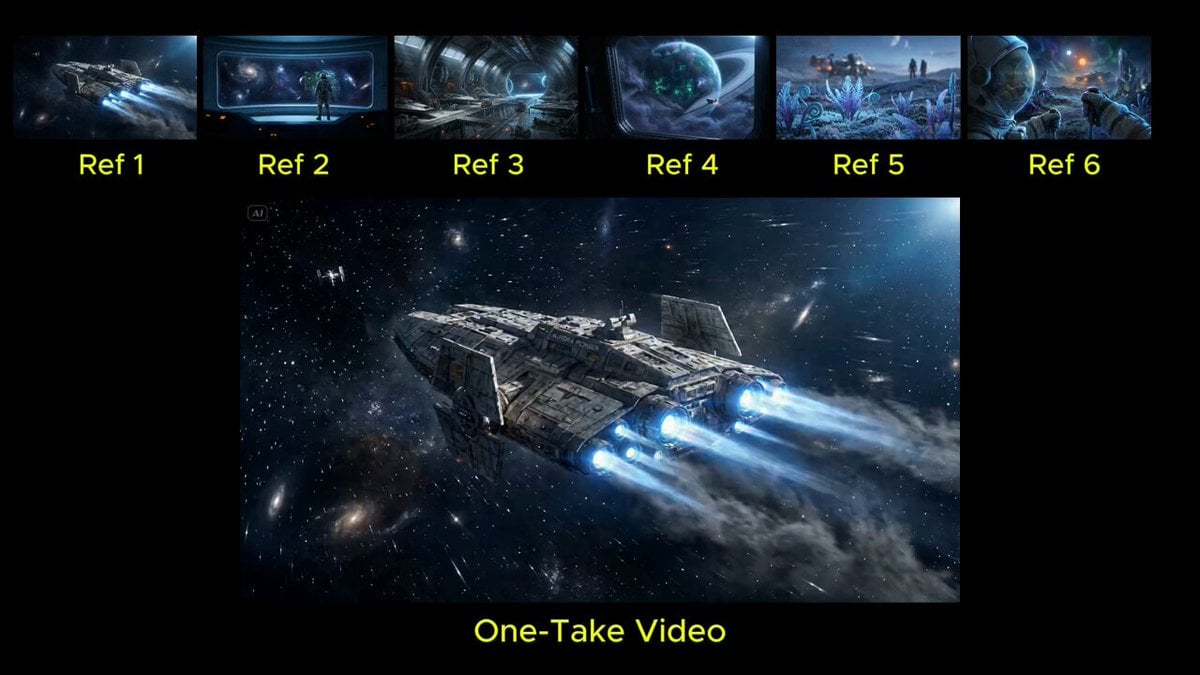
Seamless Continuous One-Take Video Prompt
Female Ninja Fight Scene
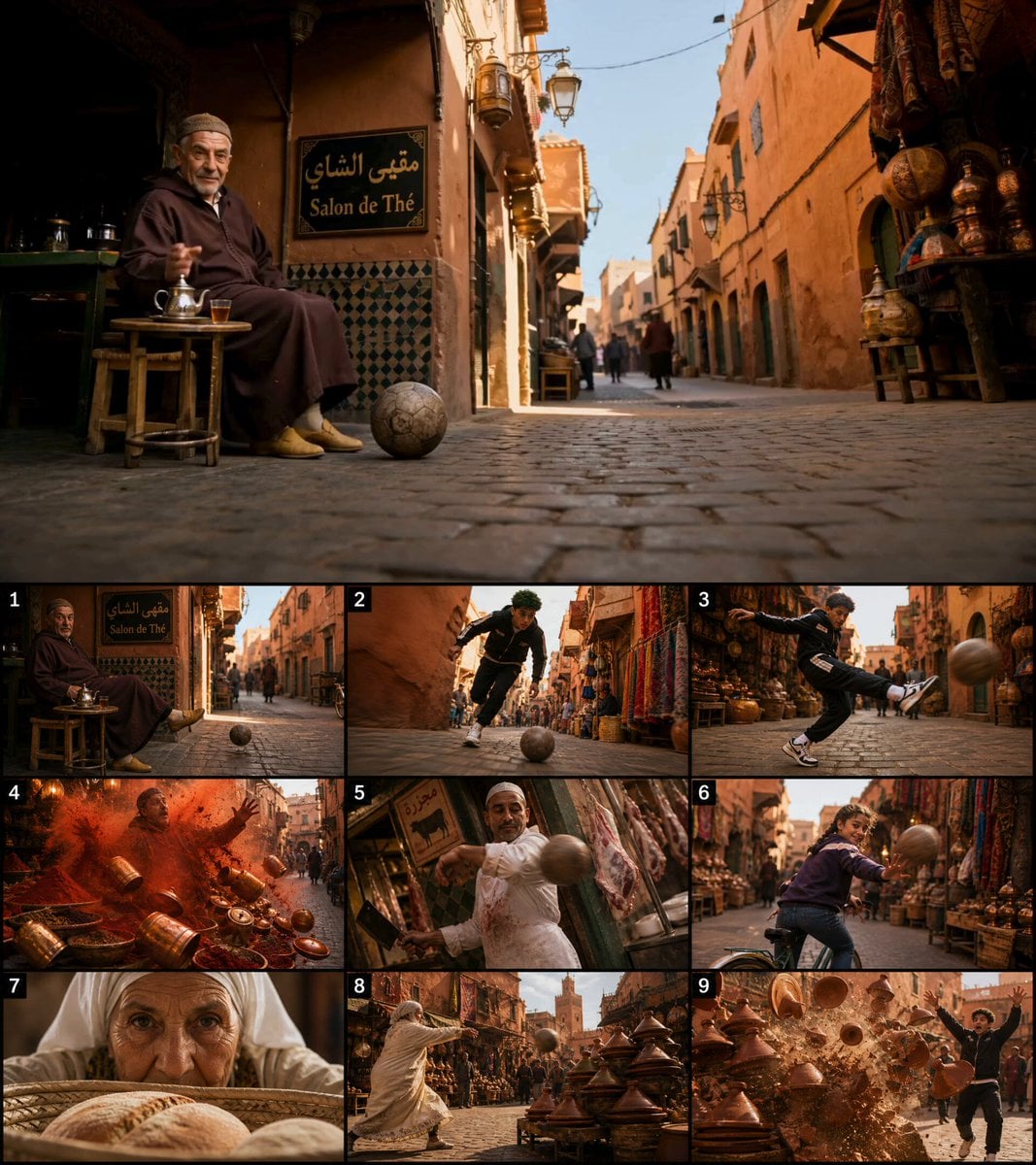
Moroccan Souk Football Chain Reaction
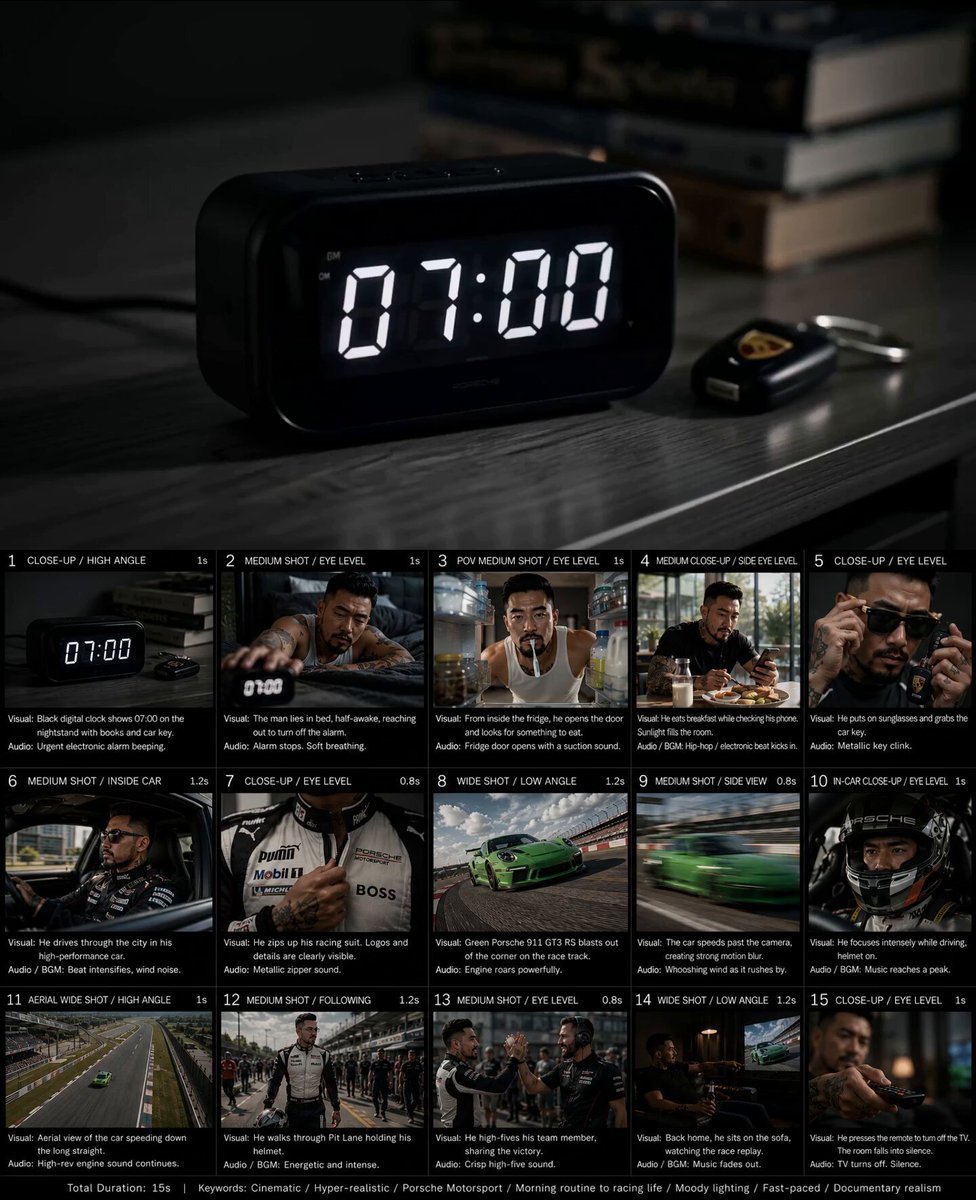
Created storyboard with GPT Image 2 then animated
Storyboard to Cinematic 3D Animation
Slow Motion Himalayan Cat
Cinematic Luxury Lifestyle Speedboat Scene
Browse template categories
EDM Dance Festival Live Crowd questions
How do I use the EDM Dance Festival Live Crowd template?
Add your photo if the template asks for one, edit the prompt if you like — the template's model and format are already selected — and press Generate. Your version opens in PicX Studio.
Can I customize the EDM Dance Festival Live Crowd template?
Yes. You can change the subject, setting, lighting, mood, format, and available model controls before creating your video.
Is the EDM Dance Festival Live Crowd template free?
Opening and editing this template is free. Generating uses credits, shown on the Generate button when you are signed in.
Which AI model should I use?
Start with Seedance 2.0, which is the model associated with this template. You can compare another compatible model for a different finish.
Looking for something else? Browse all templates.

Your photo, any look
Thousands of ready templates for every top image and video model, from one credit balance.