
Cinematic Live-Action Dance MV Template
A highly detailed template for creating 15-second cinematic live-action dance music videos using Seedance 2.0, focusing on natural movement and realistic skin textures.
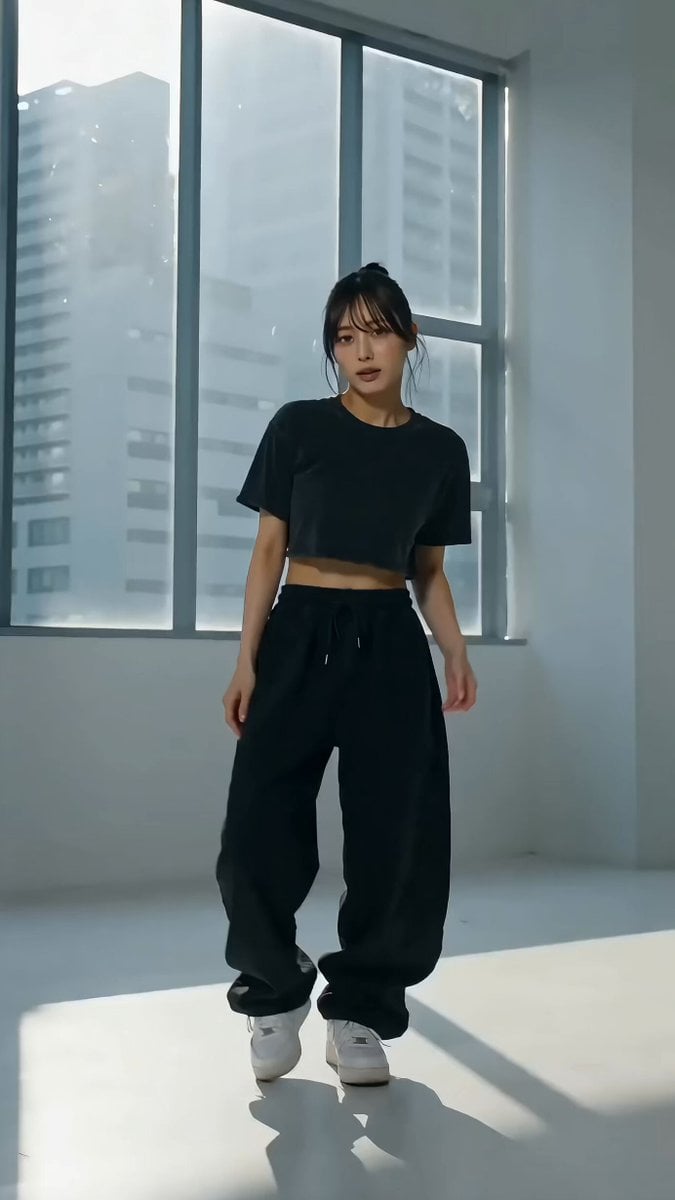
- Prompt included
- Model and format preset
- Premium template
The prompt behind this video
Copy the exact prompt behind Cinematic Live-Action Dance MV Template, or open it in the studio and make it yours.
@ 画像1の人物またはキャラクターを使って、15秒の縦型実写ダンスMVを生成してください。 そのキャラっぽいダンスにしてください。 format: vertical_9x16 fps: 24 total_duration: 15s style: 実写MV風、シネマティック、柔らかい自然光、浅い被写界深度、滑らかな身体の動き、自然な肌の質感、リアルな布の揺れ character_rules: - 顔、髪型、衣装、色、全体のシルエットは画像1を優先する - 人物は1人だけ - 顔、手、指、足の形を自然に保つ - 衣装の細部よりも、身体の重心移動、姿勢、シルエットを優先する - @ 画像1がイラストの場合は、顔立ち、髪型、衣装、雰囲気を保ったまま、自然な実写人物として再解釈する motion_rules: - 激しいブレイクダンスではなく、音楽に乗るような短い実写ダンスMVにする - 重心移動、肩、腰、膝、足首の連動を明確にする - 腕は大きく振りすぎず、手元の軌道を滑らかにする - 0.5秒ごとにカットを切り替える - 同じ振付を続けず、ステップ、振り返り、手元、足元、横顔、髪の揺れを混ぜる - ジャンプや回転は少なめにする - 15秒の中で、序盤は音に乗り始め、中盤は一番気持ちよいステップ、終盤は余韻のある決めポーズにする camera_rules: - カメラは全身、膝上、顔アップ、手元、足元を切り替える - 踊りを邪魔しない程度にゆっくり動かす - 急激なズームや回転カメラは避ける - 最初と最後は人物の全身が見えるカットにする - 実写MVのように、手持ちカメラのわずかな揺れ、自然なフォーカス移動、光の反射を入れる location_and_light: - 背景はこの振り付けに一番映える背景にする - 背景は人物より目立たせない - 光は柔らかく、顔と身体のラインが自然に見えるようにする - 過度なCG感、人工的な肌、プラスチックのような質感は避ける mood: - 直接説明せず、目線、髪、袖、服の裾、足元、光の揺れでMV感を出す - かわいい、かっこいい、少しエモい雰囲気 - TikTokやショートMVで使える、自然で見返したくなる質感
How to use Cinematic Live-Action Dance MV Template in 3 steps
- 1
Open
The prompt is already in the box next to the preview, with the template's model and format selected.
- 2…a portrait of your subject in softgolden-hour light, 85mm…
Personalize
Edit the subject and creative details for your destination.
- 3Generate
Generate
Press Generate — your video is created in PicX Studio, so you can compare it with the original and refine one variable at a time.
More like this
Templates with the same subject, style or setup. Open one to see its prompt.
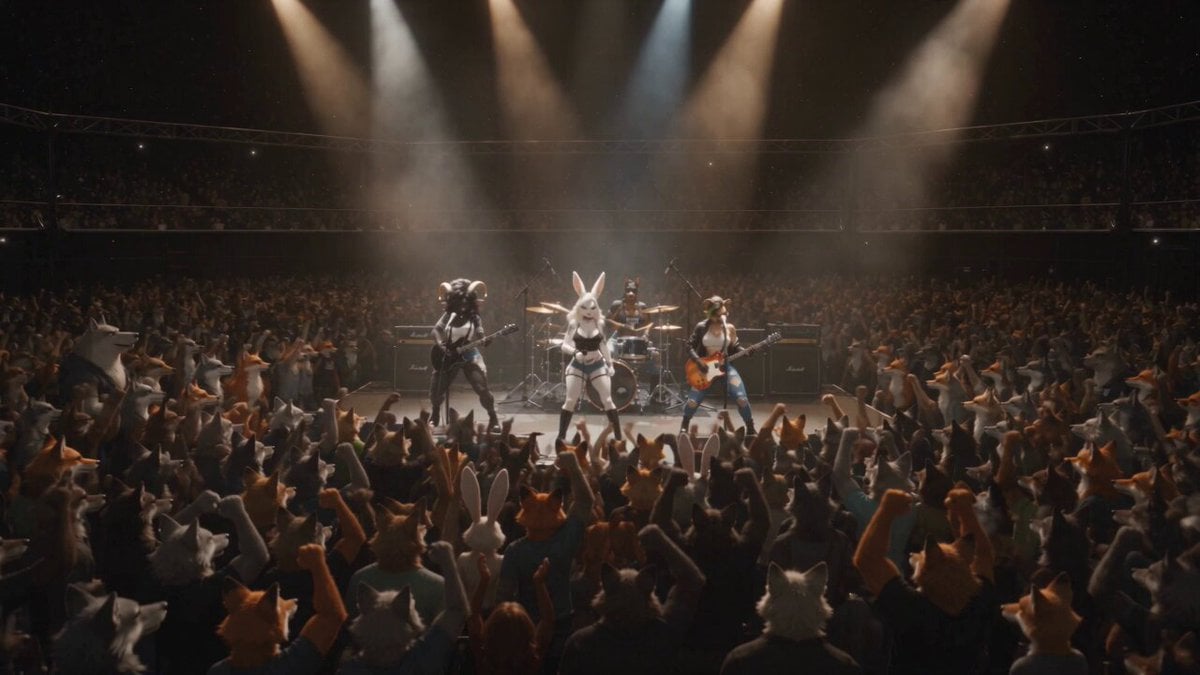
Anthropomorphic Rock Band Live Concert - Seedance 2.5
Parametric Fight Scenes Seedance

Nano Banana Seedance Time Control Streets
Colossal Sea Creature — Stormy Shore Charge (Seedance)
Skybridge Rescue — Supertall Tower Collapse (Seedance)
Bullet Time Selfie — Modular Parameter Template (Seedance)
Dragon Rescue — Volcanic Kingdom Collapse (Seedance)
Time Freeze — Snap Shockwave Scene Seedance
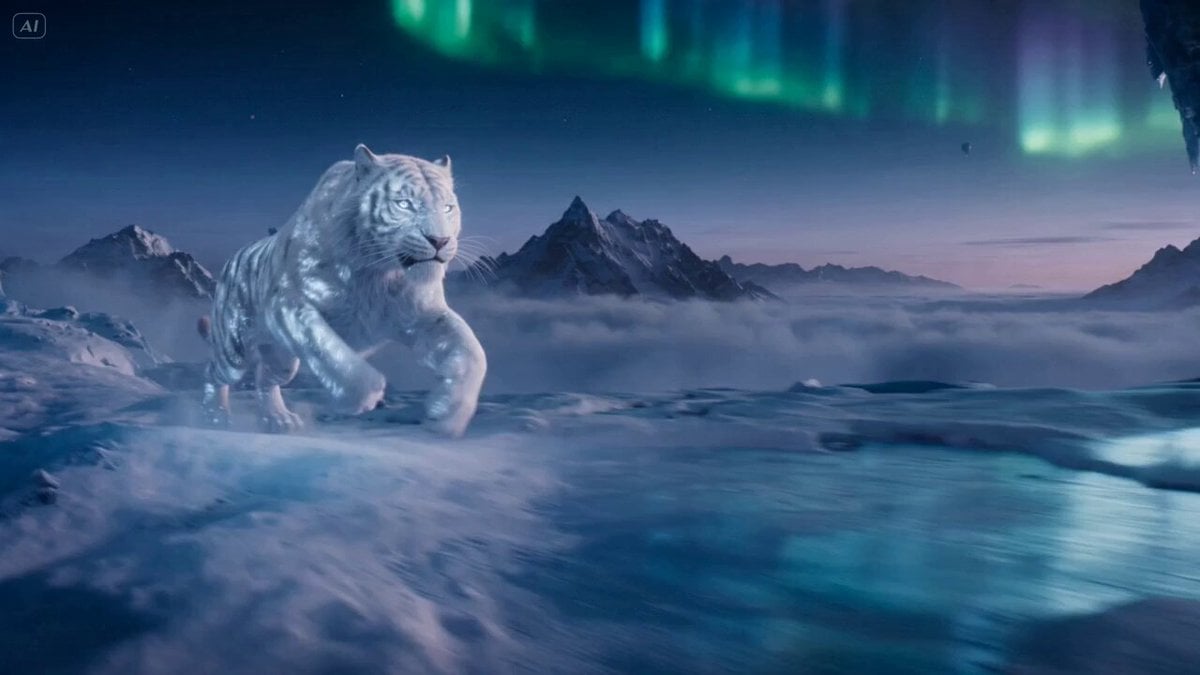
Ice Tiger vs Dragon - Seedance 2.0
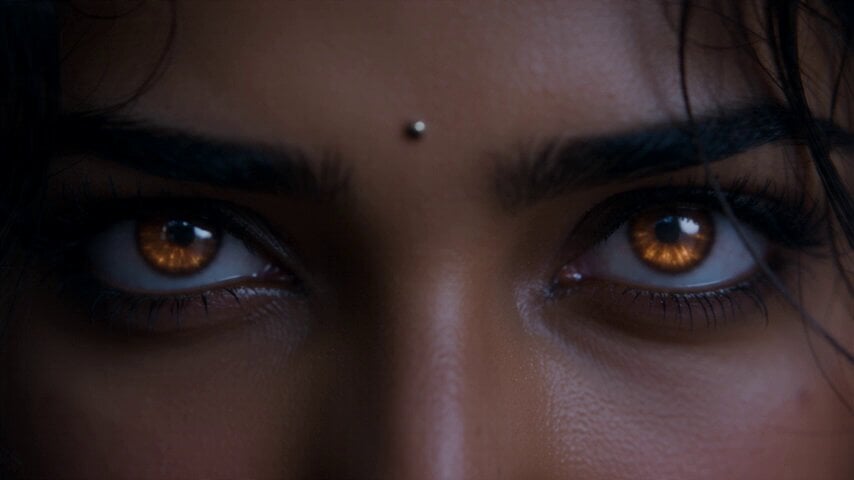
Fantasy Martial Arts Live Action
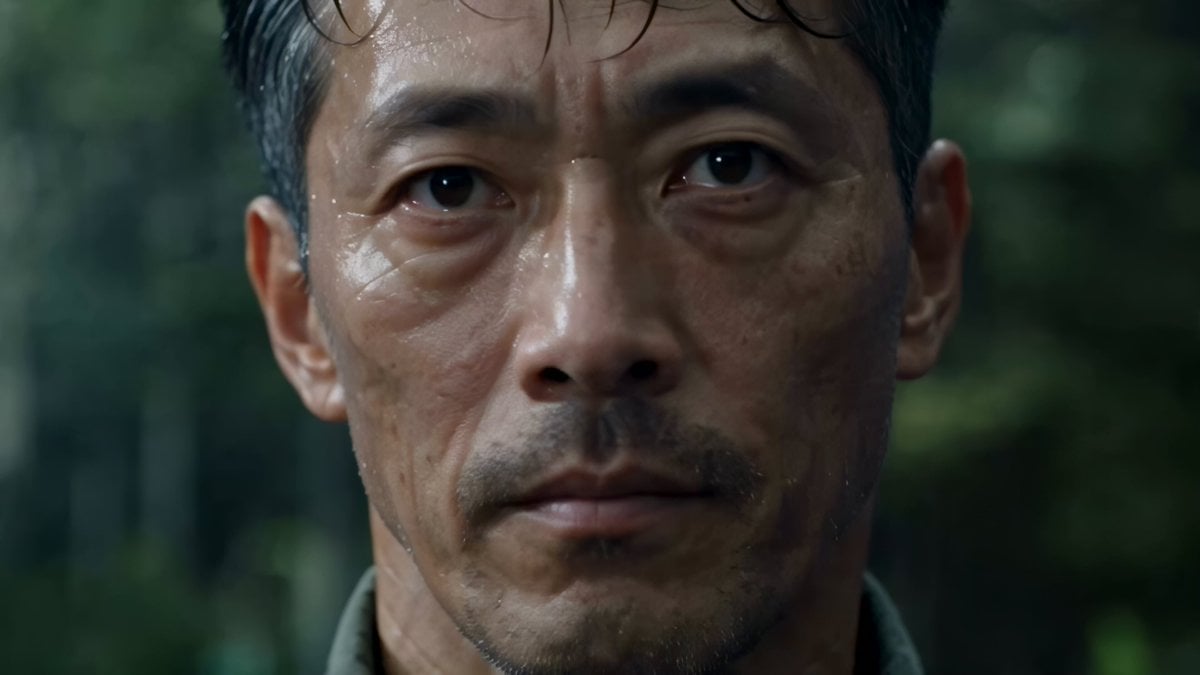
Cinematic Beer Commercial Live Action

Cyberpunk Holographic Dance Performance - Seedance 2.5
Make it yours
Cinematic Live-Action Dance MV Template works as-is. These are the safest ways to change it without losing the look.
Change one field
Copy a single group, rewrite it, and generate again so you can see what that field is doing.
Keep the frame, change the subject
Hold the composition and light of Cinematic Live-Action Dance MV Template, then swap wardrobe, props or the person for a new take.
| If the result… | Why | Fix |
|---|---|---|
| The result drifts from the preview | Too many fields changed at once. | Reuse Cinematic Live-Action Dance MV Template as-is first, then change one group — subject, light, or setting. |
| The model over-stylizes the scene | The prose prompt leaves finish and camera underspecified. | Add one camera or lighting sentence and stay on Seedance 2.0. |
More Seedance 2.0 templates
Other prompts made for Seedance 2.0.

Comical Martial Arts Punch Scene

Maglev Train Action Sequence

Martial Arts Fight Sequence

Wuxia Protection and Trust Script

Vintage Korean Arcade MiniDV Vlog

Mercedes 190 SL Luxury Ad

Rainy Night Supernatural Reverse Comedy Video Script

Amazon Civilization Discovery

Futuristic South Asian City Transformation

Cozy Luxury Cafe Commercial
More video prompts
Fresh picks from across the catalog.
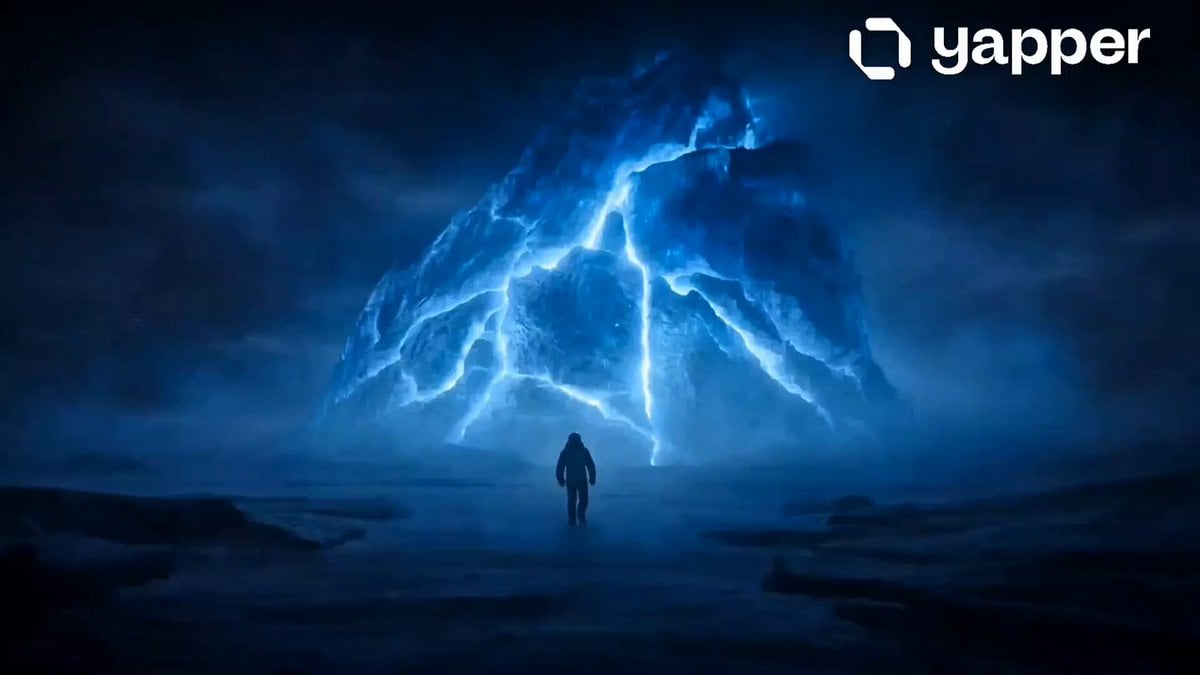
Arctic Frozen Giant Discovery
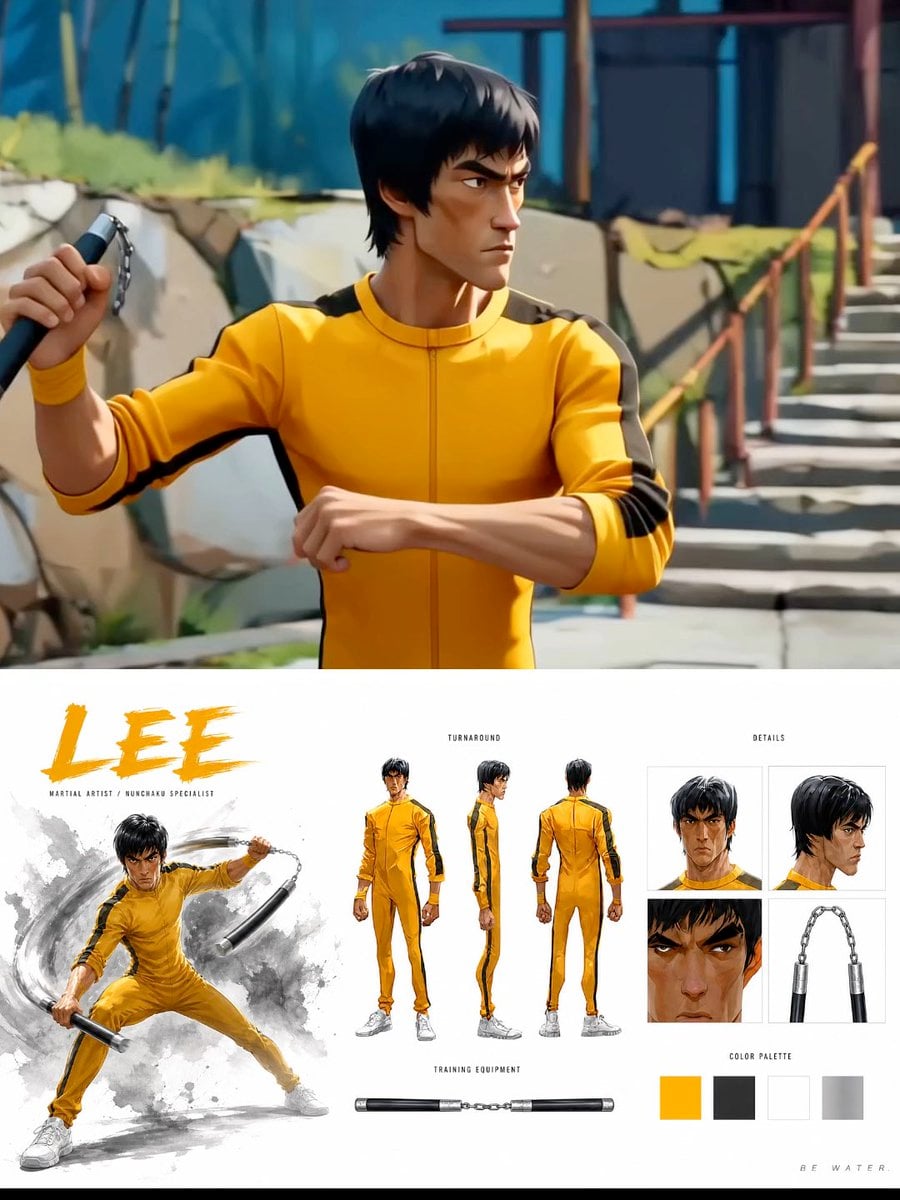
Cinematic Anime Martial Arts Training Ground
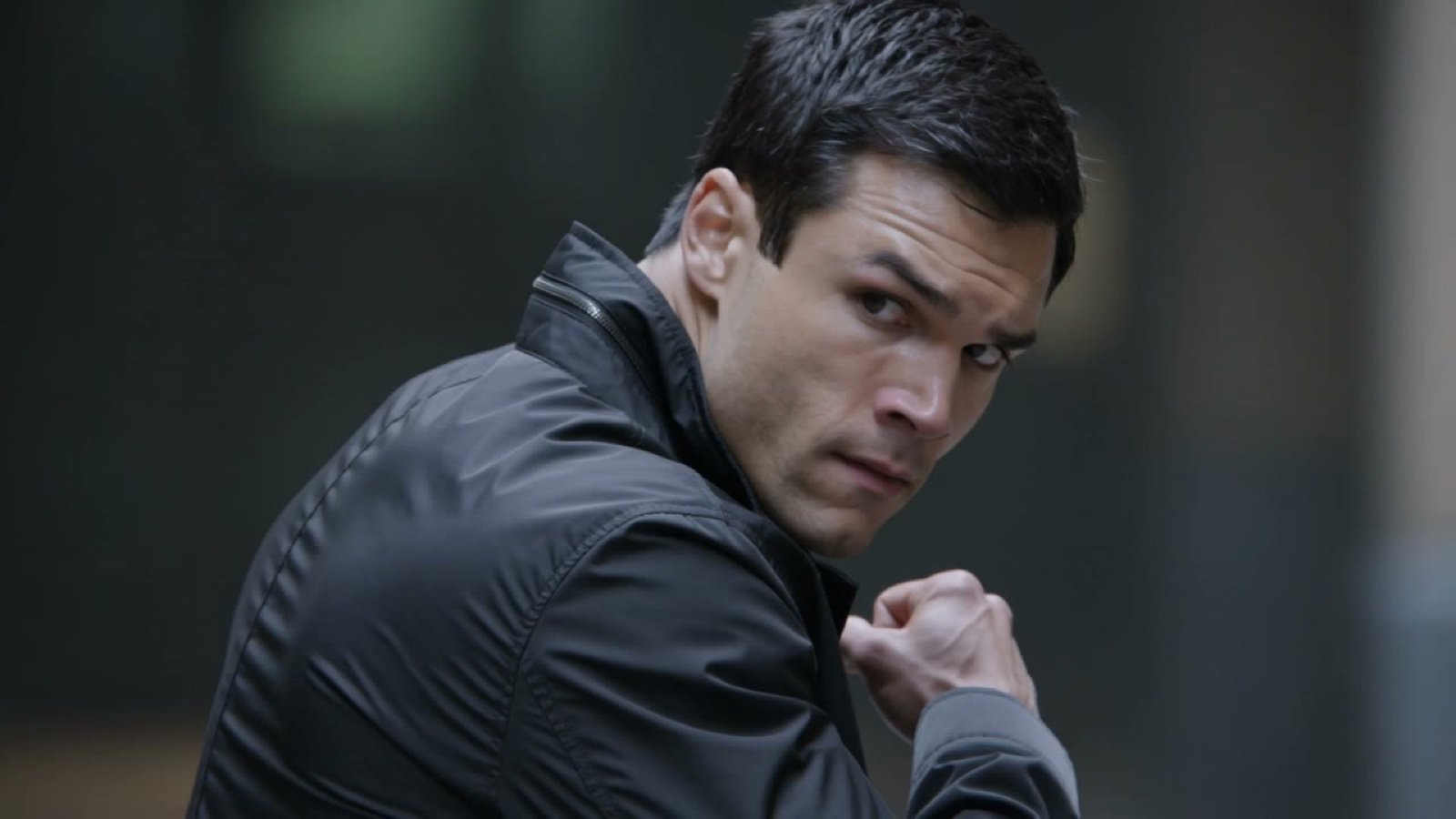
X Johnagi168 Work Seedance Video
Italian World Cup Reaction
First-Person POV Kitchen Scene with Dialogue

Second Continuous Action Sequence
Magical Underwater Dance Choreography
KTV Mirror Scene Narrative
Cartoon moose hit by semi truck prompt
Cyberpunk sakura spirit video
Browse template categories
Cinematic Live-Action Dance MV Template questions
How do I use the Cinematic Live-Action Dance MV Template template?
Add your photo if the template asks for one, edit the prompt if you like — the template's model and format are already selected — and press Generate. Your version opens in PicX Studio.
Can I customize the Cinematic Live-Action Dance MV Template template?
Yes. You can change the subject, setting, lighting, mood, format, and available model controls before creating your video.
Is the Cinematic Live-Action Dance MV Template template free?
Opening and editing this template is free. Generating uses credits, shown on the Generate button when you are signed in.
Which AI model should I use?
Start with Seedance 2.0, which is the model associated with this template. You can compare another compatible model for a different finish.
Looking for something else? Browse all templates.

Your photo, any look
Thousands of ready templates for every top image and video model, from one credit balance.