How do I use the KTV Mirror Scene Narrative template?
Edit the prompt in the box under the preview — the template's model and format are already selected — and press Generate. Your version appears right on this page.
A highly structured narrative prompt for a 10-second first-person scene in a KTV room, involving mirror reflections and character interaction.
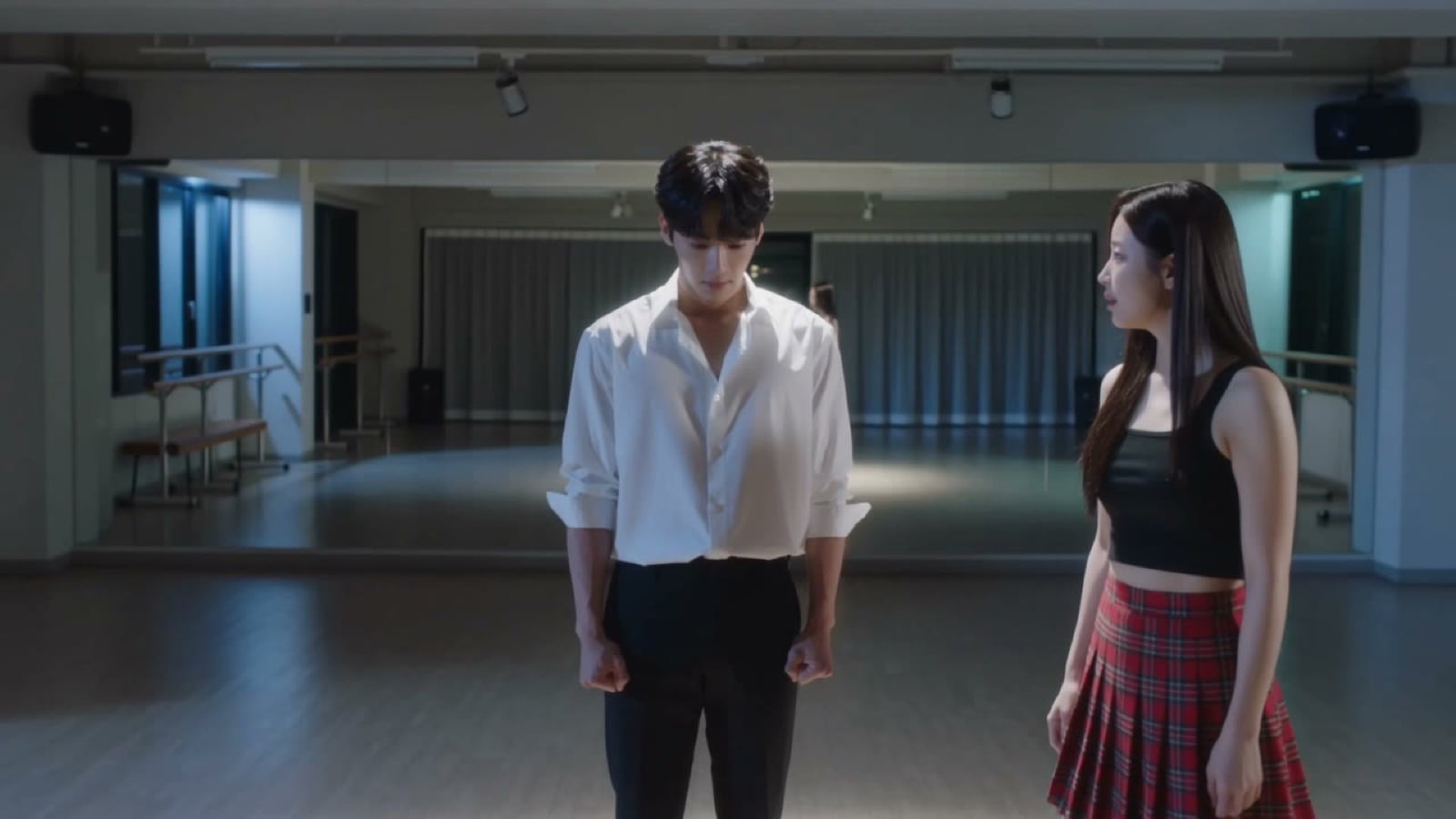
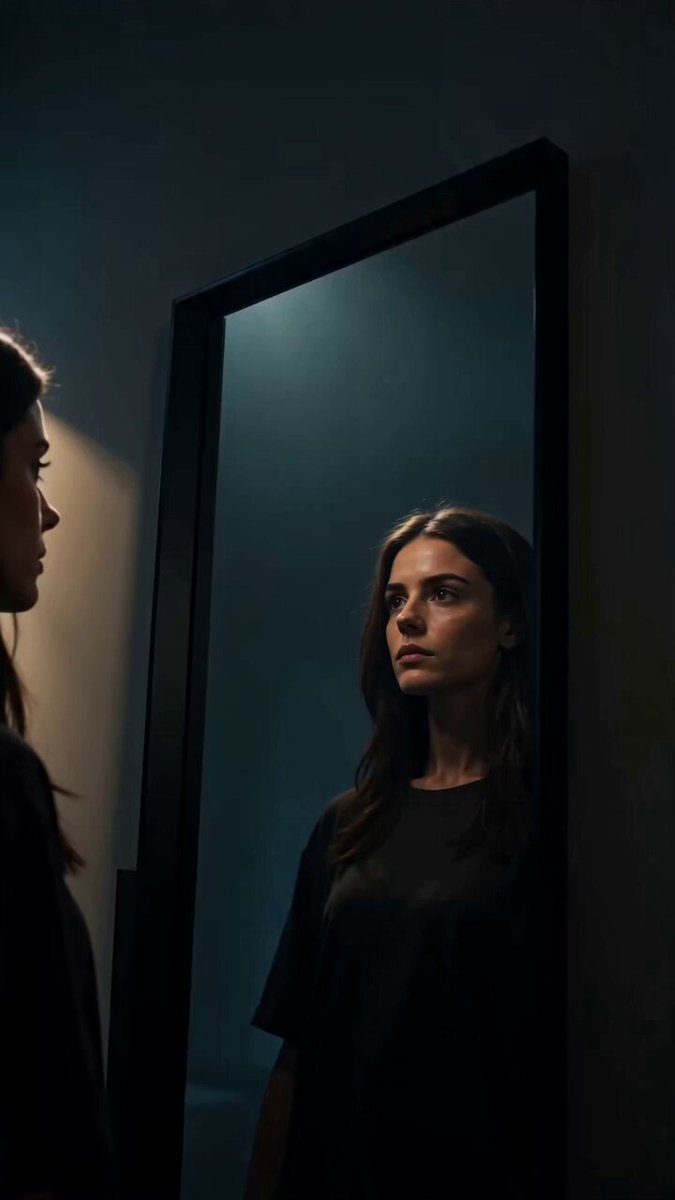
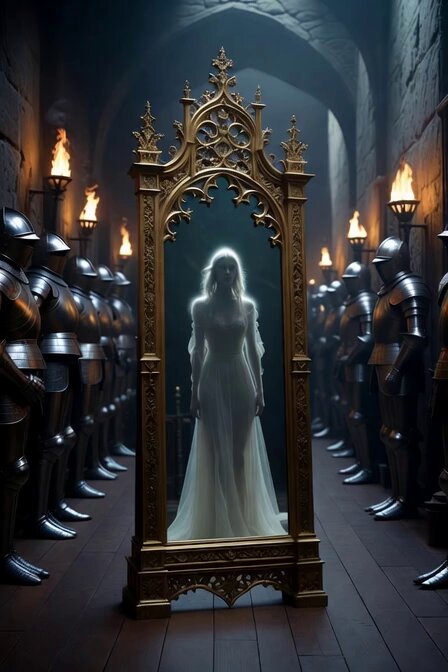
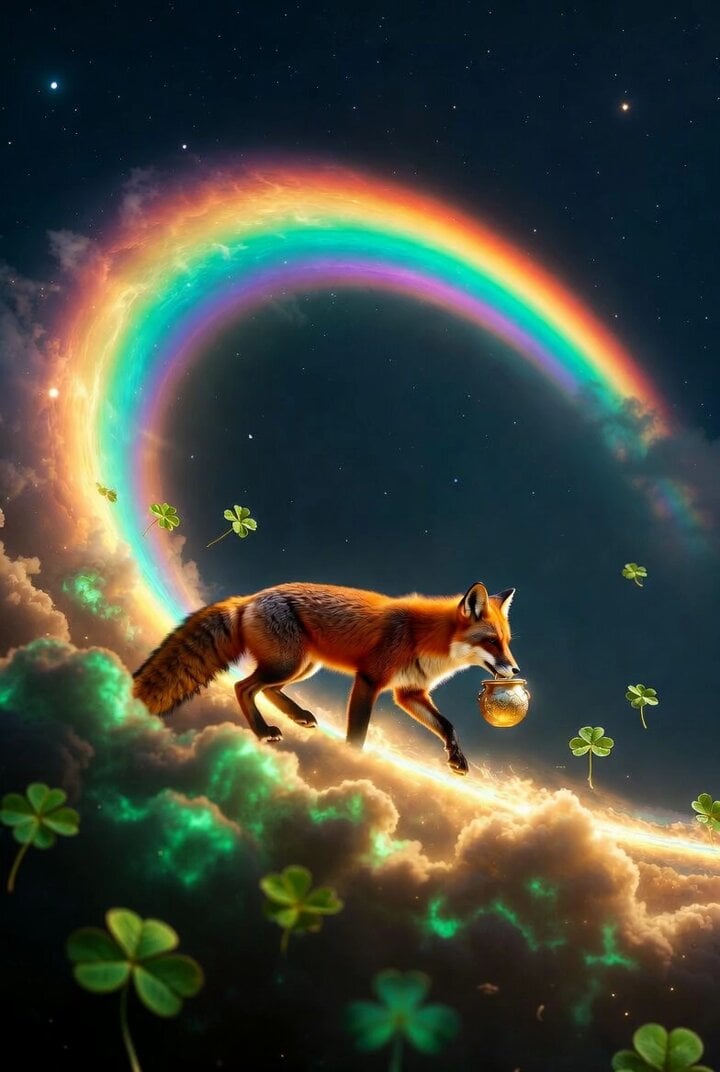
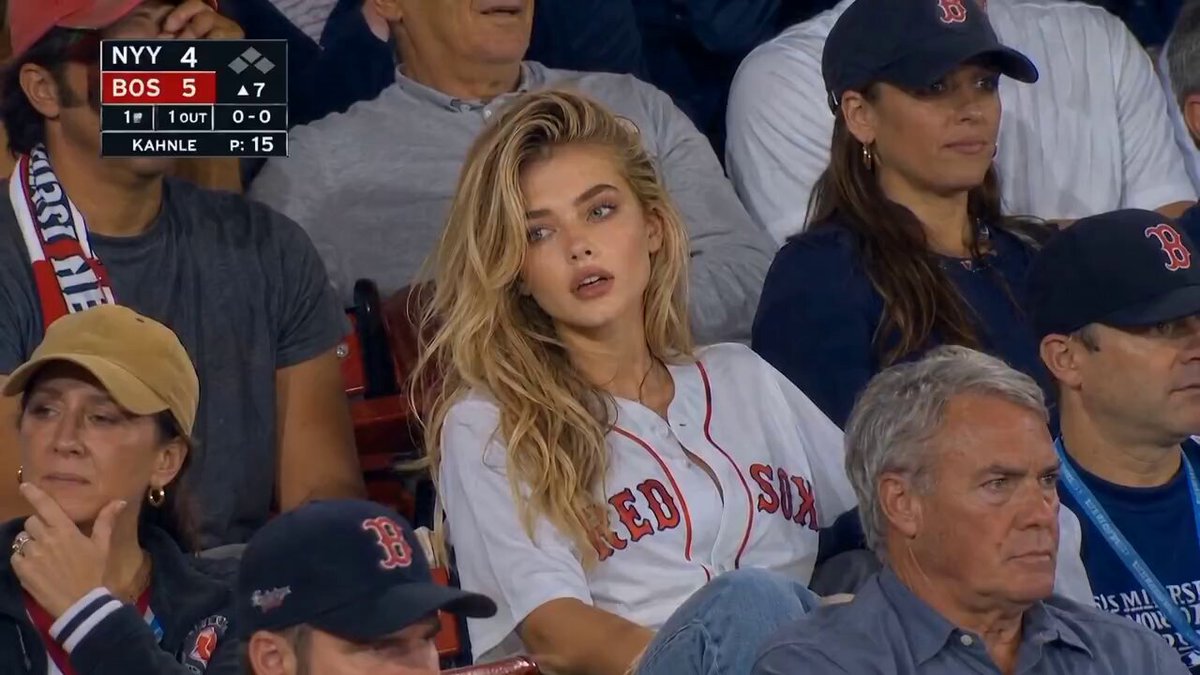
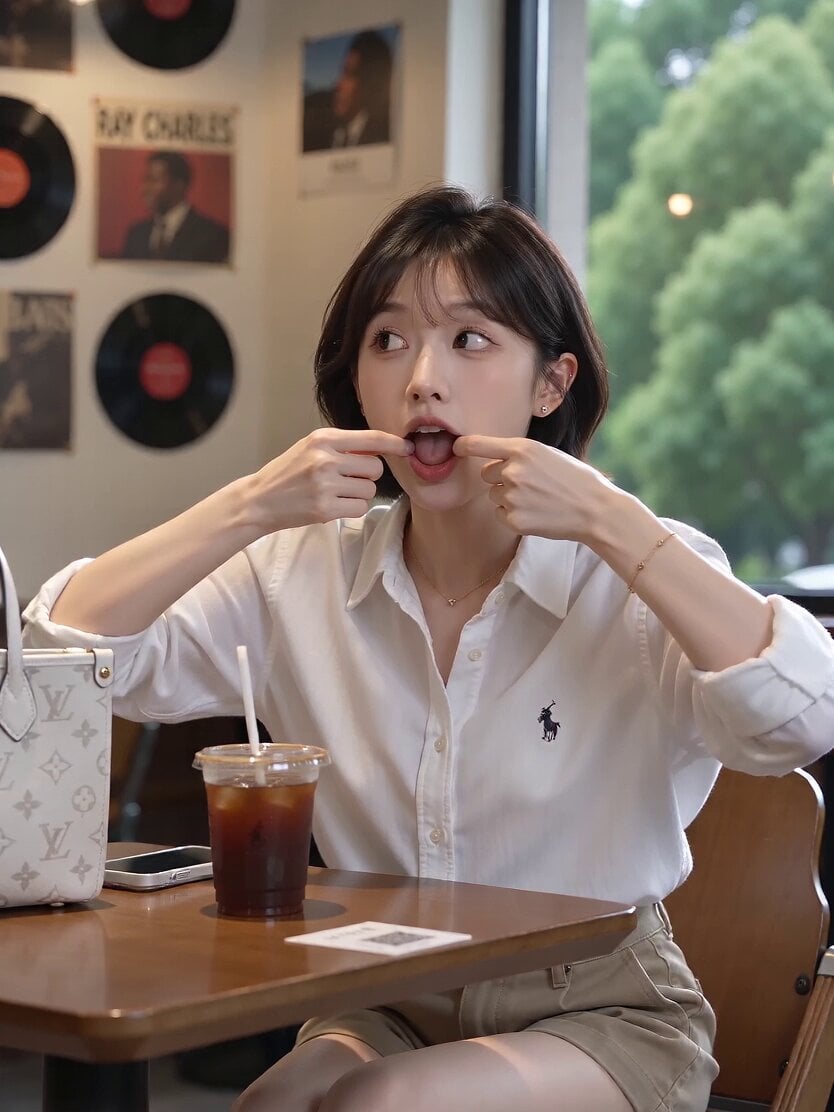
Realistic photorealistic style, vertical 9:16, 10 seconds, first-person perspective, in front of a large mirror on the KTV private room wall, warm golden wall lamps + blue-purple laser background, 0-3 seconds: The shot (i.e., "I") sees her in the mirror [Picture 1]—she stands with her back to the camera in front of the mirror, adjusting her hair, black backless top, with the mirror reflection and real back view framed together; 3-6 seconds: She catches the gaze in the mirror, pauses her movements, locks eyes with "me" in the mirror, her lips slowly curling into a smile, saying nothing; 6-10 seconds: She slowly turns around, facing the camera, Slow Dolly In with a slight push-in, she rests her chin on her hand and tilts her head, a half-smile playing on her lips, neon lights hitting her cheekbones and collarbone to form highlights, the frame freezing just before she speaks. Lighting: Warm golden wall lamps for frontal light + blue-purple background rim light (light source layer), mirror reflections creating dual lighting from real and reflected images (light behavior layer), warm gold clashing with cool blue (color tone layer). Sound effects: The light tap of high heels on the floor as she turns, low-frequency music filtering in from the distant partition wall of the room, the subtle sound of her soft exhalation. High-definition realism, no subtitles or watermarks
Realistic photorealistic style, vertical 9:16, 10 seconds, first-person perspective, in front of a large mirror on the KTV private room wall, warm golden wall lamps + blue-purple laser background, 0-3 seconds: The shot (i.e., "I") sees her in the mirror [Picture 1]—she stands with her back to the camera in front of the mirror, adjusting her hair, black backless top, with the mirror reflection and real back view framed together; 3-6 seconds: She catches the gaze in the mirror, pauses her movements, locks eyes with "me" in the mirror, her lips slowly curling into a smile, saying nothing; 6-10 seconds: She slowly turns around, facing the camera, Slow Dolly In with a slight push-in, she rests her chin on her hand and tilts her head, a half-smile playing on her lips, neon lights hitting her cheekbones and collarbone to form highlights, the frame freezing just before she speaks. Lighting: Warm golden wall lamps for frontal light + blue-purple background rim light (light source layer), mirror reflections creating dual lighting from real and reflected images (light behavior layer), warm gold clashing with cool blue (color tone layer). Sound effects: The light tap of high heels on the floor as she turns, low-frequency music filtering in from the distant partition wall of the room, the subtle sound of her soft exhalation. High-definition realism, no subtitles or watermarks
Edit the prompt in the box under the preview — the template's model and format are already selected — and press Generate. Your version appears right on this page.
Yes. You can change the subject, setting, lighting, mood, format, and available model controls before creating your video.
Opening and editing this template is free. Generating uses credits, shown on the Generate button when you are signed in.
Start with Seedance 2.0, which is the model associated with this template. You can compare another compatible model for a different finish.
Follow a topic to a crawlable collection of related PicX Studio templates.