How do I use the Cinematic Food and Character Rendering Prompt template?
Edit the prompt in the box under the preview — the template's model and format are already selected — and press Generate. Your version appears right on this page.
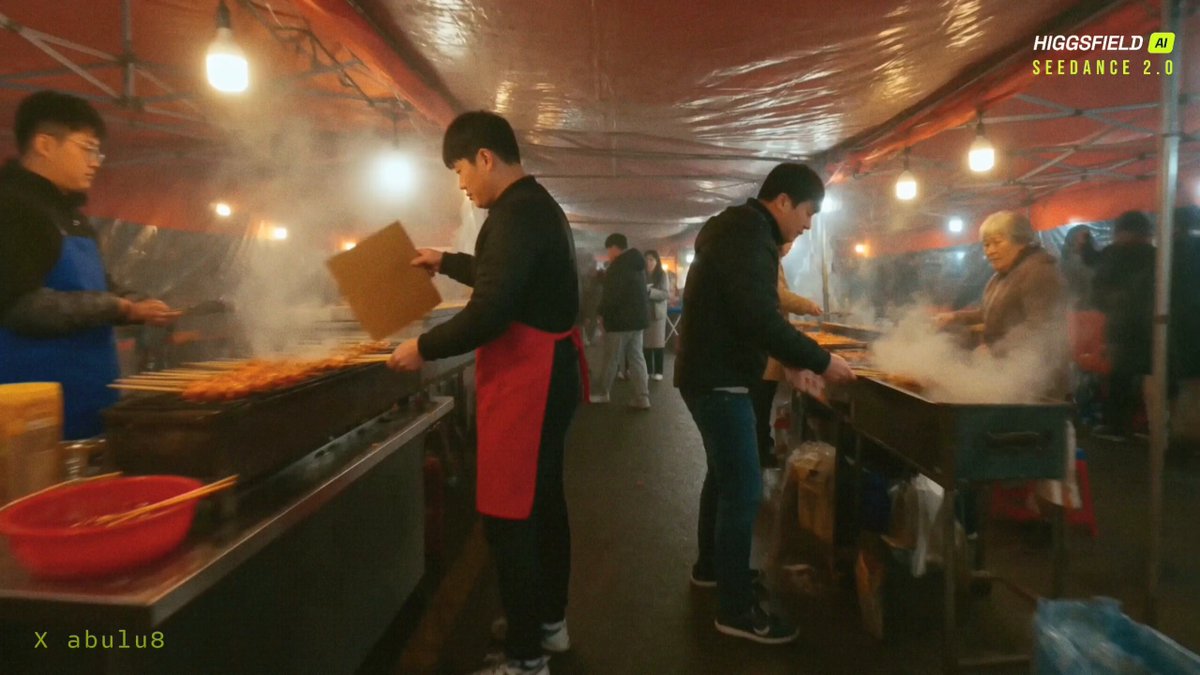
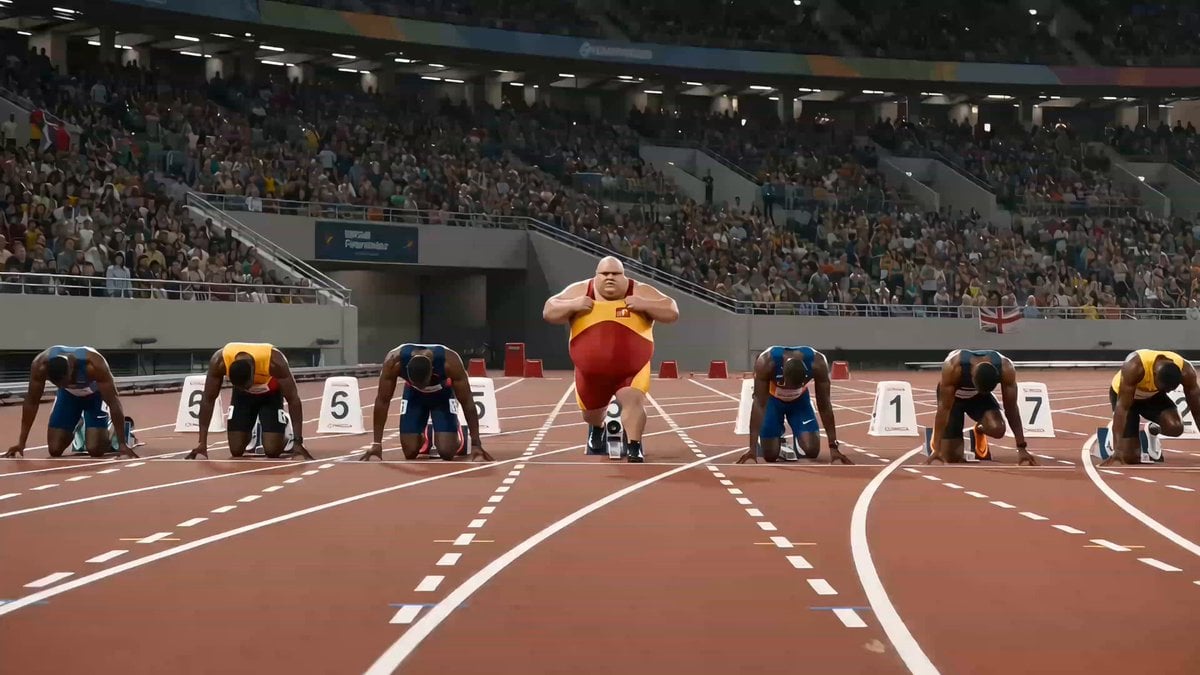
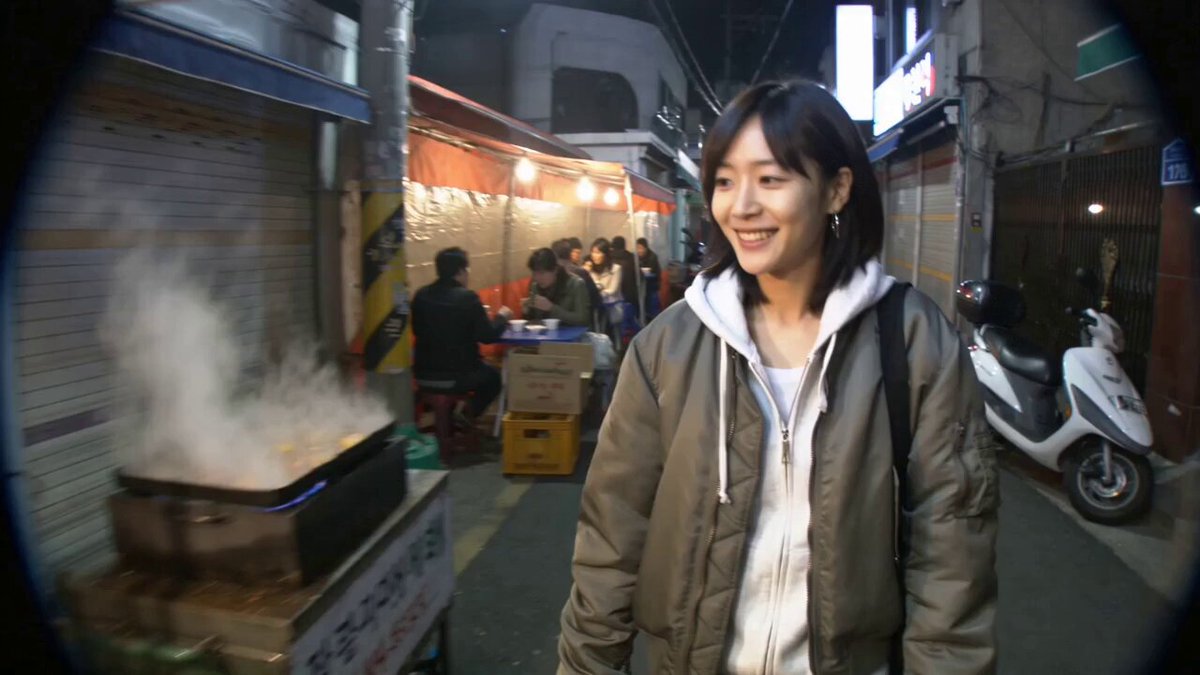
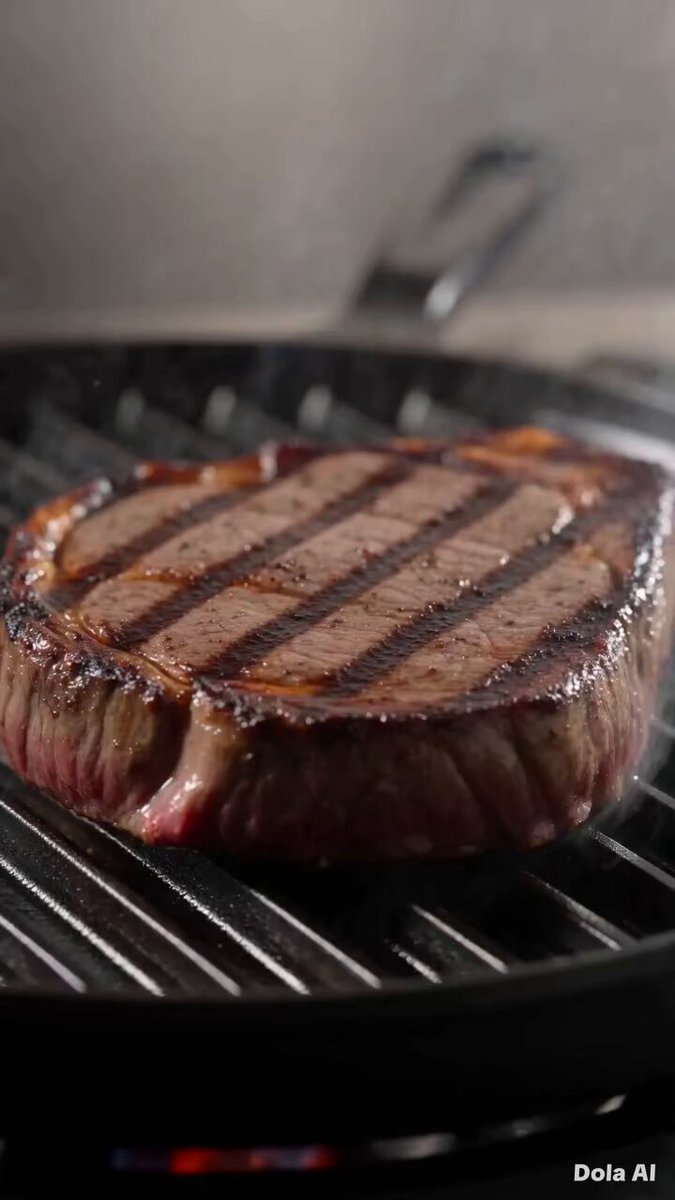
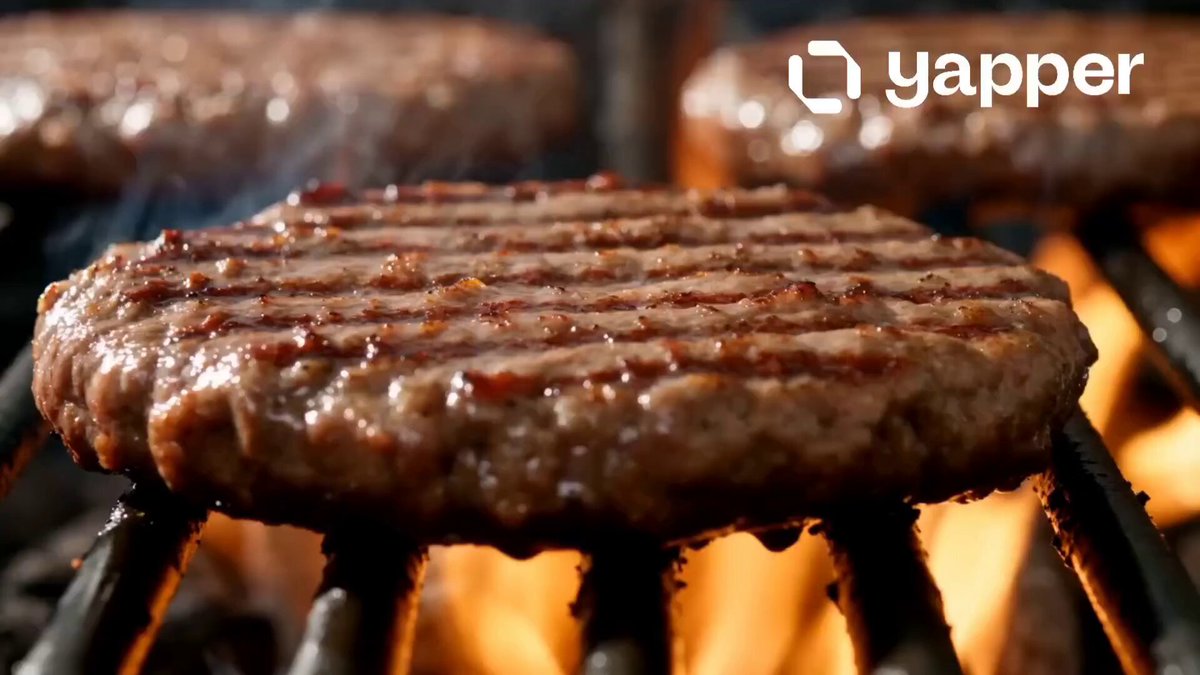
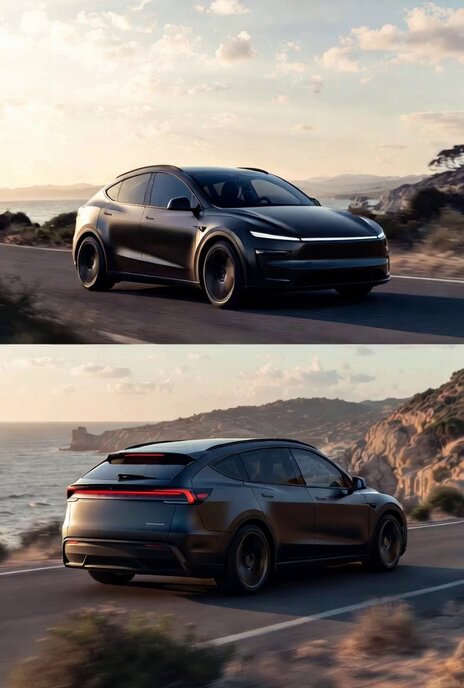
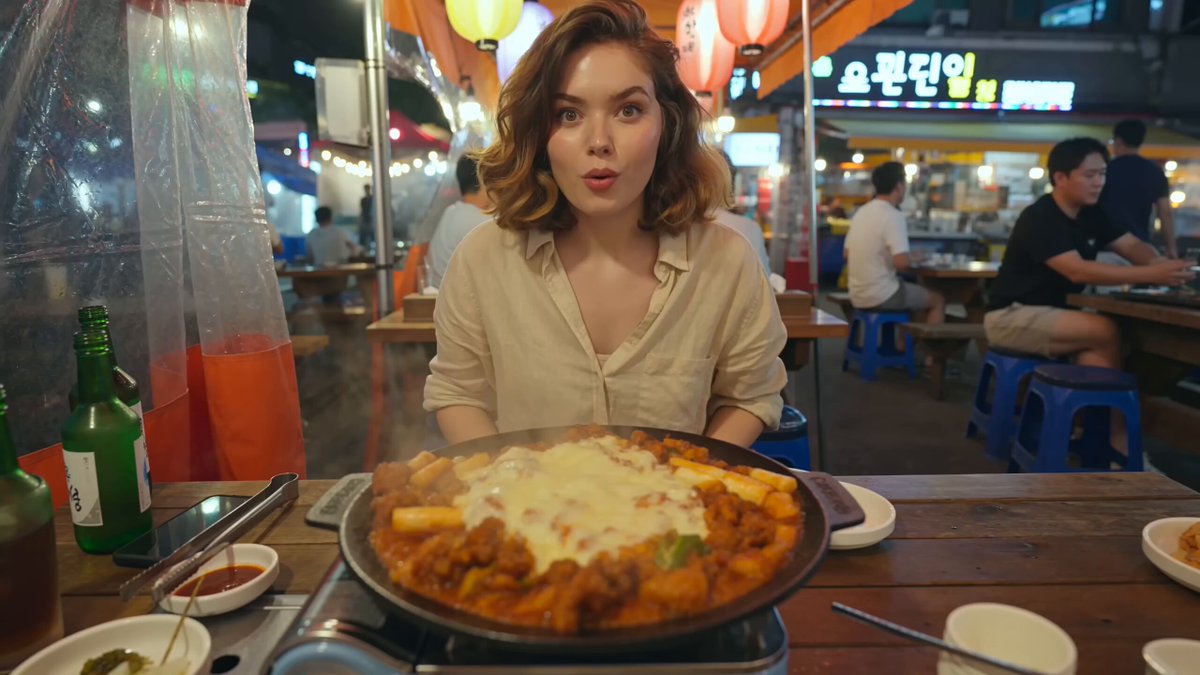
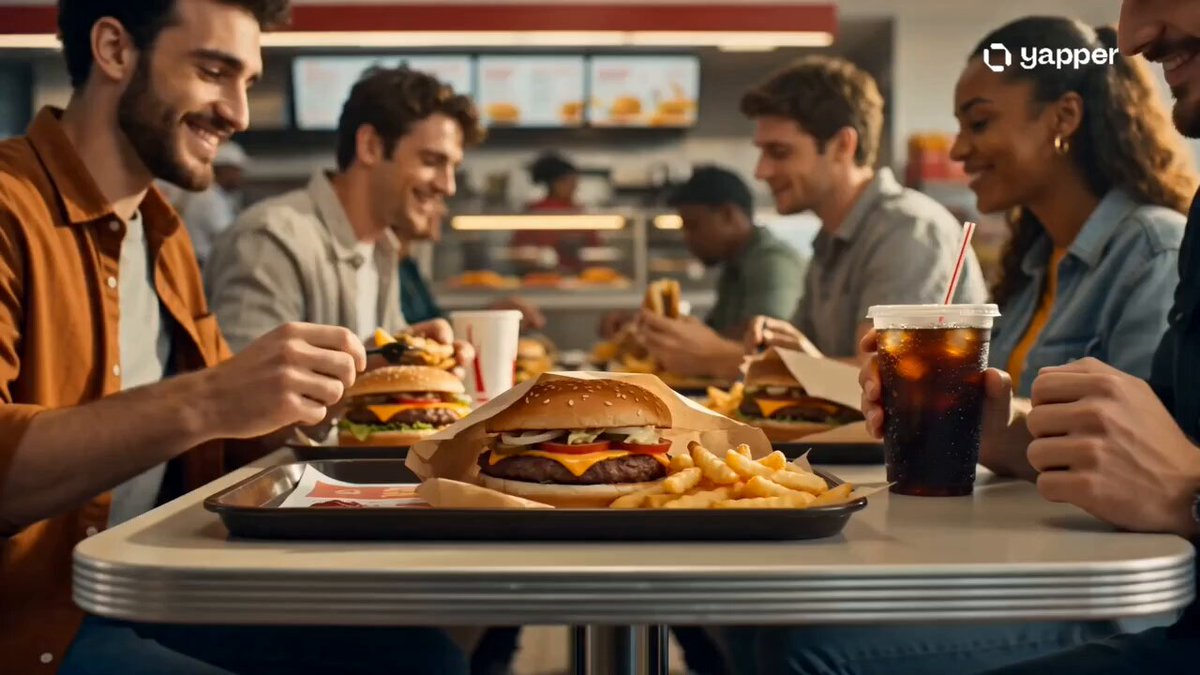
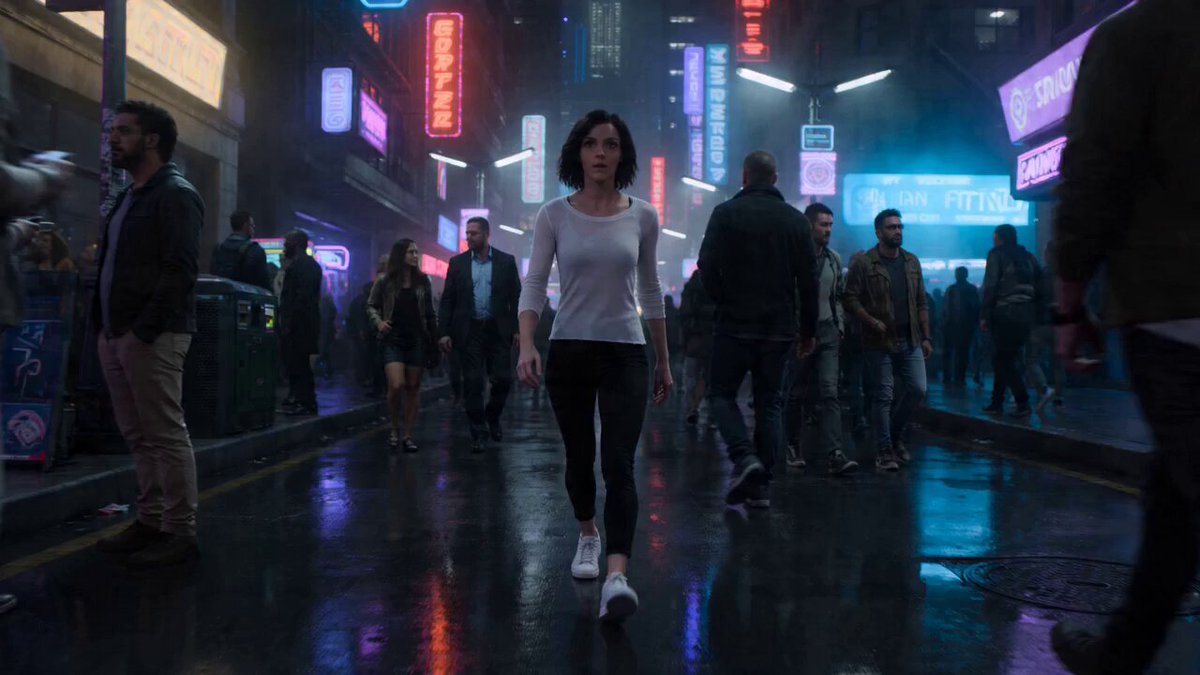
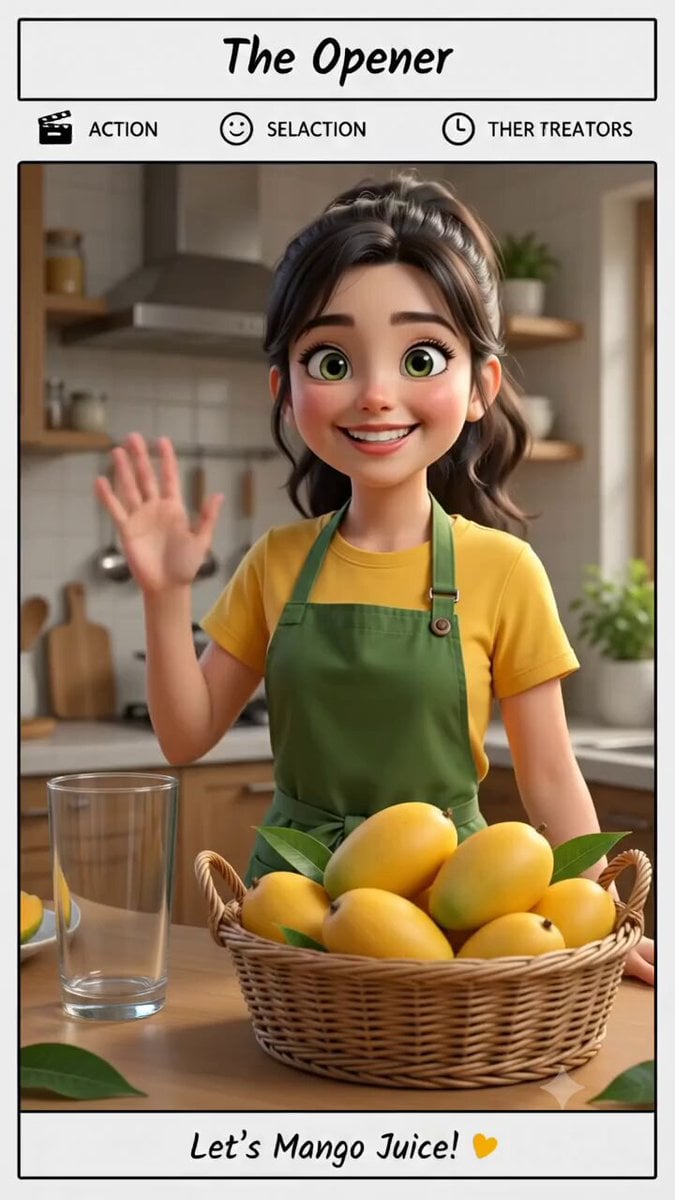
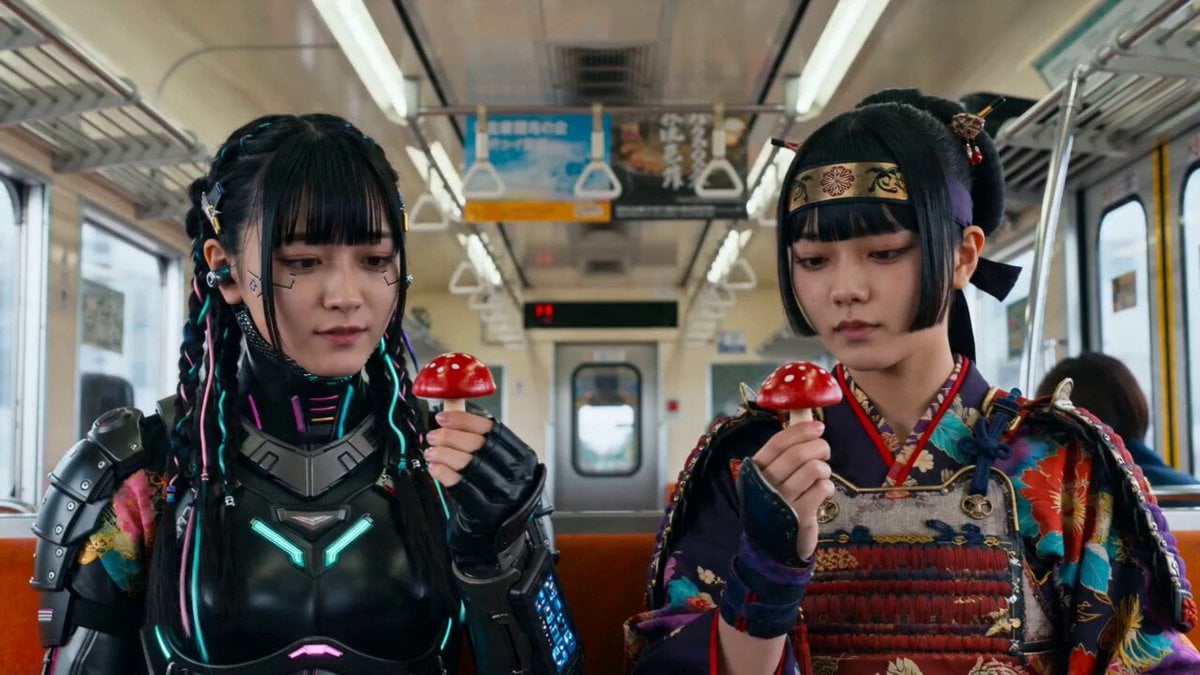
A detailed, structured prompt (in JSON format) for generating a short, loopable, hyper-realistic 3D/2.5D video of food and characters, emphasizing dynamic camera work, vibrant color grading, and high detail on textures.
{ "prompt": "Cinematic, hyper-realistic or stylized 3D/2.5D rendering of food and characters, with strong motion and dynamic camera work. Vibrant, saturated color grading with warm food tones (reds, oranges, yellows) contrasted by dramatic shadows or neon accents. Sweeping pans, close-ups on textures, slow-motion impacts, quick cuts. High detail on food surfaces including glossy sauces, steam, crumbs, splashes, and expressive character faces. Short, loopable or 'wait-for-it' format with satisfying payoff. Ultra-realistic textures, volumetric lighting, film grain, cinematic composition.", "style": { "render_type": "3D/2.5D", "lighting": "volumetric, cinematic", "color_grading": "vibrant, warm tones with dramatic shadows", "camera": "dynamic, sweeping pans, close-ups, slow-motion, quick cuts", "detail": "hyper-realistic textures, high detail food surfaces, expressive faces", "format": "short, loopable, satisfying payoff" }, "resolution": "2K", "aspect_ratio": "9:16", "stylize": 250, "version": "2.0" }
Edit the prompt in the box under the preview — the template's model and format are already selected — and press Generate. Your version appears right on this page.
Yes. You can change the subject, setting, lighting, mood, format, and available model controls before creating your video.
Opening and editing this template is free. Generating uses credits, shown on the Generate button when you are signed in.
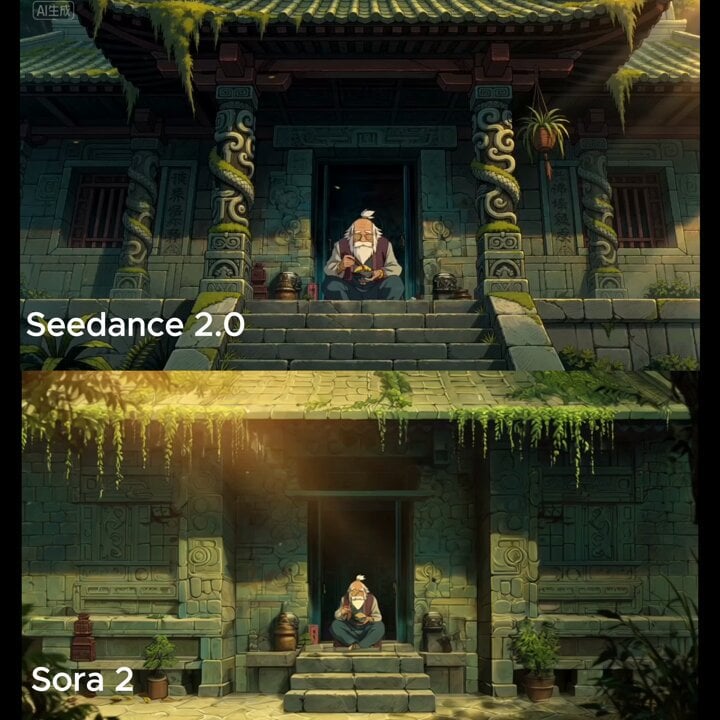
Start with Seedance 2.0, which is the model associated with this template. You can compare another compatible model for a different finish.
Follow a topic to a crawlable collection of related PicX Studio templates.