
Space Warship Battle
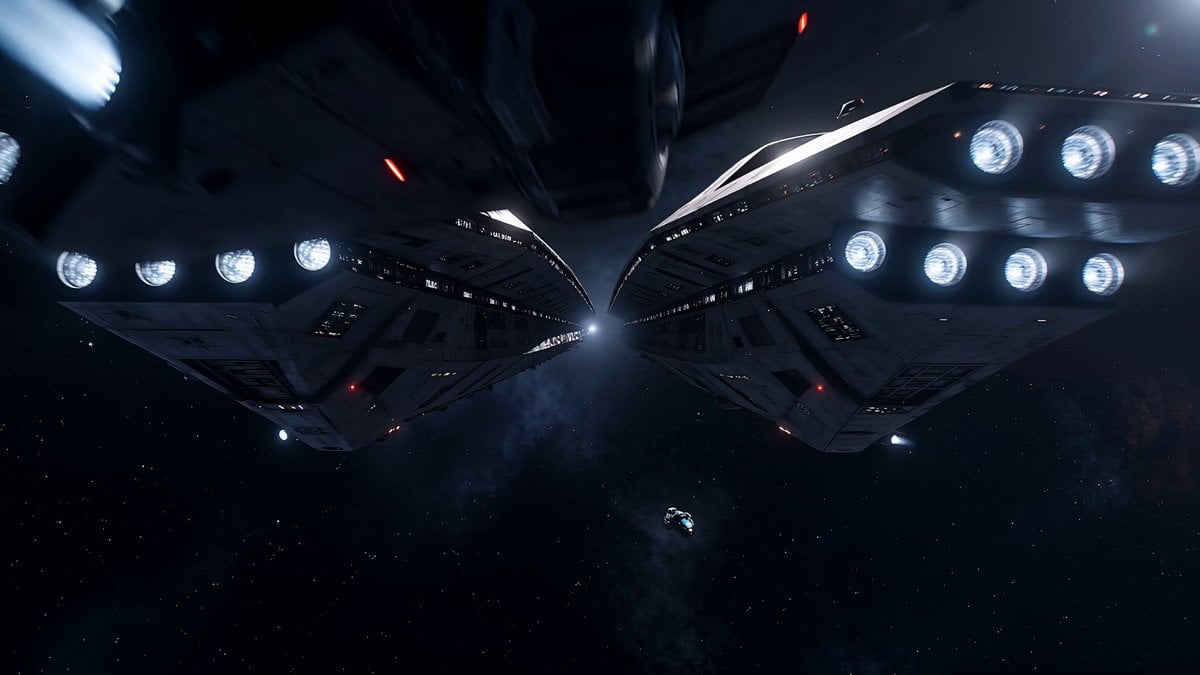
A cinematic action prompt for a space battle involving massive warships, structural failure, and a ship surviving intense crossfire.
- Prompt included
- Model and format preset
- Free template
The prompt behind this video
Copy the exact prompt behind Space Warship Battle, or open it in the studio and make it yours.
Continuous camera motion, no cuts. Zero breathing room from first frame. Audio is pure overwhelming chaos, continuous explosions, weapon fire, structural failure. No humans. Realistic space physics. No spontaneous objects. A ship emerges from hyperspace directly inside an active battle it didn't know was happening. Two massive warships already destroying each other at close range and the small ship just materialized between them. No time to react. No way out except through. Pure desperate survival at maximum speed. Massive weapon beams from both warships cross continuously, inches from the ship in every direction. Both warships are tearing each other apart, debris exploding outward from both sides simultaneously The small ship weaves through crossfire, debris fields, and shockwaves at full speed Hull takes continuous glancing hits, sparking, panels tearing, engines screaming. Explosions from both capital ships erupt on both sides simultaneously, the small ship threading through the gaps One warship begins catastrophic structural failure, breaking apart directly in the ship's path. Camera chases tight and low, frantic, relentless, never settling. The ship bursts through the collapsing warship's breaking hull, threading through its exploding interior in one straight desperate line and emerging out the other side into clean space. Behind it both warships detonate simultaneously. The shockwave hits the small ship, sending it spinning wildly before it stabilizes. Engines dying. Drifting. Alive. Camera pulls back wide showing the full scale of the destruction it just survived.
How to use Space Warship Battle in 3 steps
- 1
Open
The prompt is already in the box next to the preview, with the template's model and format selected.
- 2…a portrait of your subject in softgolden-hour light, 85mm…
Personalize
Edit the subject and creative details for your destination.
- 3Generate
Generate
Press Generate — your video is created in PicX Studio, so you can compare it with the original and refine one variable at a time.
More like this
Templates with the same subject, style or setup. Open one to see its prompt.
High-Speed Ship Descent with Seedance 2.0
Swordsman vs Shadow Monster — Bamboo Forest Battle
Tiger vs Gorilla — Jungle Canyon Clash
Mecha Transformation vs Kaiju — 4-Scene Epic

Epic Sci-Fi Space Battle

Intergalactic Space Battle
Futuristic Space Station Transformation Video
Floating in Space Flight
Ancient Deep Space Structure
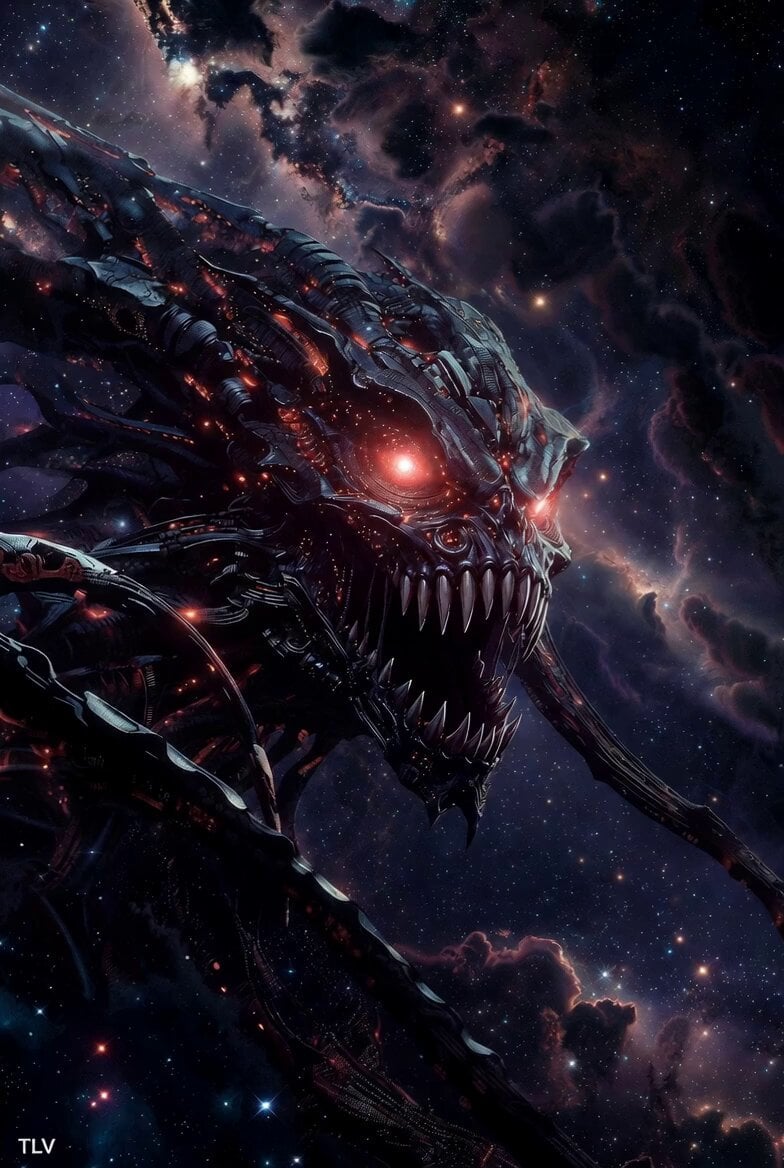
Evil Space Sci-Fi Power Threshold
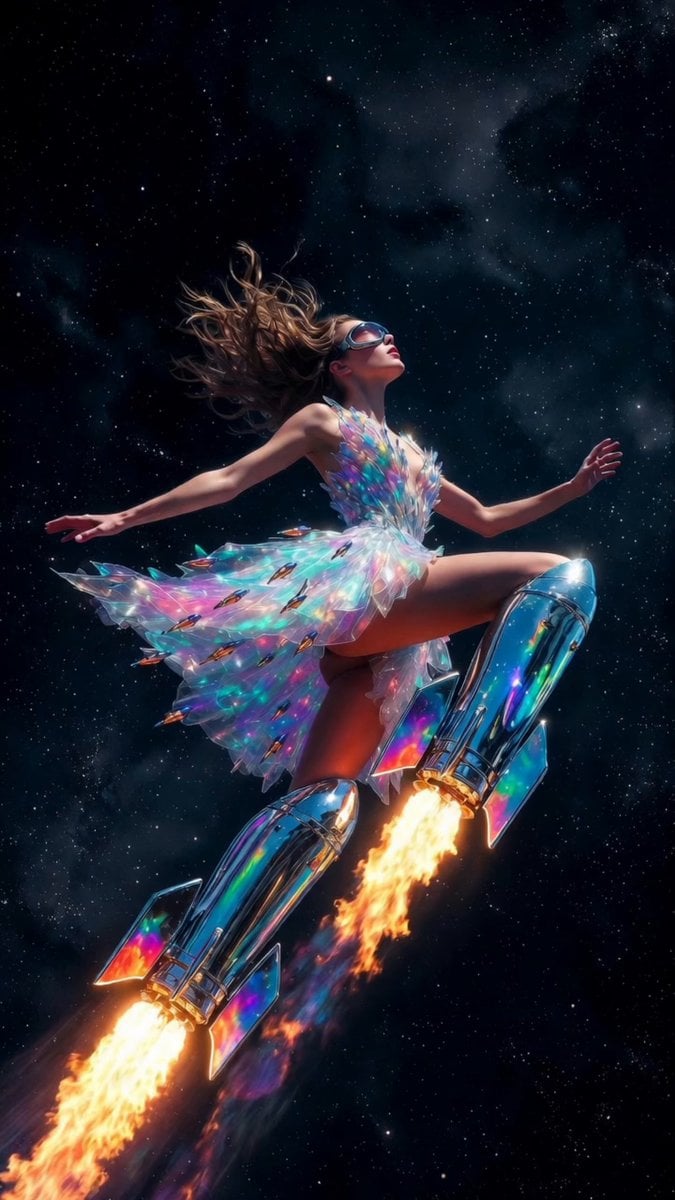
Rocket Boots Space Voyage
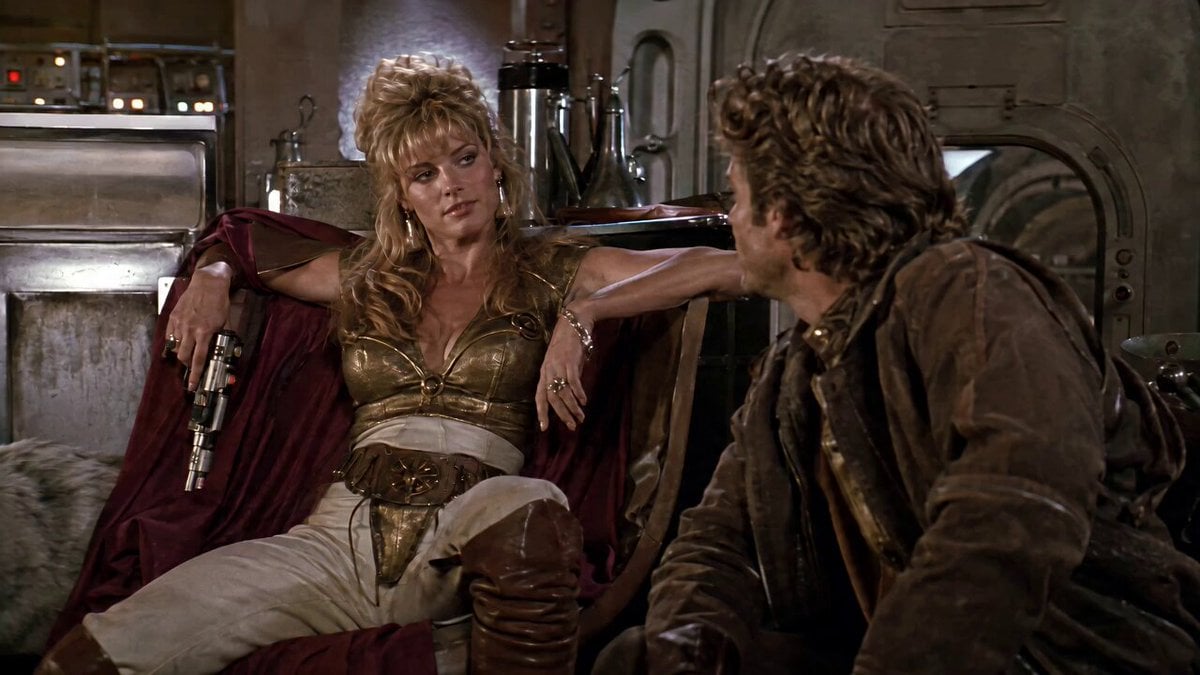
1980s Space Action Film Sequence
Make it yours
Space Warship Battle works as-is. These are the safest ways to change it without losing the look.
Change one field
Copy a single group, rewrite it, and generate again so you can see what that field is doing.
Keep the frame, change the subject
Hold the composition and light of Space Warship Battle, then swap wardrobe, props or the person for a new take.
| If the result… | Why | Fix |
|---|---|---|
| The result drifts from the preview | Too many fields changed at once. | Reuse Space Warship Battle as-is first, then change one group — subject, light, or setting. |
| The model over-stylizes the scene | The prose prompt leaves finish and camera underspecified. | Add one camera or lighting sentence and stay on Seedance 2.0. |
More Seedance 2.0 templates
Other prompts made for Seedance 2.0.

Comical Martial Arts Punch Scene

Maglev Train Action Sequence

Martial Arts Fight Sequence

Wuxia Protection and Trust Script

Vintage Korean Arcade MiniDV Vlog

Mercedes 190 SL Luxury Ad

Rainy Night Supernatural Reverse Comedy Video Script

Amazon Civilization Discovery

Futuristic South Asian City Transformation

Cozy Luxury Cafe Commercial
More video prompts
Fresh picks from across the catalog.
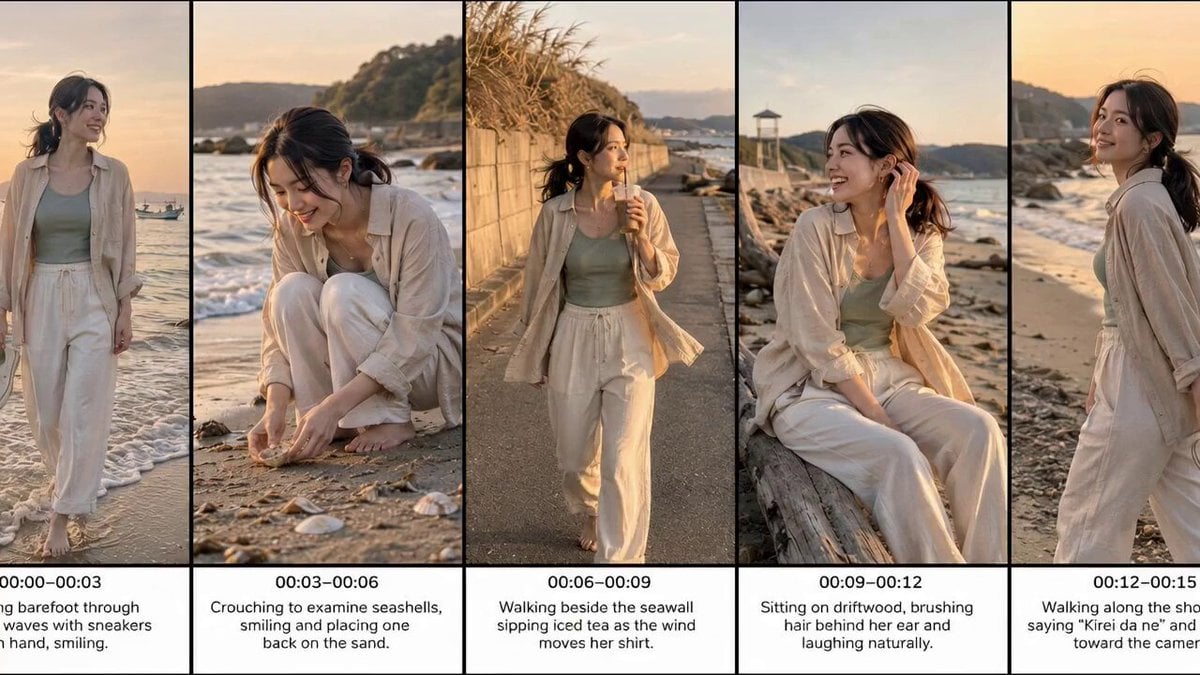
Realistic Beach Vacation Documentary

Olympic Archery Cinematic Broadcast
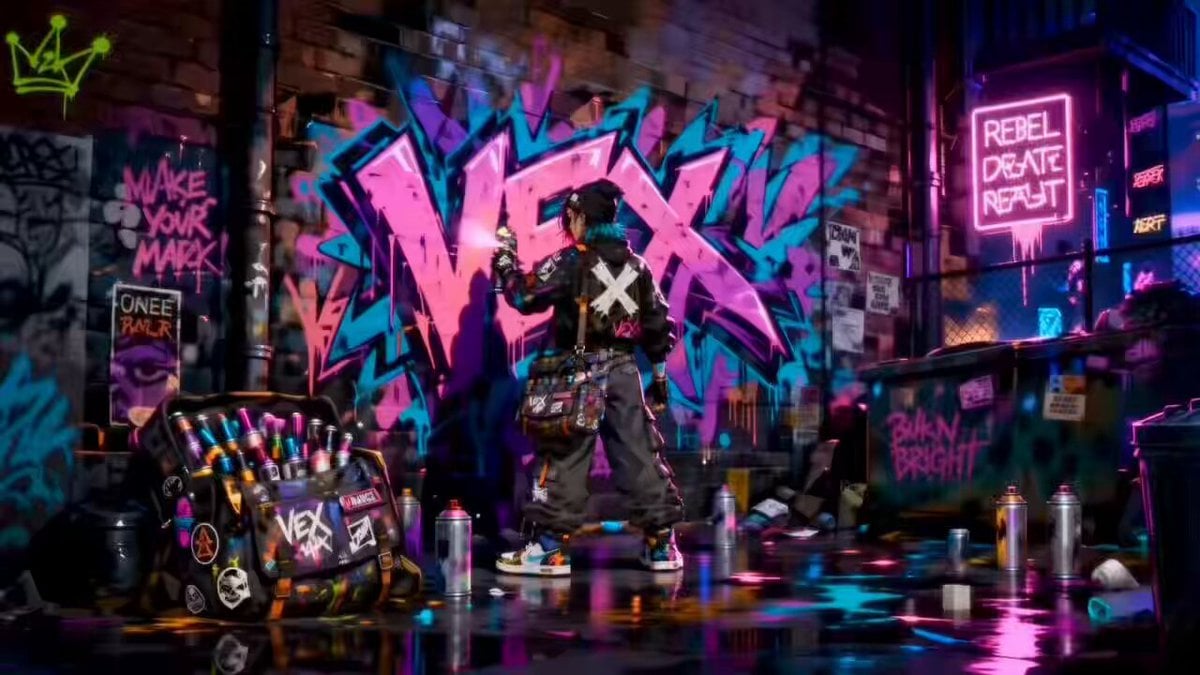
Rooftop Chase Motion Phrases

Dramatic low-angle cinematic prompt of a knight charging on a warhorse
Parametric Fight Scenes Seedance
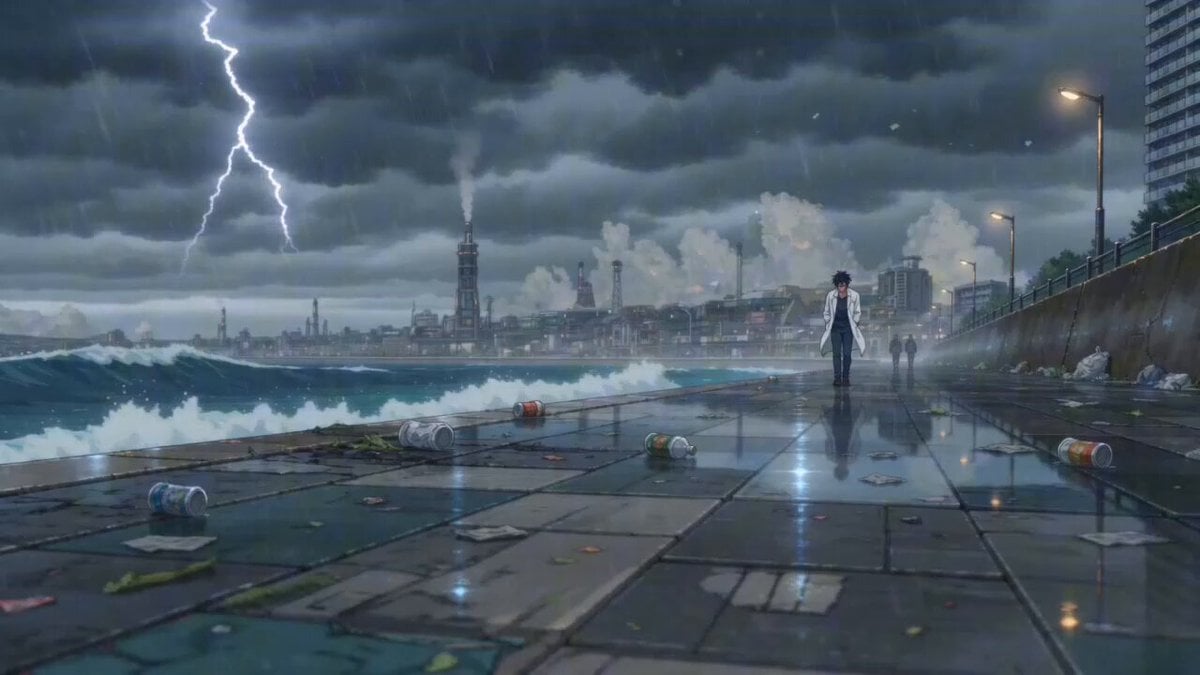
Cinematic Anime Scene: Stormy Seaside Promenade
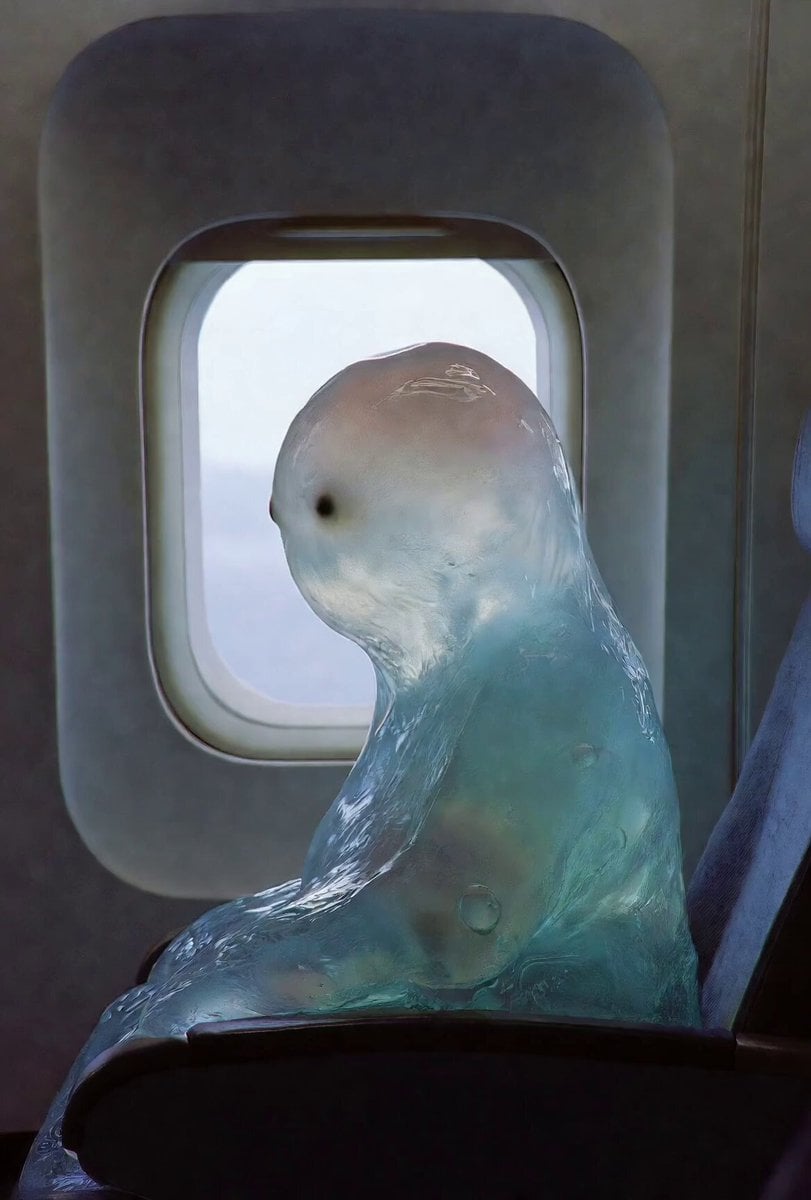
Gelatinous Blob on Airplane

Spy Movie Fight Scene Prompt
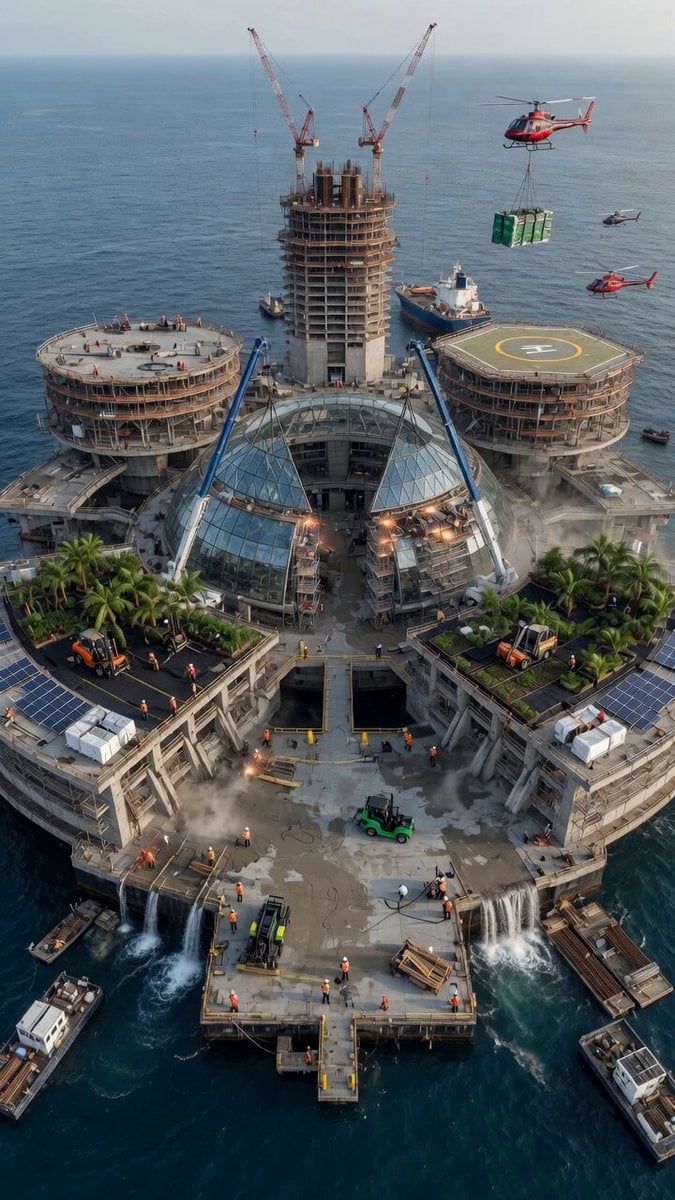
Aerial City Construction Transformation

Supermarket Grocery Shopping Vlog
Browse template categories
Space Warship Battle questions
How do I use the Space Warship Battle template?
Add your photo if the template asks for one, edit the prompt if you like — the template's model and format are already selected — and press Generate. Your version opens in PicX Studio.
Can I customize the Space Warship Battle template?
Yes. You can change the subject, setting, lighting, mood, format, and available model controls before creating your video.
Is the Space Warship Battle template free?
Opening and editing this template is free. Generating uses credits, shown on the Generate button when you are signed in.
Which AI model should I use?
Start with Seedance 2.0, which is the model associated with this template. You can compare another compatible model for a different finish.
Looking for something else? Browse all templates.

Your photo, any look
Thousands of ready templates for every top image and video model, from one credit balance.