
Outdoor Campfire Burger Cooking
A professional 15-second food commercial sequence showing the preparation and grilling of a cheese-stuffed burger in a forest setting.
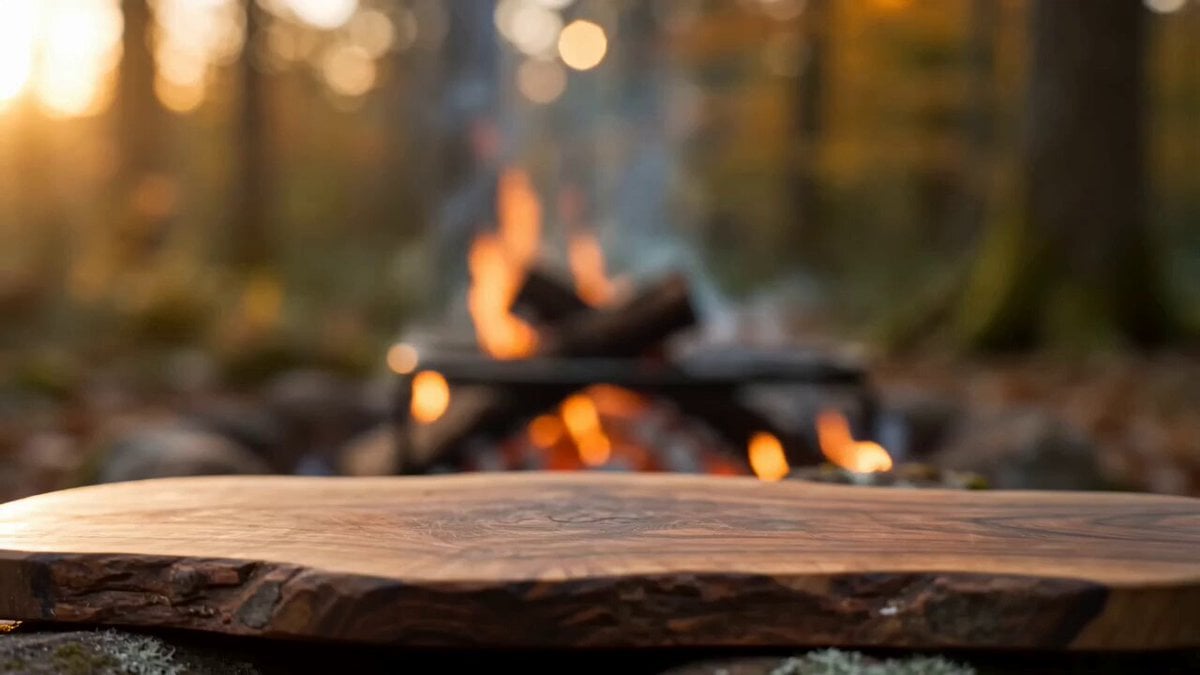
- Prompt included
- Model and format preset
- Free template
The prompt behind this video
Copy the exact prompt behind Outdoor Campfire Burger Cooking, or open it in the studio and make it yours.
Create a 15 second cinematic outdoor food film in a 16:9 frame, set in a quiet autumn woodland cooking camp during warm late afternoon light. Show only the cook’s natural adult hands and forearms, never the face. Keep every hand anatomically correct with five fingers, realistic skin texture, short clean nails, and consistent sleeves and wristwatch throughout. 0 to 2 seconds. Begin with a tight macro shot of a thick fresh beef patty landing on a richly grained live edge wooden board. A real wood fire burns softly in the background with drifting blue smoke and circular forest bokeh. The camera is almost locked, with a tiny human handheld settling motion. Natural sunlight comes from camera left and warm firelight adds a subtle orange rim. 2 to 5 seconds. Cut on hand movement to close details of coarse salt, cracked pepper, dried herbs, and finely chopped garlic falling onto the meat. The cook presses a deep center pocket, fills it generously with shredded mozzarella, folds the beef around the cheese, and seals it into one thick burger. Show true meat compression, moisture, fingerprints, loose herb fragments, and small crumbs on the board. Use shallow depth of field and physically believable contact between fingers and food. 5 to 9 seconds. Place the stuffed burger onto a black cast iron grate above glowing hardwood coals. Capture loud natural sizzle, tiny grease sparks, curling smoke, and one brief controlled flame flare. Use a low three quarter food level angle, then a precise match cut to metal tongs flipping the burger. Reveal an irregular dark brown crust with visible grill marks, rendered with realistic heat shimmer and no exaggerated fire. 9 to 12 seconds. Cut to a toasted rustic bun on the same board. Add thick slices of fresh mozzarella, then place the cooked burger onto the lower bun. Keep ingredient positions, hand direction, board grain, clothing, fire, and sunlight continuous. Make the camera perform a gentle five percent push closer while steam rises naturally. 12 to 15 seconds. Finish with a centered hero close up as both hands slowly pull the burger into two halves. A heavy ribbon of molten mozzarella stretches between the charred beef layers, trembling and thinning under gravity before partially breaking. Steam, glistening juices, toasted bread texture, ash, smoke, and fire bokeh must feel completely photographic. Hold the final cheese stretch for the last half second. Visual treatment. Premium food cinematography, realistic 4K detail, 30 frames per second, natural motion blur, 50 millimeter macro lens character, shallow depth of field, warm but restrained color grade, rich reds and browns, soft forest greens, preserved highlight detail, mild sensor grain, subtle focus breathing, practical imperfections, no artificial smoothness. Compose all key actions in the central safe area while using the wide frame to reveal fire, foliage, smoke, and rustic tools at the edges.
How to use Outdoor Campfire Burger Cooking in 3 steps
- 1
Open
The prompt is already in the box next to the preview, with the template's model and format selected.
- 2…a portrait of your subject in softgolden-hour light, 85mm…
Personalize
Edit the subject and creative details for your destination.
- 3Generate
Generate
Press Generate — your video is created in PicX Studio, so you can compare it with the original and refine one variable at a time.
More like this
Templates with the same subject, style or setup. Open one to see its prompt.

Ghibli Style Forest Outdoor Cooking
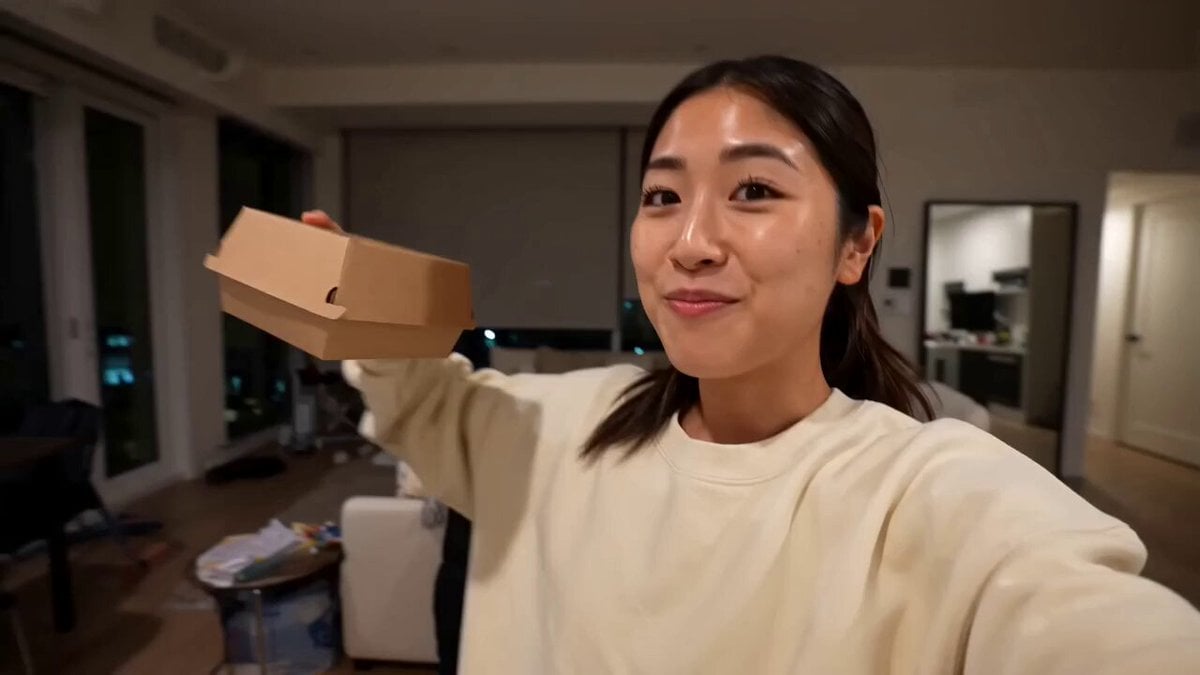
Gourmet Burger Vlog Selfie Style
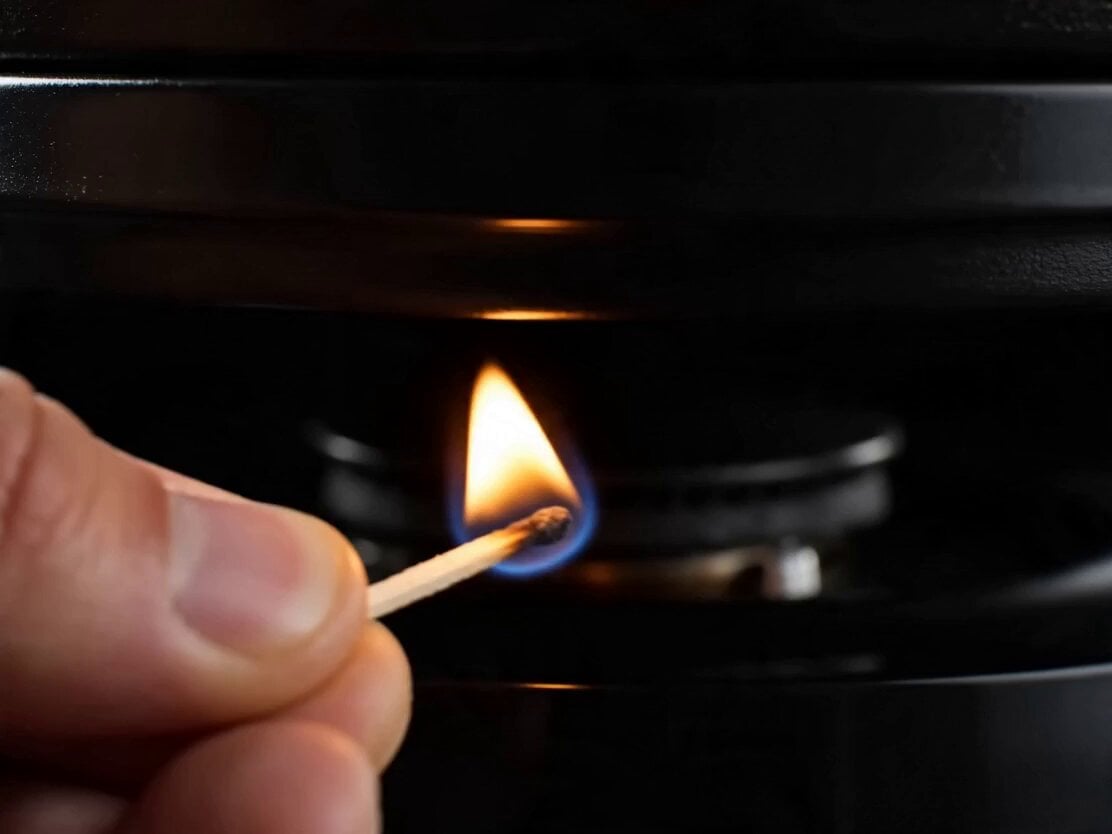
Gourmet Cheeseburger Food Commercial
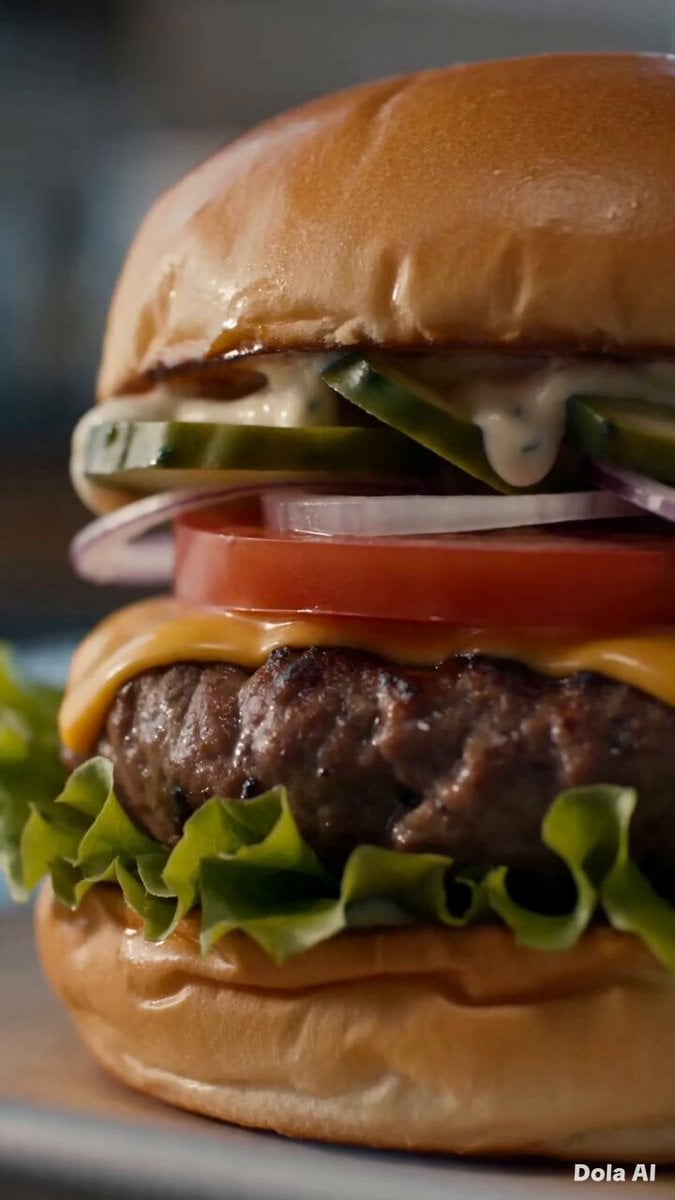
Bite Burger Reaction Montage

Female Golfer Realistic Outdoor Shot
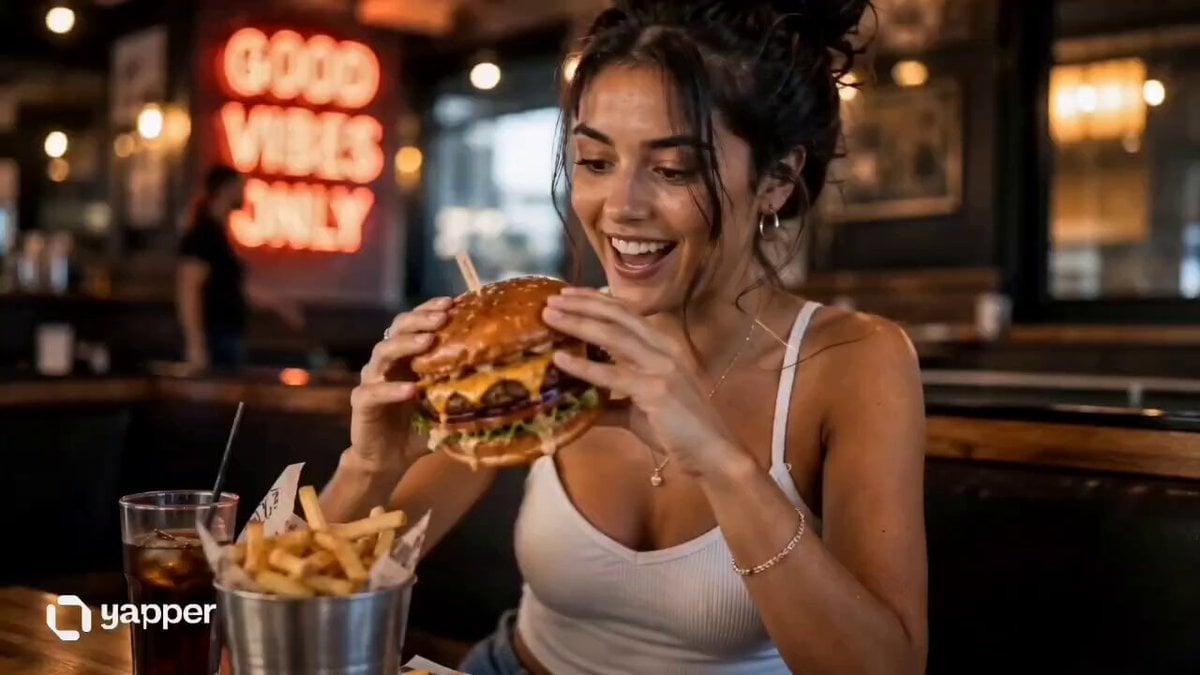
UGC Burger Review Animation

Soccer Stadium Woman Cheeseburger
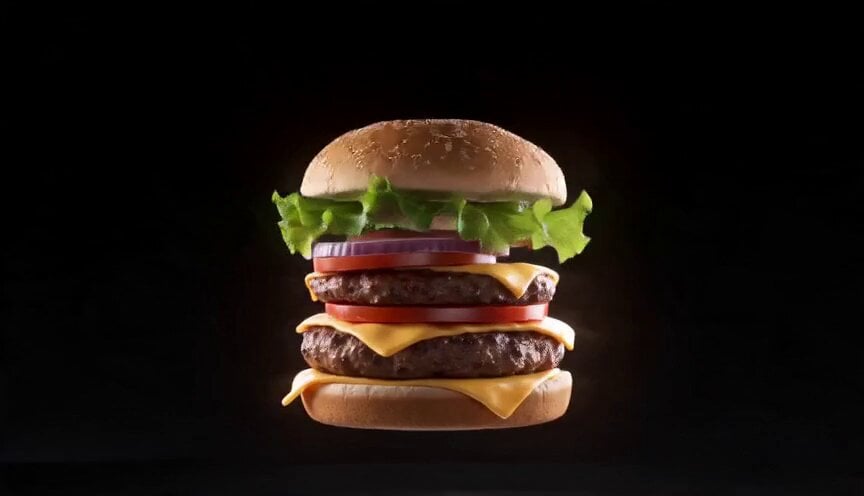
Food VFX Matrix Burger Commercial

Gourmet Burger Food Commercial
Fluffy Kitten in Outdoor Setting

Photograph of a Fluffy Kitten Outdoors

Young puppy in natural outdoor setting video prompt
Make it yours
Outdoor Campfire Burger Cooking works as-is. These are the safest ways to change it without losing the look.
Change one field
Copy a single group, rewrite it, and generate again so you can see what that field is doing.
Keep the frame, change the subject
Hold the composition and light of Outdoor Campfire Burger Cooking, then swap wardrobe, props or the person for a new take.
| If the result… | Why | Fix |
|---|---|---|
| The result drifts from the preview | Too many fields changed at once. | Reuse Outdoor Campfire Burger Cooking as-is first, then change one group — subject, light, or setting. |
| The model over-stylizes the scene | The prose prompt leaves finish and camera underspecified. | Add one camera or lighting sentence and stay on Seedance 2.0. |
More Seedance 2.0 templates
Other prompts made for Seedance 2.0.

Comical Martial Arts Punch Scene

Maglev Train Action Sequence

Martial Arts Fight Sequence

Wuxia Protection and Trust Script

Vintage Korean Arcade MiniDV Vlog

Mercedes 190 SL Luxury Ad

Rainy Night Supernatural Reverse Comedy Video Script

Amazon Civilization Discovery

Futuristic South Asian City Transformation

Cozy Luxury Cafe Commercial
More video prompts
Fresh picks from across the catalog.
Luxury Warehouse Lamborghini Cinematic
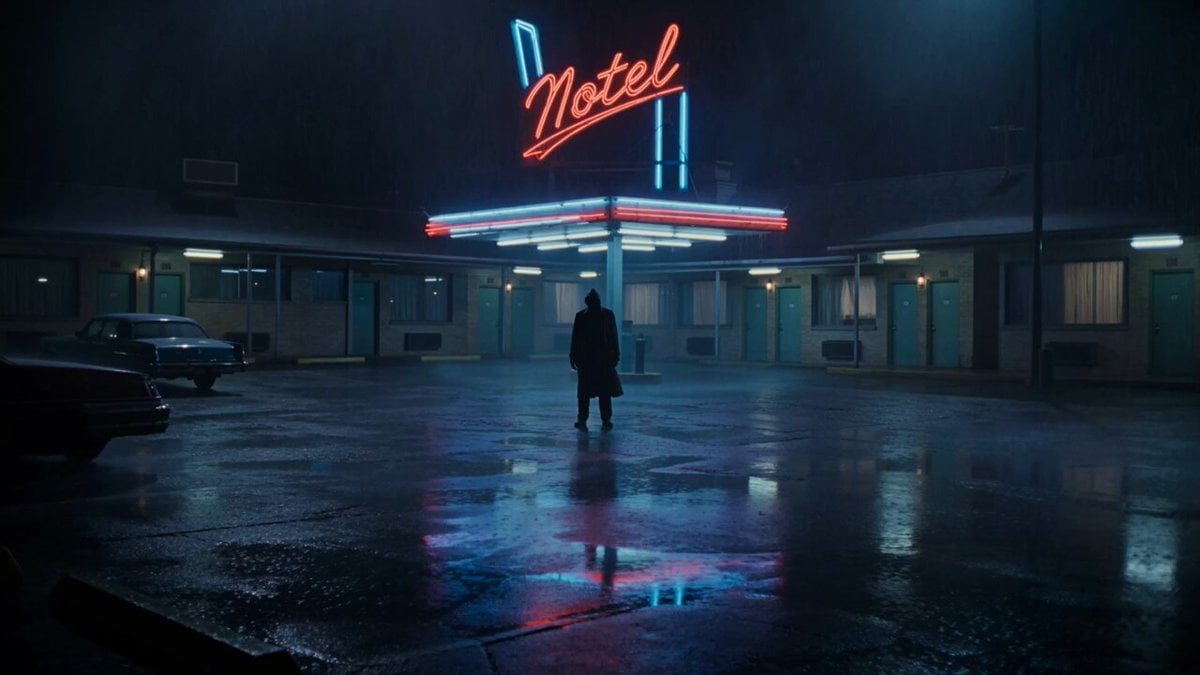
Horror Noir Roadside Motel Scene
Fast-Paced Story Montage

Sora 2 Professional Mythological Fantasy Video Prompt
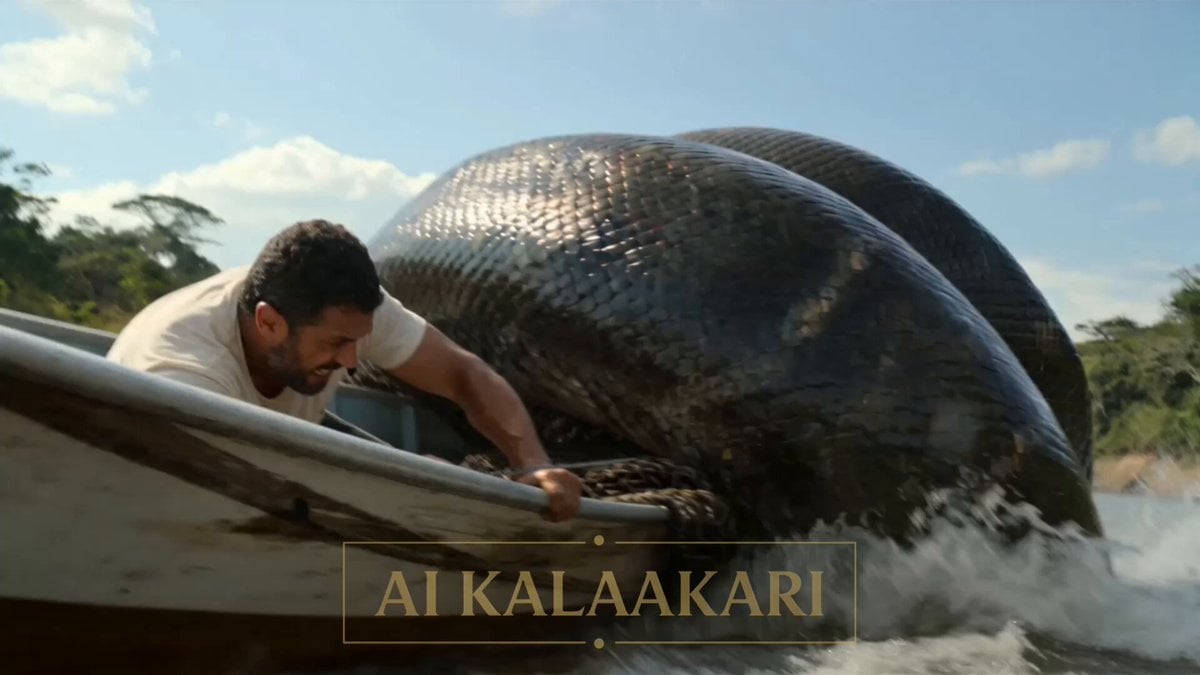
B-Movie Giant Snake Action Scene
Dark Stormy Town Action Sequence

Wind Blows Paper, Camera Follows
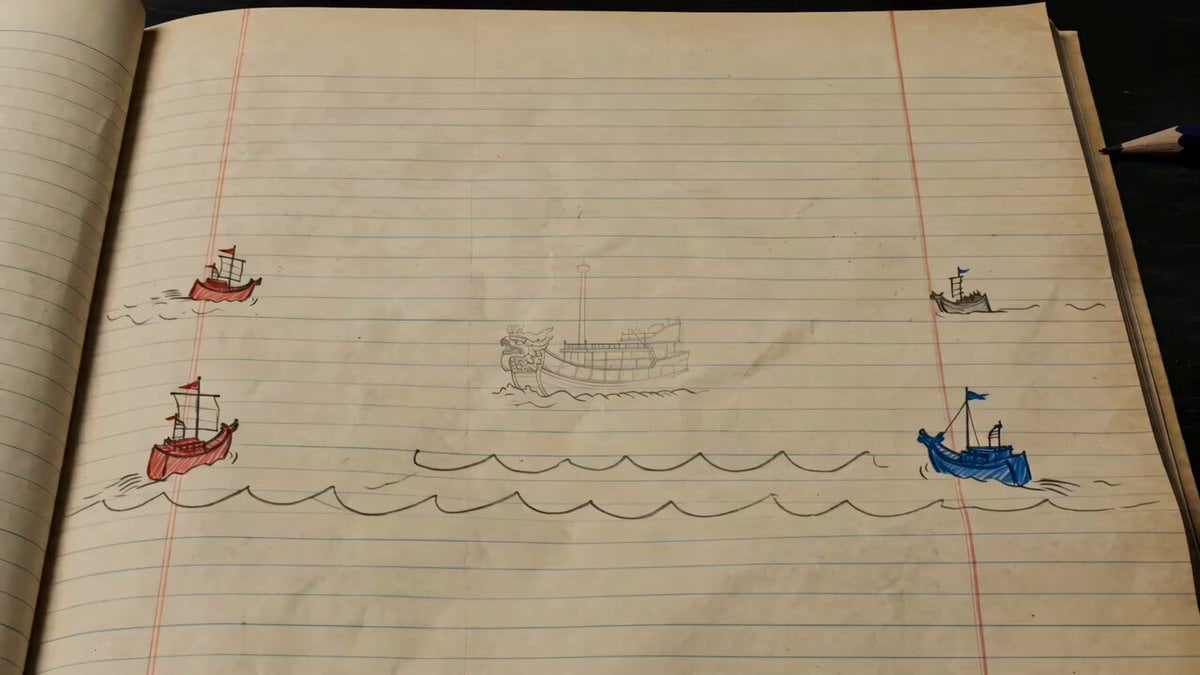
Hand-drawn Animated Naval Battle
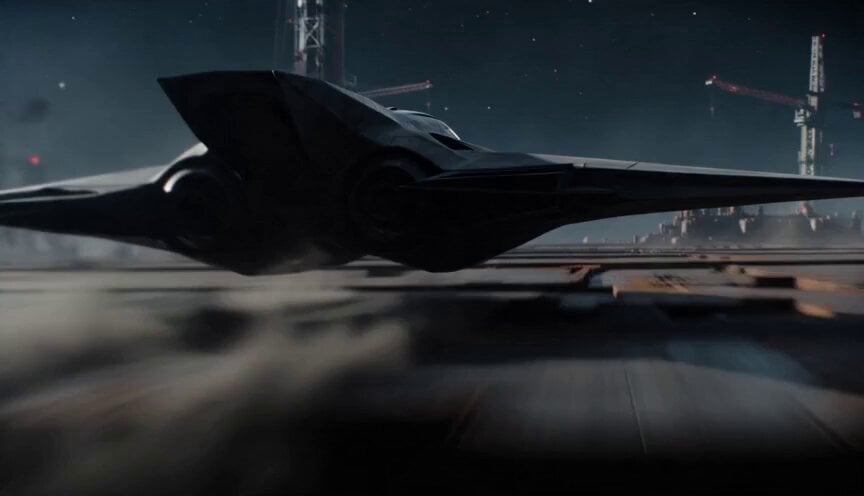
Sci-Fi Interceptor Planet Engine Race

Mastercard MarsCard concept
Browse template categories
Outdoor Campfire Burger Cooking questions
How do I use the Outdoor Campfire Burger Cooking template?
Add your photo if the template asks for one, edit the prompt if you like — the template's model and format are already selected — and press Generate. Your version opens in PicX Studio.
Can I customize the Outdoor Campfire Burger Cooking template?
Yes. You can change the subject, setting, lighting, mood, format, and available model controls before creating your video.
Is the Outdoor Campfire Burger Cooking template free?
Opening and editing this template is free. Generating uses credits, shown on the Generate button when you are signed in.
Which AI model should I use?
Start with Seedance 2.0, which is the model associated with this template. You can compare another compatible model for a different finish.
Looking for something else? Browse all templates.

Your photo, any look
Thousands of ready templates for every top image and video model, from one credit balance.