
Soccer Stadium Woman Cheeseburger
A realistic sports broadcast prompt of a woman eating a burger in a soccer stadium crowd.

- Prompt included
- Model and format preset
- Free template
The prompt behind this video
Copy the exact prompt behind Soccer Stadium Woman Cheeseburger, or open it in the studio and make it yours.
“Ultra-realistic static image of a sports broadcast of a glamorous woman sitting in the crowd of a packed soccer stadium during a nighttime match, wearing a sleeveless high-neck satin top in dark brown and square black earrings, light brown/blonde shoulder-length hair styled in soft waves. She is casually drinking from a tall blue aluminum can while holding a half-eaten cheeseburger in the other hand. Around her are fans with soccer jerseys and scarves in bright yellow and blue, creating a strong team color contrast. The scene feels spontaneous and cinematic, captured mid-match from the angle of a TV broadcast camera with shallow depth of field. Include realistic stadium seats, packed audience atmosphere, overlaid broadcast graphics in the upper left corner showing a live soccer score and match timer, and a sports network watermark in the upper right. Natural arena lighting, detailed skin texture, sharp focus on the woman, slightly blurred background crowd, authentic live sports broadcast aesthetic, 16:9 composition”
How to use Soccer Stadium Woman Cheeseburger in 3 steps
- 1
Open
The prompt is already in the box next to the preview, with the template's model and format selected.
- 2…a portrait of your subject in softgolden-hour light, 85mm…
Personalize
Edit the subject and creative details for your destination.
- 3Generate
Generate
Press Generate — your video is created in PicX Studio, so you can compare it with the original and refine one variable at a time.
More like this
Templates with the same subject, style or setup. Open one to see its prompt.
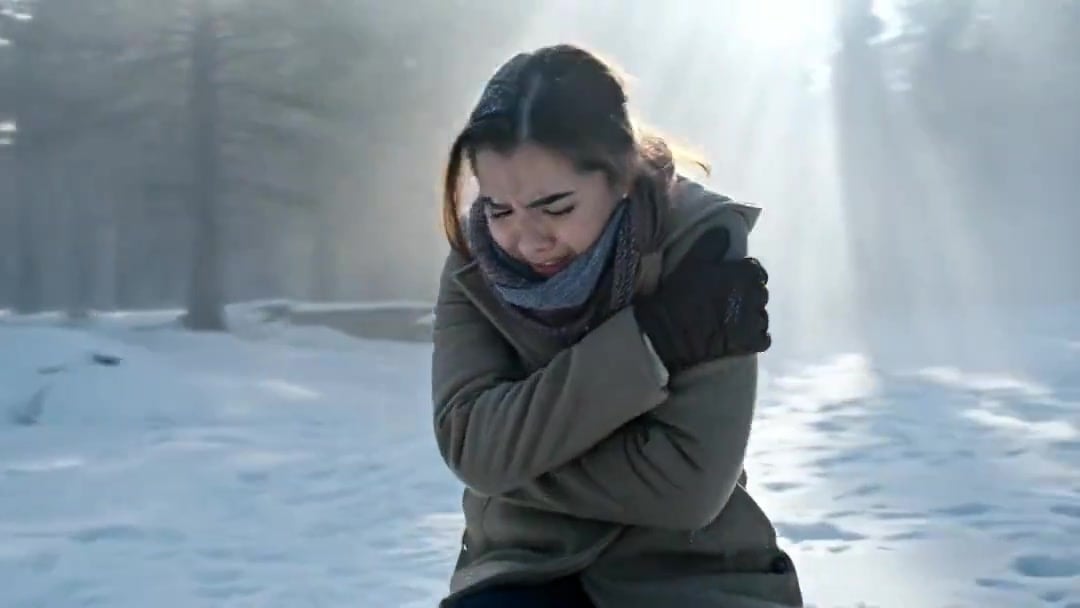
Arc Shot Frozen Woman Snow — Kling 3.0 v3 Pro
Arc Shot Frozen Woman Snow — Kling 3.0 v3 Pro

Blonde Woman Driving Green 1960s Mustang Golden Hour

Candid Joyful Woman Football Stadium Portrait
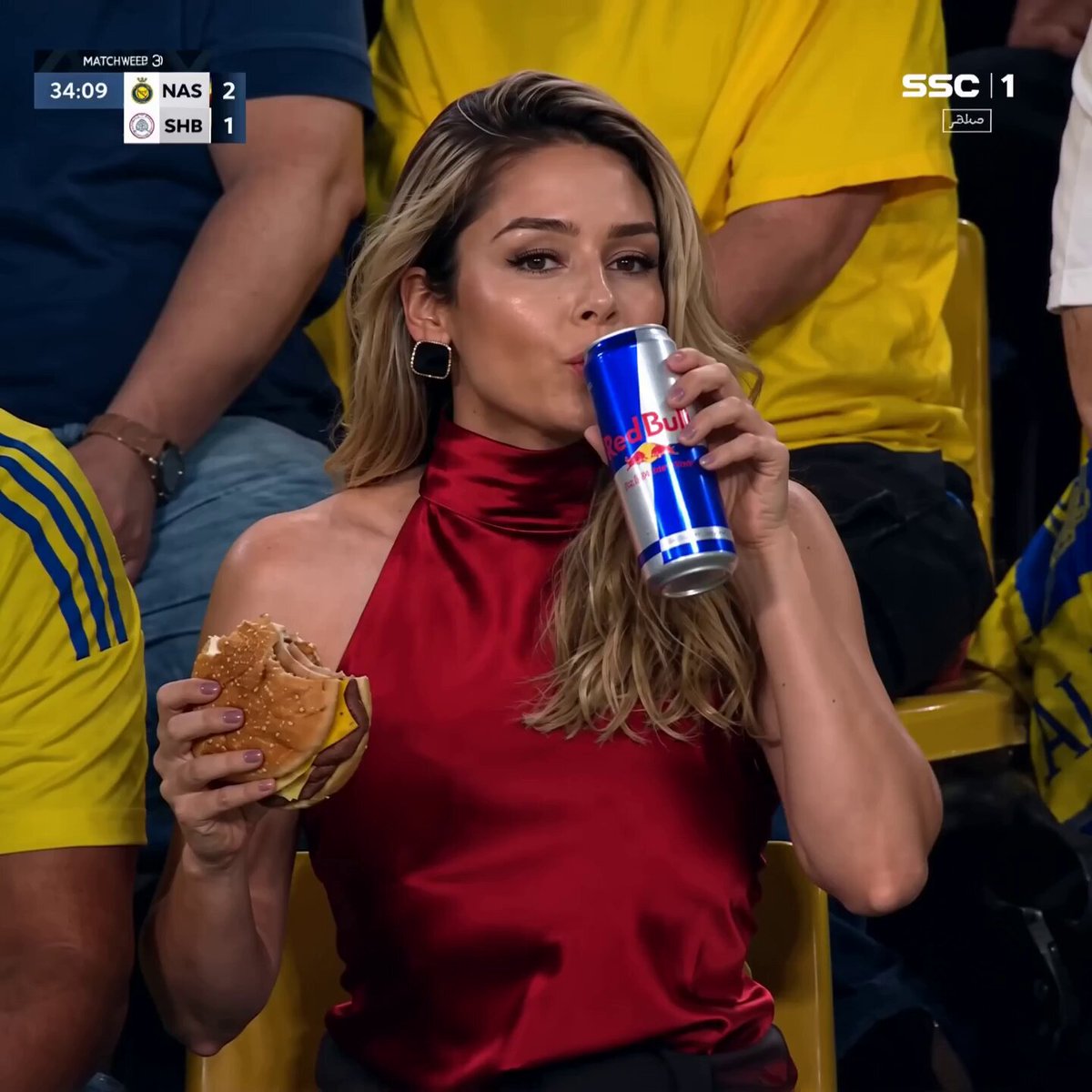
Glamorous Woman at Soccer Match

Stylish Woman at Stadium Broadcast
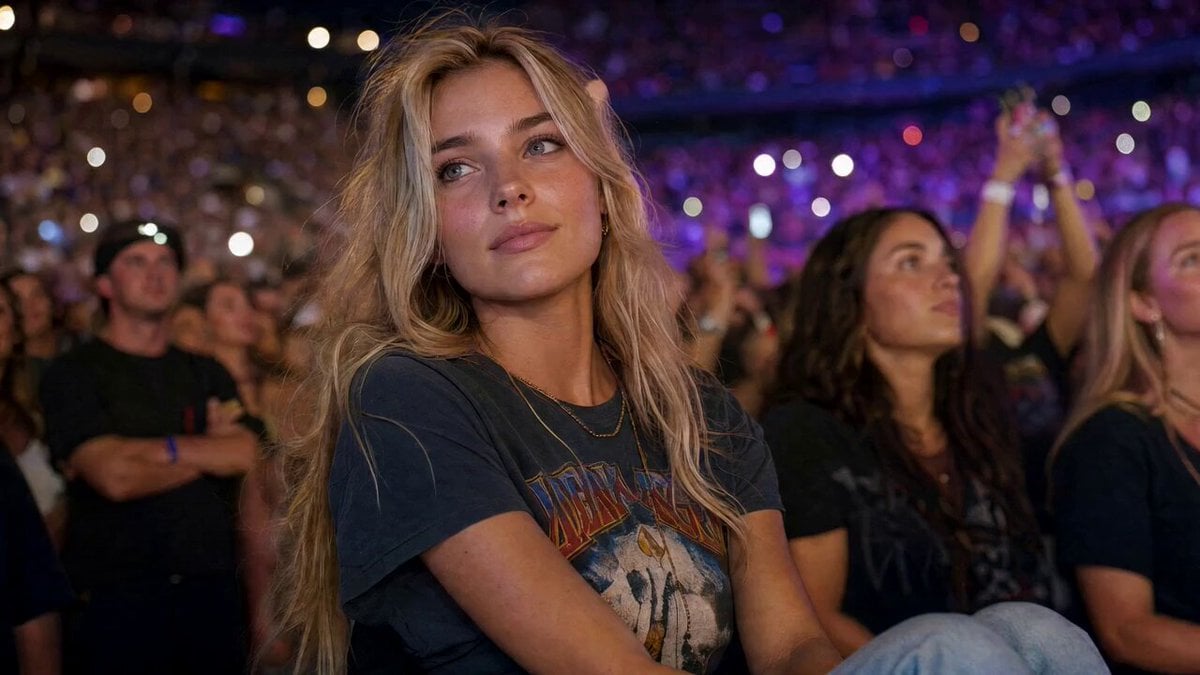
Concert Stadium Blonde Woman Close-up
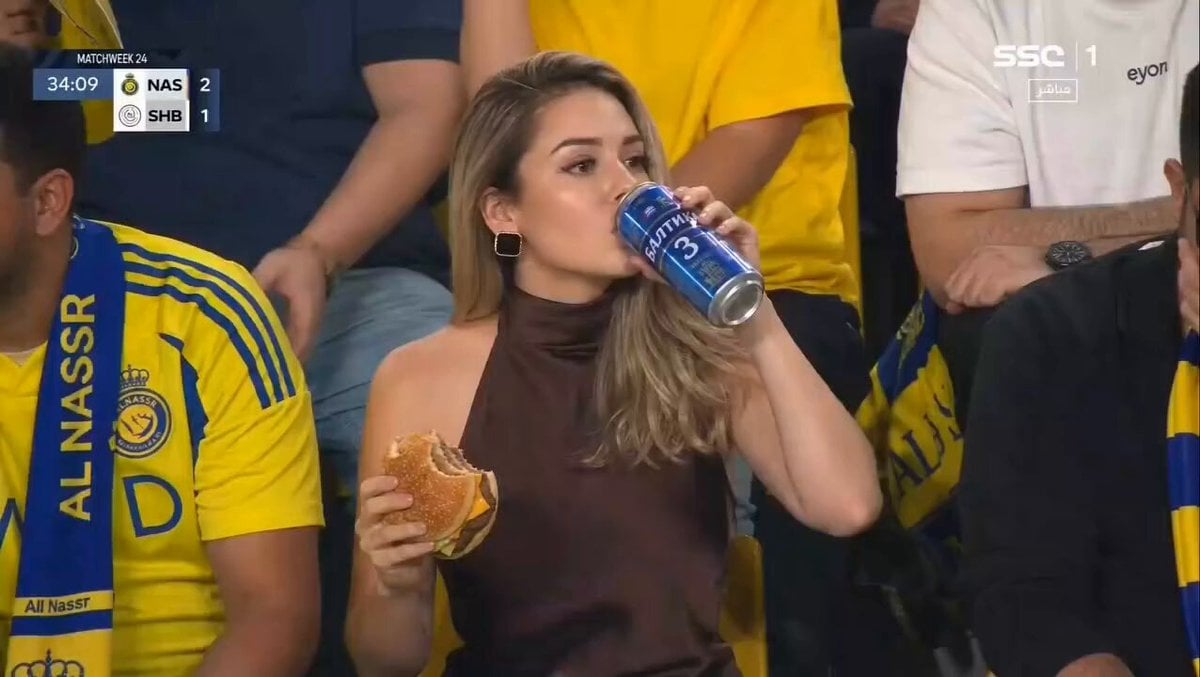
Glamorous Woman Stadium Broadcast

Floating Woman Sunset Cloudscape

Gourmet Cheeseburger Food Commercial
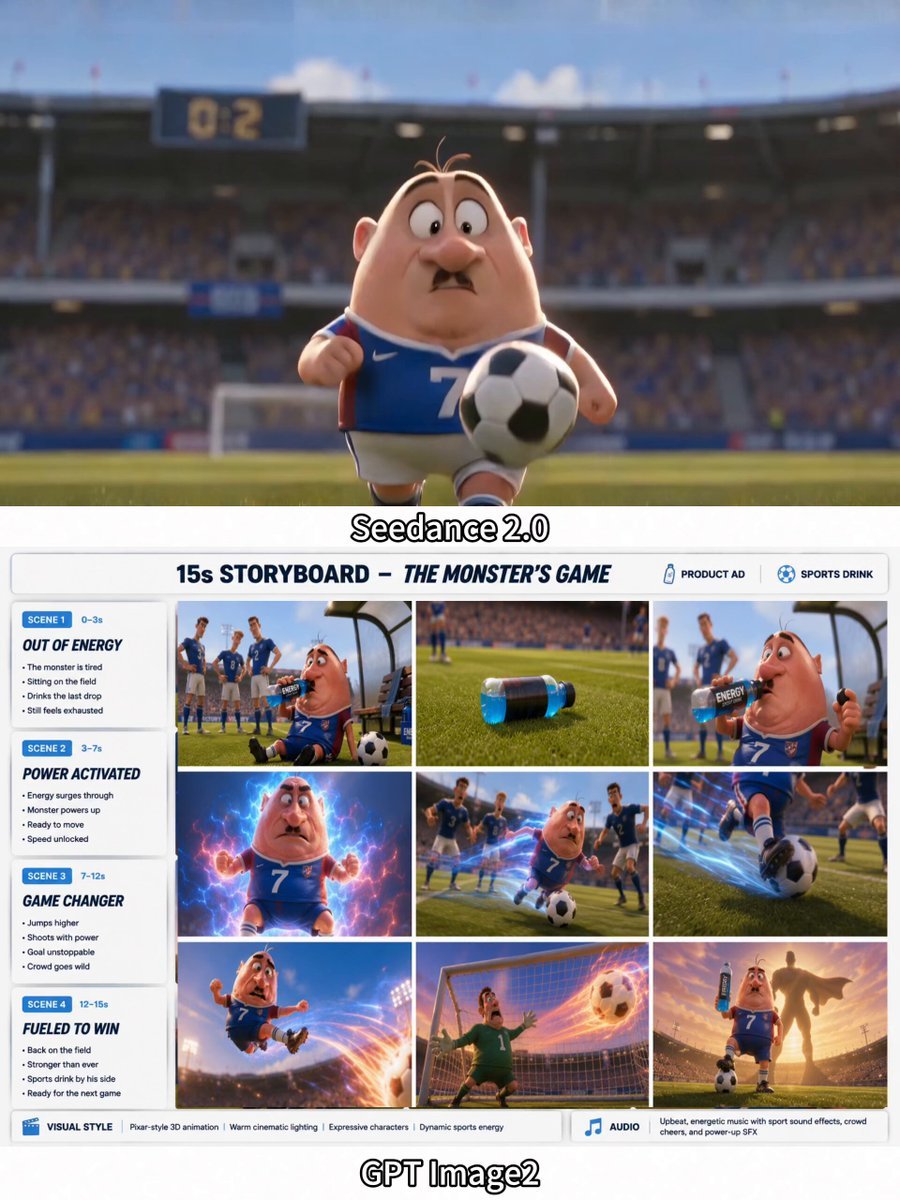
3D Soccer Energy Drink Commercial
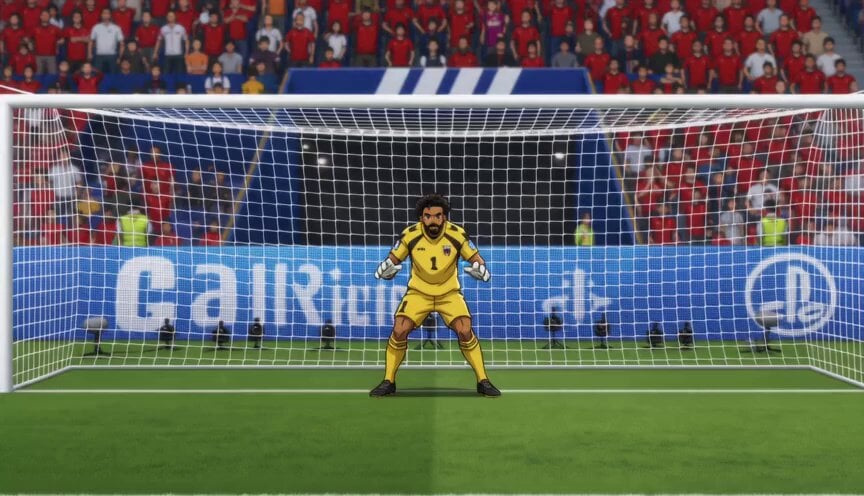
Anime Soccer Goalkeeper Epic Save
Make it yours
Soccer Stadium Woman Cheeseburger works as-is. These are the safest ways to change it without losing the look.
Change one field
Copy a single group, rewrite it, and generate again so you can see what that field is doing.
Keep the frame, change the subject
Hold the composition and light of Soccer Stadium Woman Cheeseburger, then swap wardrobe, props or the person for a new take.
| If the result… | Why | Fix |
|---|---|---|
| The result drifts from the preview | Too many fields changed at once. | Reuse Soccer Stadium Woman Cheeseburger as-is first, then change one group — subject, light, or setting. |
| The model over-stylizes the scene | The prose prompt leaves finish and camera underspecified. | Add one camera or lighting sentence and stay on Seedance 2.0. |
More Seedance 2.0 templates
Other prompts made for Seedance 2.0.

Comical Martial Arts Punch Scene

Maglev Train Action Sequence

Martial Arts Fight Sequence

Wuxia Protection and Trust Script

Vintage Korean Arcade MiniDV Vlog

Mercedes 190 SL Luxury Ad

Rainy Night Supernatural Reverse Comedy Video Script

Amazon Civilization Discovery

Futuristic South Asian City Transformation

Cozy Luxury Cafe Commercial
More video prompts
Fresh picks from across the catalog.

Ultra-realistic Wildlife Documentary Footage
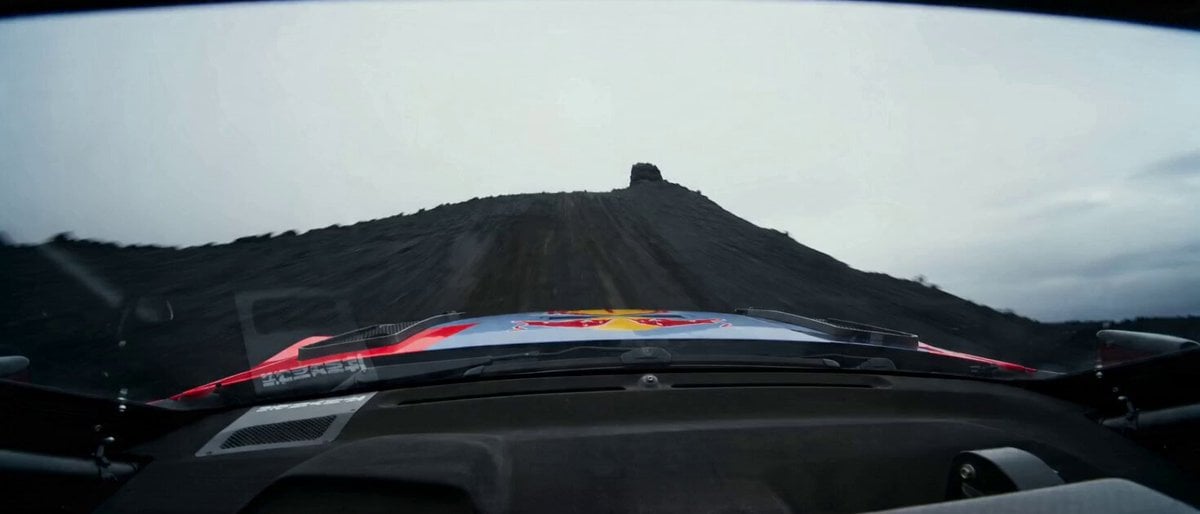
Rally Truck on Lava Field
Ethereal Mermaid Underwater Scene

Lunar Home Time-Lapse

Dogs Celebrating Pi Day
Gothic Shadow Raven Storm VFX
A Doctor Explaining a Hereditary Disease
Music Video Production Prompt for Seedance 2.0
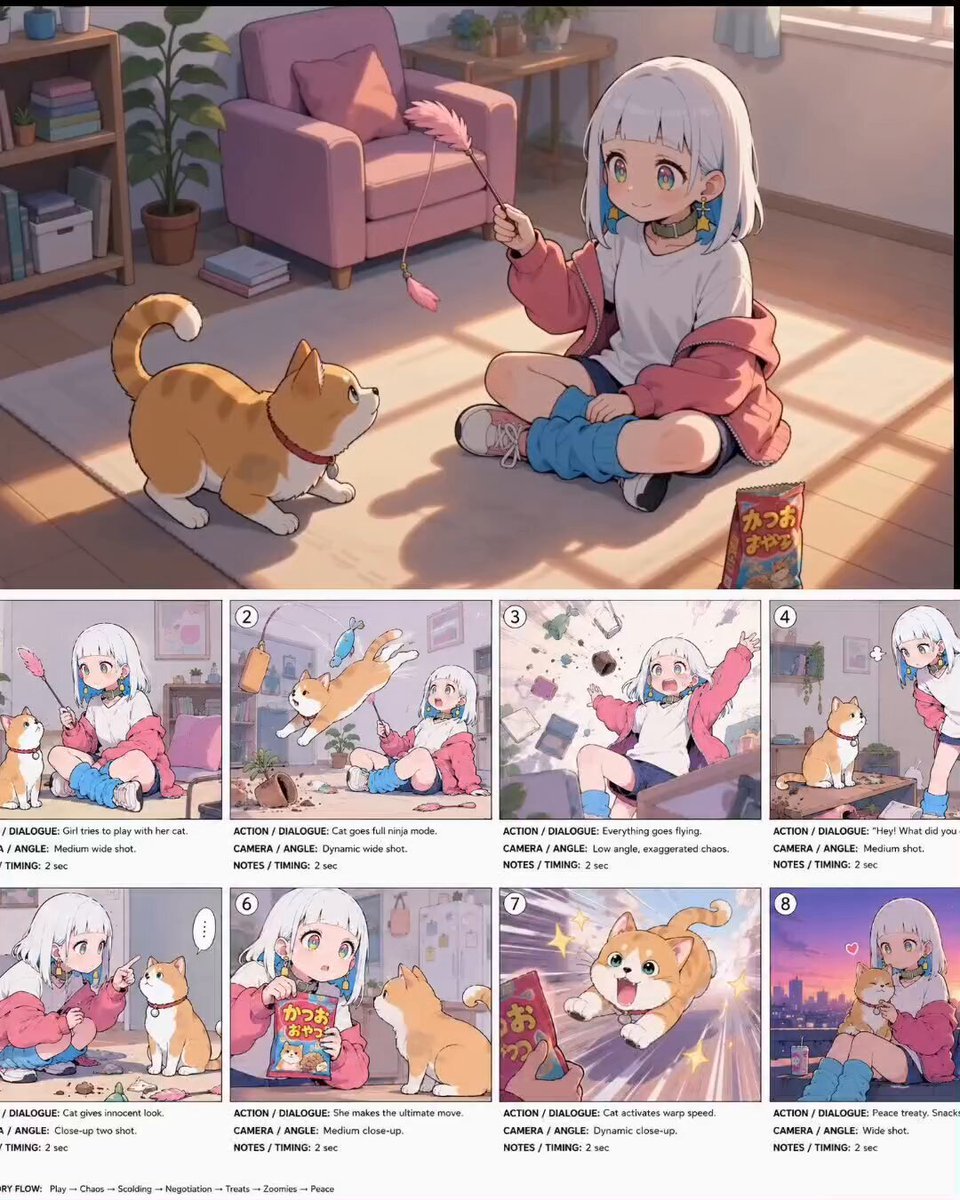
Anime Comedy Chaos Video Prompt
Video prompt for a house crumbling to reveal a forest scene
Browse template categories
Soccer Stadium Woman Cheeseburger questions
How do I use the Soccer Stadium Woman Cheeseburger template?
Add your photo if the template asks for one, edit the prompt if you like — the template's model and format are already selected — and press Generate. Your version opens in PicX Studio.
Can I customize the Soccer Stadium Woman Cheeseburger template?
Yes. You can change the subject, setting, lighting, mood, format, and available model controls before creating your video.
Is the Soccer Stadium Woman Cheeseburger template free?
Opening and editing this template is free. Generating uses credits, shown on the Generate button when you are signed in.
Which AI model should I use?
Start with Seedance 2.0, which is the model associated with this template. You can compare another compatible model for a different finish.
Looking for something else? Browse all templates.

Your photo, any look
Thousands of ready templates for every top image and video model, from one credit balance.