How do I use the A Doctor Explaining a Hereditary Disease template?
Edit the prompt in the box under the preview — the template's model and format are already selected — and press Generate. Your version appears right on this page.
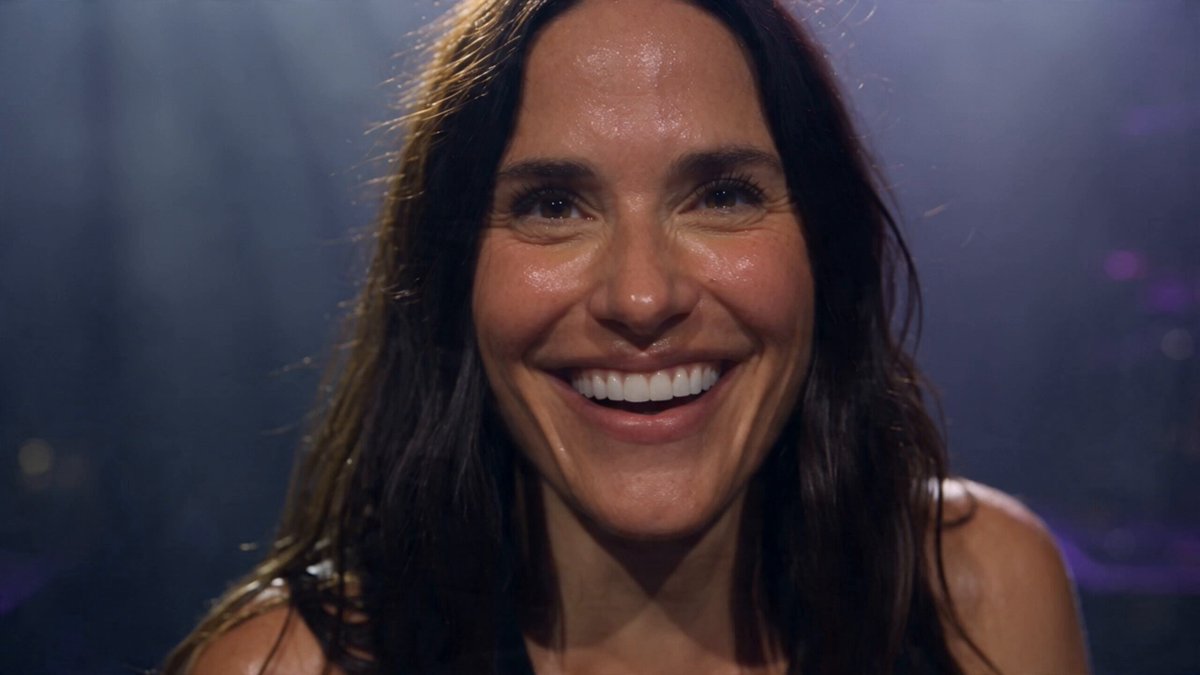
A highly specific and personal prompt describing a scene where a doctor explains a hereditary disease, 'Hereditary spherocytosis,' to a mother, noting that one of two children may inherit it.
次に行ったとき、先生(産婦人科で会った先生)が、『お母さんの病気は、「遺伝性球状性赤血球症です。子供2人のうち1人に遺伝する病気です🥲。』と。私は、ダルが生まれて、自分の病名を知った。
次に行ったとき、先生(産婦人科で会った先生)が、『お母さんの病気は、「遺伝性球状性赤血球症です。子供2人のうち1人に遺伝する病気です🥲。』と。私は、ダルが生まれて、自分の病名を知った。
Edit the prompt in the box under the preview — the template's model and format are already selected — and press Generate. Your version appears right on this page.
Yes. You can change the subject, setting, lighting, mood, format, and available model controls before creating your video.
Opening and editing this template is free. Generating uses credits, shown on the Generate button when you are signed in.
Start with Grok Imagine, which is the model associated with this template. You can compare another compatible model for a different finish.
Follow a topic to a crawlable collection of related PicX Studio templates.