
Mechanical Keyboard Hidden Miniature World
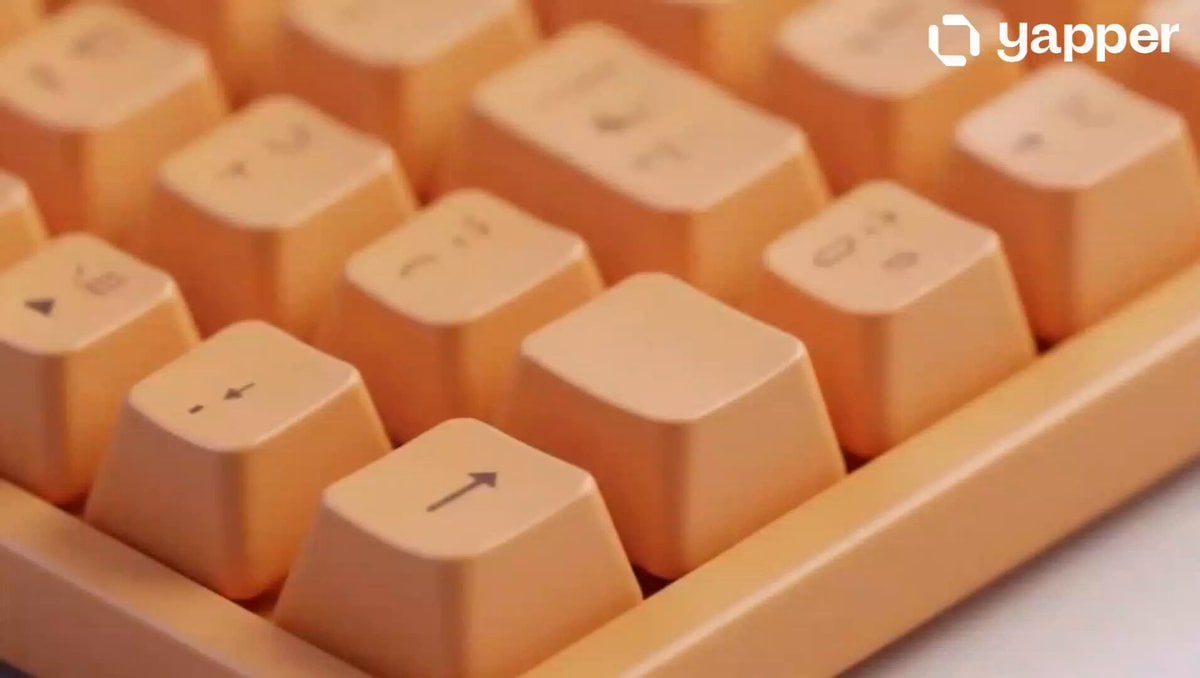
A continuous macro shot prompt of a mechanical keyboard transitioning into a vibrant stylized 3D game world.
- Prompt included
- Model and format preset
- Premium template
The prompt behind this video
Copy the exact prompt behind Mechanical Keyboard Hidden Miniature World, or open it in the studio and make it yours.
A 15-second continuous macro shot of a sleek, matte pastel-orange mechanical keyboard. Suddenly, one of the central keycaps flips open upward like a miniature cockpit door, revealing a hidden retro-style computer terminal underneath. A 3D stylized, Chibi-esque miniature female figurine pops up, sitting in front of the tiny monitor and furiously typing on a microscopic keyboard. The tiny glowing CRT screen transitions from a blank white light to displaying a bright, colorful stylized cartoon battle royale game. The camera smoothly dollys in, pushing directly through the miniature glass screen into a seamless first-person perspective transition, entering the vibrant, stylized 3D game world filled with green grass, cartoonish houses, and wooden structures. High-end commercial advertising aesthetic, clean lighting, smooth animation.3D stylized hyper-realistic CGI animation, 15 seconds. A macro, shallow depth of field shot focusing on a mechanical keyboard with smooth, matte-finished pastel peach keycaps. Excellent PBR textures and subtle subsurface scattering on the plastic surfaces. One keycap hinges open to reveal a hidden retro-futuristic workstation. A hyper-stylized 3D Chibi female character with ultra-clean topology emerges, typing rapidly on a miniature console. The tiny screen glows, reflecting light onto her face, showing a vibrant, colorful cartoon gaming interface. The camera executes a dynamic, seamless push-in zoom (dolly-in), transitioning past the screen's bezel into a fully realized 3D animated environment. Vibrant daytime lighting, lush green lawns, low-poly stylized architecture, and a dynamic tracking shot following a character running through a cartoon town setup. Crisp commercial product photography aesthetics mixed with premium gaming visuals.
How to use Mechanical Keyboard Hidden Miniature World in 3 steps
- 1
Open
The prompt is already in the box next to the preview, with the template's model and format selected.
- 2…a portrait of your subject in softgolden-hour light, 85mm…
Personalize
Edit the subject and creative details for your destination.
- 3Generate
Generate
Press Generate — your video is created in PicX Studio, so you can compare it with the original and refine one variable at a time.
More like this
Templates with the same subject, style or setup. Open one to see its prompt.
Miniature City Flood Soundstage
Miniature City Flood Soundstage

Mechanical Flower Bloom Brand Film
Steampunk Clockwork Odyssey
3D Animated Magical Miniature World
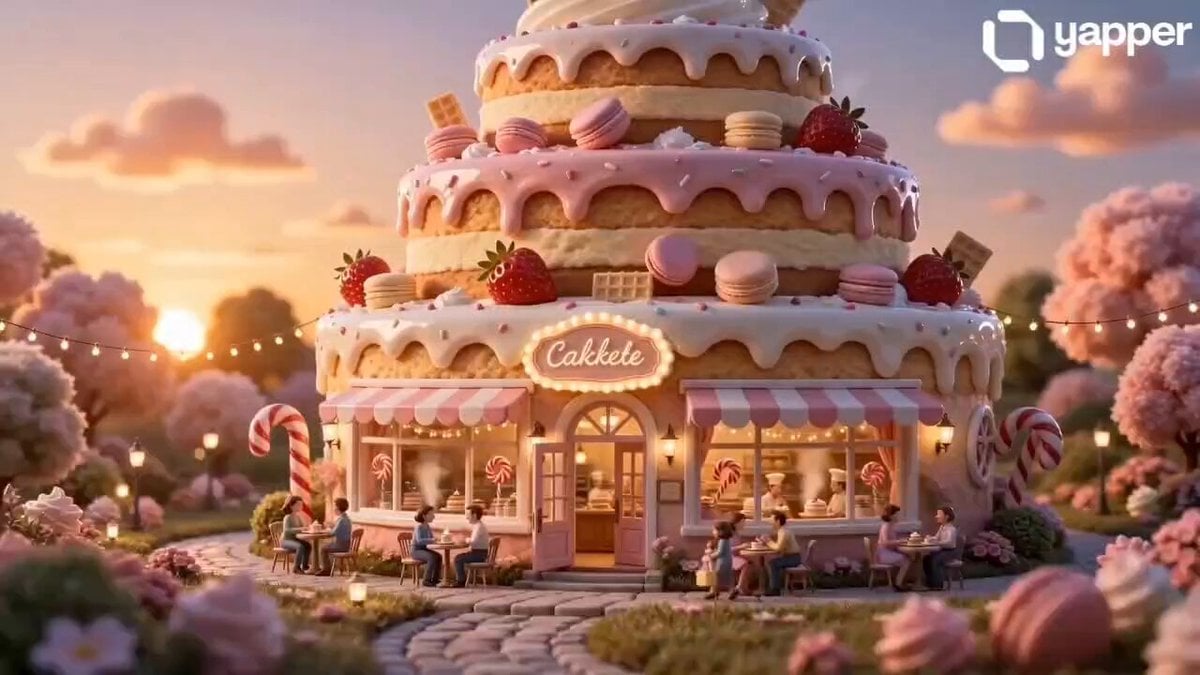
Miniature Cake Bakery World
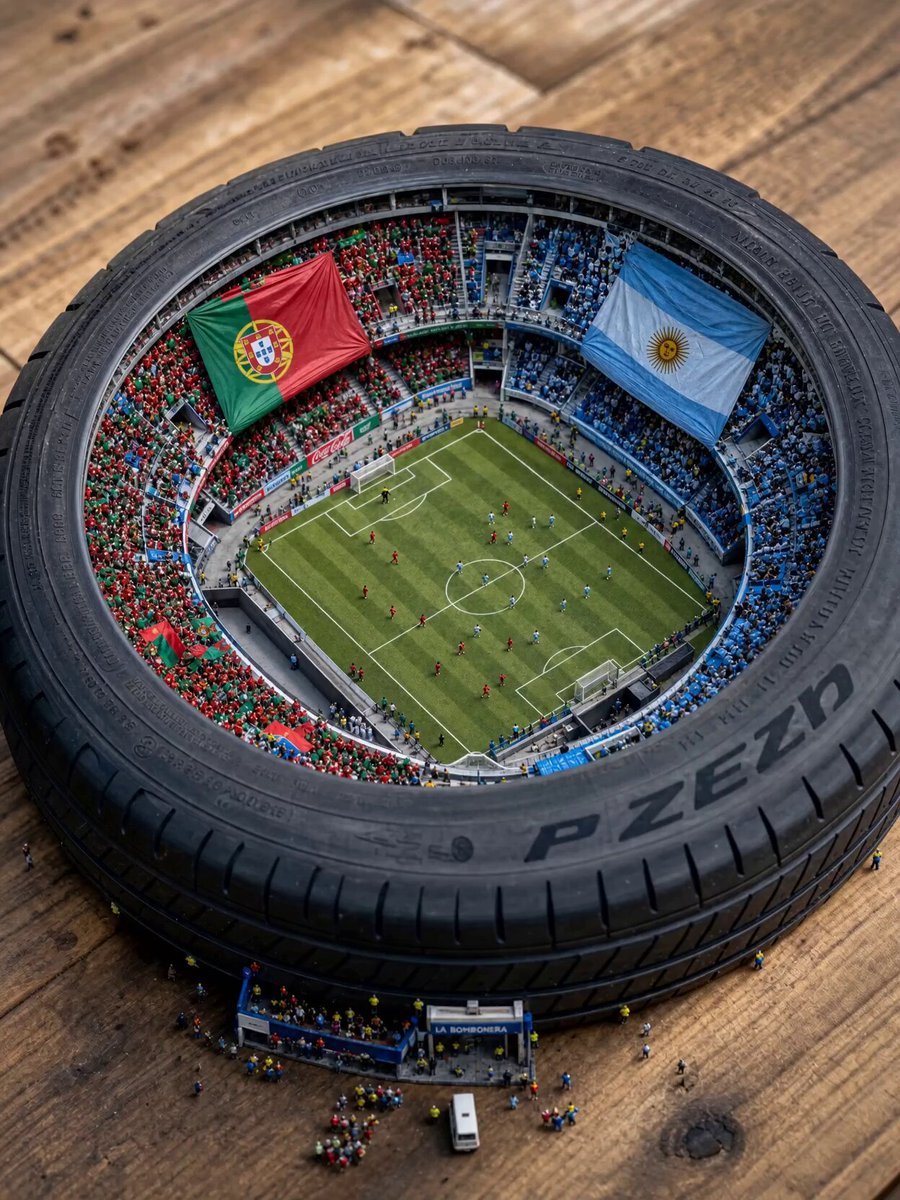
Miniature World Cup Tire Stadium
Electric Guitar Summoning — White Roses Field
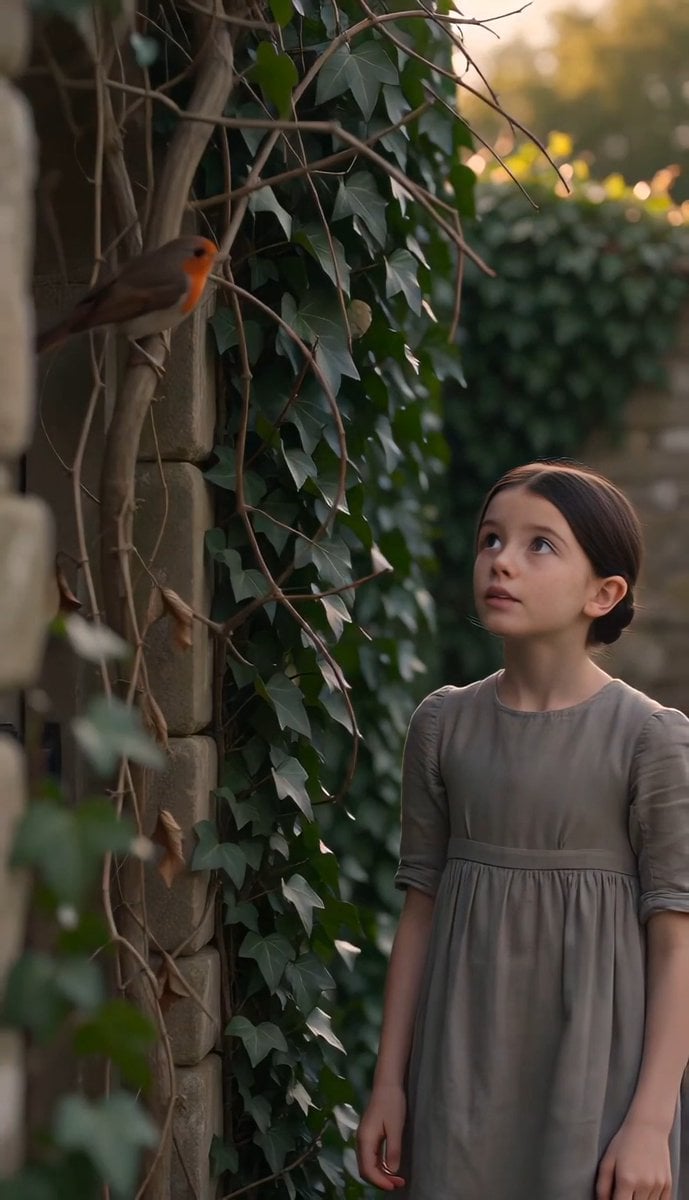
The Secret Garden Hidden Door
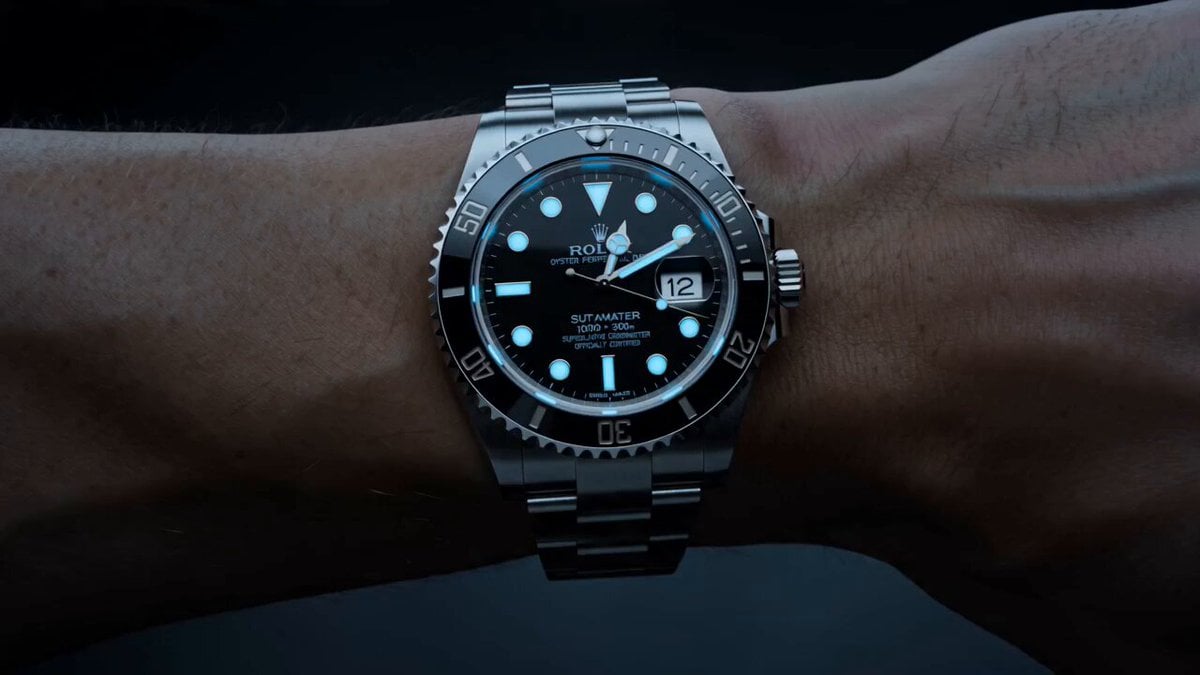
Watch to Mechanical Butterfly Transformation Prompt
Car Guardian Mechanical Transformation Vlog
Mechanical Merlion Transformation ASMR
Make it yours
Mechanical Keyboard Hidden Miniature World works as-is. These are the safest ways to change it without losing the look.
Change one field
Copy a single group, rewrite it, and generate again so you can see what that field is doing.
Keep the frame, change the subject
Hold the composition and light of Mechanical Keyboard Hidden Miniature World, then swap wardrobe, props or the person for a new take.
| If the result… | Why | Fix |
|---|---|---|
| The result drifts from the preview | Too many fields changed at once. | Reuse Mechanical Keyboard Hidden Miniature World as-is first, then change one group — subject, light, or setting. |
| The model over-stylizes the scene | The prose prompt leaves finish and camera underspecified. | Add one camera or lighting sentence and stay on Seedance 2.0. |
More Seedance 2.0 templates
Other prompts made for Seedance 2.0.

Comical Martial Arts Punch Scene

Maglev Train Action Sequence

Martial Arts Fight Sequence

Wuxia Protection and Trust Script

Vintage Korean Arcade MiniDV Vlog

Mercedes 190 SL Luxury Ad

Rainy Night Supernatural Reverse Comedy Video Script

Amazon Civilization Discovery

Futuristic South Asian City Transformation

Cozy Luxury Cafe Commercial
More video prompts
Fresh picks from across the catalog.
FPV Drone Humpback Whale Jump
Gothic Mansion Back Tattoo

Anime 'Fa Tian Xiang Di' Transformation Effect Prompt
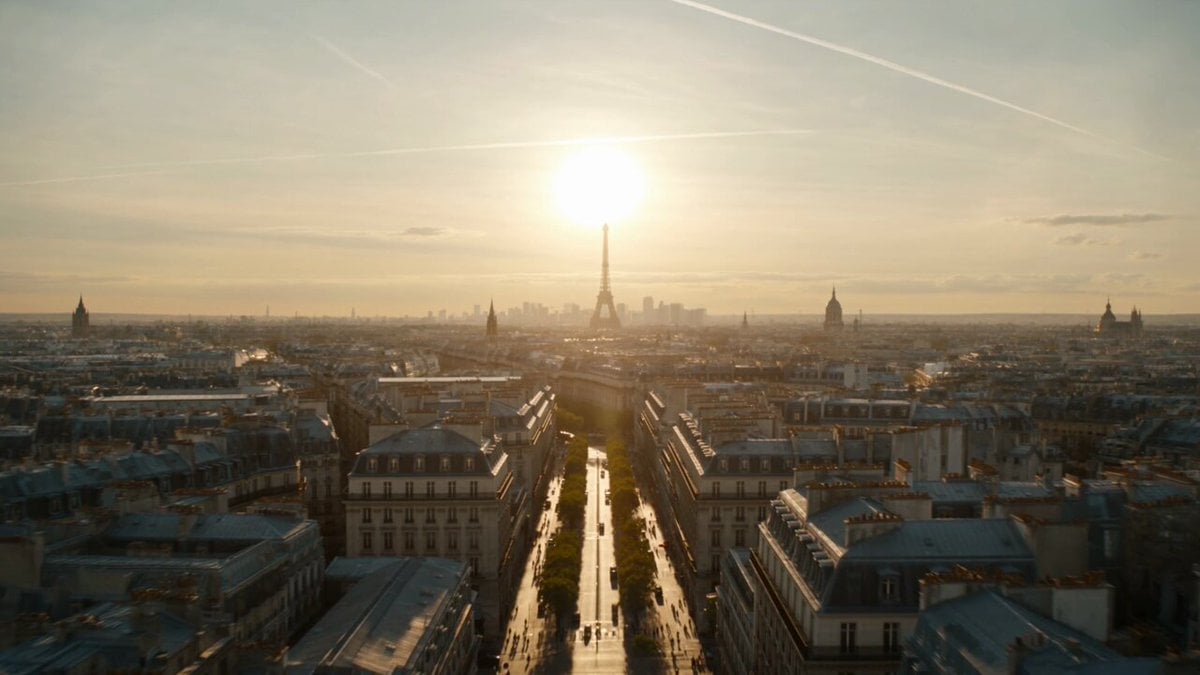
Apocalyptic Surreal Paris Eclipse Video

Astronaut Children in Zero Gravity
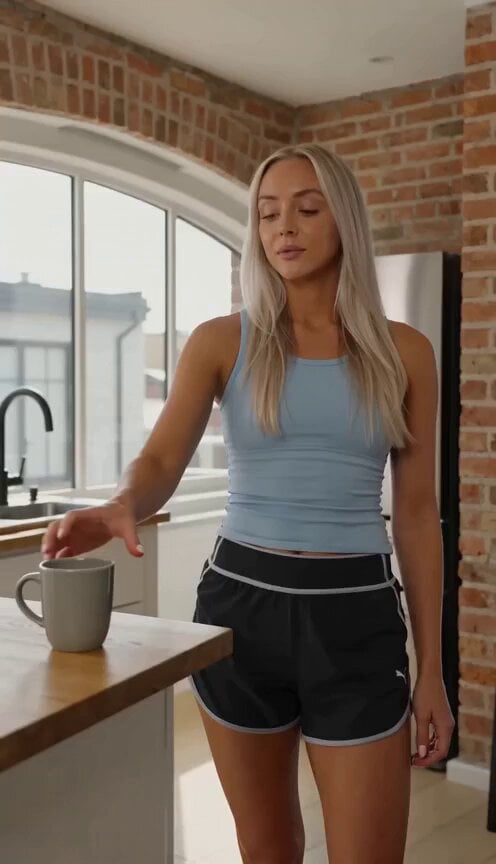
Cinematic Slice-of-Life Comedy: Dropping a Coffee Mug

Ethereal Russian robot mermaid longing for land
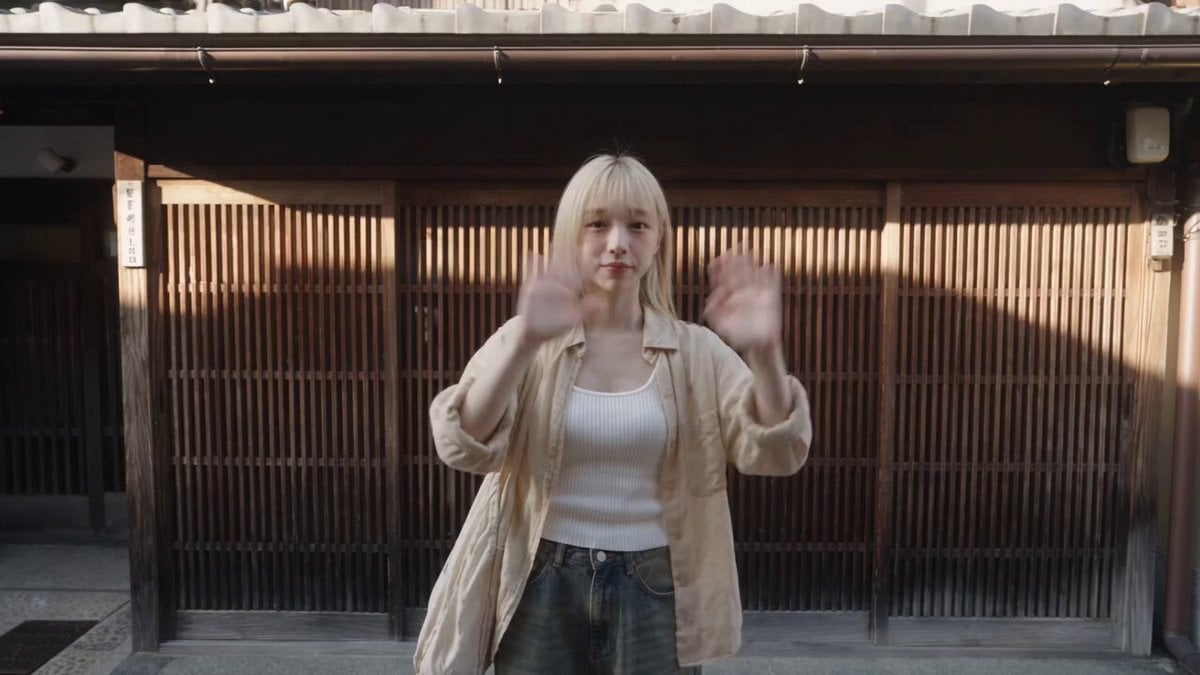
Kyoto Solo Date Travel Film
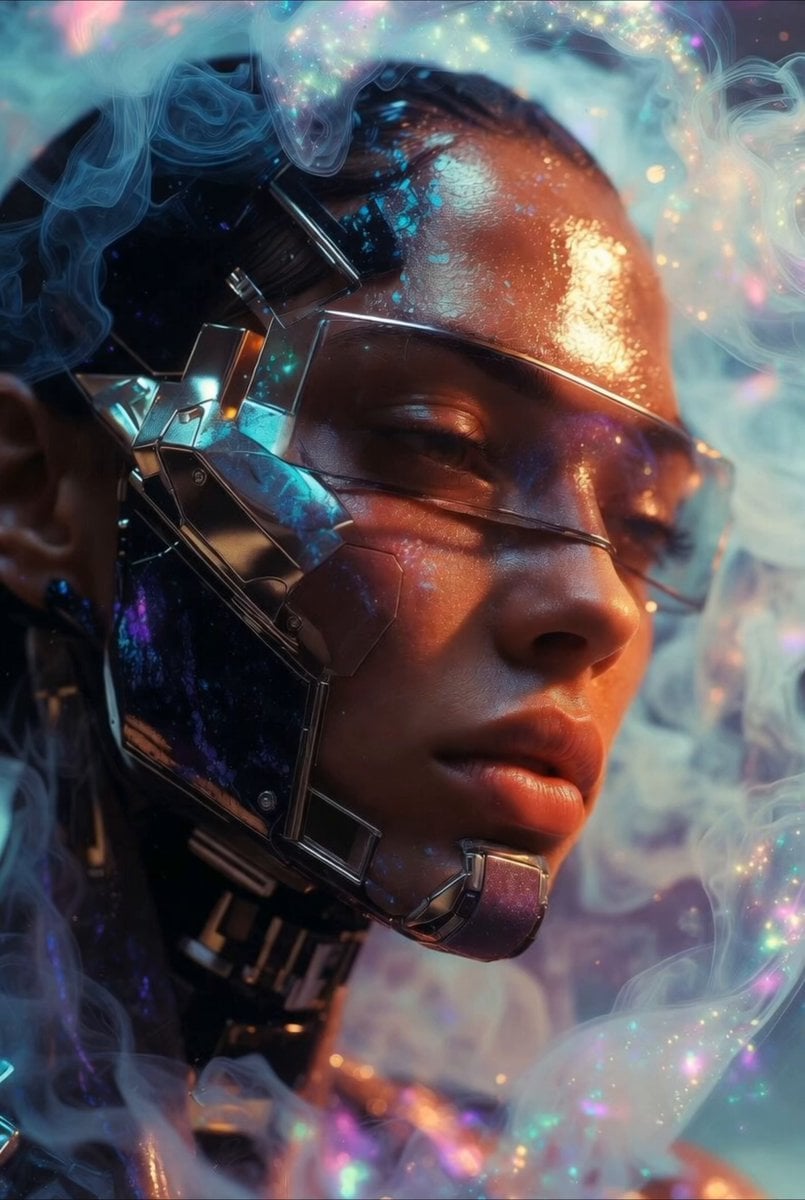
Cybernetic woman and butterfly video prompt

Scarlet Priestess Time Freeze Fantasy
Browse template categories
Mechanical Keyboard Hidden Miniature World questions
How do I use the Mechanical Keyboard Hidden Miniature World template?
Add your photo if the template asks for one, edit the prompt if you like — the template's model and format are already selected — and press Generate. Your version opens in PicX Studio.
Can I customize the Mechanical Keyboard Hidden Miniature World template?
Yes. You can change the subject, setting, lighting, mood, format, and available model controls before creating your video.
Is the Mechanical Keyboard Hidden Miniature World template free?
Opening and editing this template is free. Generating uses credits, shown on the Generate button when you are signed in.
Which AI model should I use?
Start with Seedance 2.0, which is the model associated with this template. You can compare another compatible model for a different finish.
Looking for something else? Browse all templates.

Your photo, any look
Thousands of ready templates for every top image and video model, from one credit balance.